nifa
-
Posts
368 -
Joined
-
Last visited
-
Days Won
21
Everything posted by nifa
-
Alright, I'll just leave like that, maybe someone wants to pick it up in the future :) I'm not sure I could do it myself
-
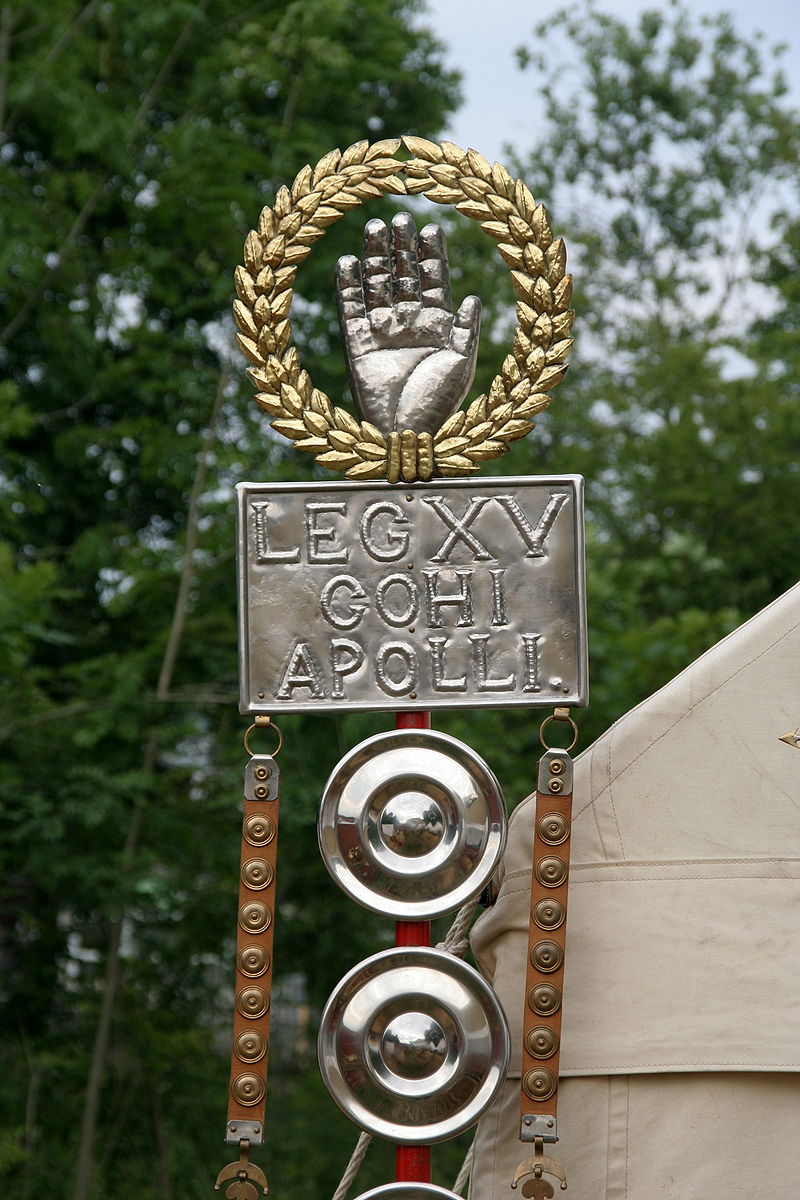
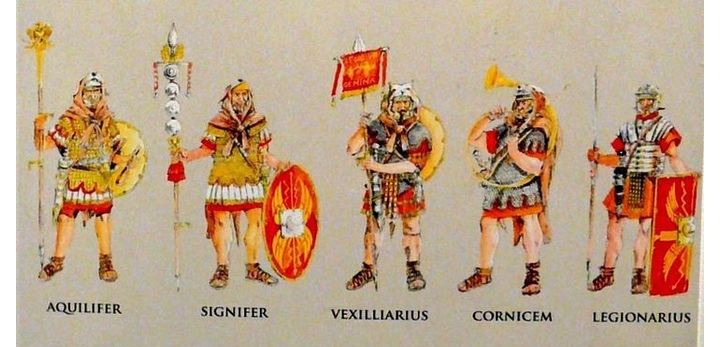
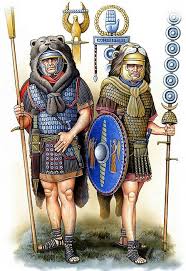
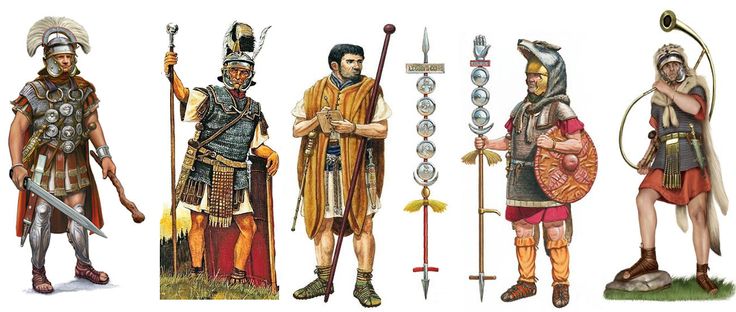
ok nice cool, i didn't know. If there's a wish to implement roman standard bearers (Signifer, Aquilifer or vexillarius) I would be happy to make meshes with less tris. Here are some references
-
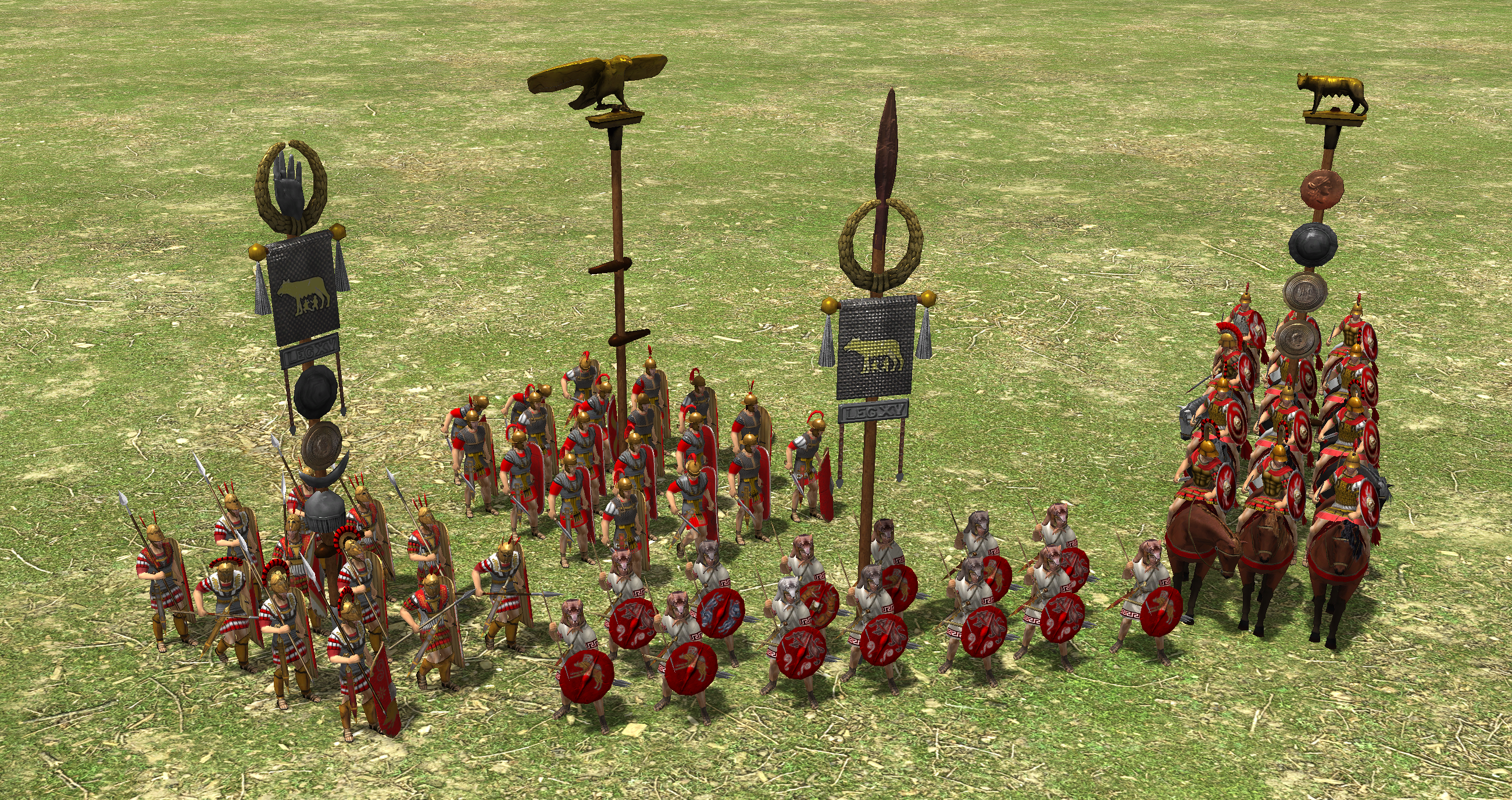
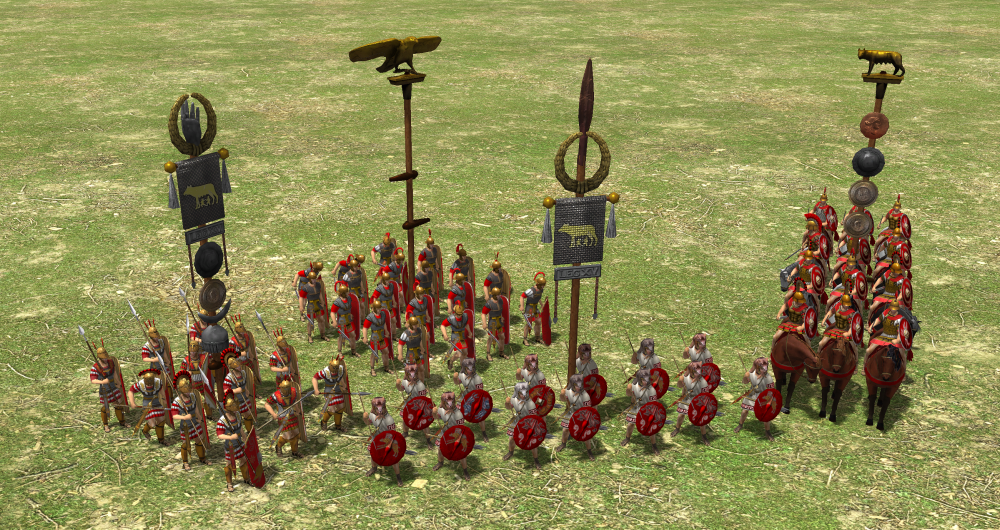
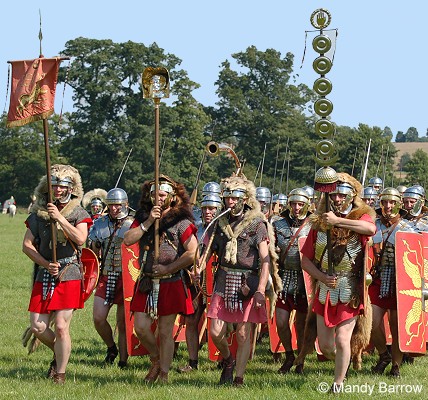
np, thanks for your answer. Primarily use I designed it for was as formation banner like in this picture, so once for every formation. Secondary use could be for a standard bearer. There are two carnyx (the trumpets) for the gaul trumpeter, which both have around 1.500 tris, so I figured to aim for a similar polycount. Don't get what you mean with the last sentence?
-
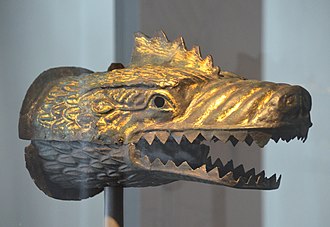
cool stuff, a lot of nice references at the end. The museum is close to where I am from. I'm thinking about modelling a draco standard according to the one they found there. It's roman, maybe too late for 0 AD timeframe, but possible to use it for persians or scythians? Further references for other civs are very welcome
-
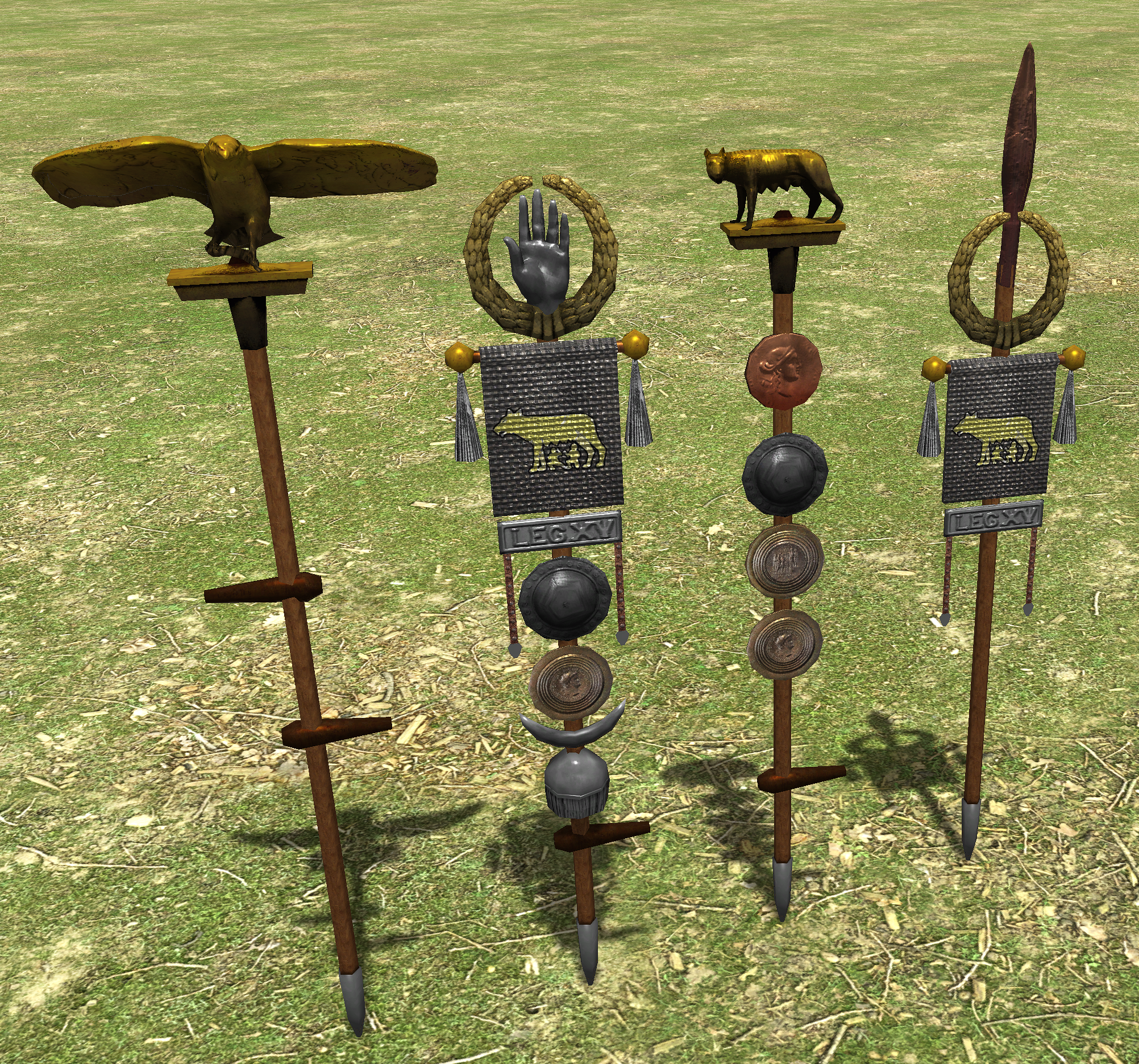
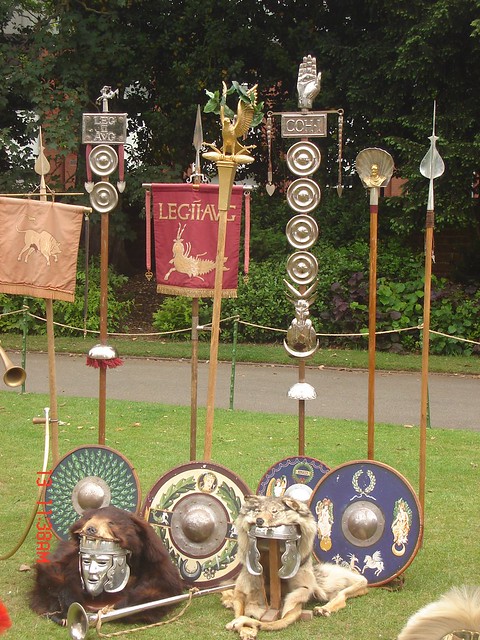
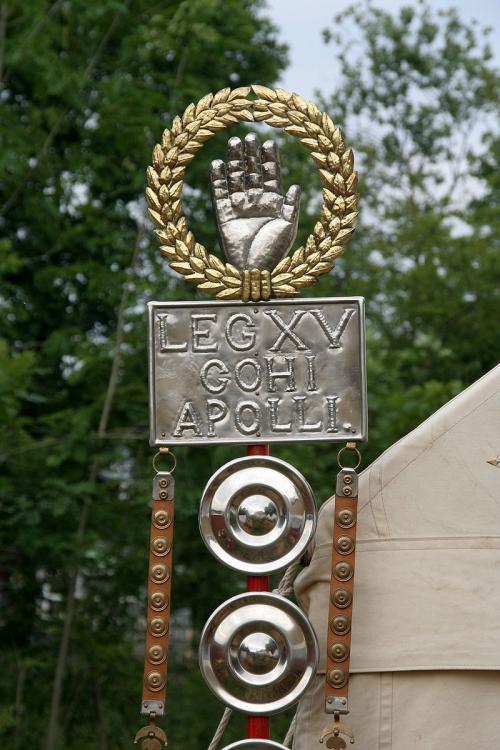
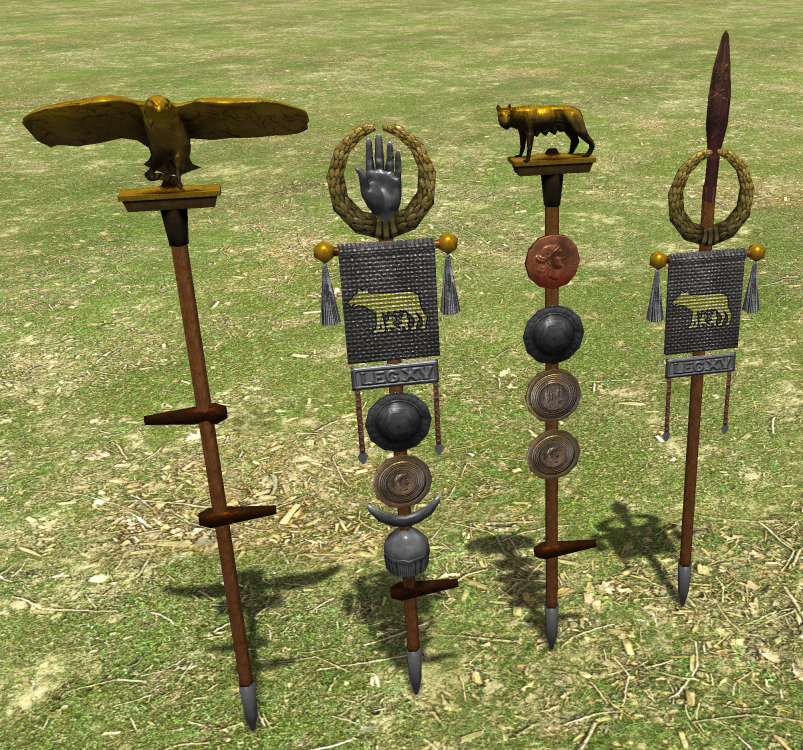
Hey, thanks! Yeah, polycount is higher than the carthagian actor, which was basically 2d. The first three standards have 1.5 to 1.9 k tris, the last one only 800 tris. The most consuming are the items on top (eagle 1.5k, hand and wolf each 900 tris). I tried saving geometry where I could and baked a lot to normals, maybe the eagle could spare some tris though. But I think all in all it's not unreasonable high, or is it? Btw everything is baked on one texture. Anybody who wants could easily combine the parts to make more or different standards for variety or ones with less geometry.
-
Hi all, right now all civilizations use a carthagian actor for formations, though especially the romans had their own, very unique standards, e.g. Aquila (eagle), Signum and Vexillum. I put together 4 standards, which I'm adding as a mod here. Alpha for player colour still needs to be added. @wowgetoffyourcellphone @Stan` @real_tabasco_sauce maybe someone could take a look on it and make a PR? we could also put together a standard bearer unit, similar to the gaul trumpeter, as a scenario unit or upgradable legionary in vanilla? They used to be called "Aquilifier" (https://en.wikipedia.org/wiki/Aquilifer) or "Signifier" (https://en.wikipedia.org/wiki/Signifer). references: wikipedia links: standards.zip
-
the possibility to add pictures in between the texts, e.g. when the instruction says click on the house icon, show it in the window and when it says hold ctrl show a graphic of the ctrl-key
-
Thanks for the great work! small bug I found, the tooltip for the spartian Syssition (phase 1 building) says you can train heroes there, but they are actually trained in Gerousia (phase 2 building), tested with rc1
-
good point, I missed that in the reference! Will look better for sure.
-
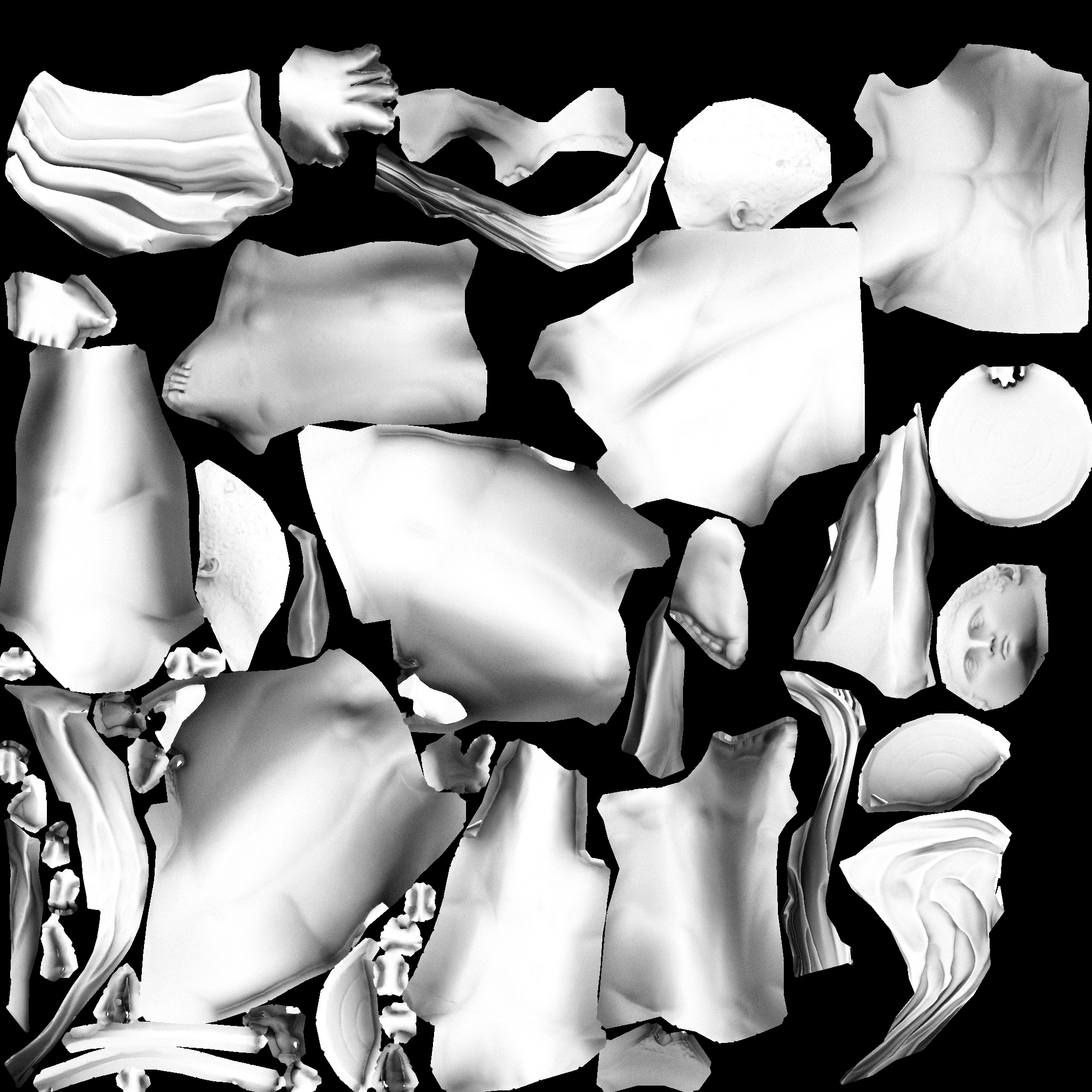
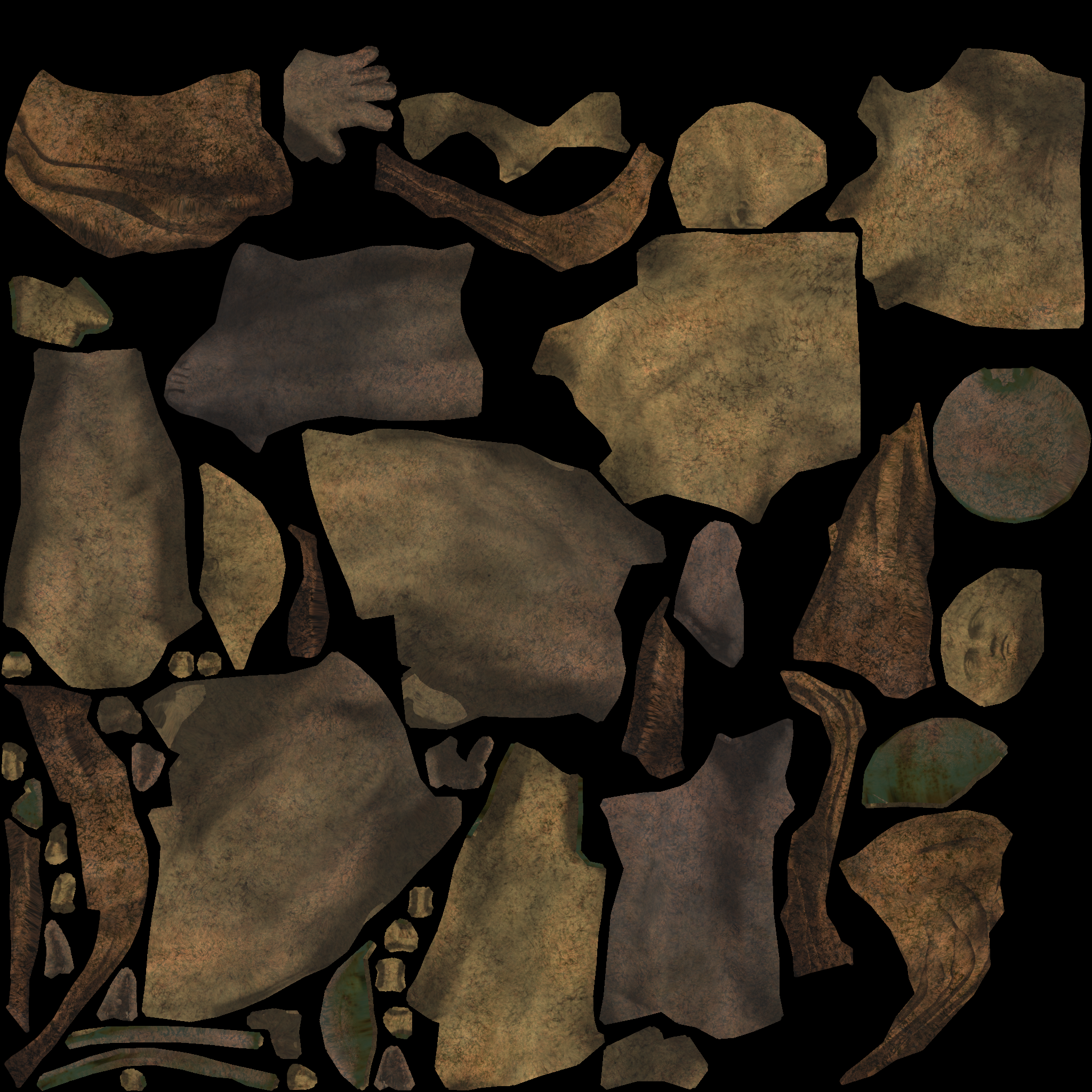
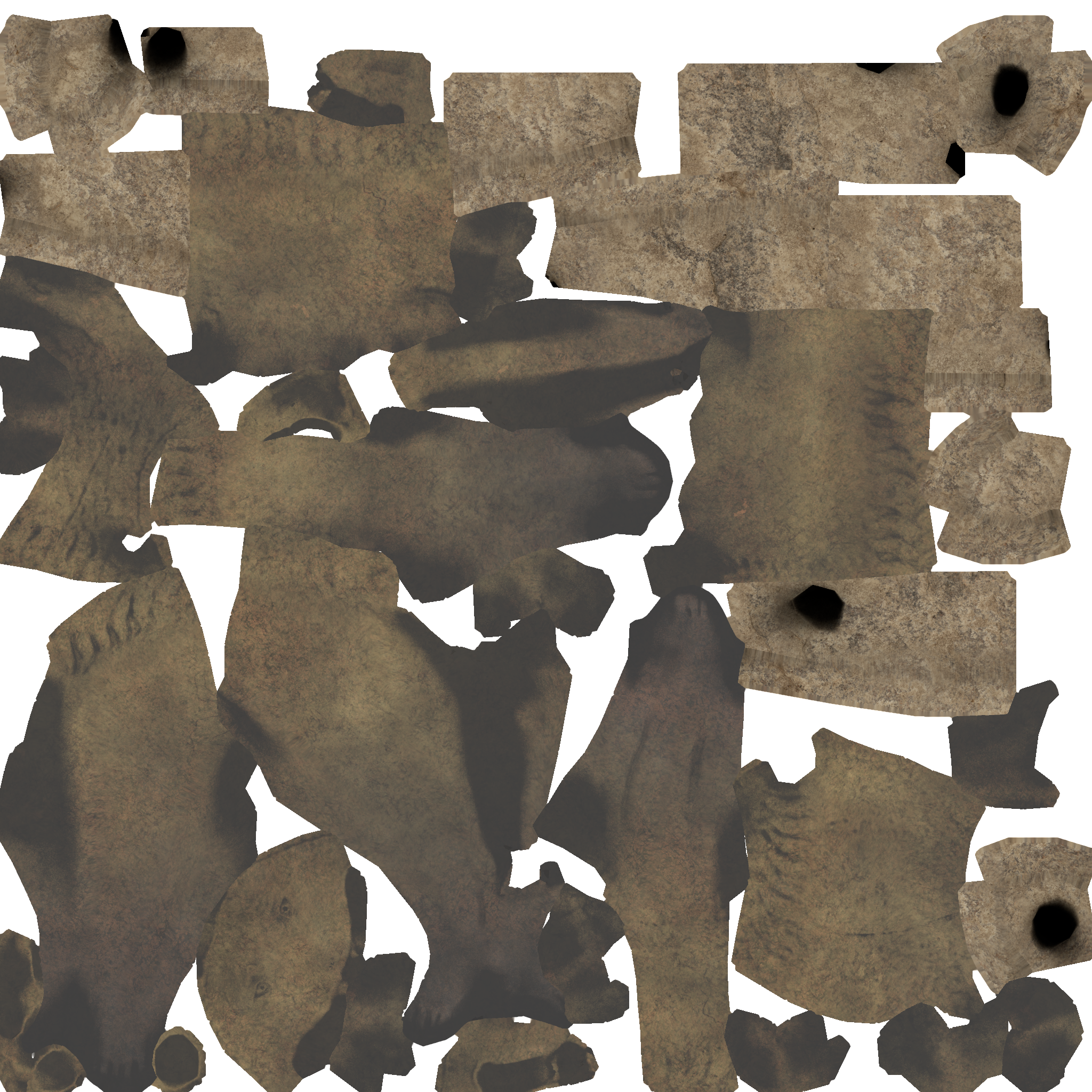
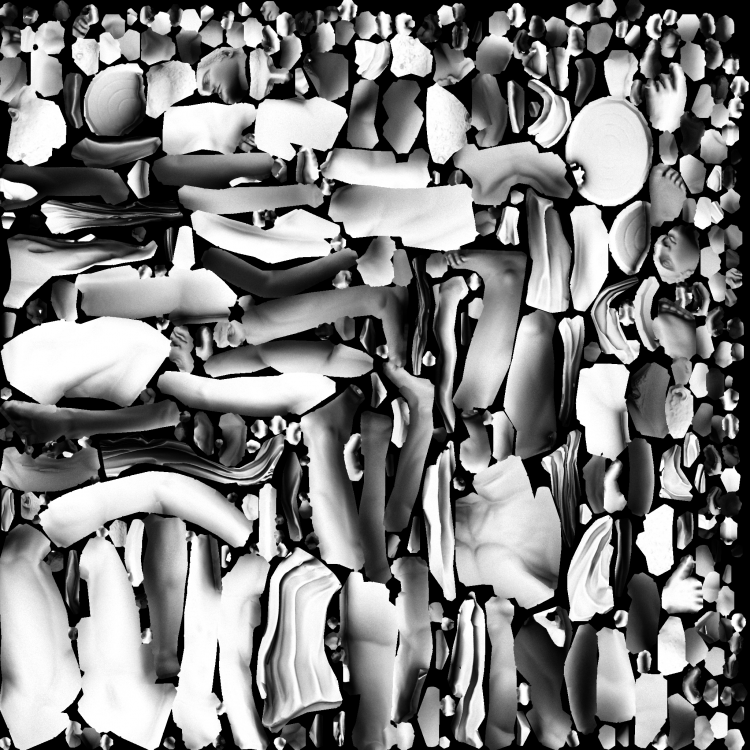
I think the cover mesh didn't have a second UV map, that was the reason why it crashed. And @Stan` wasn't happy with the uv layout so I made a new ao map with less black space and higher density. I found out remapping isn't that difficult, since I can bake from old uv layout to new uv layout without having to rebake all maps from hp to lp. works locally for me. Are you sure you are using both the two new meshes (cover and statue) and the new ao map?
-
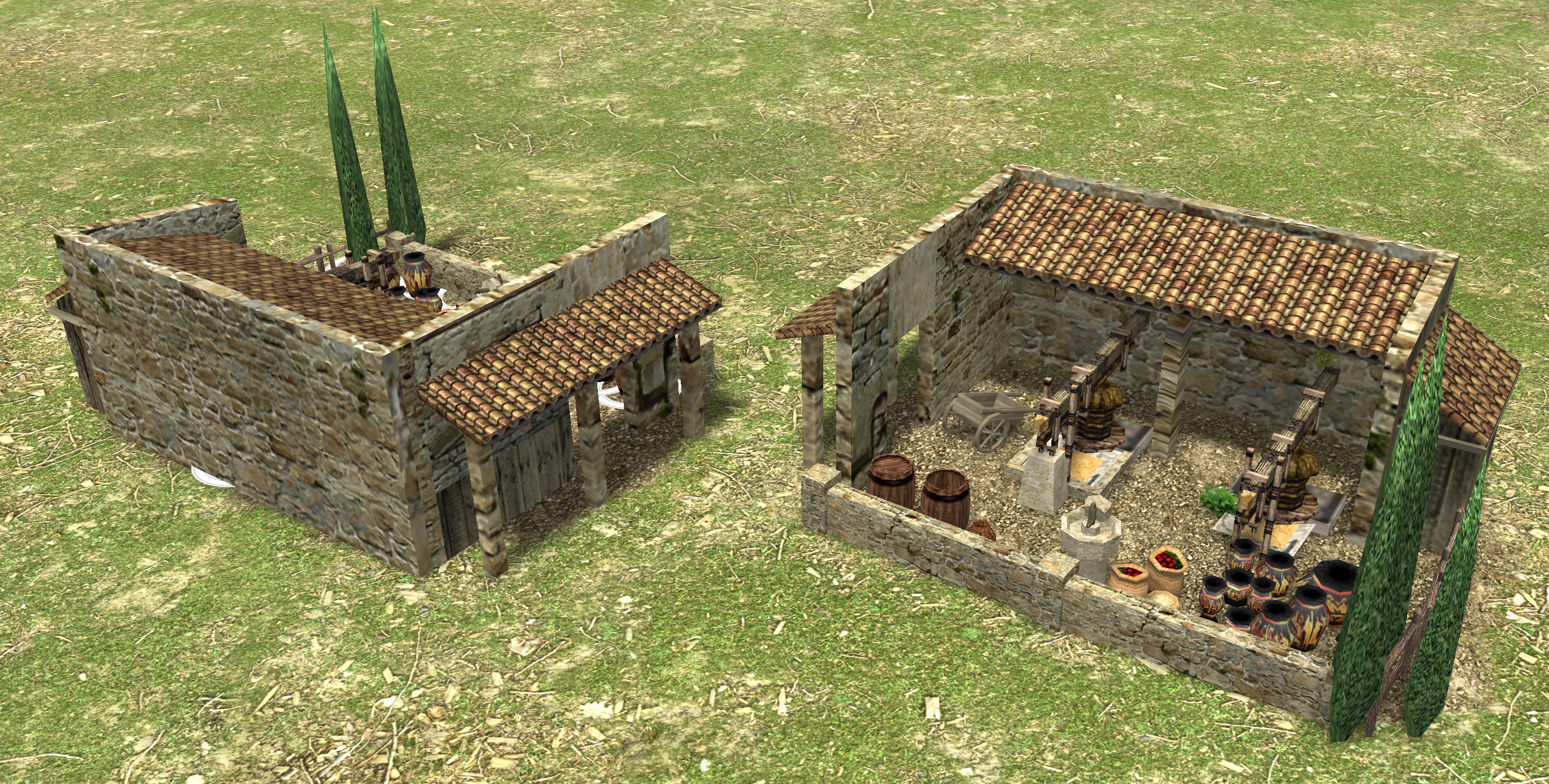
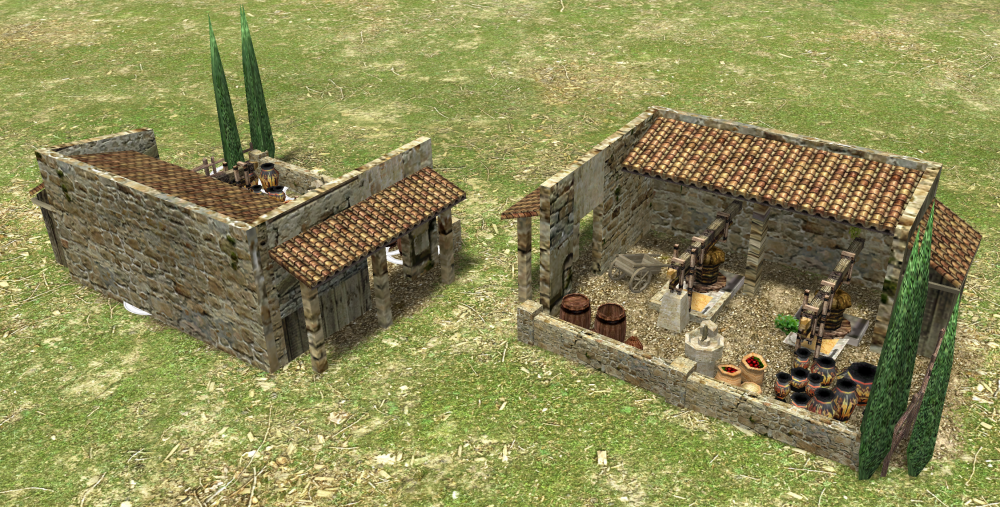
I started working on an olive oil mill building using the references provided by @Lion.Kanzen and this is to get a first impression of how it could look like in the end. Any ideas about the general setup of the building? How many wings and roofs and in what directions? I tried to keep it comparable in size but distinguishable from the farmstead, storage and corral.
-
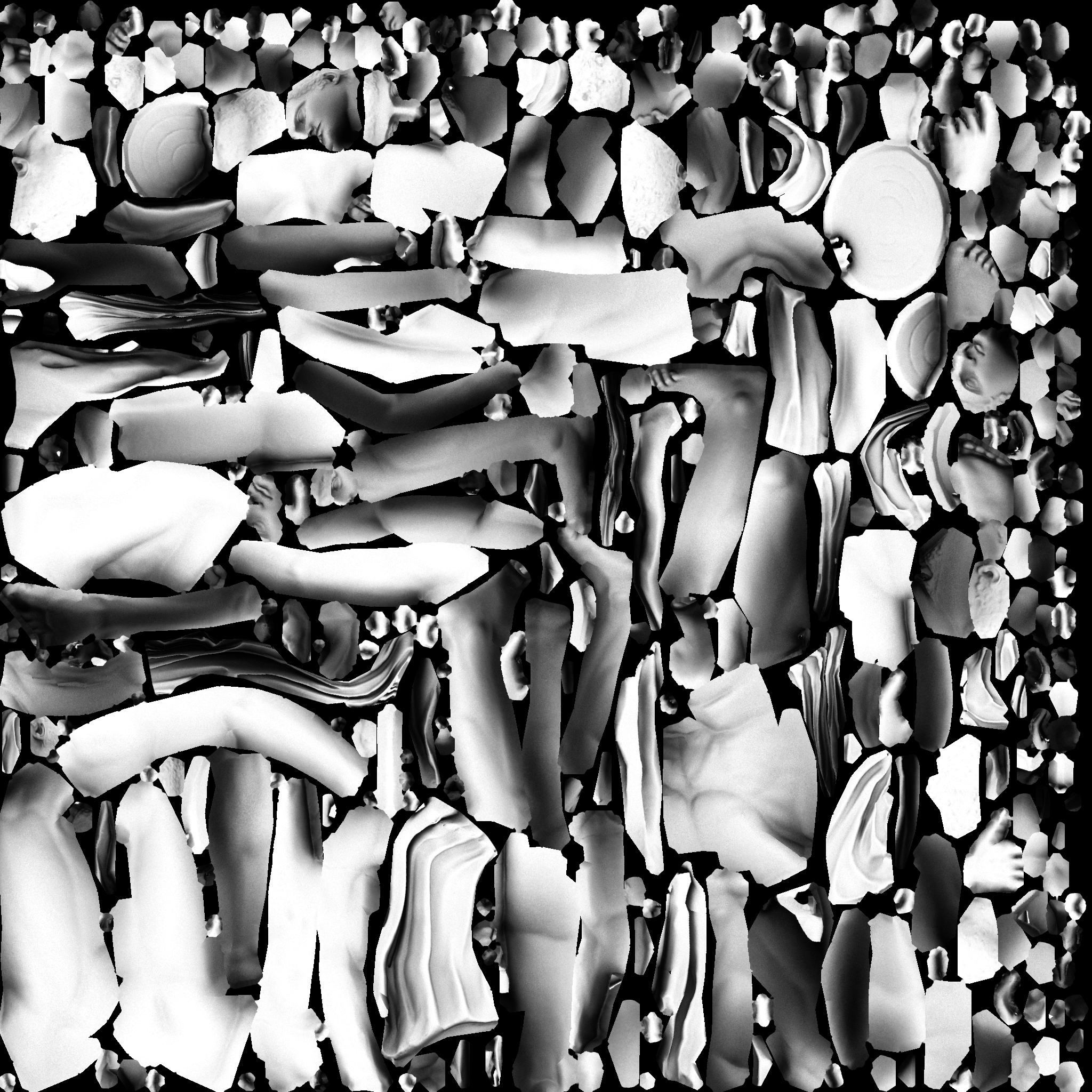
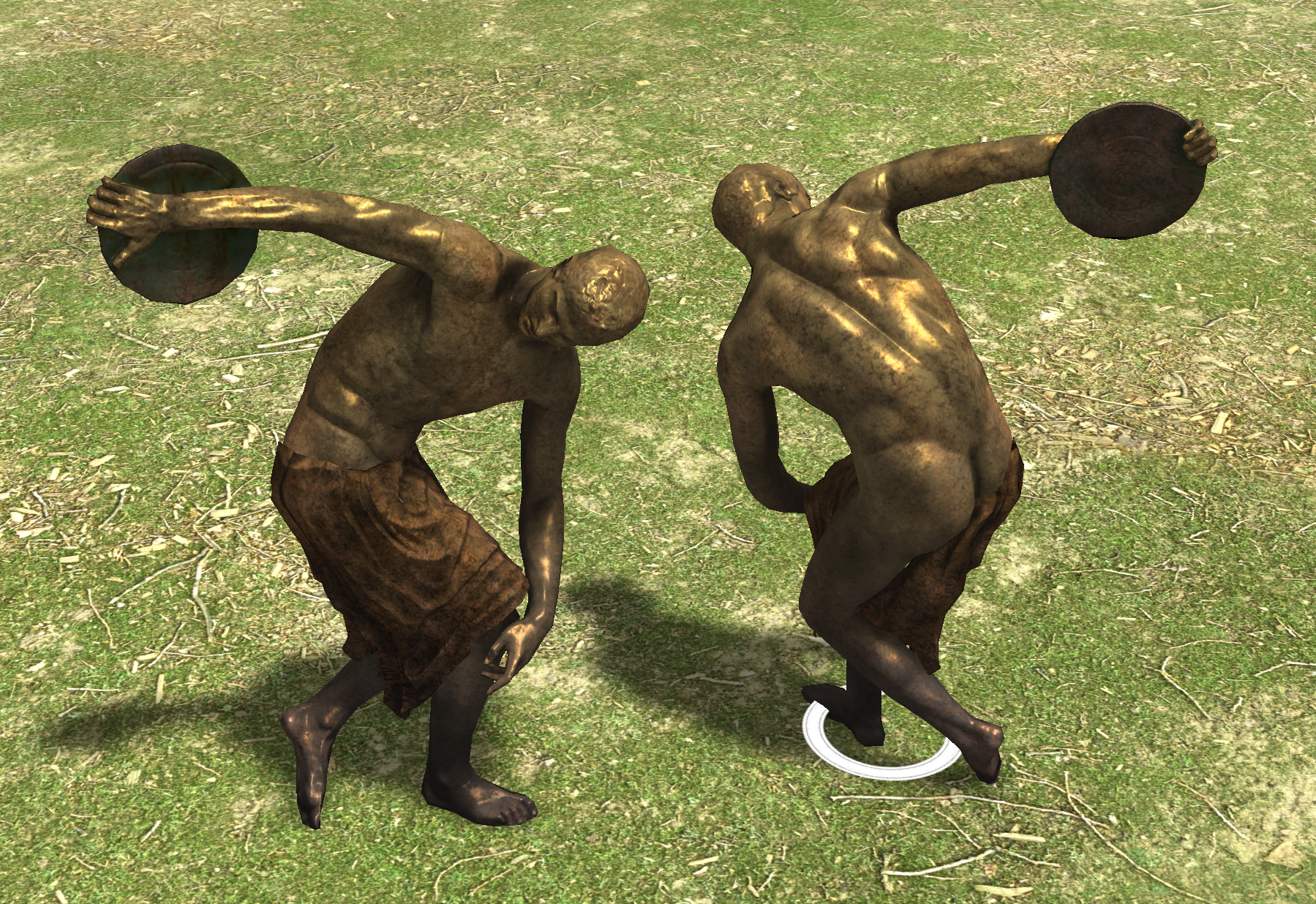
assets for discobolus including second uv layout and ao map, see here: https://gitea.wildfiregames.com/0ad/0ad/pulls/7315 discobolus_cover.dae statue_discobolus.dae
-
Funny Relevant Videos and Memery
nifa replied to wowgetoffyourcellphone's topic in Introductions & Off-Topic Discussion
looks somewhat like olympic breakdancing they'll go crazy when venus steps in! -
Good luck! I'm looking forward to the outcome
-
@Toma400 you might want to check out this thread and the links in there
-
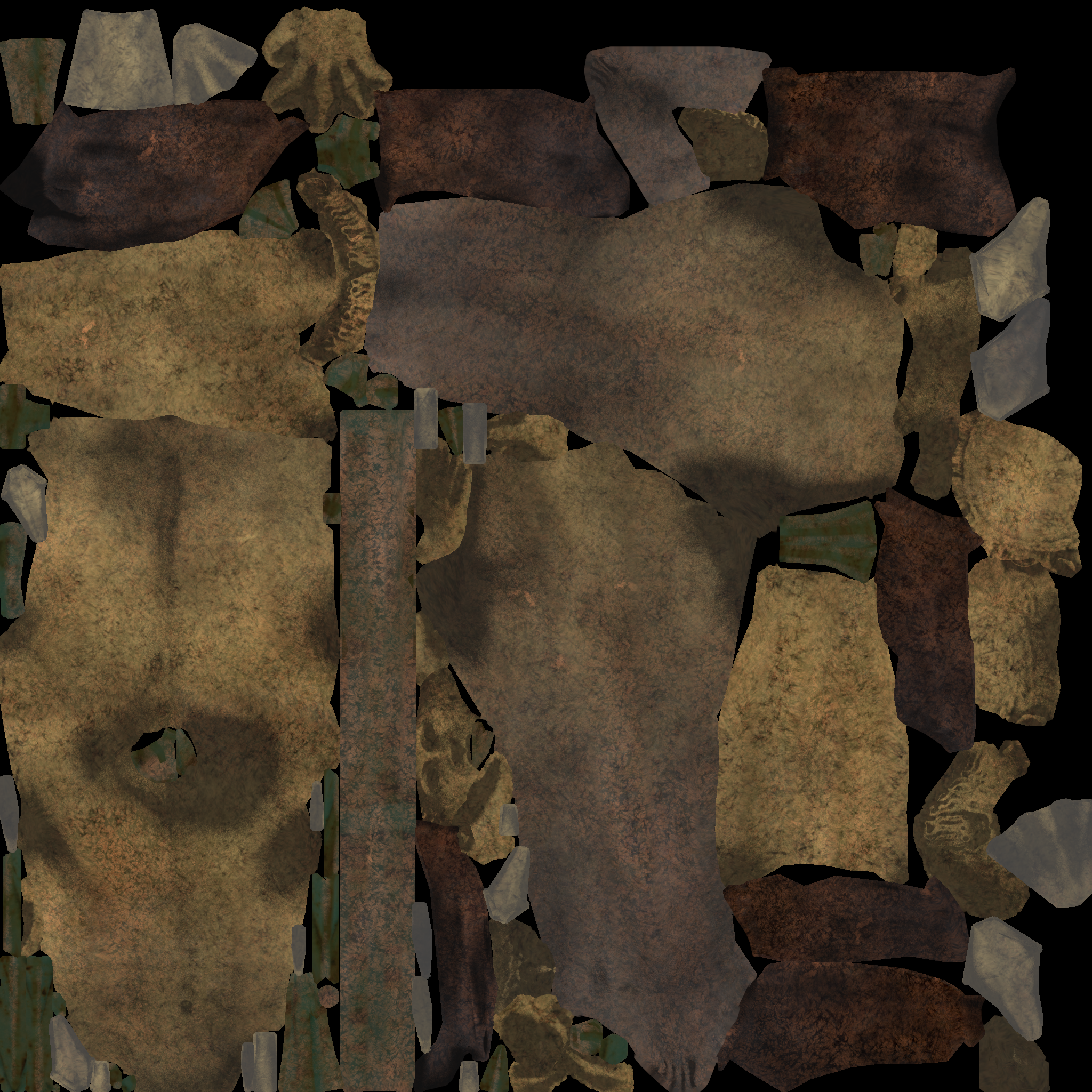
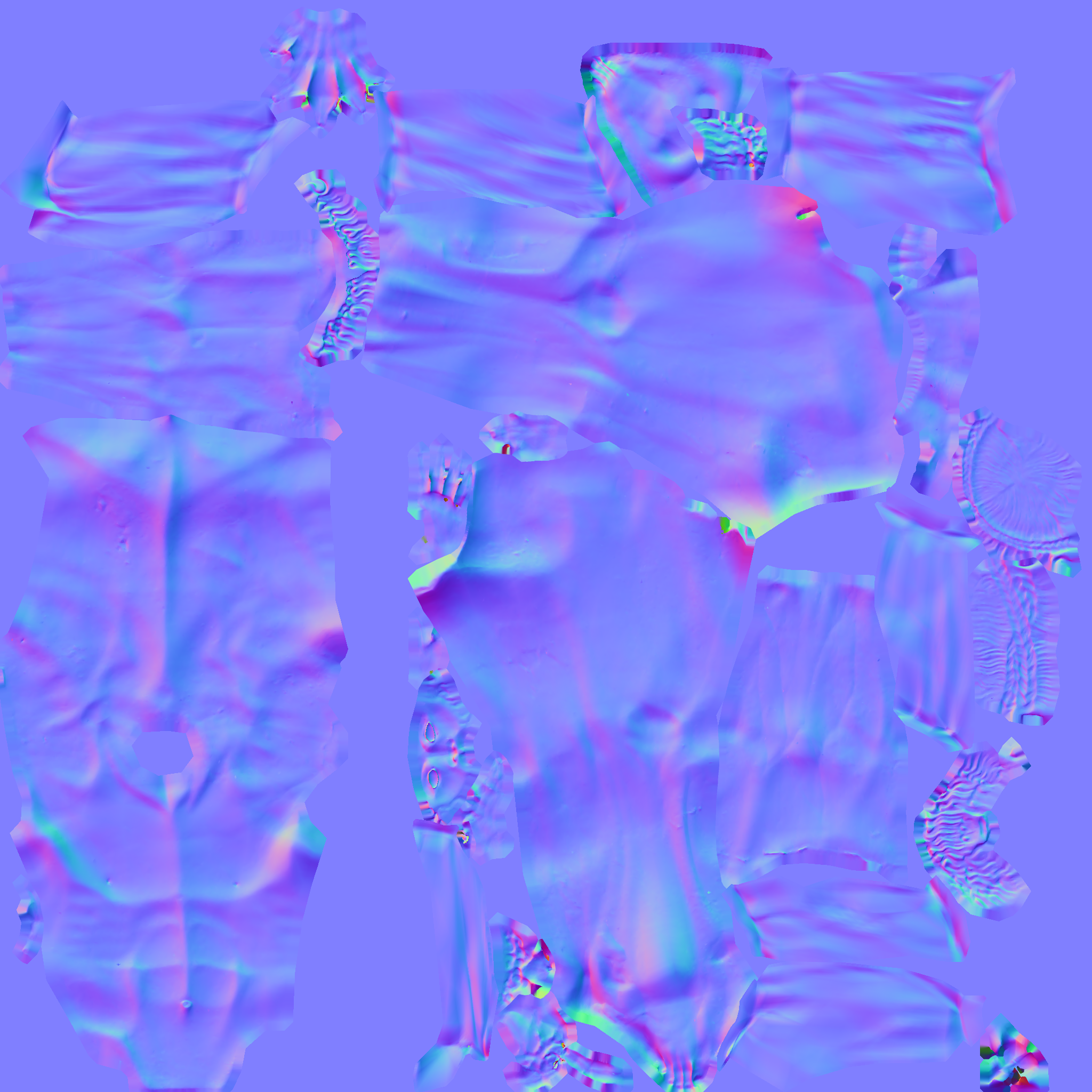
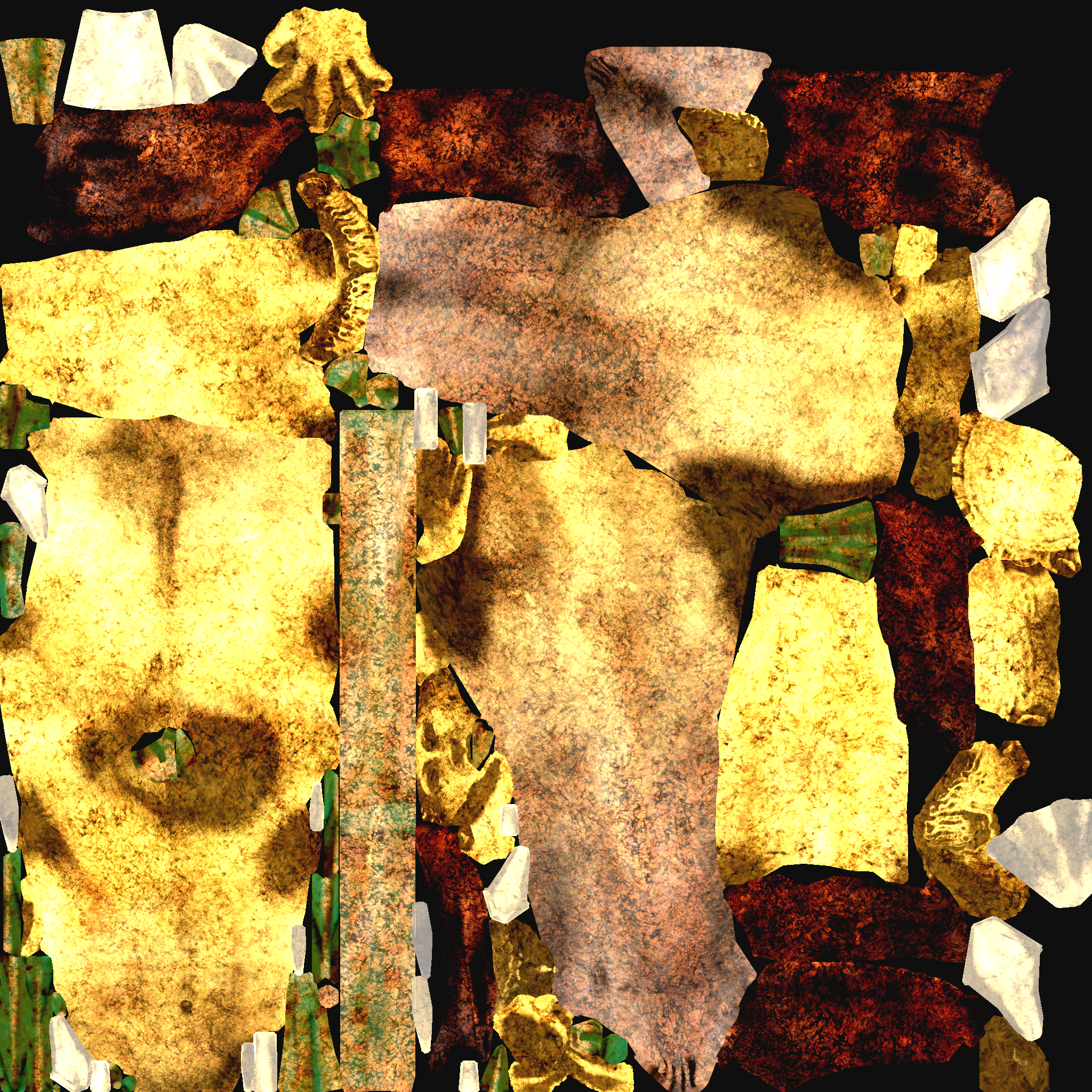
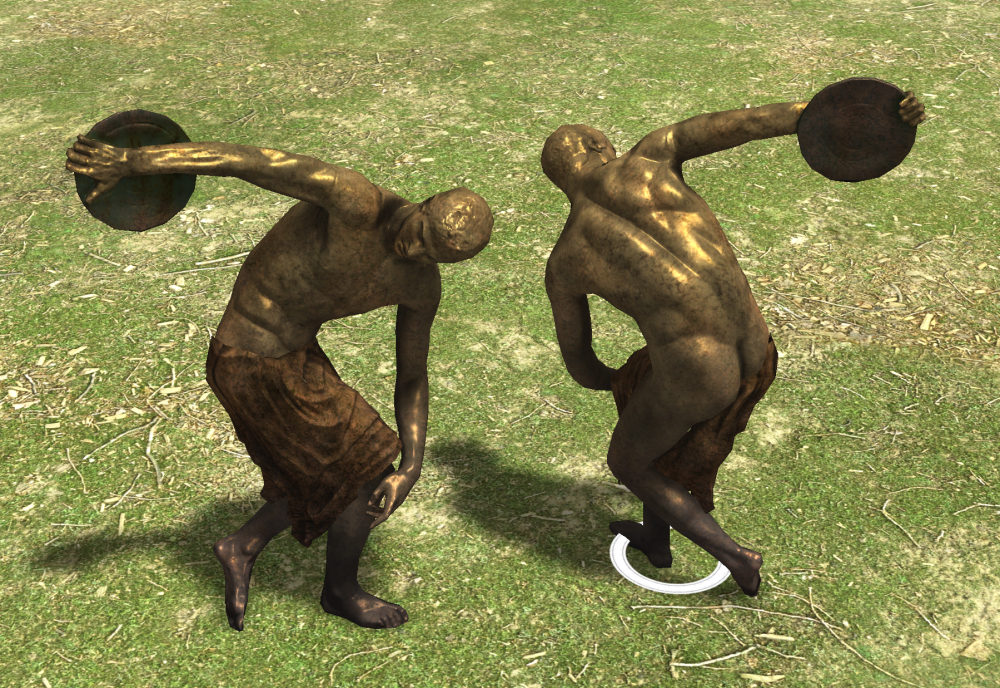
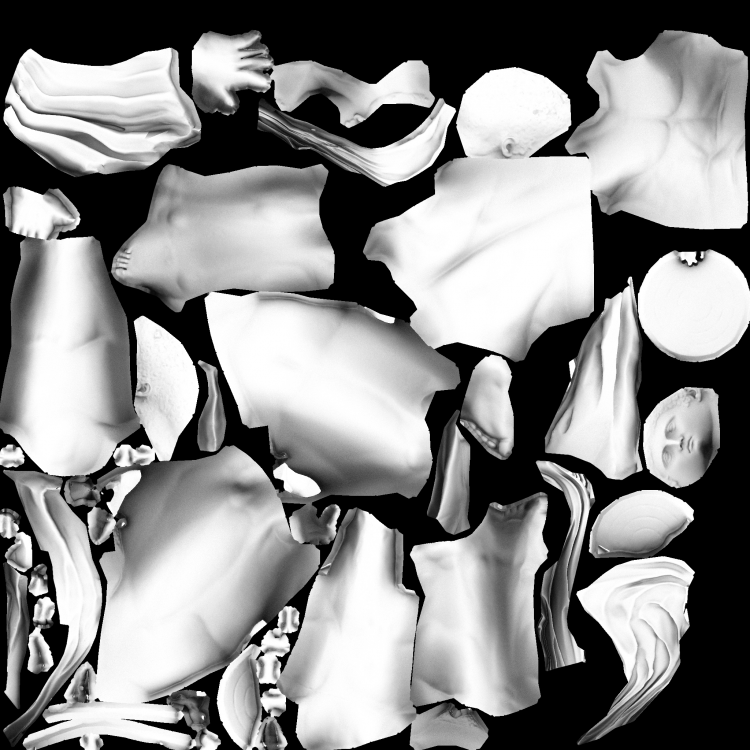
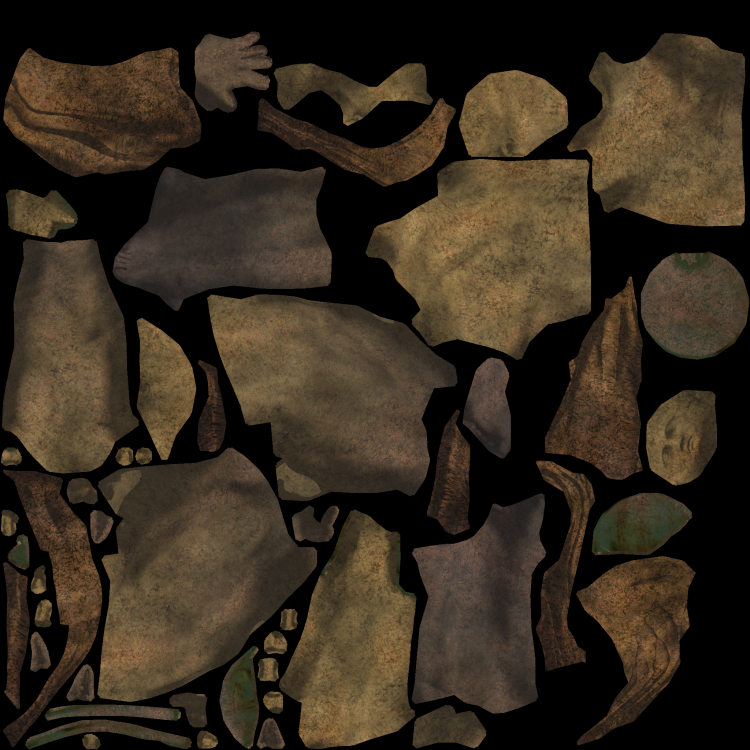
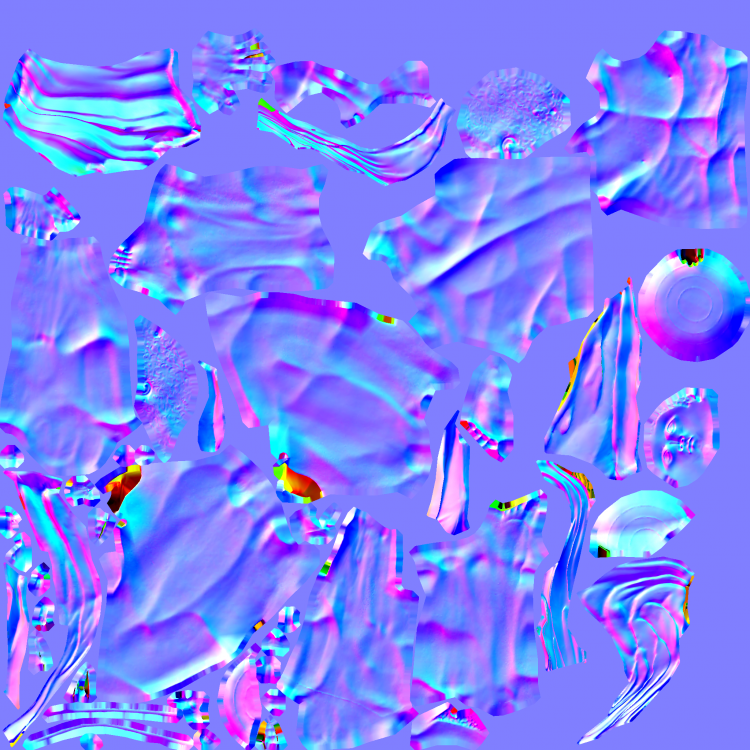
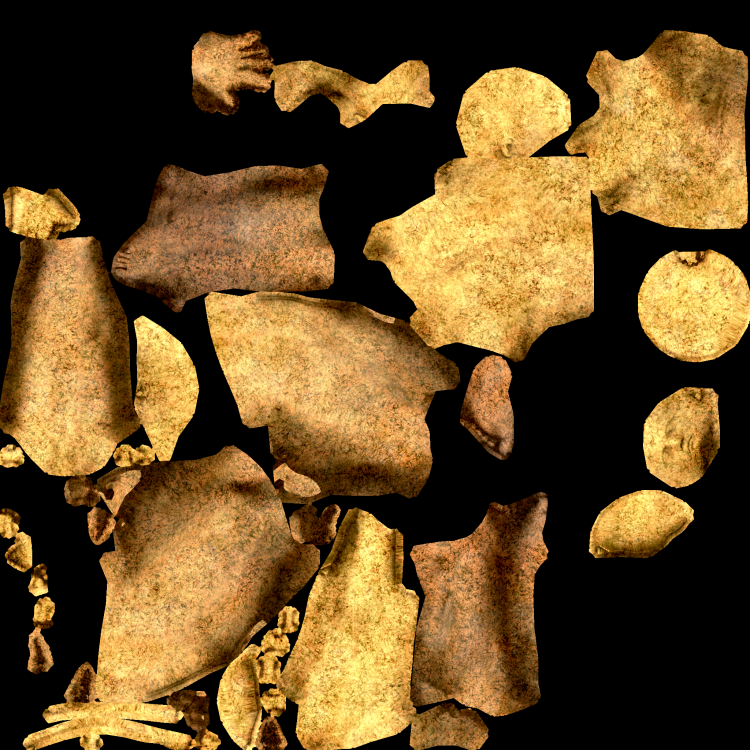
next one, a well known: Discobolus https://en.wikipedia.org/wiki/Discobolus https://open.smk.dk/en/artwork/image/KAS1074?q=*&filters=has_3d_file%3Atrue&page=7 Including modesty prop again. @wowgetoffyourcellphone ready for commit? You might want to tweak contrast, brightness, saturation etc. again Could also make a new spec from the diffuse if you want the cover to be shiny too. discobolus_cover.dae statue_discobolus.dae
-
Planned Disruption - Migration to git and Gitea
nifa replied to Itms's topic in Announcements / News
How can I download and install a pull request to my nightly build with tortoiseSVN for testing purposes? I've tried this https://tortoisegit.org/docs/tortoisegit/tgit-dug-patch.html but it doesn't seem to work. -
I don't get it, what's the connection between olives and metal? If someone would provide references I could see what I can do about a model
-
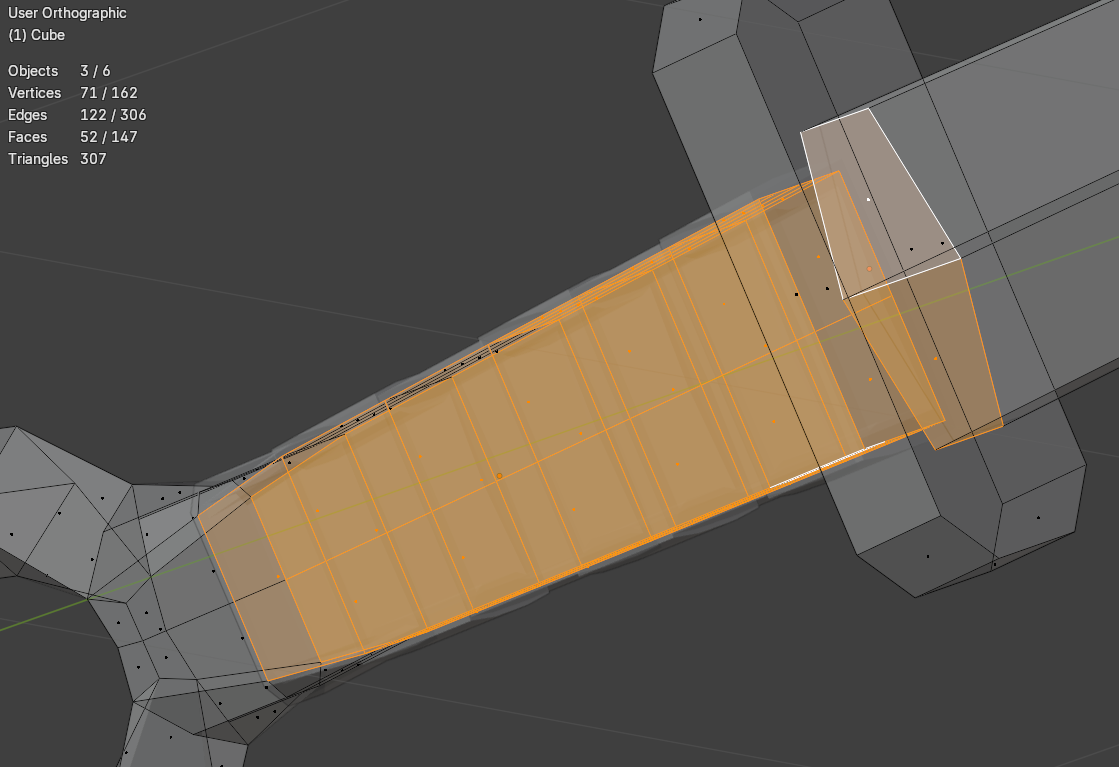
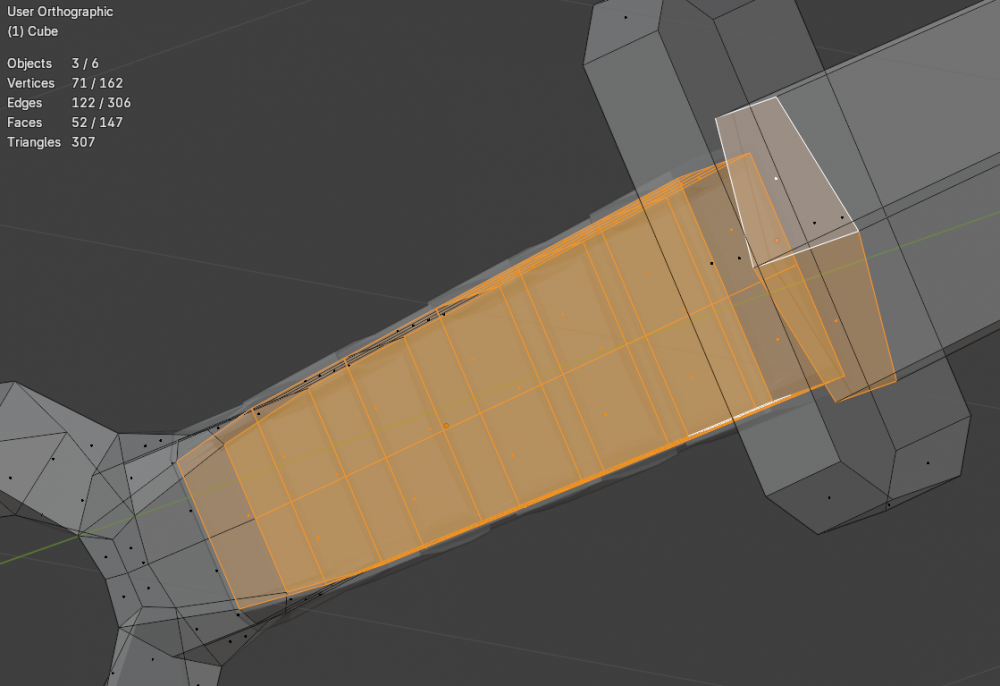
good start, just keep in mind to avoid inside faces. In the screenshot I selected some faces which wouldn't be visible in the game and should be deleted. You can activate the statistics overlay in blender to keep track of the tris. Next step is to make seams and UV map the model. All models in the game use a 2d texture which is wrapped around the 3d model.
-
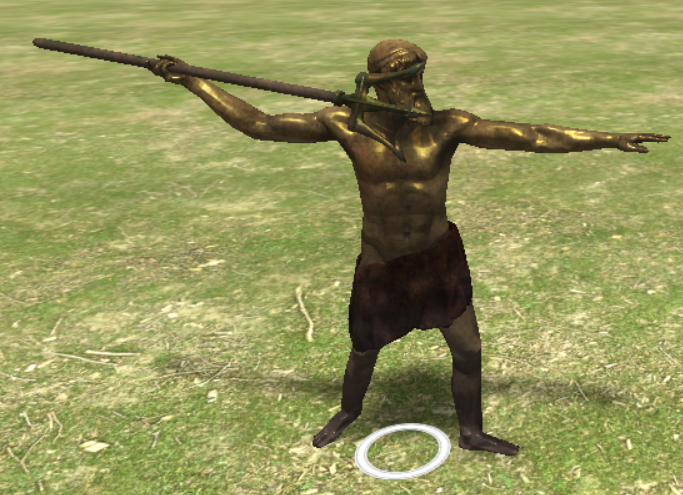
looks better with more contrast on the uv map again. Is that the right position for the trident? I will see what I can do about the wrinkles statue_poseidon.dae
-
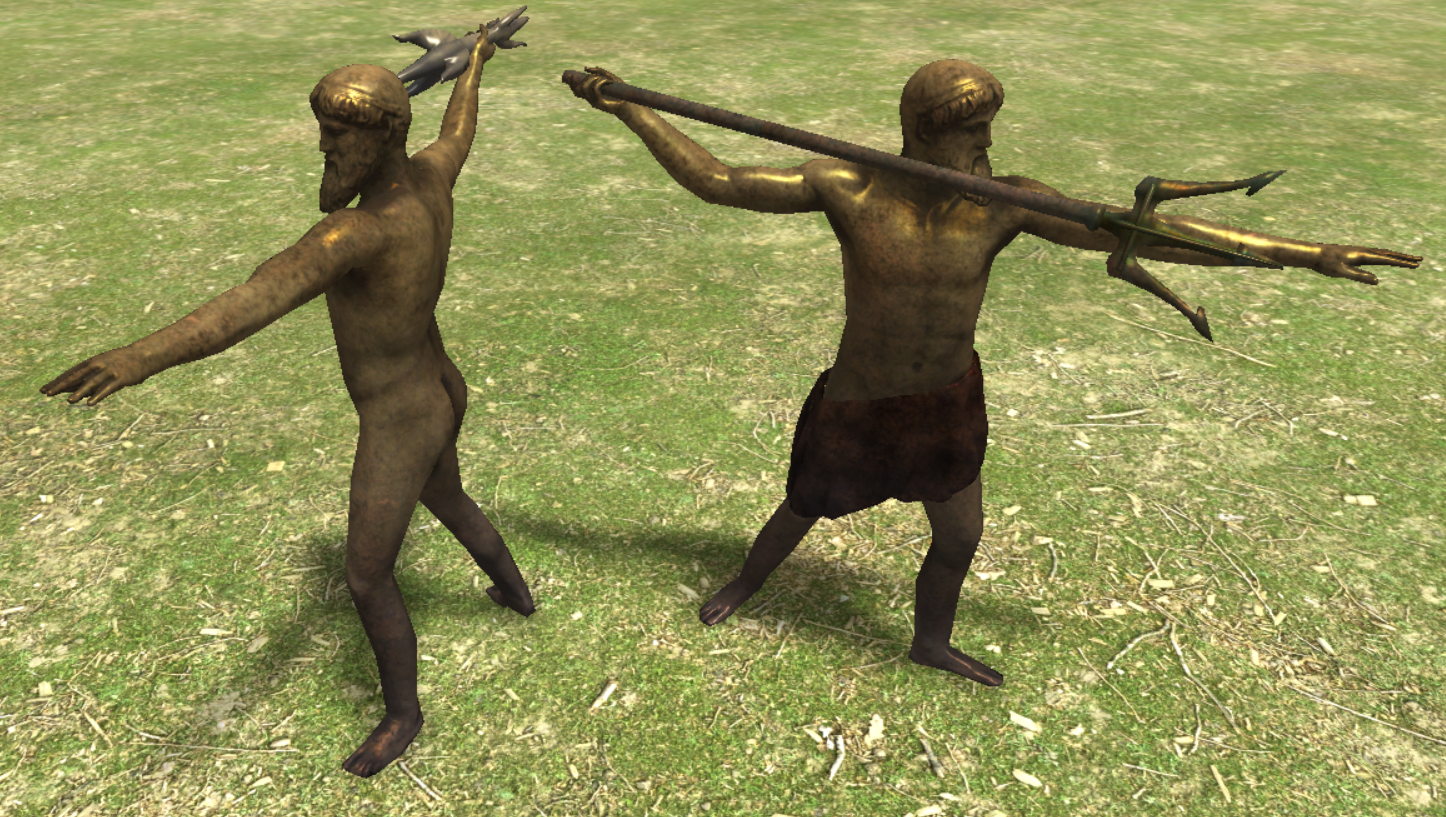
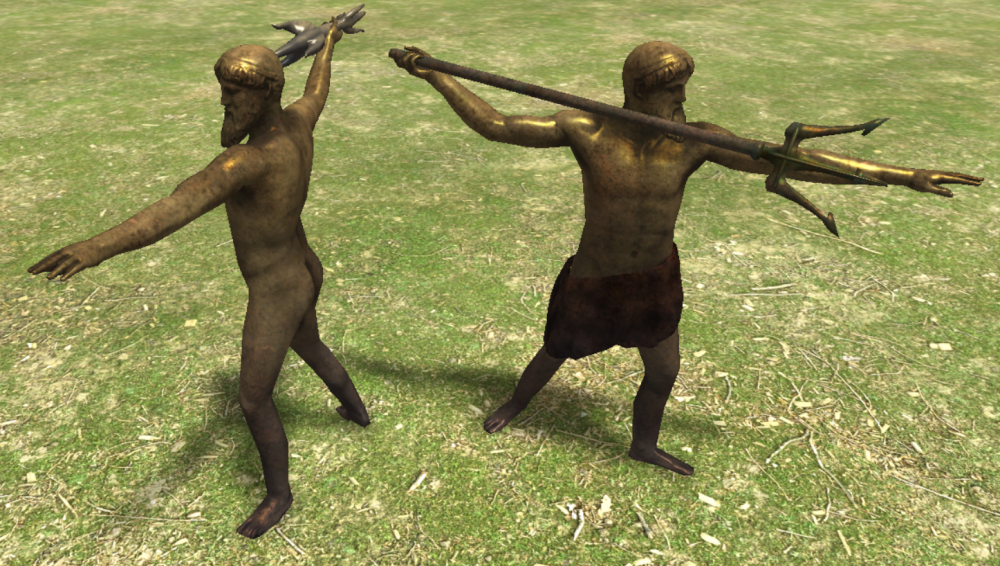
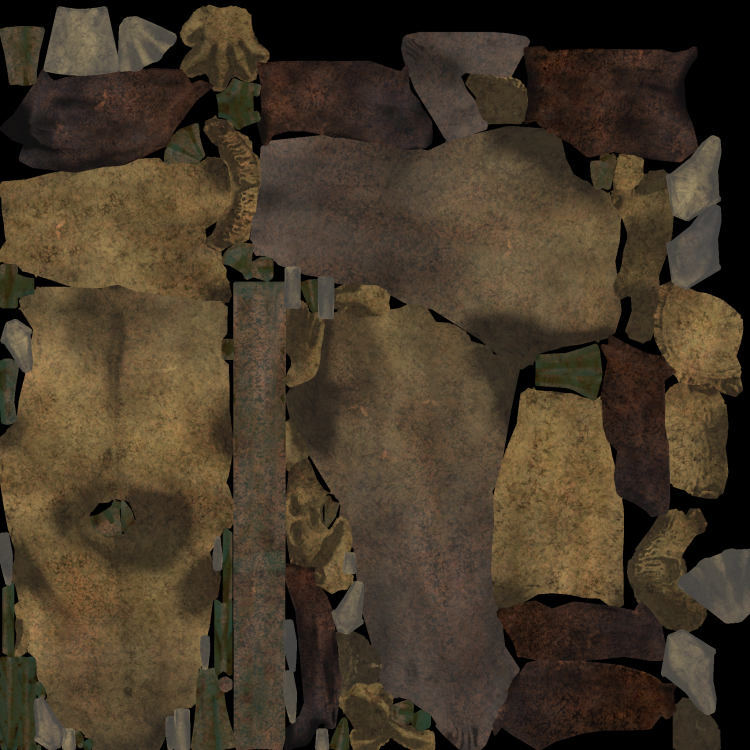
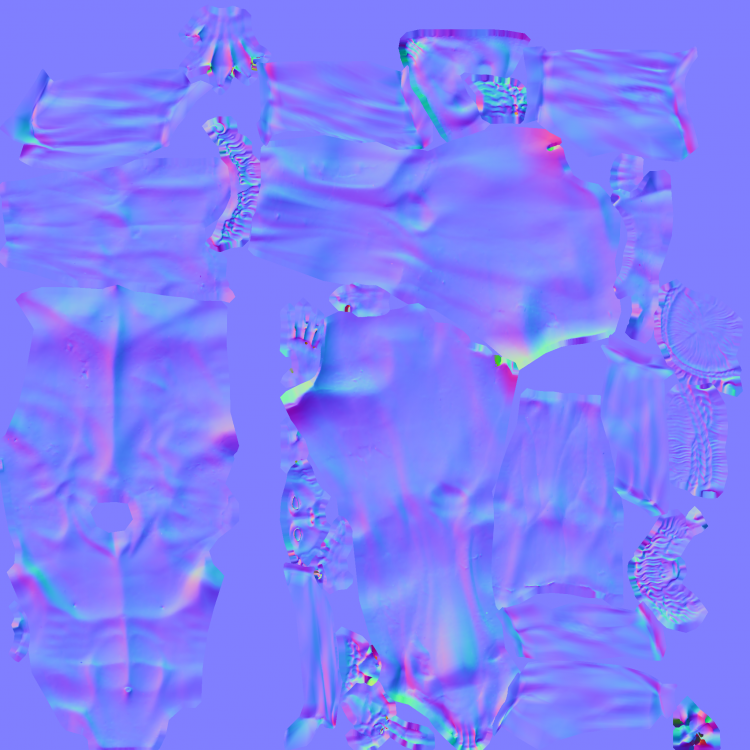
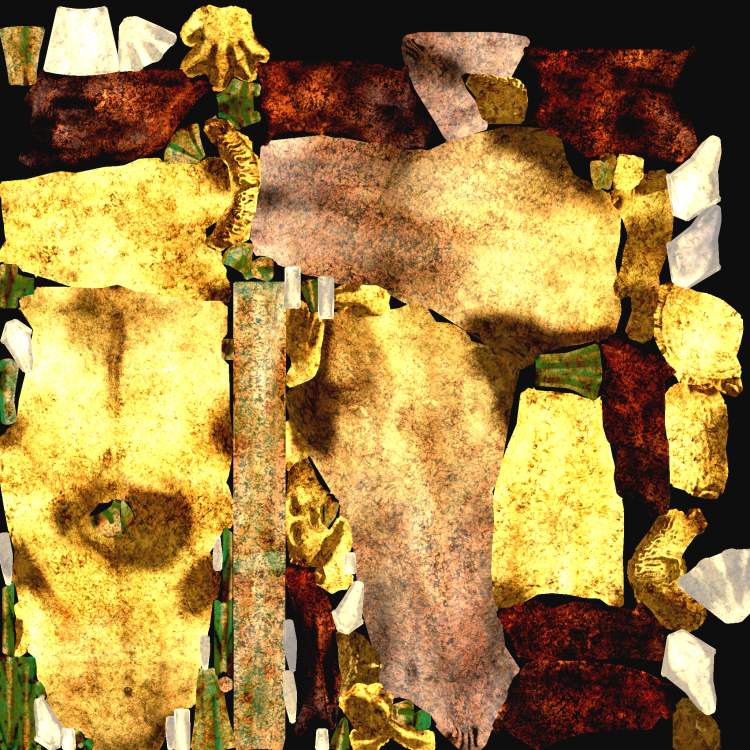
Artemision Bronze https://en.wikipedia.org/wiki/Artemision_Bronze https://sketchfab.com/3d-models/zeus-or-poseidon-from-the-artemision-d4876aa609304682945145debedfc77e https://open.smk.dk/en/artwork/iiif/KAS2100?q=Poseidon eller Zeus fra Artemision&page=0&filters=has_3d_file%3Atrue That statue showed either zeus or poseidon depending on the weapon in the hand, so I just made both. It was kind of difficult to find a representation for how the ancient greek imagined a thunderbolt, but I certainly didn't want some harry-potter-kind zigzag thunderbolt. I made two separate meshes, but we could also add the weapon as a prop if that's better. Both models can use the cover prop. I'm not sure about the colours though. I added eyeballs, so when we have the final colours I'd like to add this (with gimp?): @wowgetoffyourcellphone maybe you could have a look and tweak it a little? Also I just used a brightened diffuse as spec map for now, but I could bake something if needed. poseidon_cover.dae statue_poseidon.dae
-
Hi @Kiselena, welcome to the forums! Sure it might need some patience but it's definately possible to contribute, especially since you already have some knowledge. You're free to take on any task you like. Just need to know what your interest are in terms of history, like what civilizations you like and what field of 3D modelling you are familiar with. Since you're from Kazakhstan, if you're interested in central asian civs, maybe these are for you: https://wildfiregames.com/forum/topic/22832-faction-nomads-xiongnu/#comment-337459 https://wildfiregames.com/forum/topic/20550-civ-scythians/#comment-314106 https://wildfiregames.com/forum/topic/108392-art-needed-remaining-nomadic-structures/#comment-557439 I've only worked with blender, don't know about maya. Most of the time the process is building a basic mesh, UV unwrapping, texturing, maybe with gimp e.g. I don't have that much experience with the last especially. In case of organic assets (statues, sculptures, animals etc) I had to do some highpoly building, sculpting, LP Retopology, Normal Map Baking, Procedural Materials and Diffuse Baking. How familiar are you with these? I could try to find a task that fits you then. No worries, I had zero experience when I started not that long time ago
-
Thanks, really nice! Yep sure, looks better now. Podium would look good too. When you scale the second mesh down for a smaller structure prop, you might try out the decimate modifier, it might be possible to reduce the polycount a bit without having too bad visual effects.
-
They are at my drive, i used 2048^2. I think they were scaled down to a different max size when I uploaded them.
-
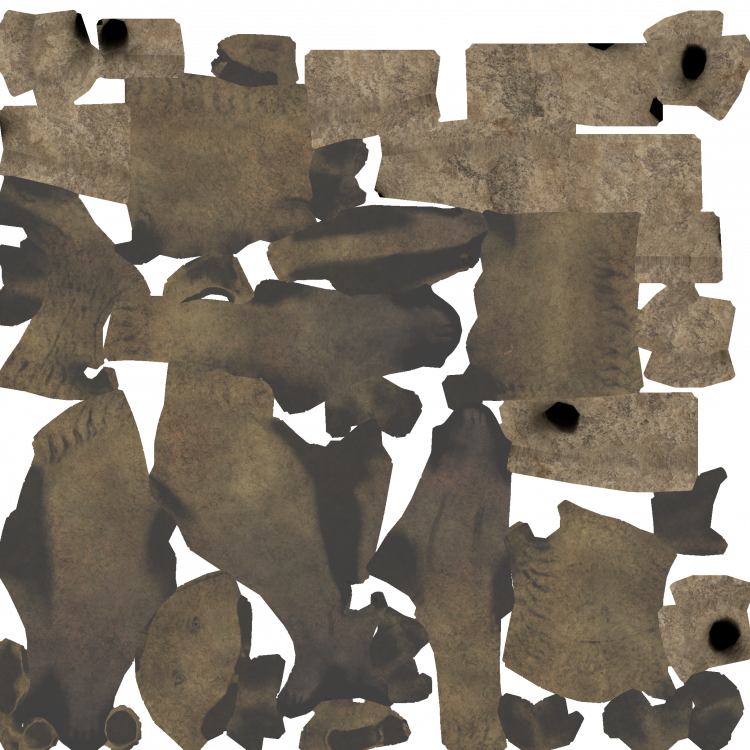
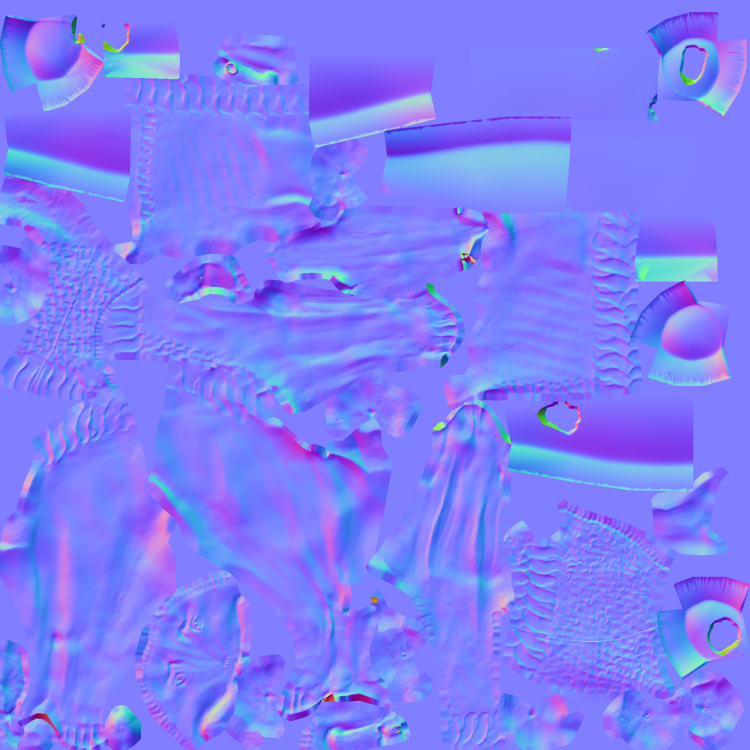
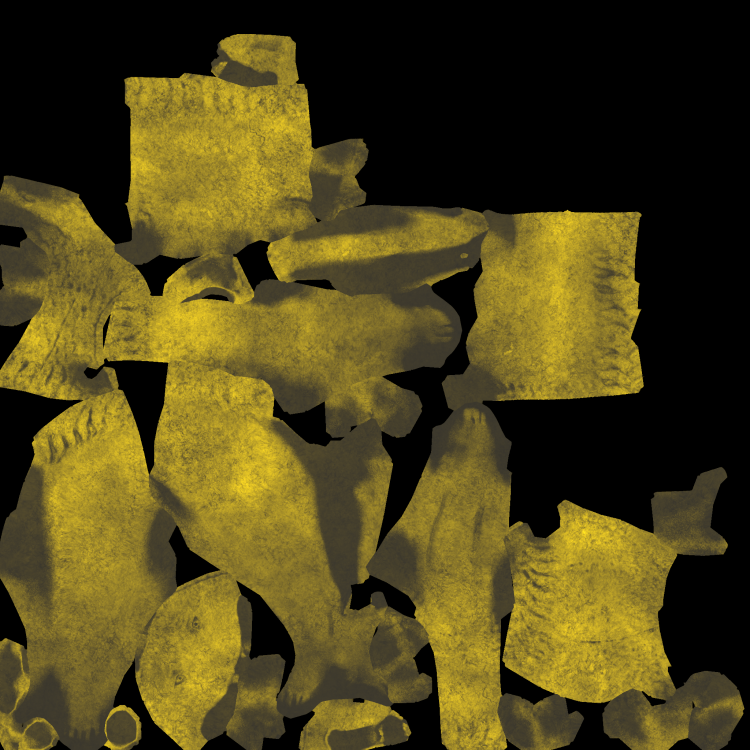
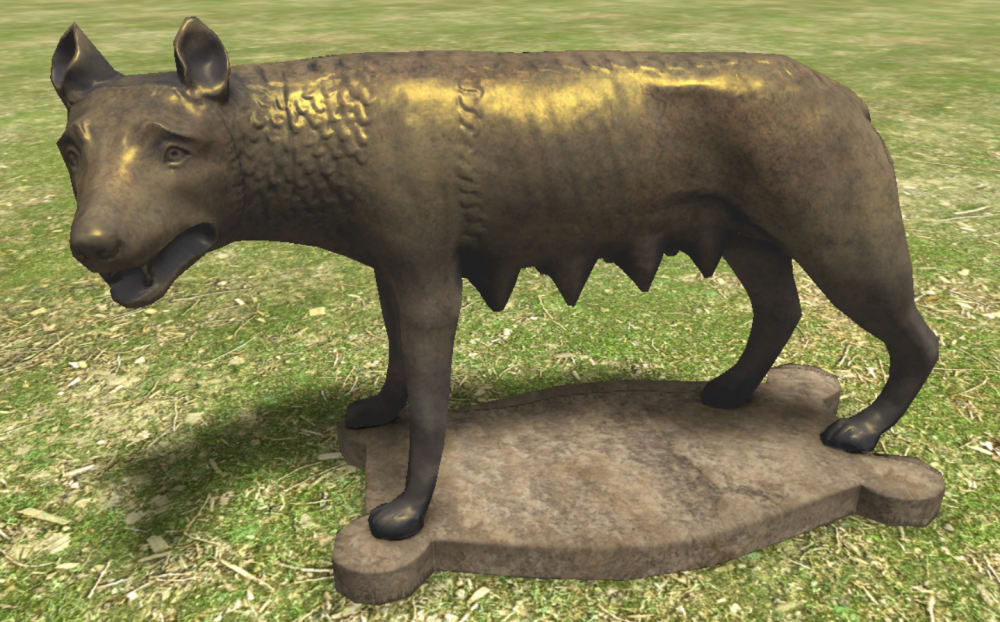
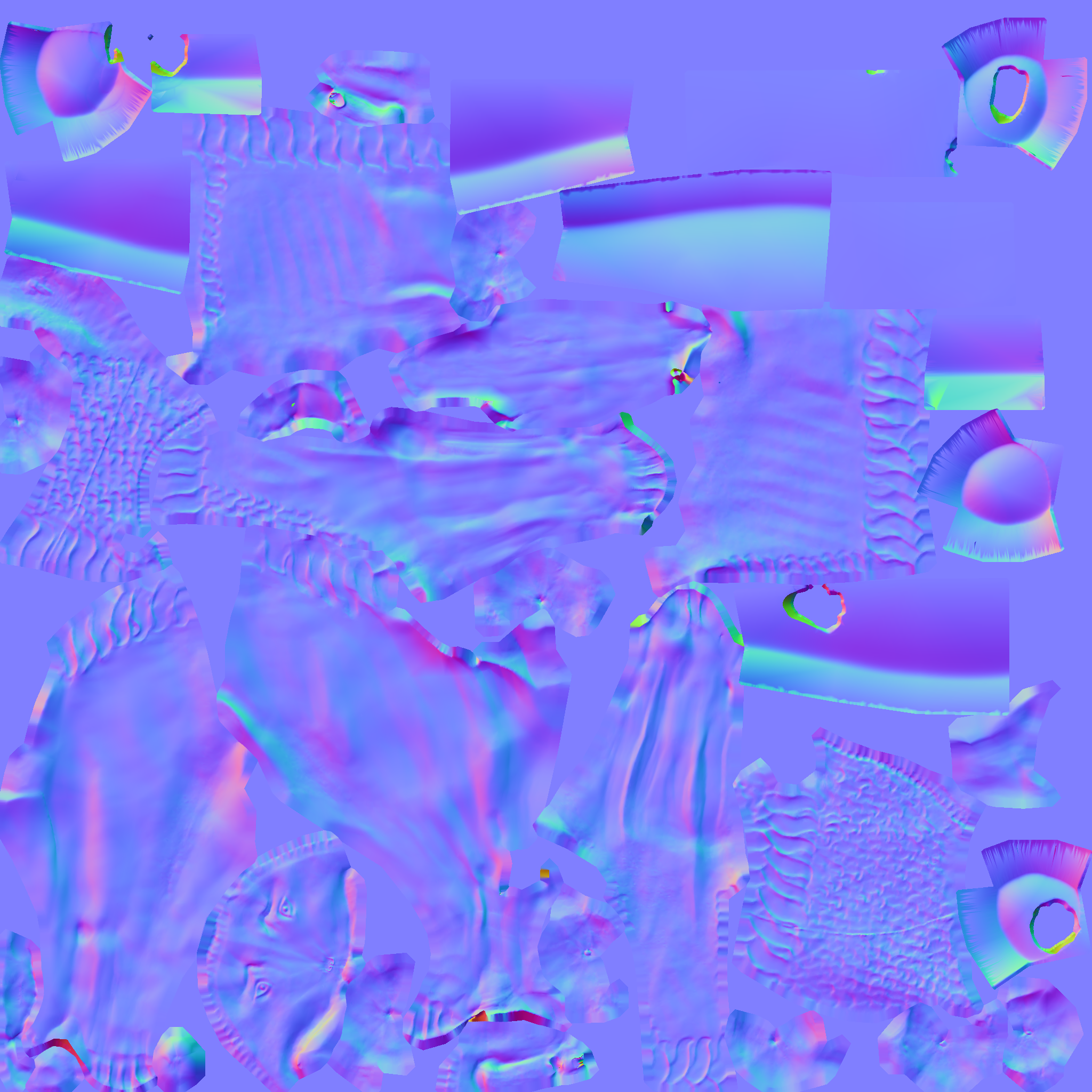
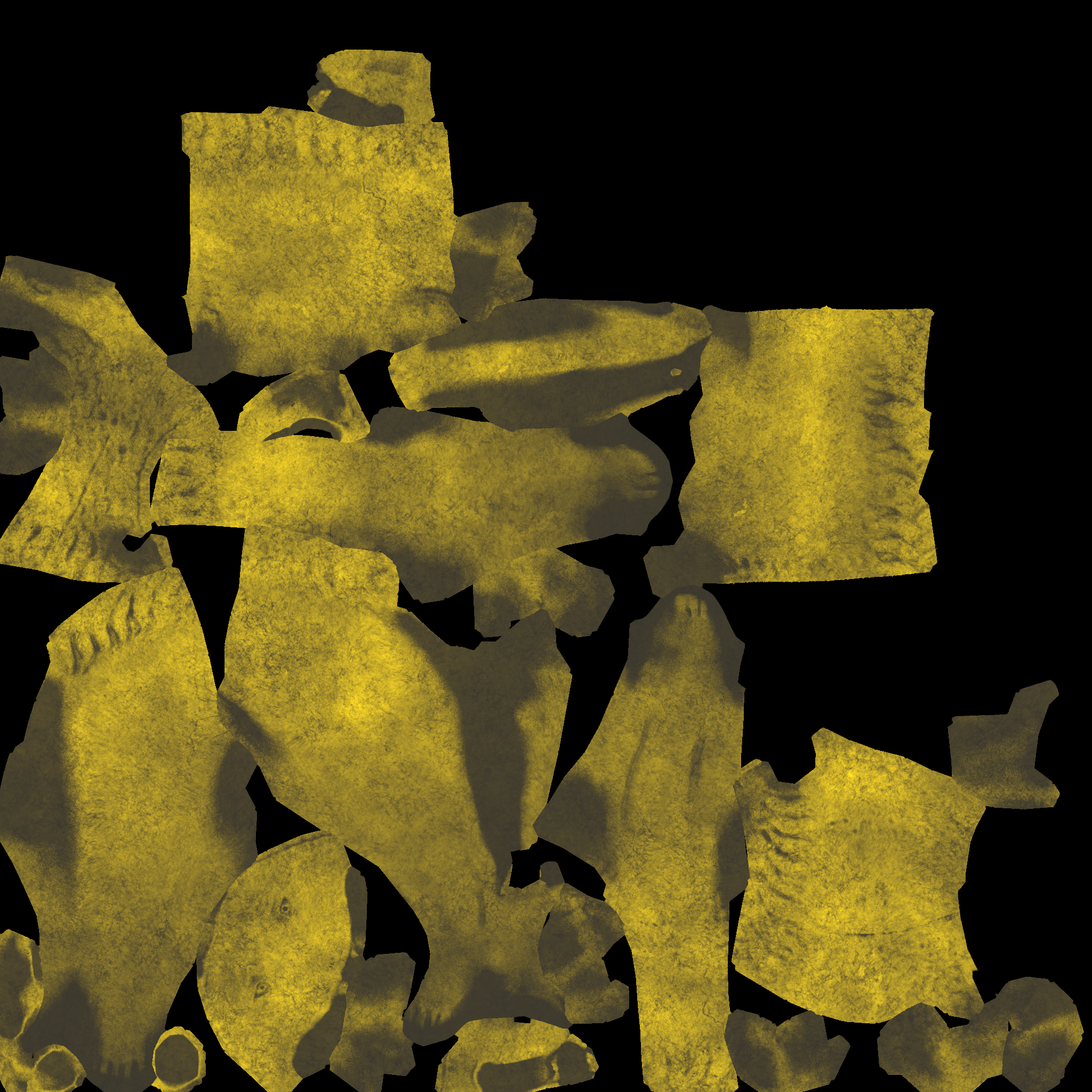
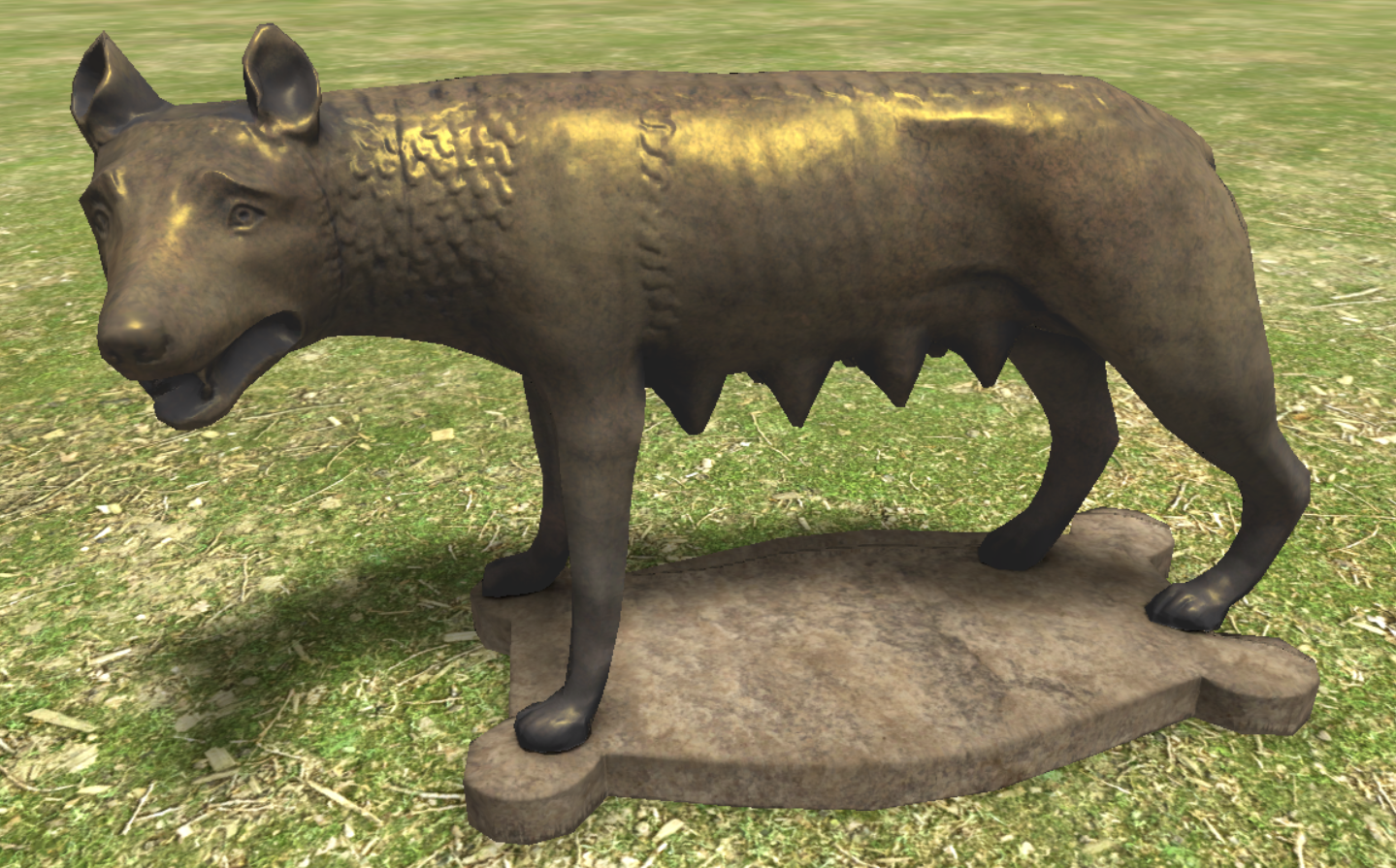
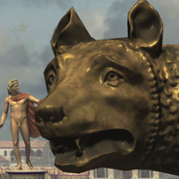
Capitoline Wolf https://en.wikipedia.org/wiki/Capitoline_Wolf https://open.smk.dk/en/artwork/image/KAS837?q=*&filters=has_3d_file%3Atrue&page=7 Ready to be committed I guess? @wowgetoffyourcellphone capitoline_wolf.dae