All Activity
- Past hour
-
-

Map making support and conversion tool: post-Atlas
Stan` replied to Grautvornix's topic in Scenario Design/Map making
Then it's bad https://gitea.wildfiregames.com/0ad/0ad/wiki/EnglishStyleGuide -
Phantastic! Beautiful! Awesome!
-

Map making support and conversion tool: post-Atlas
Grautvornix replied to Grautvornix's topic in Scenario Design/Map making
Exactly - had Claude analyse spelling through the game and maps and the verdict was rather US English, although not fully consistent throughout maps and modules. So most probably I continue in an inconsistent spelling (changed Analyse to Analyze and colour to color, but not yet civilisaiton to civilization). As this change took a lot of tokens, I'd park that for the moment. - Today
-
I've desired this for a long time. A decade.
-
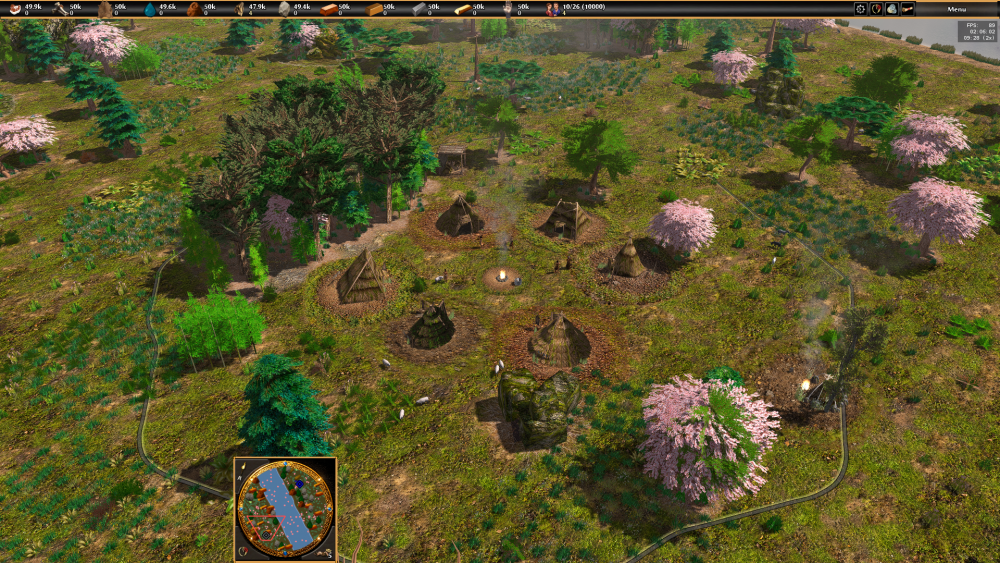
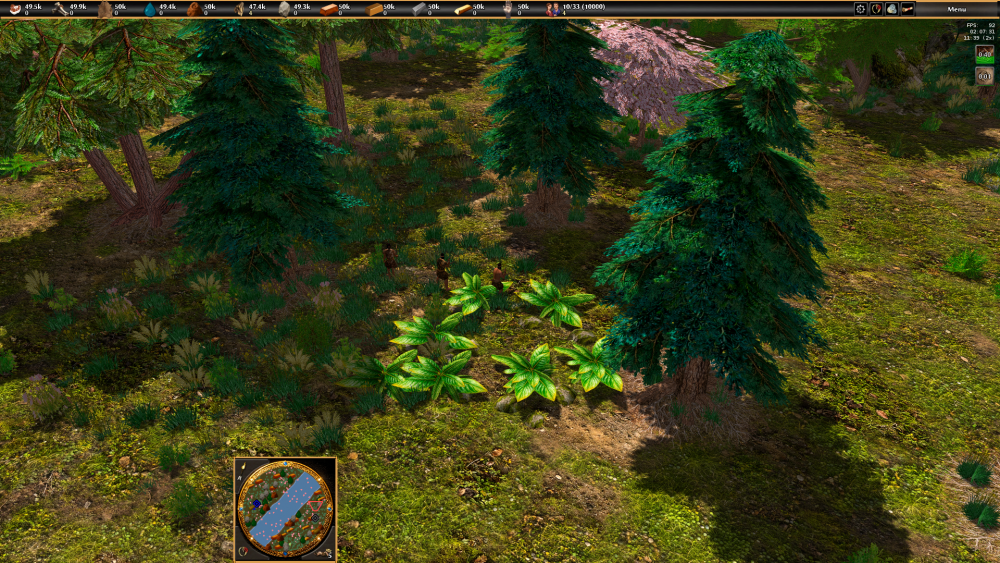
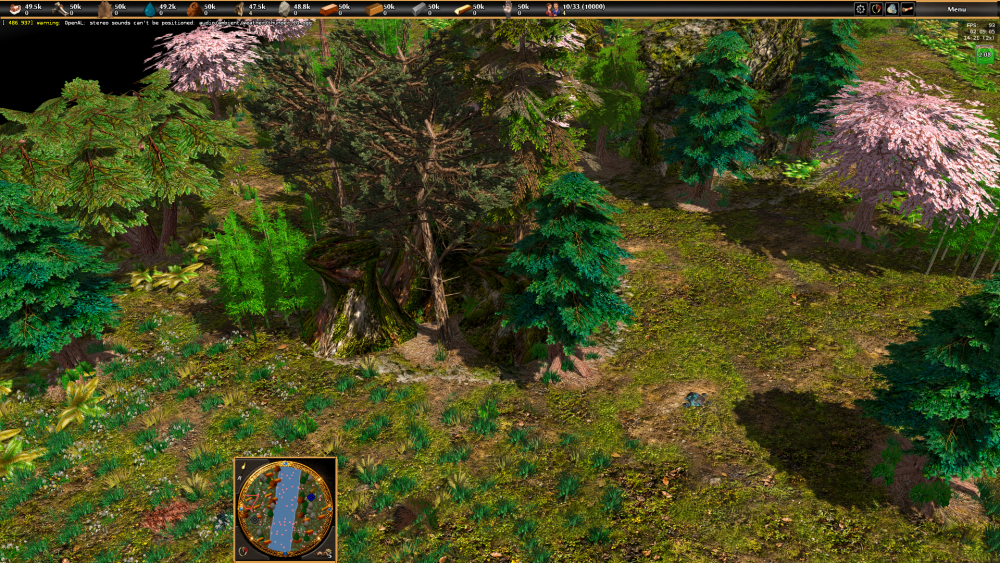
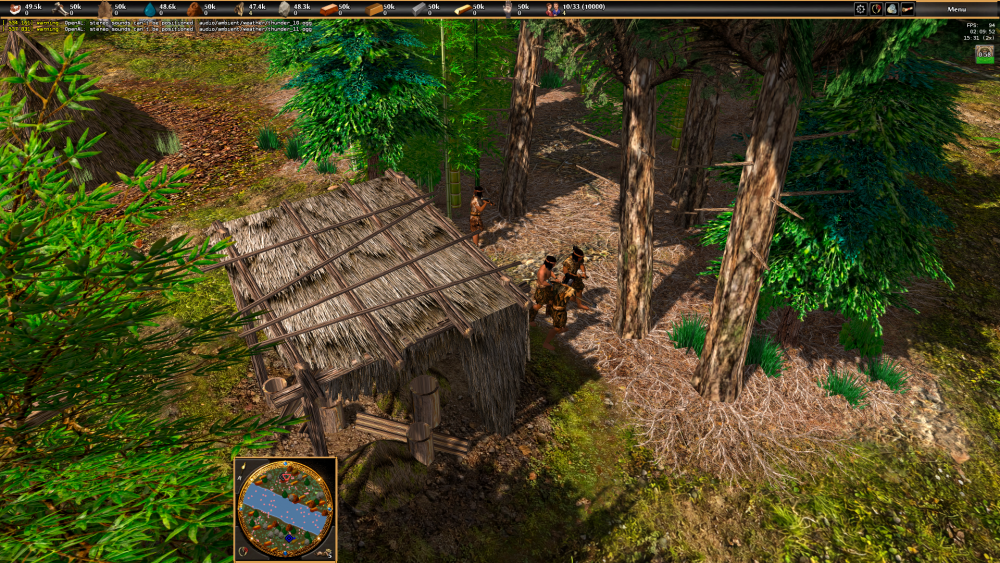
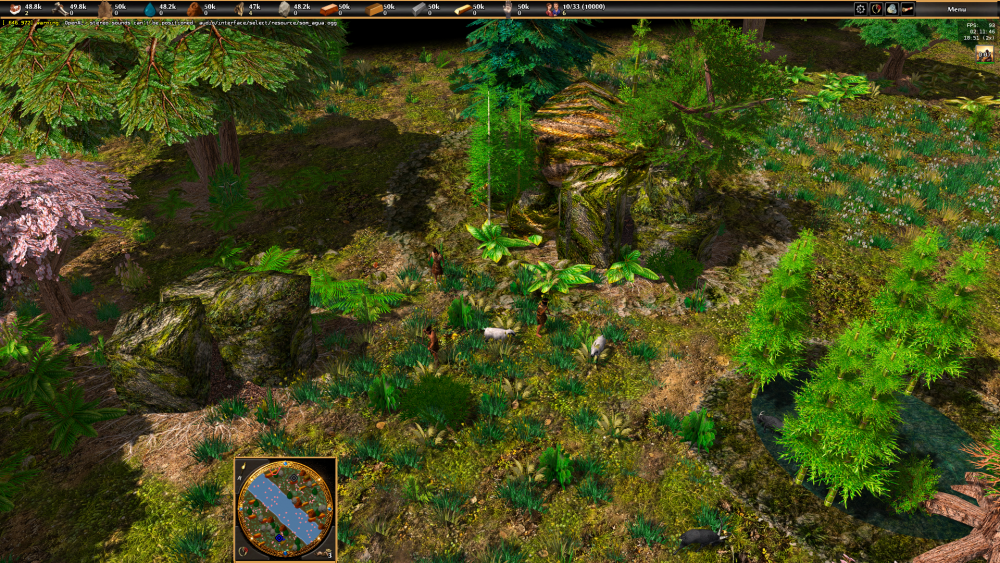
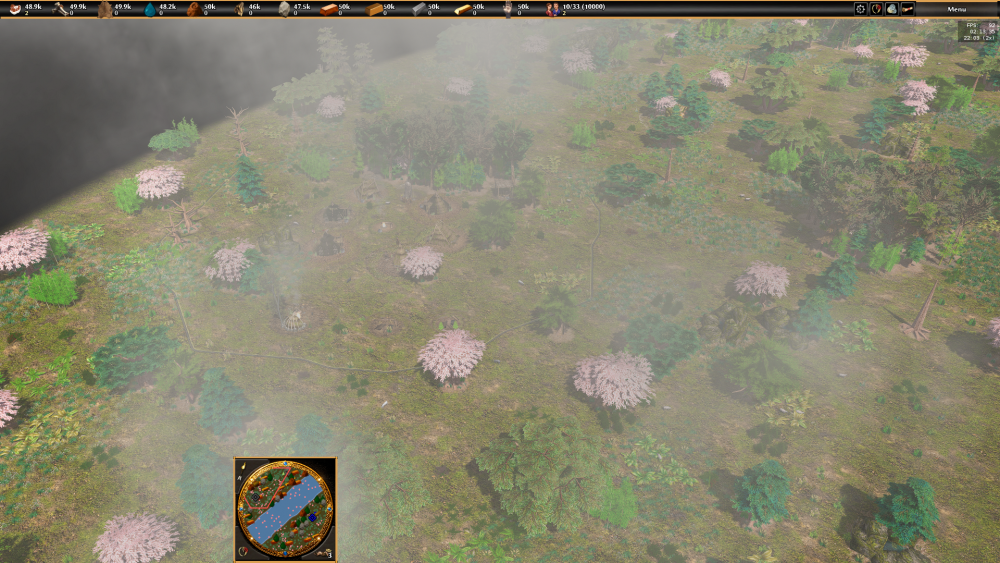
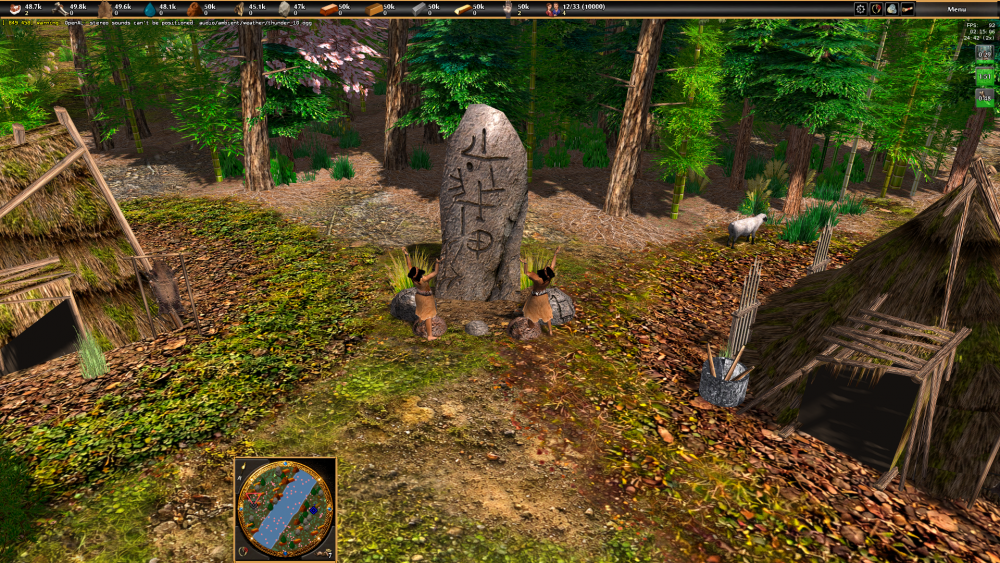
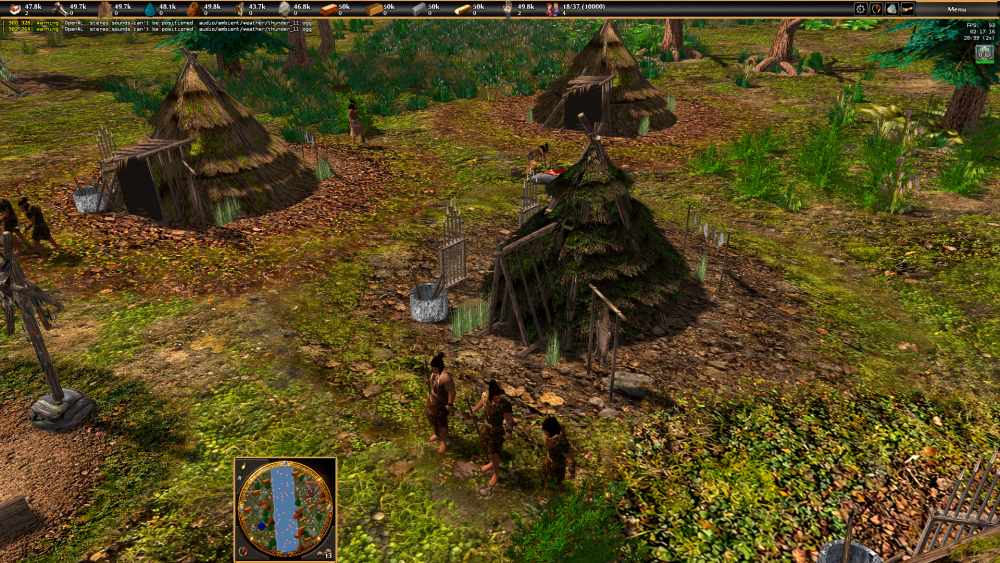
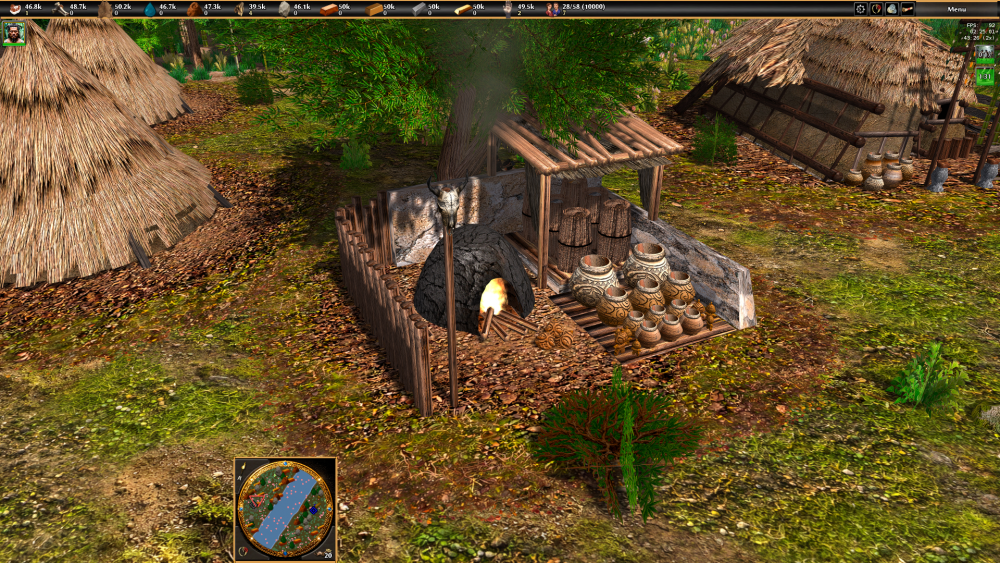
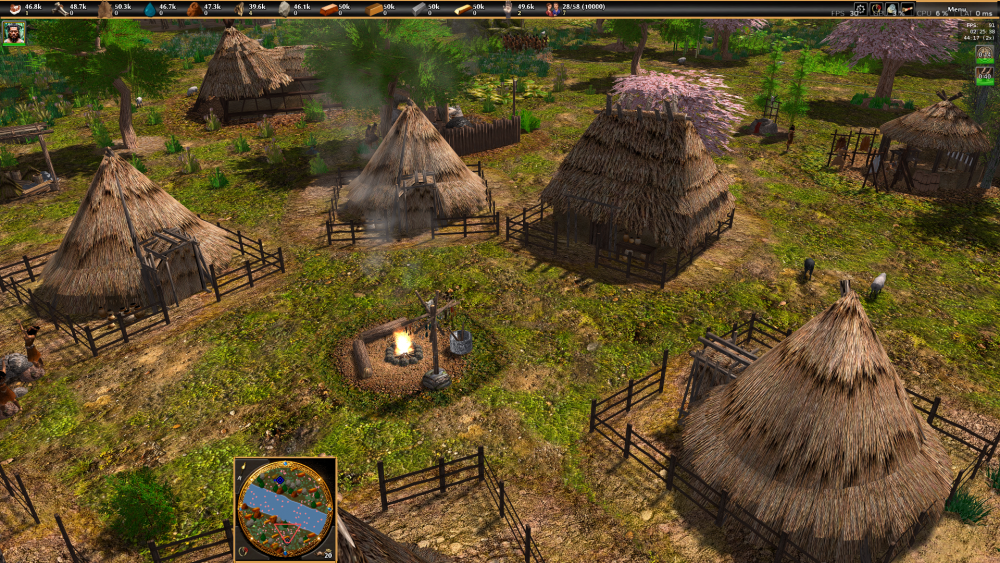
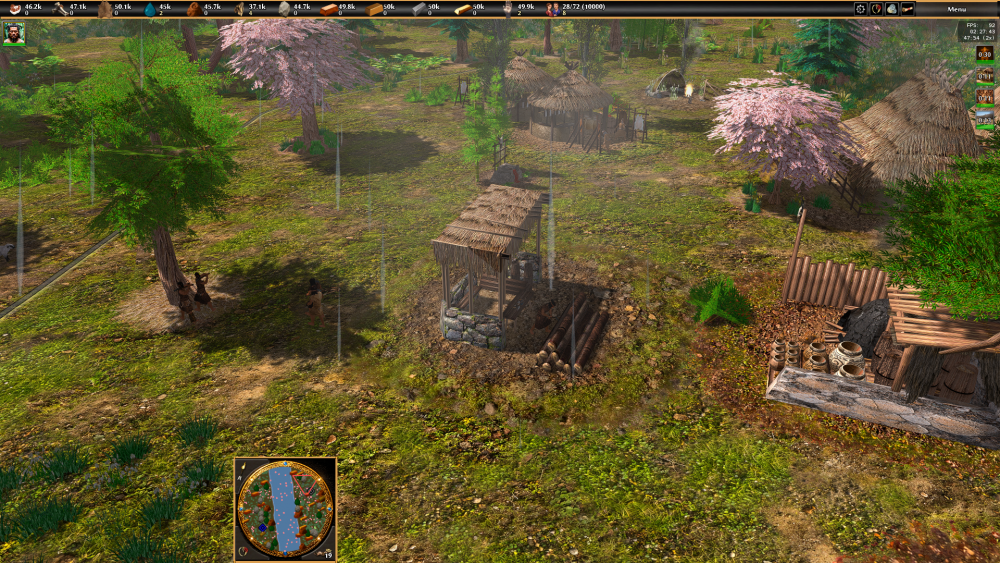
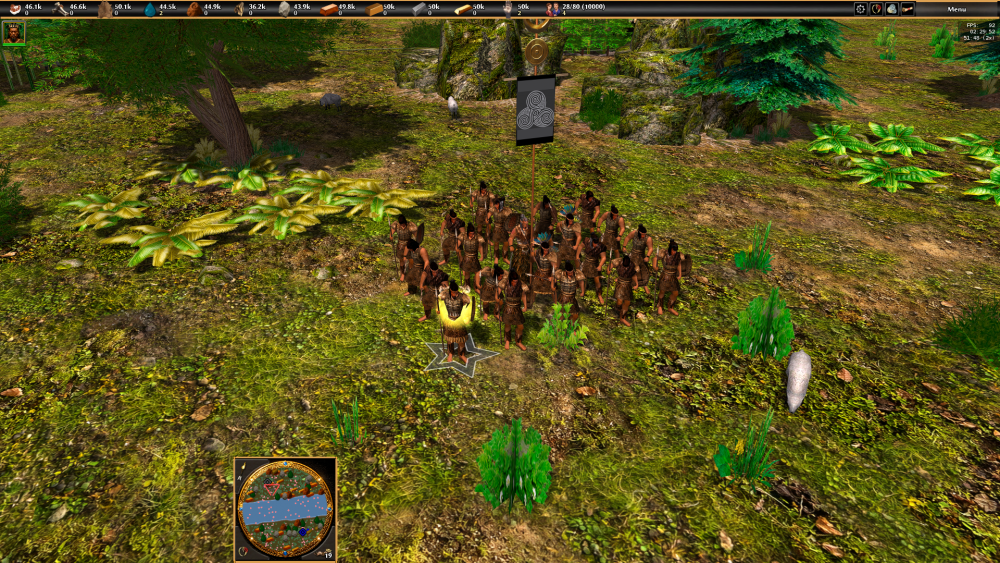
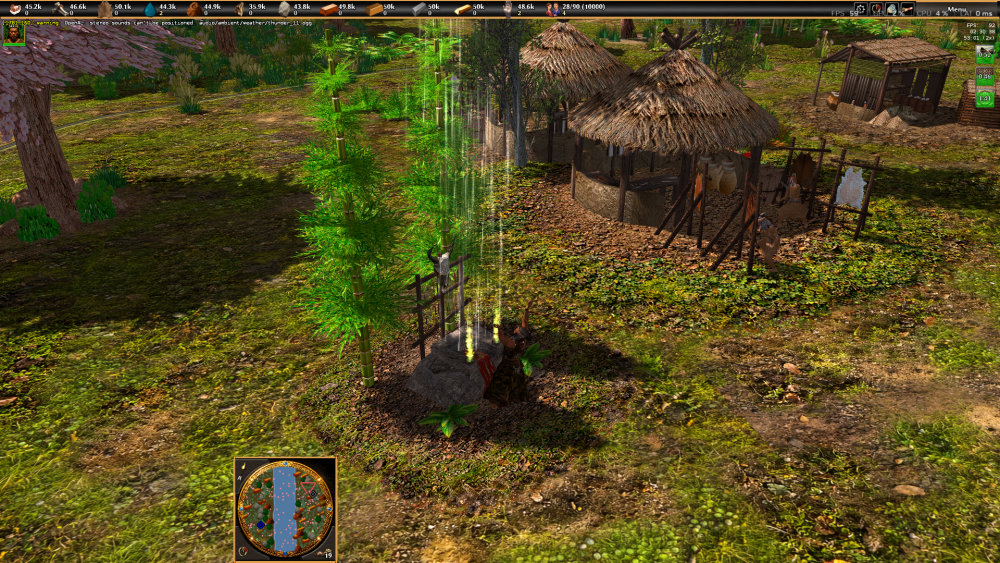
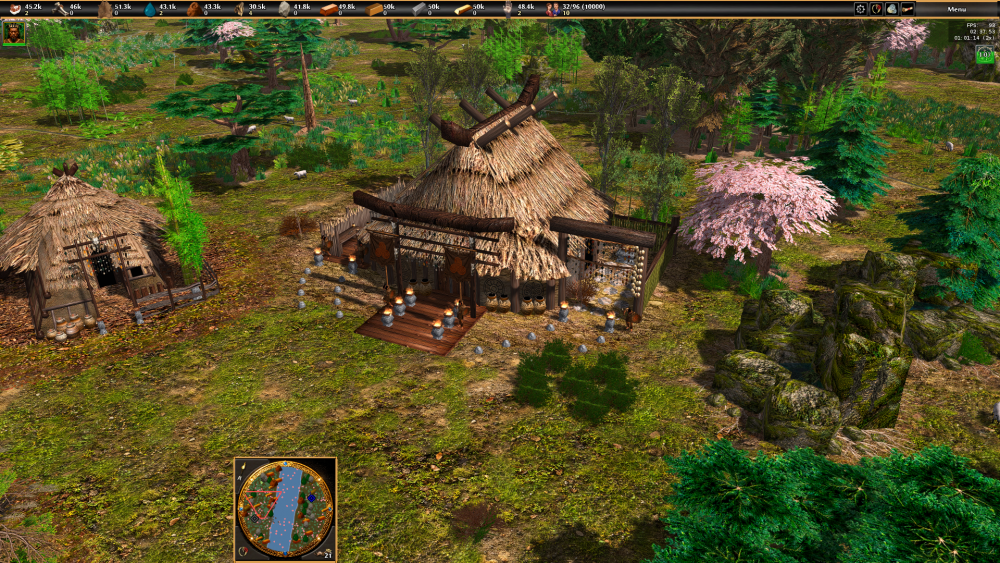
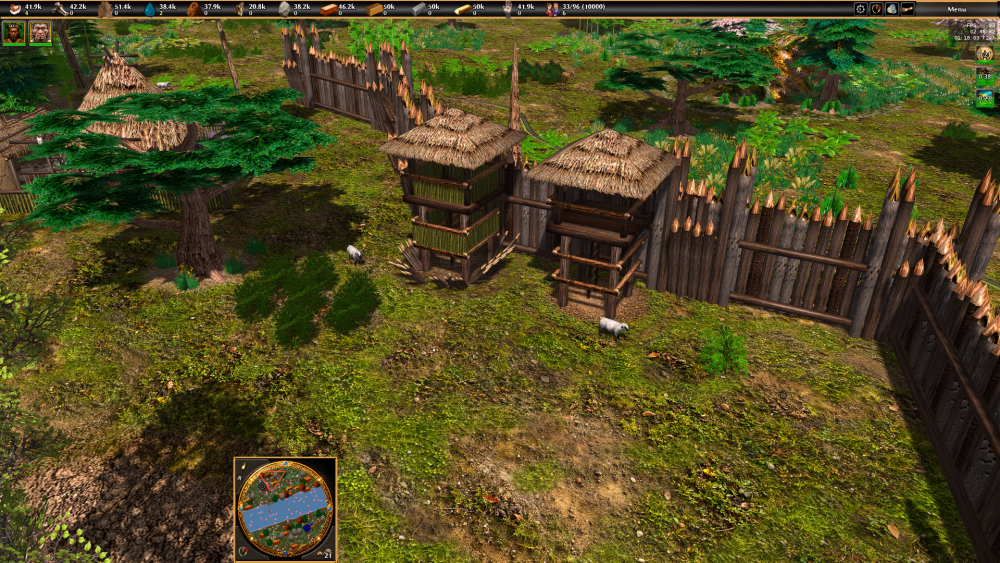
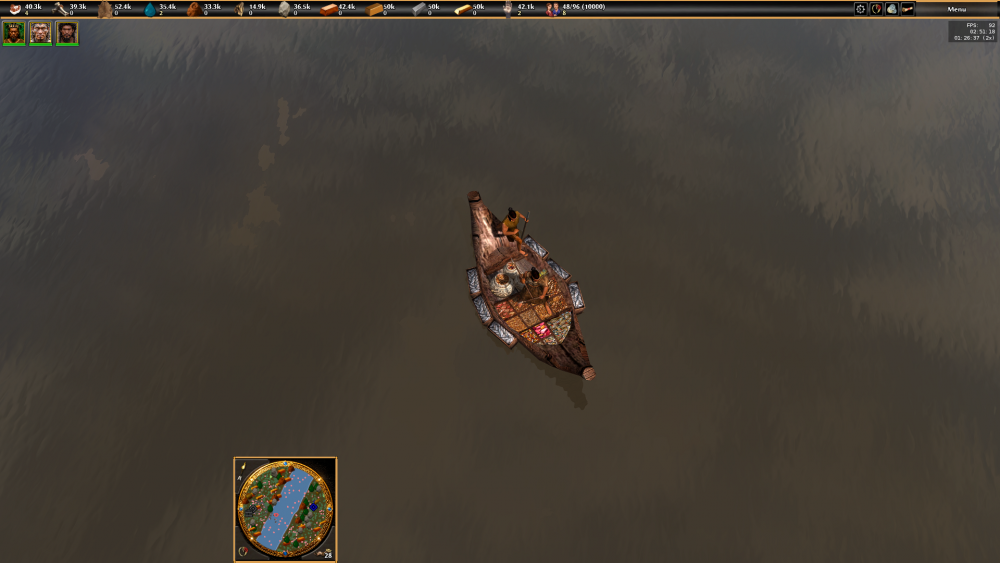
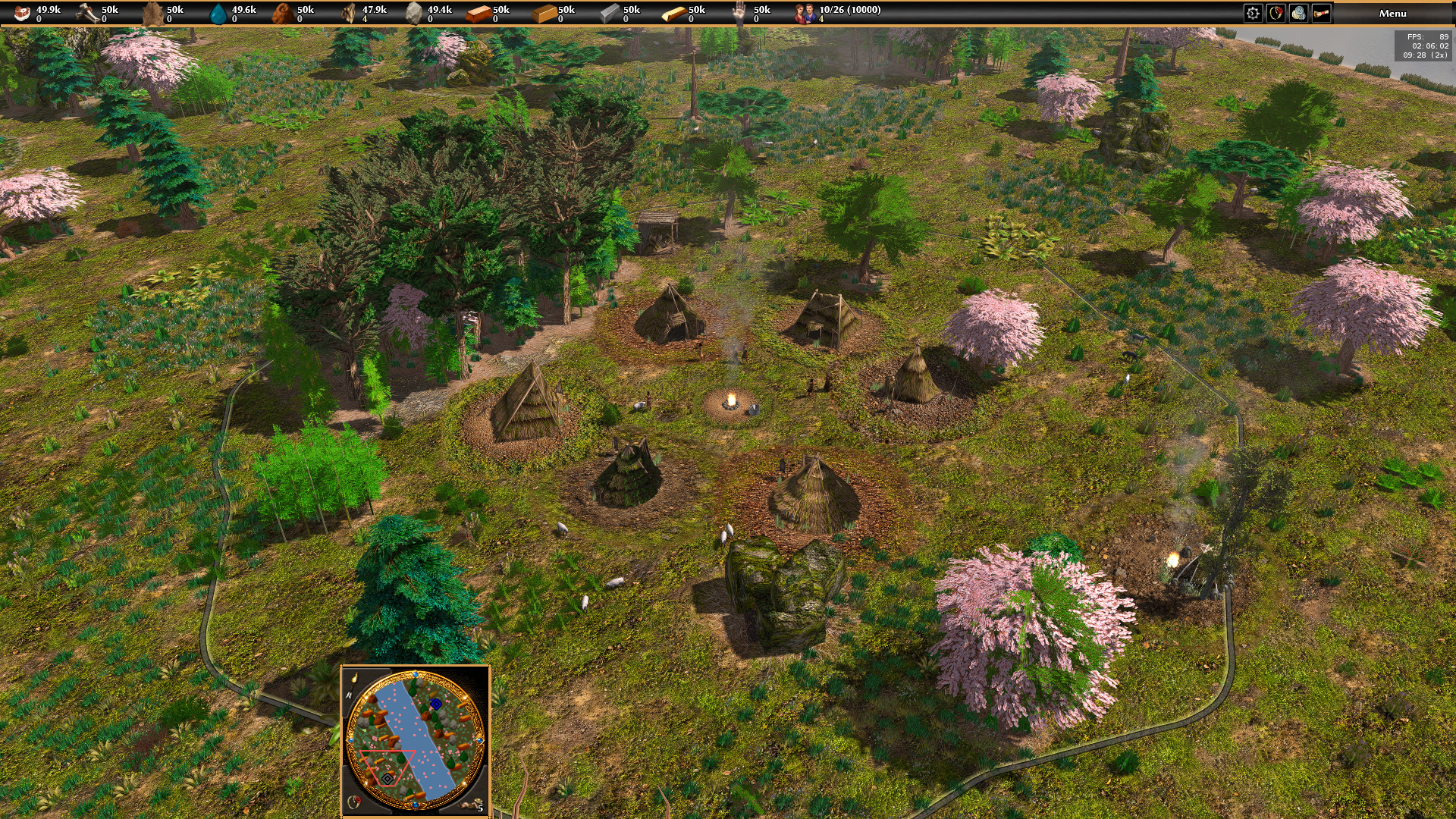
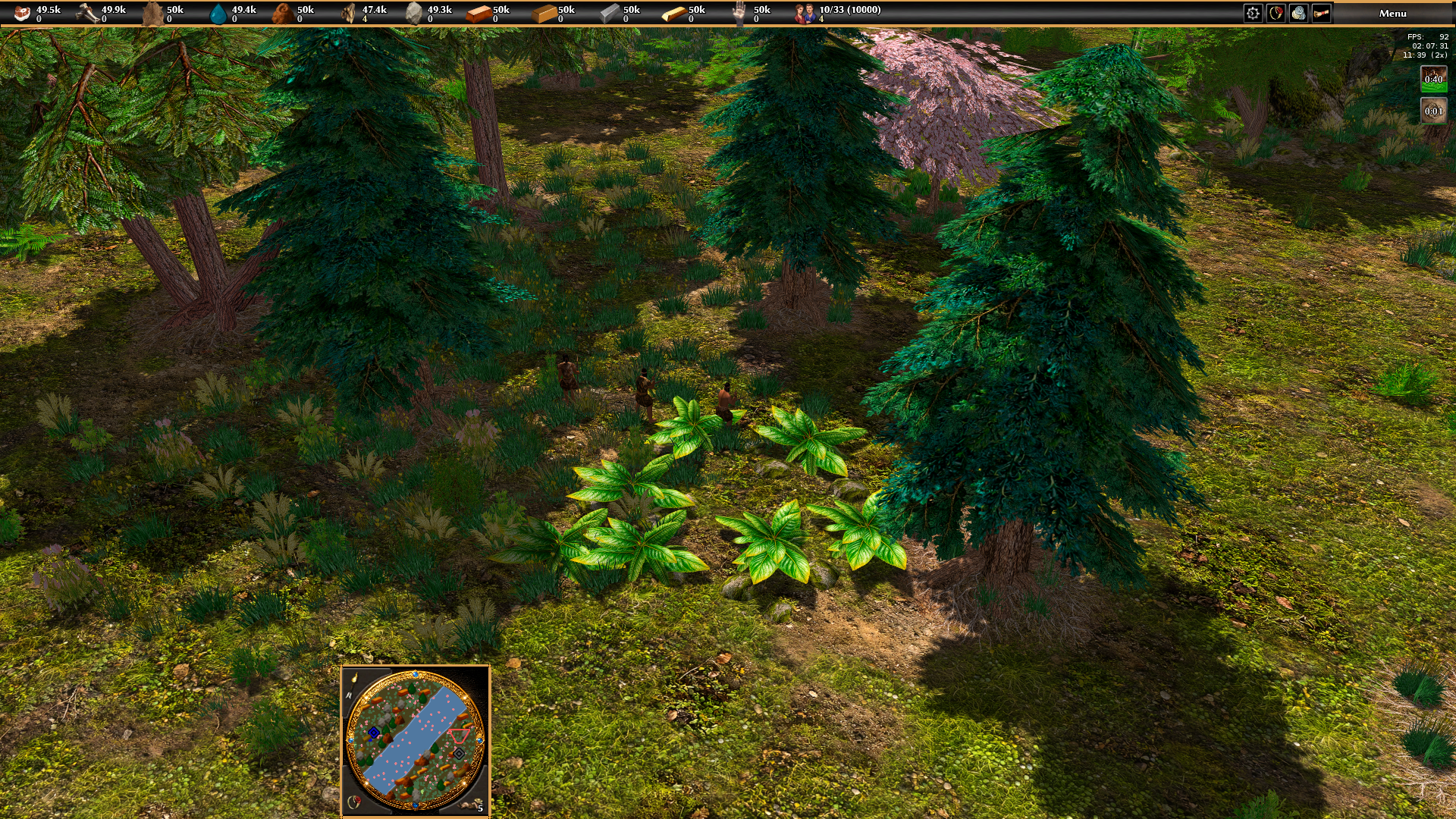
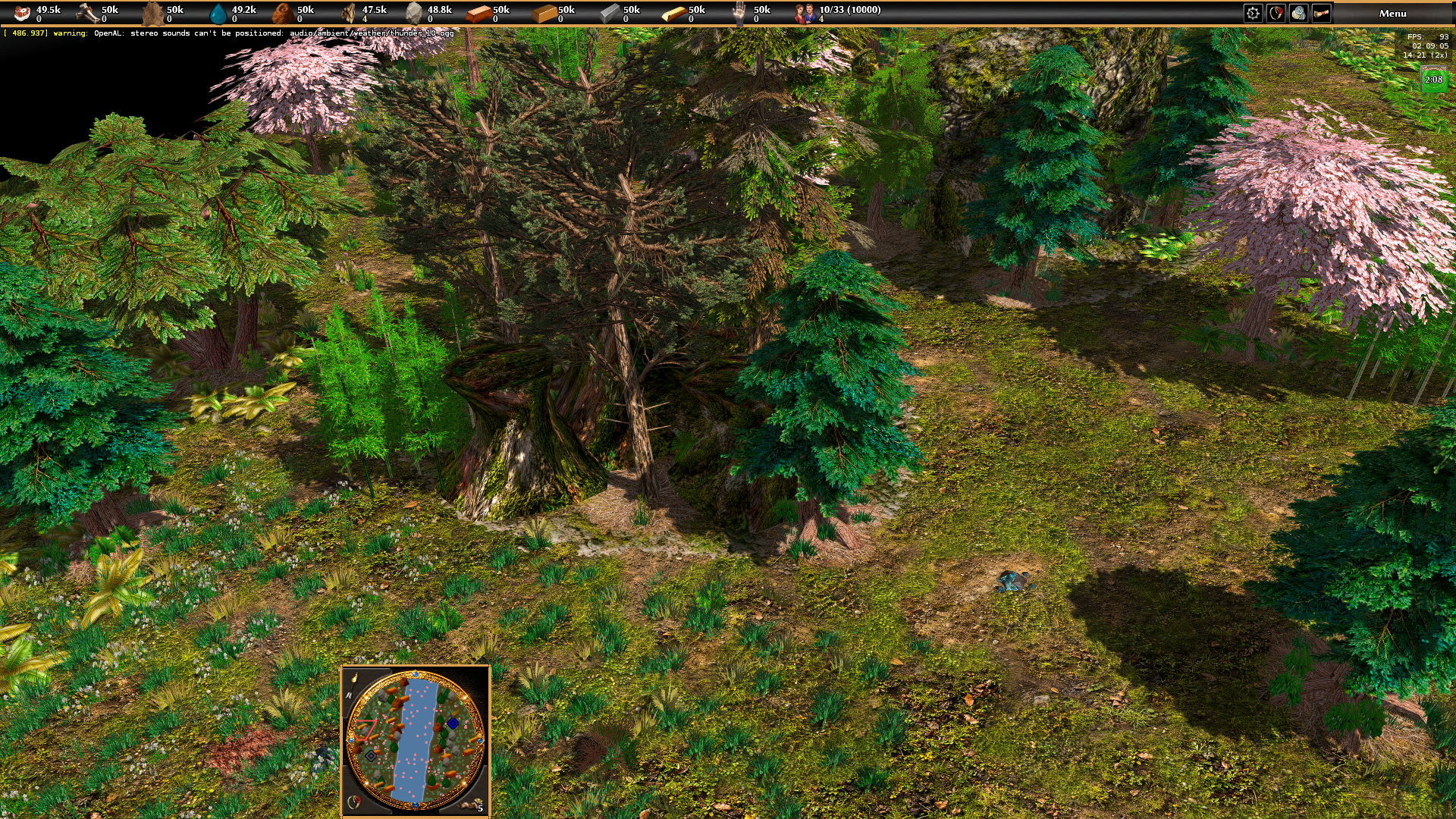
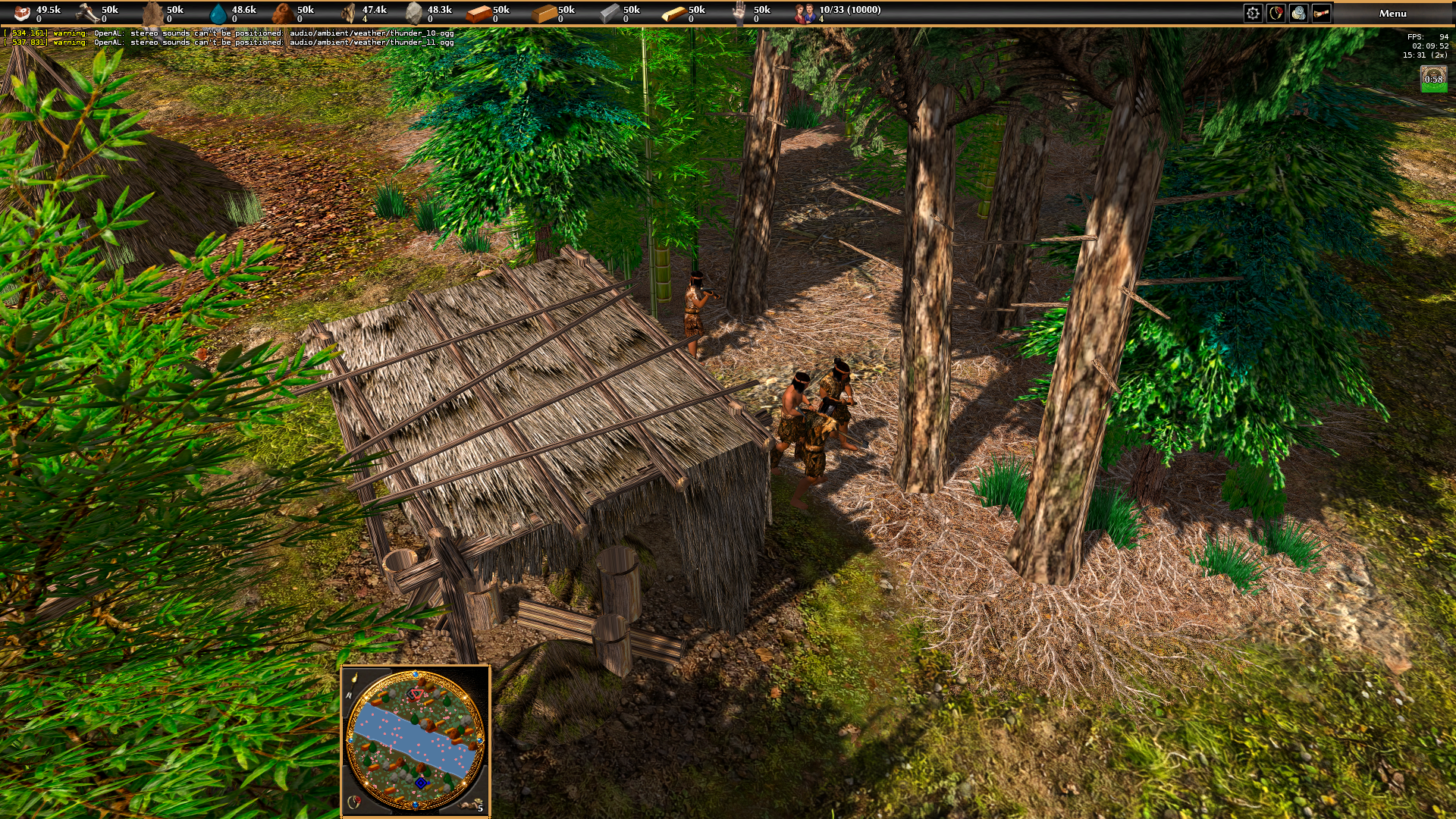
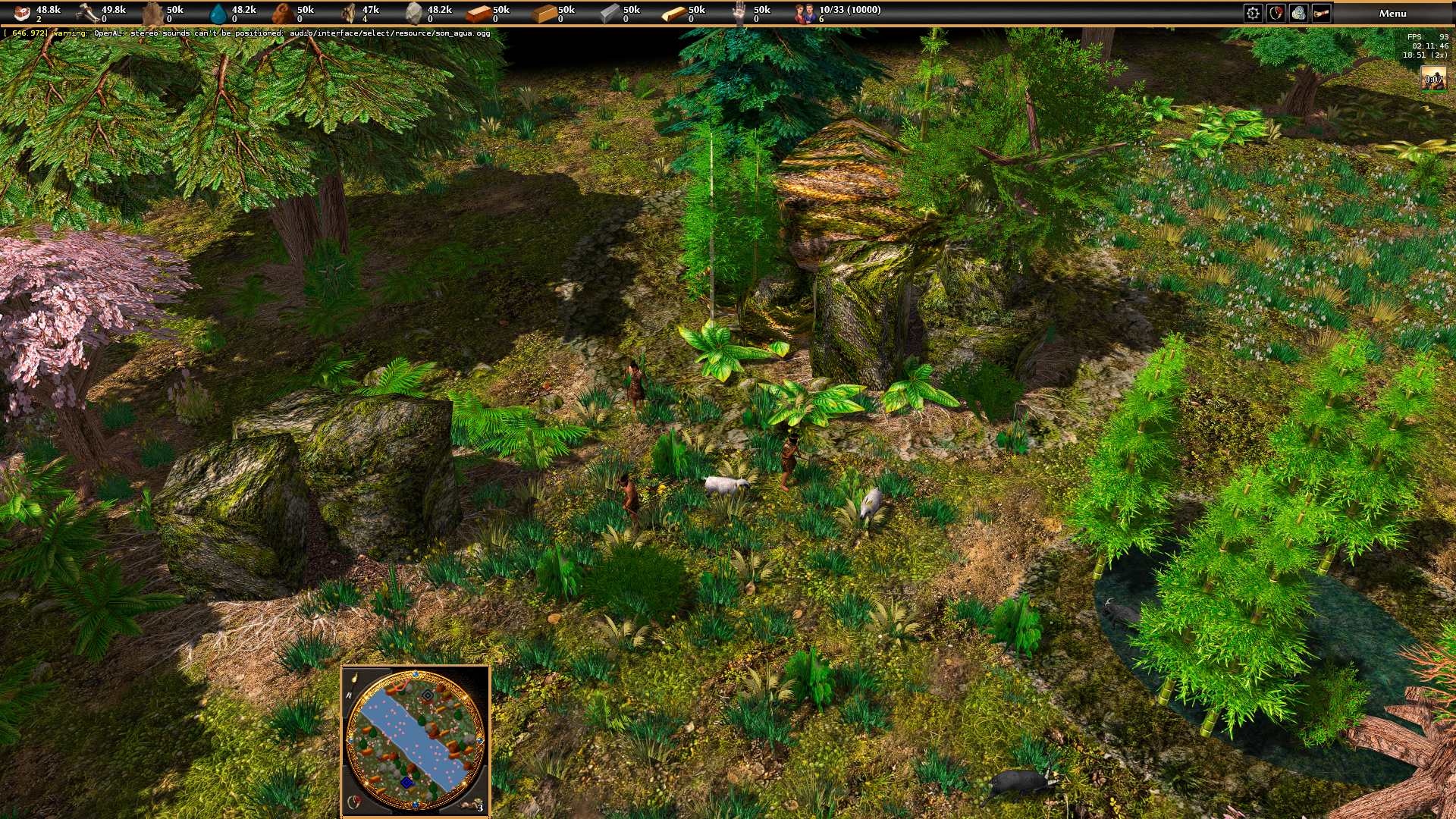
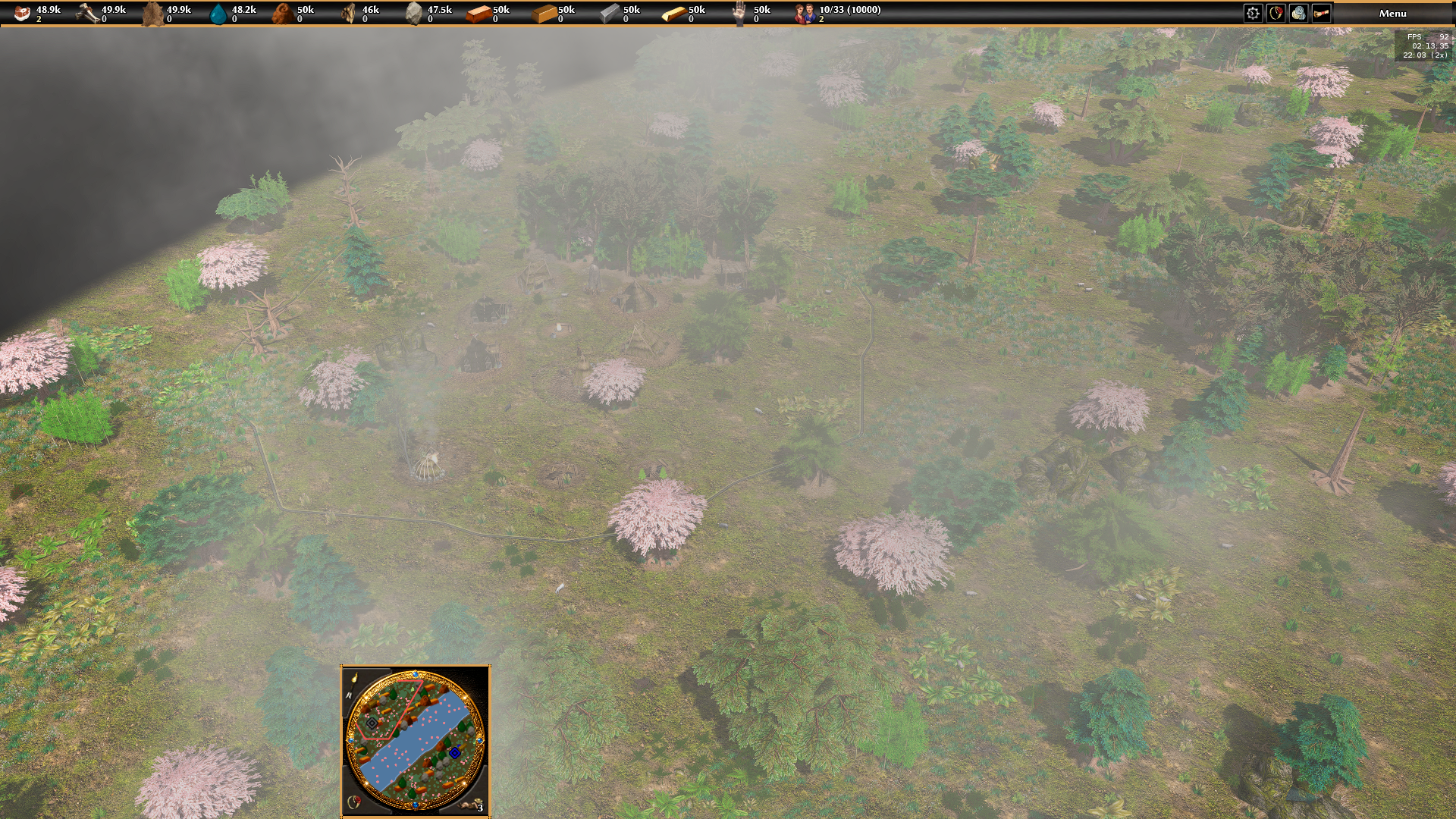
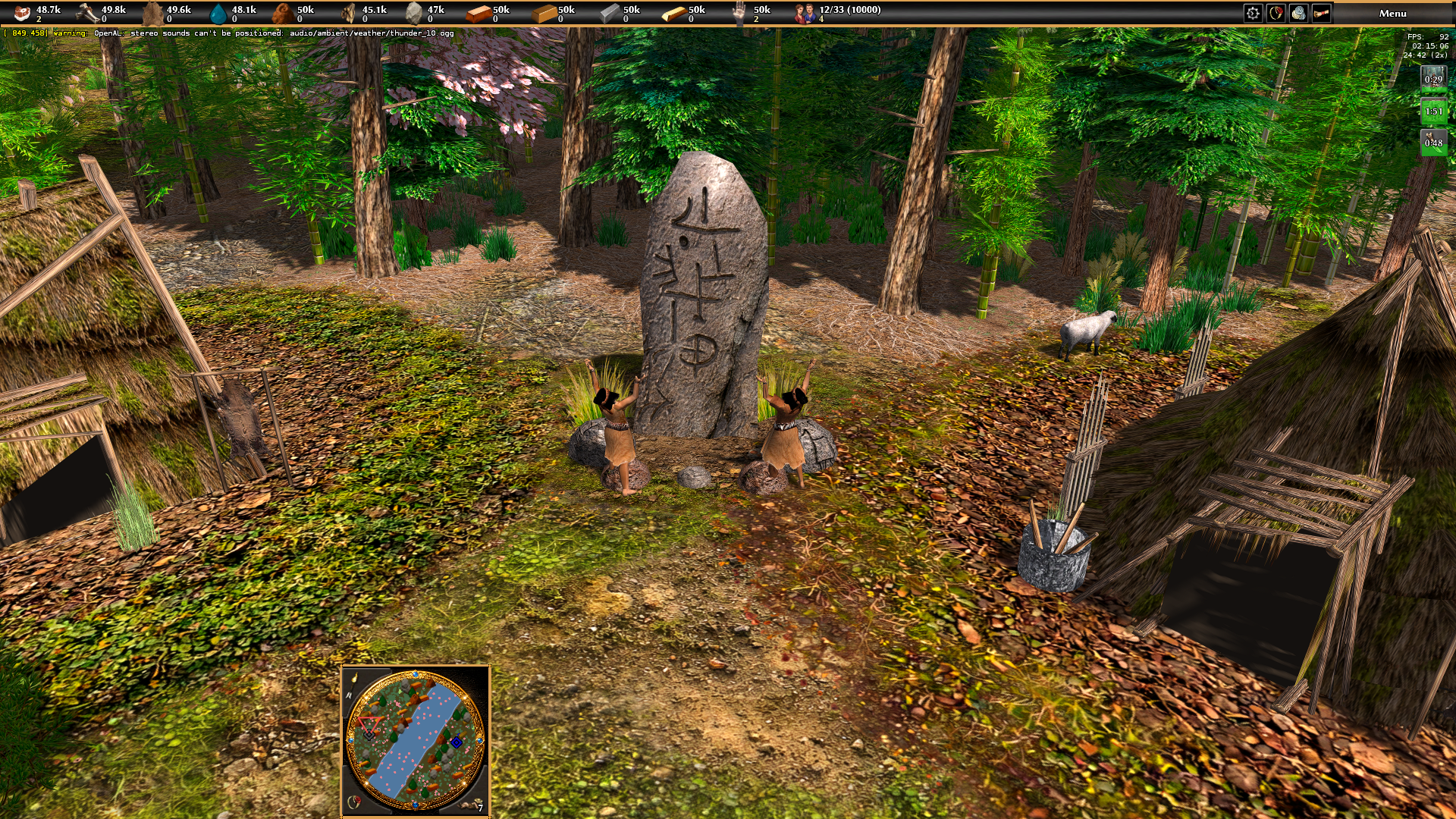
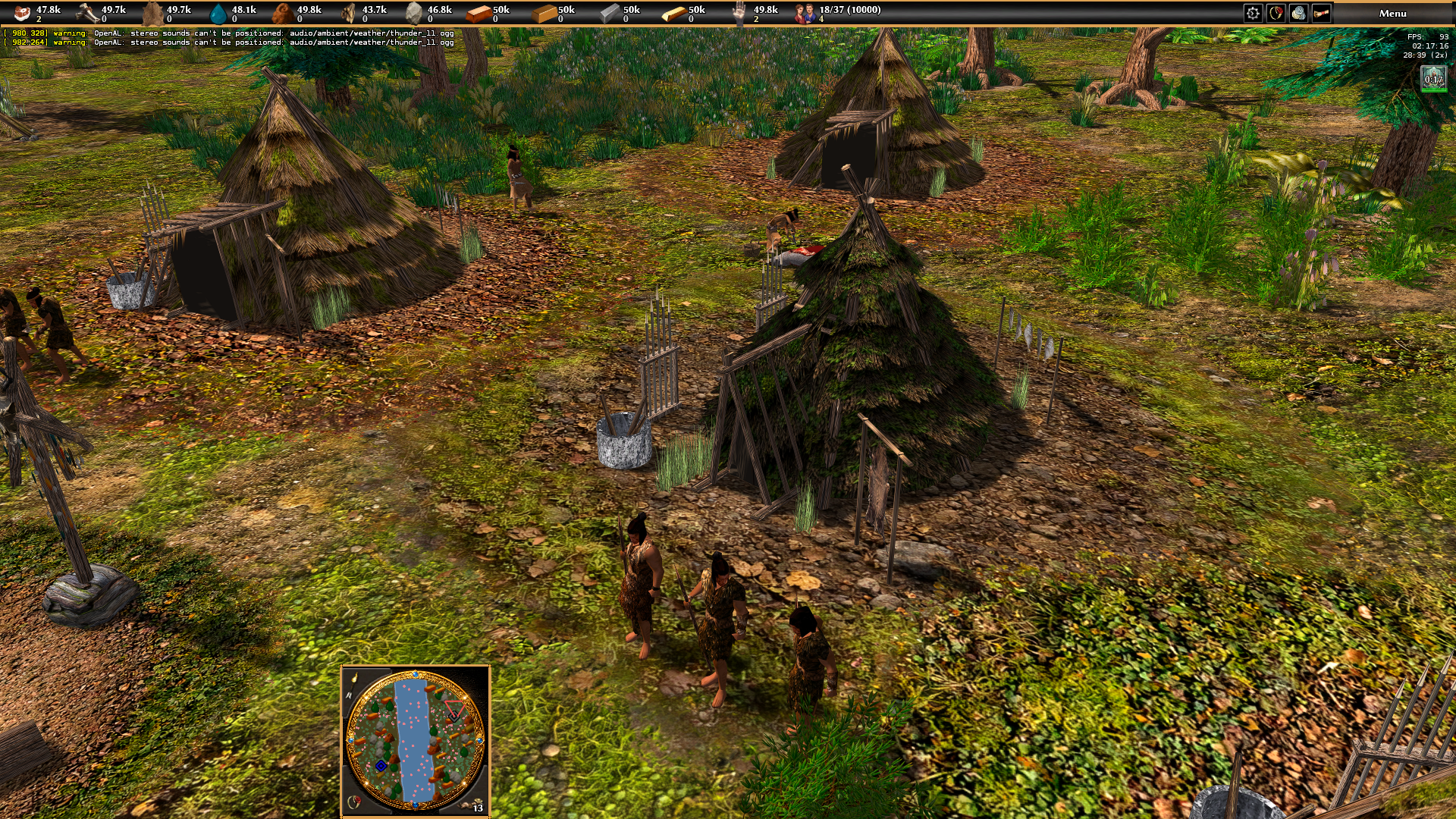
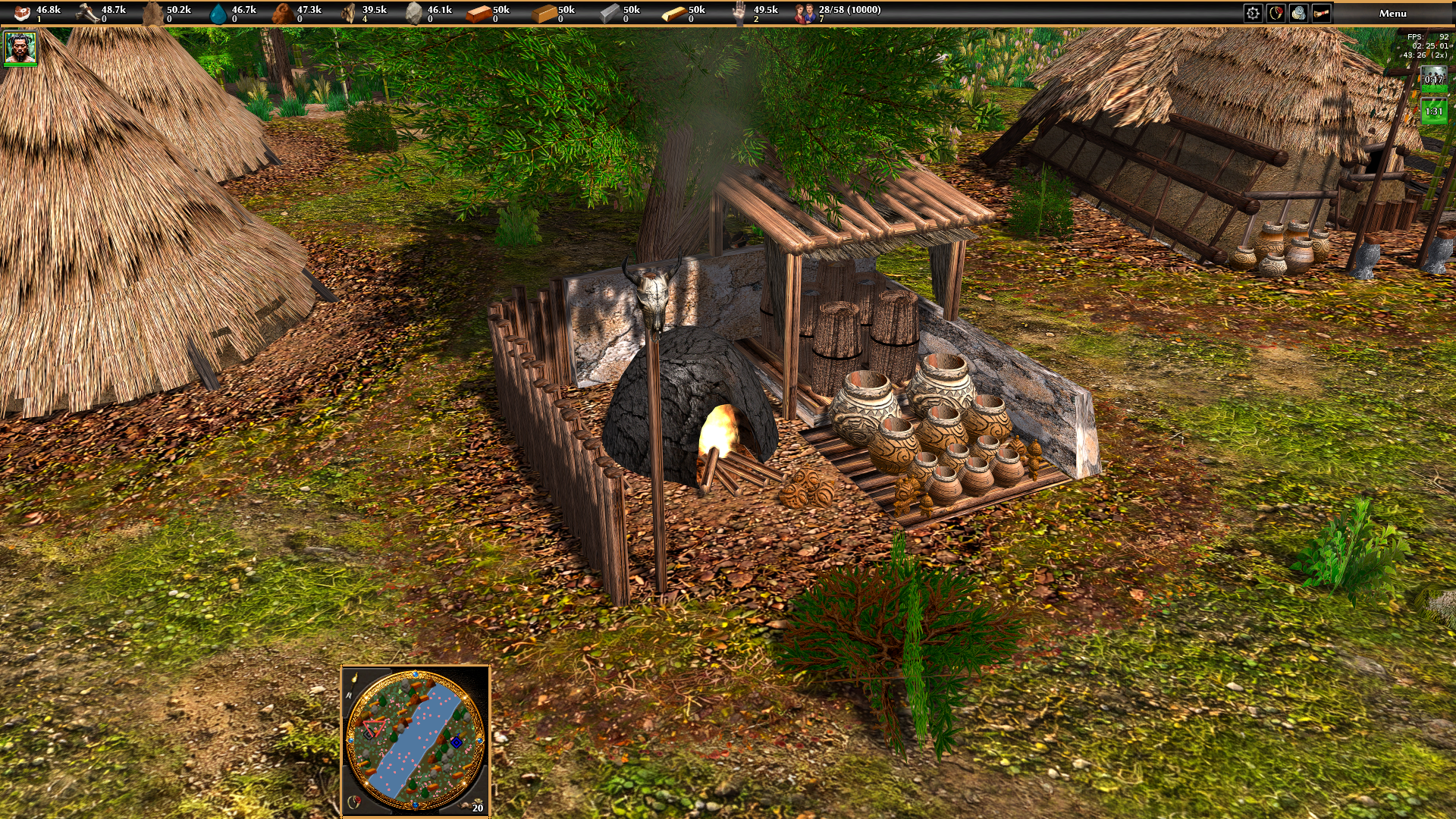
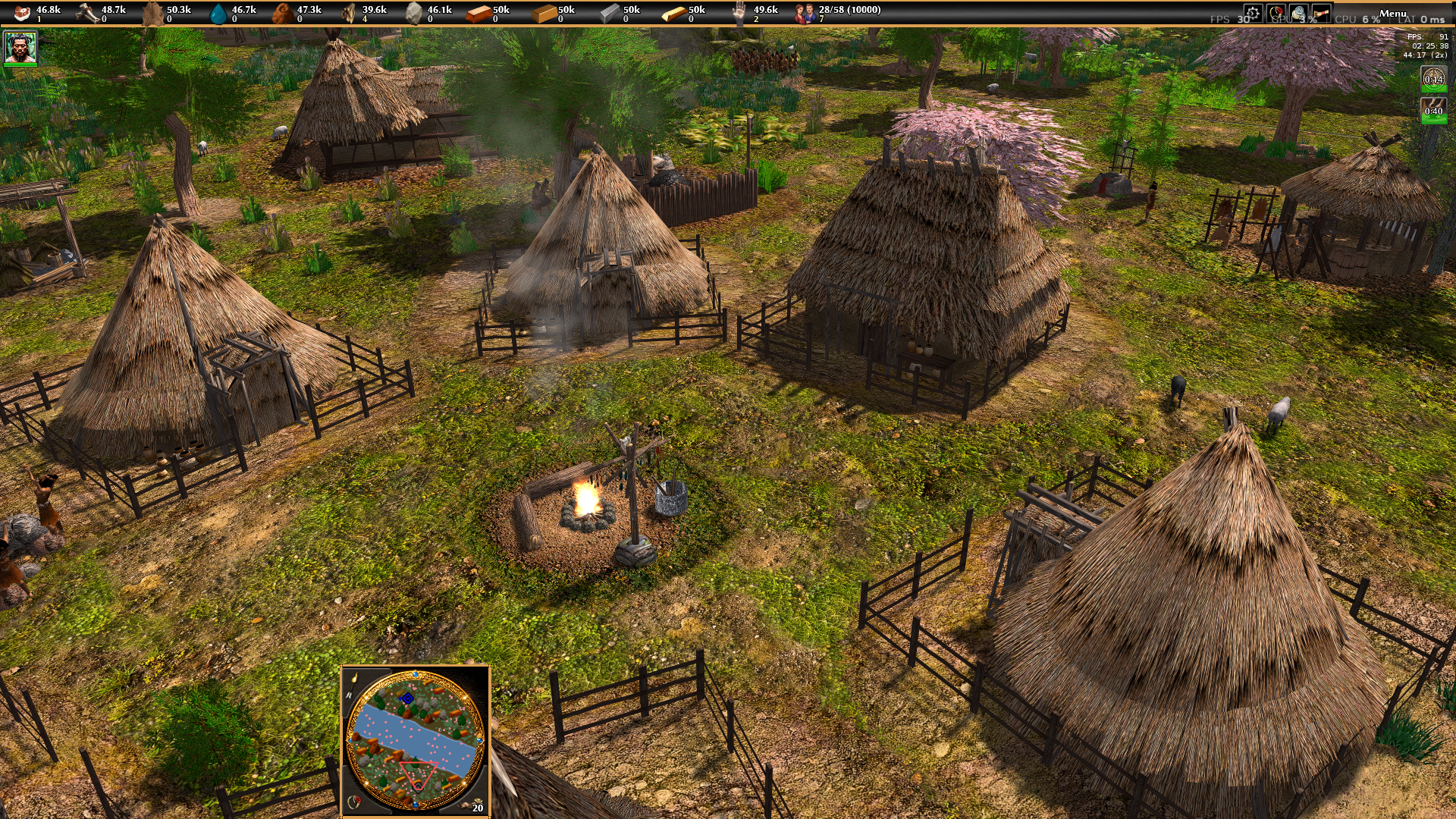
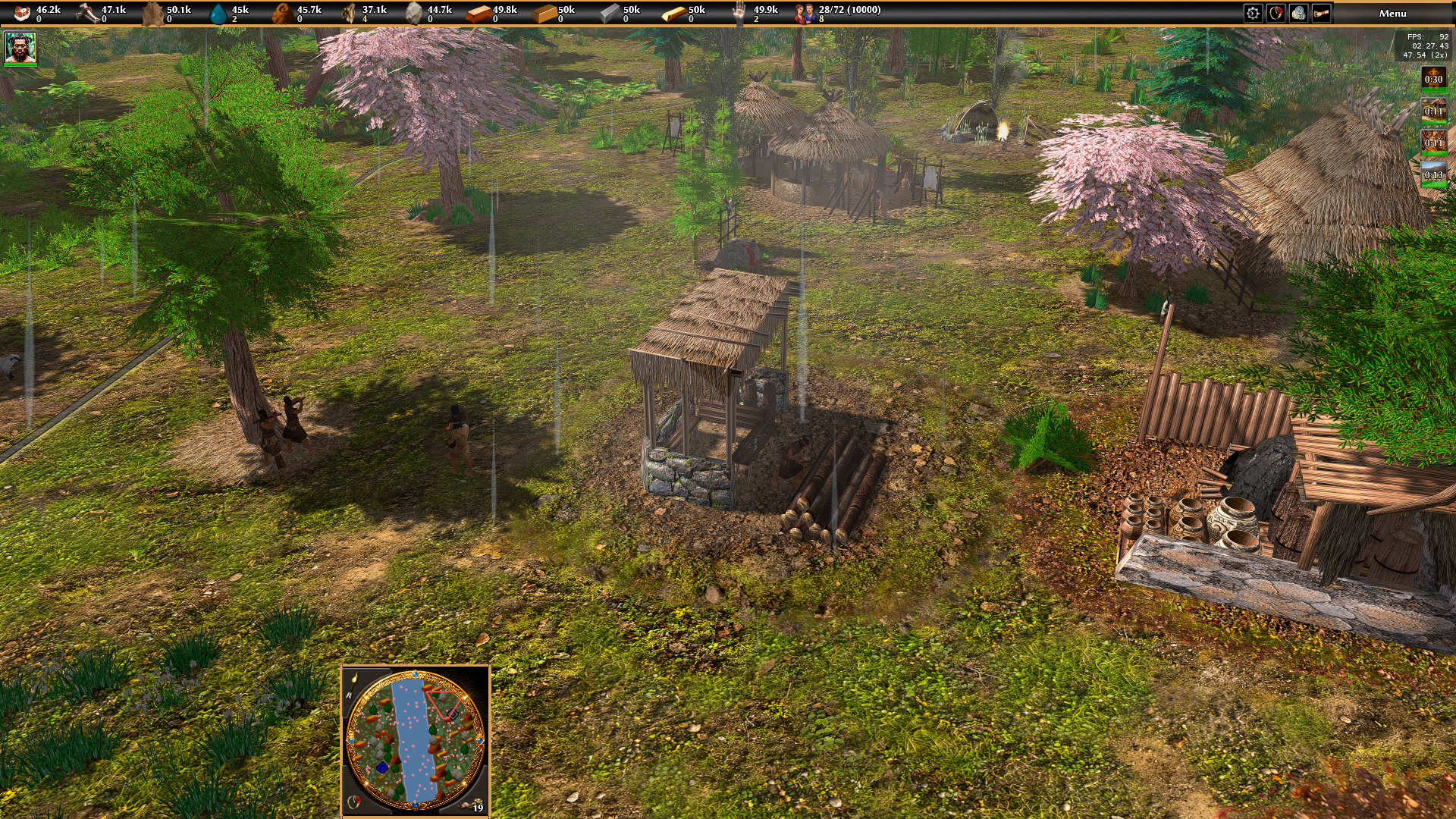
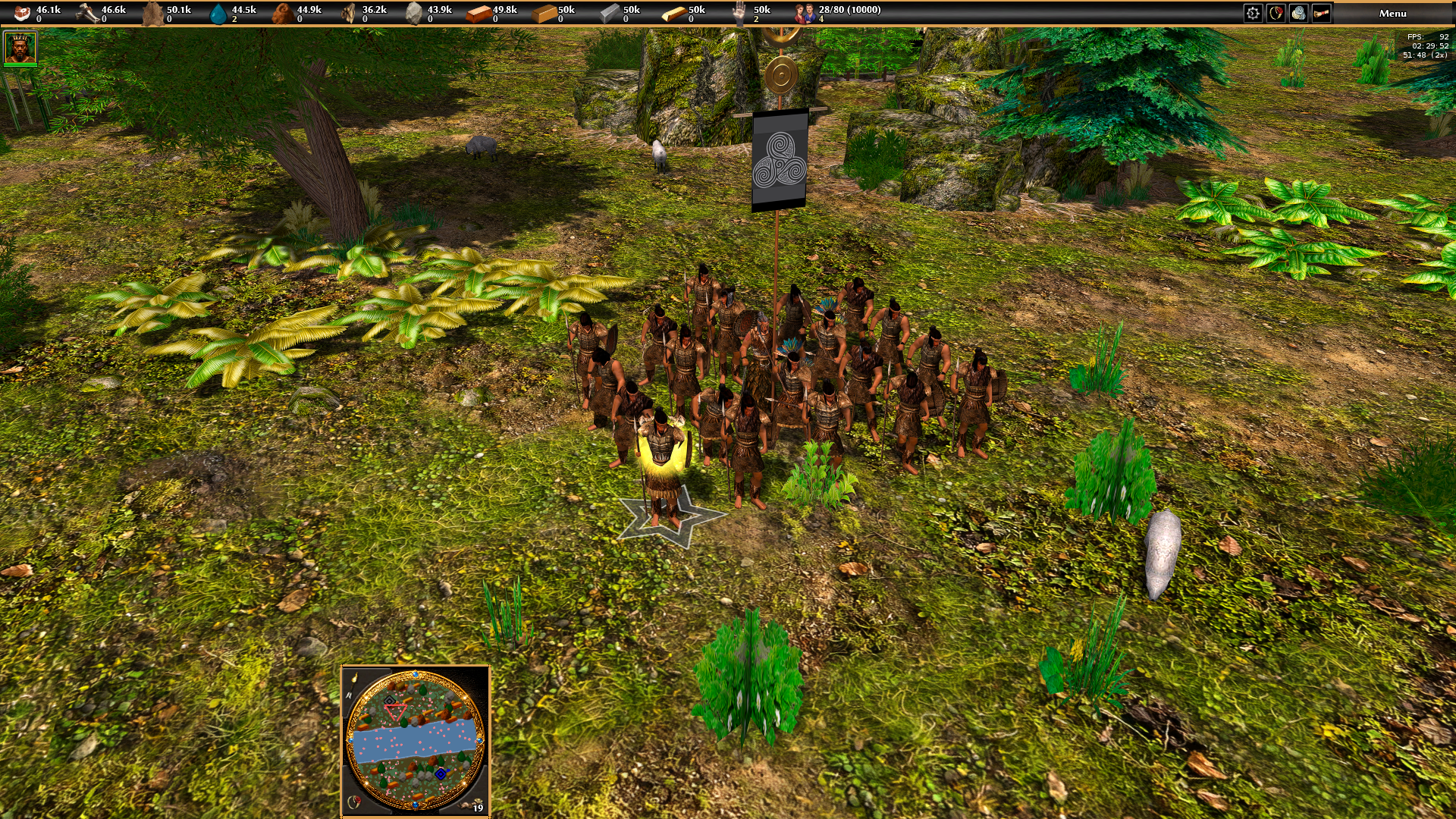
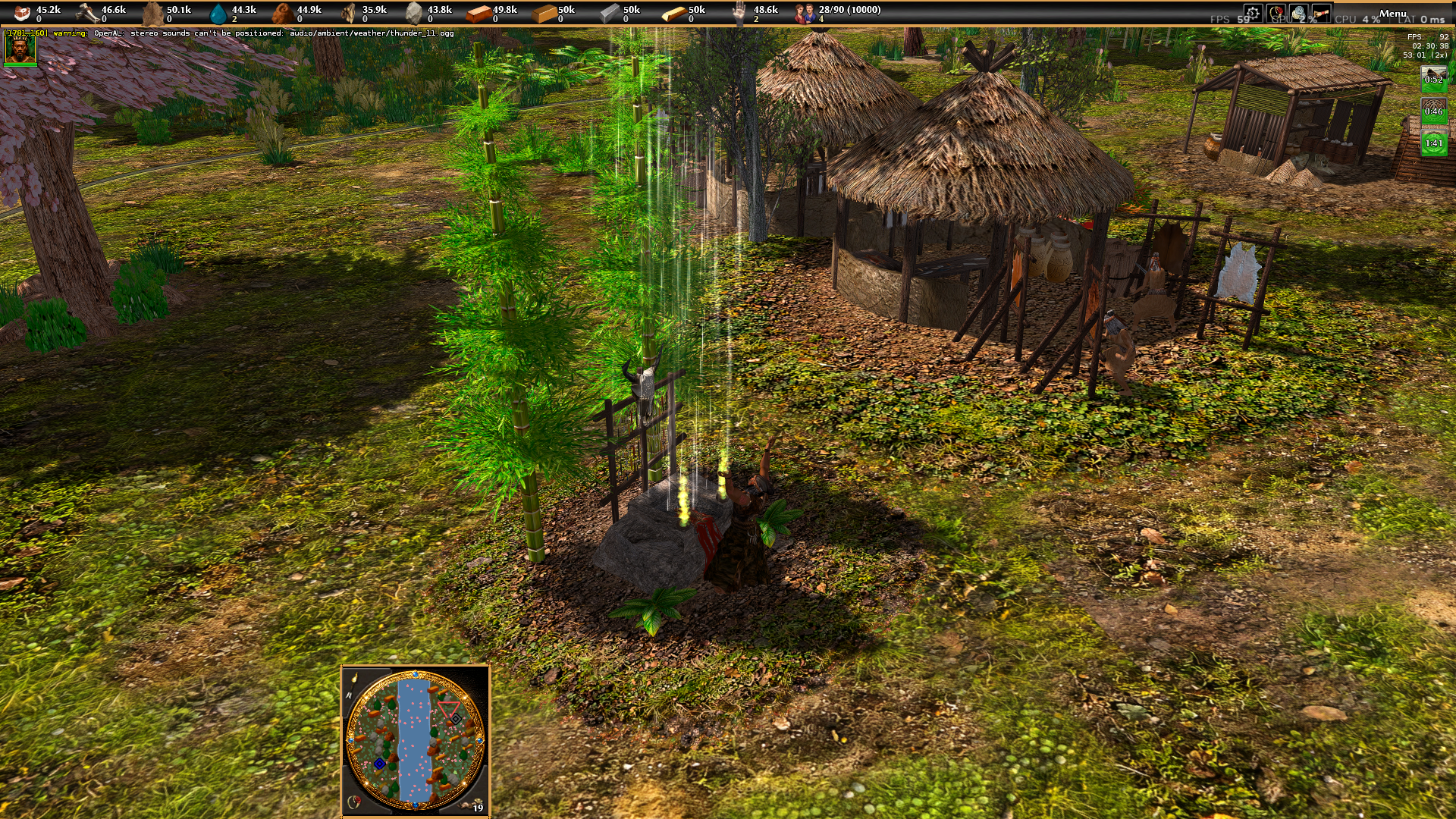
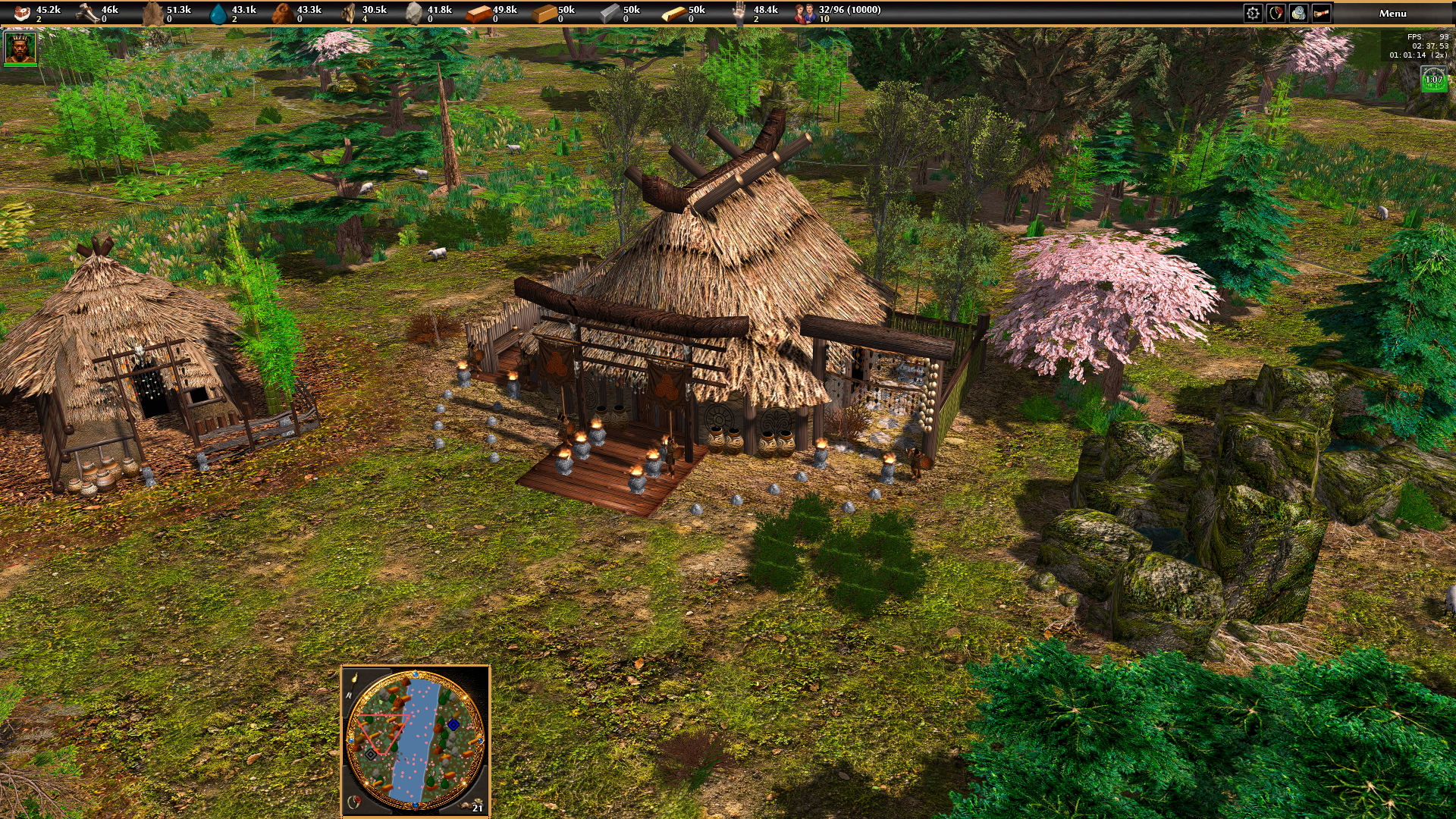
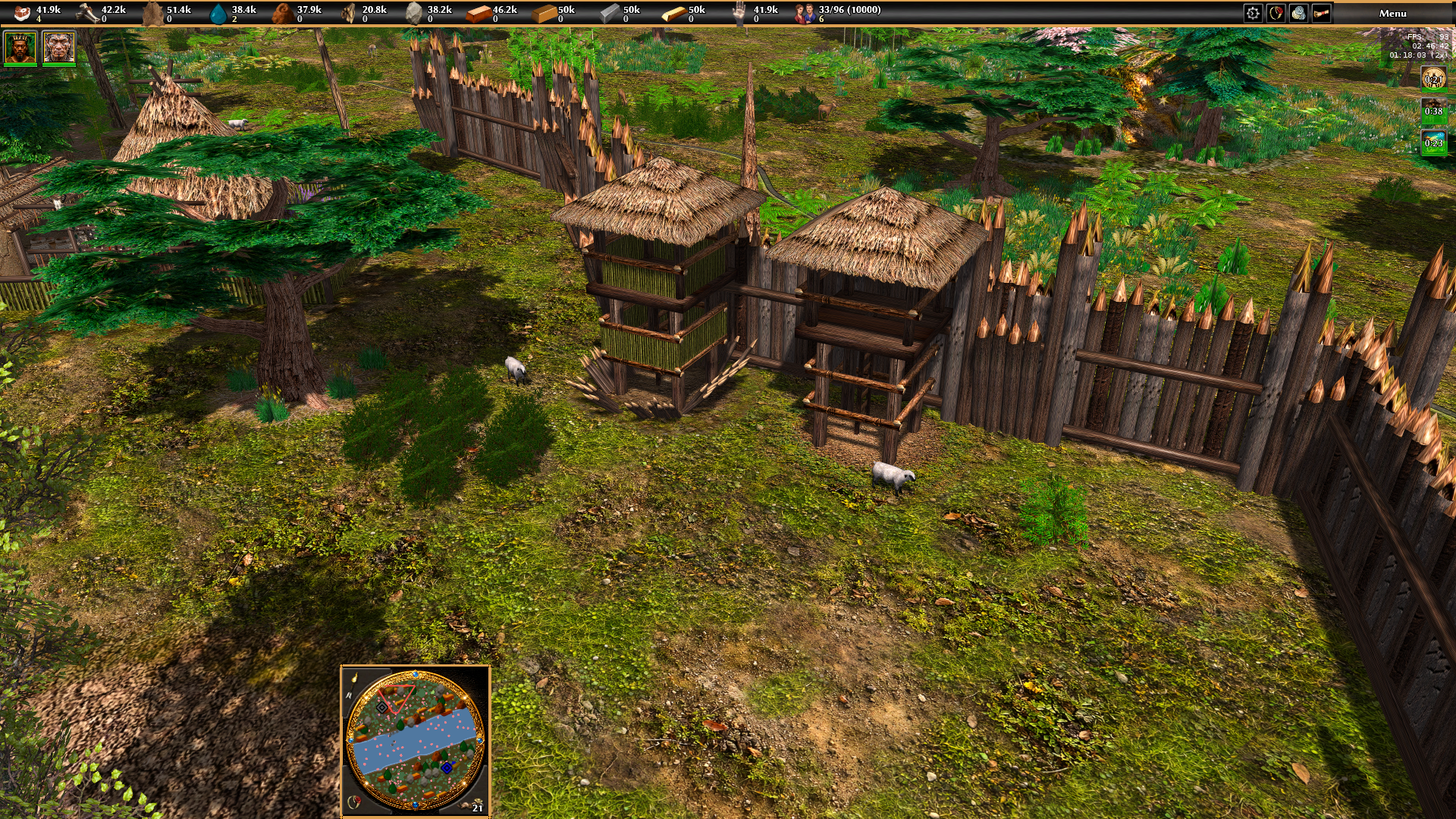
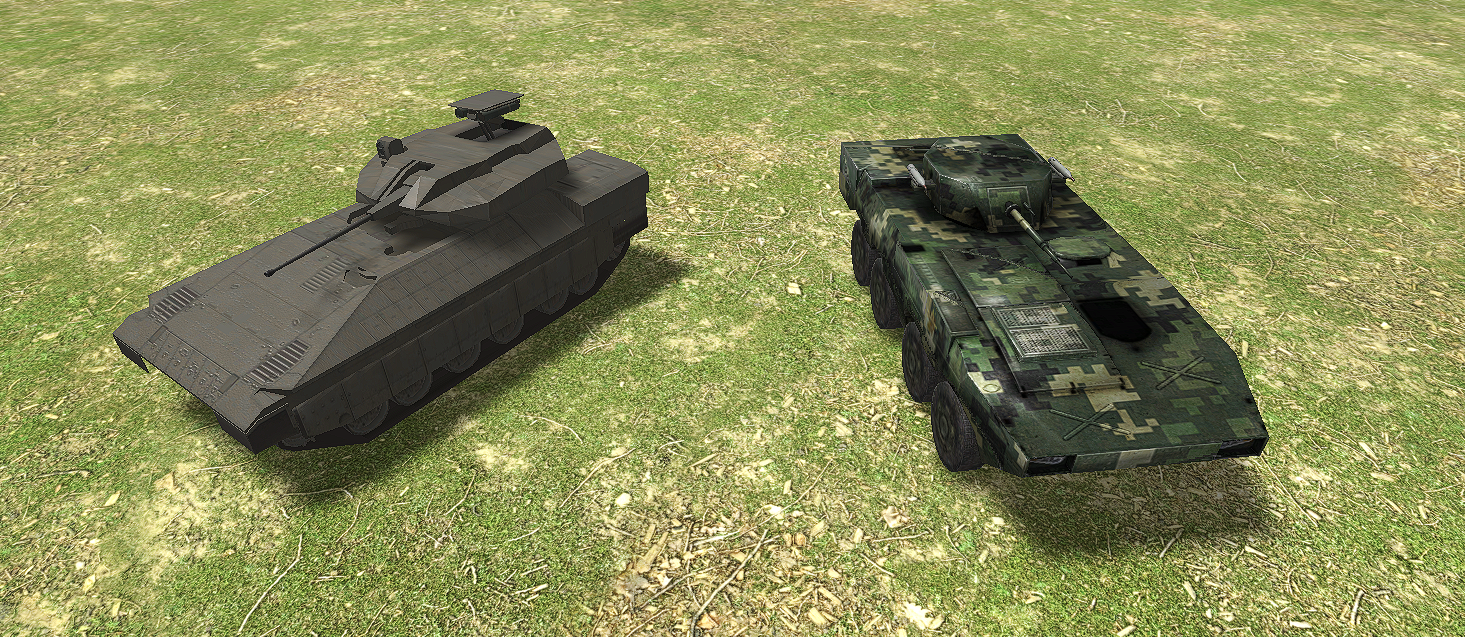
Hello everyone! I’m here to share some more news about my mod, World Rising! Over the past few days, I’ve had to spend quite a bit of time fixing several meshes from the 3D models I created, mainly to make sure the lighting works properly across all objects. There are still a few meshes that need some adjustments, and this work ended up changing my plans a little for the next few days. Since I’m developing the project on my own, I’m trying to follow an approach that I consider very important: create, test, and optimize at the same time. Instead of leaving all the problems to be fixed at the end, I prefer to make some progress, fix what needs to be fixed, study the results, and constantly evaluate what can be improved. One of my biggest priorities is making sure that World Rising remains lightweight, visually appealing, and runs smoothly, even with thousands of assets being rendered on the map in real time. Because of this, I’m reviewing models, meshes, textures, and other elements to find the best possible balance between visual quality and performance. It’s a huge challenge! Especially when working alone on a project of this scale, but we’re moving in the right direction, and little by little, World Rising is taking the shape I originally envisioned. For now, here are a few images from the development process. I’ll be sharing more news and updates soon! Feel free to comment, share your opinions, criticism, and suggestions, and take part in the development. Your feedback is always very welcome! And a special thanks to Stan, who pointed out the mesh issue and helped me notice an important problem that needed to be fixed. Thank you to everyone who continues to follow and support World Rising!
-
there's a red sea map, but oman is missing a chunk
-
what games do you play besides 0ad?
LeJardindEpicure replied to grepmaster's topic in Introductions & Off-Topic Discussion
Arma III Arma Reforger Holdfast : Nations at War Sim CIty 4 Deluxe edition ps : Holdfast is a wonderful game with a fantastic community ! And defending our empire against the perfidious Albion is a must. - Yesterday
-

Map making support and conversion tool: post-Atlas
Thalatta replied to Grautvornix's topic in Scenario Design/Map making
Wouldn't it be better to use what the game uses? "Civilisation" appears in the UI, UK English then. Although I don't know how consistent this is. -
Map making support and conversion tool: post-Atlas
Asher replied to Grautvornix's topic in Scenario Design/Map making
I think I activated it in-game after the program was already running, but I had to restart the program for it to recognize it. Maybe if you could add a refresh button? You should be able to edit these things in the Atlas editor, but I was thinking it would be nice to change some of this stuff in your program. Maybe it is not that important though I think it could show the naturally occurring food (excluding fields and corrals that spawn with the map), and you could just put a note that says "excludes fields and corrals". But, do whatever you think is better, I don't think it is that big of a deal Oh, sorry. I didn't realize that. Then I guess it isn't a spelling mistake. I probably doesn't matter that much, it is close enough I mean, like if you clicked start, but then realized you forgot to do something, then you could just click stop instead of having to let it finish running -
Map making support and conversion tool: post-Atlas
Grautvornix replied to Grautvornix's topic in Scenario Design/Map making
@AsherThanks for your comprehensive review! Let me try and resolve things ... Was the mod that provided the missing resource for the map activated in your game (and saved) ? (if not, the tool does not see it.) This is a great idea - normally I would have thought that this is defined by the map creator in Atlas already, or on an existing map the map author has a specific scenario in mind (hence the name scenario map). Will integrate that - with that warning, though. In any case the original map is never modified by the tool unless you explicitly request that using the "edit map in place" button. Please clarify! That was a decision is because food resources are also part of what you will be building (fields, corrals). If you consider it useful we can certainly add natural food resources like fish, berries/fruit trees/edible animals etc. This could show a maps initial nutrition potential. Will change. Ok, got me - I used UK English and you are requesting US English. Will change. Had the same observation when I had installed the map already in the target folder in game. This is a logic bug. Will change. But wouldn't that potentially stop the process in the middle of something, i.e. in a non deterministic situation? This should then remove the product of conversion. Or do you want to stop the process when processing batches of maps after one map has finished befaore the next one is started? That's another bug to fix. The conversion from persian to achaemenid somehow was wrongly assumed to have happened pre-R0.28. Will change. -
Indeed the GUI of Atlas is powerful but not particularly user friendly in my opinion. Started working on it using python. Approaching the editor from two sides - a map analyser/checker/covnerter called "post-Atlas",see this thread: and a map skeleton preparation tool referred to as "prep-Atlas" (not yet published). Actually I would like to modify the ATLAS UI itself but this is a larger task.
-
It just needs a more accessible layer on top of the JS code. I've been using it for my campaign, and despite the bugs and complexity, I see a lot of good qualities. Heightmaps, for example, are super fun.
-
Map making support and conversion tool: post-Atlas
Asher replied to Grautvornix's topic in Scenario Design/Map making
I would add (see below) to _CIV_DISPLAY_NAMES in civ_data.py, because if you are using 0ad 28, they are pers, but if you are using 29, they are achae "pers": "Persians", -
Map making support and conversion tool: post-Atlas
Asher replied to Grautvornix's topic in Scenario Design/Map making
Another thing, I changed the current map, but on the convert page, the Test in Game button stayed the same, instead of changing back to Convert. Also, a stop button would be nice in the convert section -
Map making support and conversion tool: post-Atlas
Asher replied to Grautvornix's topic in Scenario Design/Map making
Also, it says in the Analyze section under Resources that food is not counted. I guess, why? Is there a certain reason why you didn't count it? Also, the tab Analyze is spelled wrong. It is currently spelled "Anaylse" (replace the "s" with a "z") -
Map making support and conversion tool: post-Atlas
Asher replied to Grautvornix's topic in Scenario Design/Map making
@Grautvornix, so I was getting some warnings and errors from a certain things on the map which weren't in the base game, then I loaded the game and the mods folder, but the warnings were still there. They didn't go away until I restarted the program. If you could make a button so you can refresh the errors. Also, if you could be able to edit certain things, like description, what civs the players are, if the players are bots or humans, ect. I think that would be helpful, so you don't have to have both this and scenario editor open at the same time, to make some of the smaller changes. Hopefully you don't think that I think this is horrible, it is just my feedback, to make it better; I think this tool will be a pretty usefully helpful -
Map making support and conversion tool: post-Atlas
Grautvornix replied to Grautvornix's topic in Scenario Design/Map making
@Asher Here is a bit of feedback on dependencies on entities in other mods: post-Atlas already reads dependencies and shows them on the Analyse tab. What it does not do is connect them to the entities a map places — which is your actual request A maps mod.json provides Dependencies as a real key: "dependencies": ["0ad>=0.28.0", "millenniumad>=1.0"]. Operators are <=, >=, =, <, >. A dependency with no operator is not checked at all. CheckForIncompatibleMods only compares when it finds an operator in the string, so "dependencies": ["millenniumad"] is documentation, nothing more. Write millenniumad>=0 if you want it enforced. CAVEAT: It requires the other mod to be enabled, not merely installed — the version table is built only from the mods in that launch list. It names the mod's name key, not its folder. The base game is 0ad, though its folder is public. Proposed solution: Today a template that isn't in public or the map's own mod produces entity-template-missing, a FAIL, while another mod might have it. Four steps: When templates are missing, search the other mods in the selected install — its own binaries/data/mods and the user's Documents\My Games\0ad\mods, both of which Session already knows — for simulation/templates/<name>.xml, and for actors under art/actors/. Only when something is missing, so nothing slows down. Report what was found by name: "structures/mil/tower is in mod millenniumad (Millennium A.D. 1.2)" — the finding turns from "broken map" into "enable this mod". Where nothing is found: say plainly that these are probably from a mod not installed here, and name the count. Check the map's own mod.json against that: entities from mod X with X not in dependencies → WARN, with an automatic fix that adds X>=<installed version>. write_mod_json already preserves keys it doesn't own, and the converter already writes the file. Conversion and Test in Game: carry the dependency into the converted mod's mod.json, say in the report which mods must also be enabled, and add them to the -mod= list when launching. The other issues, inactive buttons not being visible on dark schem, missing light scheme, missing tooltips Are also addressed. As usual I'll put the release into the top message of this thread. Let me know if something is missing or failing! -
Dang, I really should start tryharding 1v1s
-
the one big potential i can also see in 0ad is that you can write an entire js code and then use it in your maps. This opens a new horizon to many new opportunities of making new and innovative maps.
-
> 2. Upgrade Atlas Make Atlas a true scenario creation environment – with objectives, events, dialogues, reinforcements, ambushes, and dynamic gameplay. The creator should be able to focus on story and gameplay, not constantly think about the code required to make an idea work. THere are a lot of problems with the scenario maker, 1. It feels outdated 2. It is outdated 3. Has some Bugs 4. The js code required is too much complicated
-
 Our first Release 28 community mod is up on the 0ad mod downloader. you can also get it straight from the 0ad community mod gitea page (https://gitea.wildfiregames.com/0ad/0ad-community-mod) With this version, the goal was to tackle some relatively simple balance changes, some of which have been in high demand. Fanatics HP, hack damage, and hack armor reduced. Persian immortal HP reduced (both melee and ranged), ranged version damage and accuracy were reduced. Heroes may no longer be used to "bait" enemy units, as Heroes are removed from the preferred target class for all units. Champion cavalry and ranged champion cavalry HP reduced from 260->220 and from 220->200, but wood and metal prices were reduced. This, combined with speed reduction is intended to bring their population efficiency closer to infantry champions. Cavalry speed was reduced by 15%. Scout ship counter damage vs ships reduced from 3x to 2.5x, range reduced, and price increased from 50f 50w to 50f 100w. Foundation pierce armor increased from 10 to 20. (Foundations take 66% less damage from pierce attacks). Capture balance: Civic center capture points increased from 2500 to 3500. Fortress increased from 4000 to 8000. "Sentries" tower upgrade now also increases tower capture points by 50%. "Professional garrisons" fortress upgrade now also doubles fortress capture points. Scipio's Capture attack aura removed. See https://gitea.wildfiregames.com/0ad/0ad/pulls/8892 for more. Germans buffs: Champion axeman unit metal cost reduced from 100 to 80. Seeress damage aura range increased from 15 to 20. Seeress armor increased from 2->3 hack armor and 4->6 pierce armor they remain unaffected by blacksmith techs. Wagon encampment price reduced from 350w, 150s to 275w, 100s. Feel free to see the full changelog in game thanks to @guerringuerrin. As always, please give us some feedback about how these balance changes go.
 -
I might make another for this tournament @Atrik
-
That's why what I propose is simply reversing what's already there. You could leave fields and think of it as "transplanting": avoid unnecessary extra rules. Peace time and ownership rules are also incoherent: you can build while attacked, you can Self-Destroy while owning over 50%, and you can gather resources while being attacked. It's again hyper-realism when similar processes are already abstracted, which doesn't make it intuitive. The building should build down (reverse of build up), and the workers animation could be that of gathering wood, stone or metal: looks different and it's appropriate. I think you'll need an icon for Salvage different from Self-Destruct, otherwise you fall into making salvaging too simple and rewarding by merging both concepts, as previously mentioned. The panel needs reworking anyway since important icons like Capture are not being shown, which is an abysmal design mistake. In the meantime, further down I'll mention a possible solution not to have both icons in the panel. I know, the parenthesis was there to have only relevance when combined with the parenthesis in "I agree doing so should be part of the game (with those big engines being extremely slow in return)", since I agree with this only for the big engines. I see, but one has to check for that weird condition, greatly harming players' attention, and adding micro if one wants to move things around just in case. I have an idea to solve both this and deal with the two icons: if you want to select units and buildings, you have to do it quite on purpose, since a drag selection ignores buildings. Considering this, and that for now it's not ideal to take button space with both Salvage and Self-Destruct, I'd do things like this: -if you select either ships and a Dock, or siege engines and an Arsenal, the button that appears is Salvage. When pressing it, the units would move to garrison in the selected building to be salvaged (which should be queued and each could take the same as their production time, to reverse that process, or at most accelerated by a certain factor, but this is just adding rules). -if you select workers and any structure, the button that appears is Salvage. When pressed, what happens is what was previously described regarding animations (which should take the same as building time, to reverse that process, or at most accelerated by a certain factor, but this is just adding rules). -for any other kind of selection, the button that appears is Self-Destruct. This should work as now (no rewards), except that I'd make it take a time depending on HP (1000/s drain, or building/production time accelerated by a certain factor, which in this case is indeed necessary), and I'd queue buildings and units independently to avoid its abuse (from AI mostly, apparently). All this minimalistically does what you basically want to do, removing the visual checking of an arbitrary radius for Salvage to work, by instead selecting who does what where, and if elements are not correctly specified, then the default action is the less rewarding Self-Destruct. Only one button would show up at a time. All as mentioned: draining times should be variable, cancellation by attacks doesn't seem coherent with present rules, and not queuing is not reversing the process, while not queuing in Self-Destruct would not solve the collapse issue mentioned, of course.






-
Latest Topics
-