Leaderboard




Popular Content
Showing content with the highest reputation on 2026-04-06 in Posts
-
5 points
-
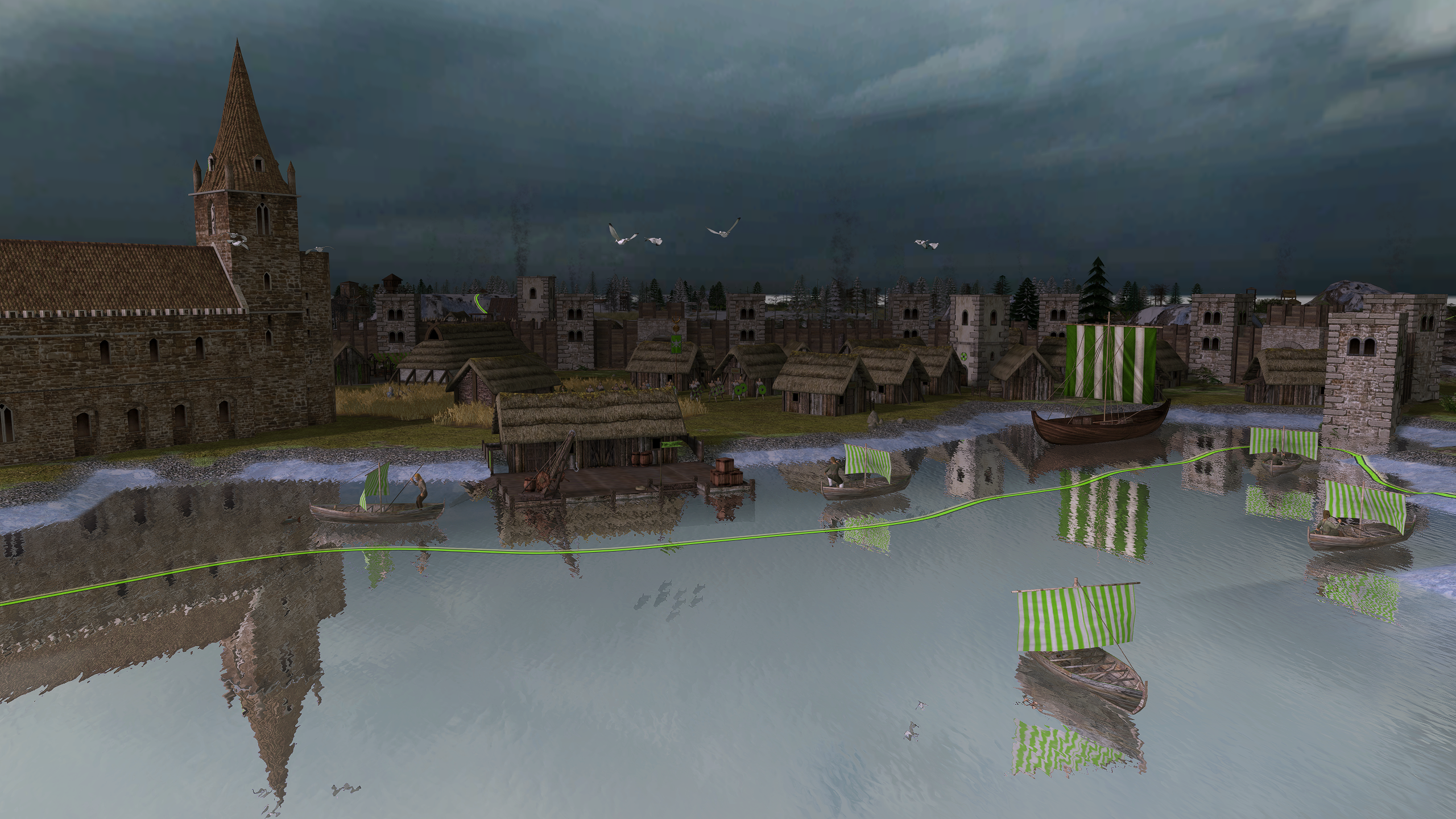
It's the wonder of the Anglo-Saxons, Church of Brixworth https://en.wikipedia.org/wiki/All_Saints'_Church,_Brixworth https://wildfiregames.com/forum/topic/22783-1000-anglo-saxons-all-saints-church-brixworth-wonder/#comment-3366033 points
-
3 points
-
3 points
-
And is it possible to merge it with the other simultaneous thread? (Maybe not). The opposite happens to me... icons and numbers give me the vibe, a bunch of text boggs me down. Besides, in the text the numbers are written down also. Yes please. And simple ship ramming animations3 points
-
3 points
-
Yes, following the standard currently used in 0 A.D. and this proposal, it should be: Unlocks "Scale Body Armor". I also think an elegant way to remove the quotation marks would be to use color to highlight the name of the unlocked technology. In this thread (which I finally found, bc we went totally offtopic ), @Atrik and I were discussing different designs for unit stats tooltips:3 points
-
Unlocks "Scale Body Armor" No "." at all3 points
-
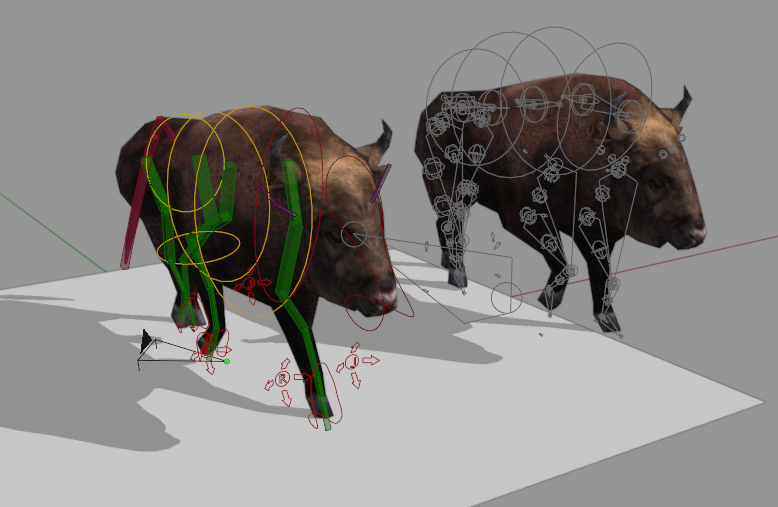
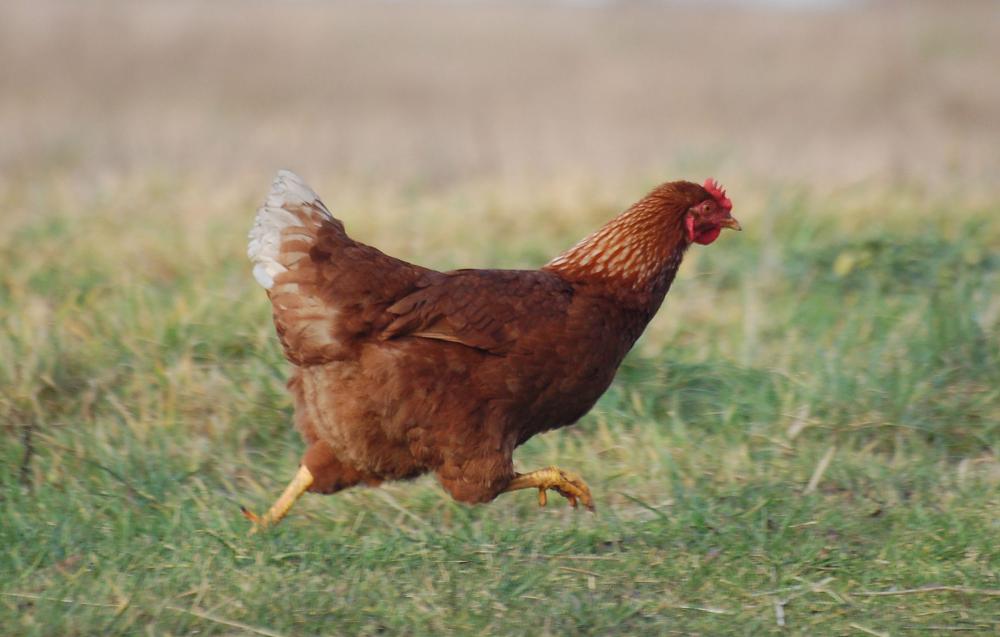
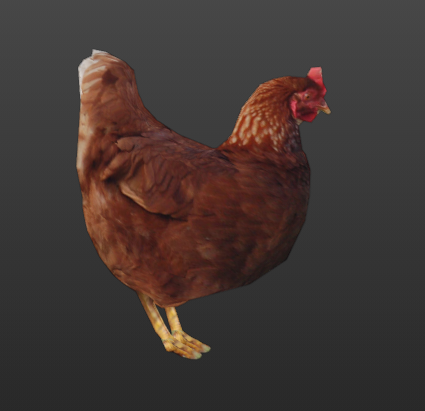
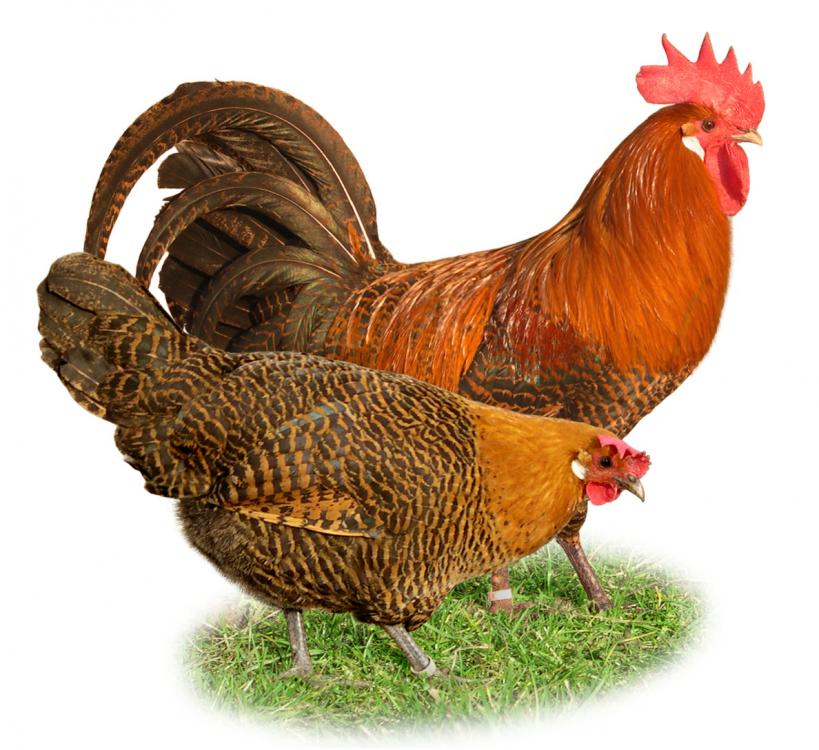
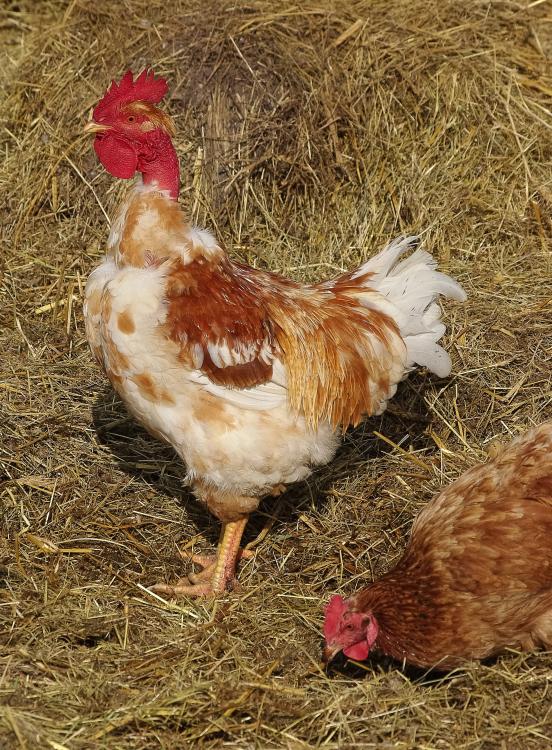
WIP: Armature Redone. Easier to handle. armature name: bison_... please correct me if another quadruped has the same name cause will break the game.
 3 points
 -
WIP: Animations: IDLE 5 DEATH 1 WALK 2 RUN 3 FEEDING 1 Source diff: diff: Have 4 ref more.
 2 points
 -
I love options as much as next person but that's more dev time too.2 points
-
Sounds nice! But just side note nobody disagreed here we could make improvements , the issues has more to do with priorities, time limitations, and the fact everybody has own view on what would be best. This option exist but not sure to what extend it's used/customized by players. Maybe ideally we would have support for expanding tooltips to help make it easy to have both summarizing and exhaustive tooltips at once.2 points
-
No. (On Windows) The game either reads C:\Users\YourName\Documents\My Games\mods or 0adInstallLocation\binaries\data\mods. If you run the game with -writableRoot flag, then it only reads the later. Mods installed through modio are in the former, unless you're using the flag. mods installed in 0adInstallLocation are only visible to that specific installation.2 points
-
I'm with @wowgetoffyourcellphone on this one. I find the current tooltips show way too much information. Along time ago I even locally made some mockups revamping them, but I'm afraid those have been lost to time. In fact, I thought about using bars to visualize numbers like attack damage and resource gathering speed, which is still an idea I like. It would be cool to work on this, but for me it's a matter of time, I have so many things I'd love to implement, but they take time and I can't work on too many things at once. I genuinely hope, though, that I'll get to it eventually and I'd also be happy to review PRs for it. @wowgetoffyourcellphone, same for your viewer mockup. https://gitea.wildfiregames.com/0ad/0ad/issues/6860 (I personally prefer icons, by the way, and it would also be nice to add an option to choose between reduced vs extended tooltips)2 points
-
Hi, I followed the path from this post: On Windows (Vista or newer): C:\Users\{name_of_user}\Documents\My Games\0ad\mods\ On OSX: ~/Library/Application Support/0ad/mods/ On Linux: ~/.local/share/0ad/mods/ (may be found in GUI via Home/.local/share/0ad/mods/)2 points
-
27 whitout IK's will manage to bake those actions whitout IK'S 4 ik legs (Maind and poles) 1 Ik Head also will try to bake the leg as a front render with a mesh to avoid blurry diff2 points
-
Textiles indeed comprise an important part of ancient (and contemporary) societies, and adding them to the game would enrich it for sure, but please note it is a manufactured good and not a resource.2 points
-
My absolute focus on Gitea is to get what I would think of features for the game to feel great. We should get formations actually useful, add some effects like knockbacks, charges, and other discrete unit abilities. It's almost sad to have a game with elephants that anything can get in it's way, when it actually should be the battle line breaker for example. I have my own preferences about how tooltips should be, I like them to be here for you to get any piece of info about how the game works a player would want to know. Each element can provide important insights for decision making. For example here is a tooltip I like for building capture bar: I don't count neither how many tooltips (there are literally hundreds) that I reworked over... multiple times... I don't want to exhaust scarce reviewer time and own on it at the moment, because it's often very subjective as for what's best, so easily a time sink. And the UI can anyway be modded anyway, like you do in DE too. So for the time being that would be a pass for me.
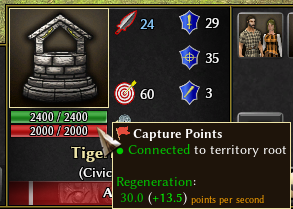 2 points
 -
Perhaps I'm necro-posting here, but I've always preferred cleaner in-game UIs without numbers everywhere. I'm a vibe player and don't drill down on numbers too much, especially when the game is real-time and fast-paced like 0 A.D. is. In single player, one can read read read to one's heart's content, but in the heat of battle I really don't want numbers bogging me down--only the performance and abilities of my troops matters. What they are good at. Who they counter. What they don't counter. What counters them. In the Unit Viewer we can pack as much information as possible, but in-game, I'd personally prefer minimal, which is what the current layout, more or less, provides. I have my own quibbles with the current UI layout, but those are mostly with the popups -- the unit viewer, the tooltips, the diplomacy screen, etc, which can all be vastly improved. Here I've been (for the 70th time) working through some tooltip layouts: We could definitely post more threads on the various UI topics and I'm more than willing to mock things up. It would be nice @Atrik if with your skills you'd be willing to mock up some working examples from what we discuss. It's something I think we could start to transition to Gitea with @Vantha and others. I think it's high time we actually, truly improve the UI in these areas. Add some real polish if we're ever to put this game out to the wider world on a platform like Steam.2 points
-
@Asher, My advice is to download a mod from Github, for example, and get it running. Analyze the mod's files closely (I recommend using VS Code or something similar). Start with something simple, (Create a new unit, or change the name and icon of a civilization) with this you can find most of the errors by reading the logs.The manuals are a good starting point, but that doesn't negate the fact that the best approach is to modify existing mods to achieve a greater goal. Believe me, the learning curve is quite steep.2 points
-
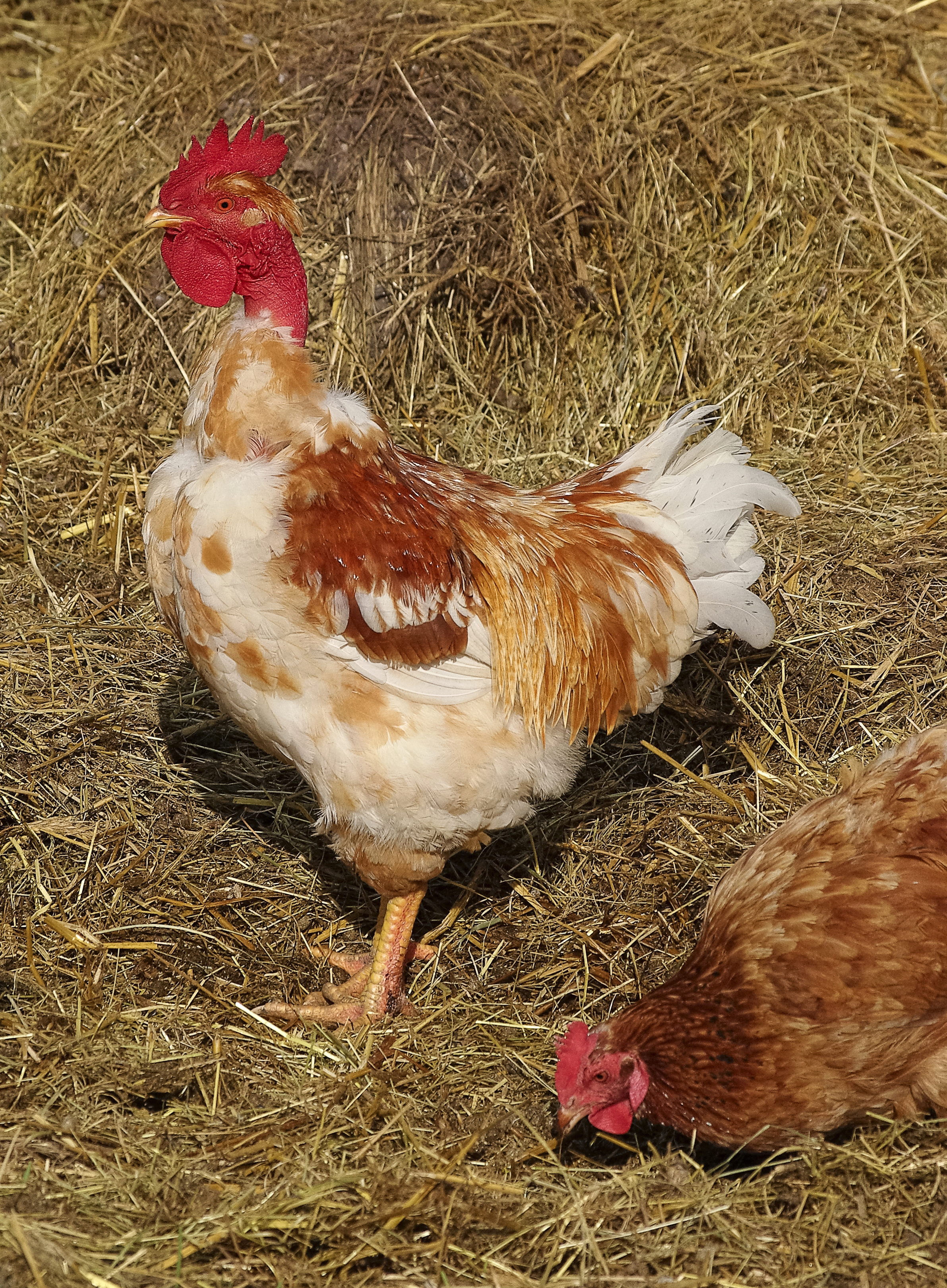
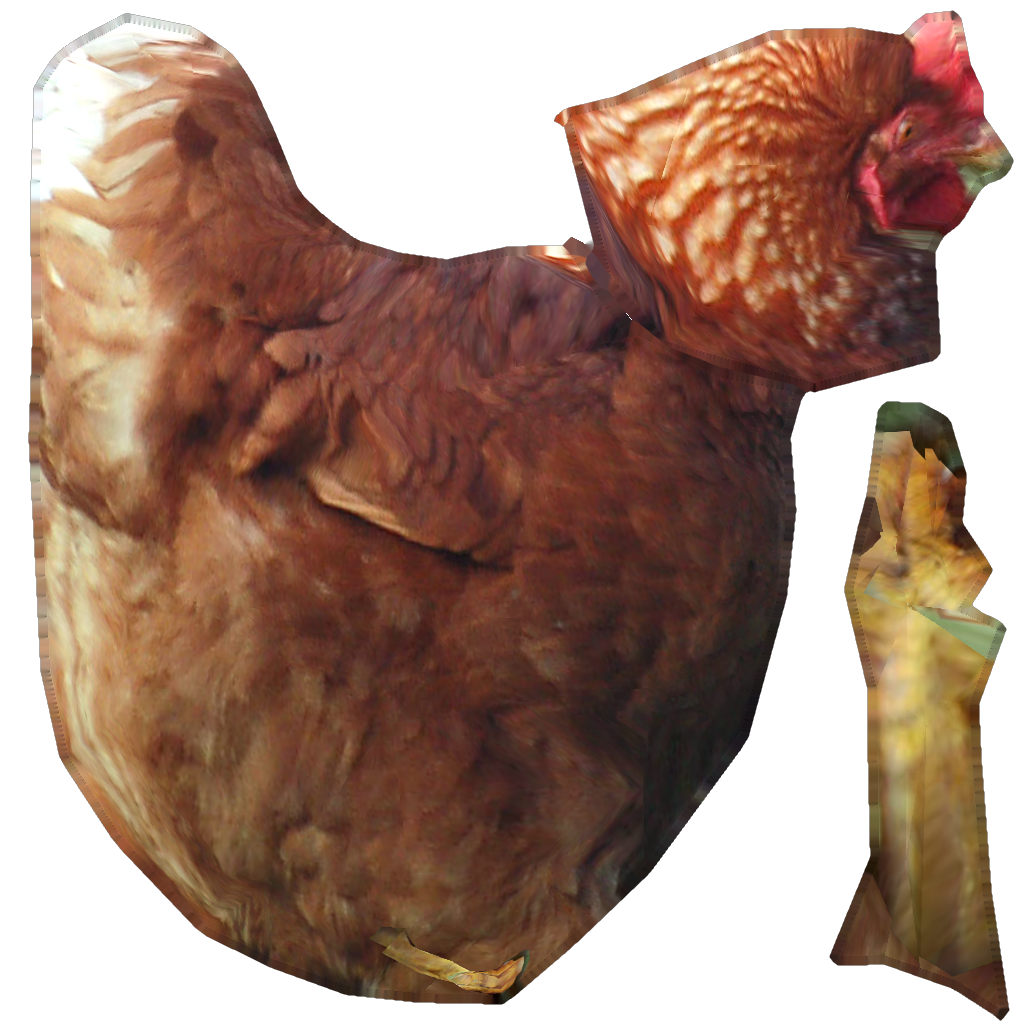
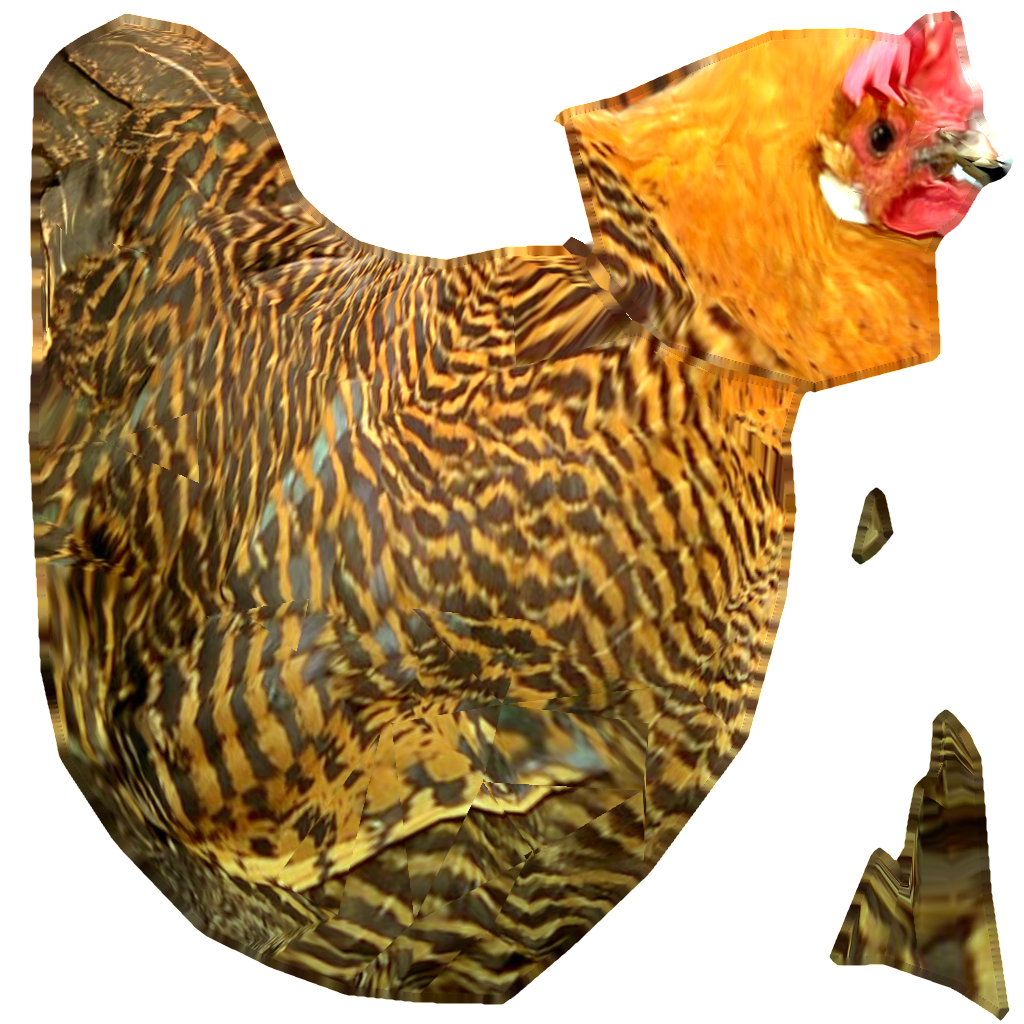
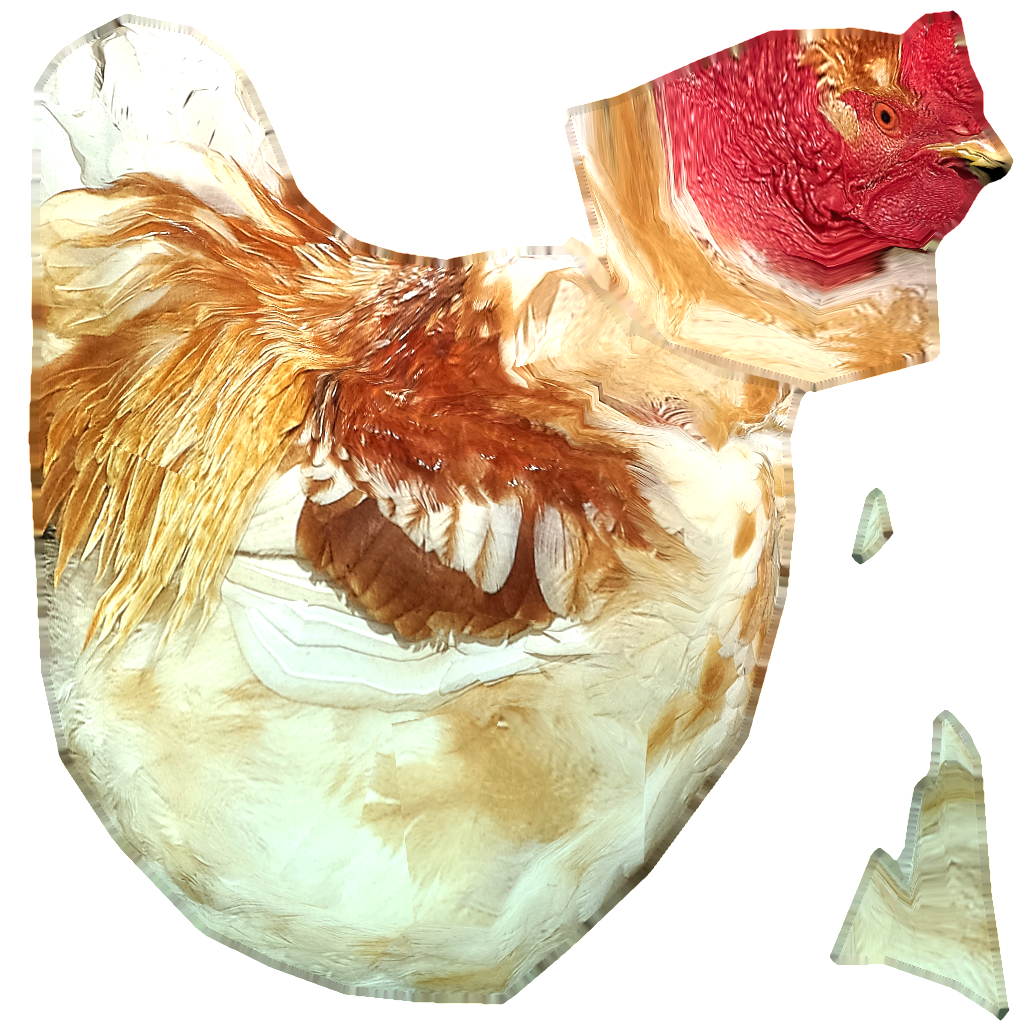
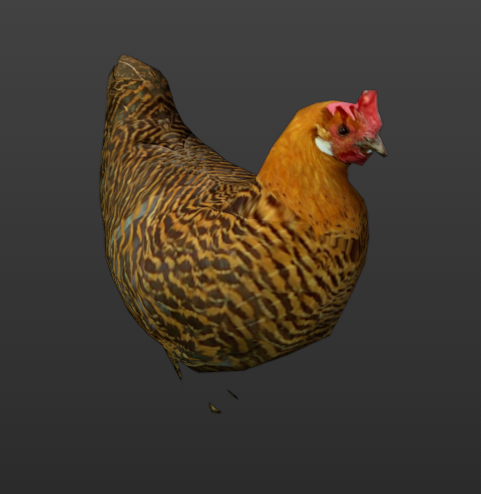
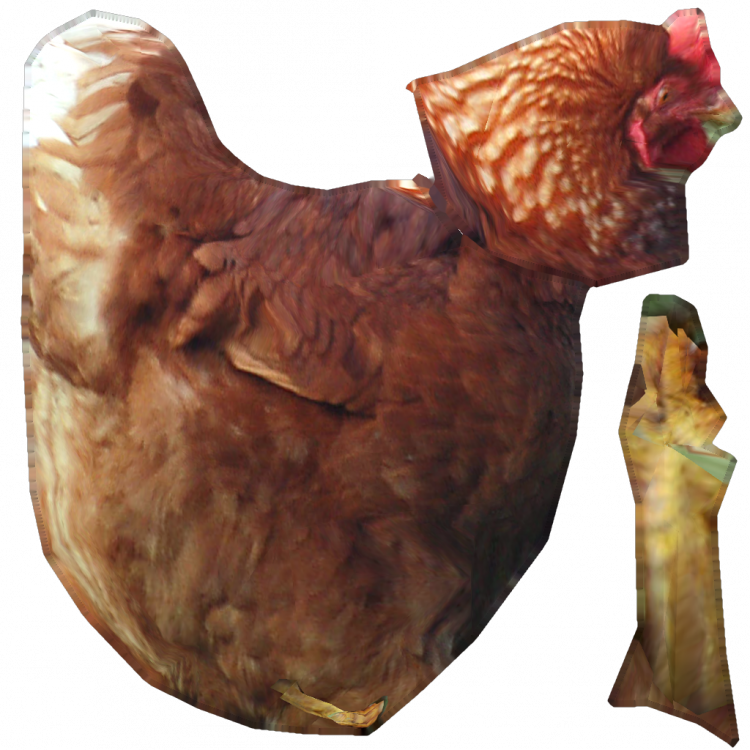
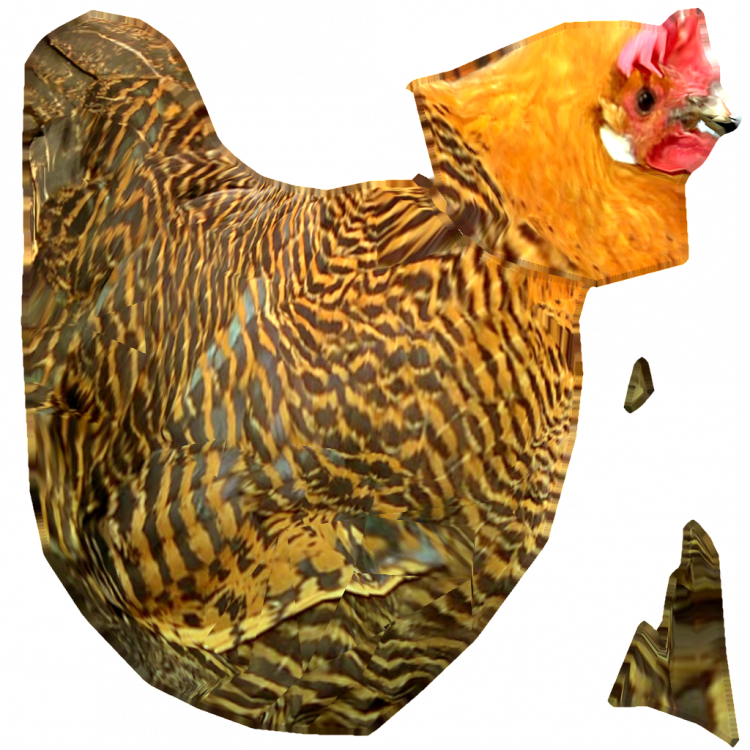
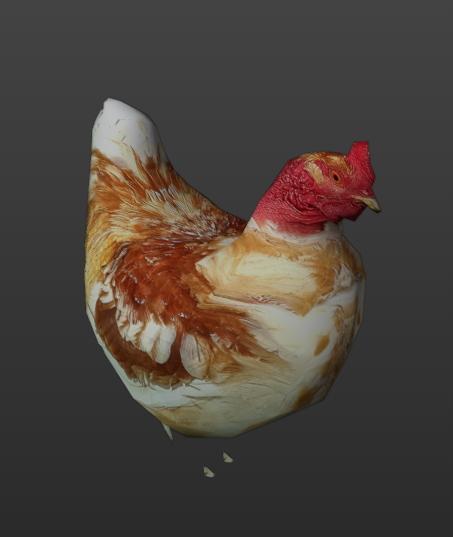
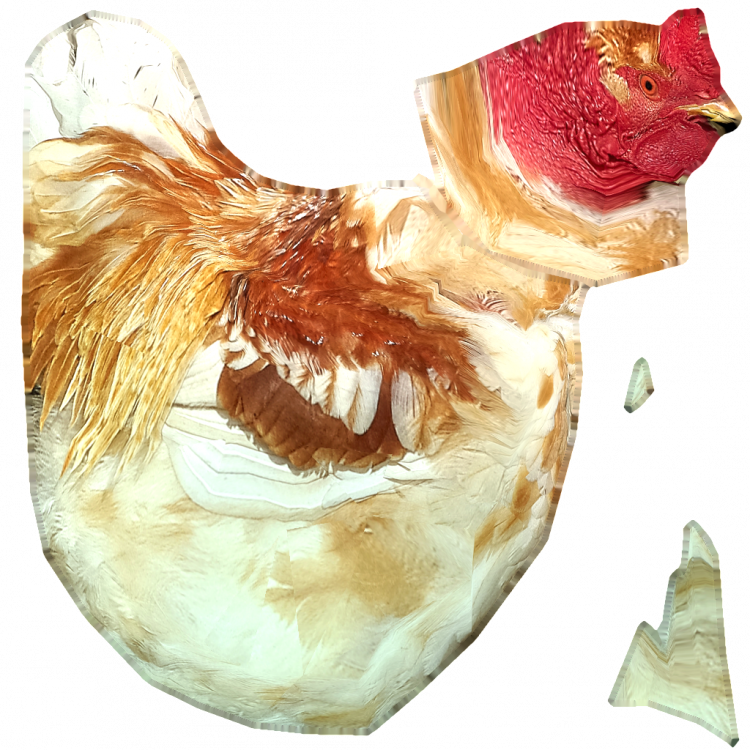
will do adjustment's to idle ones. UPDATE: Texture variants baked:
 2 points
 -
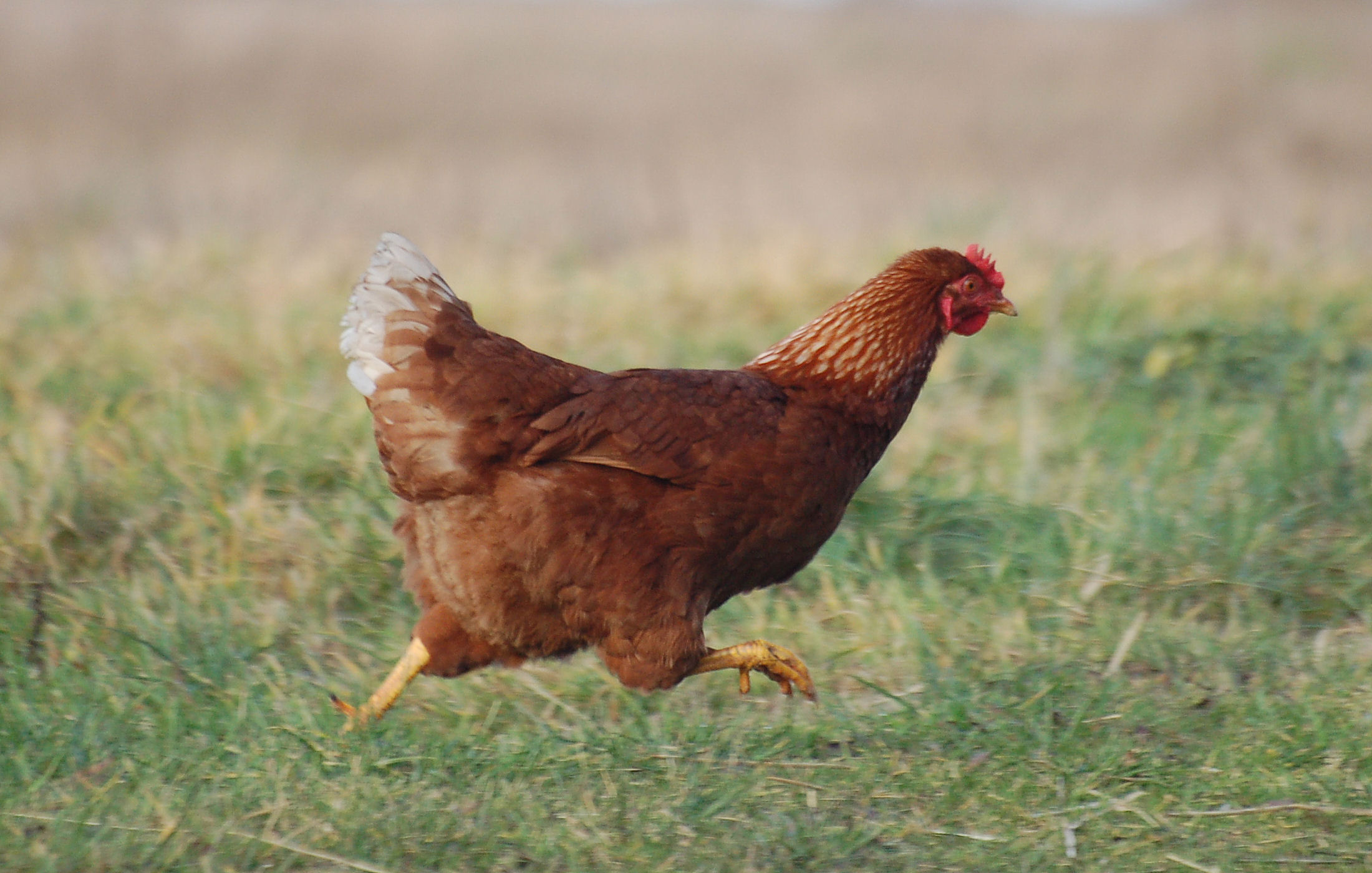
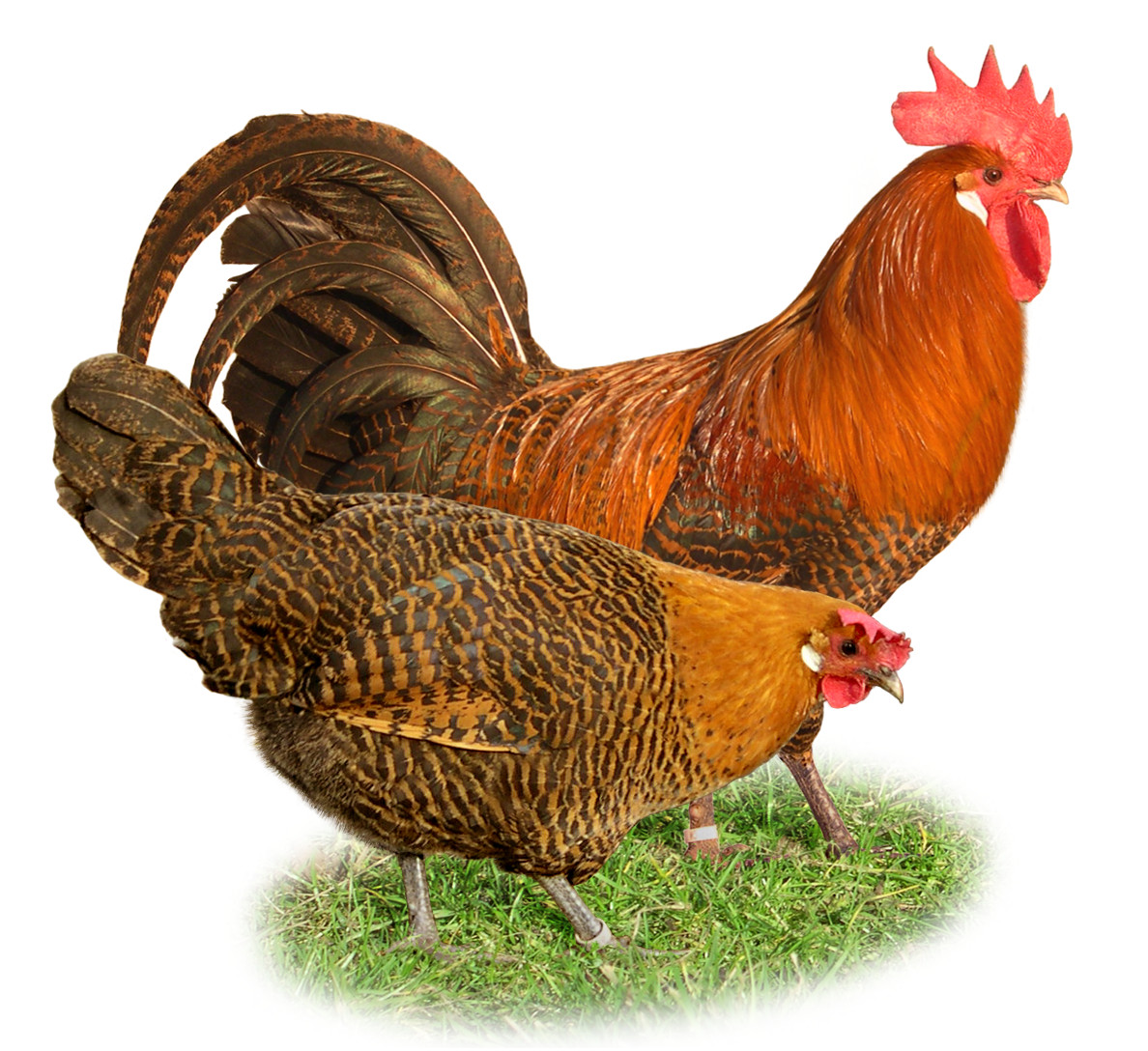
Cool to see you are back working on 0 ad art! Keep in mind chickens often need to hold their head in place for a while to see sharp. 00MXQO1tPYYnnvopyGzHYZLB7vcV0oq9ewfQ5z_ssTA.gif.mp42 points
-
You updated the maps, but I didn't sign them. Each release has to be signed. Else it does that. I'd recommend against ticking the make release live when uploading a file.2 points
-
What did you have for lunch? Also, happy Easter!1 point
-
bobbing head like pidgeons? sure! for multiple texture baking you just need to make another variation of the mesh (duplicate mesh) add a new material so your uv's doesn't get lost, and use another reference (picture) and adjust the uv's to the new reference for bake variations if its possible.1 point
-
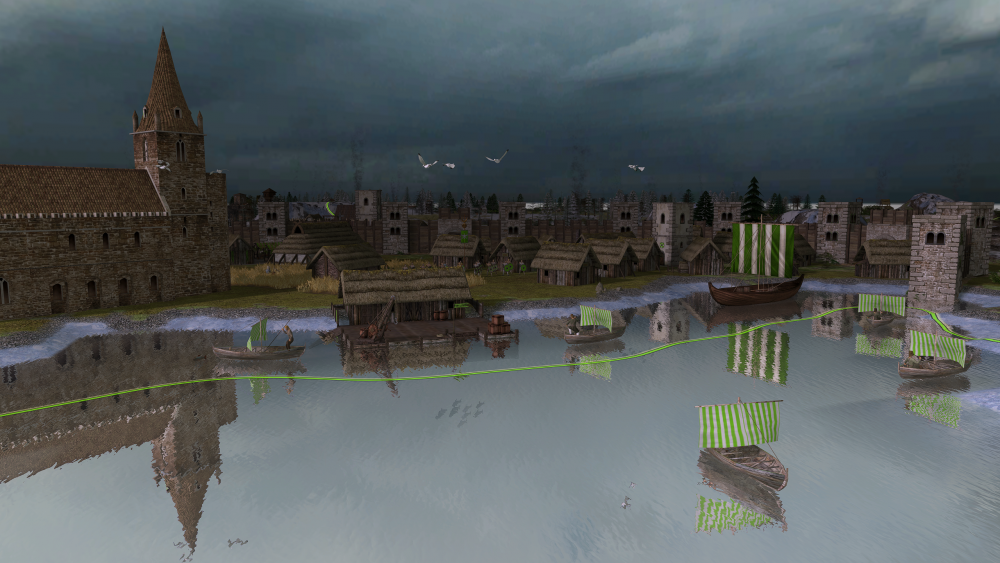
Which faction is that? Looks amazing, that monastery at the left is like from a picture.1 point
-
I like the texture variations, how do you make them? What would you think about adding this to the walking animation too, so the head stays at one place for a second, then quickly moves foreward and we get the typical head bobbing walk, something similar to what pigeons do? Same for feeding, stabilized head for a few secs, then sudden fast head movement, or some neck stretching and stabilized view looking out for predators? Anyway, great work already!1 point
-
If we cannot decide leave the dicsion to the user! I like it.1 point
-
Also, if some people prefer text and others icons, it would be great if both are menu options. This way @wowgetoffyourcellphone's improvements can stay under the text option, and if some day someone wants to do the icon variant, then that's added under the icons option, nothing is wasted and everyone is happy, I guess.1 point
-
You can blame me This is actually not a mistake, it was a deliberare decision, which I was involved in. See the discussion in https://gitea.wildfiregames.com/0ad/0ad/pulls/8062 The idea was to make the civilians' names more interesting, to change them up a bit for some civs and add historical flavor; most of the lower-class civilians in the Han dynasty were indeed farmers, and after all, the unit is best at working on fields. I was aware at the time already that this idea was not without its flaws and that someone would bring it up eventually. But I still stand by the decision, I think it's a good opportunity to reflect and teach what kind of people actually formed the lower societal class in those civilisations; and for me personally, that outweighs the oddities. And if you really need one to pick on, then please the "Carthaginian Artisan"...1 point
-
Just saw this beautiful screenshots by @wowgetoffyourcellphone showing a roman city built around a central paved town square/piazza: The game is rightfully famous for many things - but also for allowing to build beautiful scenarios. Just, if you happen to not use the ATLAS map/scenario editor, how can you build your city around a paved area? Many maps already provide such an area from the beginning, but you need a lot of planning ahead in order to allow sufficient space for builduings that can only be build in a later phase (temple, wonder etc.). Would it be possible at all to allow building a kind of paved area during the game? The typical issue would remain that it needs to be an object that can be crossed also by the pathfinding algorithm. As such it needs to be a building that, while visible, is not blocking and acts rather as a decal with a specific aura (e.g. market features, agora/politics, negative aura for files/reduced soil fertility). Upgrades from sand to gravel to cobblestone would increase the strength or range of the aura. If such thing can be implemented, it could open other interesting possibilities as well: building roads (movement speed), bridges (can be crossed by land forces but not by ships, can be destroyed by ships), channels (can be crossed by ships but not by land forces). Also we could designate/build areas of fertility/watered areas if the respective technology was invented. For each there could be technology steps (wooden bridge, up to stone bridge, farm lane to planked path to paved road etc.) Just dreaming a bit ....1 point
-
Agreed. It's not necessary, just nice.1 point
-
Latest iteration is better. Cost should be the first priority, then the explanation. Enlarged icon might not be necessary, but I am not a UI designer.1 point
-
Back to tooltips ladies and gentlemen.1 point
-
Yes, but with textiles I didn't mean the product, but the natural resources you gather to almost inevitably end with textiles, so I used it like an easy to understand category. Maybe the correct name should be (natural) fiber. Also, for some types of food, like wheat, you have to plant, grow, sow, and process it to get bread and beer. Those are manufactured goods, and invented ten, maybe hundreds, of thousands of years after the simplest clothing, as was the process to separate the gathered ores from metals, although yes, they are not "manufactured" since they existed all along.1 point
-
Since it's a bake you might use more uvspace like old textures. But it's pretty nice work. Still many bones 30 so we will have to use the lod actors.1 point
-
All that I think is one of the most important things to solve right now in the realm of stuff that can be off putting for new players. I agree with your edit later on: to show icons instead of text (and hovering on them would show the text), not only looks nicer but after a while one will interpret all that information much faster, which should be the point.1 point
-
This is definitely a good solution. As a writer, I just hate having no full-stop at all.1 point
-
There's a silly detail: should it say 'Unlocks "Scale Body Armor."' or 'Unlocks "Scale Body Armor".'? I feel the 2nd one, not only because I prefer British punctuation, but because I guess the "." is not included in the tech? And to end with ".", like the other points. I agree with visual elements, that's why when "somehow showing if it unlocks another tech, unit or building would be nice" was mentioned I wondered if a small icon instead of bullet points could be something to be considered. Yes, I totally see it would be gameplay breaking, only a mod could consider something like this right now, but things like keeping or killing sheep for either textiles or food would make things like Corrals more interesting. Also, it would come from many sources: cotton, hemp, flax flower, silkworms, shearing sheep, and animals for leather or fur. Water is interesting, lots of city-building implications with that, although maybe not necessarily as a main resource, but as connected structures and auras, since location matters a lot. Also, what is nice about the main resources is that they are like categories: there are many types of foods, wood, stones, metals (and textiles), but only one type of water (which I would cluster with foods). Combining all this, a system similar to Rise of Nations would be nice: to have lots of different resources, but all falling into these 4 (5) main categories, the difference of gathering one thing or the other being some (small for starters?) bonus (or unlocking special stuff, eventually). This could also make things like Markets more interesting.1 point
-
Added slingers and javelineers to my (very preliminar) proof of concept with no bonuses (tweaked a couple of numbers from before). Following what I said before (Javelineers: high pierce attack, low crush defense, high dodging, Slingers: high crush attack, low defenses, added very high dodging), I get what you want: archers are more all-around (deal decent damage and have average resistance), slingers are strong against ranged units (and very weak, as I wanted), and javelineers are quite strong against cavalry (from a distance). Maybe there's something not quite right becase I didn't verify everything, it's a matter of fine-tuning.
 1 point
 -
Nice to see Millenium A.D. being updated
 1 point
 -
While developing stevenlauBot, I read a whole lot of 0AD source code. I got a closer look on the behaviour of attacks, which isn't available in user guides / manuals. Advanced players might find this useful. Dodge CC arrows with 5 cps Consider the simple case in which some enemy units are constantly running under a defensive building. The building is angry, and would shoot all arrows evenly in the first quarter of repeat time, i.e. 4s ÷ 4 = 1s for CC. During that 1s, the arrows are shot evenly in 5 batches. As a result, to dodge under CC, you do 5 clicks per second, then you have 3s of free time. For stone tower the repeat time is shorter, so you have to click a little bit faster. In addition, the arrows are shot to the same target until it dies, so you only need to dodge one unit, which is by default the closest one. Reference: https://gitea.wildfiregames.com/0ad/0ad/src/branch/main/binaries/data/mods/public/simulation/components/BuildingAI.js#L292 Snipe a formation by enclosing them When attacking an enemy formation, you can't choose to snipe an arbitrary formation member. The member closest to your unit will always be attacked. You could theoretically surround the enemy formation with snipers, so each sniper will see different "closest member", and achieve certain extent of sniping. To attack you just have to right-click the whole formation and the closest member will be chosen automatically. Reference: https://gitea.wildfiregames.com/0ad/0ad/src/branch/main/binaries/data/mods/public/simulation/components/UnitAI.js#L5407 Shoot farther on turret or mountain Suppose the maximum attack range of a unit (CC, archer, jav etc) is said to be 60m. The actual maximum distance is different when the unit is on mountain or turret. It is calculated using the formula: actual_max_distance = √(max_distance² + height × max_distance × 2) While this formula produces plausible numbers, I don't think it is physically realistic. It is parabolic but it doesn't represent an actual projectile curve. Anyway, what it means is, if you stand higher, you shoot farther (with larger spread though; and spread considers horizontal distance only). If you stand so low, like 30m below enemy, then you can't shoot them at all. The max height (30m) is half the max distance (60m), which is arbitrarily fixed by the 0AD team. All units and buildings are considered equally on ground level (0m) except that outpost is 8m, sentry tower 9m, stone tower 15m, and Han great tower 20m. So stone tower actually shoots as far as √(60² + 15 × 60 × 2) = 73.48m. An archer turreted on wall (roughly 10m tall, different with civs) will shoot at √(60² + 10 × 60 × 2) = 69.28m. What about fortress? Although we see fortress shoots arrows at a height, it is still considered to be on ground level (0m), so the max distance is still 60m. This might have to be fixed. Reference: https://gitea.wildfiregames.com/0ad/0ad/src/branch/main/source/simulation2/components/CCmpRangeManager.cpp#L13871 point
-
yea, but thats why i like vanillas system; you dont get the stats on your screen all the time, but you can hover over the icon and read them all if you want1 point
-
What is much more desireable is a short description of their role in combat (if there isnt one already? Would the encyclopedia contain smt like this? I dont know tbh). Like "The Spearman is a versatile melee unit especially strong against cavalry, but weak against siege units.", "The pikeman is a heavily armoured melee unit with relatively low damage but long range.", "The Swordsman is an offensive melee unit with high damage but a short range. It excels at taking out siege." Much more useful for new players.1 point
-
Do new players need to know? And do you think not knowing about the hack damage of halbs made the veteran play worse?1 point
-
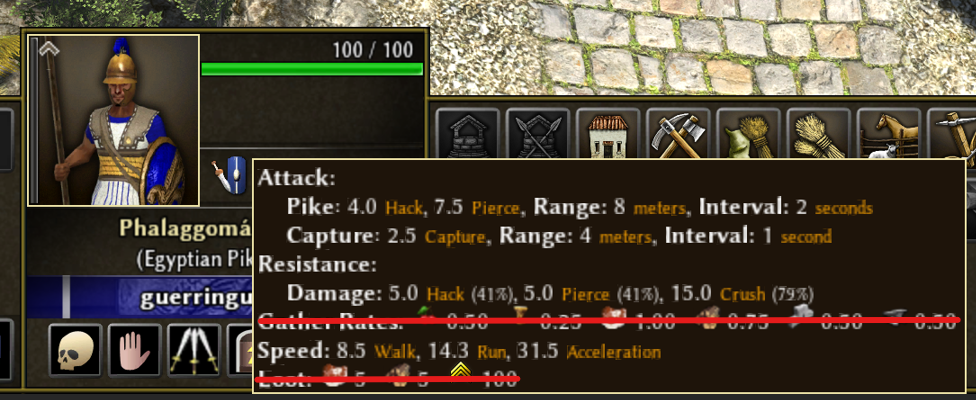
It has relevance. The techs add resistance in points. Also the heroes add sometimes in points (e.g. Caratacus add +1 of each resistance type) and sometimes in % (e.g. Scipio adds 20% melee and range damage). You won't be able to calculate live in the game, but still it is a difference.1 point
-
That's the first column. I called it points there. You can convert it to percent (with that formula)1 point
-
Oh you are right, I missed that. I knew there was one more way to check stats but wasnt sure if it was vanila or some mod. I'd get rid of some stats that can be checked in the other window and lay out the combat stats a bit better to improve readability. btw, can someone explain me how to read the resistances stats? I don't understand what the percentajes in hack pierce and crush means
 1 point
 -
We really need a more direct and clear way to display unit stats.1 point
-
Han. Almost everything about them sucks: Champion play, infantry, small fields, big buildings... Few advantages of them are the cheaper "will to fight" variations and the fact that they can immediately train sword cavalry.0 points