.png.a9ae33b5e5ddb0eb2b142b612b99c428.png)
Lion.Kanzen
-
Posts
25.684 -
Joined
-
Days Won
302
Everything posted by Lion.Kanzen
-
.thumb.png.ce58cea22940c255f5b0a735d5abee36.png)
List of Commands suggestion [Session]
Lion.Kanzen replied to Lion.Kanzen's topic in General Discussion
Yes I'm thinking add those. But im not sure which sort to use. Edit: My keyboard is more like. I haven't this important key.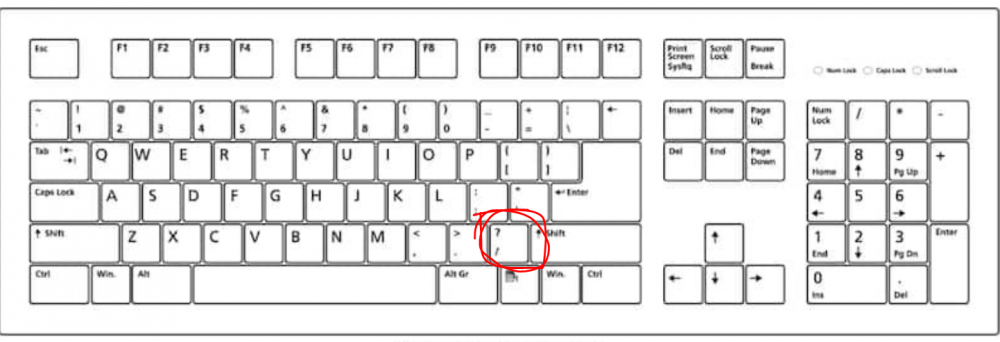
-
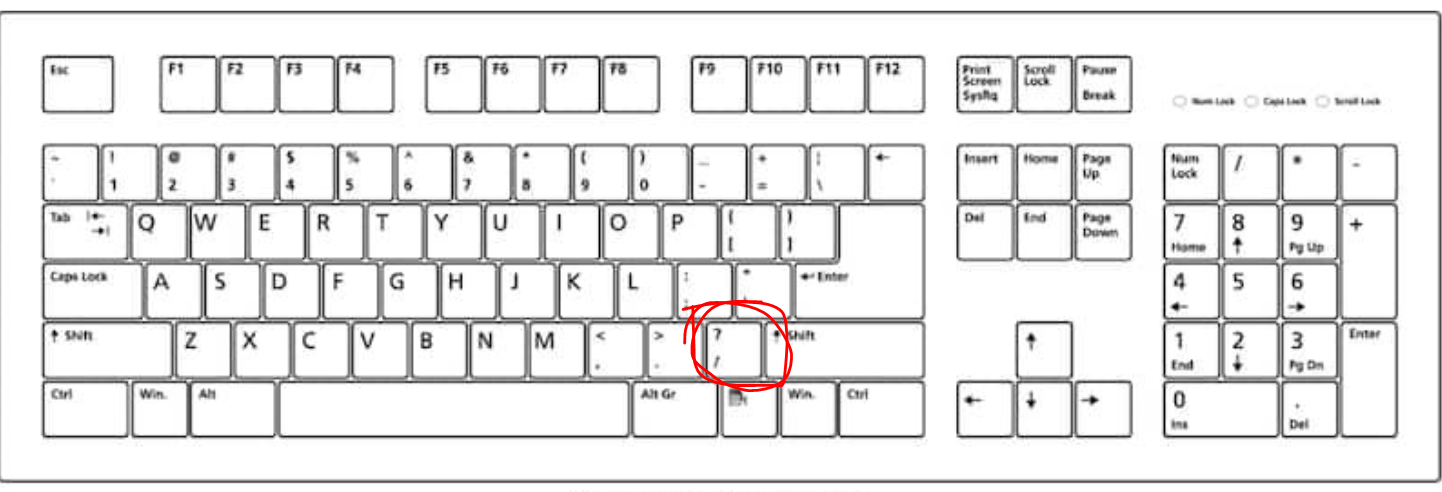
This topic seeks to add hotkeys/commands to existing or to be implemented commands. Command Hotkey suggestion Description Command Description Shortcut(s) Description Ring CC Bell K (avaible) You must have selected the CC. Good complement for CC Stances : A, B , C... Change to type. Formations : A, B , C... Change to type. Show unit class icon Suggestion (not implemented yet) Find Civic center Go to...(place) Find healer idle type Attack Ground (not implemented yet) Last Notification. Mouse button 3 (not implemented yet) Build Flrare (not implemented yet) Current shortcuts in game. [Session] WIP... Command Key / Shortcut Description / Type select all of your units of the same kind on the screen (even if they are different ranks). Double Left Click Triple Left Click: Alt + Double Left Click: Alt + Triple Left Click: F10 Quicksave Shift + F5 Quickload Shift + F8 F12 ESC Enter or Return T L Pause Delete Shift + Delete Make control group Ctrl + 1 (- 0) Select control group 1 (- 0) Add to control group Shift + 1 (- 0) H Y U / (Slash) Shift + / Alt + / . (Period) \ (Backslash) Shift + \ Alt + \ Z, X, C, V, B, N, M, , PageUp? PageDown? Tab Ctrl + Tab Show the multiplayer lobby in a dialog window. Alt + L Toggle in-game barter/trade page Ctrl + B: . Ctrl + P Ctrl + Right Click Modify mouse action Repair J + Right Click Patrol P + Right Click Alt + Shift + Right Click or Left Click Shift + Left Click Shift + Left Click Shift + Left Click Shift + Left Click Ctrl + Left Click or Left Drag Over units on map: Only select military units. Alt + Left Drag Box selection type Alt + Y + Left Drag Box selection type I + Left Drag Box selection type O + Left Drag Box selection type Ctrl + Left Click Right Click Right Click Right Drag Formation type. Attack move Ctrl + Right Click Ctrl + Right Click Ctrl + Right Click Ctrl + Right Click Attack move ignores buildings. Ctrl + Q + Right Click Focus type Escort/protect G + Right Click Focus type Left Click GUI Double Left Click On a group icon: disband the group. Right Click GUI Alt + G Dev command/GUI overlay Alt + D Dev command/GUI overlay Alt + Shift + W Dev command Alt + Shift + S GUI / Visuals Alt + Z Visuals Alt + V Alt + B Space Dev Backspace Alt + K Visuals ~ or F9 W Control camera A Control camera S Control camera D Control camera Ctrl + W Control camera Ctrl + A Control camera Ctrl + S Control camera Ctrl + D Control camera Q Control camera E Control camera Shift + Mouse Wheel Rotate Up Control camera Shift + Mouse Wheel Rotate Down Control camera
-
Others RTS - Discuss / Analysis
Lion.Kanzen replied to Lion.Kanzen's topic in Introductions & Off-Topic Discussion
-
https://gulfnews.com/world/mena/in-syria-the-aramaic-language-faces-extinction-1.1559125720172
-
Things you only learn from 0 AD
Lion.Kanzen replied to Thorfinn the Shallow Minded's topic in General Discussion
Cavalry can take a tower. -
Others RTS - Discuss / Analysis
Lion.Kanzen replied to Lion.Kanzen's topic in Introductions & Off-Topic Discussion
They are adding new features. -
Garrisoning and Loyalty
Lion.Kanzen replied to Thorfinn the Shallow Minded's topic in Gameplay Discussion
otherwise capture technologies should be developed and basically avoid capturing a lot in the first phase, the first units should hardly be able to capture, unless it is a huge army. And certain civic buildings raise loyalty, like temples. -
Garrisoning and Loyalty
Lion.Kanzen replied to Thorfinn the Shallow Minded's topic in Gameplay Discussion
I like the loyalty thing, heroes and champion units should have more loyalty. -
1366x768 for now , I need make some other improvements ram/gpu Not now.
-
Modern vs Older RTS Discuss
Lion.Kanzen replied to Lion.Kanzen's topic in Introductions & Off-Topic Discussion
My favorite defensive RTS. -
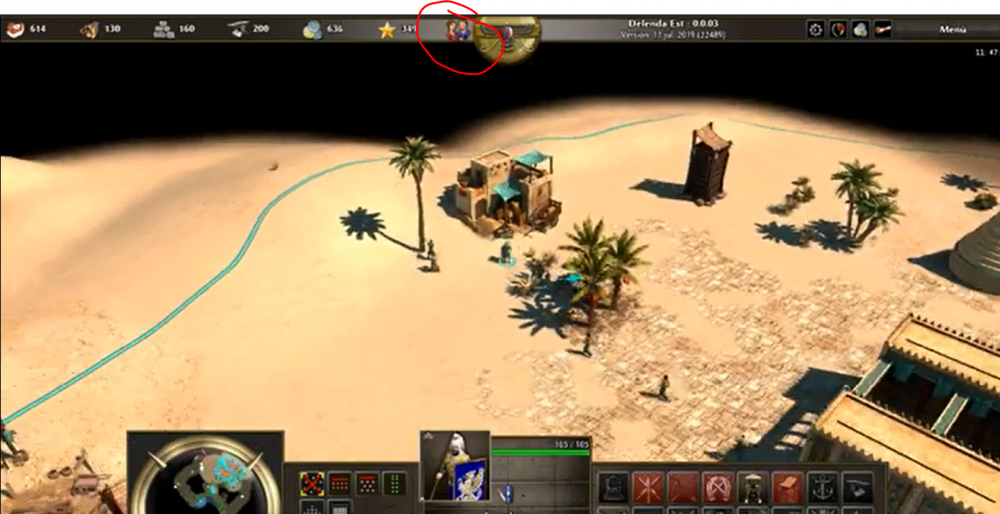
you need how fix this
-
what about random maps?
-
Modern vs Older RTS Discuss
Lion.Kanzen replied to Lion.Kanzen's topic in Introductions & Off-Topic Discussion
0 A.D is making this mistake? -
Age of Empires 2 Definitive Edition
Lion.Kanzen replied to Lion.Kanzen's topic in Introductions & Off-Topic Discussion
-
Age of Empires 2 Definitive Edition
Lion.Kanzen replied to Lion.Kanzen's topic in Introductions & Off-Topic Discussion
https://forums.ageofempires.com/t/aoe-ii-de-quality-of-life-ideas/44190 Interesting ideas but some implemented here. This is really good one. -
I'm one of those who thinks another option is needed in the interface.
-
Icons for this alpha. (portraits)
-
The mods is the source where you test the concepts.
-
Making my own template for buildings.
Lion.Kanzen replied to Lion.Kanzen's topic in Game Modification
wip... improving my low skills.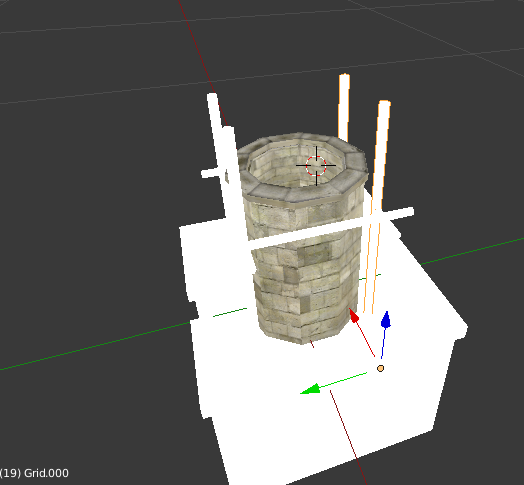
-
Others RTS - Discuss / Analysis
Lion.Kanzen replied to Lion.Kanzen's topic in Introductions & Off-Topic Discussion
an Hybrid or RTT? -
Mercenary system huh...(?) Well. We have auxiliary armies of colonizing levies. The Military Settlement Neutral local natives or Mercenary camp Embassies. Next level must be Levies/Auxiliary:
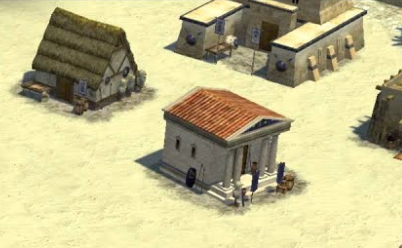
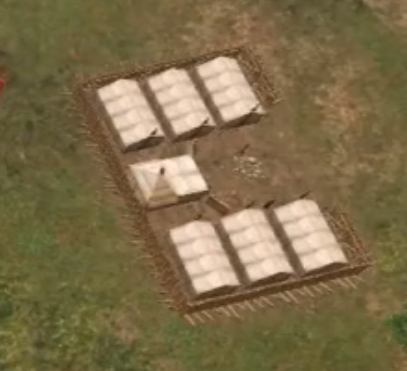
-
Are the genre becoming without ideas or...? Related topic. Base building and diversity is the key? https://forums.ageofempires.com/t/up-to-date-rts-economy-and-base-build-for-aoe4-a-possible-task/42527/4
-
lol. 0 A.D is AoE IV