All Activity
- Past hour
-
How many scenarios do you have?
- Today
-
The easiest would probably be using the windows binary with wine / proton. You might see a warning at the start tho as wine doesn't support numa and as such the hardware detection will fail. Just click continue in that case.
-
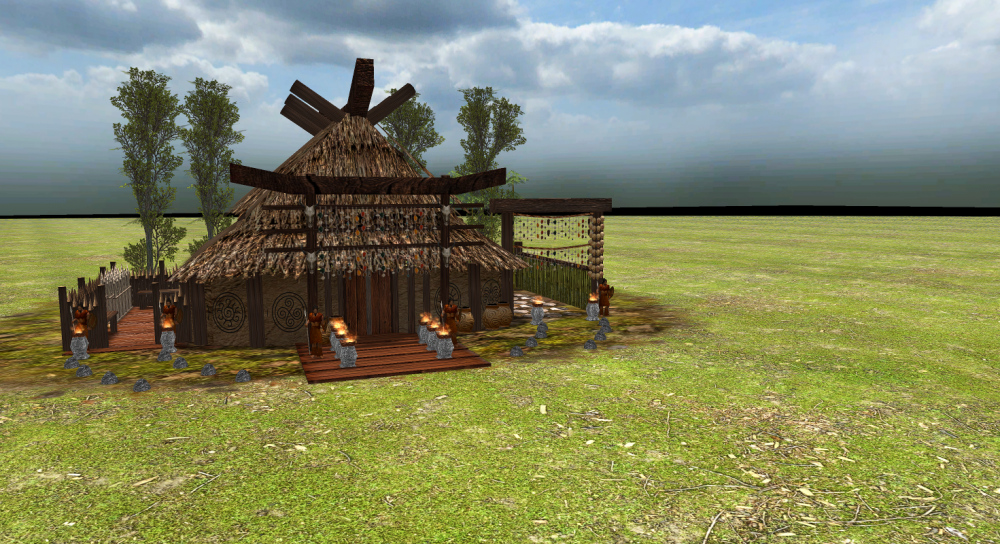
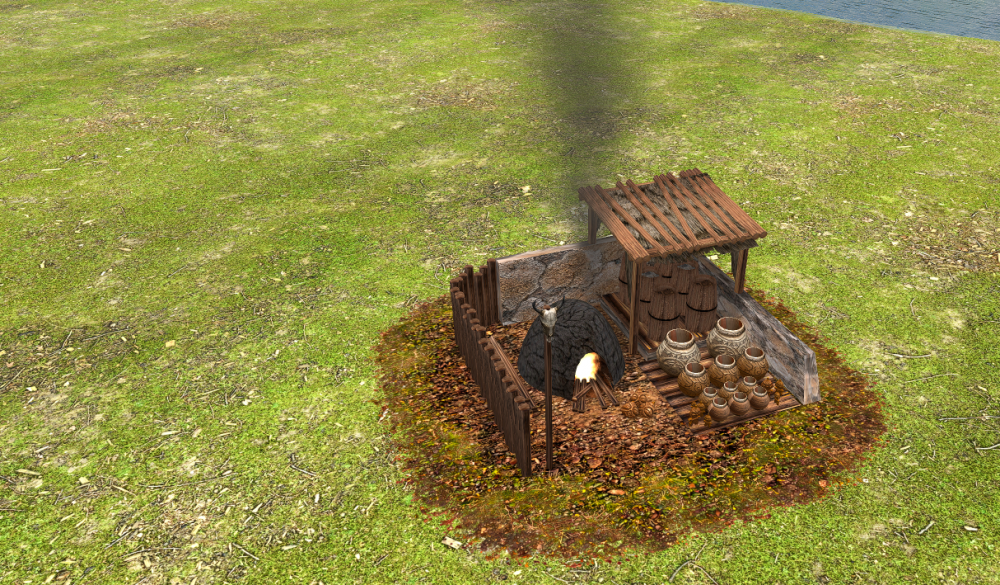
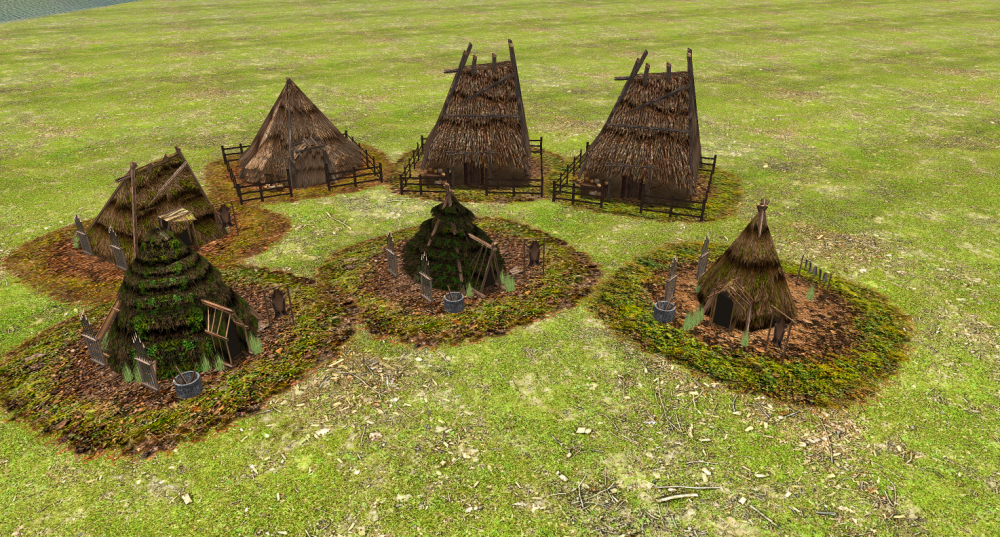
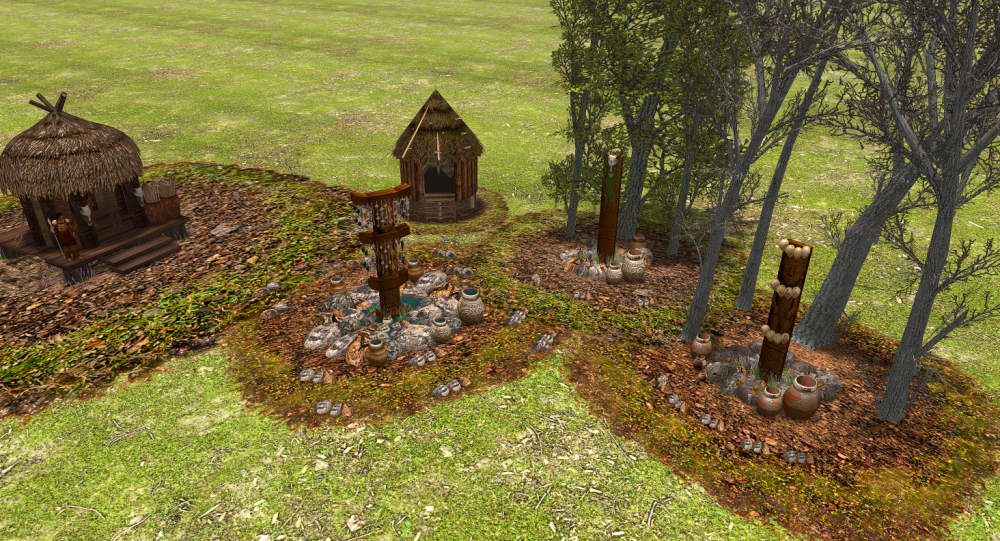
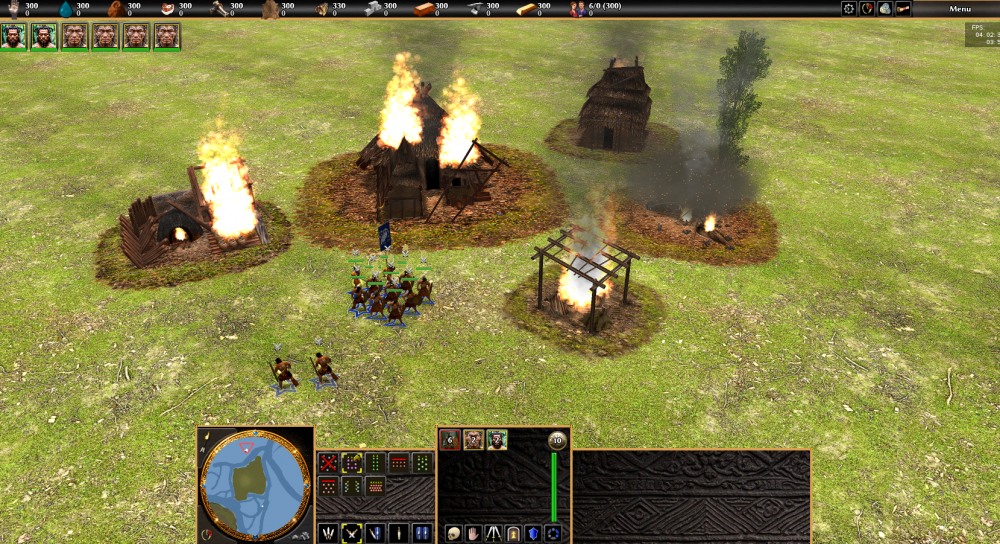
Hello everyone! I’d like to share the latest updates from the project as we wrap up the year. I’ve redone many textures and improved several in-game structures. At the moment, I’m reworking all terrain textures, developing the building damage system, and refining many core gameplay mechanics. I hope you enjoy the updates and continue following the development. Wishing everyone a Happy New Year!
-
 NewWorldHero joined the community
 -
I have played this version almost daily for what seems like a decade. My scenarios and skirmishes (single player mode only) are somewhat modified and ONLY work w/ v23 Ken Wood. Have tried many times installing a new or latest version for Linux thru the Mint repositories and moving the maps etc to new version. Never works. I have searched and read here and everywhere else for almost a year merely trying to find the Ken Wood v23 in a Ubuntu .deb package to install on a new PC build. Running Mint 22.2 now the repos and everywhere else only have the latest 0AD versions, or the tar gz versions that I have no idea how to "compile" or install. Even tried a Debian version that of course will not work in Mint 22.2. Finally decided to ask for help and need a good Linux pro. Thanks
-
 EdwinPex joined the community
 - Yesterday
-
 Hi guys! I'm working on a new script and I was wondering if there is a way to execute Engine.SetSimRate / Engine.GetSimRate from JS trigger script? It works if executed directly from the console, but using these functions inside JS produces following error: ERROR: Error in timer on entity 1, IID103, function DoAction: TypeError: Engine.SetSimRate is not a function This is my test trigger: Trigger.prototype.TestDelay = () => { Engine.SetSimRate(20); } const trg = Engine.QueryInterface(SYSTEM_ENTITY, IID_Trigger); trg.DoAfterDelay(5000,"TestDelay", {enabled: true}); I'm on release-a27.1 6a576. Do you have an idea how to change simulation speed from within javascript? Is it even possible using trigger mechanics? Thank you.
 -
Alguma novidade das novas civilizações??
-
.thumb.jpg.b21ca1d0c15fb56b42c39b25a0a40815.jpg)
Others RTS - Discuss / Analysis
Genava55 replied to Lion.Kanzen's topic in Introductions & Off-Topic Discussion
Tabletop Tavern -
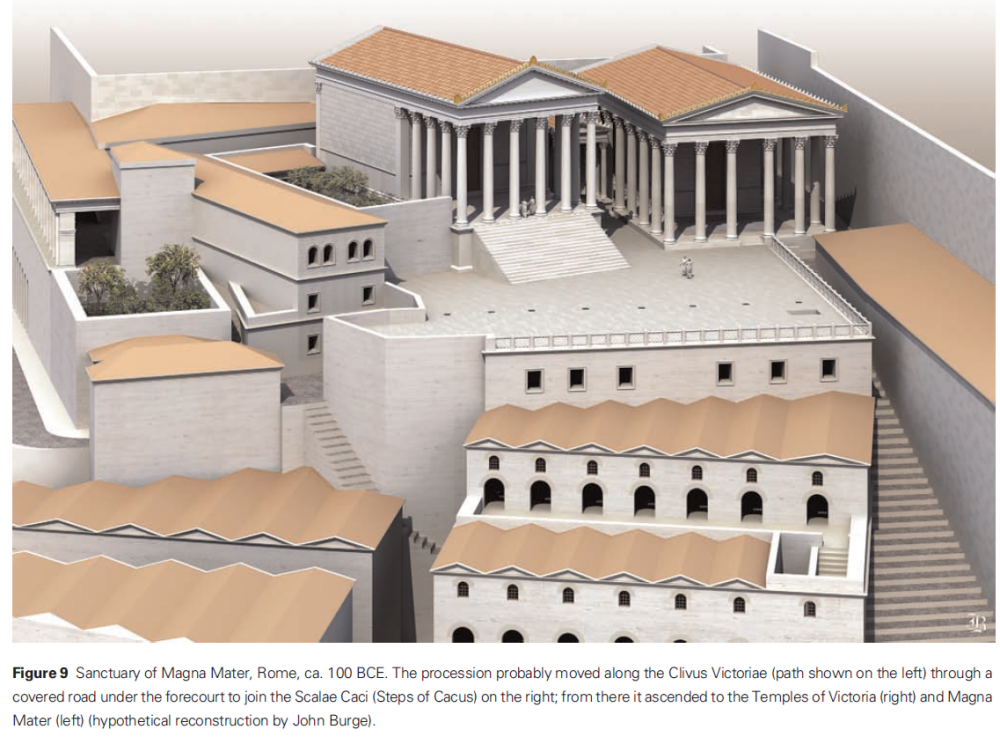
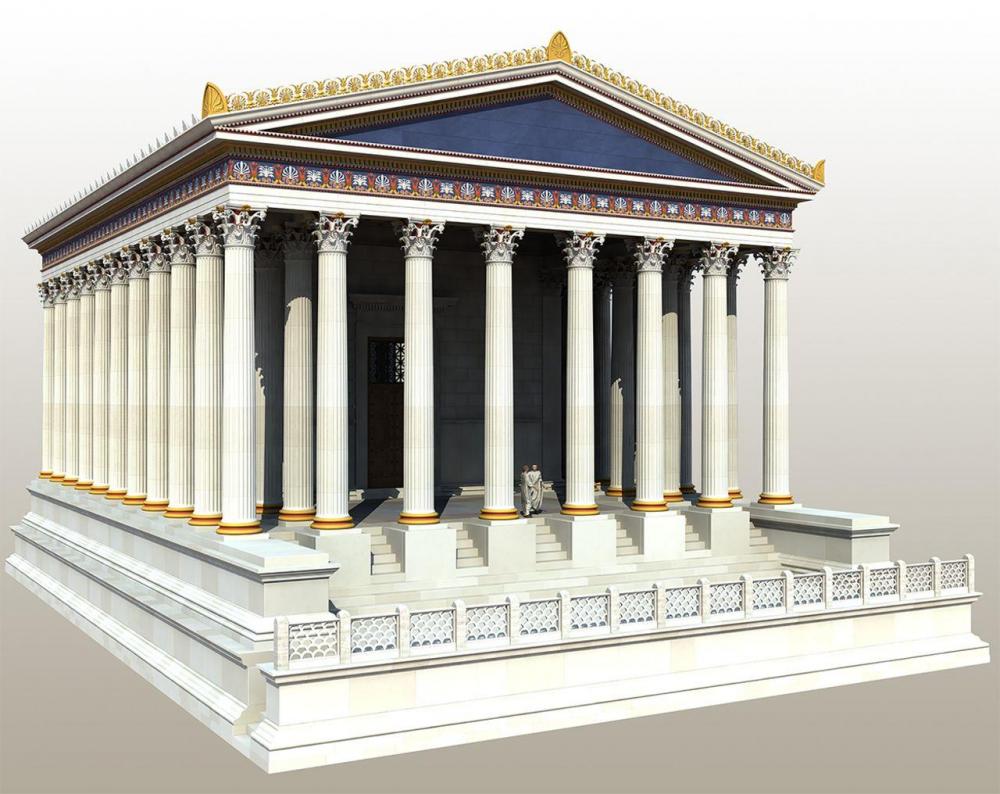
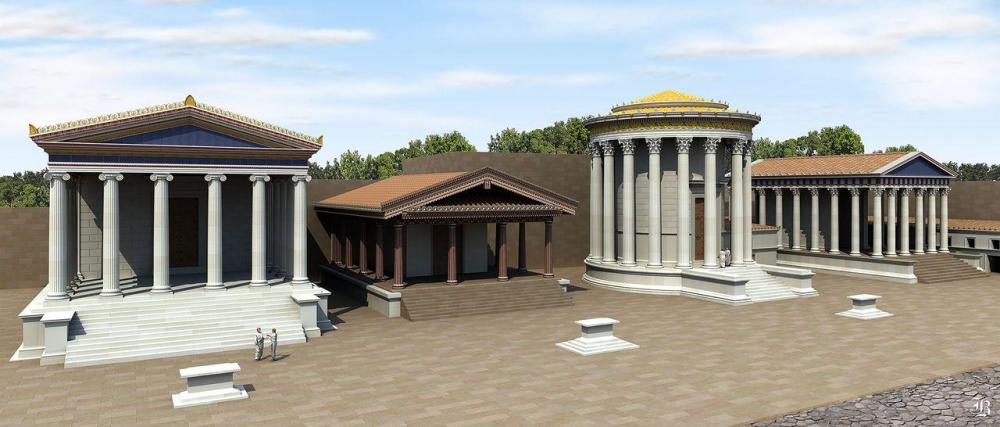
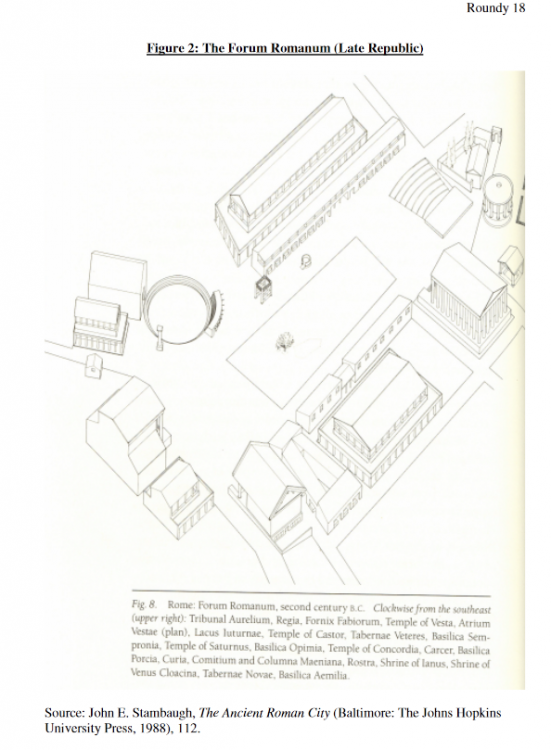
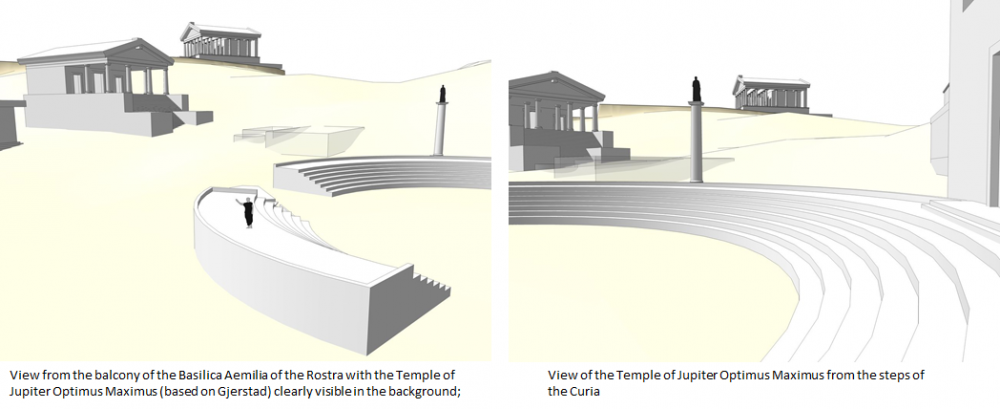
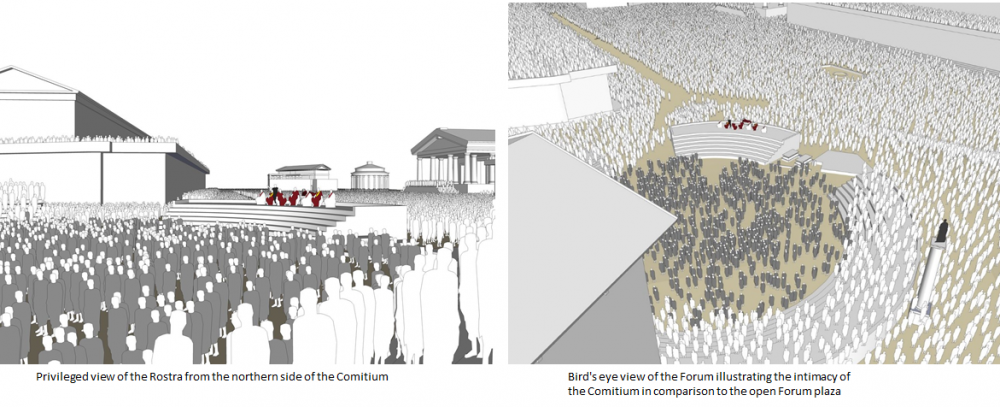
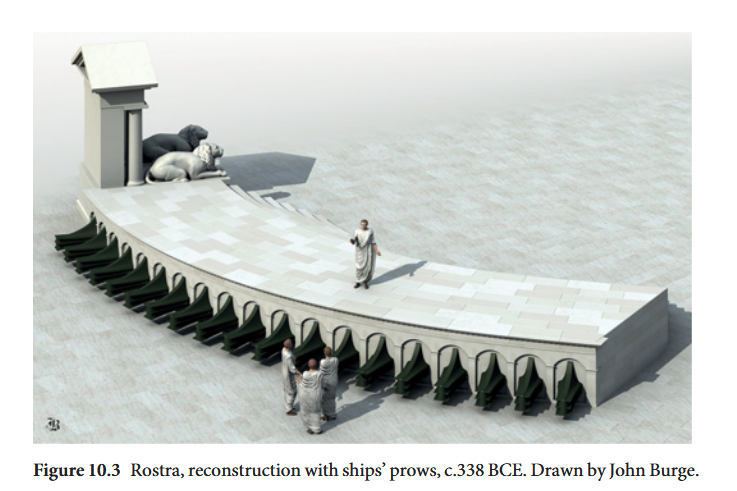
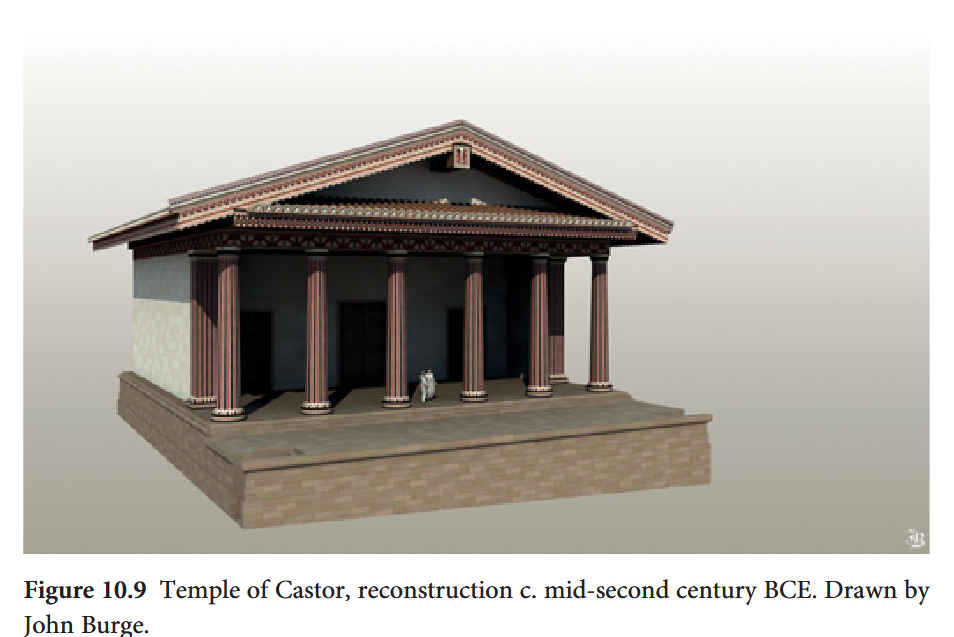
-
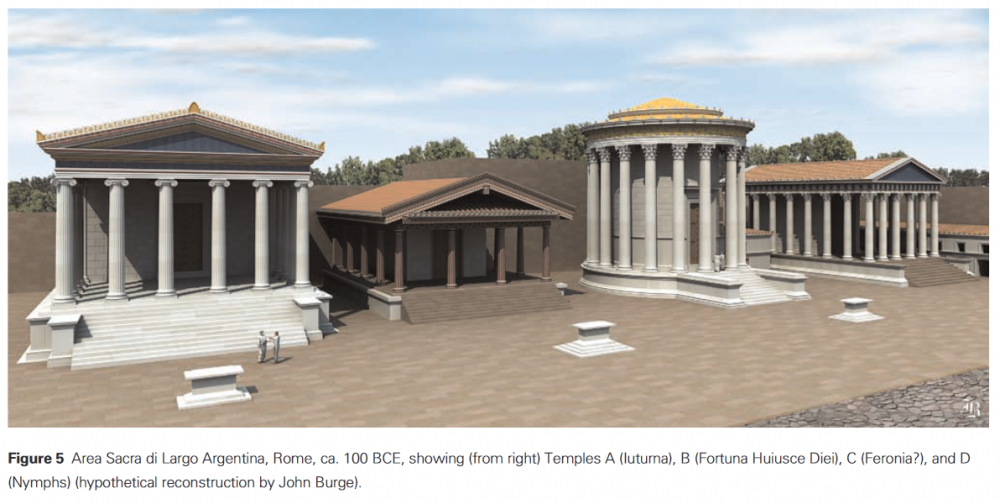
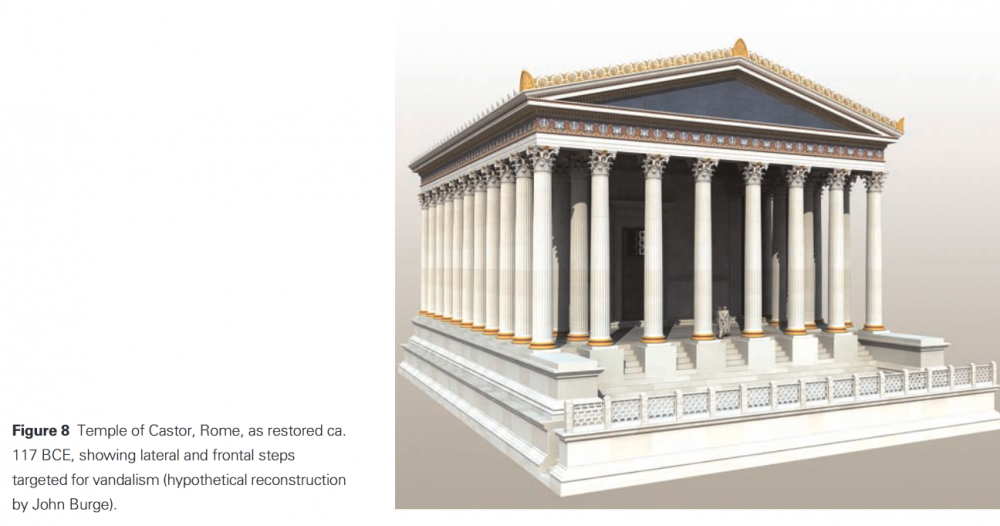
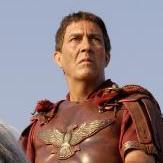
Civ: Imperial Romans (Principates)
Genava55 replied to wowgetoffyourcellphone's topic in Delenda Est
Model of the Roman fortress at Ockenburgh -
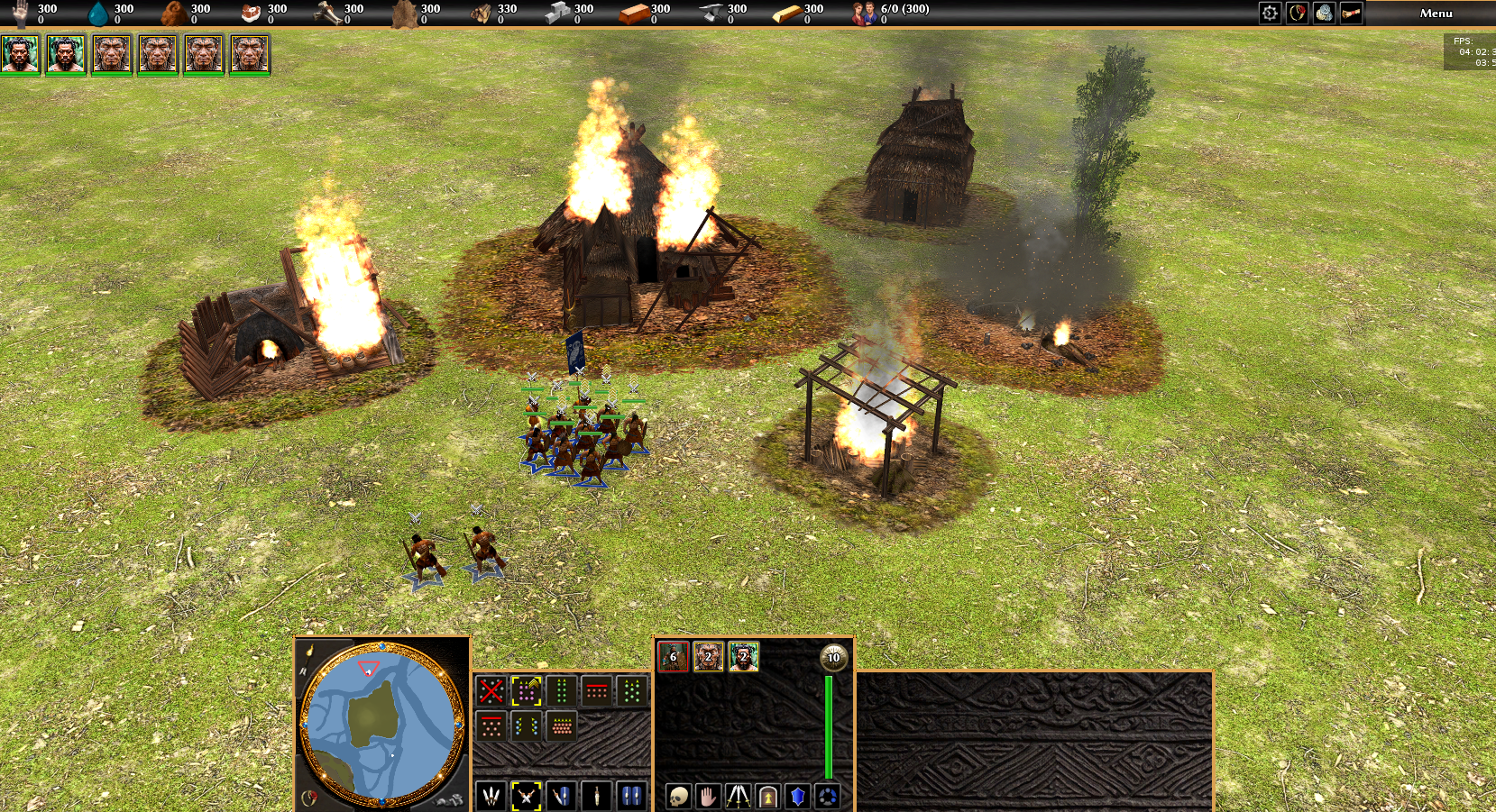
Yes, and this is a major problem. Some games have AIs that just group units some distance away from the targeted base and commence the attack from there. I know for certain Brood War does this, but it's buggy. Units will still sometimes ignore the player's units while going to their grouping spot. Other times, the grouping spot will be inside the enemy base, so the units will be in a single line anyway. It's not easy to code good grouping without the AI actively using formations. In the older alphas, AI would have grouped his units properly because formations were hard-coded.
-
I mean, can the AI be programmed to always do that, while the player will certainly do it?
-
I mean, the longer the march, the worse this problem becomes. But anyway, the player won't be affected by it. I forgot to mention that the AI is the one affected, AI controlled troops are simply walking into their deaths in a single file.
-
 iplcricketid changed their profile photo
 -
iplcricketid joined the community
-

AI sometimes goes neutral with each other in Teams Locked Games
Obelix replied to Kreise's topic in Bug reports
Hello Kreise and welcome to the forums! Do you have a replay or some other hints so that someone can easier start an investigation? -
The pull request has been merged by @Vantha. Thank you very much for reviewing Vantha and @wowgetoffyourcellphone!
-
A similar issue was recently addressed: https://gitea.wildfiregames.com/0ad/0ad/issues/8580 https://gitea.wildfiregames.com/0ad/0ad/pulls/8589
-
 Michaelpudge joined the community
 -
That's not exclusive for large maps or units with different speeds. If you have no formation: Each unit try to get to the destination without collision resulting in this line like ducklings. You can set the destination before the enemy base to regroup. Formations have big problems on their own for path finding. Some players (not me) just activate formation short before a attack so the units run in the formation (a speed slightly faster that normal walk). For new units from the barracks you could make batches. But loose unit groups are vulnerable. If you find such a line and can attack it with a group you can take out a lot of units with without taking much damage. A basic aspect is to attack few units with a lot. It's the players duty to run from outnumbered fights or attack when you are stronger. So: Yeah, but what do you want the game to do about it? You can set the regrouping point before the battle and send them in when you feel ready.
-
There's a problem with playing on large maps: the movement of units. Units have different movement speeds, and those that arrive first tend to attack first. Sometimes these units wait for those who arrive later to regroup, but more often than not, they don't. The result is a long line of soldiers charging headlong into death. Could this be improved by choosing a regrouping point and making the attack only begin when enough units are present?
- Last week
-
I would recommend scaling them up, at least a little bigger.
-
Depends on when those tournements will be held...
-
It's great to see more use of this, only the Iberians even have this in vanilla 0 A.D.
-
You didn't win, game crashed.
-
 https://replay-pallas.wildfiregames.ovh/Replays/ReplayDetails/07129174E4E700DA I wont spoil much, but I will say this: you will never guess who won in the end HAPPY WATCHING 2025-12-29_0001.zip
 -
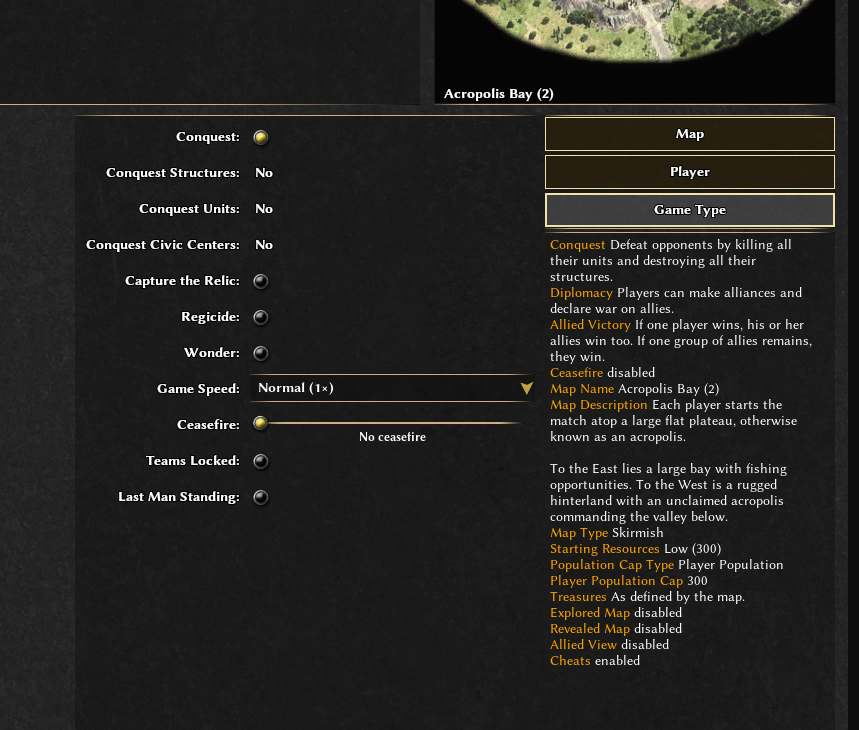
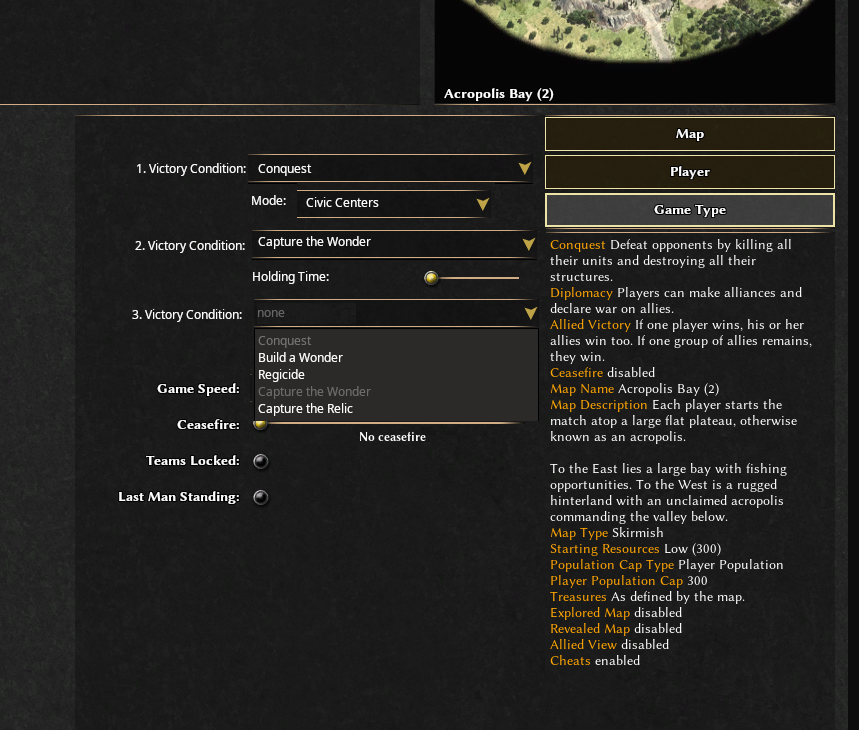
For the case that the "capture the wonder" will victory condition will be included someday, I spent some thoughts on the "game type" menu, which is somehow counterintuitive imo: For the game speed and ceasefire, there's the category on the left, with the options on the right. For the victory condition, there's no category, instead the options are on the left, with the on/off buttons on the right. The "No"s are also kind of confusing. So what I was thinking of: 1. Put the category to the left: "1. Victory Condition" 2. Add a dropdown at the right to choose from all possible victory conditions 3. Add a second "2. Victory Condition" with the option "none" 4. For every further victory condition that is selected from the dropdown, add another victory condition with "none" This way all unused victory conditions are hidden in the dropdown. Since the victory conditions only appear after the previous one is chosen, at the first look it will be less text, so less overwhelming for beginners. This would allow to add more victory conditions in the future without overcrowding. Options for each victory mode could be shown directly under each one, not at the end like it is now. Also the logic between the victory conditions are clearer, as all conditions right now are alternative, not additive, ways to win. Later a button could be added to define for each condition whether it is necessary or non-mandatory to win. This could look like this: This could be the layout for the options:
-
You can find the meshes here: https://gitea.wildfiregames.com/0ad/0ad/src/branch/main/binaries/data/mods/public/art/meshes I don't think the units are suitable for 3D printing though, you might try to print one of the statues instead.
-
Hello. Where is the Actor Editor, exactly?
ThePoshBarbarian replied to Jackerino's topic in Tutorials & Guides
Might this tool be added back into the regular game install again? Seems like a very useful tool to modify actor entities with. Been trying to get into modding myself, the only thing that's been an abolute pain has been editing actor models in plain text.










-
Latest Topics
-