
All Activity
- Past hour
-
 This issue is now tracked in https://gitea.wildfiregames.com/0ad/0ad/issues/8987
 -
This issue is now tracked in https://gitea.wildfiregames.com/0ad/0ad/issues/8987
- Today
-

Newbie Questions - I can't beat Easy AI as Romans
Thalatta replied to Satevis's topic in Gameplay Discussion
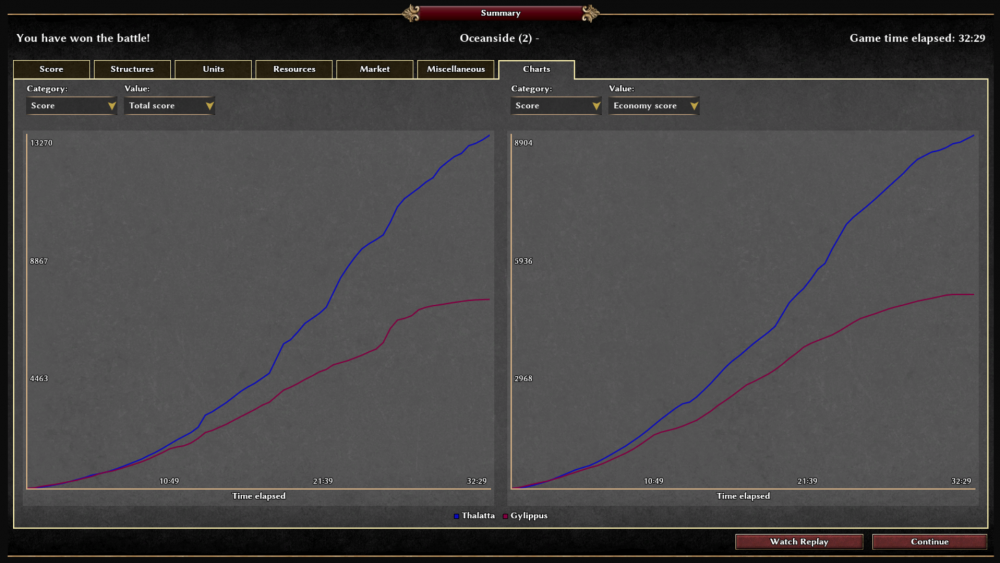
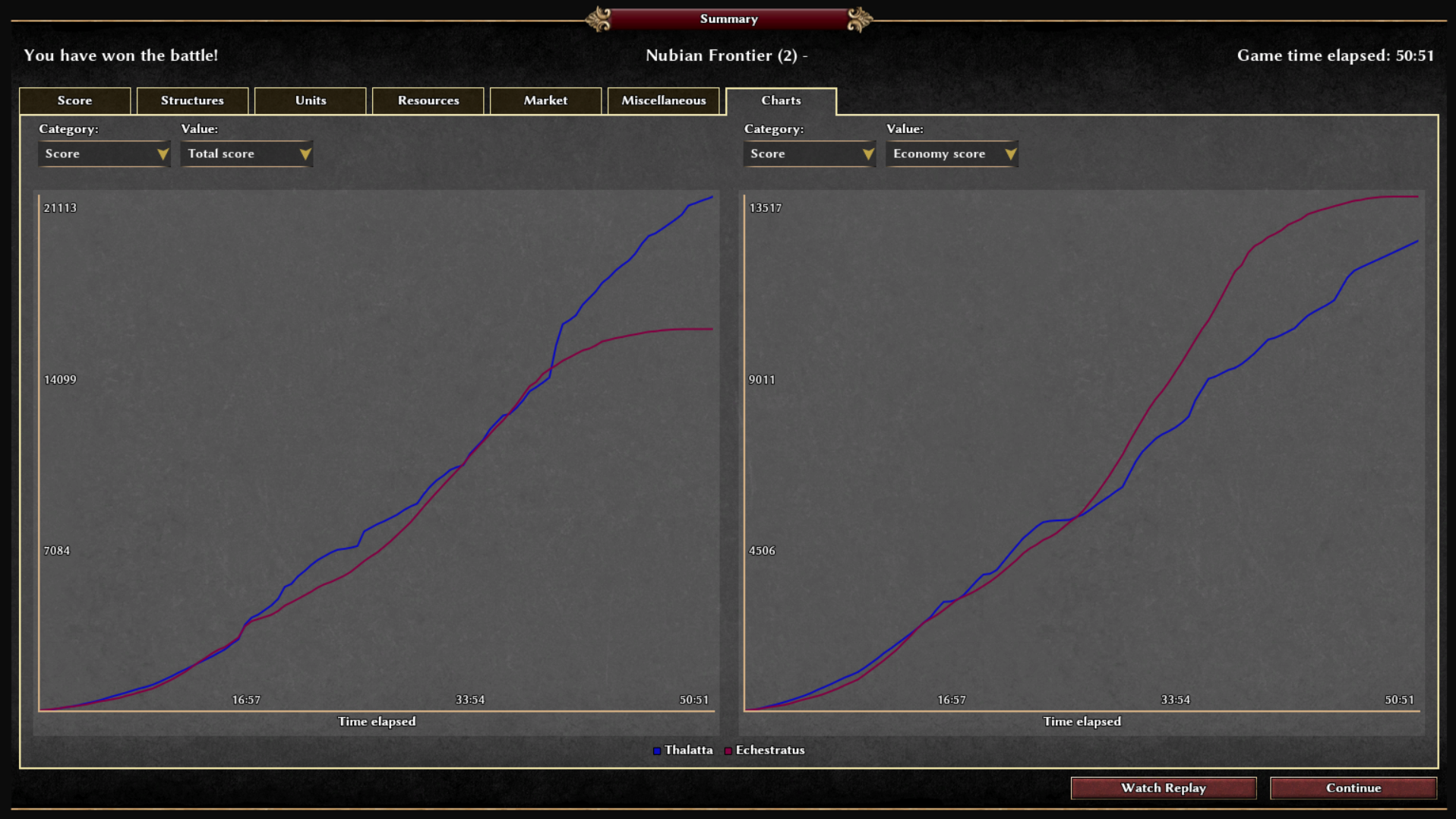
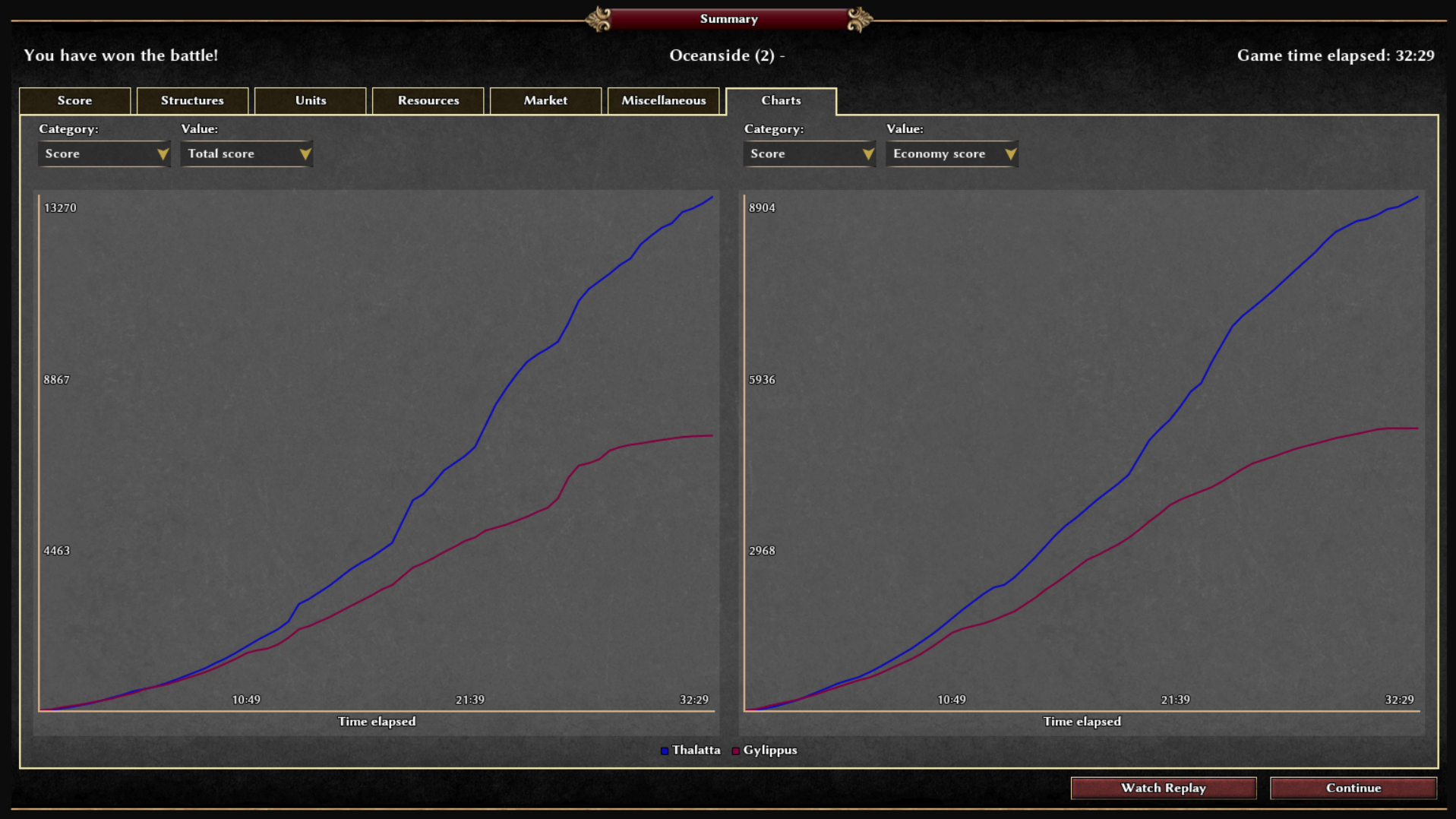
In case you will want it, these two are against Very Hard Aggressive AI, both playing with the Athenians. In the first one I outcompeted the AI on economy early game right at the beginning, then it seems I stopped paying too much attention to it. For the second one I’m only barely outcompeted in the first couple of minutes (I guess took a few seconds to set my dropsites, resources being far from the CC). I’m not using auto-queue anymore, to get used to how apparently most people play.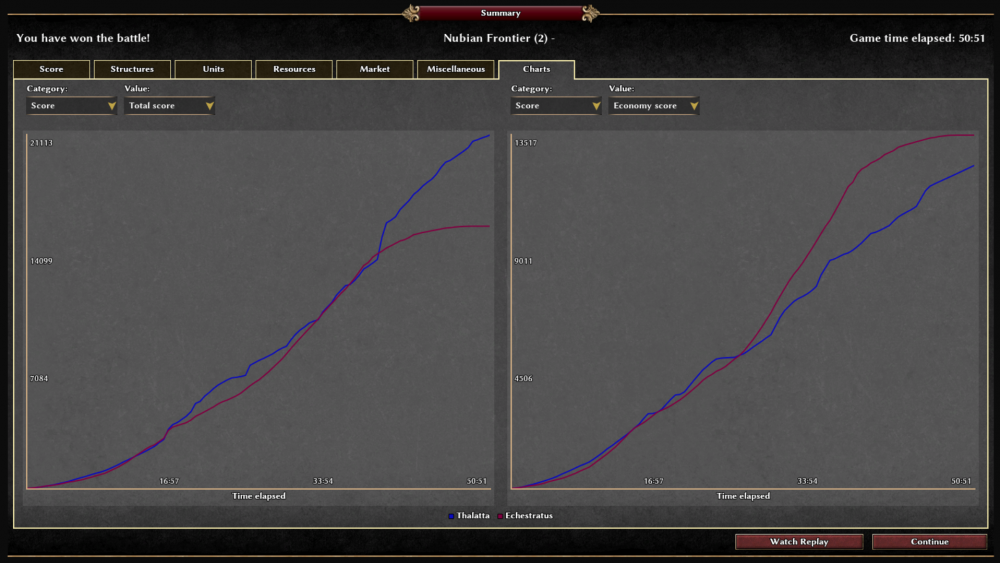
-
 TravisKip joined the community
 -
Two things. To let engine read your new tag in template (so that no error pops up), you need to edit the schema at the beginning of formation.js. To let the bonus really happen, you need to modify a few js, and you must understand the whole unit AI attack flow.
- Yesterday
-
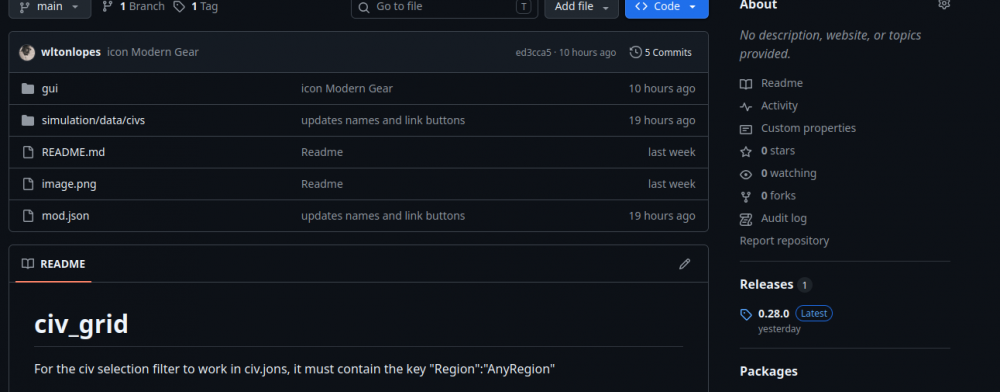
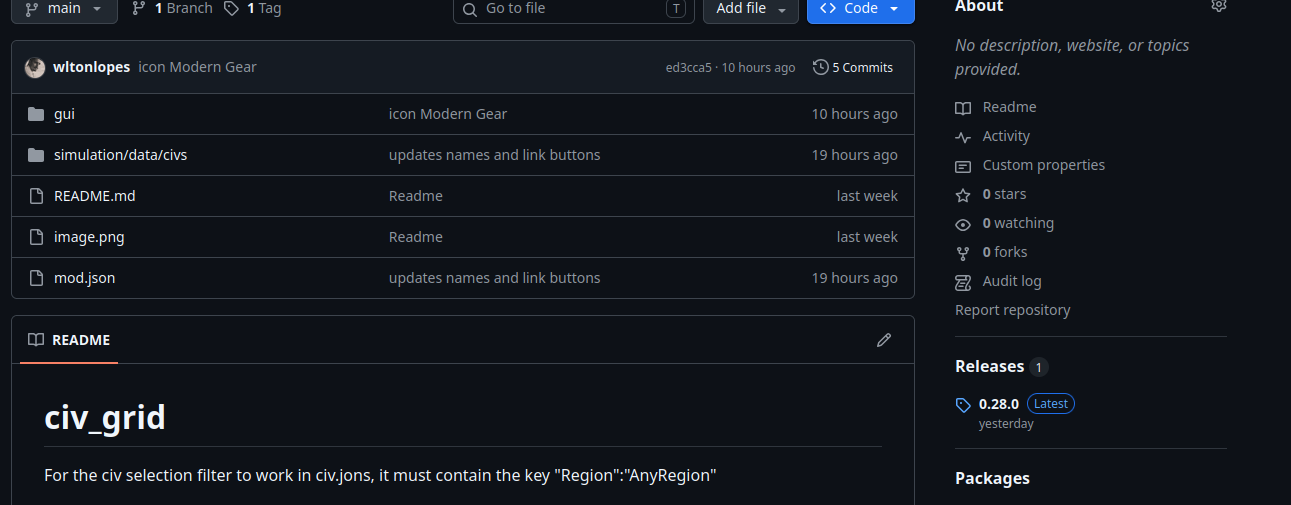
So, exactly—since I plan to submit this mod for the next release, I’m currently updating it to the development version (I’m using the Alpha 29 dev build via Snap). If you want to test the Alpha 28 version of the mod, you can download (Releases 0.28.0) that older version from GitHub, though it won't include the latest updates.
-

Implementing forces in Unit Motion
Atrik replied to Atrik's topic in Game Development & Technical Discussion
Yes it does, but in the videos, this opposite force is just not applied as it should, so the effect is less then its supposed to be. -

Implementing forces in Unit Motion
BreakfastBurrito_007 replied to Atrik's topic in Game Development & Technical Discussion
Very cool development! I think the application for eles will have a positive impact on gameplay. Often the damage output for eles ends up being less than it could be due to its path being blocked by own (my skill issues) and enemy units. Maybe its negligible, but do the pikemen in video 2 impart an equal and opposite force to the ele that would slow it down? I could see this as a way to nerf it if people think its too hard to impede eles' movement. -
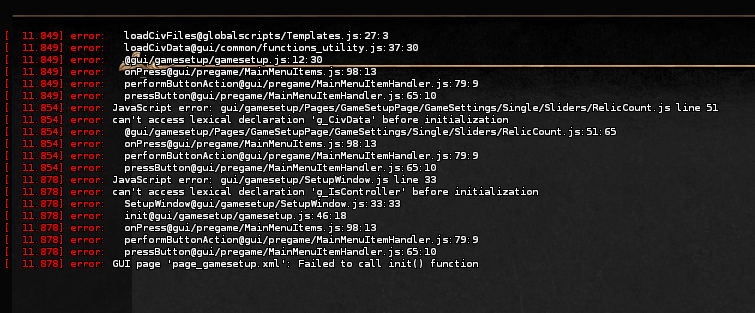
Just downloaded you mod and tried it, it said in the mod.json file it was for 0.29.0, is that right? Then I changed it to 0.28.0, and I clicked start new match, and got this:
- Last week
-
Implementing forces in Unit Motion
nifa replied to Atrik's topic in Game Development & Technical Discussion
Gotta say I like the inertia in these two videos: https://gitea.wildfiregames.com/0ad/0ad/pulls/8957#issuecomment-140218 Especially the ships slowly drifting before stopping looks so much more natural than the abrupt stop now. -
Implementing forces in Unit Motion
Atrik replied to Atrik's topic in Game Development & Technical Discussion
So for the explanation again, we could now plug any force that could contribute to unit motion and we just sum up the vectors. So it's almost free there, when calculating unit motion. Maybe excepted we still have to check for collisions. The rest of what makes the unit motion looks realistic is inertia, which is also just a ""force"" vector that carry unit velocity over the game turns. Calculating the forces themselves is generally making some dot products and sometimes maybe some trigonometry (kept as minimum for angle of impact etc) so also possible to be kept very cheap. For the current demo of the boat we use 1 trig function which seems reasonable. -
Implementing forces in Unit Motion
LeJardindEpicure replied to Atrik's topic in Game Development & Technical Discussion
Is the computation heavy ? -
OP! Thanks!!
-

CivGrid: A Visual Civilization Selector Mod
wowgetoffyourcellphone replied to Lopess's topic in Game Modification
I think @Lopess wants to do that, and I am committed to helping him make the Pull Request for it. -
Sub folders within main branch set up
wowgetoffyourcellphone replied to Emacz's topic in Game Modification
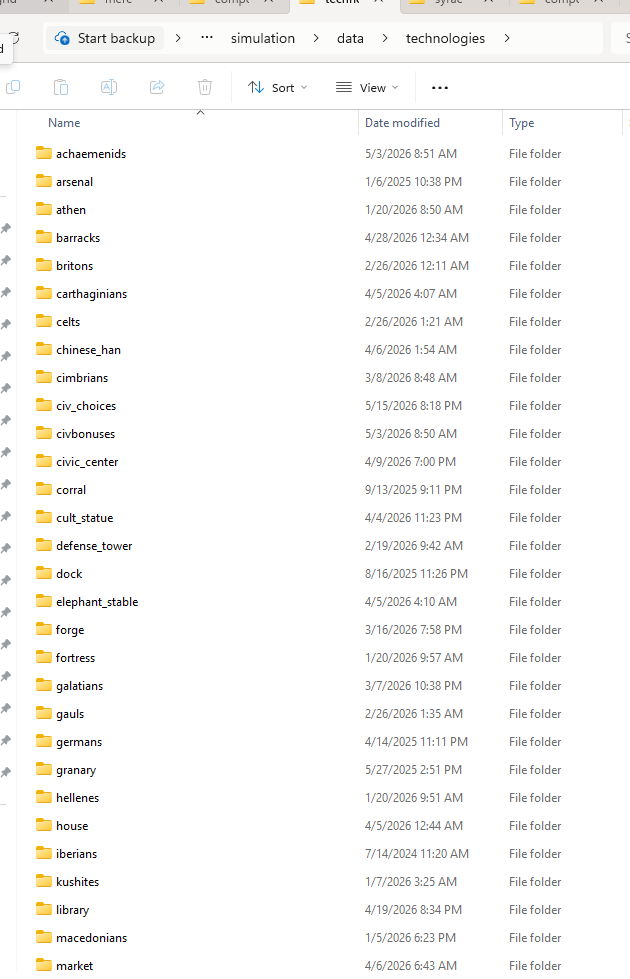
We have a PM chat going, but for everyone else reading this, yes, you can do this: Make sure to update all of the refs (references) to the files. So, if another tech file refs that moved file as a prerequisite, you have to update that line in that tech file. Same if you have any pairs, etc.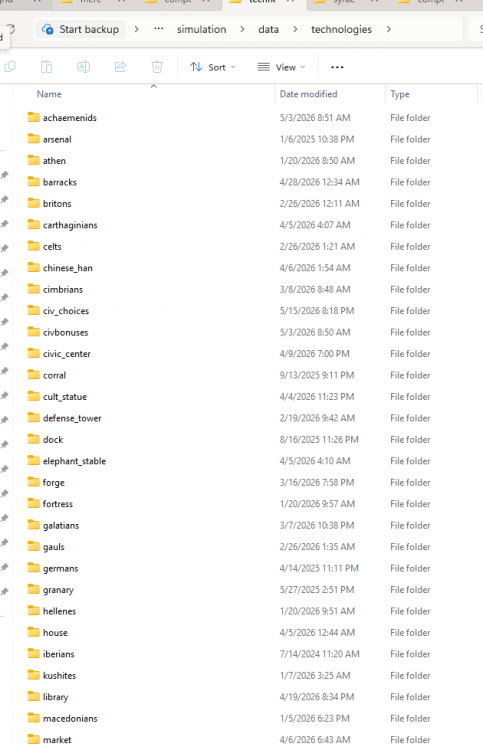
-

CivGrid: A Visual Civilization Selector Mod
ShadowOfHassen replied to Lopess's topic in Game Modification
this looks great,we should add it to the main game! -
CivGrid: A Visual Civilization Selector Mod
wowgetoffyourcellphone replied to Lopess's topic in Game Modification
Yeah, either remove the names entirely, or something like a name plate that overlaps the emblem could look really nice too: -
CivGrid: A Visual Civilization Selector Mod
wowgetoffyourcellphone replied to Lopess's topic in Game Modification
I changed the icon locally. Looks nicer IMHO. -
CivGrid: A Visual Civilization Selector Mod
wowgetoffyourcellphone replied to Lopess's topic in Game Modification
A 3rd dropdown idea could be "Focus" or "Category" or something like that. So, you'd have (these are in DE): Empires Ascendant (only base game civs) New Civilizations (only those civilizations added by applied mods) Elephant Trainers Horse Lords Seafarers Settled Civilizations (this one excludes all Nomads) This is a "nice to have" item only. All the other things from my other post are more important. -
This will be really nice. Thank you for working on it and entertaining my suggestions.
-
CivGrid: A Visual Civilization Selector Mod
wowgetoffyourcellphone replied to Lopess's topic in Game Modification
I think this button could be called, "Surprise Me!" -

CivGrid: A Visual Civilization Selector Mod
guerringuerrin replied to Lopess's topic in Game Modification
Great work, @Lopess! -
CivGrid: A Visual Civilization Selector Mod
wowgetoffyourcellphone replied to Lopess's topic in Game Modification
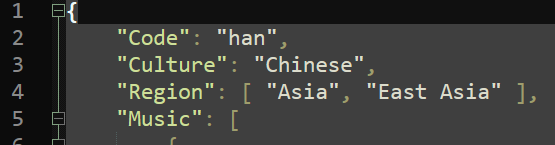
For capitalization in the dropdowns, I think we can simply capitalize the words in the civ jsons: "Albion" is the ancient word for Britain. Sounds nicer to use.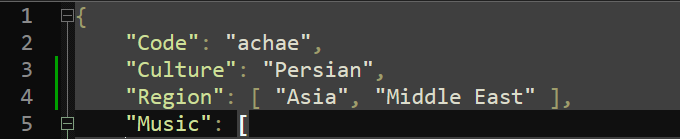

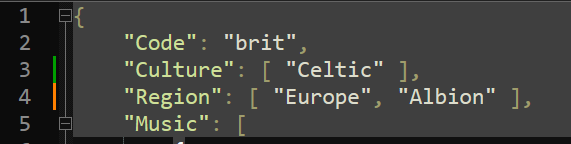
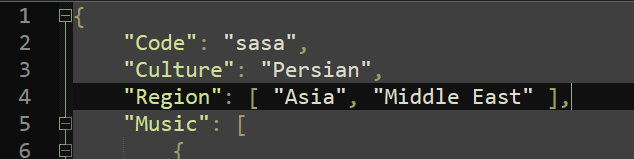
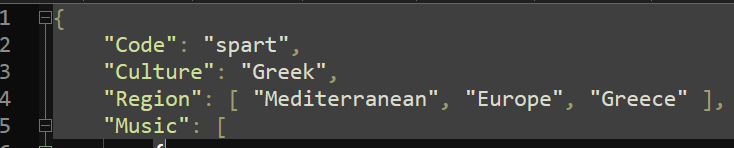
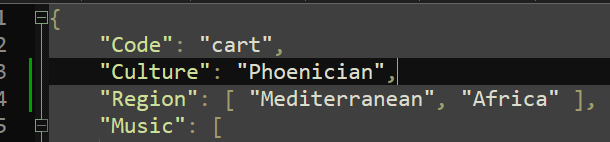
-
CivGrid: A Visual Civilization Selector Mod
wowgetoffyourcellphone replied to Lopess's topic in Game Modification
I was afraid I was mistaking the language. My apologies. But great! I'll be happy to see what you come up with! I'm glad you agree with all the fixes and improvements. -
Excellent observations, I agree with them, and yes, Spanish and Portuguese are definitely very close to each other . I'll see what I can do here later this afternoon.
-
This is currently being worked on here #8989. I hope we can have it ready for the next release =)





-
Latest Topics
-

