Leaderboard


Popular Content
Showing content with the highest reputation on 09/10/26 in Posts
-
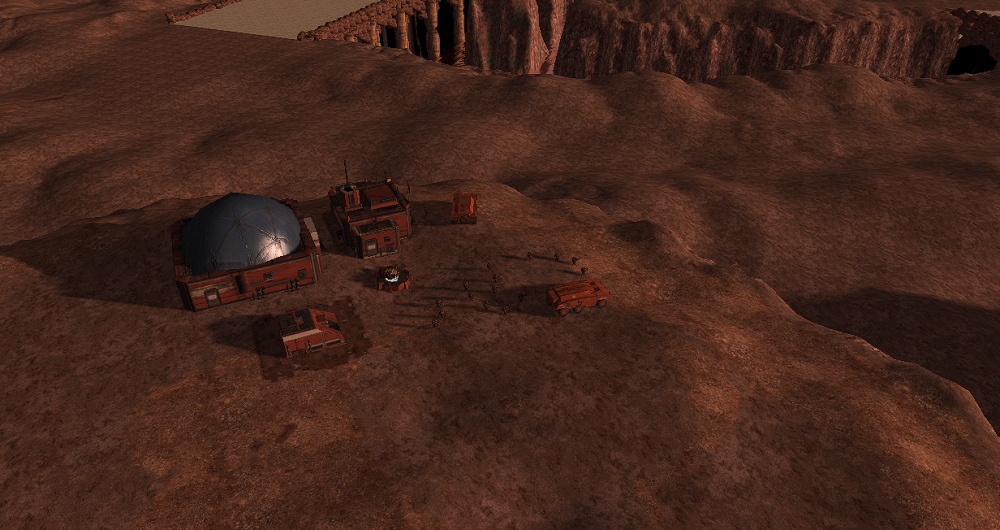
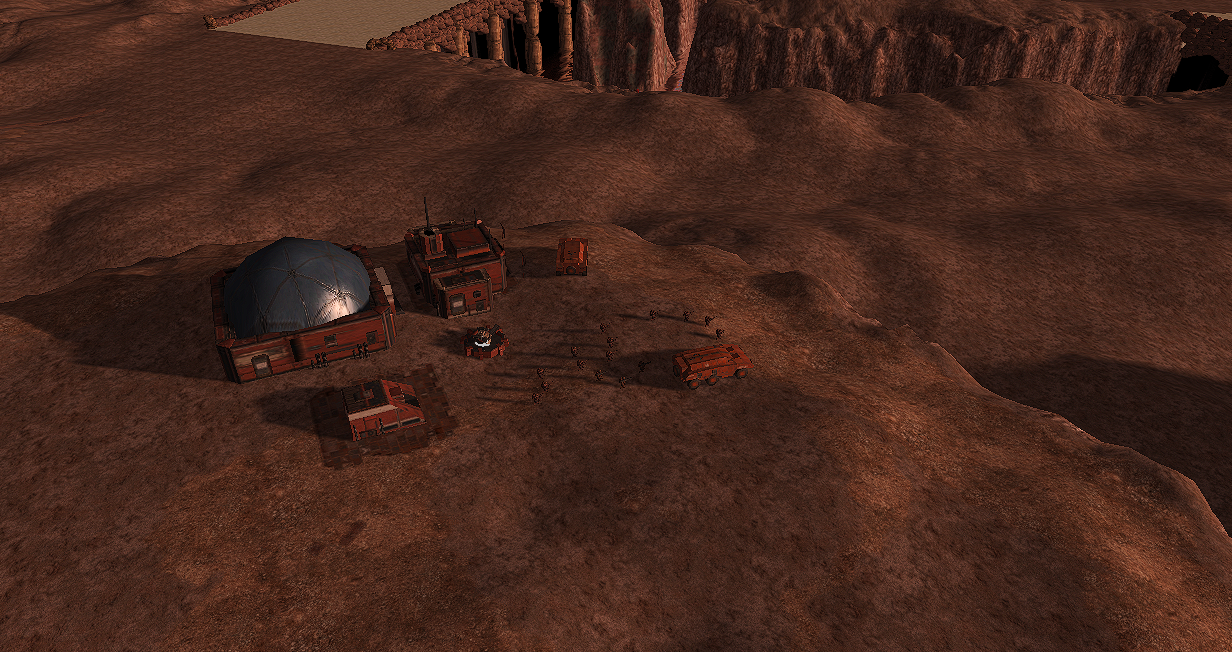
Mars landing
 5 points
 -
I am a professional horn player and I love 0 A.D.! I heard a track with MIDI horn and thought I would volunteer my services. I have two horn performance degrees and practice a good deal. I don't think submitting an "application" (as detailed in the sticky post in this topic) makes sense because I'm not prepared to volunteer 10+ hours per week. Let me know if I should be going somewhere else to volunteer my services! I have large- and small-diaphragm microphones, a good recording space, and I use ardour for editing and mixing. I have mixed many tracks in the past, and am very conversant in digital audio manipulation and digital audio workstation concepts and practices. I'm also a software developer, and very technically inclined. I also play cello and classical guitar...not quite as well as horn, but 0 A.D. music doesn't tend to be technically demanding, so I think I could make excellent-quality submissions on these instruments if it would be helpful.4 points
-
It reminds me to do something with: https://github.com/AlexanderOlkhovskiy/0ad-space4 points
-
Could that funciton possibly be integrated into the new vanilla version? It was quite handy... here is the link: https://mod.io/g/0ad/m/modiomod#description made by @Silier for Alpha 0.26 - and i am most grateful for it!3 points
-
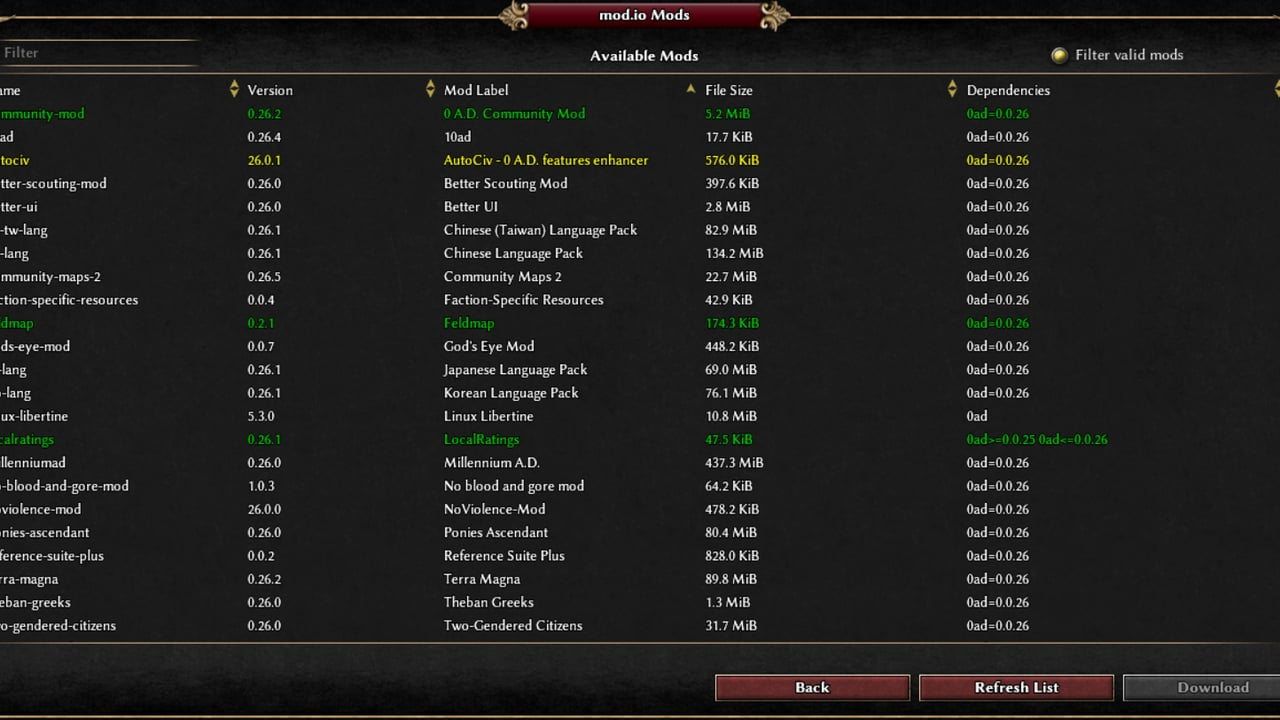
New Version, now with a button "Check for Updates" on the mod selection screen prior to downloading anything ewlse (thanks to @Asher) . Unfortunately, for me everything is green as my mods are all updated already... Could somebode please do some testing? Again R28 is for Version 0.28 and R29 for the new SVN version 0.29 (nightly build). There is also a little user and maintainer documentation. modiomod-changes.md modiomod-r28.zip modiomod-r29.zip2 points
-
I agree that this would be a nice addition to vanilla.
 2 points
 -
Yes I did fix this bug with @Vantha in #8652.2 points
-
This is a mod that is supposed to make boats better. If you want to help, I can add you as a collaborator, or if you just want to test, that is fine too. https://github.com/Jeff-web-sketch/Boats1 point
-
Also read the commit guidelines and you can always check the Wiki. And this is a very user-friendly guide to the basics of Git. The hard data is here: https://git-scm.com/learn1 point
-
Perhaps this basic guide will be helpful1 point
-
The buildings section is copied from one of the old design docs; tbh i was mainly focused on doing the units and bonuses. My plan would be to largely recycle the names and models from Spartan buildings. They will probably need rams purely for gameplay reasons (it was decide a while ago that all civs will have them iirc). I suppose they could extrapolate from later rams or use the log ram as with the Germans. https://research.vu.nl/ws/files/42190004/chapter 10.pdf The actual archaic siege methods would be a bit hard to portray through gameplay (although a tech or passive bonus that makes infantry stronger against buildings to somewhat compensate for poor siege is possible) The Olympia ram is probably outside the civ timeframe by some decades; with the relative rarity of rams it's possible there were slightly earlier rams that left no record (Siege engines were sometimes built on site because it was easier than transporting, so it's possible they would be discarded afterwards with perhaps the metal parts being melted down or reused in another siege). Although it might be better to err on the side of caution by giving them only log rams. As for siege warfare in Greek epics, there is a moment where Hector uses a large pointed boulder to destroy the gates of the Greek camp; clearly another feat of superhuman strenght by mythicals heroes, but perhaps implying that in some Mycenaean/archaic sieges attackers tried to breach gates. A quite detailed description of how the gate broke and the tactics employed after breaching1 point
-
Snow Red and the Seven Helots1 point
-
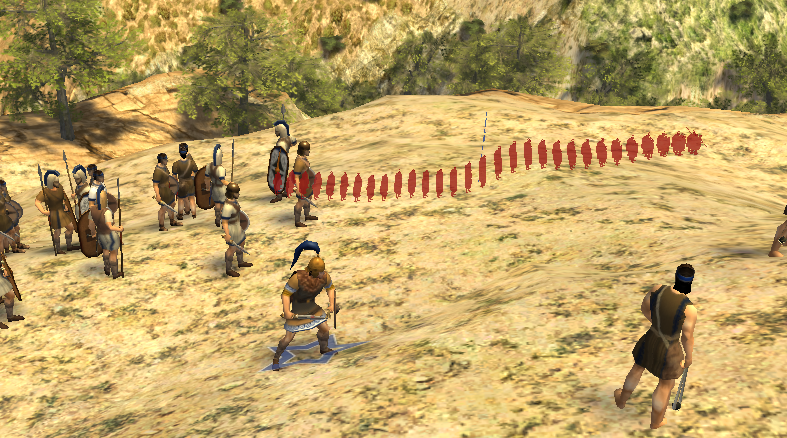
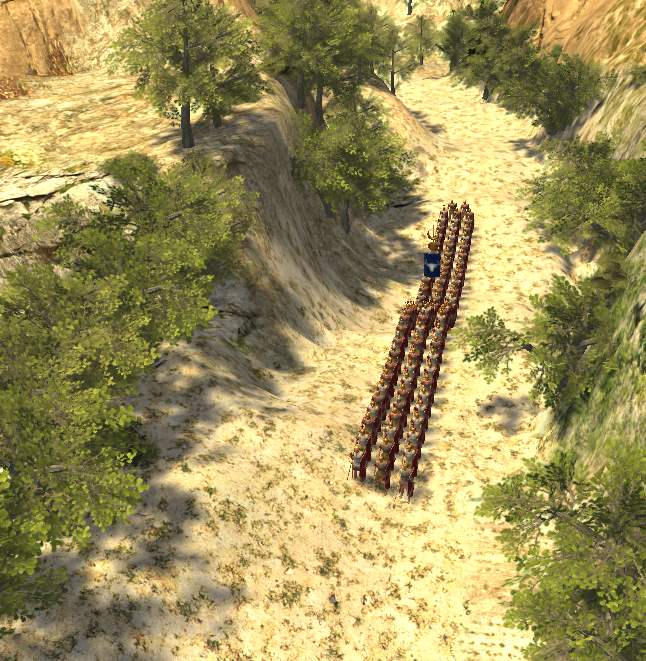
testing some mechanics, to find a balance between a more numerous and strong legion vs fewer and less organized, and so far it's working!
 1 point
 -
Would this just be in the download mods page? I think it would be nice to have the update checker in the main mod page1 point
-
A small ledger telling what the colors are would be nice.1 point
-
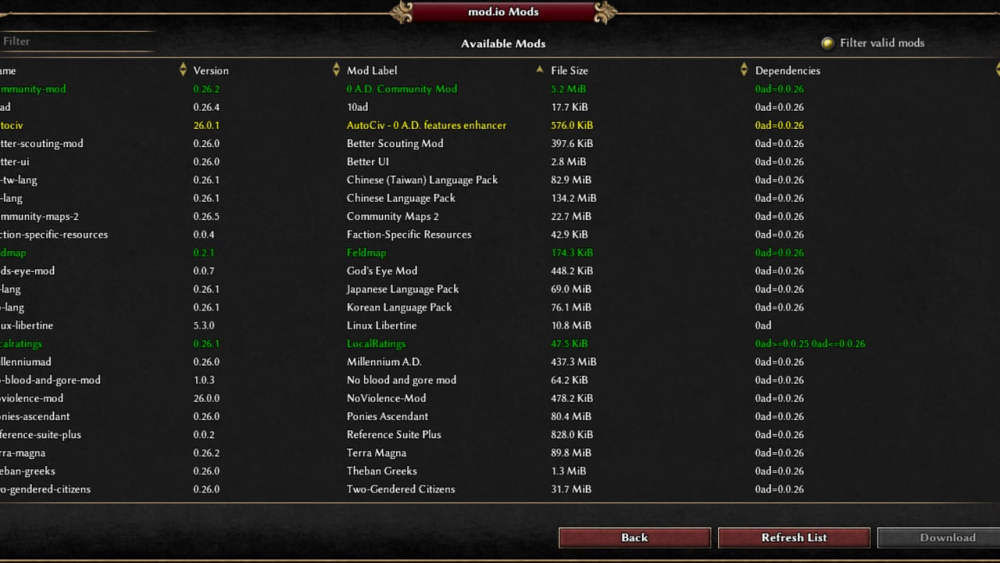
Again thanks to @Silier for this great little mod and the idea behind! Not being a SW developer, I asked Claude to help and adapt it to 0.28. Here it is. I also have the version that is said to be working with SVN (currently 0.29) but still have to test it. If it works I will provide it as well. Again - this is not a professional solution and I apologize for using AI help. What I do appreciate is that the change doc created includes the what and why it was changed. I would suggest to include this little feature into the game itself. Here's the exact logic for colour code per line in the mod.io list (from getModIOColor() in the file): Gray — the mod.io listing itself is invalid (the engine rejects the mod entry, e.g. broken mod.json on mod.io's side). You won't normally see these unless you uncheck "Filter valid mods," since that filter hides invalid entries by default. Red — dependencies not met: this mod requires another mod (or a specific version of one) that you don't have installed. This applies whether or not the mod itself is installed. Yellow — installed, and a newer version is available on mod.io than the one you have. (This can only apply to something you already own — the check for "update available" only fires if it finds a matching installed mod.) Green — installed, dependencies met, and your installed version is current (no update pending). White (no color) — not installed, but otherwise valid with dependencies met. The order matters — it's a priority chain, not independent flags: gray beats red beats yellow beats green beats white. So a mod with an unmet dependency shows red even if you already own it and it's up to date; only once dependencies are fine does it fall through to yellow/green/white. One more detail: selecting a mod also shows text warnings in the description panel independent of the row color — "(Warning: Dependencies might not be met.)" and "(Info: Update is available)" — driven by the same areDependenciesMet/isUpdateAvailable checks. modiomod-r28.zip modiomod-changes.md1 point
-
It looks great, but it seems like it stopped receiving updates a long time ago.1 point
-
This is a known bug. I think it was fixed here for the next release here: Issue #8651, PR #8652. Perhaps some dev can confirm it.1 point
-
Can I use your forum email to put you in touch ? no need to share it publicly1 point
-
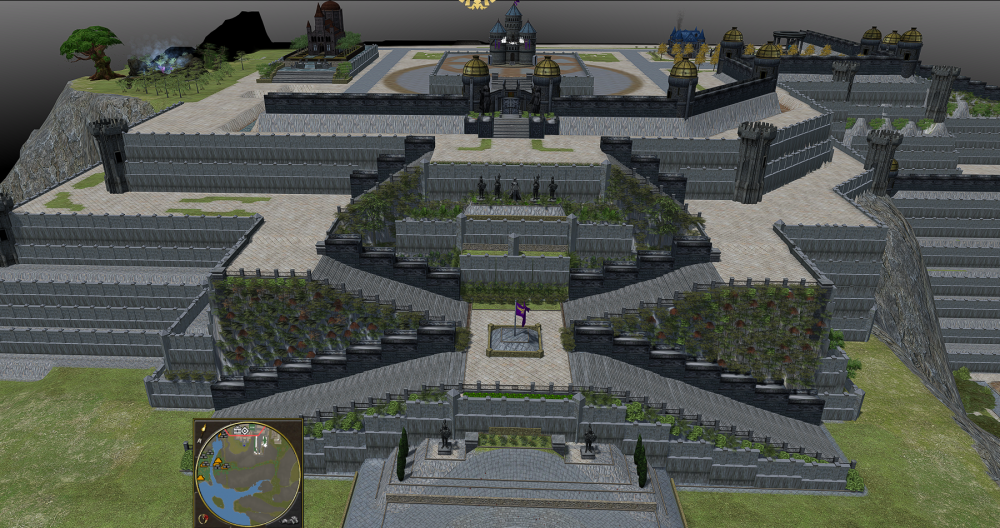
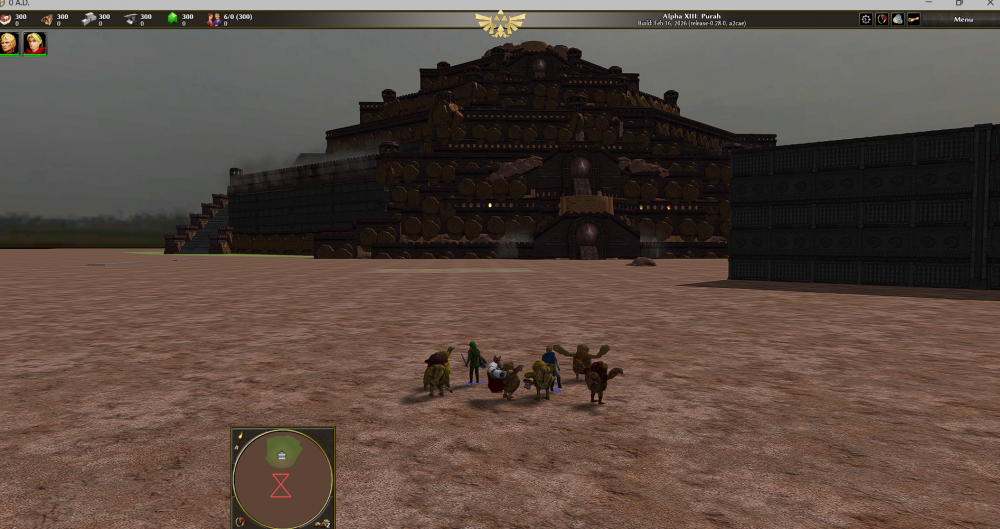
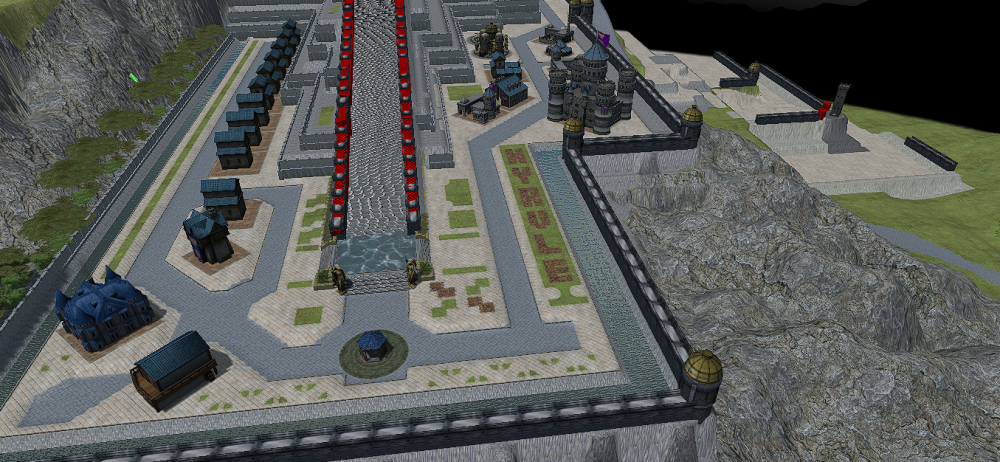
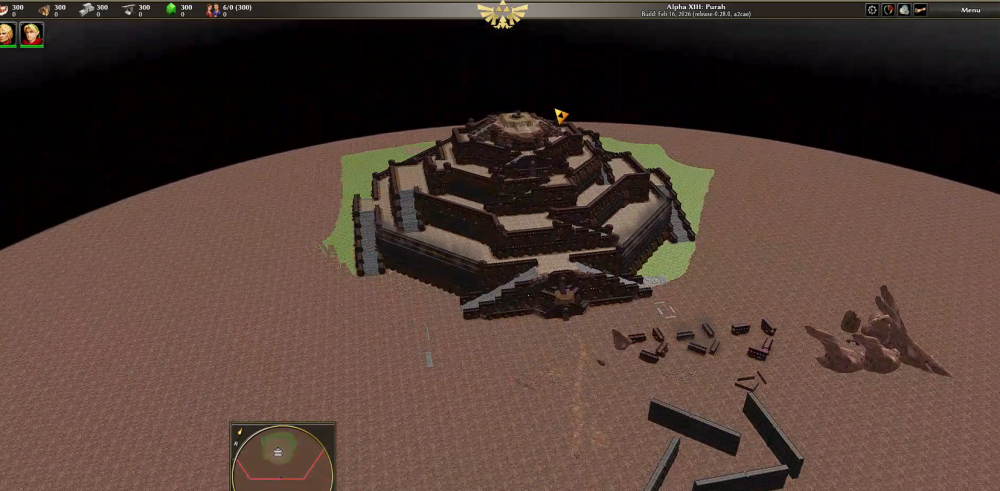
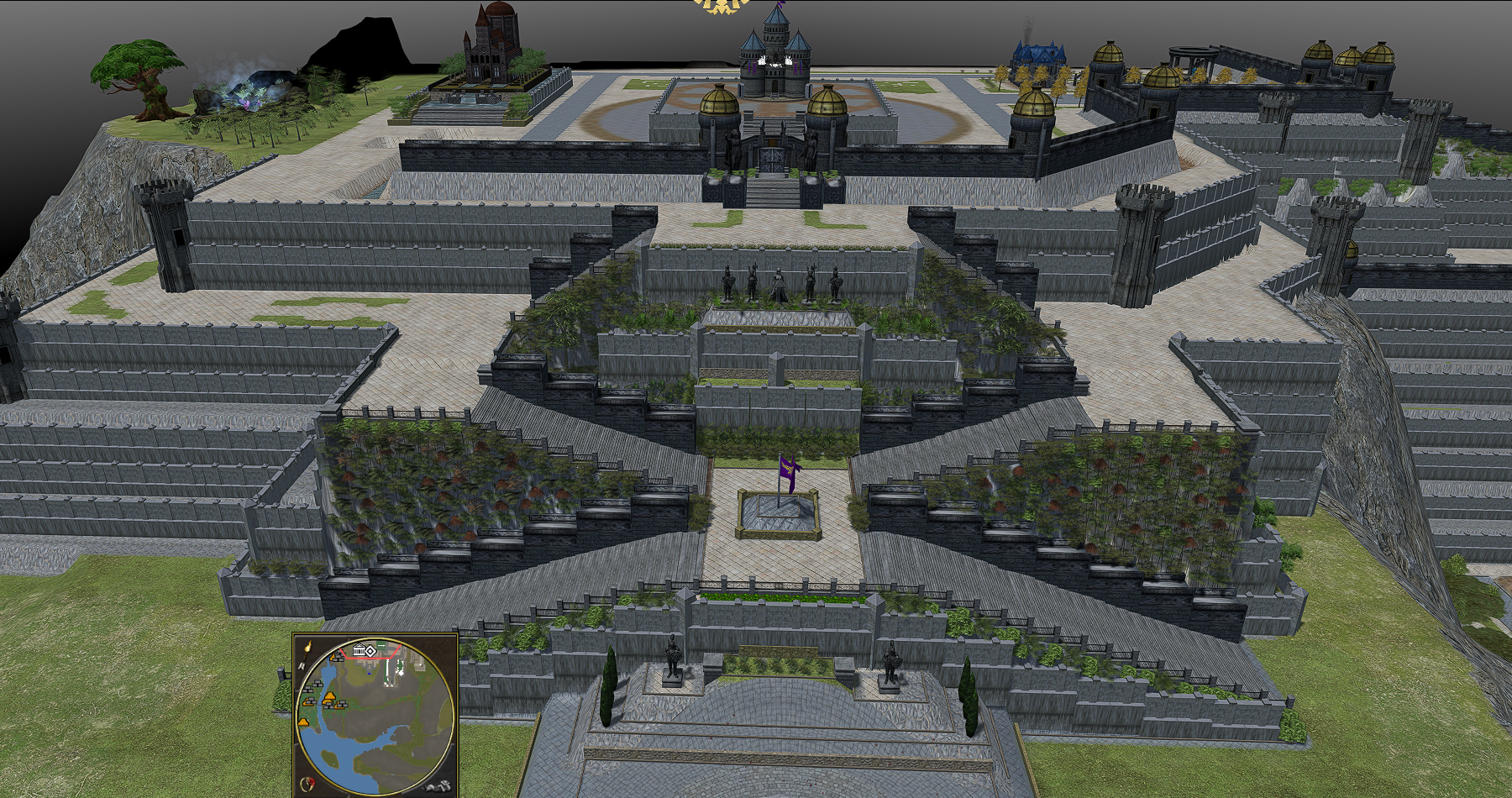
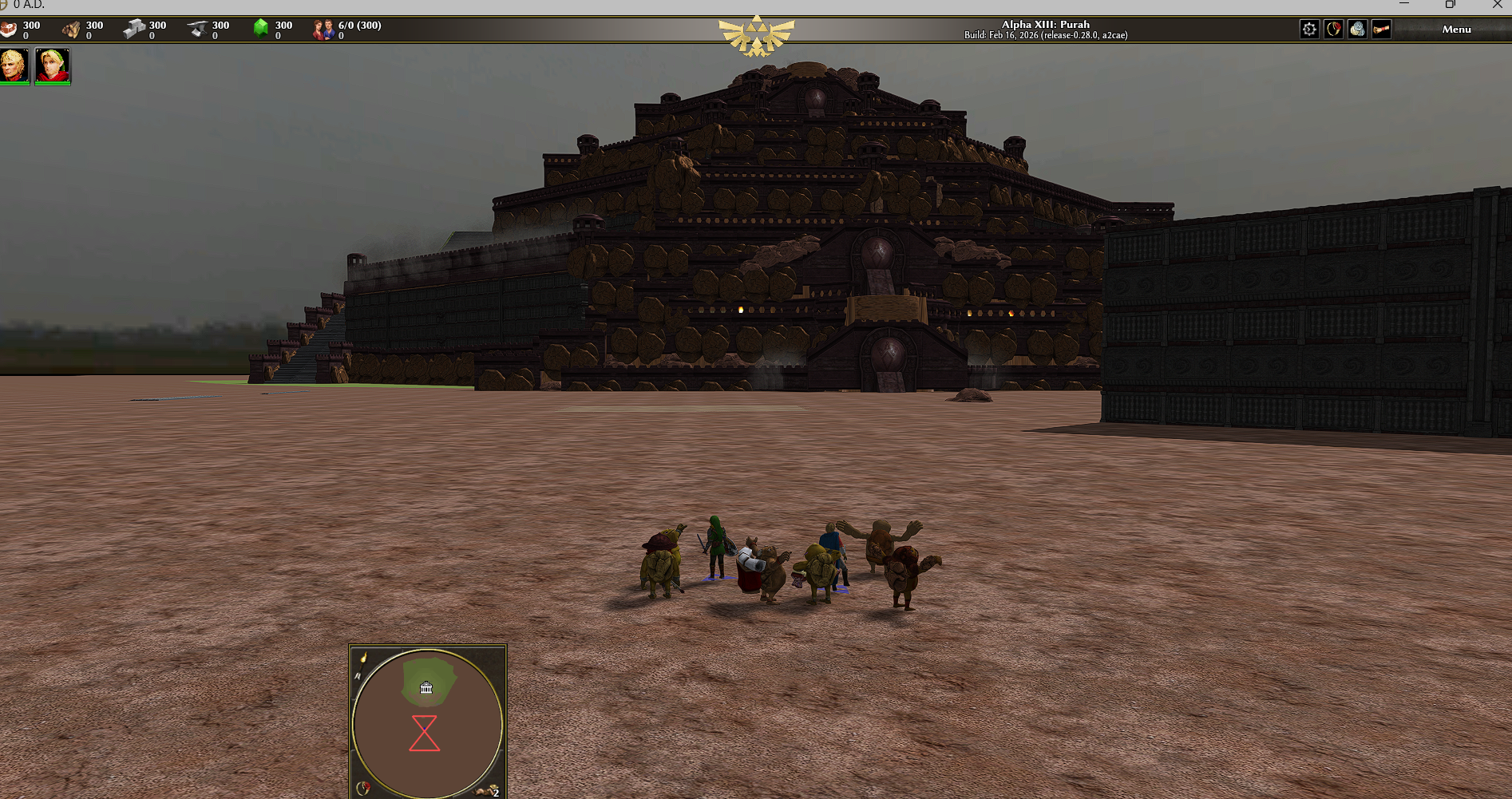
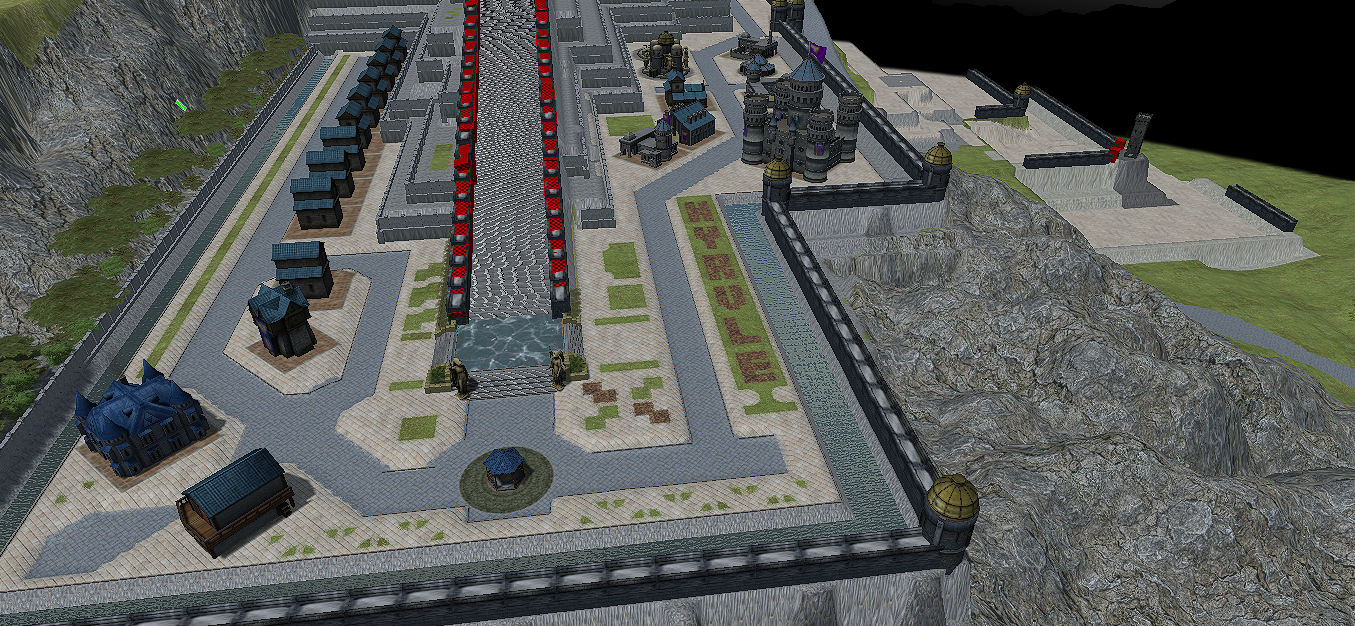
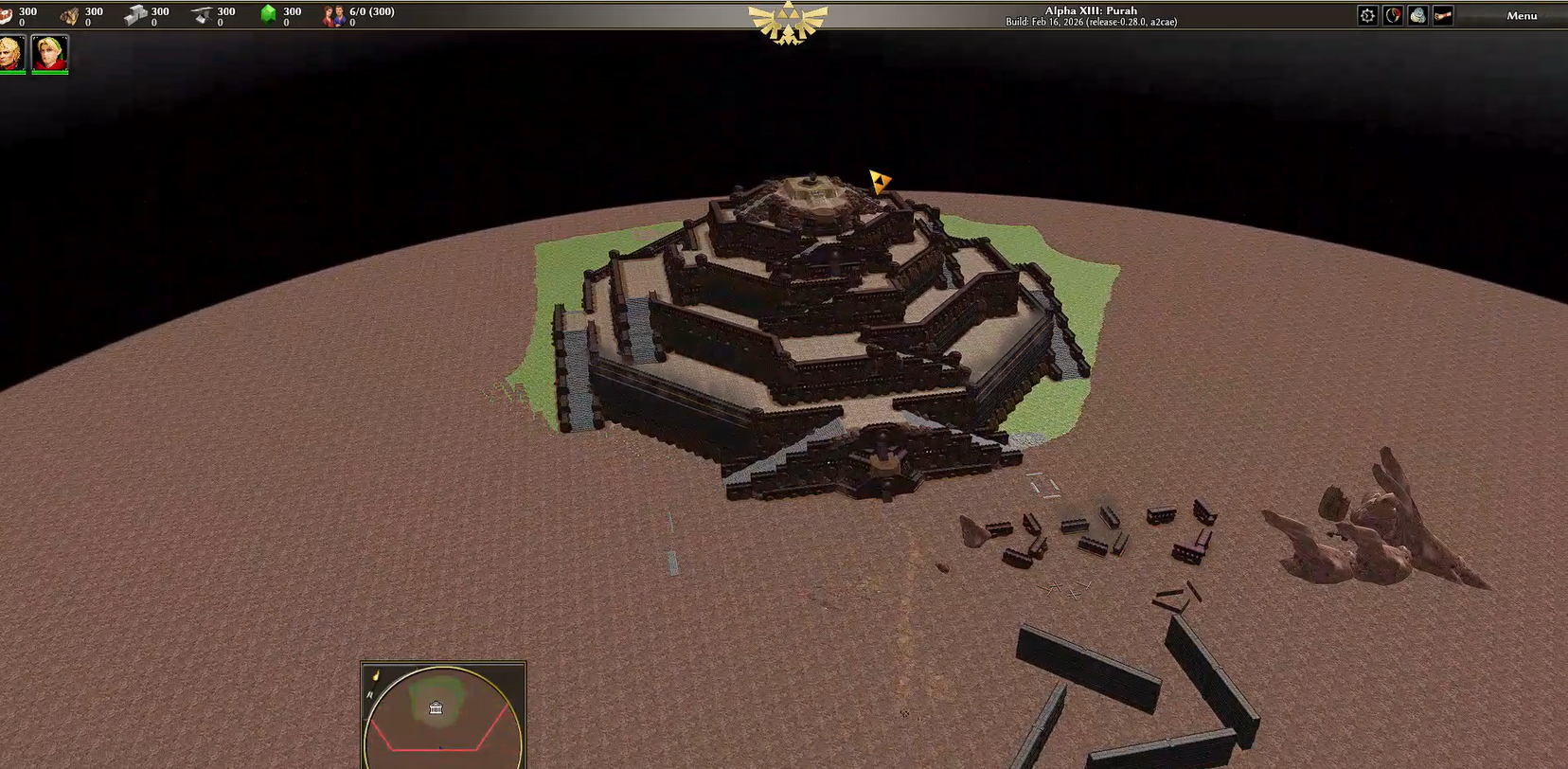
It is not the original version but is based on the Hyrule Revival mod. The structures were created using the Atlas terrain tool.
 1 point
 -
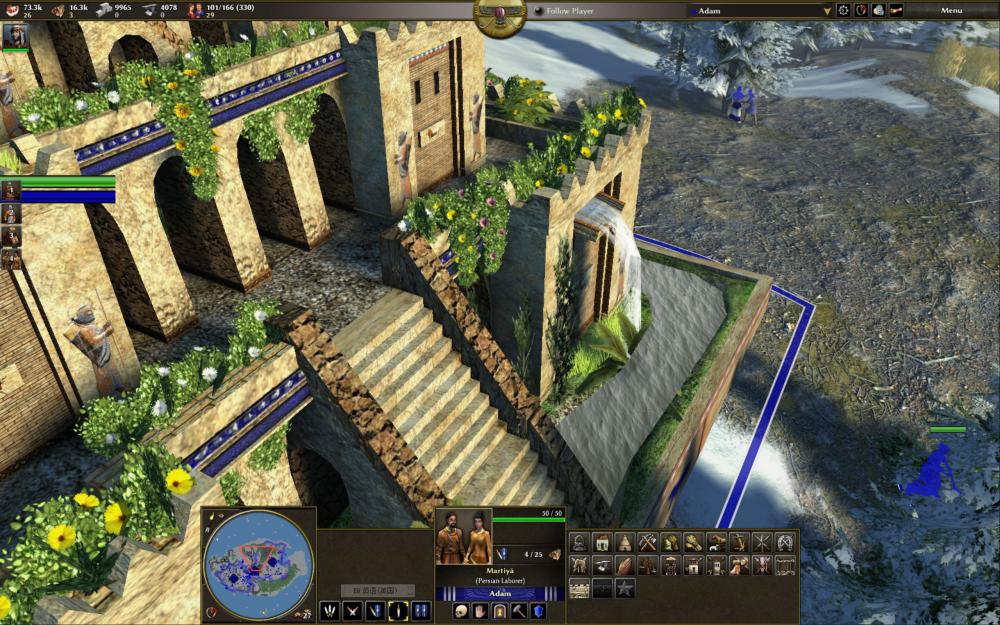
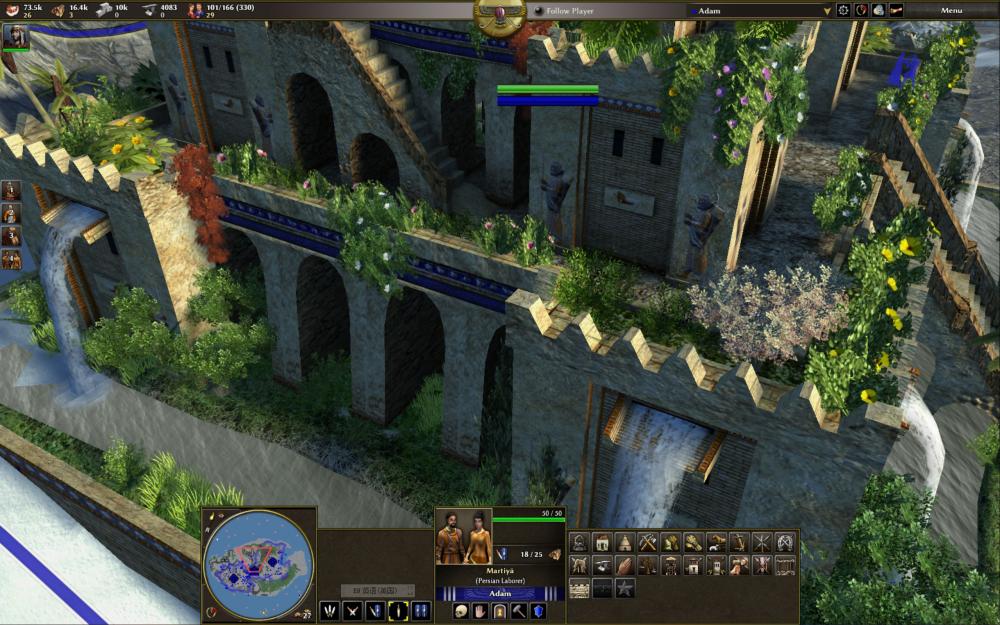
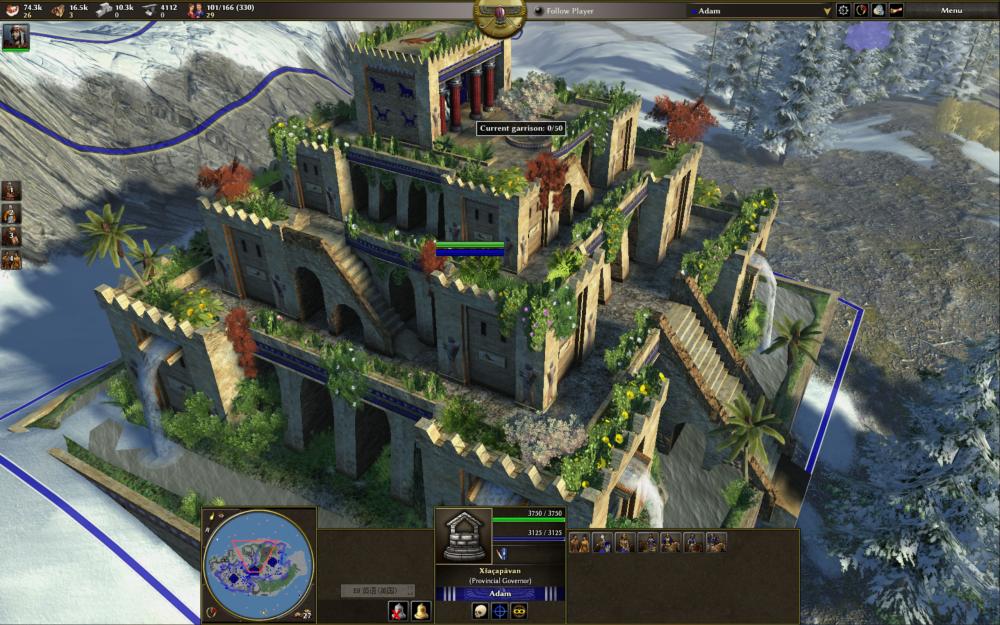
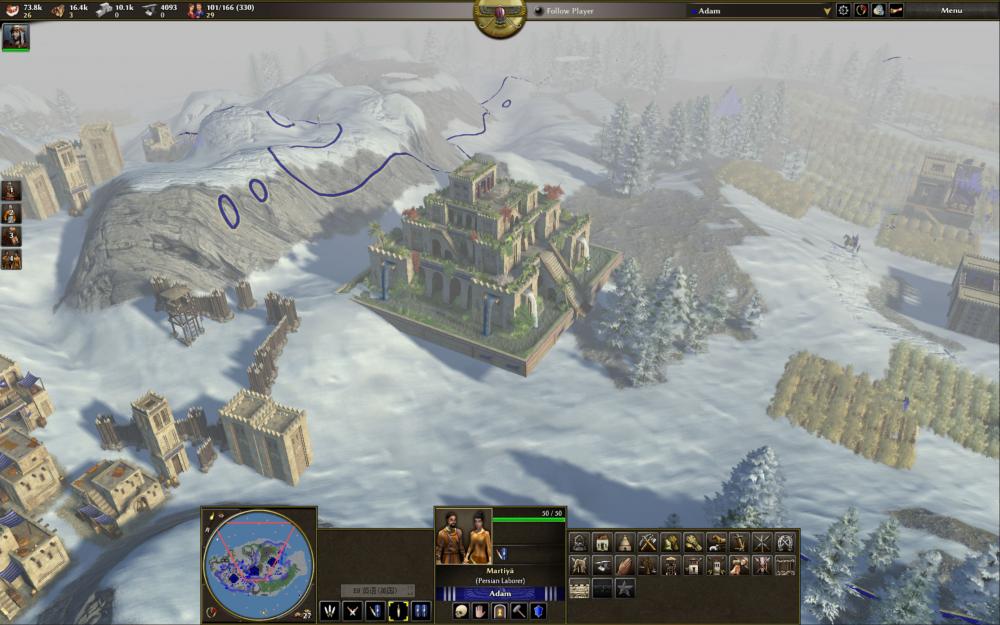
The game 0.A.D. is totally amazing. Absolutely loving it. I played it 5 hours straight after install it. Unbelievable! Totally addictive. It's like advanced version of AOE series.
 1 point
 -
It seems that the @nifa has already done some work.1 point
-
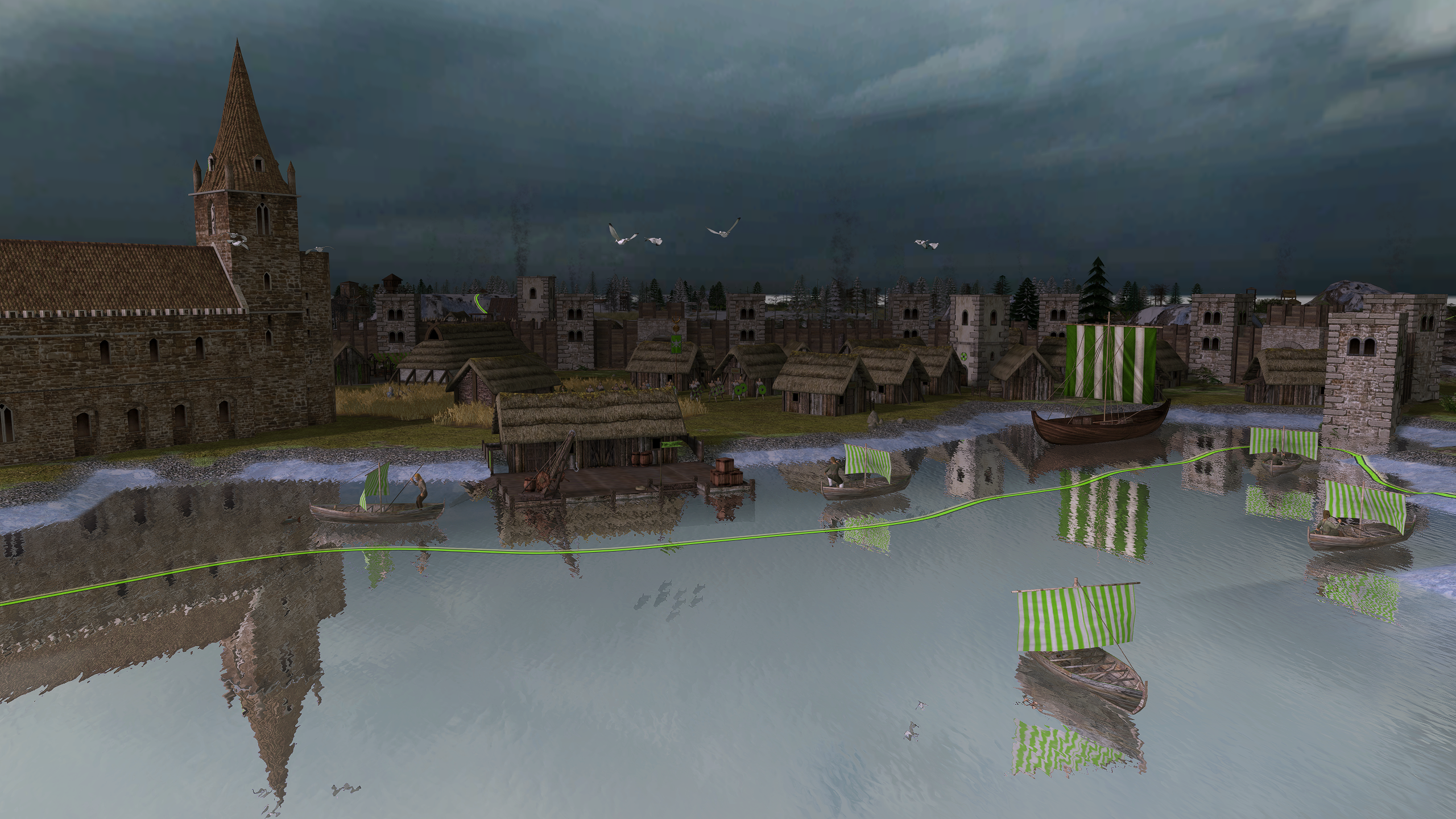
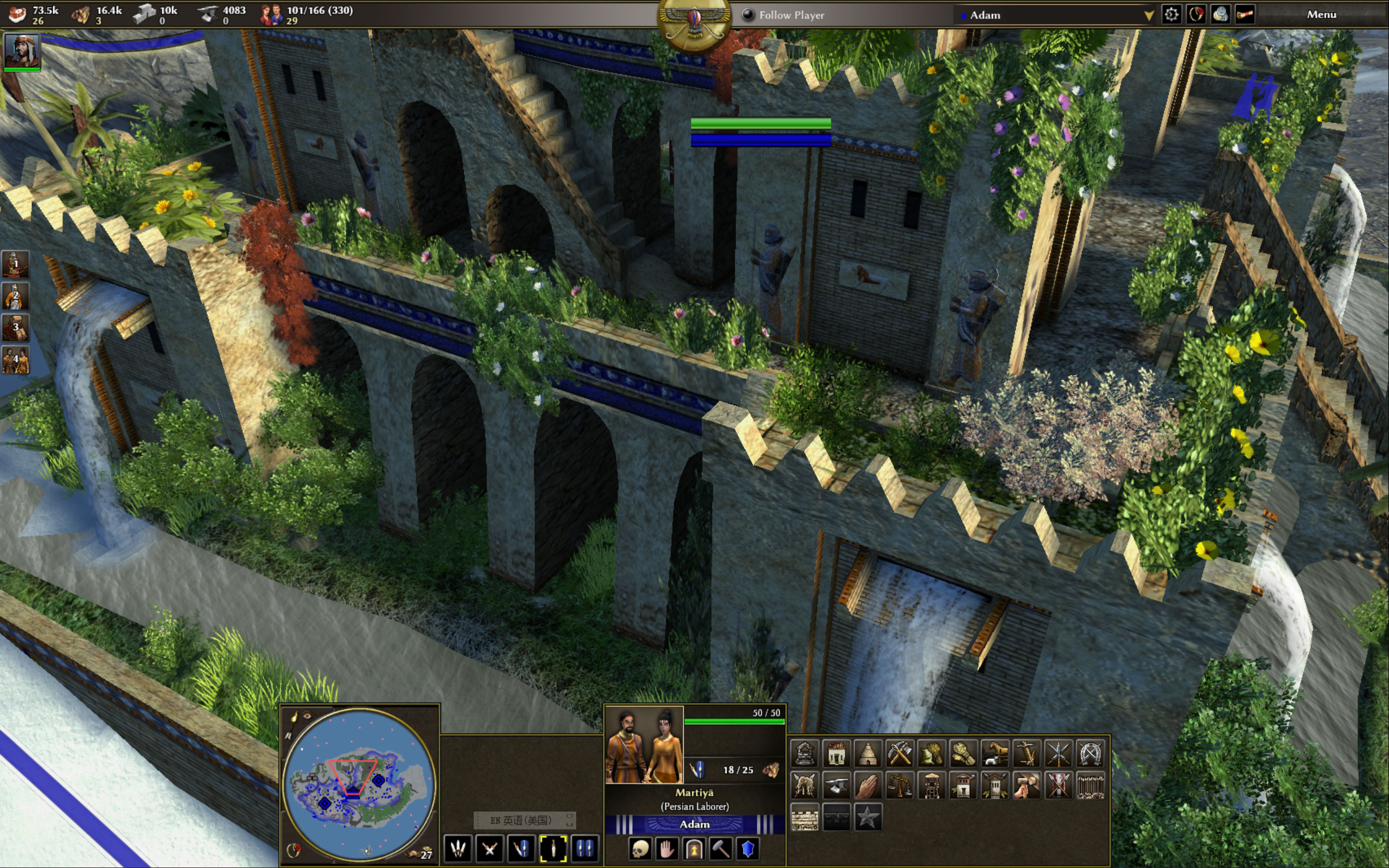
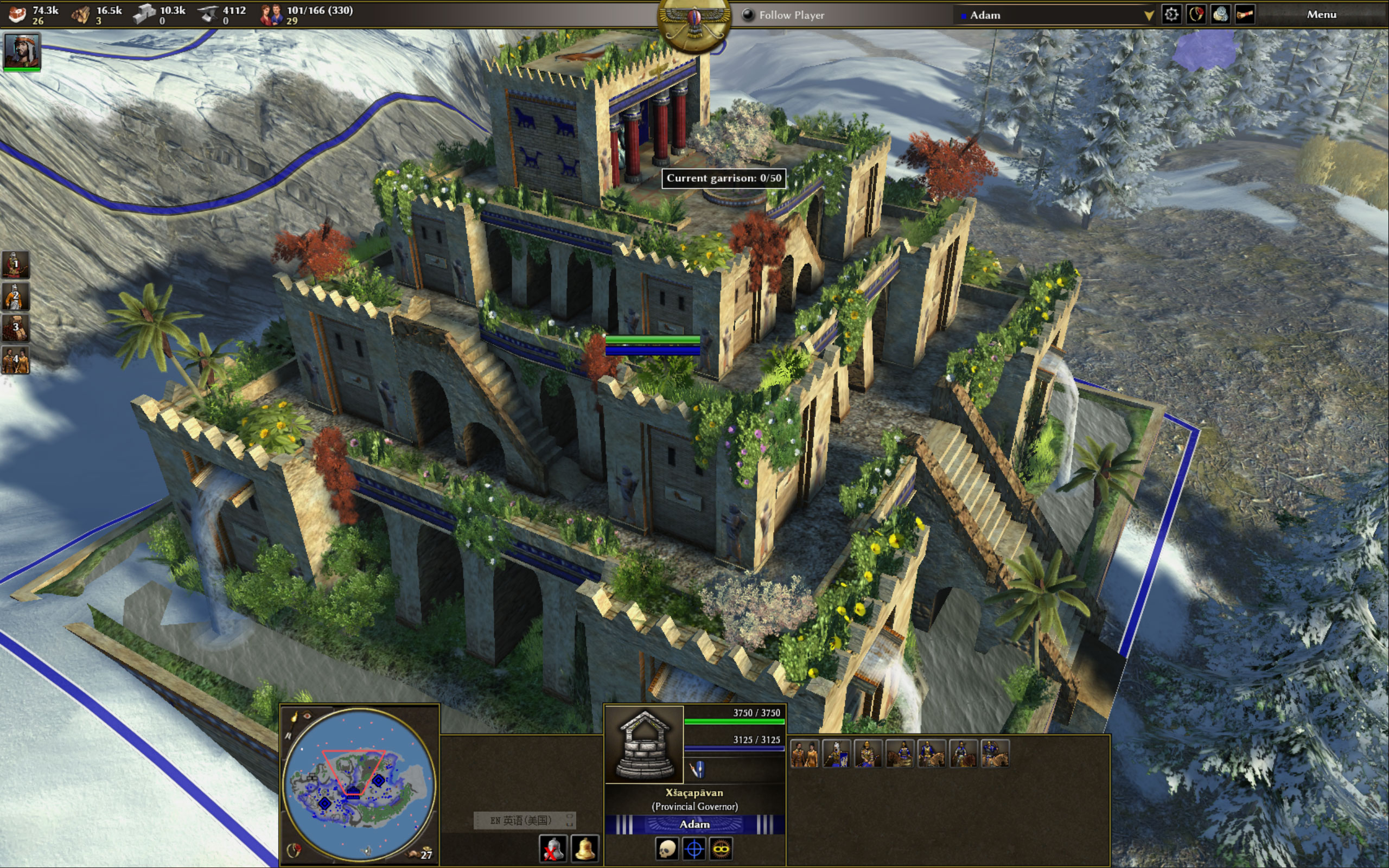
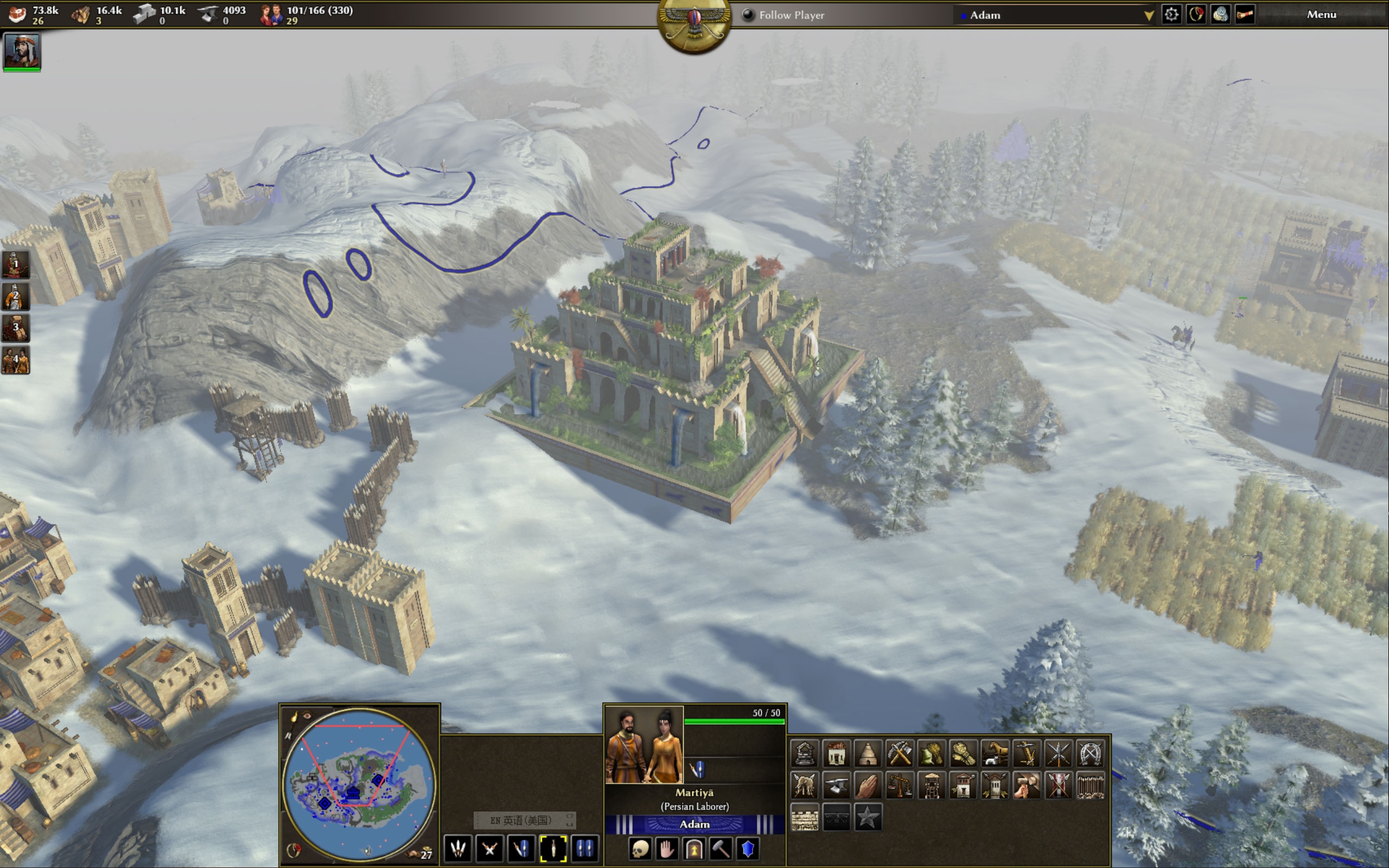
It's the wonder of the Anglo-Saxons, Church of Brixworth https://en.wikipedia.org/wiki/All_Saints'_Church,_Brixworth https://wildfiregames.com/forum/topic/22783-1000-anglo-saxons-all-saints-church-brixworth-wonder/#comment-3366031 point
-
1 point
-
1 point
-
1 point
-
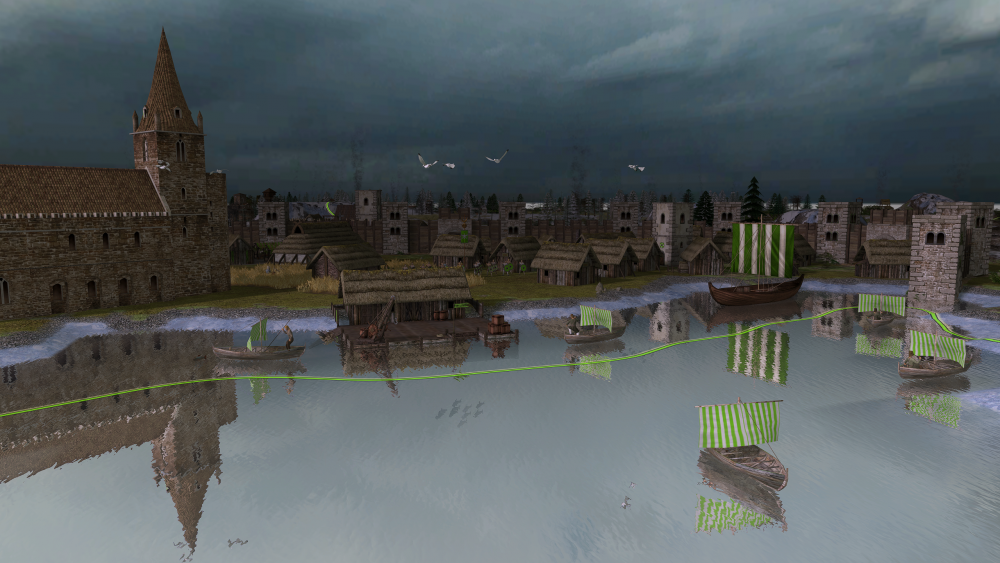
Nice to see Millenium A.D. being updated
 1 point
 -
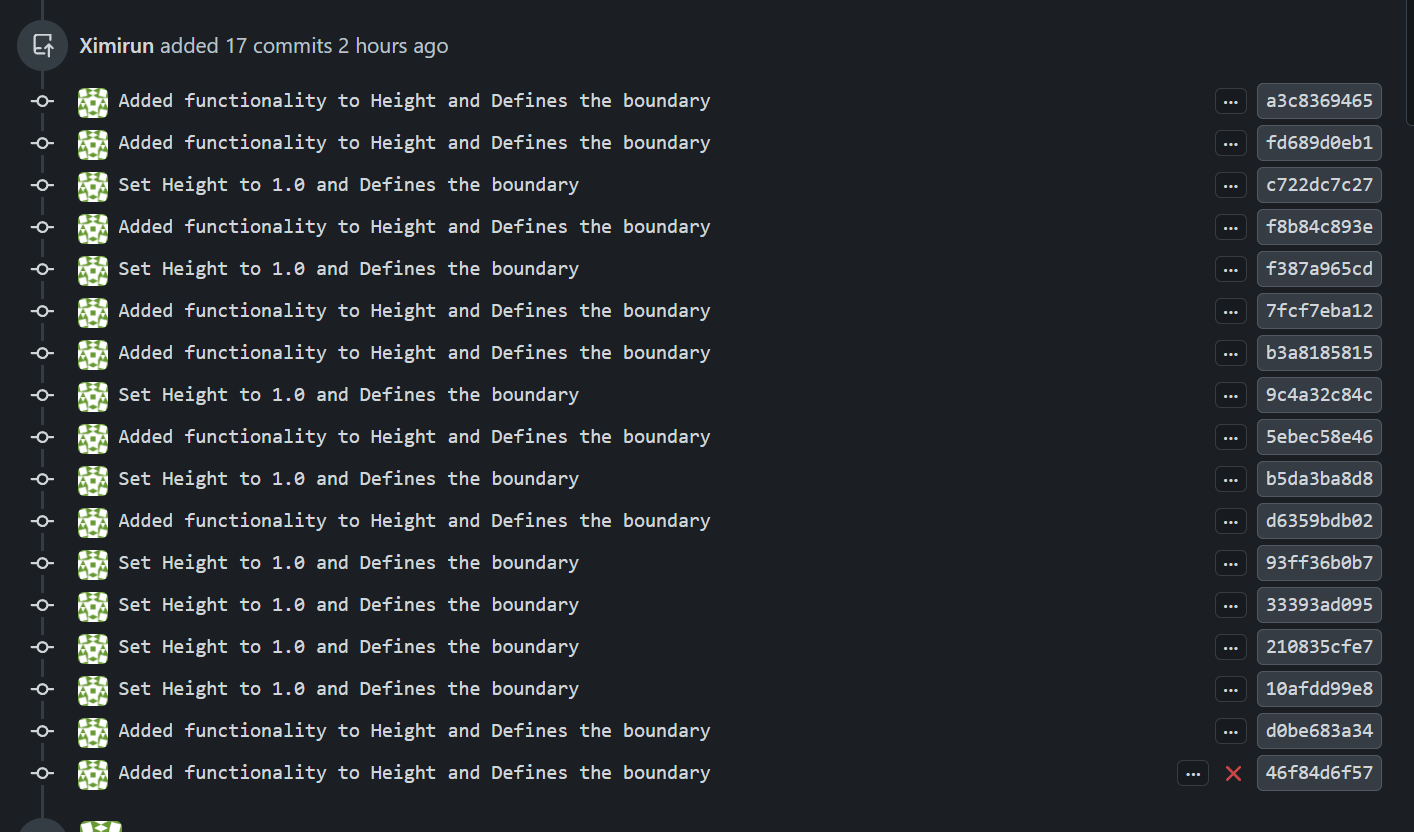
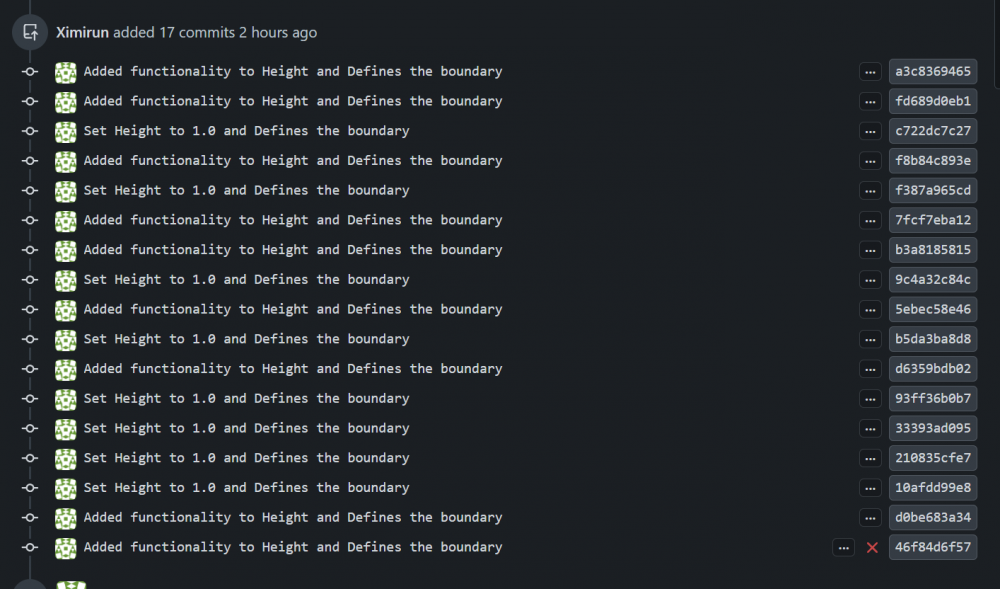
That was fast, @Tapothei! Thanks for putting in the effort to learn how to create a PR. You could get a source-code editor like Visual Studio Code to make things easier for you. Also, when creating a PR that solves an issue, you normally want to include this in the PR message like this: "Fixes #8781" I'll try to explain the basic Git workflow as simply as possible. I'm still learning myself, so there may be a few details I’m overlooking. The usual workflow is to fork the repository, clone your fork locally, and create a branch for your changes ( You don't want to work directly on the website for practical reasons). You commit your work and push the branch to your fork. Each contributor works on their own fork. Once the changes are ready, you open a pull request from your branch to the upstream repository, where the maintainers can review it. Also, right now your changes are on the main branch of your repository. `Check this: Normally main should not be used for development. Instead, it is kept in sync with upstream (the official 0 A.D. repository), and new changes are developed in separate branches. Pull requests are then opened from those branches. This is an example of a PR from another contributor, notice his PR comes from another branch, called "lazy-actual-size": This way your main branch always stays clean and can be used to create new branches. Otherwise, if main contains previous work that wasn’t merged, those changes could end up included again in future pull requests. An if you later want to work on something else and sync your main branch with upstream, you may run into problems because git will detect local changes that don’t match upstream. By creating separate branches from main, you isolate each set of changes. This makes it easier to keep main clean, revisit your work later, and work on multiple things in parallel. I also noticed that your PR contains many separate commits. Like this: In these cases, it is usually recommended to squash (git command) them into a single commit. This makes it easier for maintainers to review the changes and keep a clean history of the proposed modifications. I know this might seem completely confusing right now. But if you plan to keep contributing, learning it will make things much easier in the long run.It can take months and plenty of frustration to get comfortable with the basics of git. So if you decide to learn it, be patient with yourself. It gets a little easier every day. Well, I don’t want to overwhelm you any further. You’ve already made it this far, and that’s worth recognizing. Thank you!

 1 point








.thumb.jpeg.67ef5b5dc6d918163efa04cd5336830d.jpeg)