


Lion.Kanzen
-
Posts
25684 -
Joined
-
Days Won
302
Everything posted by Lion.Kanzen
-
Where I can found those? What is a speed brush exactly?
-
playing with Krita
-
nope its said a23 doesn't found.
-
I uses Lordgood paintings heheheh
-
@LordGood you have an video or tecnique were I can see a useful tecnique that suit with 0 A.D style.? I like to learn new techniques and imitate the techniques of others.
-
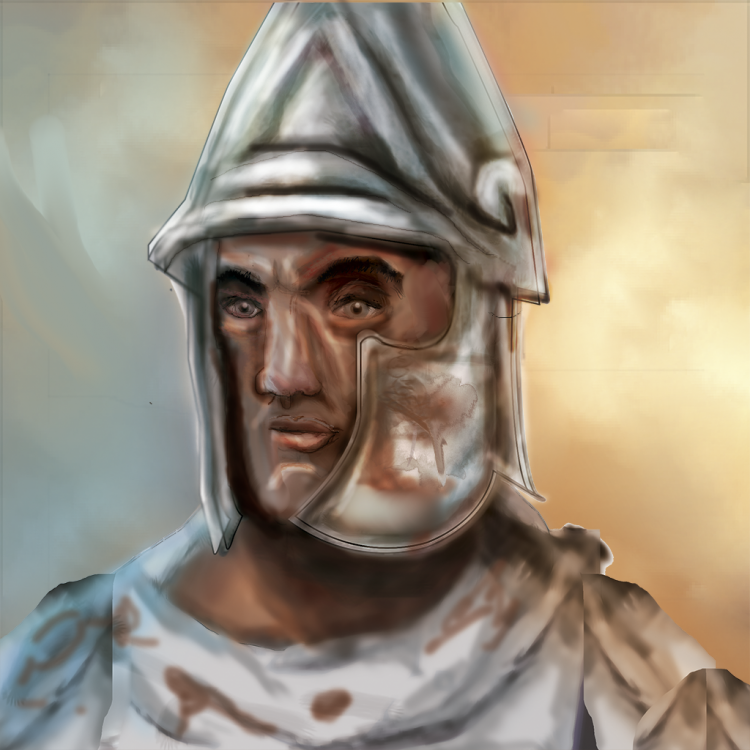
guys you can considerate my portrait for some hero if I fixed? i very Hellenistic. only need improve the details. few times I paint from scratch, I'm using different technique to make the skin.
-
yes basically is normalizing the files. you can make the mod for a24? I already feel very obsolete trying something on a23.
-
sounds great. very inmerssive. but are mostly some low volume.
-
al last use different bakground.
-
the sound level (volume) isn't consistent between them
-
not yet.
-
@Nescio can help you.
-
still looking an statue.
-
any tutorial?
-
minimalistic... that is all you want. maybe when i finish with my map icons for mods. if you want a request there would be more easy to me share with all.
-
what is that?
-
this
-

-

-
I need some fixes in the face color, shades.
-

Custom map of Servian king Rome
Lion.Kanzen replied to MardukAmmon's topic in Scenario Design/Map making
@Stan` -
WIP

-
Guide to follow to make Heroes portraits.
Lion.Kanzen replied to Lion.Kanzen's topic in Art Development
define the colors (is still hard to me blur the color and transitions).
-
Guide to follow to make Heroes portraits.
Lion.Kanzen replied to Lion.Kanzen's topic in Art Development
I use photoshop. im very bad remeber names like that. specially I didnt remember. -
Guide to follow to make Heroes portraits.
Lion.Kanzen replied to Lion.Kanzen's topic in Art Development
use a reference. from hero from game from other game heroes. 3D model of human face with Heroes props make an schema muscles that are related with color(tones of skin) or shadows this can work as guide. to color make another take in account the equipement. make some fusion of layers to be sure about shadows. you can start with shades. firt layer of shade then second. then use pencil to redefine form and repeat. define the lines or stroke with pencil. add blur the use brush over dark strokes. focus first on the nose the eyes area...and eventually the rest try work with facial expression using the muscles of the faces. start to add basic color using brush to color mode.