The Council is both happy and proud to announce a new release!!!
What is it?
Terra Magna is a total conversion mod for 0 A.D. focusing on Asian, American and African civilizations. This mod used to be called Rise of the East (RotE). The name of this release is simply Terra Magna in recognition of the recent change. It is based on Alpha 23 release so do not forget to install it first(https://play0ad.com/new-release-0-a-d-alpha-23-ken-wood/).;)
What is new?
Thanks to Alexandermb talented new modder that is responsible for a lot of the new models especially Xiongnu faction, Wackyserious our new texture artist, Stanislas69 our artist doing Han Chinese buildings and Zapotec units and templates Lion.Kanzen icon and texture artist doing new logos, localized words plus a lot of historical research, Niektb (icon, texture, building artist and mapmaker) responsible for maintaining work plus work on Zapotecs and Han Chinese and thanks to Lordgood 0 A.D.’s lead artist, who helped us immensely to introduce you to Zapotec civilization as a whole. This release we are happy to introduce you to two new civilizations Zapotecs and Xiongnu, Han Chinese faction are updated this release as well.
Zapotecs
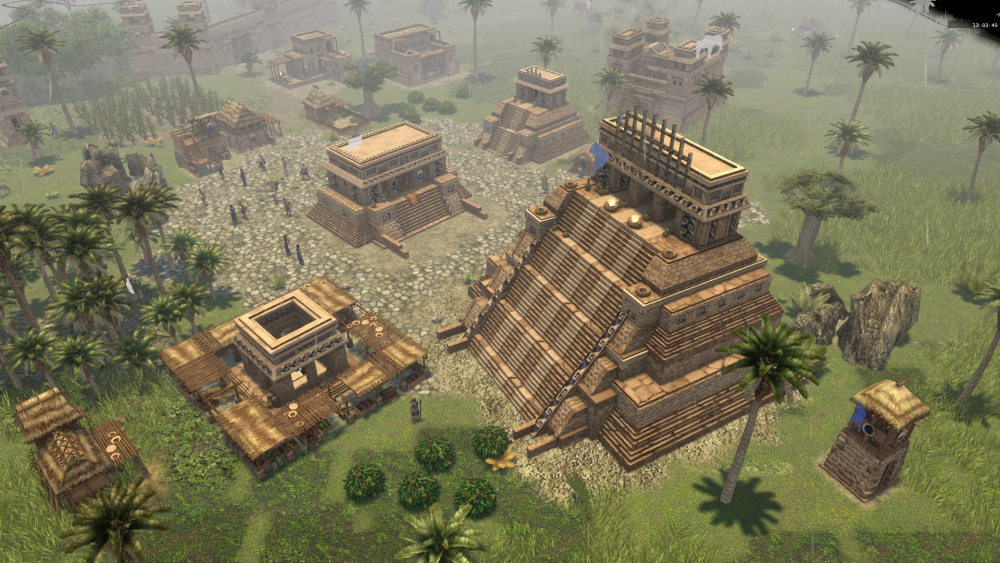
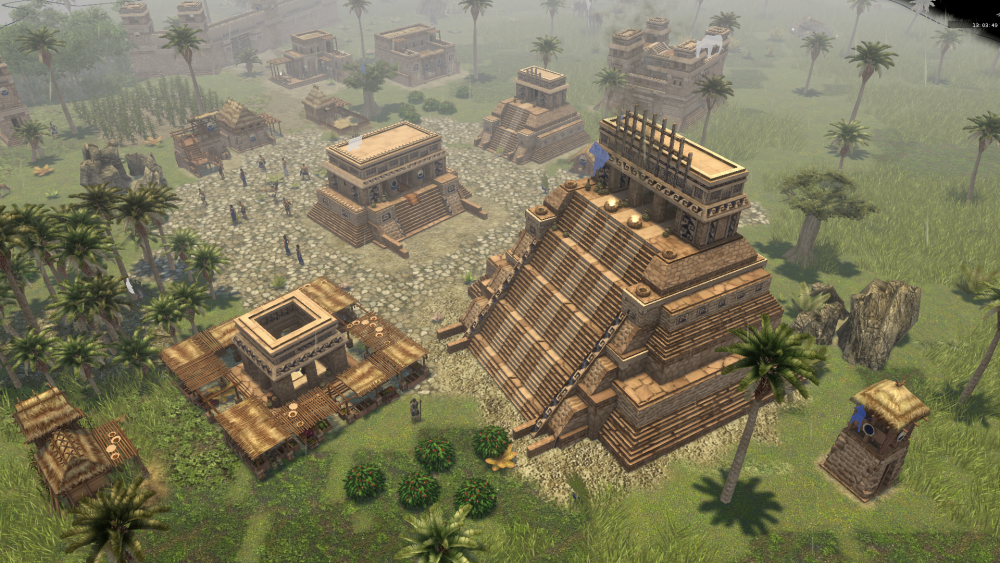
The Zapotec civilization that flourished in the lands of America to the far West.
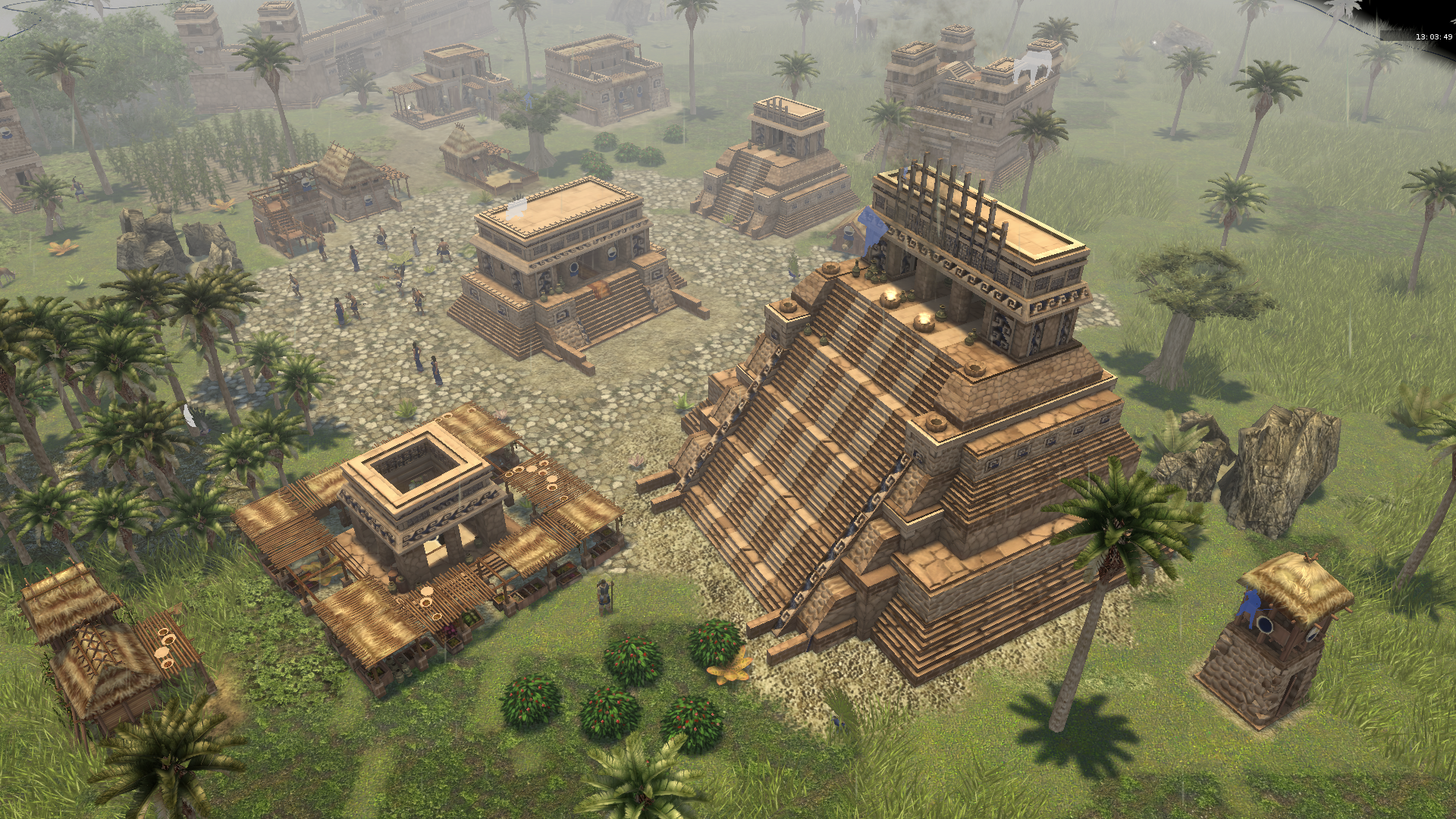
This release Zapotecs are introduced and they have an almost full roster of amazing buildings such as new market, a variation of houses, corral, blacksmith, civic centre and special types of pyramids with red carvings or paint.
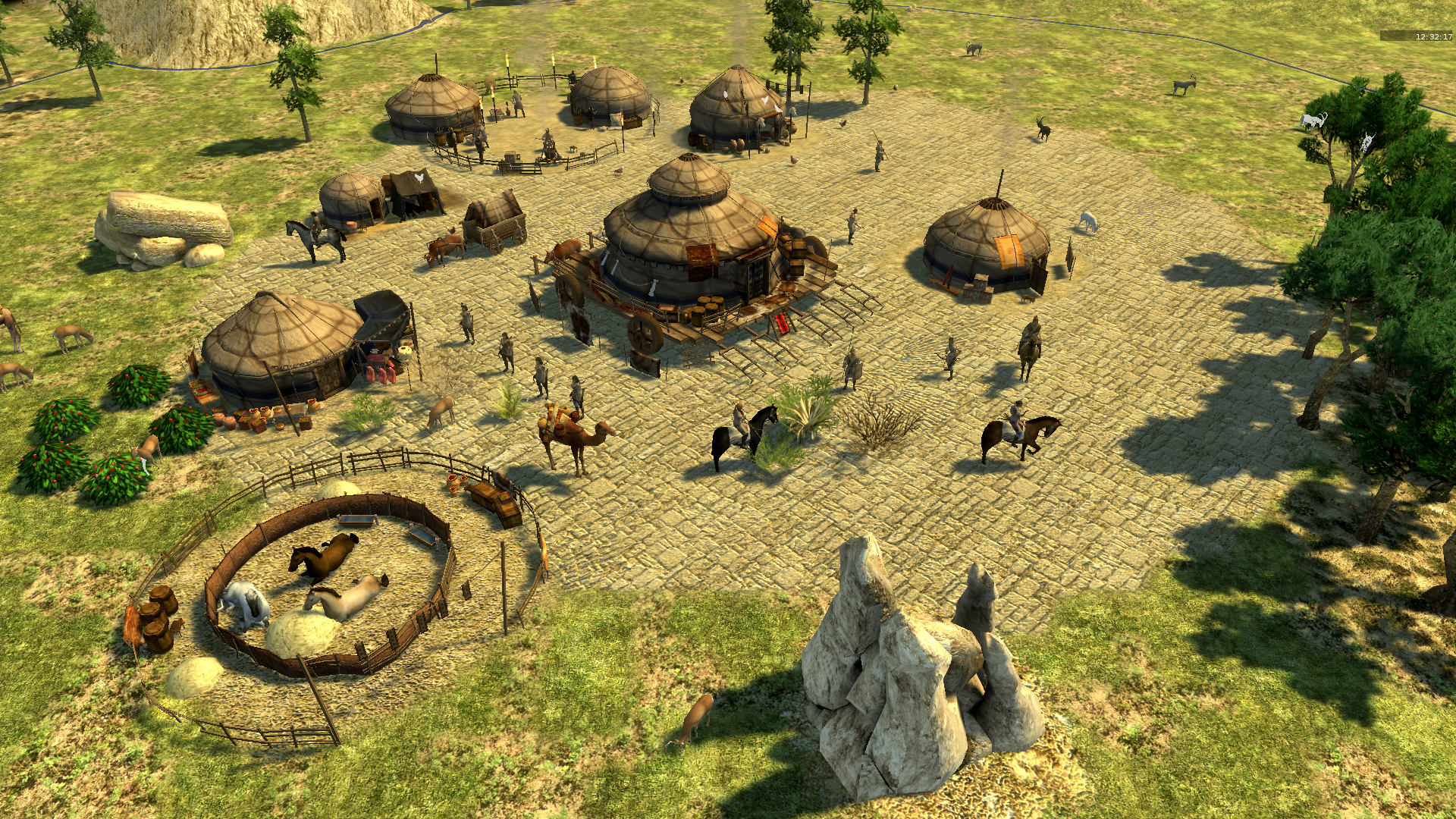
Xiongnu
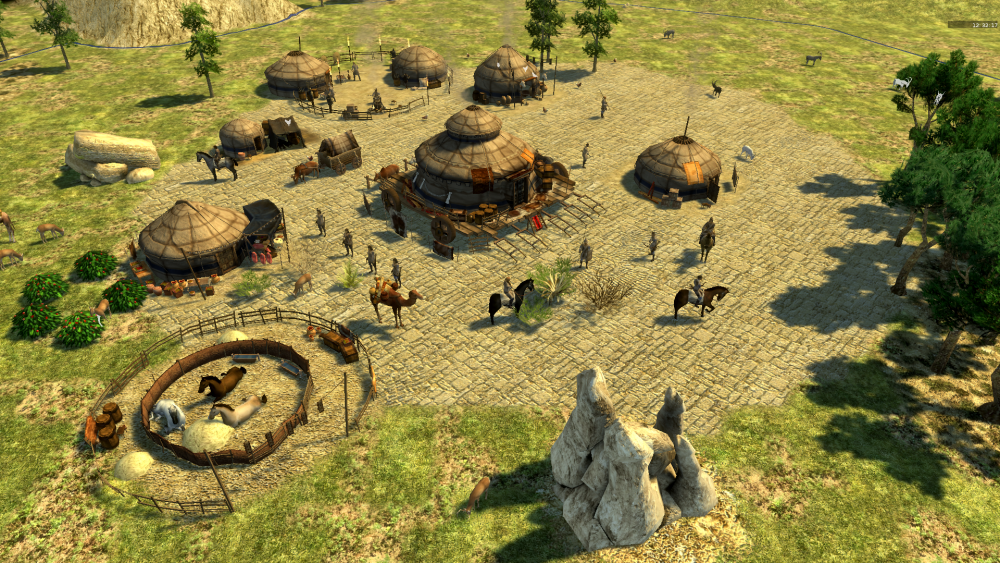
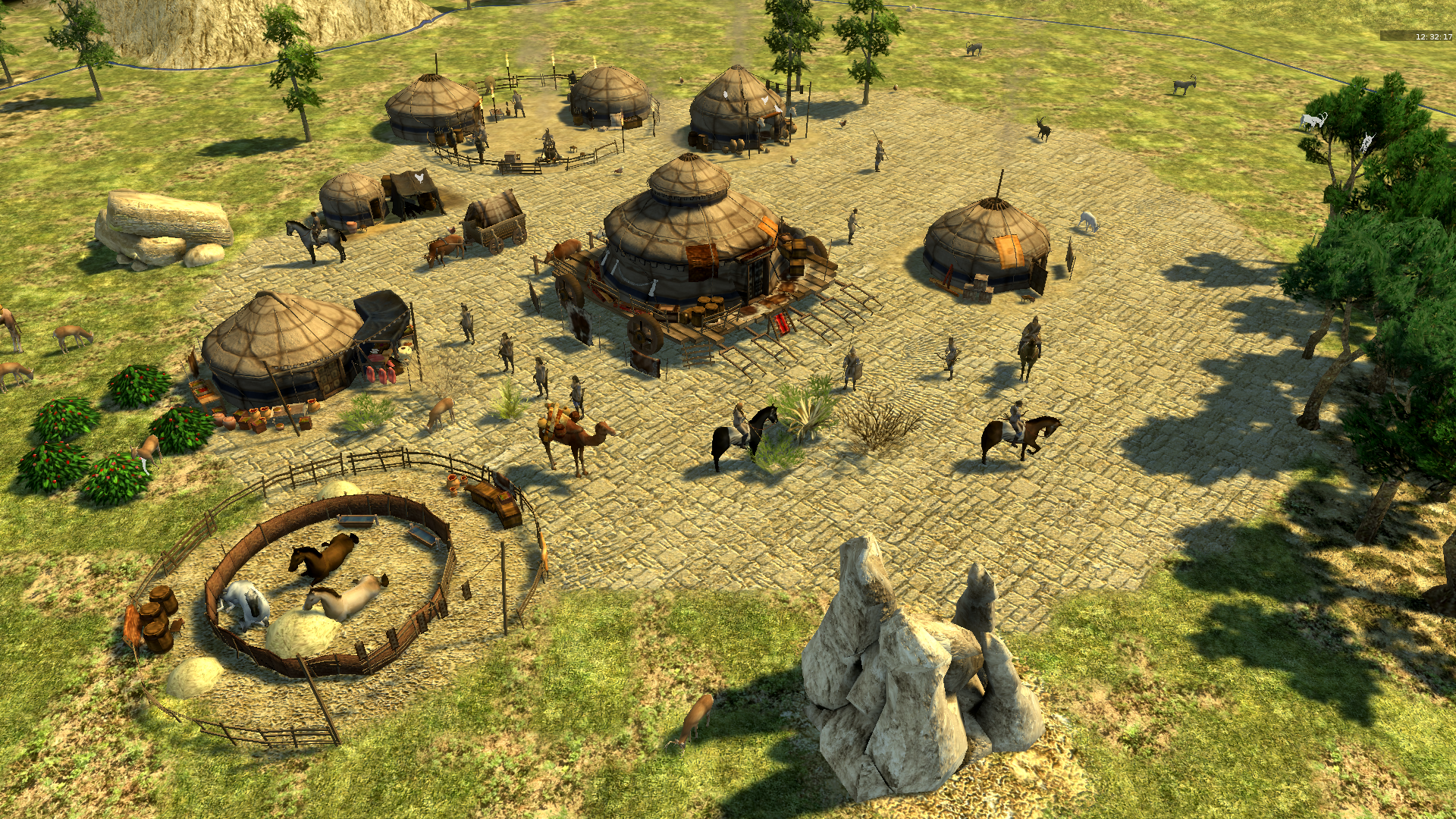
The Xiongnu nomadic tribes have come and they have some new tricks to show you.
This release we are happy to introduce you to first nomadic civilization that has some interesting playstyle.
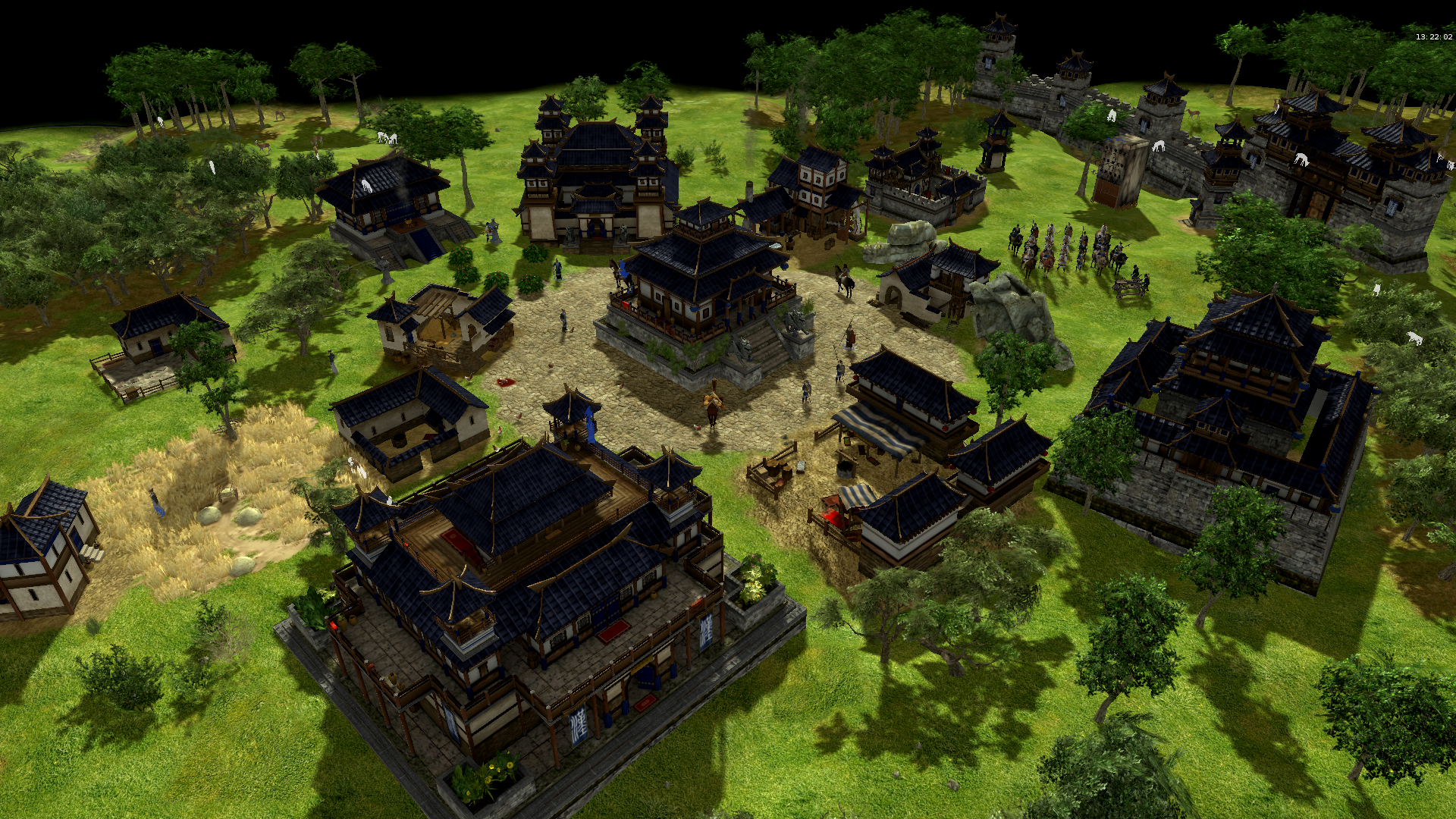
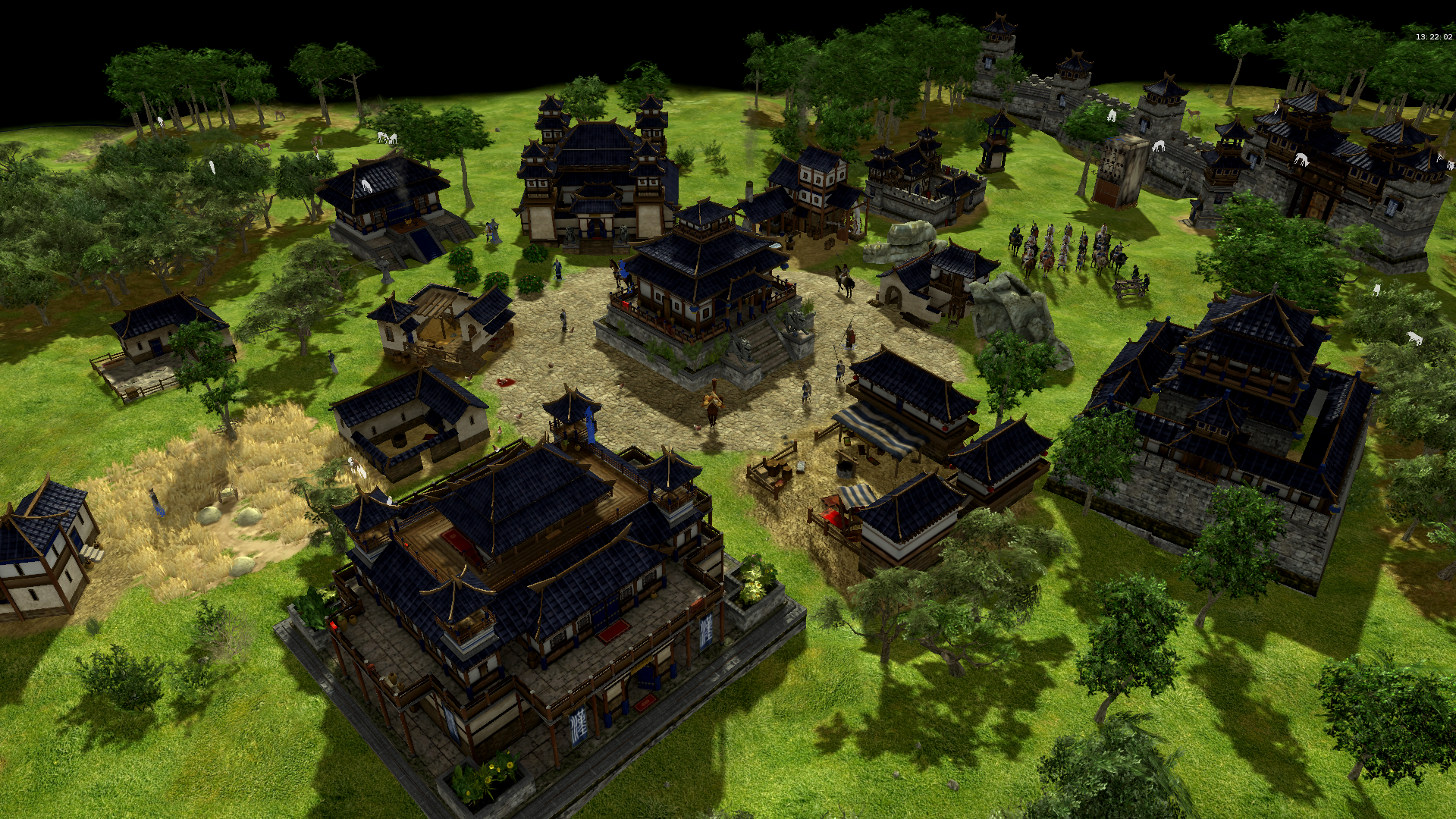
Han Chinese
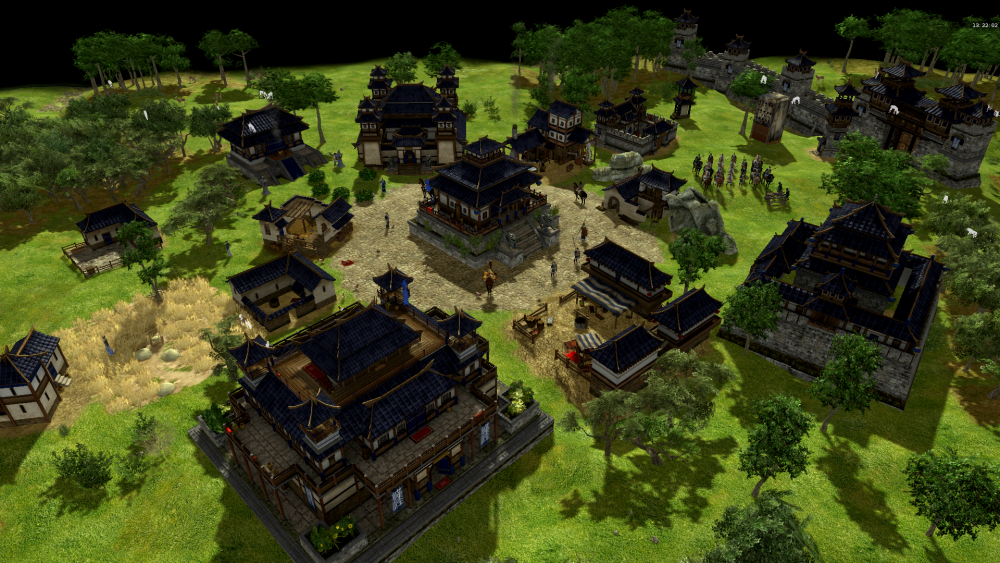
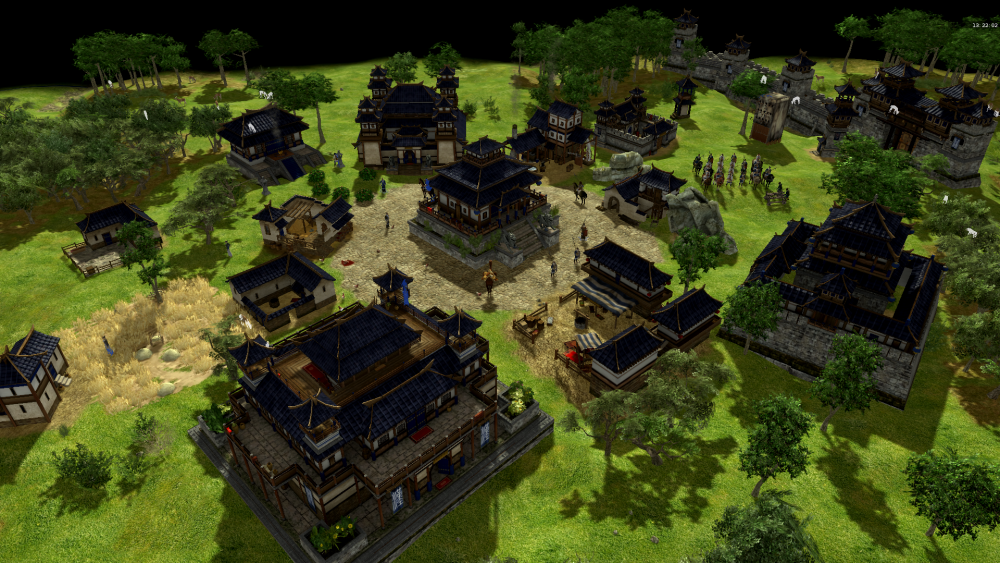
From Rise of the East we are reintroducing you to Han Chinese that this release got new wonder, blacksmith, animations, cavalry crossbowmen and textures.
New skirmish map Tarim Basin created by wowgetoffyourcellphone.
Many smaller changes were made in this release too, but it would be too elaborate to list them all.
How to:
Unzip the download but leave the inner archive intact.
Place the unzipped folder into /binaries/data/mods. You'll see another folder there called 'public'.
Launch the game and enable the mod in Options>Mod Selection. Press 'Start Mods'.
Enjoy the mod!
Download:
https://0ad.mod.io/terra-magna
ModIO installation:
Main menu -> Configuration -> Mods -> Download -> double-click
In the last few years, some members retired leaving us shorthanded. We are currently especially in the need of artists. So if you're a talented artist with a passion for history and you would like to help us out, please contact us using a PM or (preferably) in this thread: https://wildfiregames.com/forum/index.php?/forum/423-rise-of-the-east/ Thanks in advance!
Our thanks go to everyone that helped us to achieve this mod through contributing, playtesting or in another way! If you have tips/suggestions, feel free to let us know. Also if you find bugs, let them know too. Support 0 A.D. if you like us: Play0ad.com
The main menu background is made by Lordgood. You can find him here: https://www.deviantart.com/lordgood
The soundtracks are created by Omri Lahav. You can find more of his work here:
https://www.omrilahav.com/
and some in-game civilization soundtracks created by Lordgood and Niektb. You can find more of his work here: https://www.deviantart.com/lordgood
Terra Magna 0.23 changelog.rtf