Leaderboard




Popular Content
Showing content with the highest reputation on 2026-03-07 in all areas
-
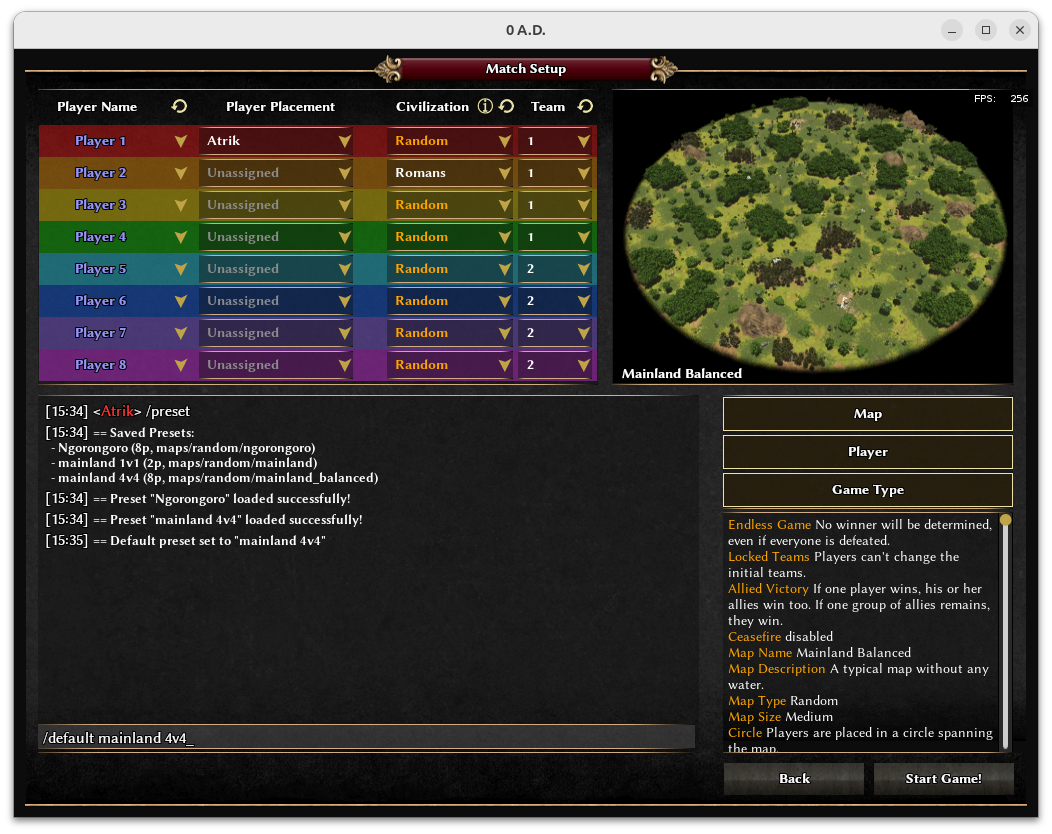
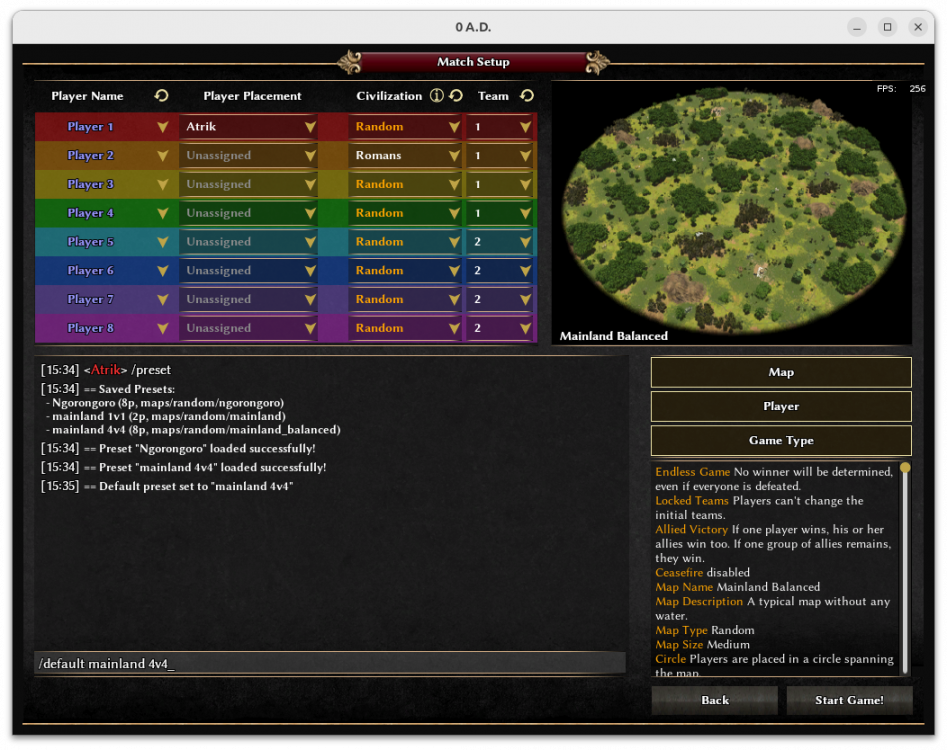
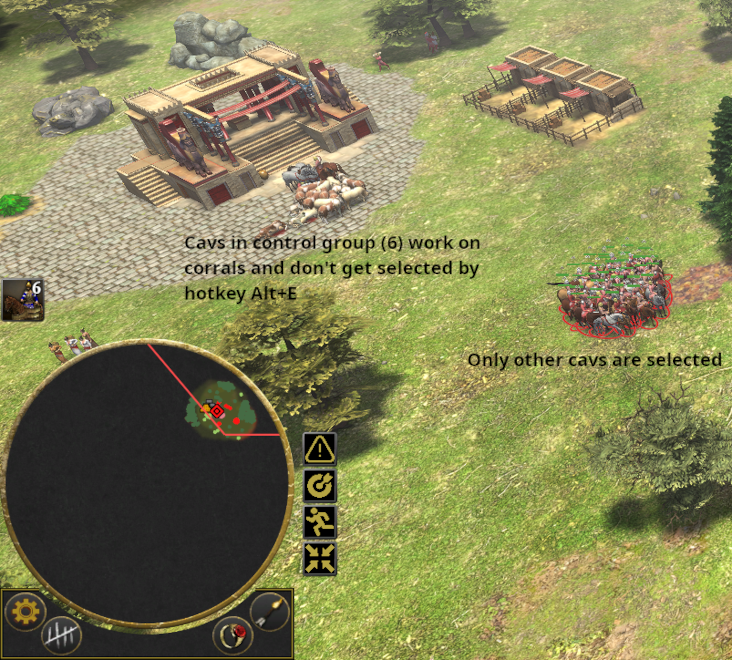
ModernGUI now have integrated most of @nani and @Seleucids autociv's functionalities. I always wanted to add the following : A command to save and load game presets in gamesetup Now possible. For example : set all your mainland balanced TG settings; do /save mainland TG; /default mainland TG => When you open a host you always have this preset. Reminder the full list of commands (with the one of autociv) always available when you type /help When using selection hotkeys, you sometimes want to NOT select a specific group of units. For example all cavs BUT NOT the ones you are using for corrals, or infs but NOT the ones mining and defending home CC. You now have a setting to define a range of control groups that will be ignored by selection hotkeys.
 3 points
 -
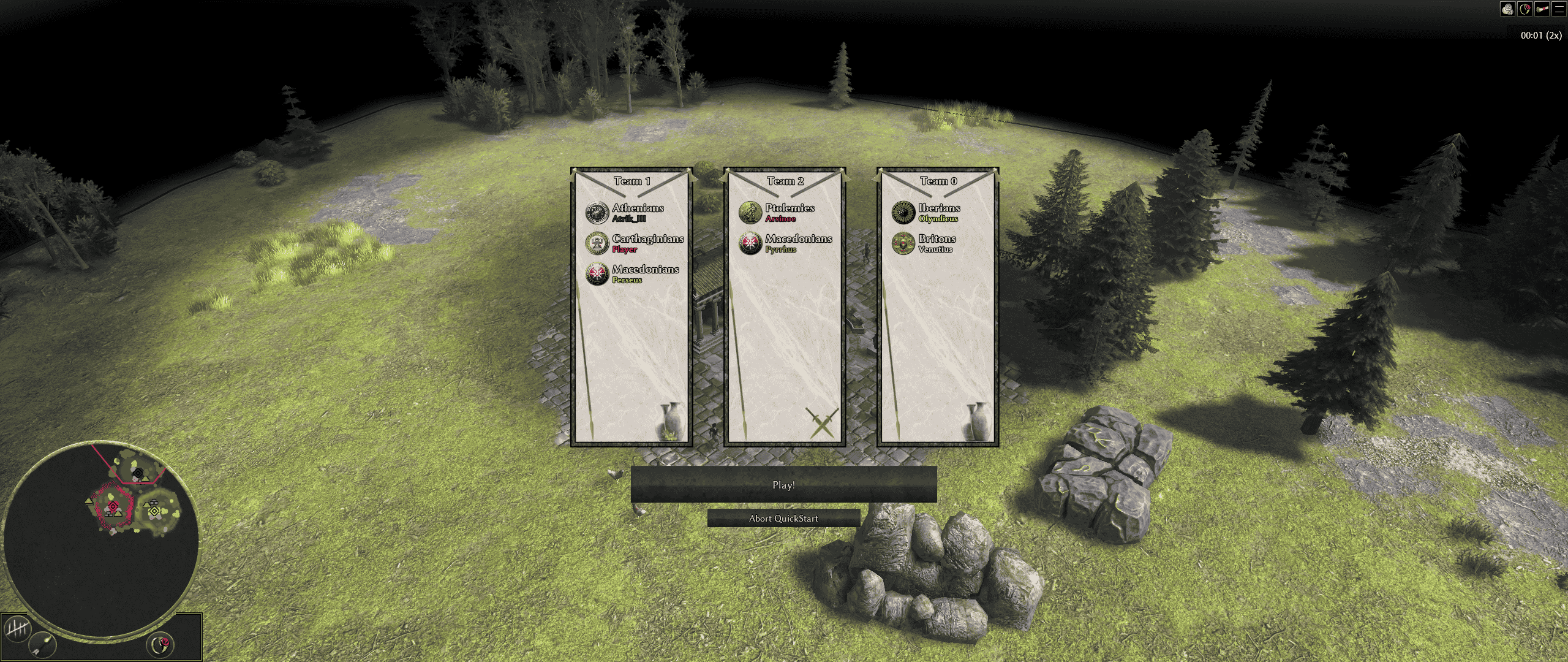
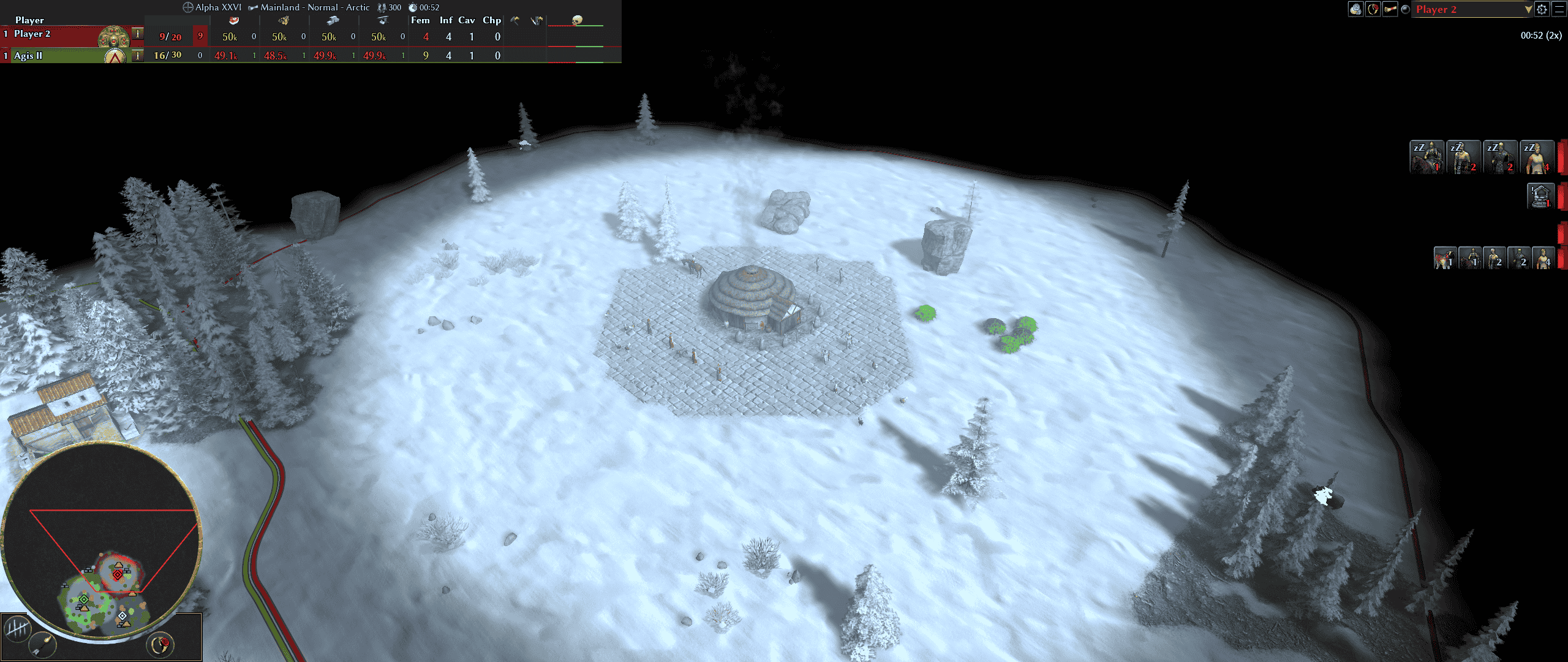
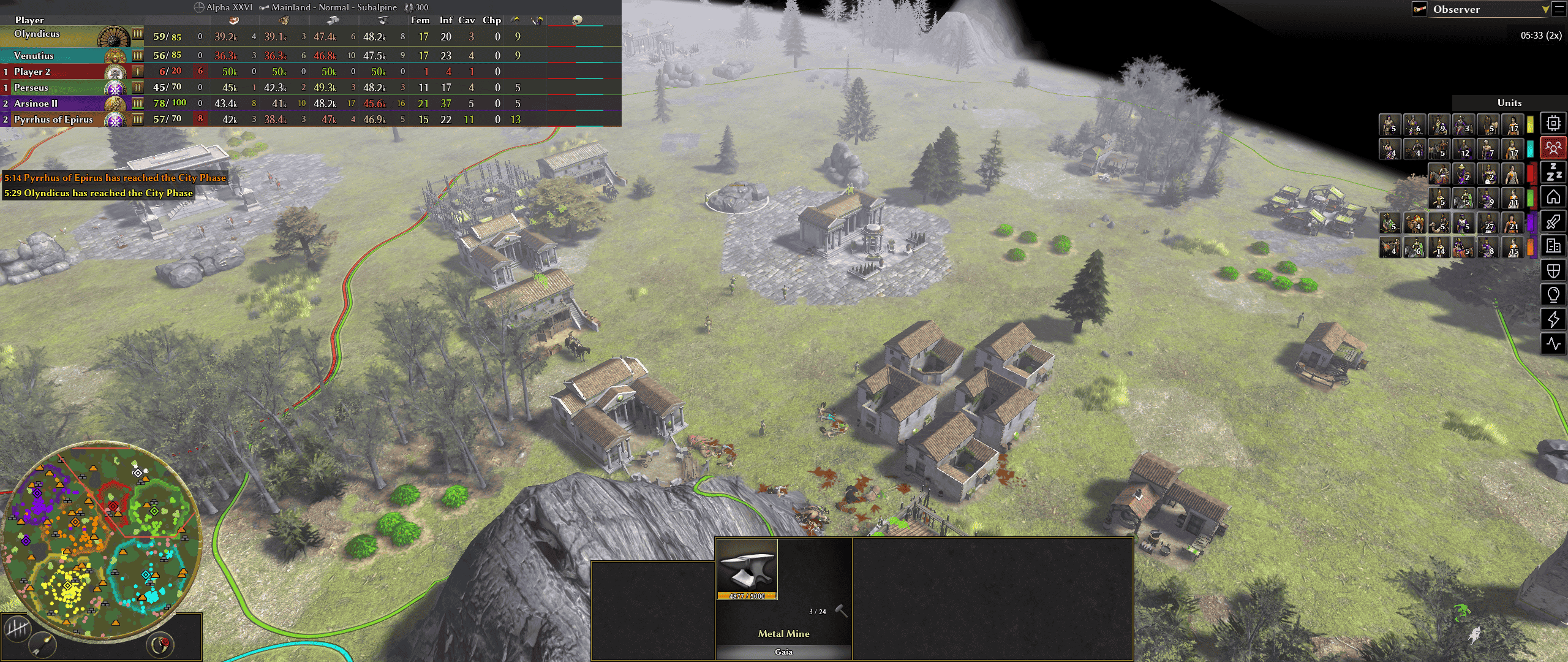
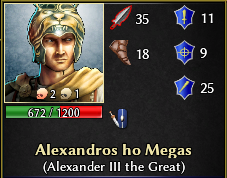
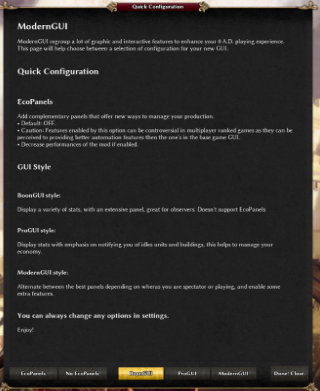
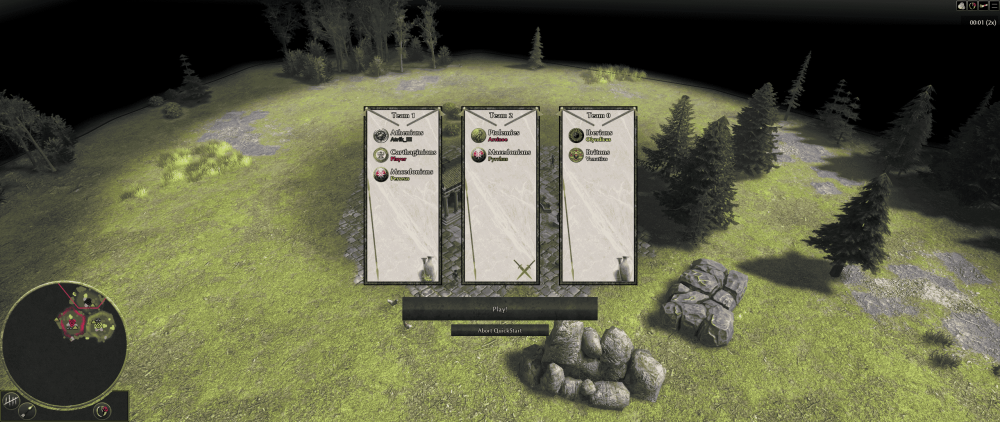
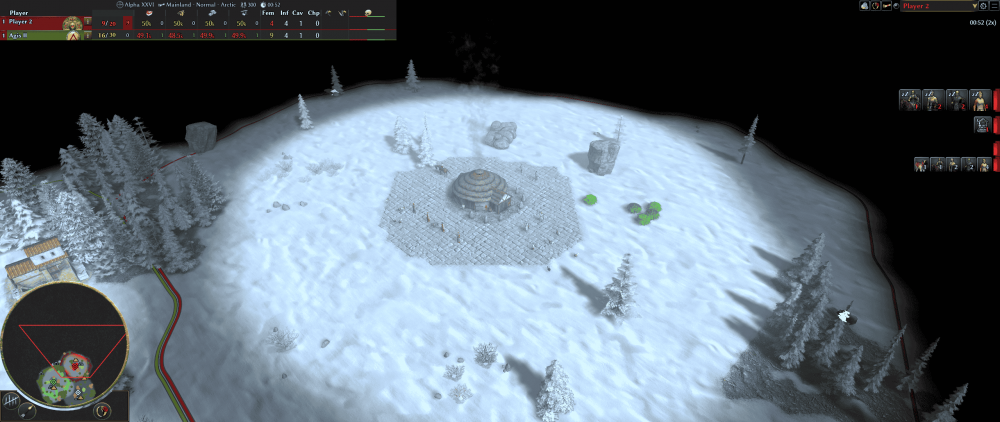
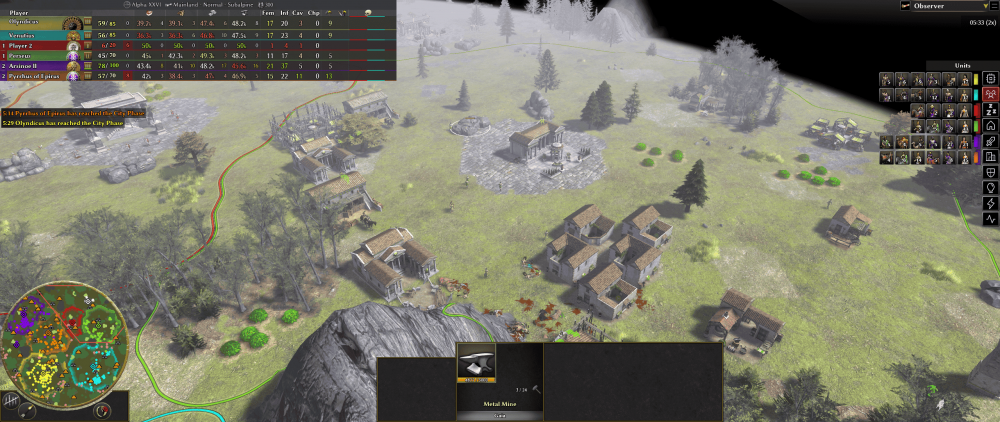
I'm happy to announce that I've been porting all features of boonGUI and proGUI into a new UI bundle for A27! Doing it made me realize once again how much work has been put into the development of 0AD but also to all those who contributed to the components of this bundle. So thank you! GitLab link: https://gitlab.com/4trik/ModernGUI DirectDownload link: https://gitlab.com/4trik/ModernGUI/-/archive/master/ModernGUI-master.zip In this mod: New exclusive features, like kill counts, flare message and more! (the skulls near unit icons indicate for Player unit kills and Gaia entities kills) Explore tones of extra options in your settings to customize your GUI! Hope you'll try it out and enjoy! Please report any bugs and feel free to suggest improvements.
 1 point
 -
I think my issue is that I have yet to understand how to fully use the git push command to only commit the one branch I am currently working on. Like, I want to commit a branch that's called "bugfix-0-28-rome-fertility"1 point
-
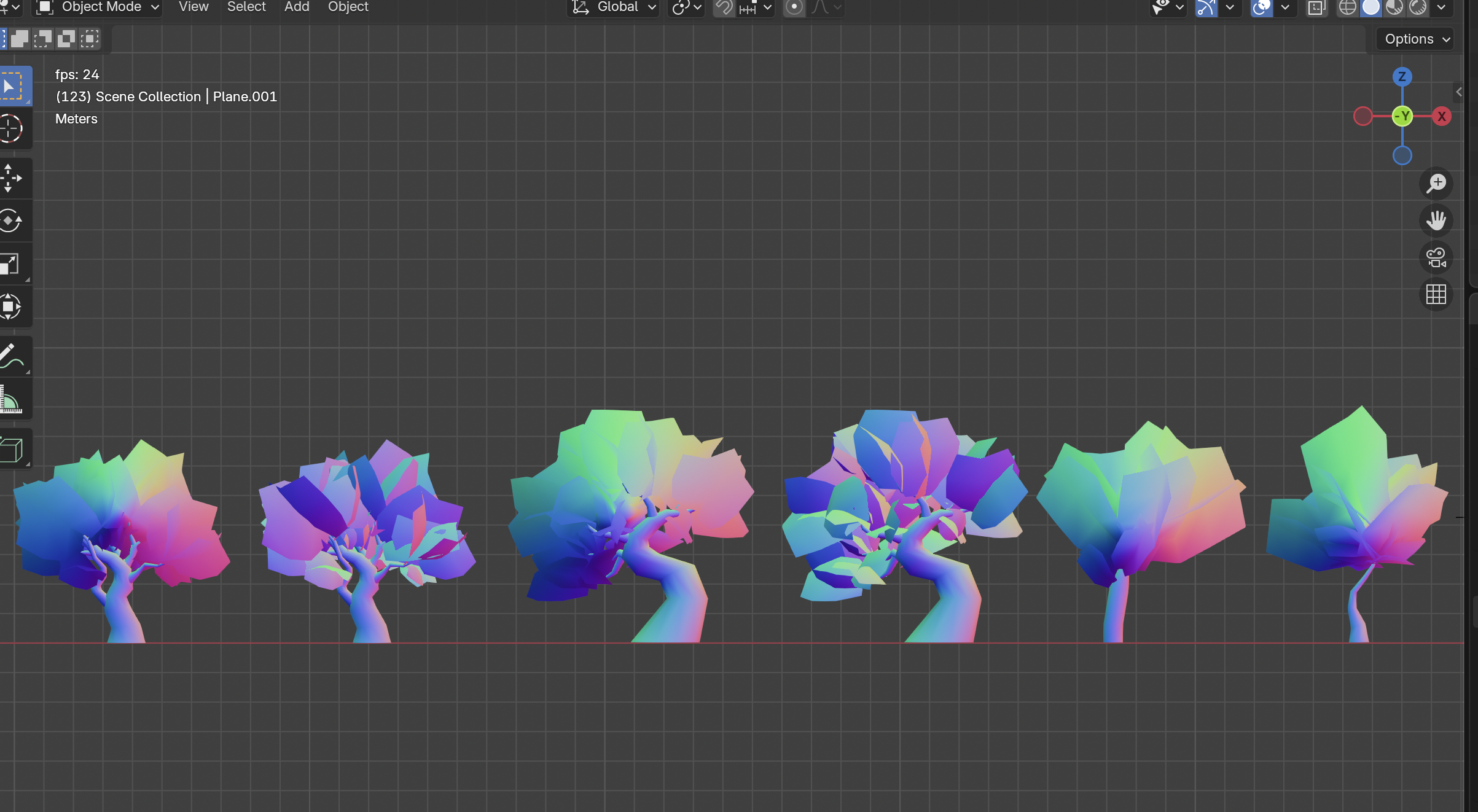
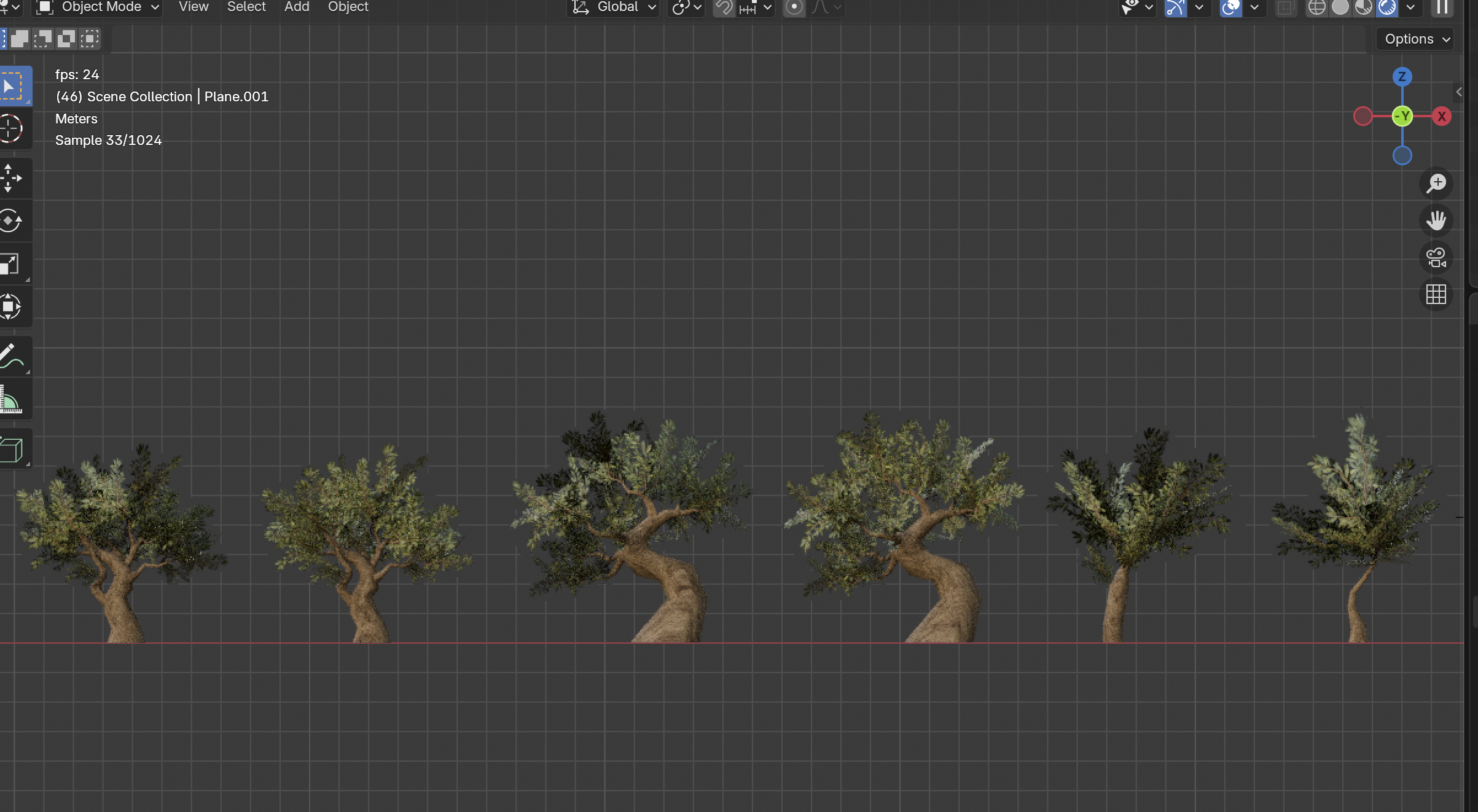
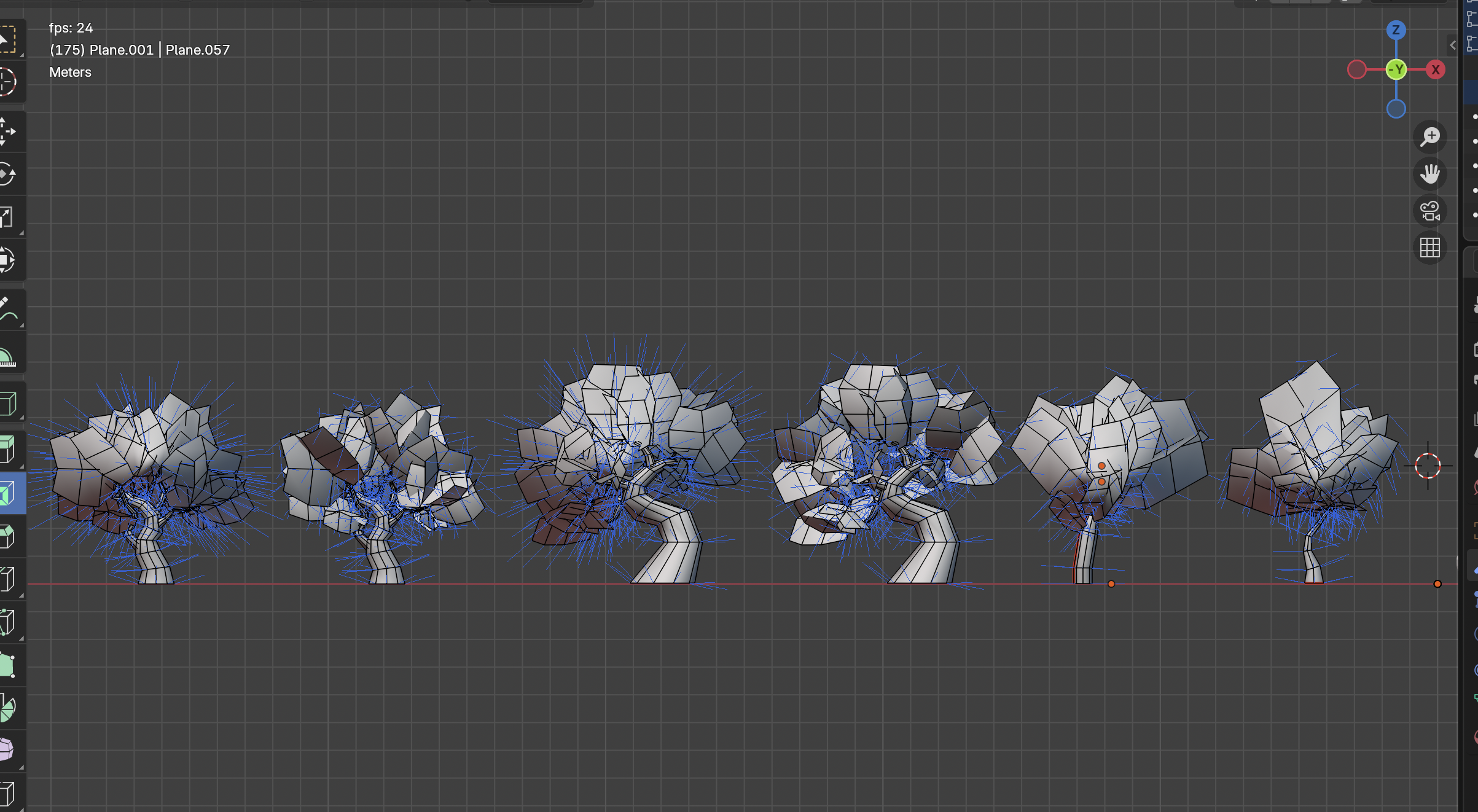
Hi, awesome work!! I love the foliage, it looks really nice :) I also like your workflow, offers more possibilities than handpainting like some of the old models. 0 A.D. uses .dae files, which is not supported by blender since version 5 anymore. I will figure it how to exports your models and make a mod for it, so we can see how it looks ingame. Until then, some things that came to my mind on a first glance: 1. Faces are shown in 0 A.D. only from one side. By activating backface culling or face orientation in the top right corner in the viewport you can see which face would be seen from each perspective. If you want to show faces from both side, you'd have to duplicate it, move it a little and flip the normal (Alt-N). 2. Everything should use just one texture. So ideally the tree trunk should be somewhere on the foliage texture too. 3. All meshes in 0 A.D. usually expand a little below ground for uneven terrain. I couldn't reproduce the problem with the normals, looks fine on my pc. For an olive orchard would be cool to display some black olives (the fruits) on it, so the player can harvest them similar to the berry bushes. But that's a gameplay decision I'll leave to someone else :D1 point
-
I cannot check all zips you distribute. If you clone (or download) your repo, you'll have the correct file structure. On a side note this situation is NOT an isolated instance of troubles caused by compatibility check doing things that seems outside of its scope. The folder name, or the file structure shouldn't be taken into account for compatibility check. The mod.json should contain the only data used to determine compatibility, any other additional rule is likely just going to create pain for modders.1 point
-
Isn't the formula simply DMG*0.9^Resistance1 point
-
You need to import the functions you are using something like import { addAnimals, addBerries, addBluffs, addDecoration, addForests, addHills, addLayeredPatches, addMetal, addStone, addStragglerTrees, createBluffsPassages, markPlayerAvoidanceArea } from "maps/random/rmgen2/gaia.js";1 point
-
Would be nice if you actually copied the error message as text (the image doesn't load for me) so a blind guess is you use SetProgress instead of yield.1 point
-
I am experiencing a critical script error in the "Visite guidée de l'économie" (Learning the Ropes - Economy) mission in the latest Alpha 28 (Bolorix) version. I tried in english and in french and got the same error The log indicates that the function colorizeHotkey is failing to parse a string, likely because of a malformed placeholder in the tutorial text that defines a keyboard shortcut (e.g., [Shift]). the log is attached interestinglog.html1 point
-
Can't complete Introductory Tutorial, just says 'Available' after Victory and see the next one (Economy Walkthrough) but nothing else1 point
-
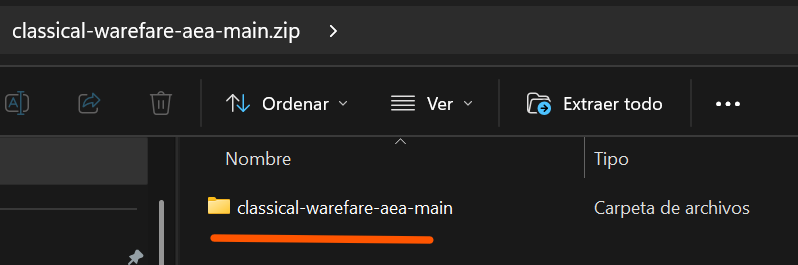
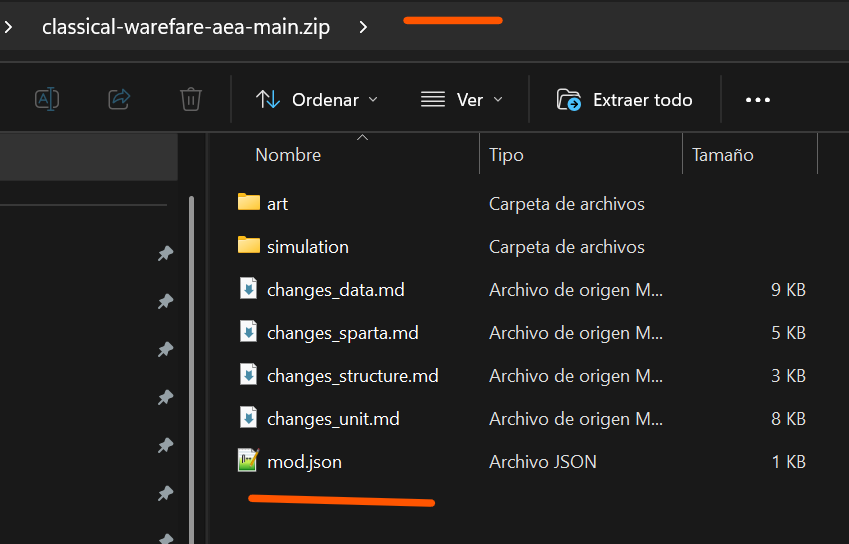
Ok, I found the problem. Your .zip file have inside an extra folder. This is wrong, you need to have only the folder and files of the mod without this extra folder. I should look like this: Also I have experienced that same error when trying to install a mod when I already have a previous version installed, because the directory and its files already exist and the installer cannot overwrite them. So, to install it successfully, I had to first delete the folder and the files from the previous version of the mod. Yeah this is not a good idea. Youll probably will get OOS
 1 point
 -
He didn't get the memo.1 point
-
Sparta has no eco bonus and the buildings they use to train those champions are expensive. If you find a way to attack early with other civs that can boom faster such as gauls or germans or ptolemies then you might have a chance of not needing to fight the hoplites.1 point
-
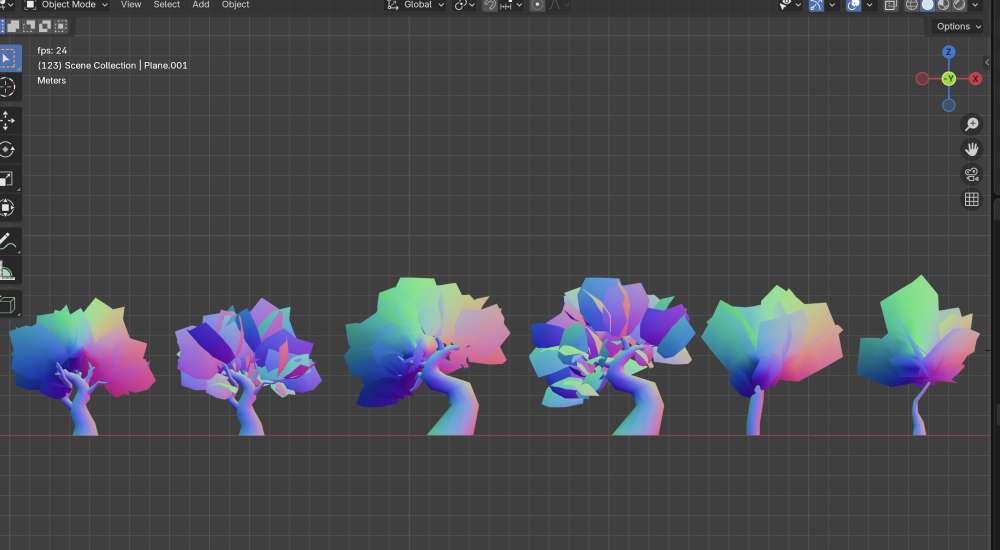
P.S. I am also currently facing a problem with adjusting the normals. As you can see, it creates some strange-looking shadows. Maybe someone here has more experience with this and knows what might be going on.
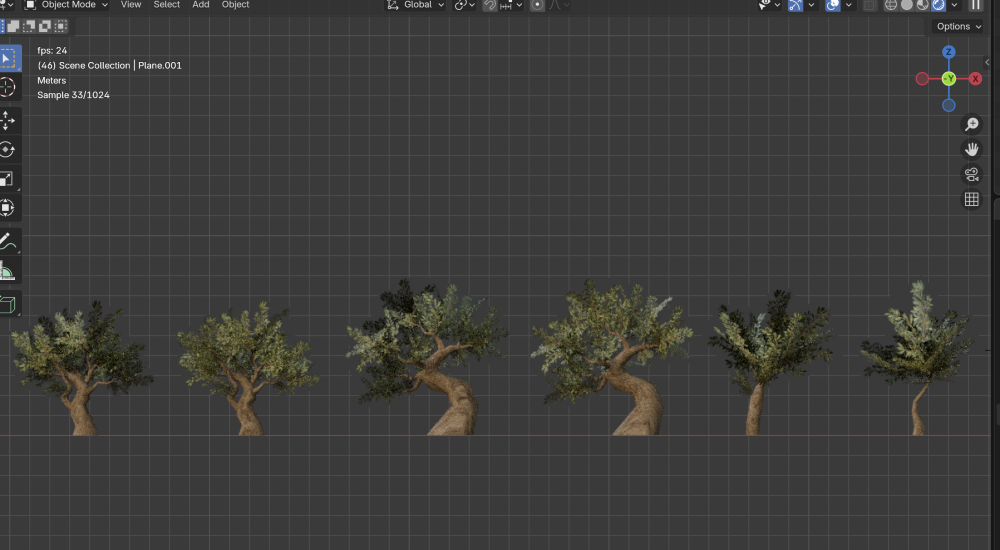
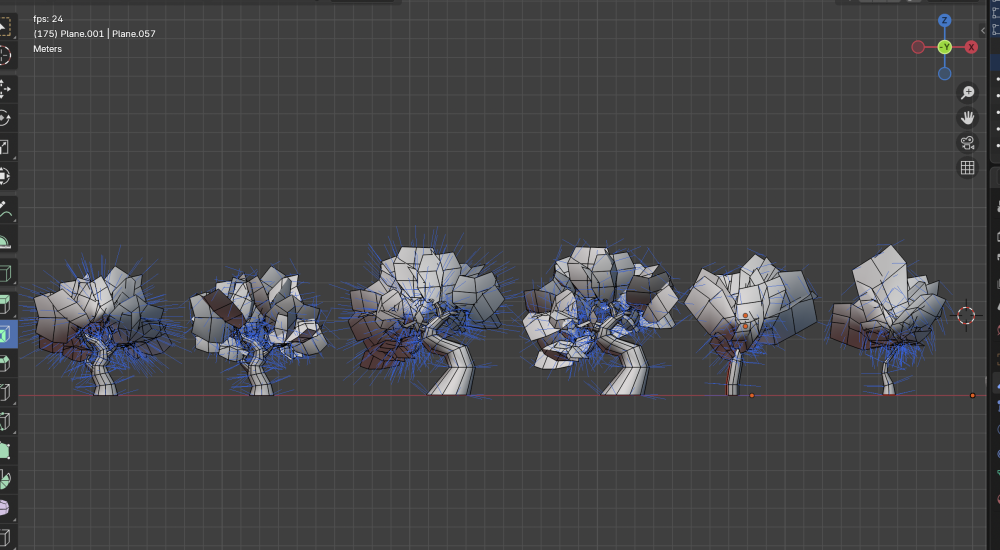 1 point
 -
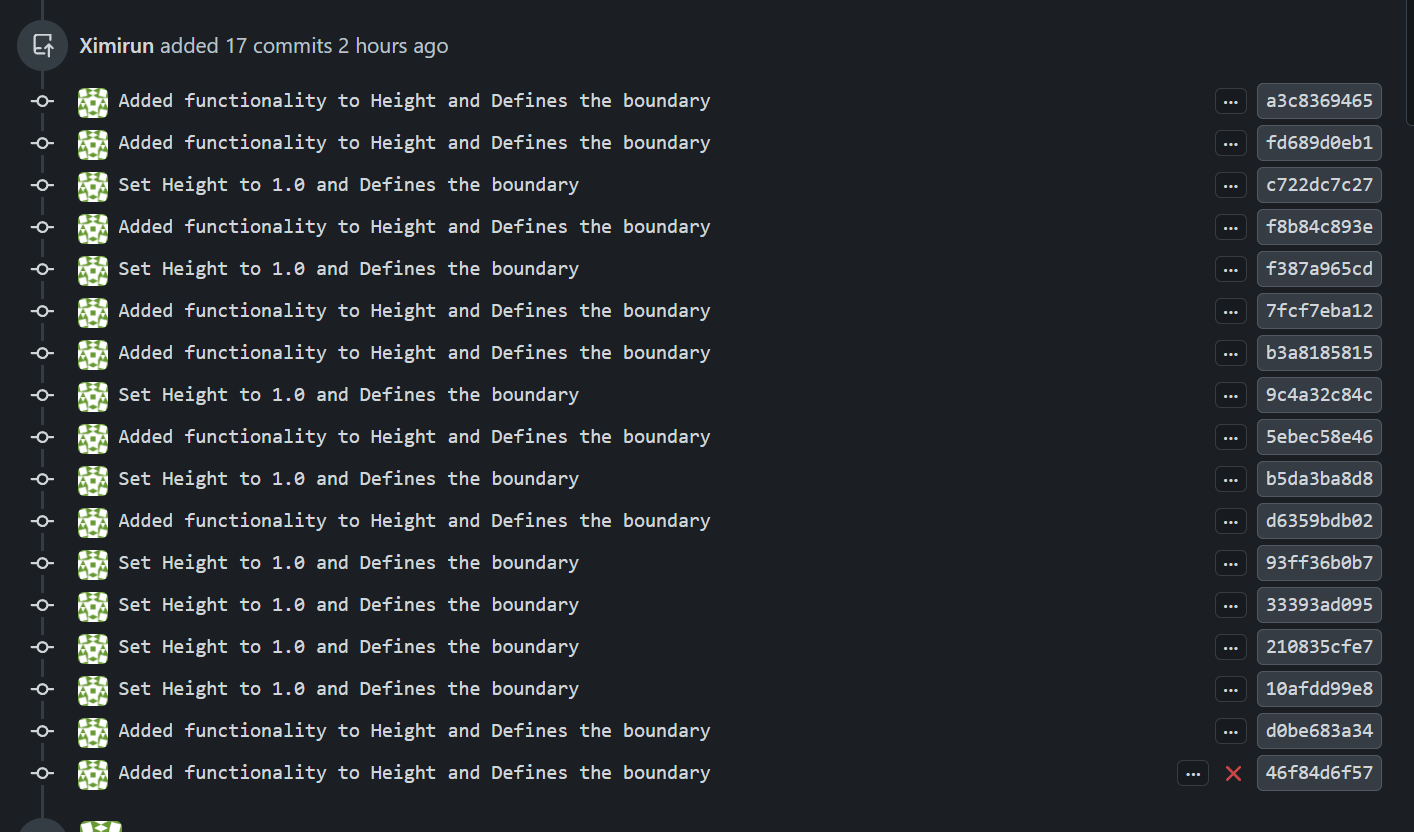
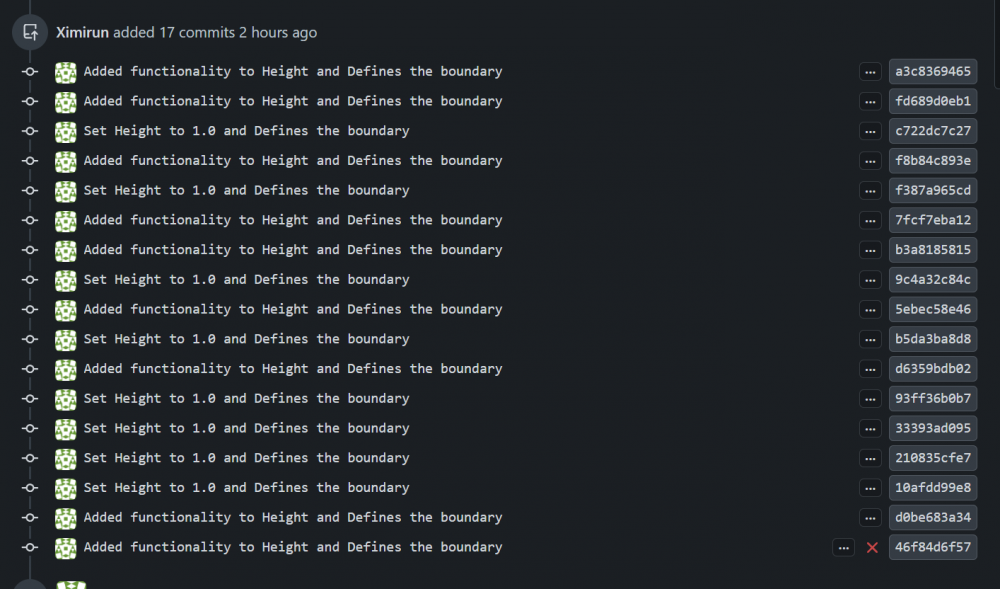
That was fast, @Tapothei! Thanks for putting in the effort to learn how to create a PR. You could get a source-code editor like Visual Studio Code to make things easier for you. Also, when creating a PR that solves an issue, you normally want to include this in the PR message like this: "Fixes #8781" I'll try to explain the basic Git workflow as simply as possible. I'm still learning myself, so there may be a few details I’m overlooking. The usual workflow is to fork the repository, clone your fork locally, and create a branch for your changes ( You don't want to work directly on the website for practical reasons). You commit your work and push the branch to your fork. Each contributor works on their own fork. Once the changes are ready, you open a pull request from your branch to the upstream repository, where the maintainers can review it. Also, right now your changes are on the main branch of your repository. `Check this: Normally main should not be used for development. Instead, it is kept in sync with upstream (the official 0 A.D. repository), and new changes are developed in separate branches. Pull requests are then opened from those branches. This is an example of a PR from another contributor, notice his PR comes from another branch, called "lazy-actual-size": This way your main branch always stays clean and can be used to create new branches. Otherwise, if main contains previous work that wasn’t merged, those changes could end up included again in future pull requests. An if you later want to work on something else and sync your main branch with upstream, you may run into problems because git will detect local changes that don’t match upstream. By creating separate branches from main, you isolate each set of changes. This makes it easier to keep main clean, revisit your work later, and work on multiple things in parallel. I also noticed that your PR contains many separate commits. Like this: In these cases, it is usually recommended to squash (git command) them into a single commit. This makes it easier for maintainers to review the changes and keep a clean history of the proposed modifications. I know this might seem completely confusing right now. But if you plan to keep contributing, learning it will make things much easier in the long run.It can take months and plenty of frustration to get comfortable with the basics of git. So if you decide to learn it, be patient with yourself. It gets a little easier every day. Well, I don’t want to overwhelm you any further. You’ve already made it this far, and that’s worth recognizing. Thank you!

 1 point
 -
When you connect to the multiplayer lobby, 0ad uses a secure, TLS-encrypted connection by default. However, up to now we also offered the ability for players to disable that encryption. This won't be possible from some time tomorrow (2026-03-06) on anymore, as we want to improve the security and privacy of our players. For the past two weeks, every player who disabled TLS-encryption in the past, and therefore connected to the multiplayer lobby with an unencrypted connection, received a notification to change their configuration to enable it. If you haven't followed these instructions or just haven't connected to the multiplayer lobby since then, here is what you have to do to continue to be able to connect to the multiplayer lobby: From the main screen of the game, navigate to "Settings" → "Options" → "Networking / Lobby" and enable "TLS encryption" there. As an alternative you can also locate your 0ad configuration file and change lobby.tls = "false" to lobby.tls = "true" there.1 point
-
Unencrypted connections to the multiplayer lobby are now not possible anymore.1 point
-
actually is https://gitea.wildfiregames.com/trompetin17/0ad-atlas-in-game/src/branch/main so if you are able to test would be great. you can read more details here: https://gitea.wildfiregames.com/0ad/0ad/pulls/78031 point
-
Thanks Atrik! I finally got this working.1 point