nifa
-
Posts
295 -
Joined
-
Last visited
-
Days Won
16
Everything posted by nifa
-
Art needed: remaining nomadic structures
nifa replied to real_tabasco_sauce's topic in Art Development
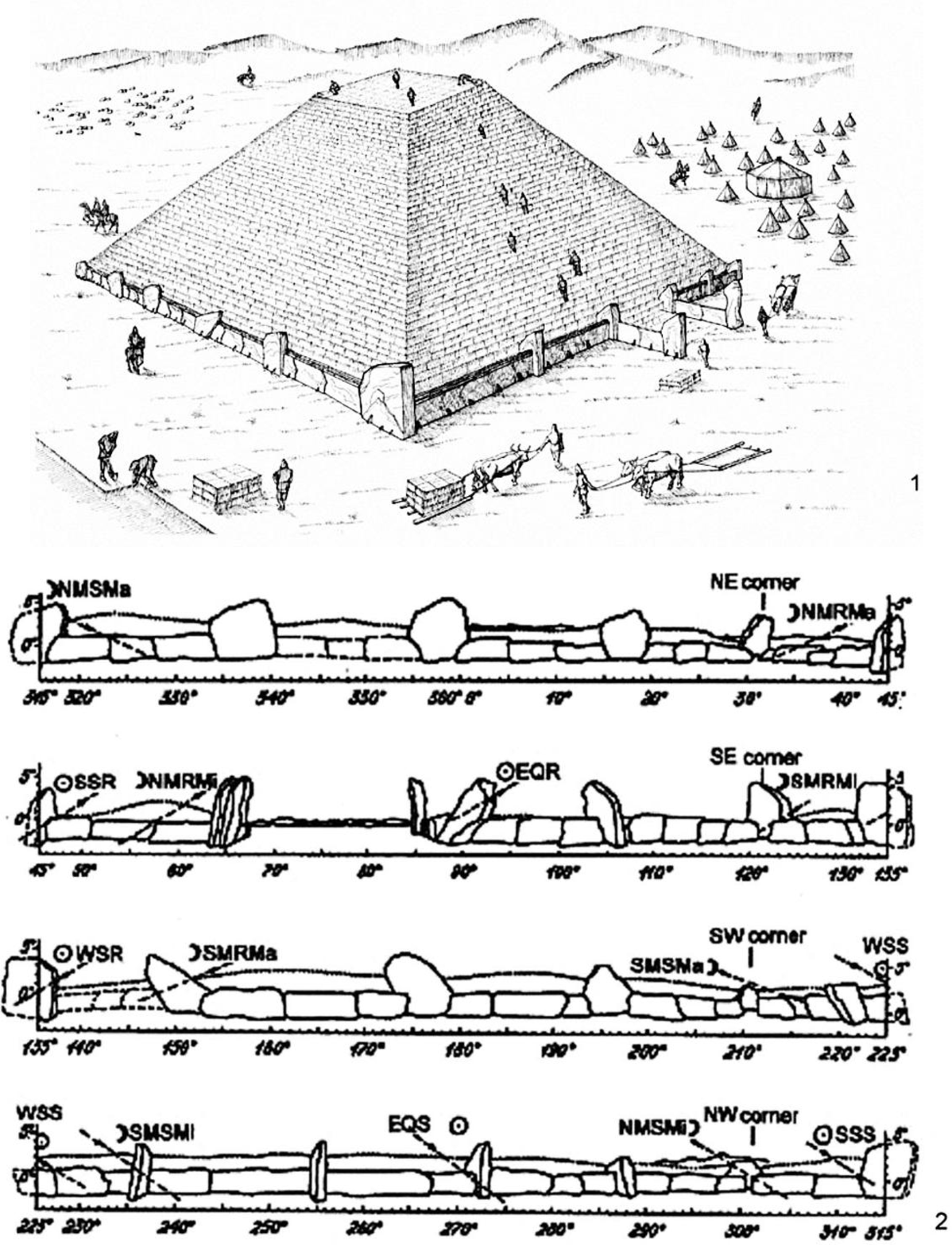
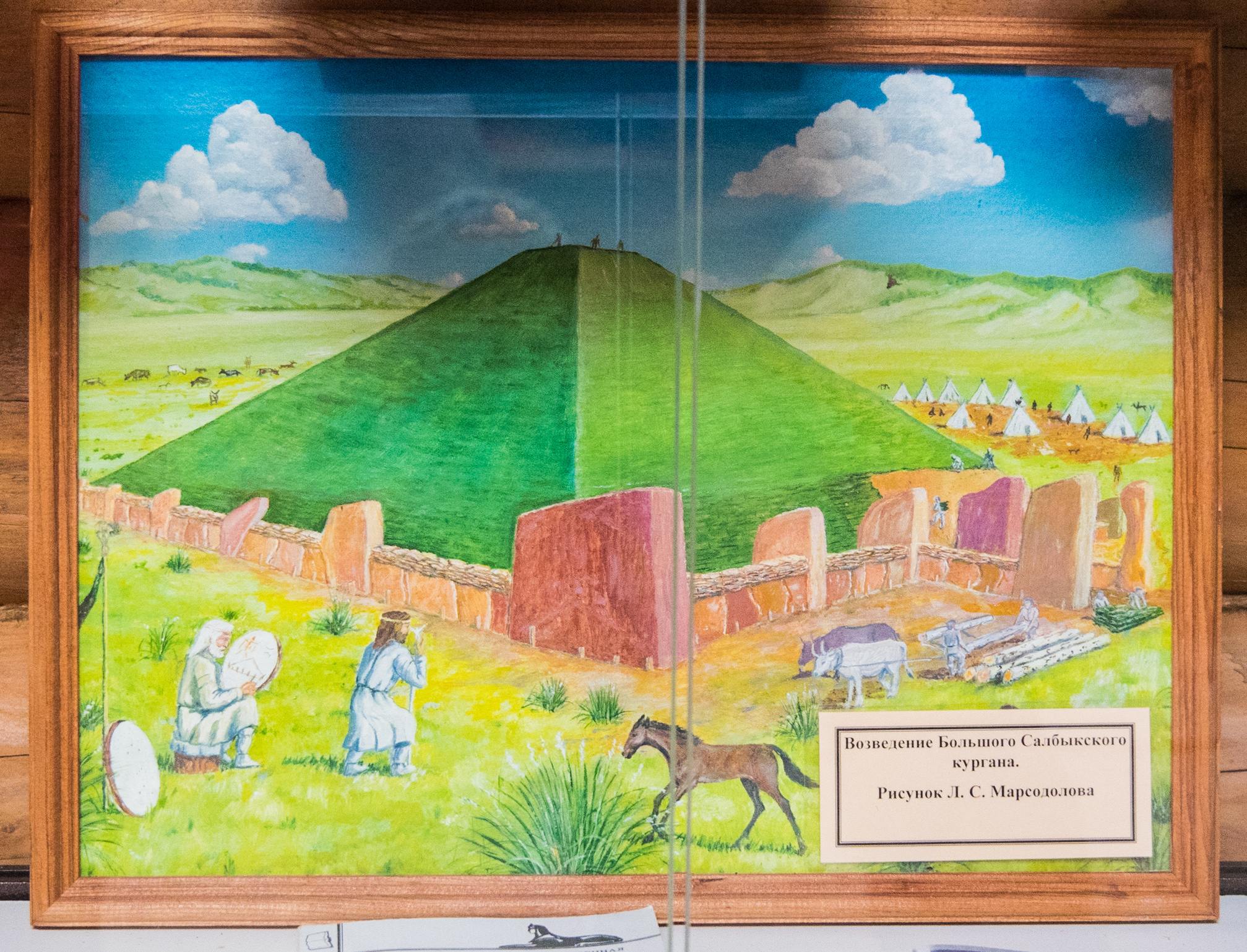
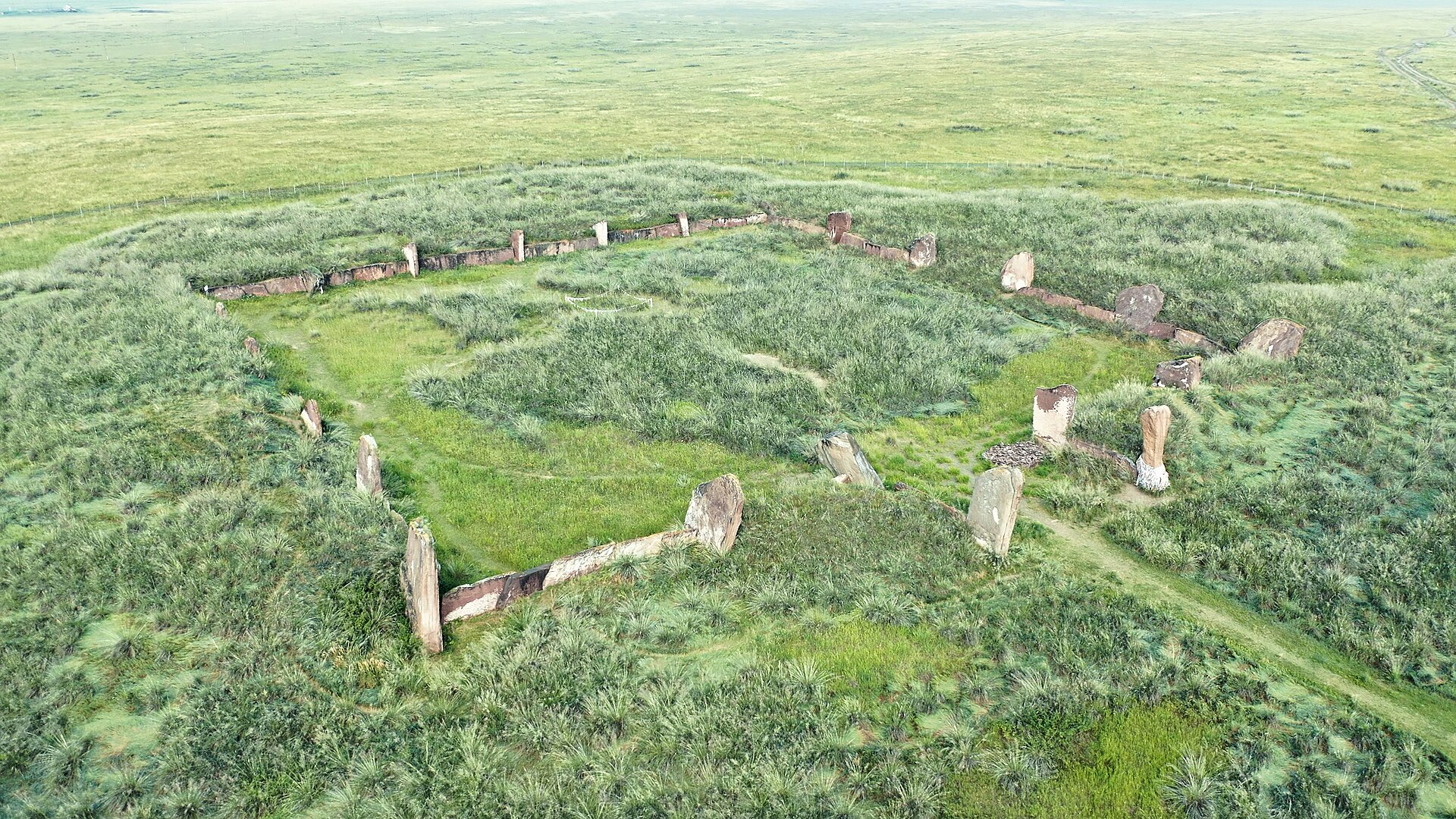
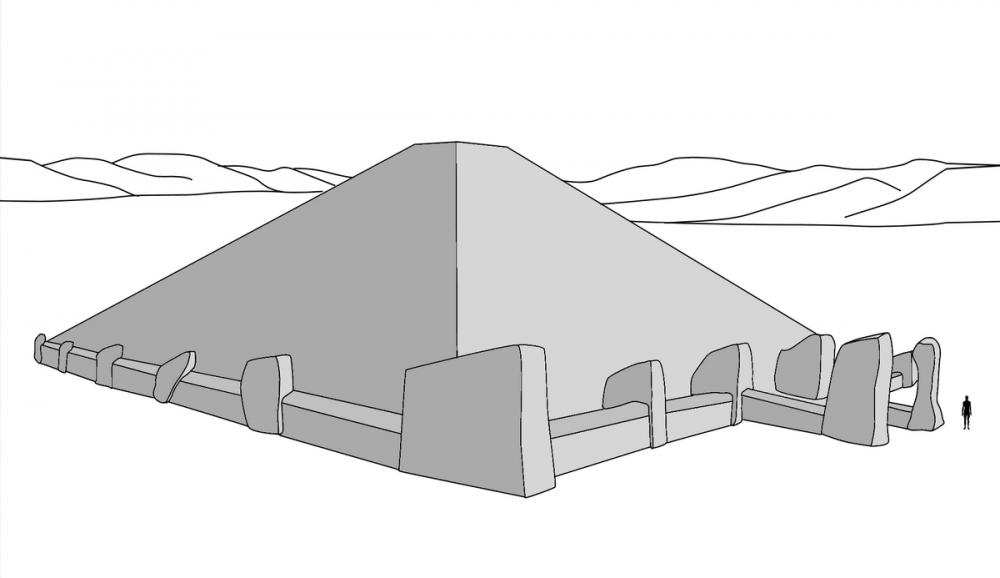
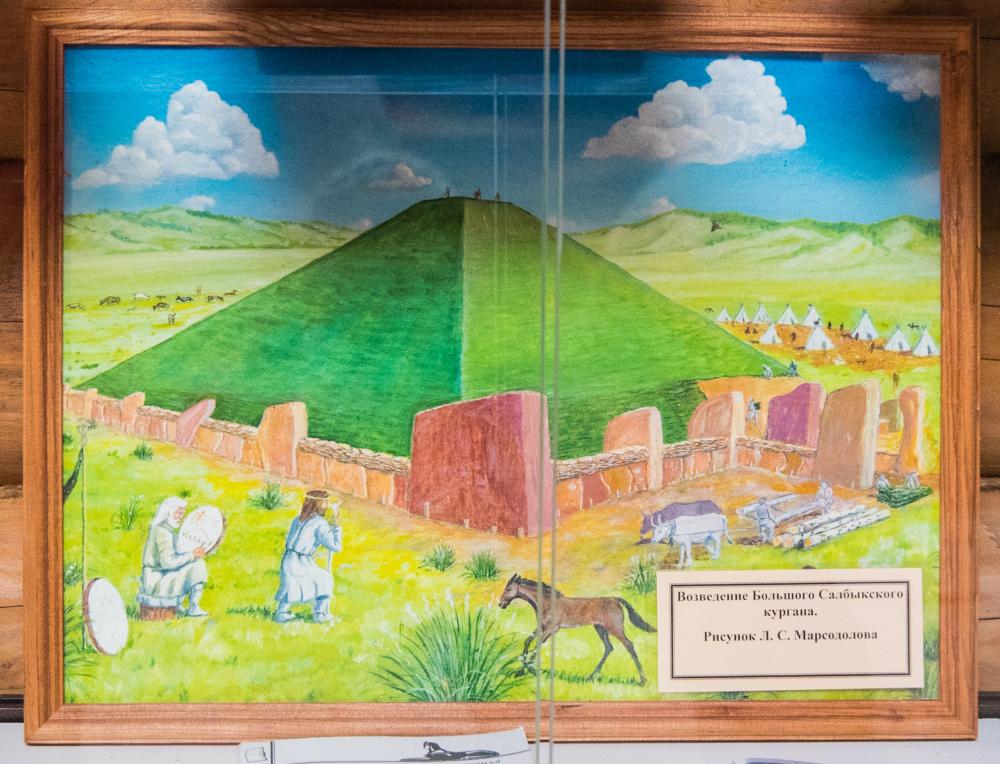
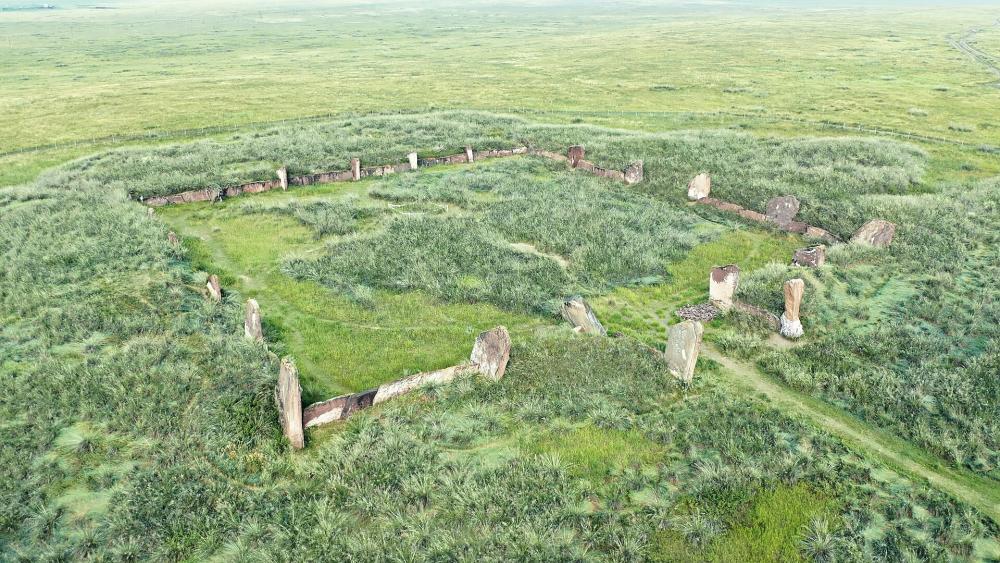
https://en.wikipedia.org/wiki/Salbyk_kurgan reference for a square kurgan, the biggest one in the valley of kings. The megaliths are still there today, that makes it easier to get an impression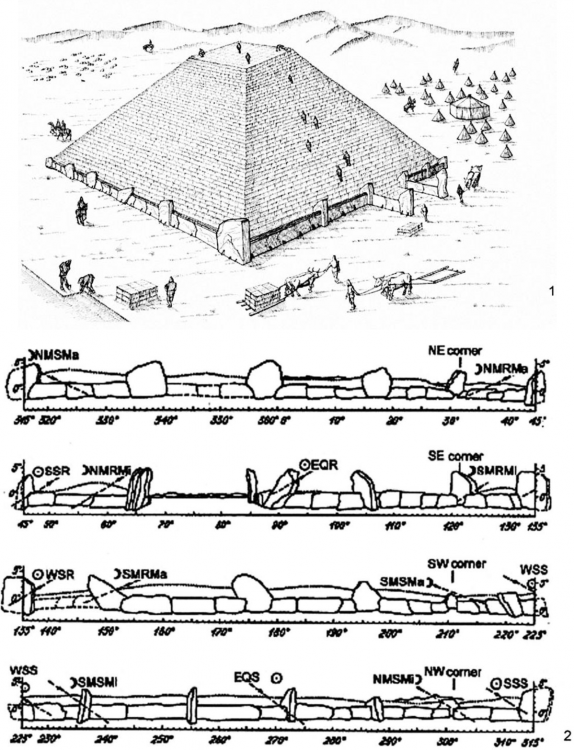
-
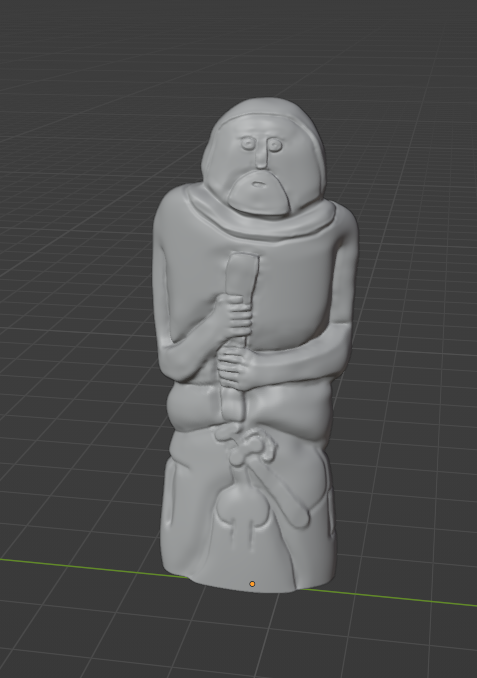
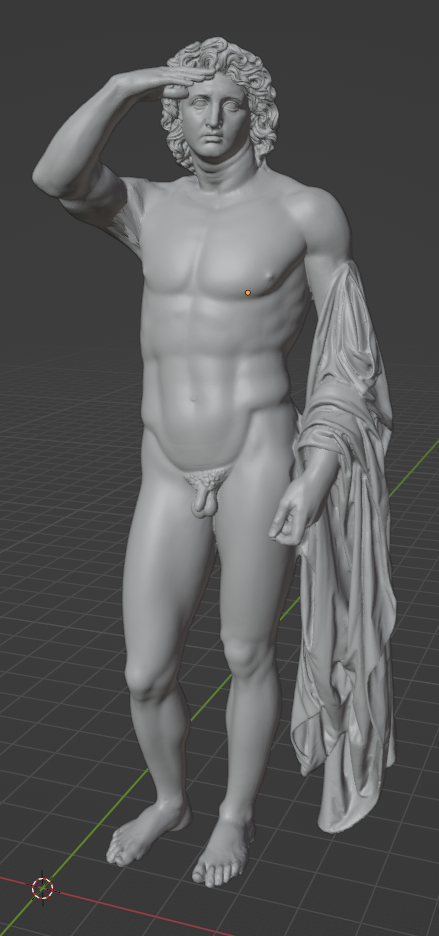
The torso will look much more detailed with the normal map, no need to add geometry Don't really want to castrate him. I could add a leave or some cover, as a prop for vanilla? I can do that:) On the cost of adding a prop and one more texture and I'd keep the posts 3D Okay, that was my plan too. I'm still figuring things out about procedural materials, so it might take some time. I will reuse texture space by stacking similar uv islands of the pedestal on top of each other I don't really understand what you mean?
-
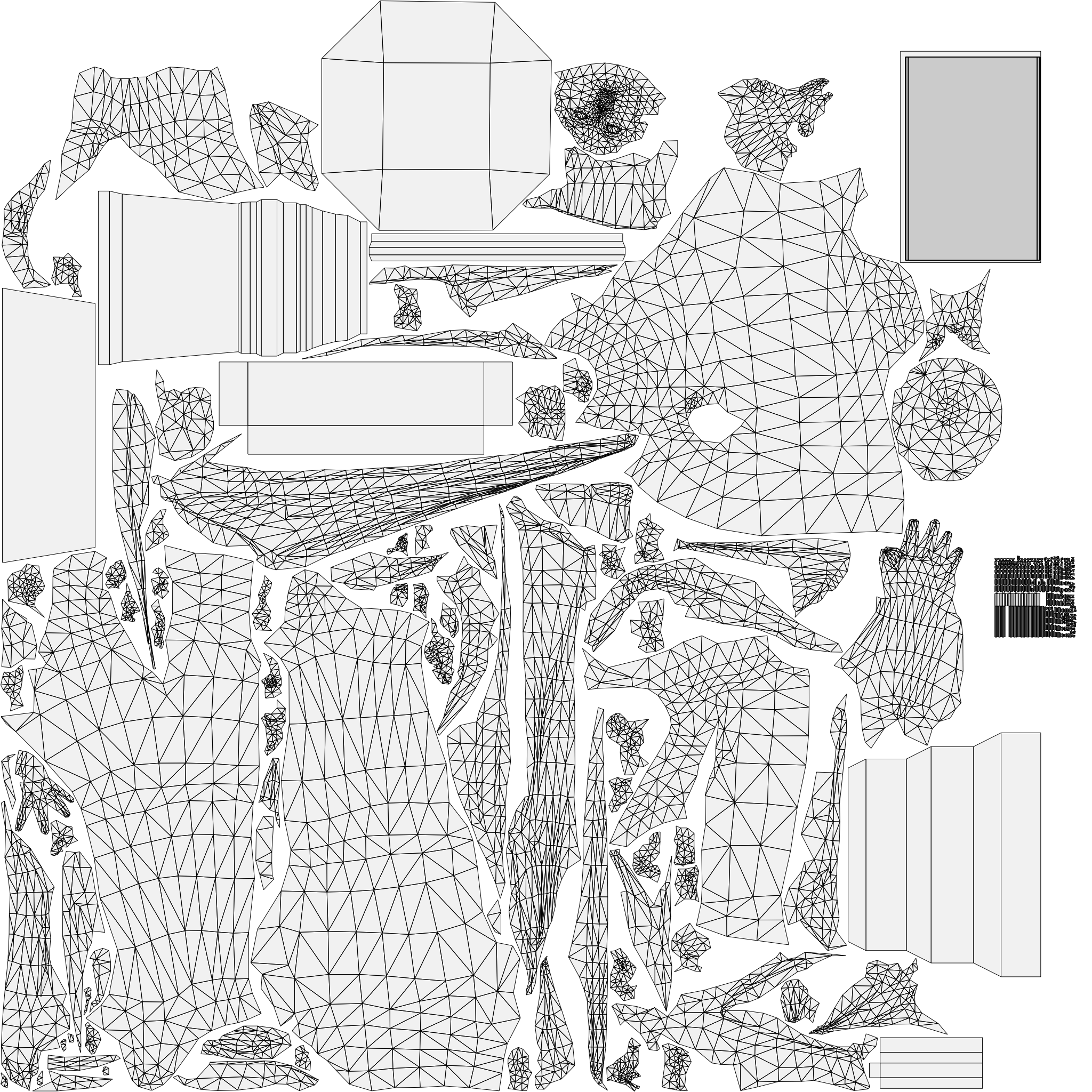
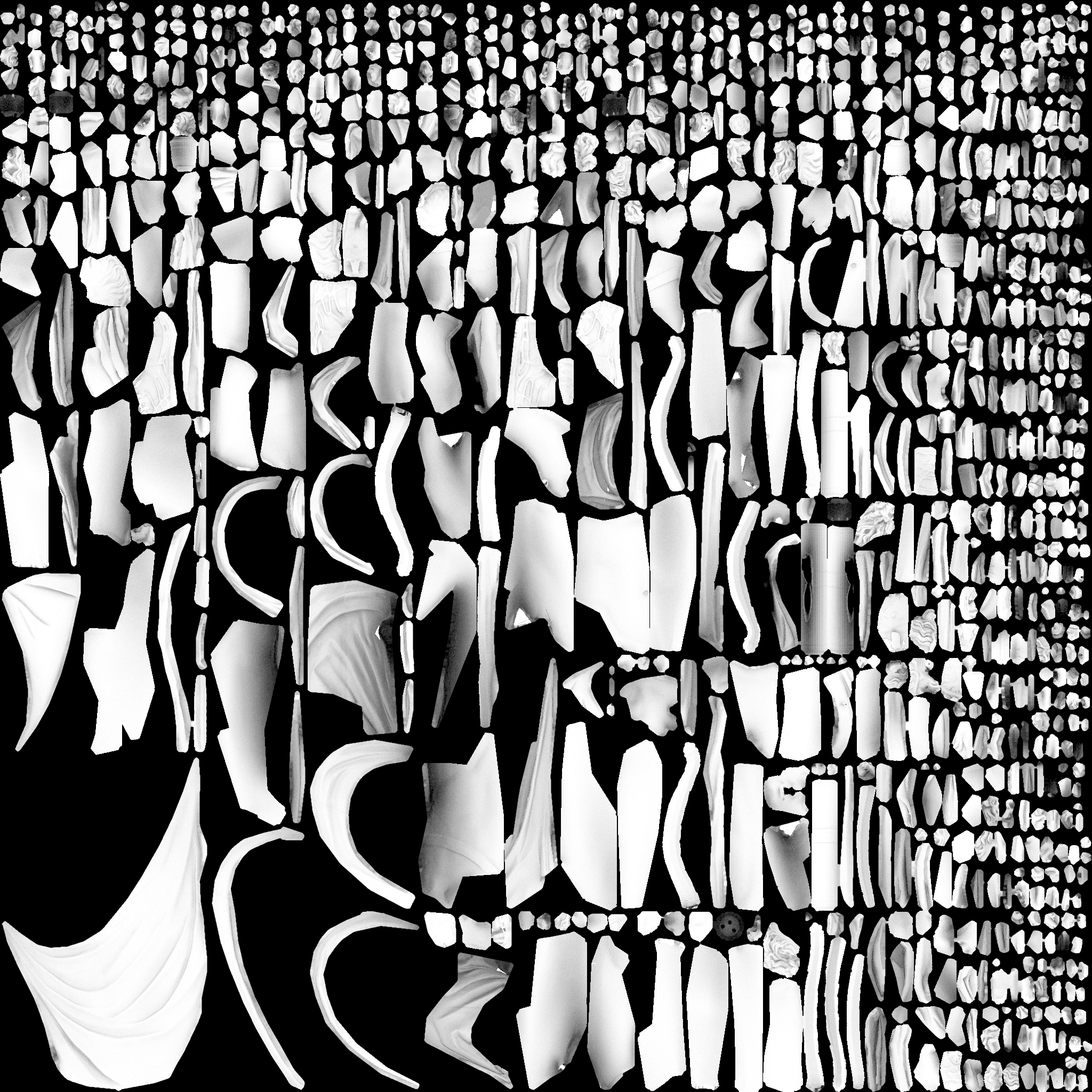
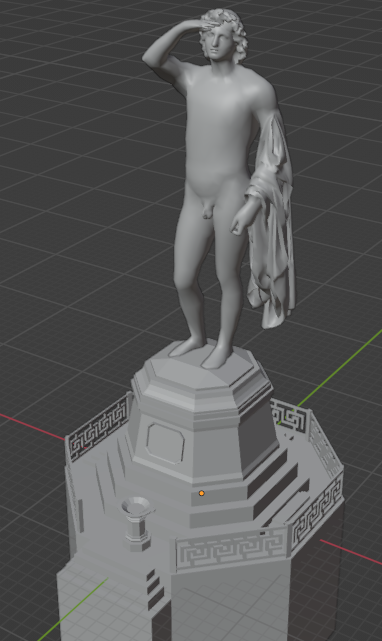
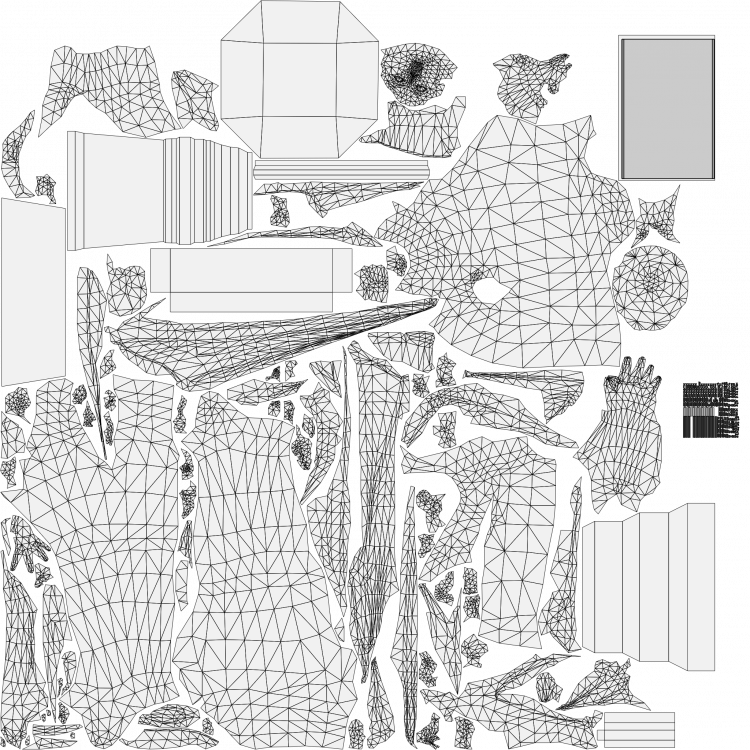
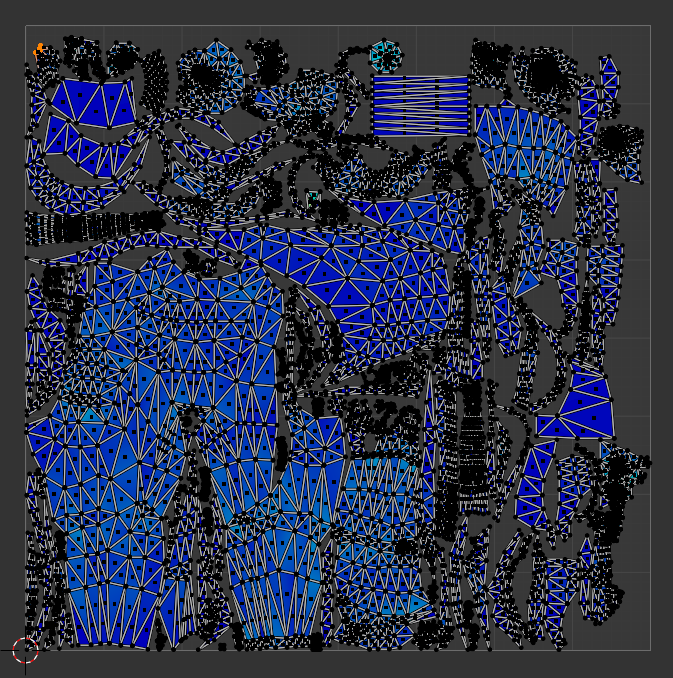
Low-poly mesh is complete. I'm at 11.9 k tris in blender, the fence obviously takes a lot. Now I'm messing around with the materials. Should I use one texture for both pedestal and statue? That makes it kinda tricky. Feel free to give me some feedback. UV map layout:
-
Die größte Auswirkung auf das Territorium hat das Civil Center, also das Gebäude mit dem du startest. Auch zu finden ist es im Baumenü an erster Stelle. Es kann überall auf der Karte plaziert werden und schafft dort ein Territorium, sobald es fertig gebaut ist.
-
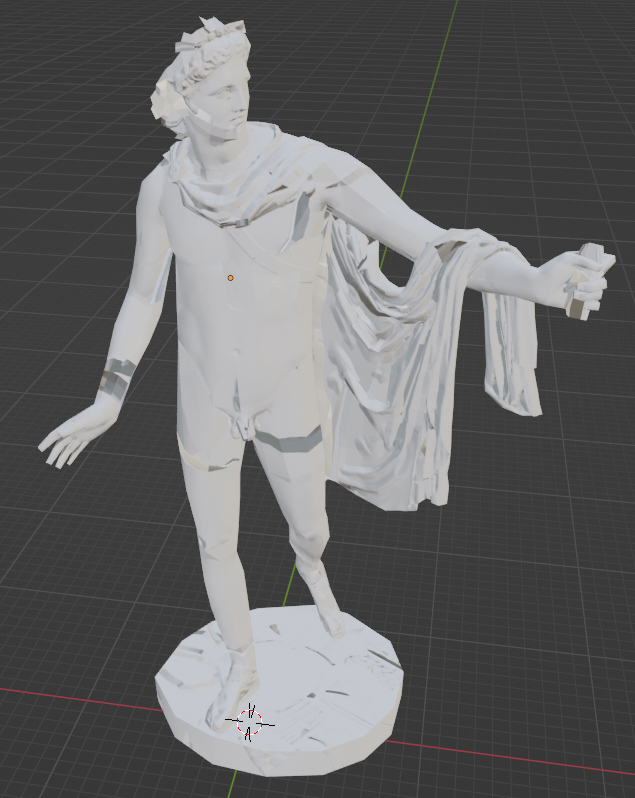
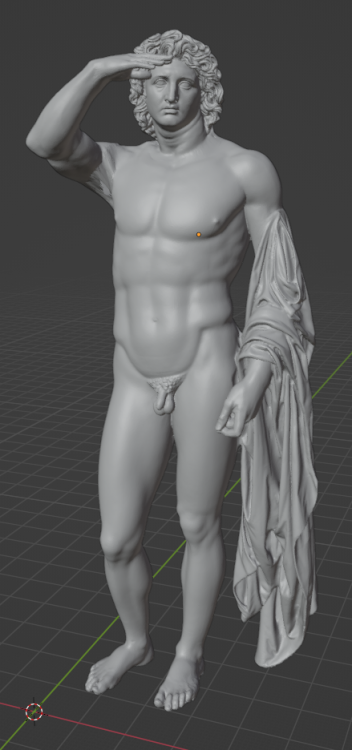
Anyway, I started making my own HP model, a combination of the following models (all no licence problem I hope) https://sketchfab.com/3d-models/zeus-or-poseidon-from-the-artemision-d4876aa609304682945145debedfc77e https://open.smk.dk/en/artwork/image/KAS644?q=*&page=9&filters=has_3d_file%3Atrue https://open.smk.dk/en/artwork/image/KAS283?q=helio&page=0&filters=has_3d_file%3Atrue Changing the pose is quite difficult. Still need to add the crown, that should be easy. Should I add a plate for a fire to the left hand too? Let me know what you think
-
probably just hidden for easier work on the head So are we fine with the licence? @Stan` If that's all good I will take a look on it Are you still around? @marius4 @MrLux
-
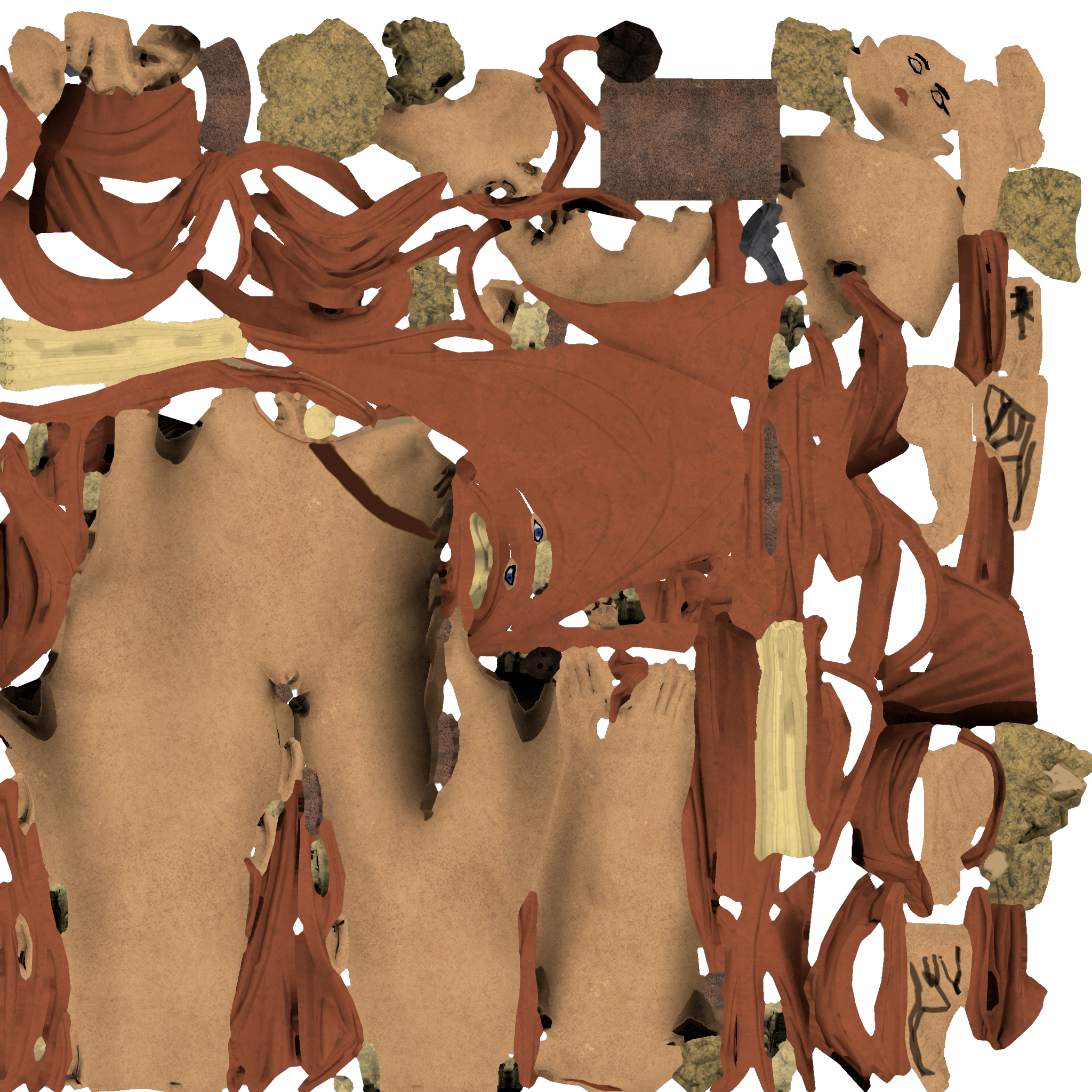
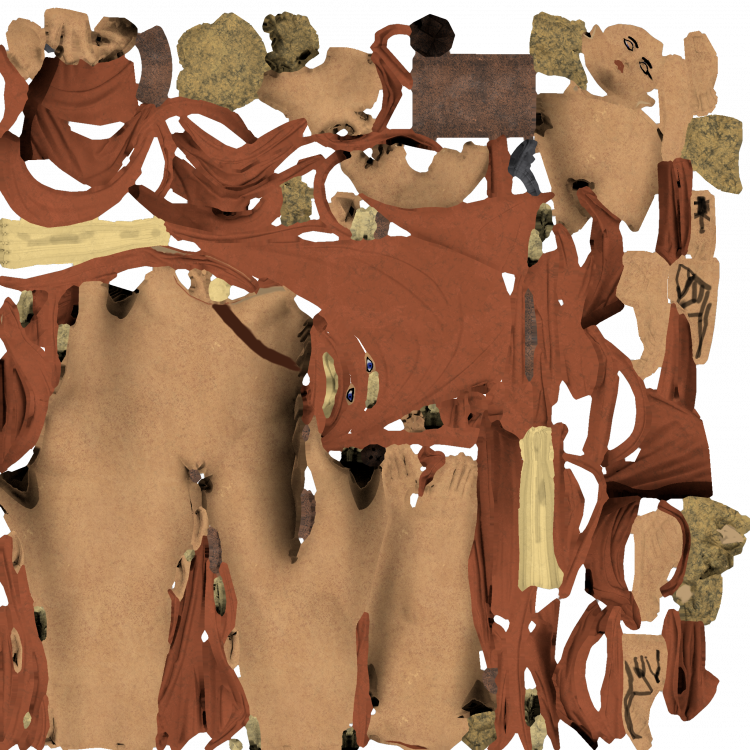
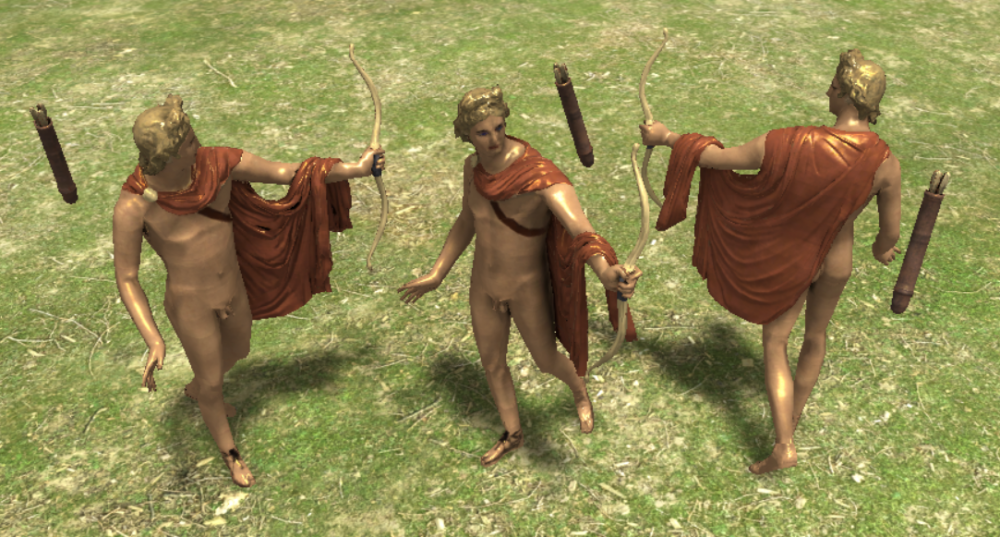
So I was some time afk, but I'm back on it now. It seems the visible edges that were bugging me are seams that were baked into the normal map. I tried around a lot and read all I could find about it but the way to go is to reduce the seams. So now I have a new UV layout and unwrapped the body with almost no seams. The negative side is that I have some stretching now. Also I added some geometry in the belly area, it's smoother in an area which is seen a lot by the player. like this? If the colours are good I will continue with texture painting some details, eyes, mouth, sandals etc. Don't mind the offset of the quivers, it was made just for clean baking The fact it doesn't crash is because I don't use the AO ingame. I just bake it together with the colours on the diffuse. So I feed the AO that I baked into the nodes of the materials in blender. That's how I understood the instructions. I could also add a AO map in the actor if that's better. also let me know what you think of the uv layout now:) @Stan` @wowgetoffyourcellphone Normal map baking stays a problem though, even when baking with a cage. Only solution I see is editing by hand afterwards, similar how this dude did it:
-
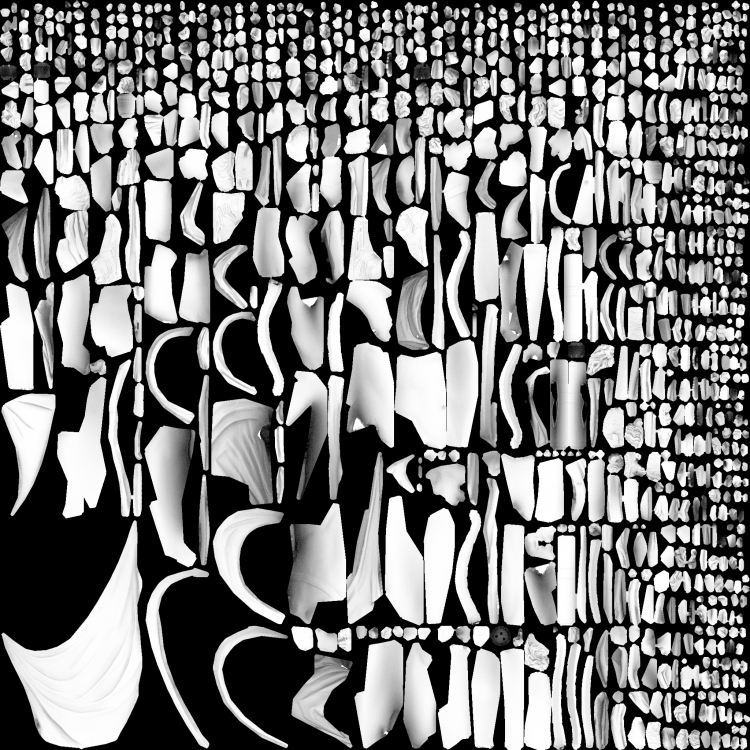
I used the same UV map for both the diffuse and the AO. Should I not do that? Then put the AO as an image texture in node for the diffuse. Maybe I should use a larger margin when baking?
-
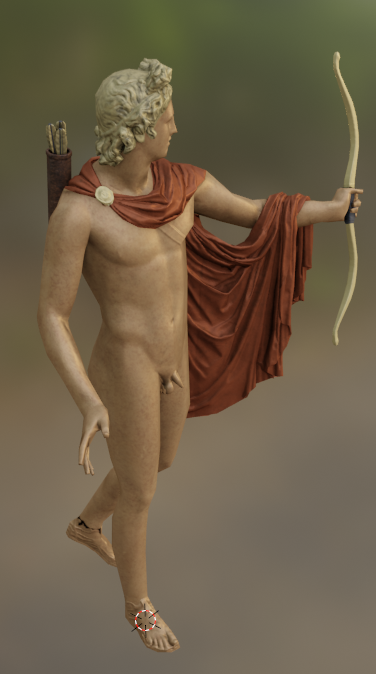
like this? I choose a different approach and used CC0 textures (from here: https://ambientcg.com/view?id=MetalSubstance008) instead of procedural materials. Same problem though, looks fine in blender but bad in atlas. I'll have to wait for Stan. Also I'm struggeling with bringing the metalness/roughness to atlas, I didn't really get how to bake the spec map. Just baking a roughness map doesn't seem to work. apollo-0_27.1.zip
-
Apart from that, I'm almost done. Just playing around with the colours and might do some texture paint after the final diffuse bake. I added a quiver with arrows, got rid of the tree stump and the platform, made a cage to bake the normal, did the baking of AO to use for the materials and baked the first diffuse.
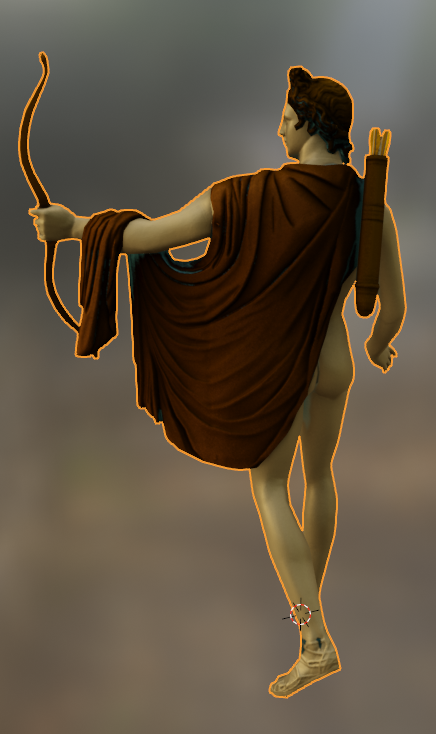
-
While the model looks perfectly smooth in blender, I keep having little dirt and visible edges in atlas. I wonder what could be the reason? My normal and diffuse seem to be clean. Might have something to do with the smooth shading. What is the right material to use?
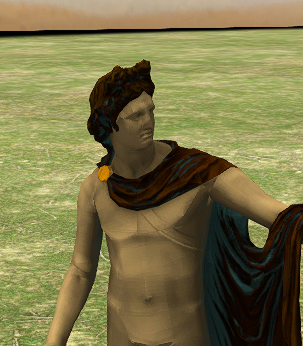
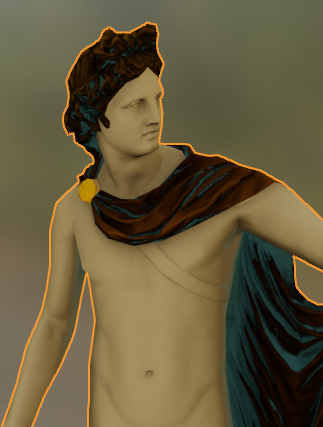
-
painted Apollo of Belvedere: https://antiquipop.hypotheses.org/eng/12501eng
-
alright, will do. Athena looks nice, but I think I might go another way and give different parts of the body different shades of golden/brown/black. It seems that new researches are saying that even bronze statues were coloured by using different combinations of metals: https://en.wikipedia.org/wiki/Riace_bronzes#/media/File:Experimental_Reconstruction_of_Riace_Bronzes.jpg https://www.ronhenggeler.com/Newsletters/2017/11.6/Newsletter.html https://de.wikipedia.org/wiki/Bunte_Götter_–_Die_Farbigkeit_antiker_Skulptur#/media/Datei:Bronze_head_(Glyptothek_Munich_457)_with_and_without_patina_Bunte_Götter_exhibition_revised.jpg I'll try not to make it too colourful, just a few nuances. Let me know what you think good call, I didn't even see that there is an apollo as well
-
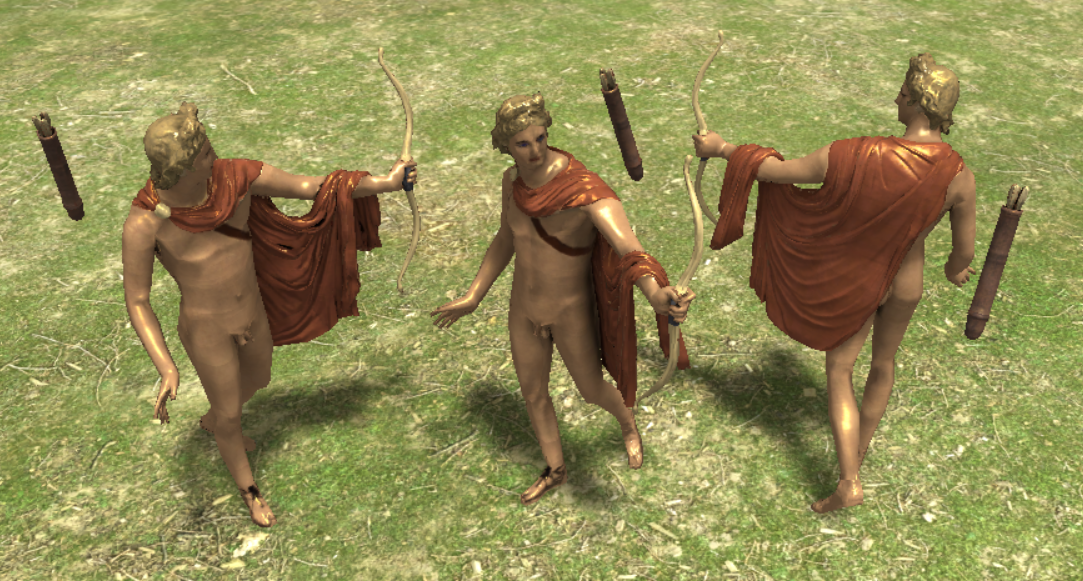
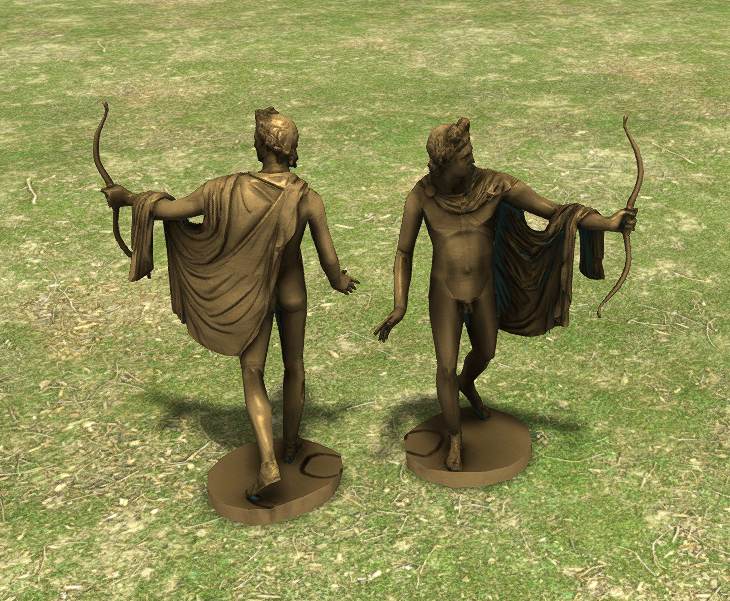
what is left to do, is getting rid of those leftovers from the treestump and bake again. Some sharps are too much and they left bad marks in the diffuse (via ao). Will do the spec map then too. I'm also not sure about the colours. Might be overall too dark, the green might be too strong in some parts. Athena in DE has some green shining which seems nice What should I do with the platform? Leave or get rid of? What's the desired scale? Same as Athena? You can find it in the added mod in atlas under actors, sele/cult_statue.xml apollo.zip
-
I finished the mesh, added a bow and managed to bake a good normal from highpoly from lowpoly. I created this procedural bronze material, that adds green and different shades of bronze colours: https://www.youtube.com/watch?v=89d4jXYTvN0 Diffuse baking also worked more or less. I'm unsure about the spec map though, how do I bake that?
-
original high-poly: low-poly with baked normal: current state of the art of normal map baking. Triangulate and shrinkwrap would make the waist fit better. I will see what to do about the errors
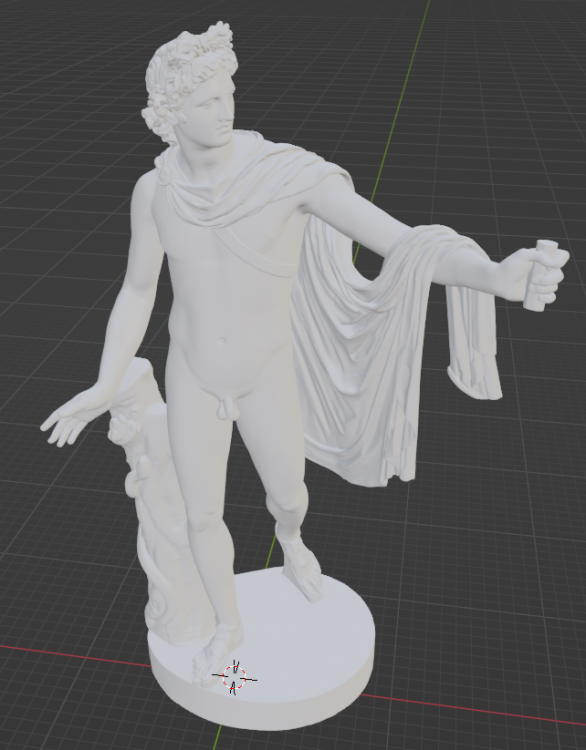
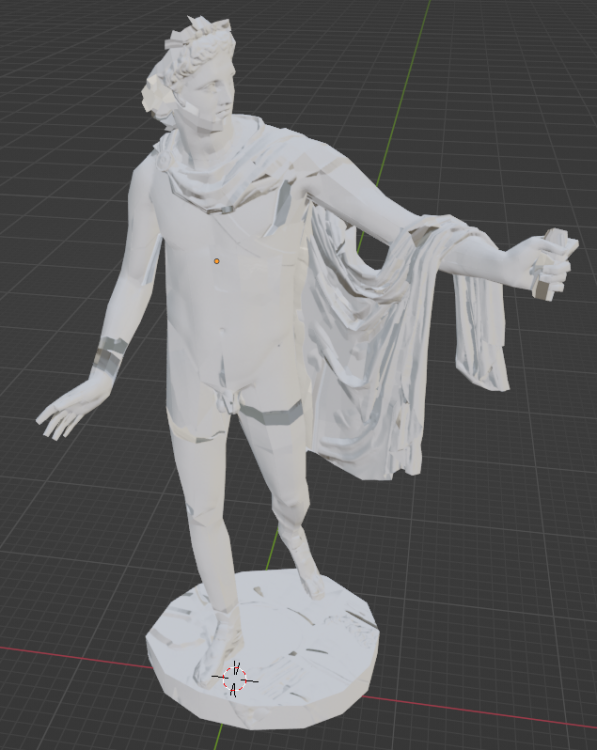
-
haha thanks. That was just to demonstrate the possibilities. The thumb was a part that my computer could handle
-
high-poly thumb (508 tris) low-poly thumb using remesh modifier (192 tris) If someone with a high end machine would use these modifiers on the whole body and provide the blend data would be nice
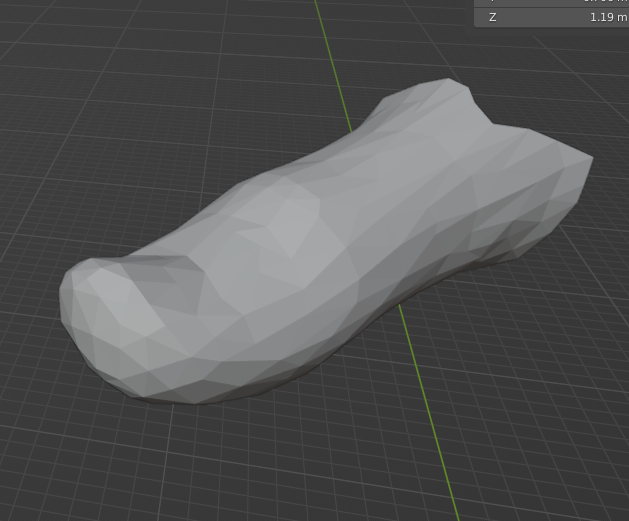
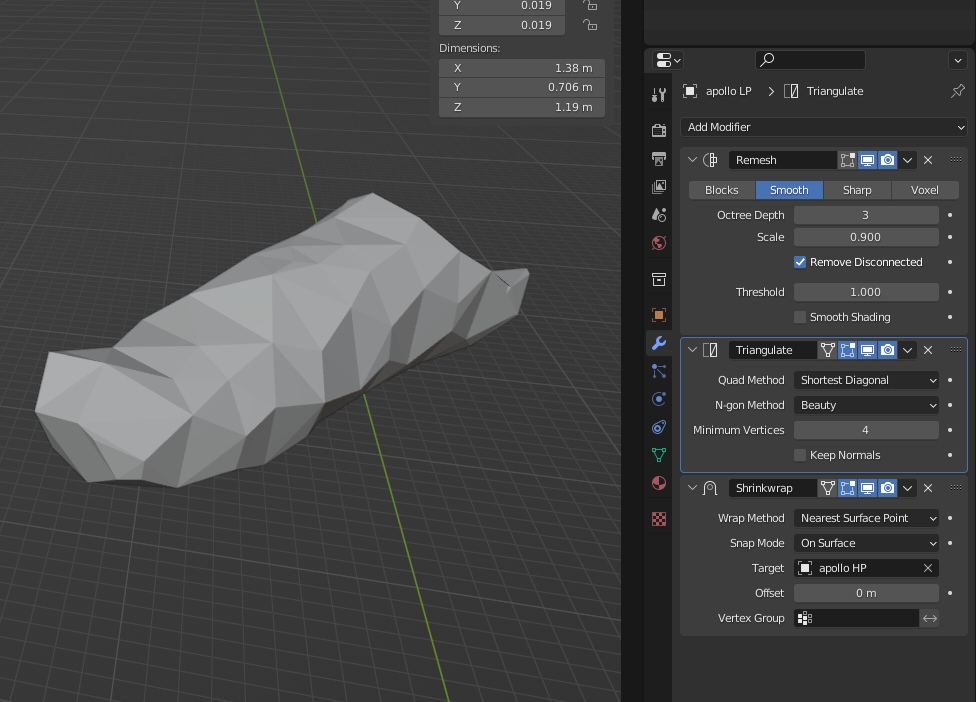
-
I'm pretty sure the remesh modifier could also be used for retopology. Using low numbers in the settings will give you a mesh with less geometry than the original that's a relief, I was a bit worried by the 2k tris in the original post Well, there are only a couple of wrinkles that I modelled, out of like a million other. The problem for me seems to be that a lot of them aren't just subtle elevated, but are really 3D, so over- and underlapping and forming holes etc and it's screwing up the normal map baking. It's only 5 quads = 10 tris right now, luckily it's so small. I could spare some geometry at the balls though
-
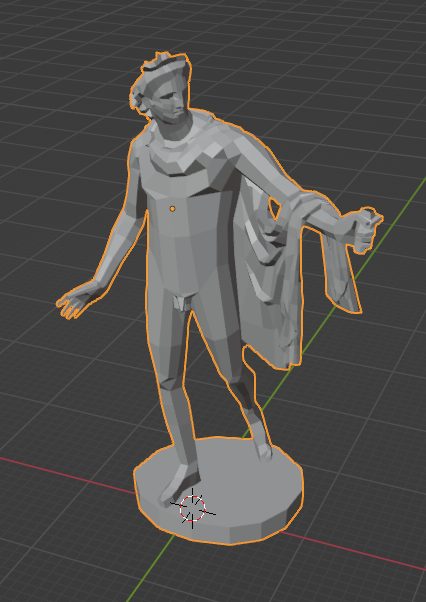
I already have done a retopology, especially the curly hair and the garment are quite a mess though. I'll leave out the tree stump, as it was probably added for the marble copy, while the original was made of bronze. I'll add a bow in the left hand and finish some missing parts at the head. I'm already at 3.3 k tris in blender unfortunately. Anyway, it feels kinda messy and I wanted to compare it with how the modifiers are doing it. I tried it with decimate, but remesh modifier might give better results, but my blender crashes when I use it. So far my baked normal maps aren't perfect either, I might come back for that. What would be your suggestions in terms of smooth shading? Auto smooth or edge split modifier? I'd like to make edges sharp individually, but don't want to add more geometry
-
Could someone with a more powerful computer use the remesh modifier on this model? I added the blend file so that registration is not required. apollo_belvedere.blend
-
sorry for the stupid question, but how do I install a Diff in my SVN that has not been committed yet?
-
I've been dreaming of that for a long time, would be so nice to have that. Maybe also an option for one-sided, unfair border, which is nice against AI. Could include a random map script for a castrum as well. So far I don't have experience with random maps though Would be nice. Maybe I could create a new tower in the future. I've visited some limes tower reconstructions and collected references. I'd like to have white plaster included. Ground level entrance bothers me too, should be second floor with a ladder.
-
no, players can't interact with actors, they have no impact on gameplay. The files in simulation/templates/... (entities) take an actor file and add information needed for how something is handled in gameplay https://sketchfab.com/3d-models/castellum-de-horbourg-wihr-alsace-france-7d888d51e229455c917e71122268319b nice 3D work of a castrum in France