Leaderboard



.thumb.jpg.b21ca1d0c15fb56b42c39b25a0a40815.jpg)
Popular Content
Showing content with the highest reputation on 2026-01-01 in all areas
-
Hope 2026 will be good for us all.4 points
-
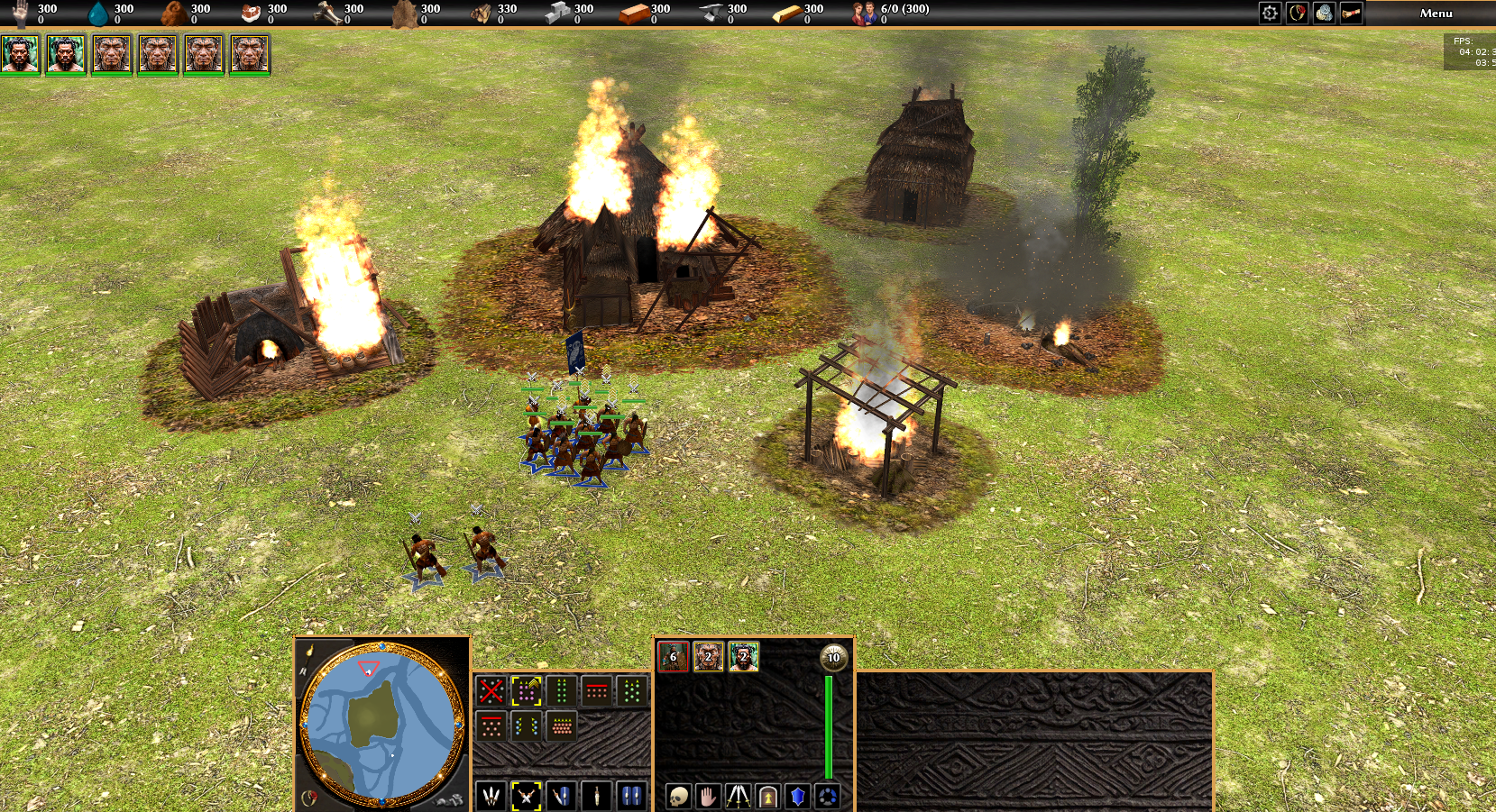
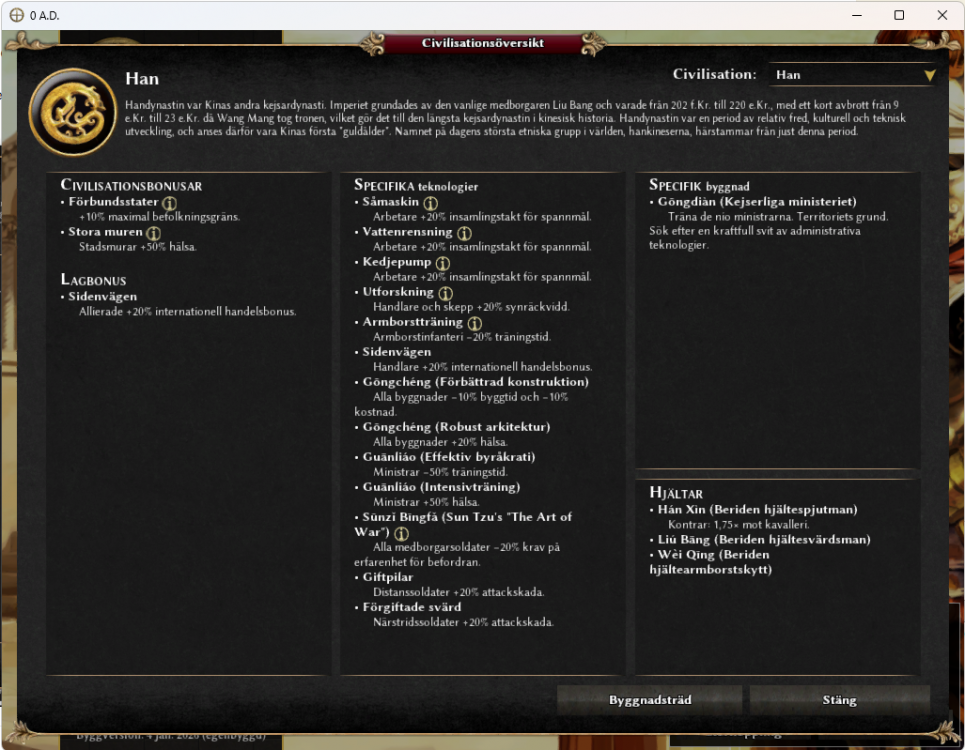
Thank you Stan. All looks amazing. Still doing some minor fixes here and there but overall, very nice! Building with VC works perfect. Added some screenshots here https://www.danielnylander.se/2025/12/30/uppdatering-av-0-a-d/
 2 points
 -
Bonne année 2026!2 points
-
Feliz ano novo a todos! Muita paz saúde e prosperidade!2 points
-
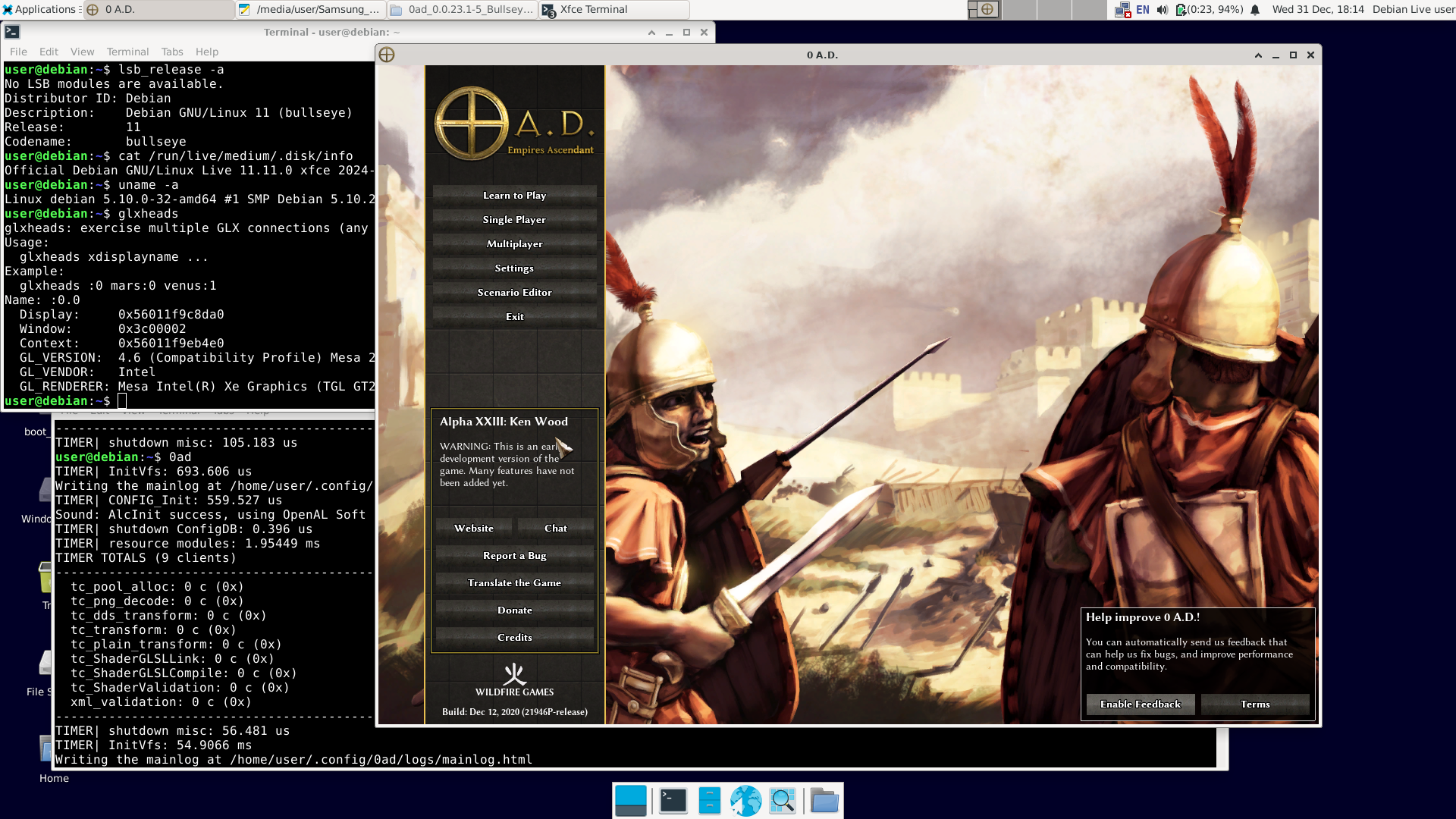
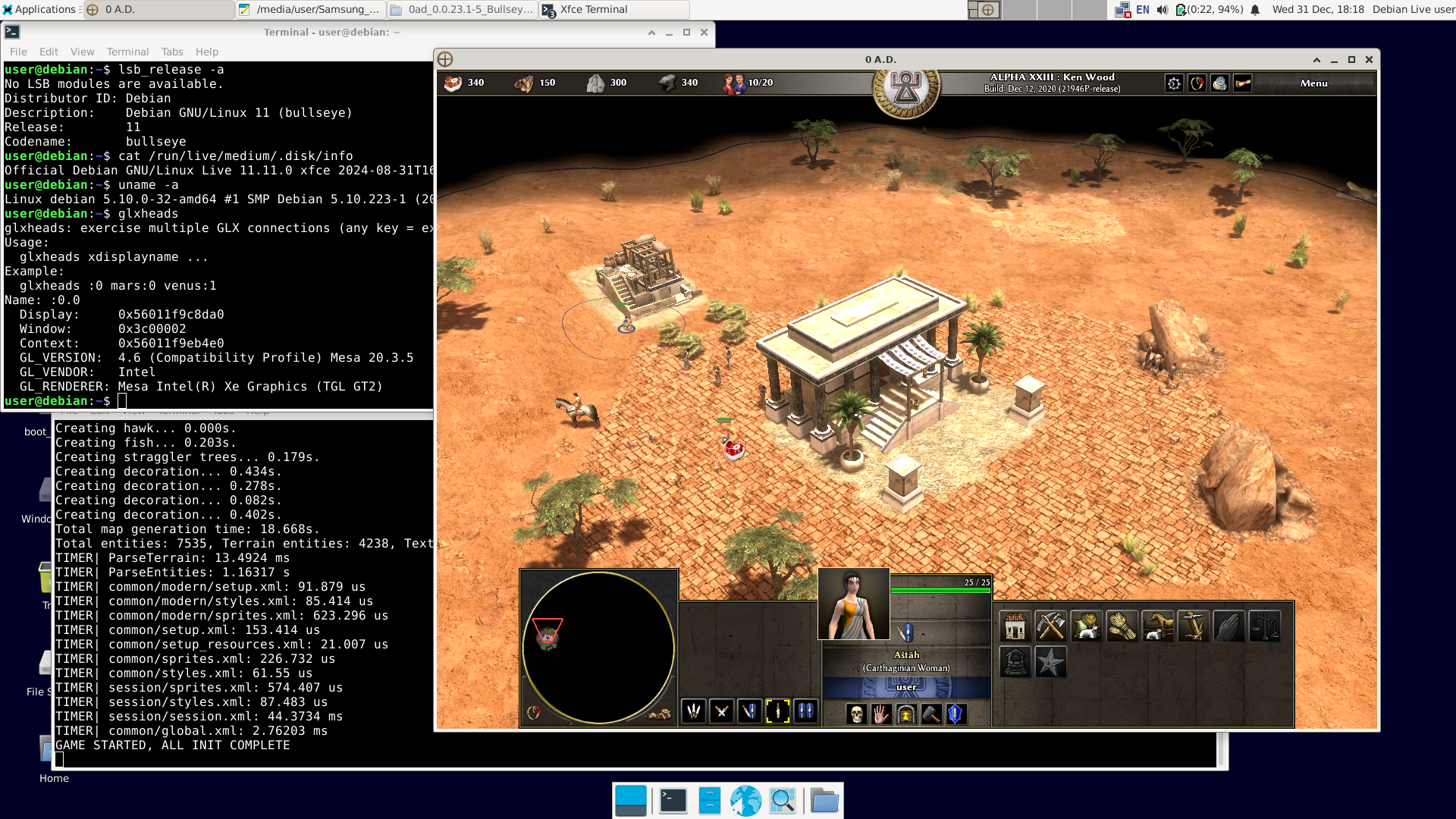
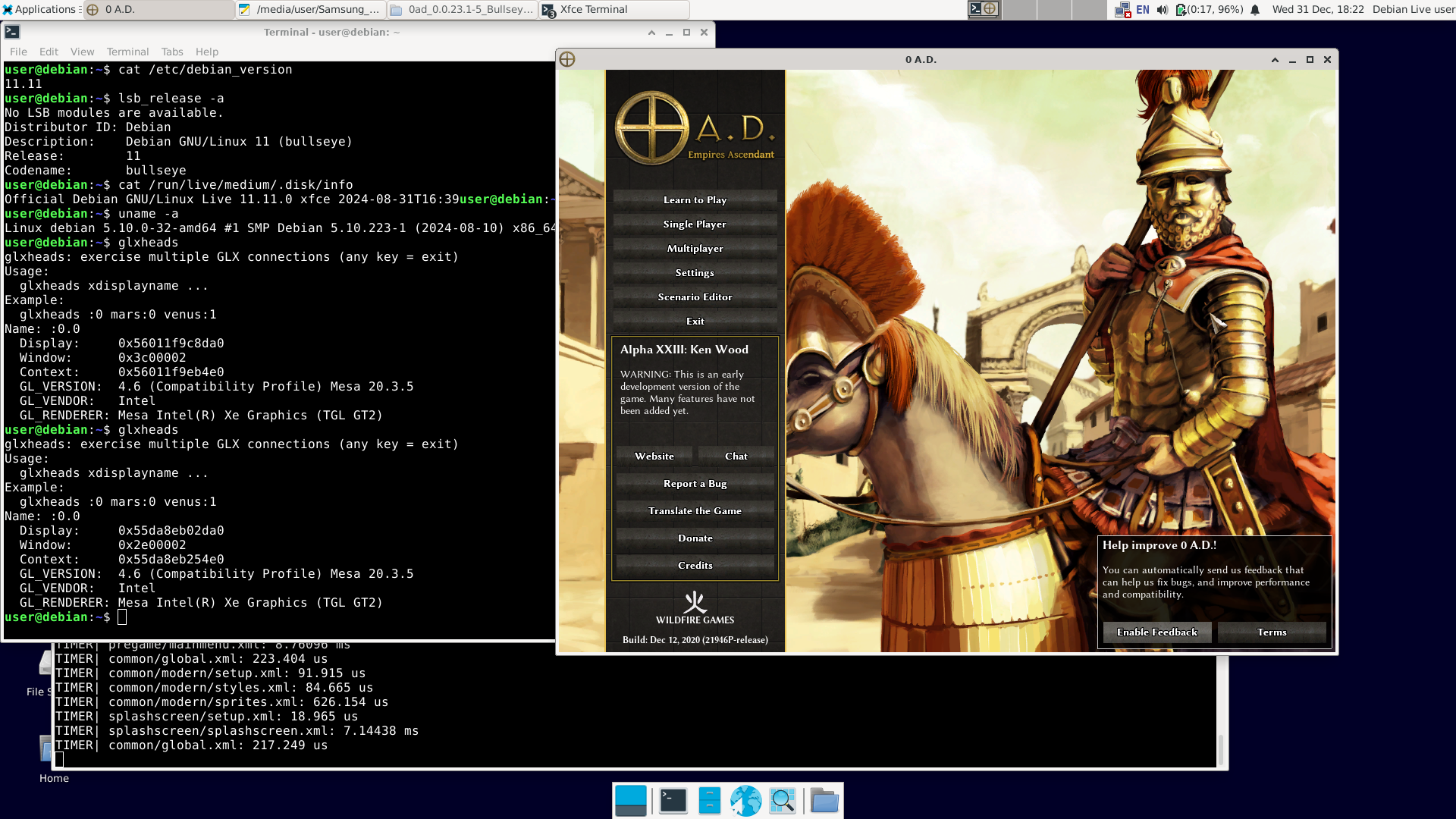
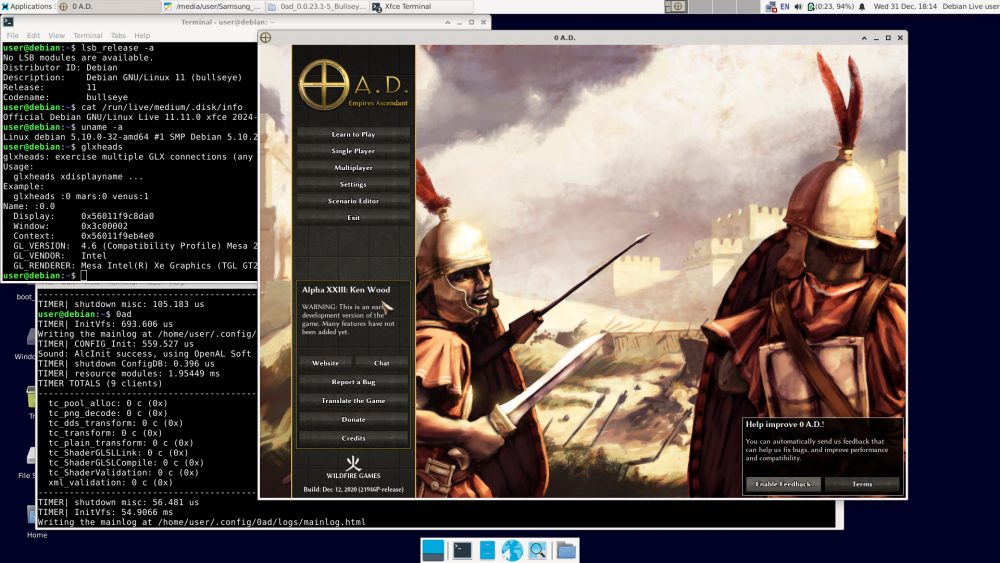
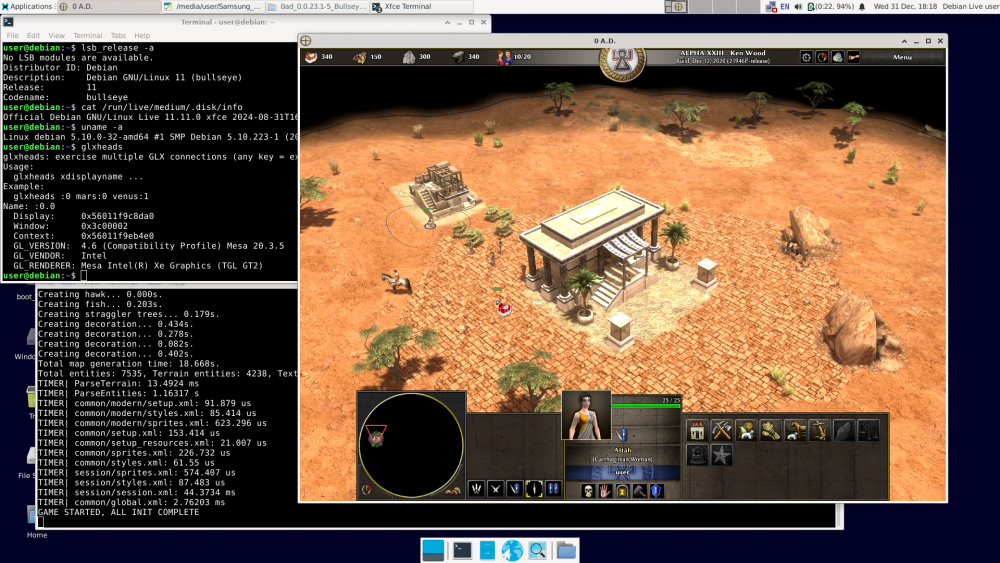
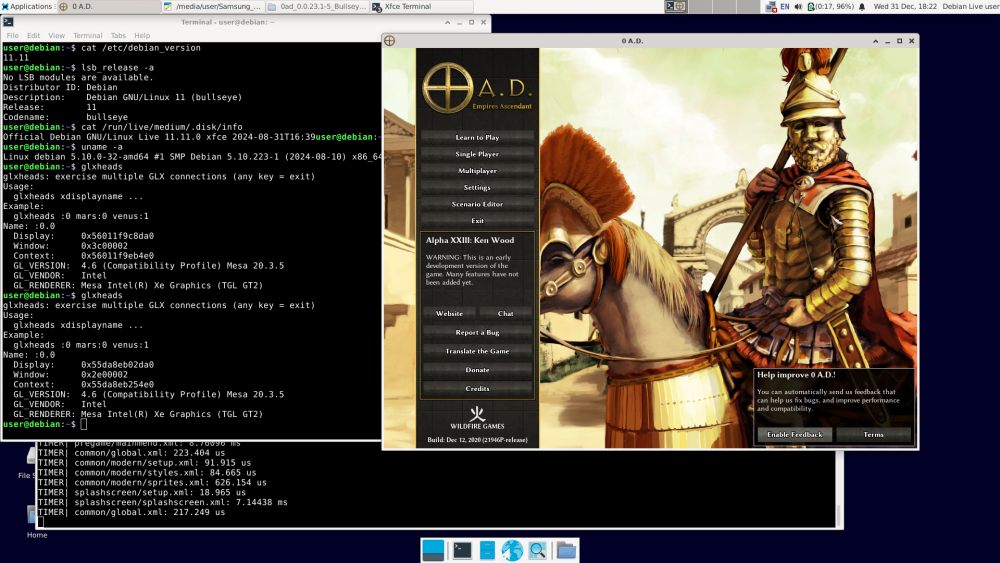
There have already been 12 posts, and "NewWorldHero" only wanted one answer: how to run the older version of 0ad – ver. 0.0.23 (Ken Wood). I figured out a way to do it: https://wildfiregames.com/forum/topic/139802-must-have-xxiii23-ken-wood-linux-only/?do=findComment&comment=616373 But I only figured it out, not tested it. It was bothering me. So I did this: 1. I downloaded Live Bullseye version 11.11 (+non-free) https://cdimage.debian.org/cdimage/unofficial/non-free/cd-including-firmware/archive/11.11.0-live+nonfree/amd64/iso-hybrid/debian-live-11.11.0-amd64-xfce+nonfree.iso 2. I copied it to a USB drive with Ventoy installed and booted it.. The laptop was even relatively new – Intel TigerLake (11th gen.) + Intel Xe. Debian booted, and Wi-Fi was available (Wi-Fi on Intel too). Good news: the Bullseye repositories are still available. You can use 'apt install'; you don't need to install anything manually. 3. After connecting to the network, I issued the command: apt-get update apt-get install 0ad I had to wait a while because one of the packages ('0ad-data_0.0.23.1-1.1_all.deb') is about 670 MiB. 4. After installation, in the terminal as a regular user, type '0ad' + Enter or click Menu – Games – 0ad. Done. I'm attaching the images. A short summary: user@debian:~$ cat /etc/debian_version 11.11 user@debian:~$ lsb_release -a No LSB modules are available. Distributor ID: Debian Description: Debian GNU/Linux 11 (bullseye) Release: 11 Codename: bullseye user@debian:~$ cat /run/live/medium/.disk/info Official Debian GNU/Linux Live 11.11.0 xfce 2024-08-31T16:39user@debian:~$ user@debian:~$ uname -a Linux debian 5.10.0-32-amd64 #1 SMP Debian 5.10.223-1 (2024-08-10) x86_64 GNU/Linux user@debian:~$ glxheads glxheads: exercise multiple GLX connections (any key = exit) Usage: glxheads xdisplayname ... Example: glxheads :0 mars:0 venus:1 Name: :0.0 Display: 0x56011f9c8da0 Window: 0x3c00002 Context: 0x56011f9eb4e0 GL_VERSION: 4.6 (Compatibility Profile) Mesa 20.3.5 GL_VENDOR: Intel GL_RENDERER: Mesa Intel(R) Xe Graphics (TGL GT2) user@debian:~$ dpkg -l | grep 0ad ii 0ad 0.0.23.1-5+b1 amd64 Real-time strategy game of ancient warfare ii 0ad-data 0.0.23.1-1.1 all Real-time strategy game of ancient warfare (data files) ii 0ad-data-common 0.0.23.1-1.1 all Real-time strategy game of ancient warfare (common data files) user@debian:~$ 0ad TIMER| InitVfs: 860.322 us Writing the mainlog at /home/user/.config/0ad/logs/mainlog.html TIMER| CONFIG_Init: 559.181 us Sound: AlcInit success, using OpenAL Soft TIMER| shutdown ConfigDB: 0.239 us TIMER| resource modules: 2.12809 ms TIMER TOTALS (9 clients) ... etc. Best regards. Happy New Year.
 2 points
 -
Don't use cargo but install the distribution package instead.1 point
-
I looked a bit in to it. The files are stored as .dae files. You should learn how to convert them to .stl so you can do it yourself and chose which model you like. Blender can export to stl and here is the wiki for blender. However I couldn't import it easy in blender since import .dae wasn't listed (arch linux) and I couldn't solve it in a reasonable time (tried searching addons inside blender, packages in the arch repo and chatGPT). I found this: https://docs.blender.org/manual/en/4.5/files/import_export/collada.html But it was a bit tl;dr at one time. I could load the models in FreeCAD which can also convert it to stl. Your slicer then should be able to scale the unit up or down. Tbh. there might be nicer models to print on thingyverse or so which take in to account that arms/arrows aren't so thin so they don't break. But converting the 0ad models shouldn't be too hard and also feasable. Other question that comes up: What's 0ad's plan if .dae support ends?1 point
-
@Stan`1 point
-
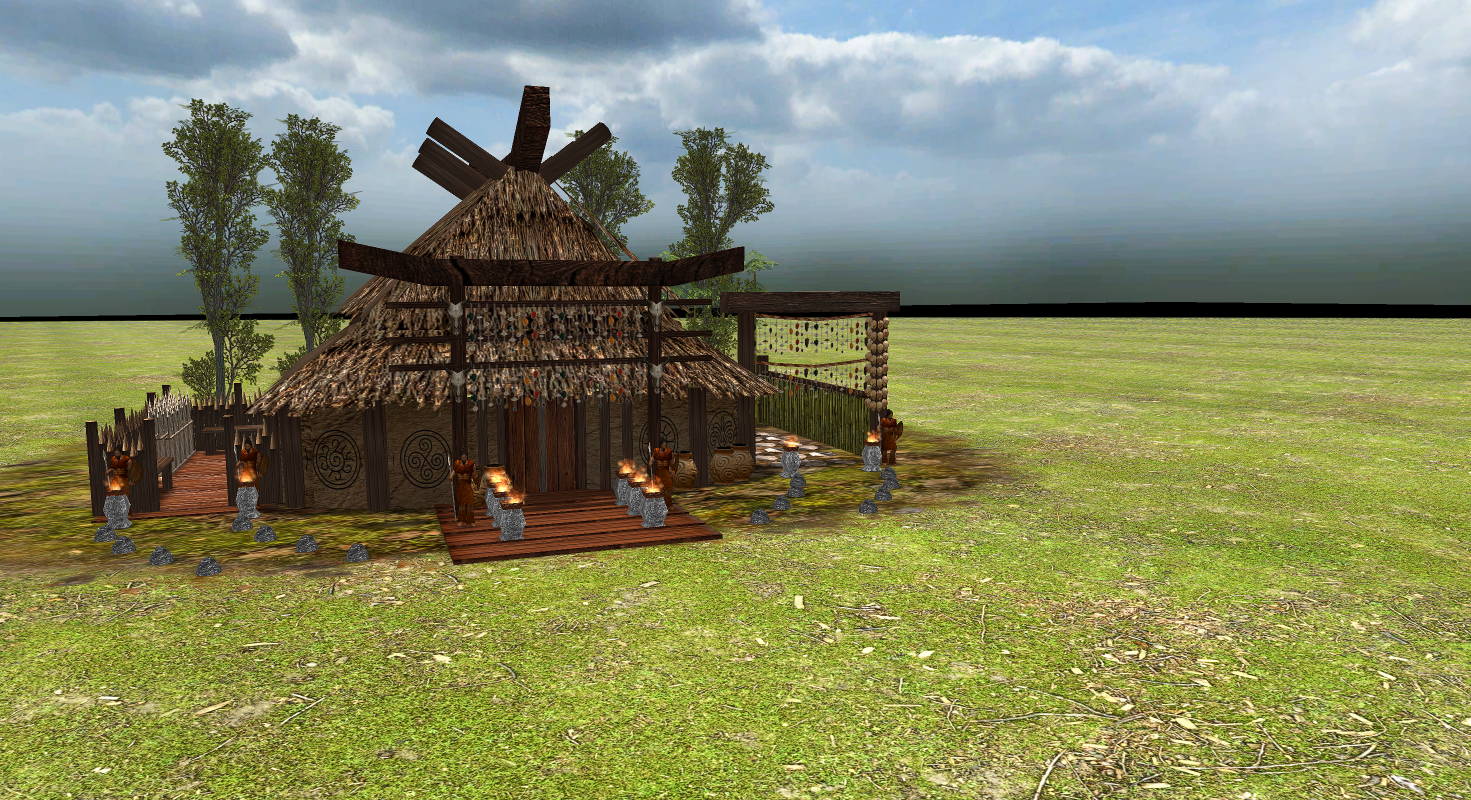
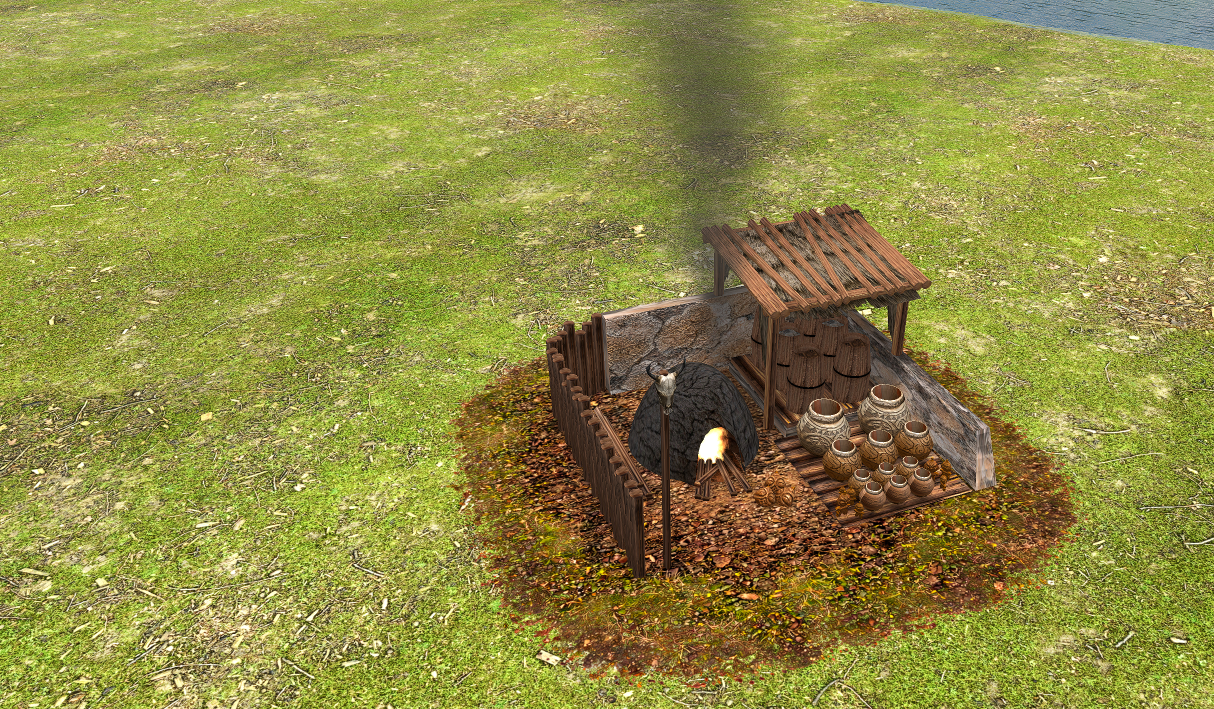
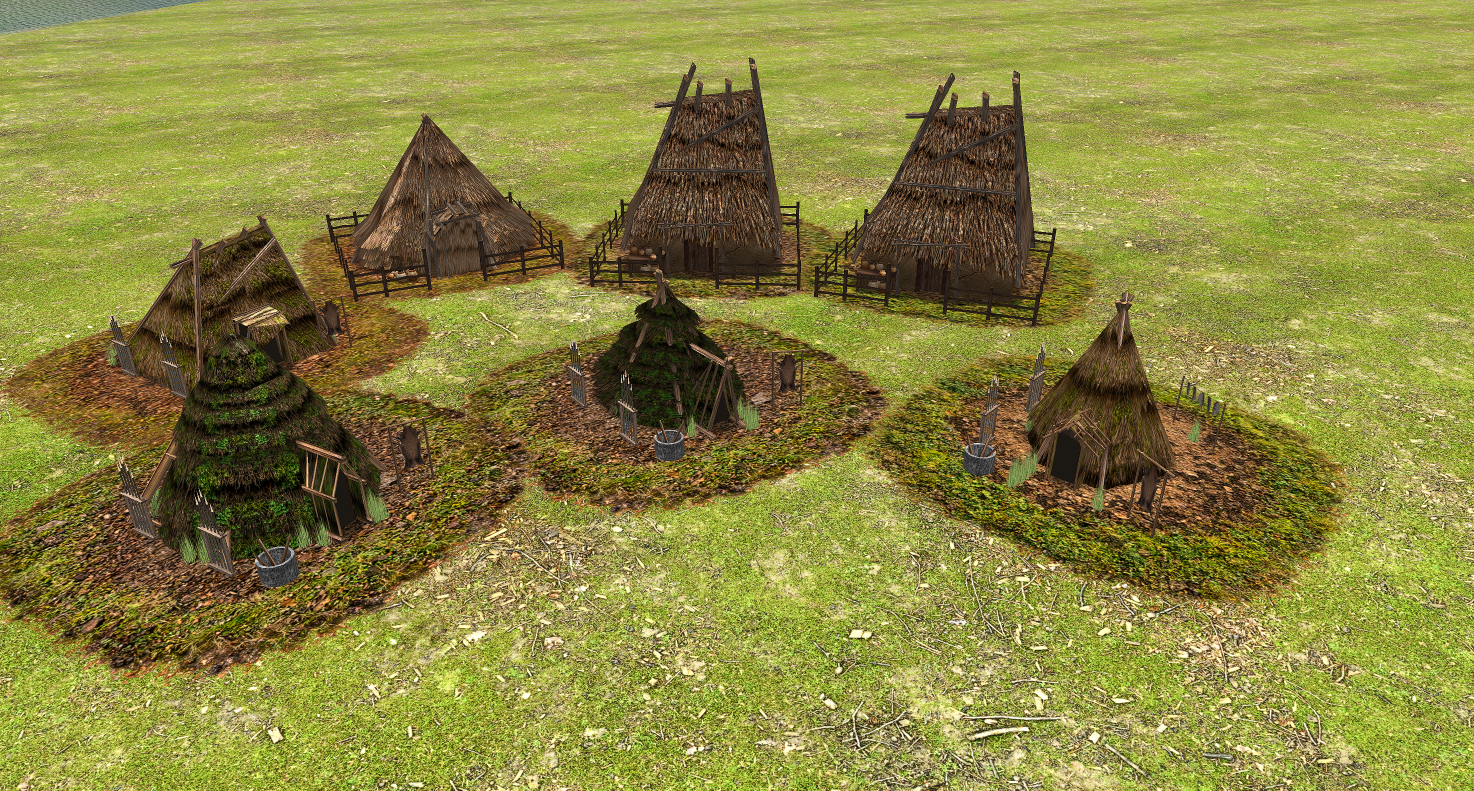
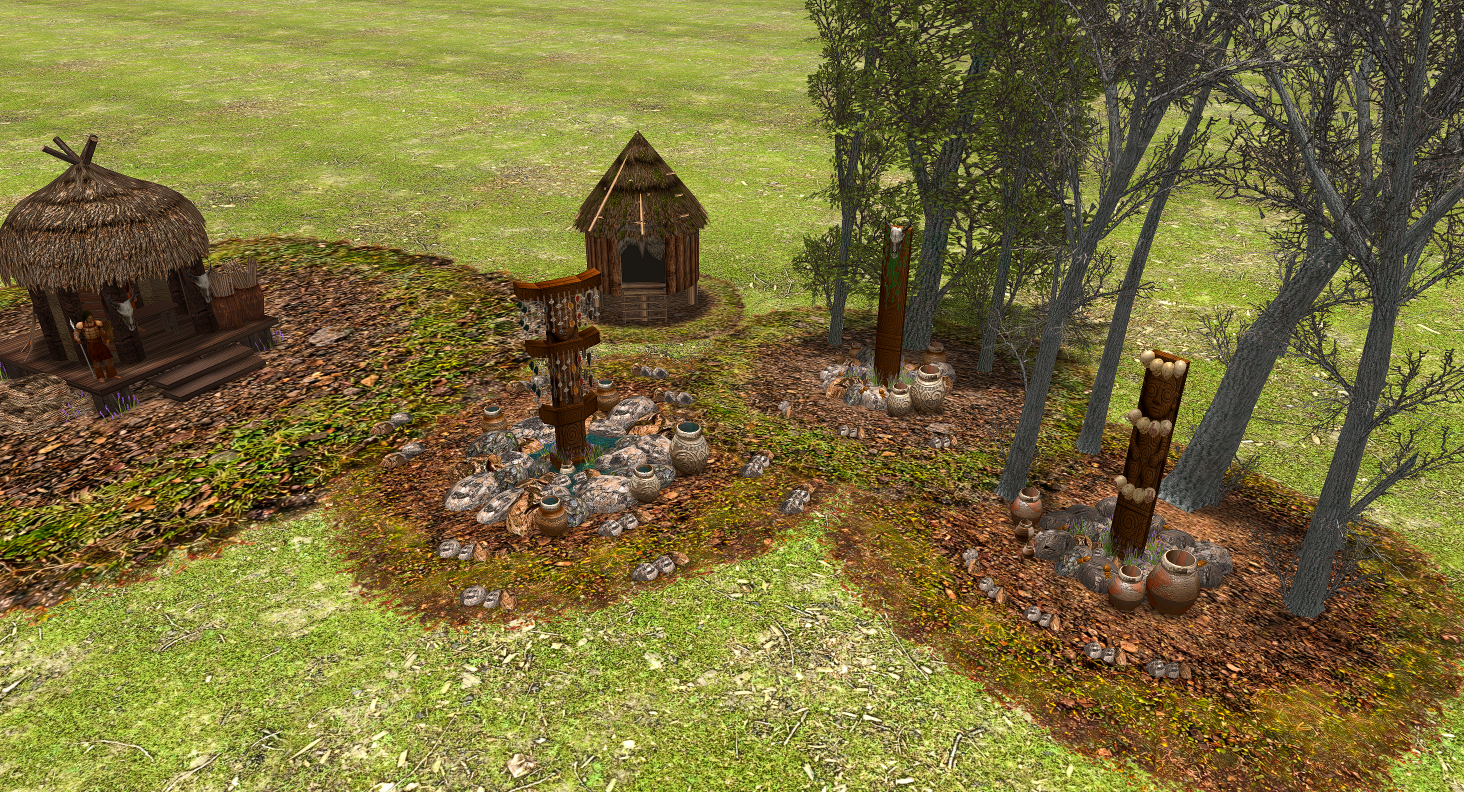
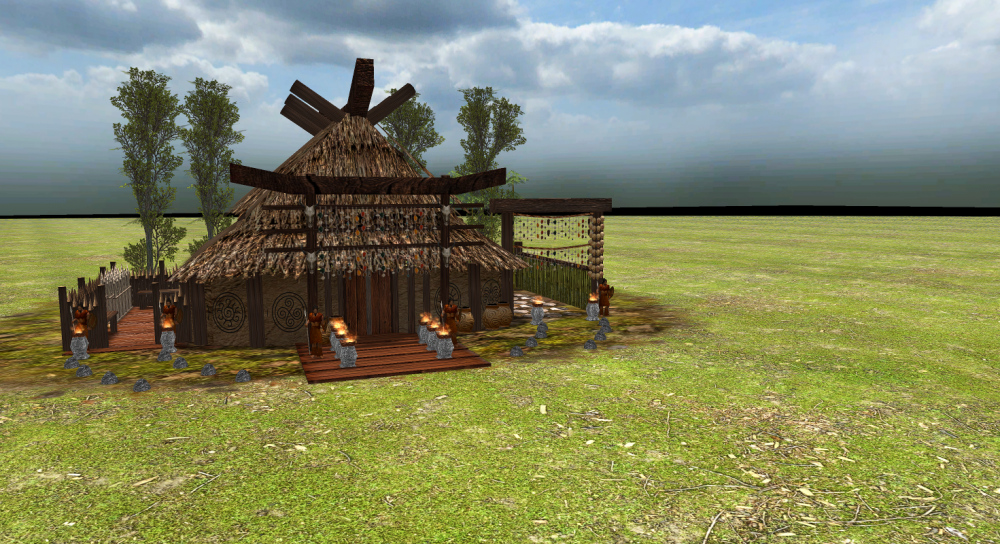
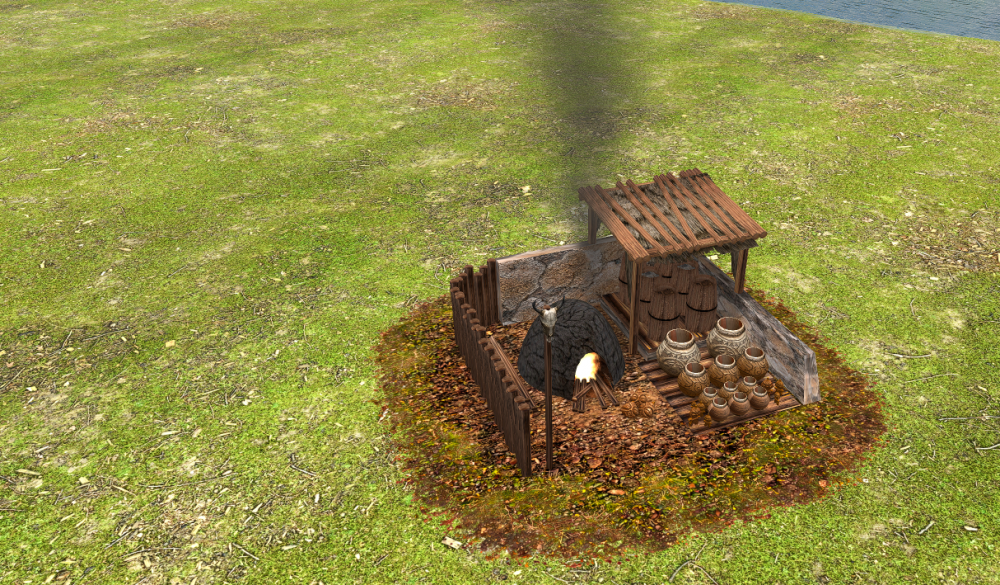
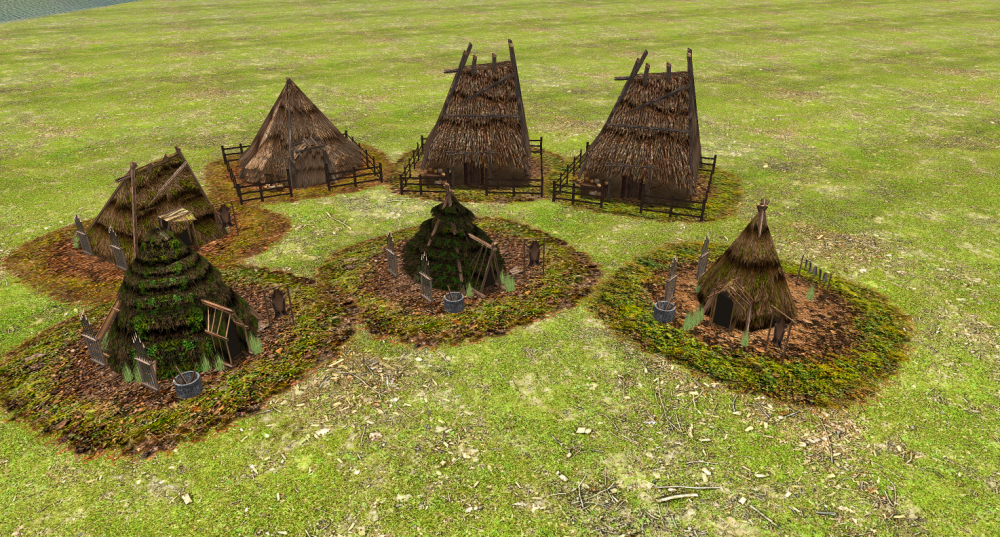
Hello everyone! I’d like to share the latest updates from the project as we wrap up the year. I’ve redone many textures and improved several in-game structures. At the moment, I’m reworking all terrain textures, developing the building damage system, and refining many core gameplay mechanics. I hope you enjoy the updates and continue following the development. Wishing everyone a Happy New Year!
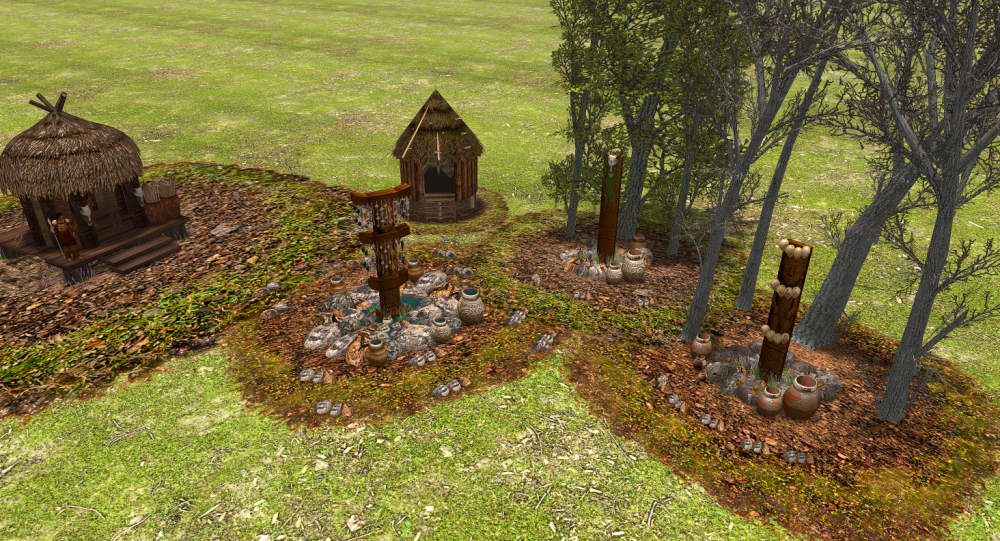
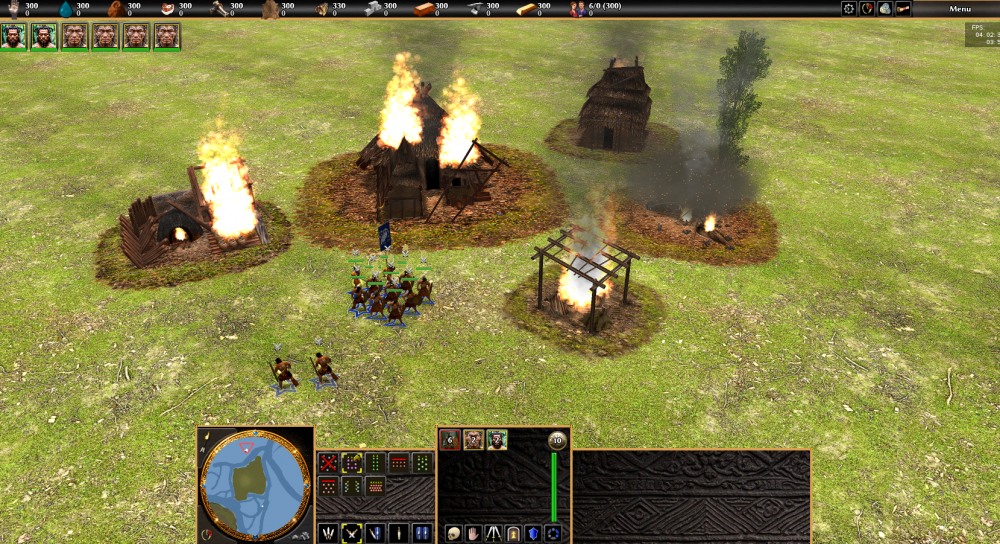 1 point