nifa
-
Posts
323 -
Joined
-
Last visited
-
Days Won
18
2 Followers


Recent Profile Visitors
4.609 profile views


nifa's Achievements

Duplicarius (4/14)
386
Reputation
-
I like the walking, the feather-picking and tail-wiggling. The idle animation could be a little slower and with longer "staring-breaks". When bending down for pecking grains, only the neck and head should move, while the rest of the body stays more or less in position, not shifting its whole body. Hope it's not a problem with uv stretching then. The colour variations make it really cool. I think you could increase overall scale a little. Are you planning to add a rooster too? The chicken-carrying is a nice idea
-
btw I just saw they got a nice collection of green screen videos with lions on that page too, for future purposes https://greenscreenanimals.com/search/lion#!
-
Ah ok, I see. Btw feet look a lot better now than in the first post. Also it's nice if the feet are a little further away from each other than in the first post's idle animation. I remember that there have been discussions about scaling up the chickens for visibility, because they have a huge impact in early game, similar to grapes and berries, which are also out of scale. Also I think there is a tendency in 0 A.D. to weaken extreme scales, meaning scaling down bigger objects and scaling up smaller ones. I prefer realism but just saying someone might come with that. In the end it's a gameplay decision, not my field of studies. Perfect! Thanks a lot
-
Thanks, much better in my opinion https://greenscreenanimals.com/footage/clip/1471/f/green-screen-video-of-chicken-walking-across-right-to-left I found a nice reference for an idle animation: https://greenscreenanimals.com/footage/clip/1468/f/green-screen-video-of-chicken-looking-forward-then-pecking-at-ground I'm not sure what you mean, I don't think you'd need a specific field of view for baking highpoly to lowpoly. But yeah, the lion could definitely use an upgrade :D
-
true, sculpting isn't worth the time. Sometimes there are nice CC0 models from museums on sketchfab though: https://sketchfab.com/search?category=animals-pets&features=downloadable&licenses=7c23a1ba438d4306920229c12afcb5f9&type=models
-
ah cool, that's a pretty straightforward workflow. I've been baking from 3d model to 3d model and from procedural texture to 3d model, but baking from a photography never came to my mind
-
It's the wonder of the Anglo-Saxons, Church of Brixworth https://en.wikipedia.org/wiki/All_Saints'_Church,_Brixworth https://wildfiregames.com/forum/topic/22783-1000-anglo-saxons-all-saints-church-brixworth-wonder/#comment-336603
-
I like the texture variations, how do you make them? What would you think about adding this to the walking animation too, so the head stays at one place for a second, then quickly moves foreward and we get the typical head bobbing walk, something similar to what pigeons do? Same for feeding, stabilized head for a few secs, then sudden fast head movement, or some neck stretching and stabilized view looking out for predators? Anyway, great work already!
-
Cool to see you are back working on 0 ad art! Keep in mind chickens often need to hold their head in place for a while to see sharp. 00MXQO1tPYYnnvopyGzHYZLB7vcV0oq9ewfQ5z_ssTA.gif.mp4
-
It's on mod.io, you can download it ingame in the mod menu.
-
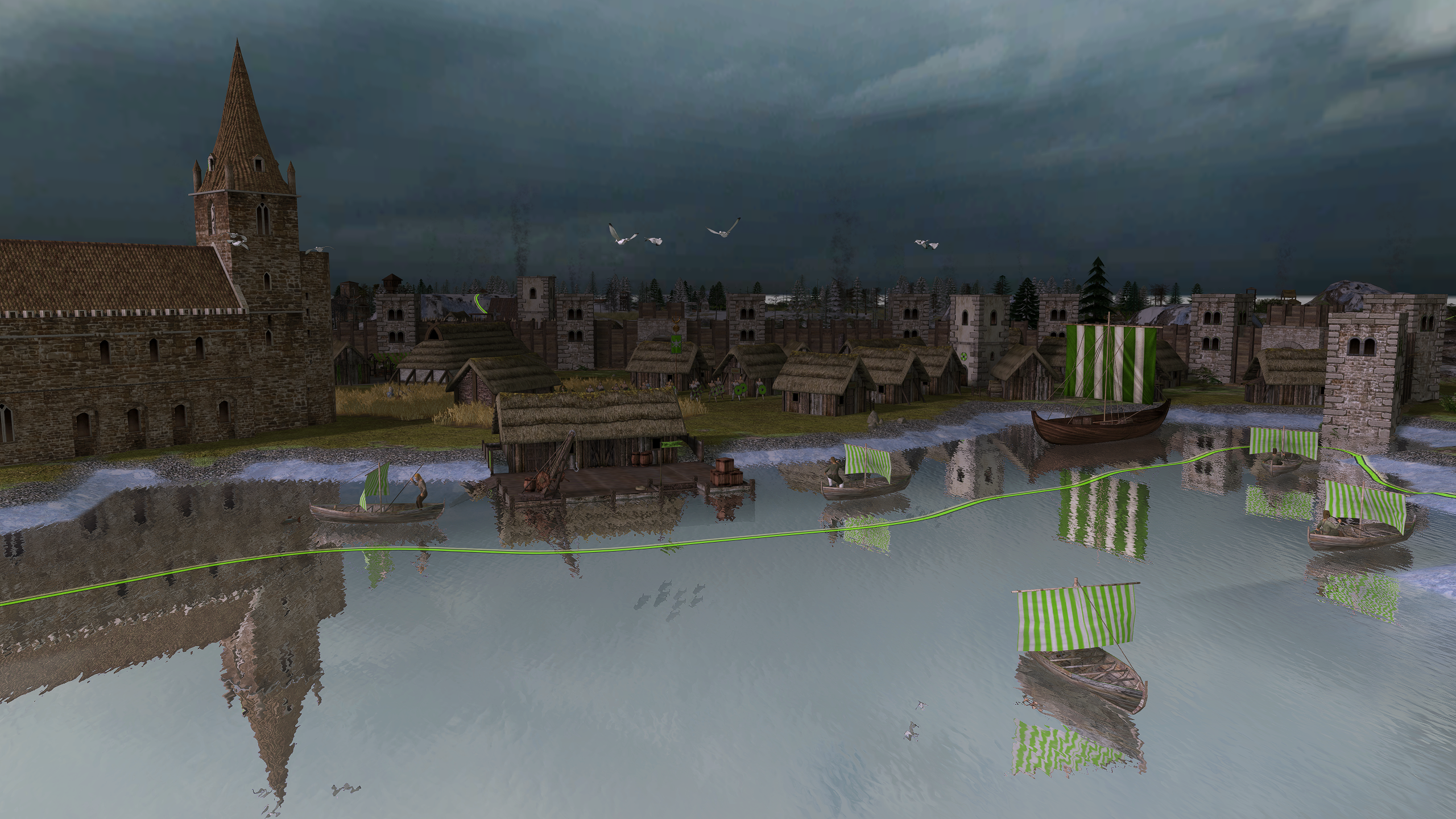
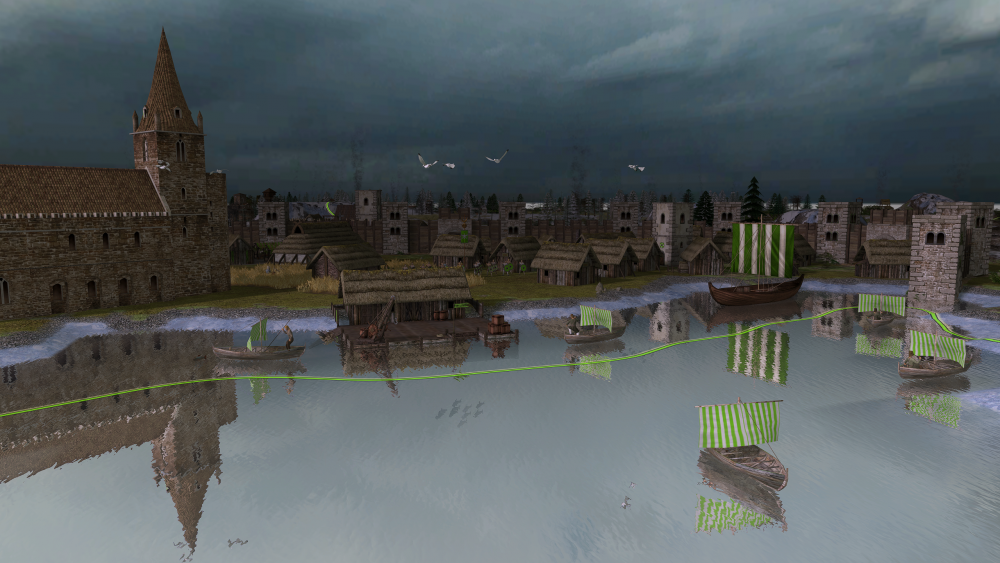
Nice to see Millenium A.D. being updated
-
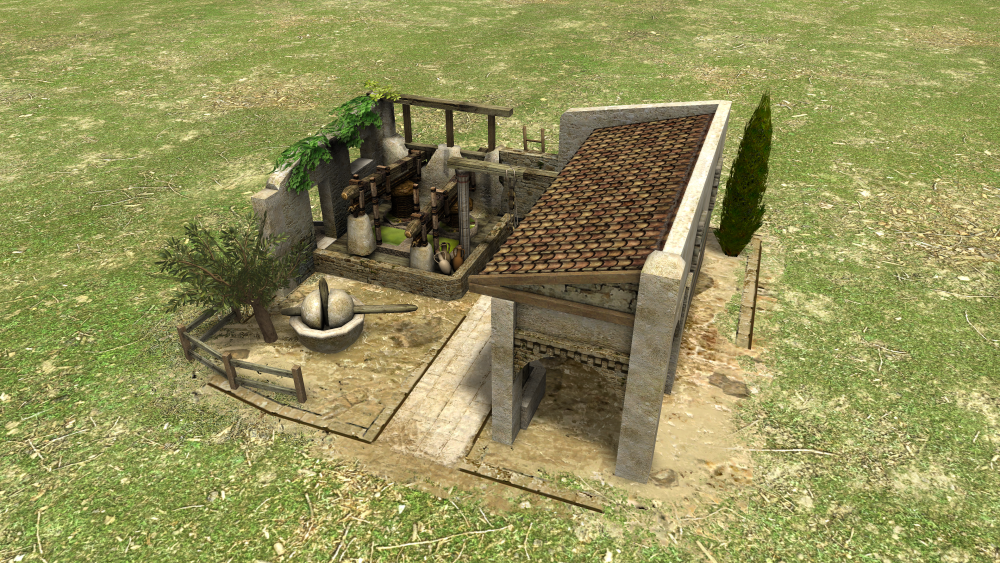
Thanks! Athenian storehouse and forge also have both roofs combined, but I could check out how it looks with the just one kind of roof.
-
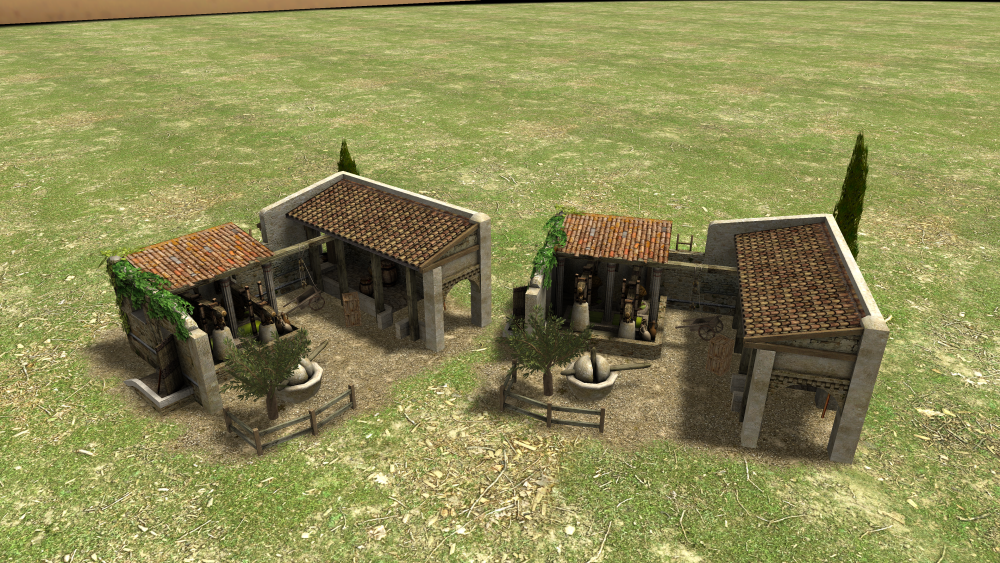
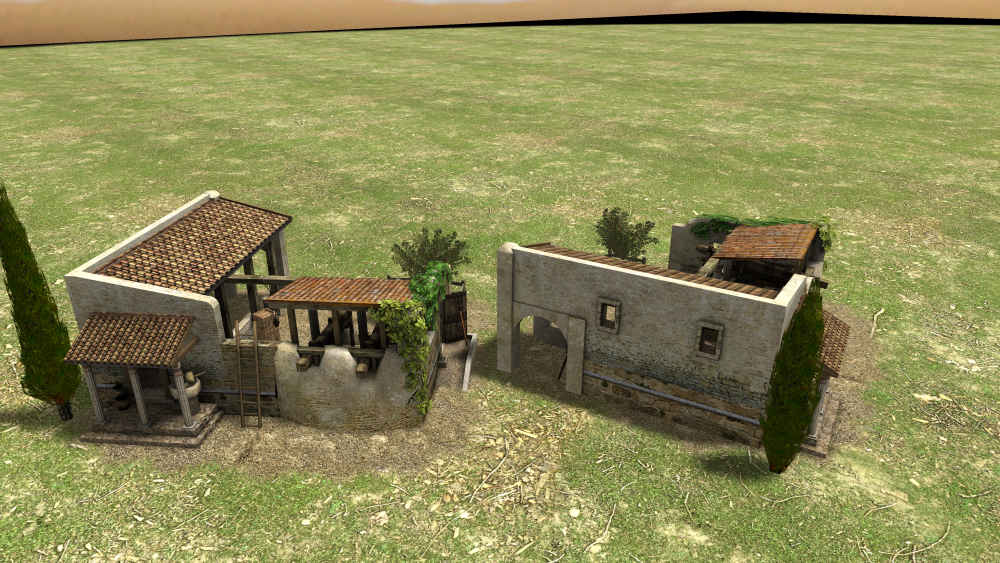
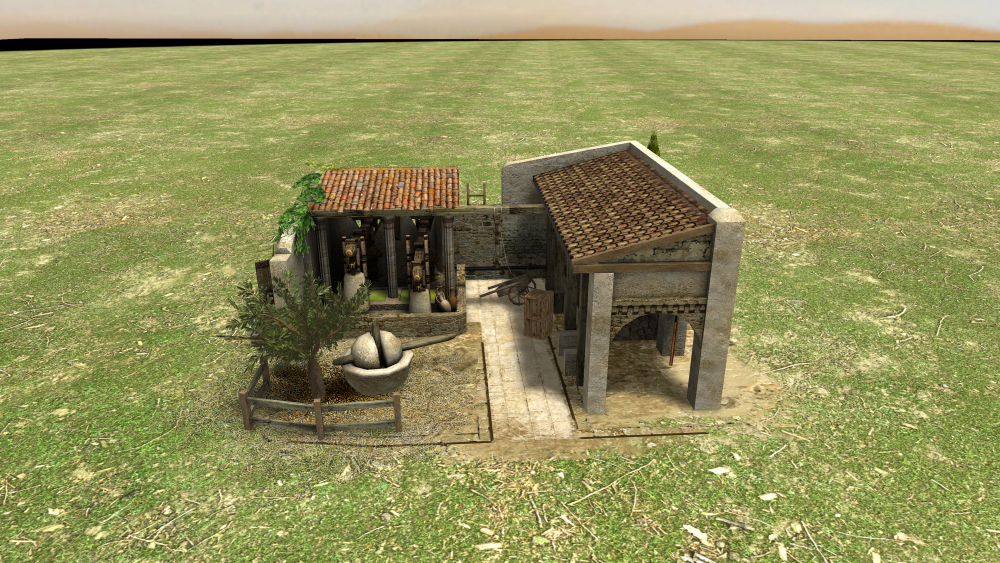
Maybe even without the lower roof? I could even give them an animation so the presses go up and down all the time
-
If I make a custom decal it could be looking something like this: (using the decal from the spartan barracks and a pine tree decal)
-
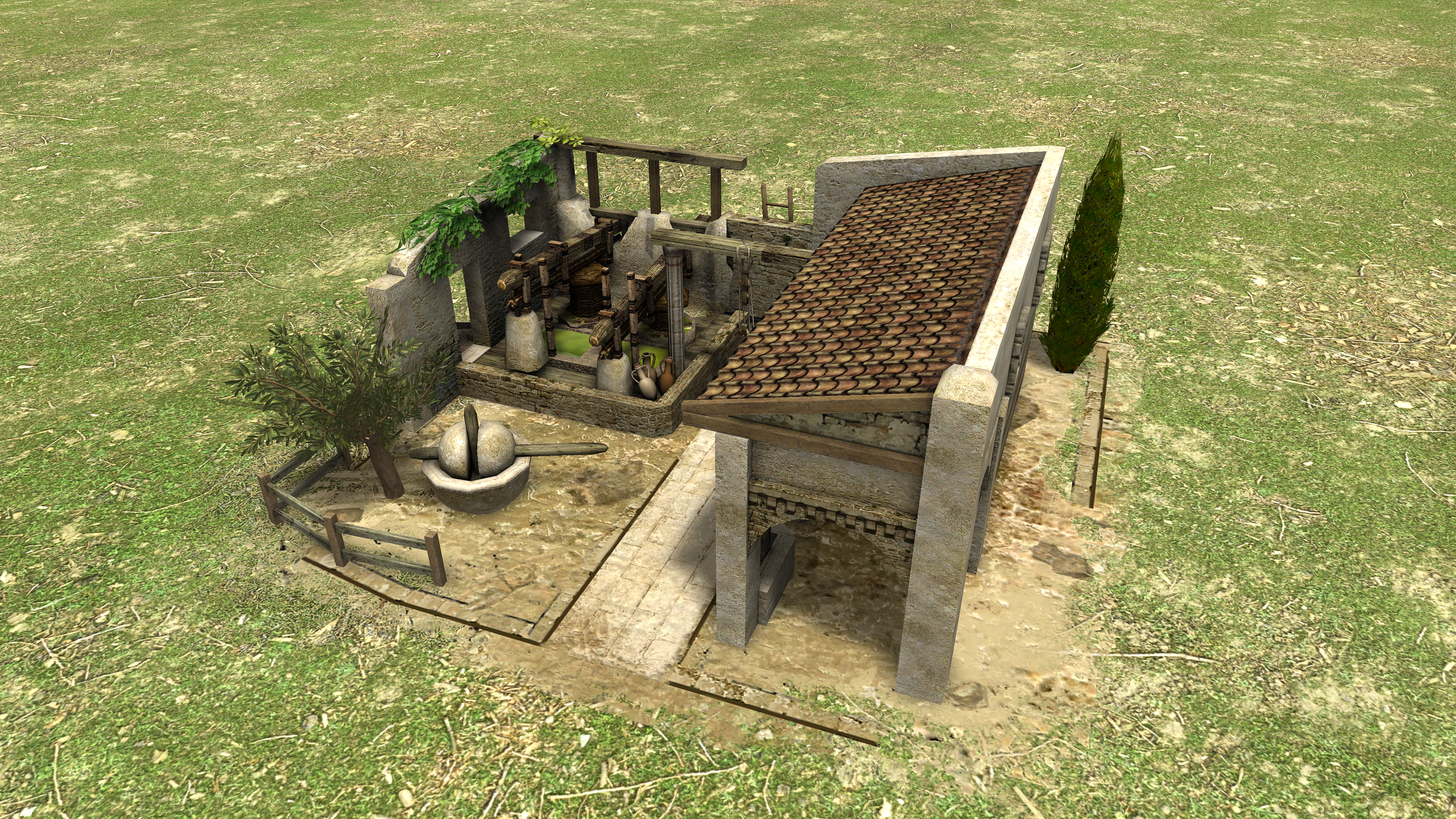
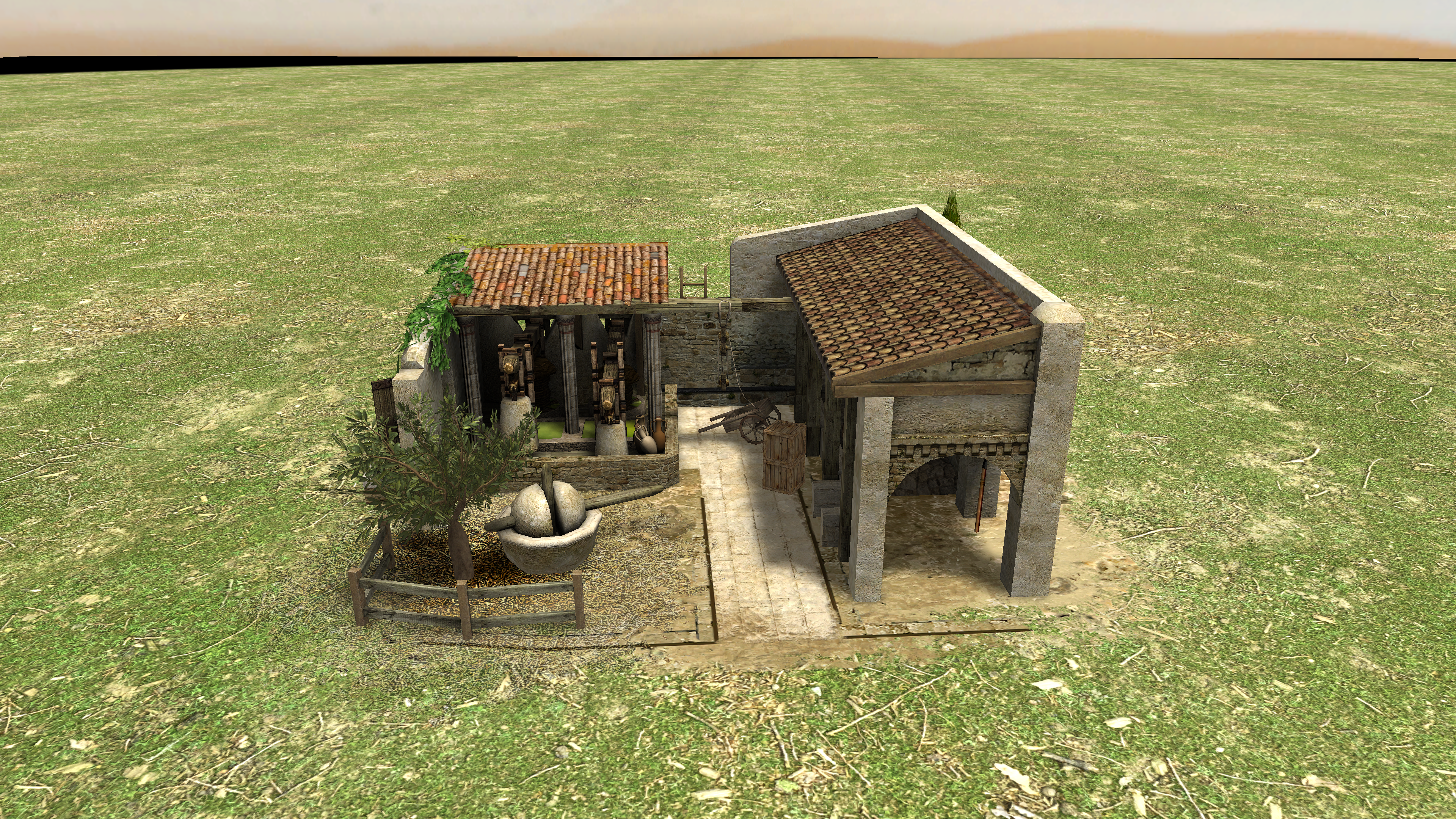
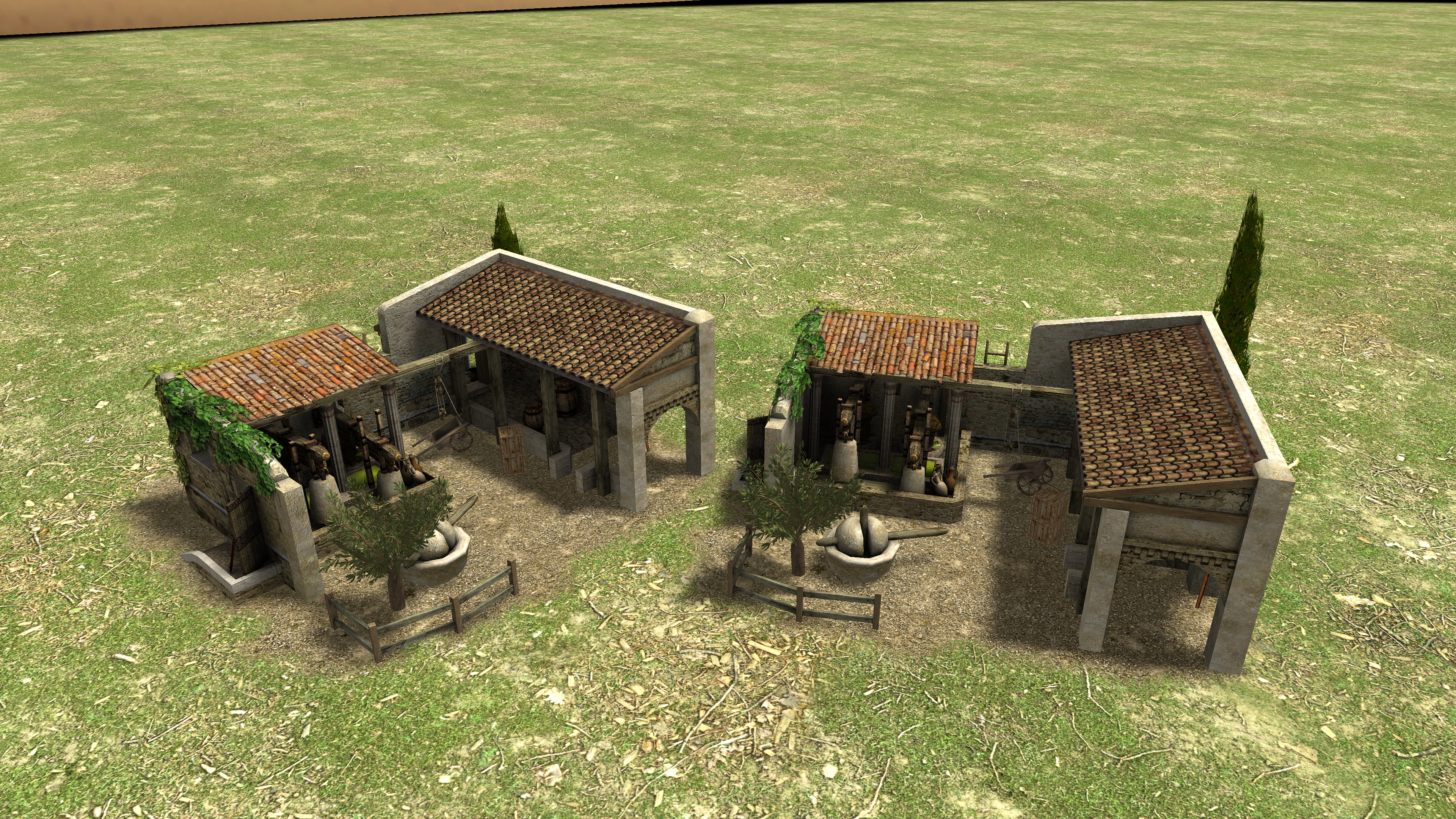
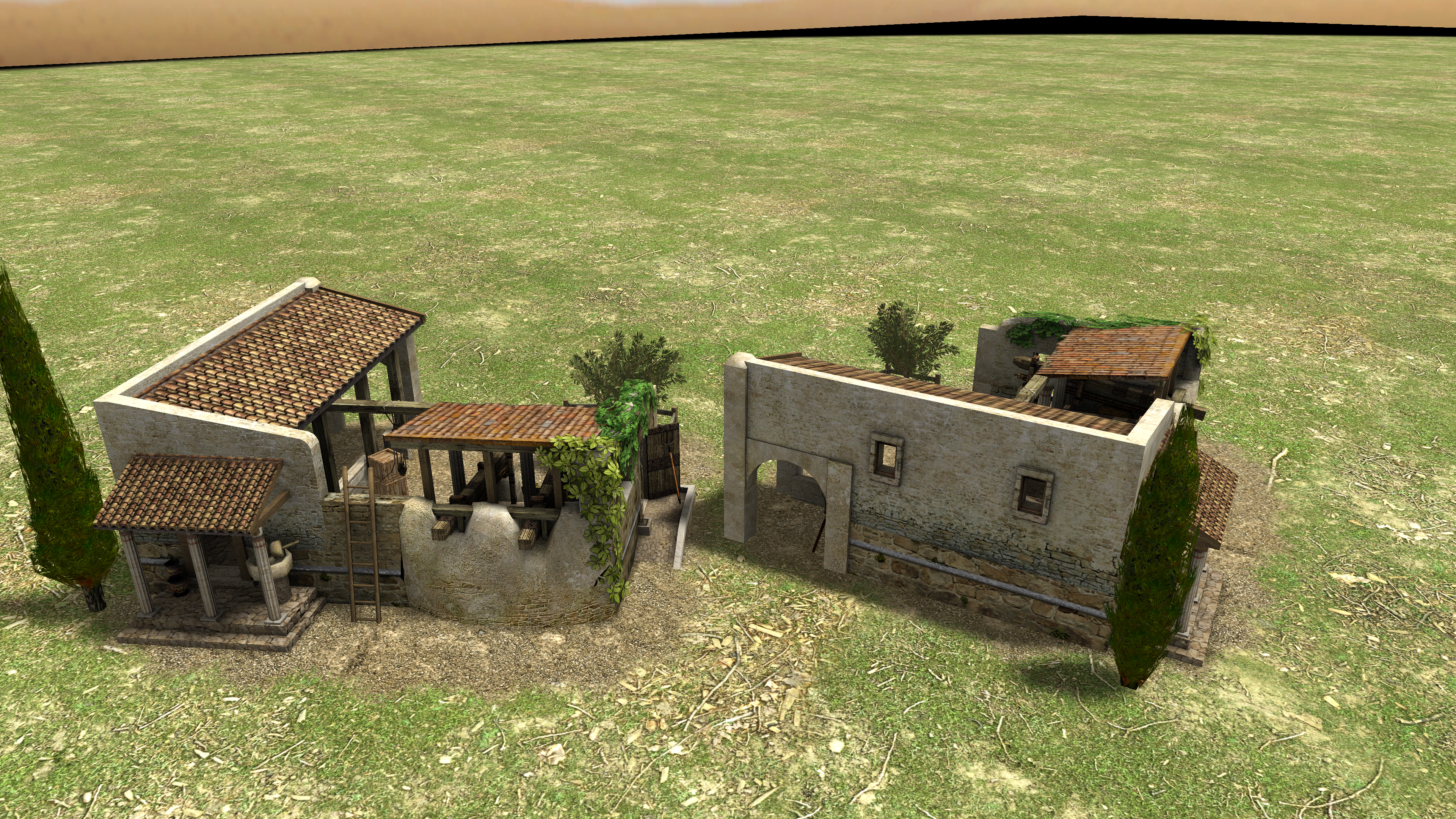
@wowgetoffyourcellphone @Stan` Changed the layout a little bit. Mod file is attached, please test and let me know what you think? :) 765954859_olive_mill(2).zip