
All Activity
- Past hour
-
There are some structures and vegetation where the lighting appears inverted; I’ve tried fixing this in Blender—since the texture is the same, the issue seems to lie with the meshes themselves. I’m not sure if it’s a global lighting issue or actually a problem with the structure meshes. They all have normals, secondary channels, and AO maps, all set to well-controlled levels.
-
looks like there is a fall tournament starting..... this weekend. I can not say to much, not having discort just having viewed the notice in the lobby.
- Today
-
Claude sucks at aerodynamics then. The "paddle" sides of the blades have to point backward. I advise you to check sources besides AI (surely there are videos of the MH-60L or similar models spooling up/down). He knows! He's a fan of my apparently inconcise observations. He reads all of them You mean changing the MH-60L name? Since that seems to designate Black Hawks, like in this game, which also shows the correct tail rotor spin, as can be seen at 00:35:
-
Thanks, but it's a Seahawk, and I'll end up changing the weapon's name as well.
-
That’s a thing of beauty; I can't wait to use some air-to-air missiles against those Black Hawks.
-
Thanks a lot, I should look into this more closely, I followed Claude's instructions. Also, how does it relate to @Atrik?
-
Very nice! But I'll have to, according to @Atrik, gigantically troll you (never my intention really, I just happen to be like this ) and point out that the tail rotor is spinning in the wrong way, not just because vectors would be inverted when compared to the main rotor (although maybe some models designed are like that?) but because of the blades themselves, they are rotating backwards (careful when you see them in a video already spinning, as we all know, things that spin fast can seem to spin the other way).
-
Please check your direct messages.
-
Can you send whatever code you used to make that, or is it built in to 0ad already?
-
For the footprints, you need the following: Image: A PNG with a transparent background depicting a single footprint or a pair. It is best to create 2–3 identical versions with varying opacities (dark, light, very light) to create a fading effect. Actor: Use a `<decal>` so the image adheres to the ground. The decal size should match the footprint size. Each opacity level from step 1 constitutes a variant. Template: A visual-only entity (parented to `special` or `actor`) that references the actor from step 2. Code (executed every simulation tick): Track the distance the unit has traveled. Place a footprint every time a full step is taken (approximately 0.7–1 m), rotated to align with the direction of movement. Alternate between left and right by slightly offsetting the footprint's horizontal position. Create the footprint using `Engine.AddLocalEntity`: the footprint exists only on the local machine, is not network-synchronized, and does not affect the simulation. Set a timer to switch to a more transparent variant, then delete the footprint after a few seconds.
-
Turning a fairy tale into reality, humanity has taken to the skies in 0 A.D. (apologies if someone has already done this). Drawing inspiration from World in Conflict, I am adding more realistic helicopter movement, though the takeoff/landing key is my own idea, as World in Conflict required rappelling to disembark. Recording 2026-09-24 231717.mp4
-
How did you get the track marks to work? I’d love to get footprints and stuff like that for HC. Is it built into the model somehow?
-
 Didn't fix for me, I suspect package upgrade was the cause
 -
Maybe you already know, there is this wiki https://gitea.wildfiregames.com/0ad/0ad/wiki which includes a "For modders:" section.
-
I think this is still an issue, which is weird since you have other roofs that don't look like that. Maybe it would be better to modify those to obtain the more "polished" version, than to try to tune down those looking like metal.
-
Ah right this might be a tough one to do. Terrain modifications would be op though. The first thing I thought you wanted to do is some kind of model representing the crater. But even this my have a whole bunch of challenge to get along with too...
-
I’ve only thought about the craters but haven’t actually done it nor do I know how and as for the aura, I haven’t tried it with anything yet. Craters, I mean actual holes, like those created by the terrain tools in Atlas.
-
For this the projectile can probably spawn an entity (the crater) with an aura (slow units in the crater), have you tried that? What would cause performance issue?
-
I used to think about the craters left by explosions since, to me, they serve as a measure of firepower, but it seems they would cause issues for performance and gameplay.
-
In the code there is a TODO comment that hints that terrain bonuses already existed in 0AD, but got removed .
-
Thank you, I'll keep that in mind. I have a type of rocket launcher that can fire anywhere within range, you can simply click on any point, and it will fire regardless of whether there is an enemy there or not. I really like the small details, like applied forces or weather conditions, that you and others are experimenting with. I hope someone does something with water and terrain as well.
-
A recent example is @Vantha and I working on improving ranged attacks, so that units can have a range much larger then it's vision and still be able to attack. Perfectly suited for like long-range artillery that needs intel on it's target before firing (like a infantry recon commanding artillery fire, or scout drone...). I actually did have in mind one of @Eilat's post with ICBMs when doing it.
-
I think 0AD engine should try to get the features to get a variety of mods working on it. Not even just the engine but the scripted simulation part too, so that modders don't need to code everything from scratch. @Eilat if you encounter limitations while doing your mod you should definitely open issues for them, I doubt anyone would be against it.
-
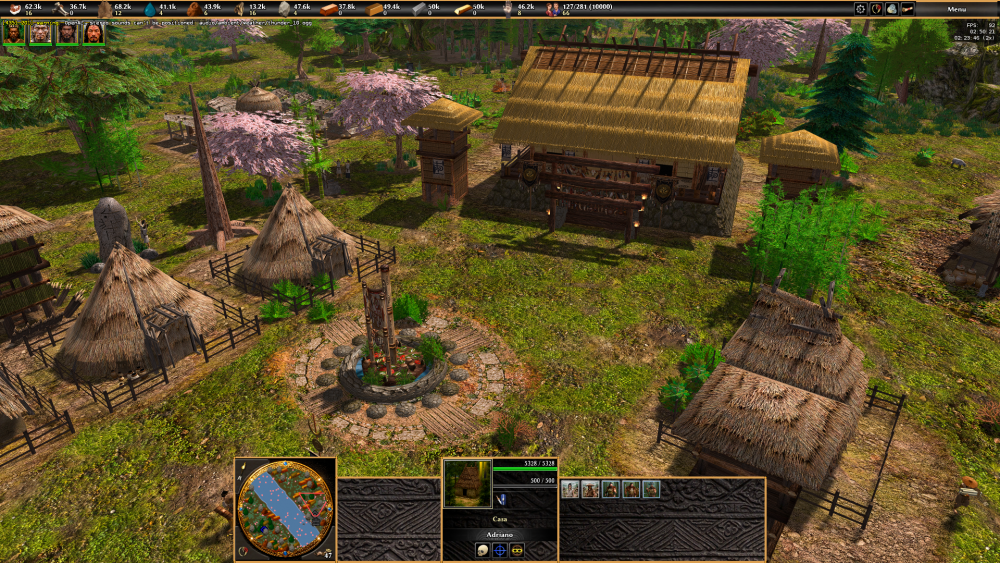
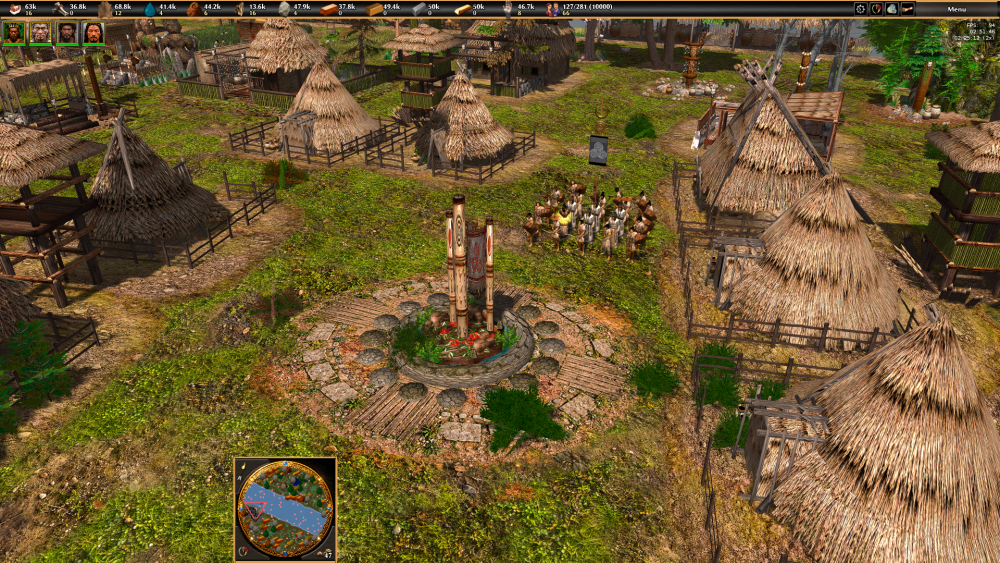
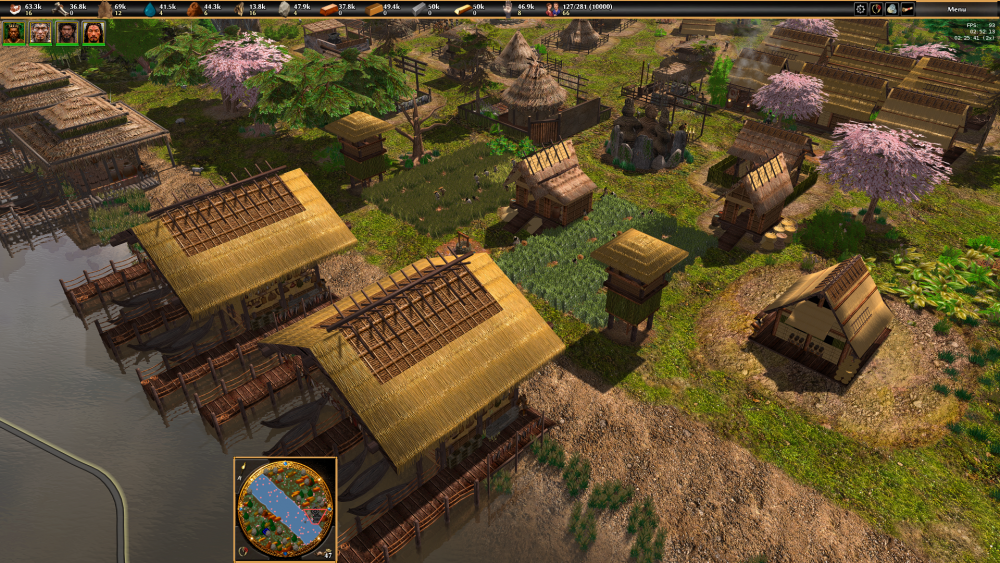
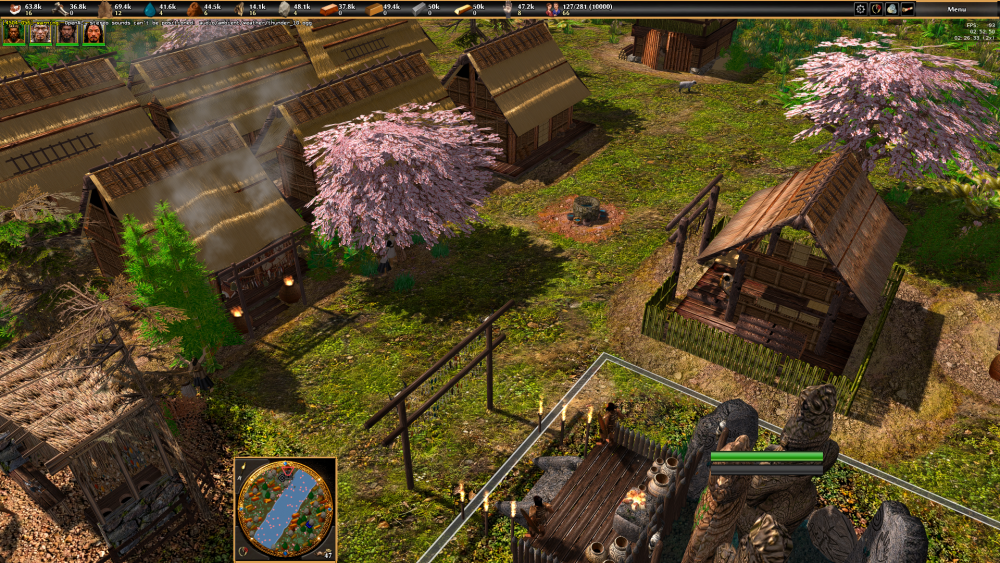
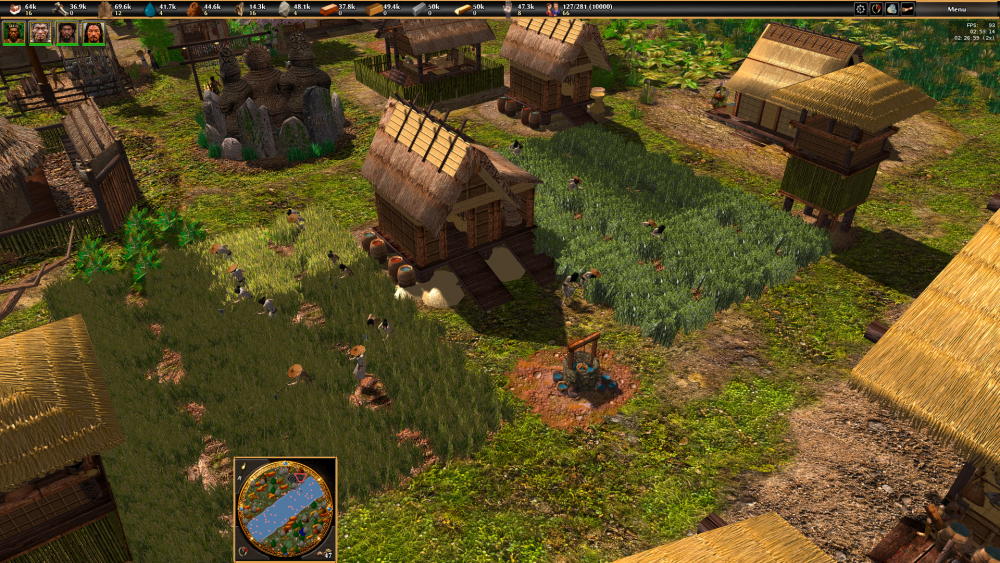
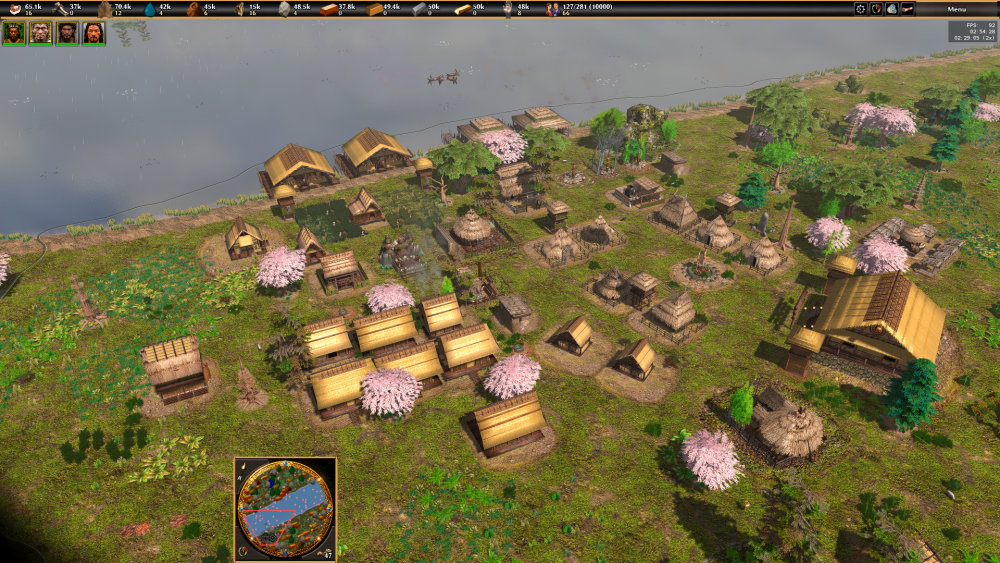
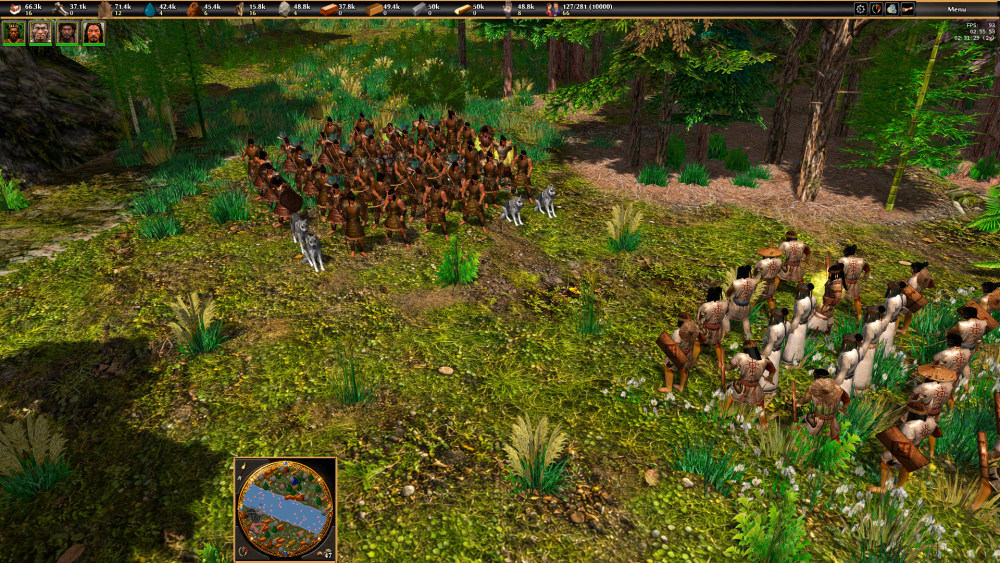
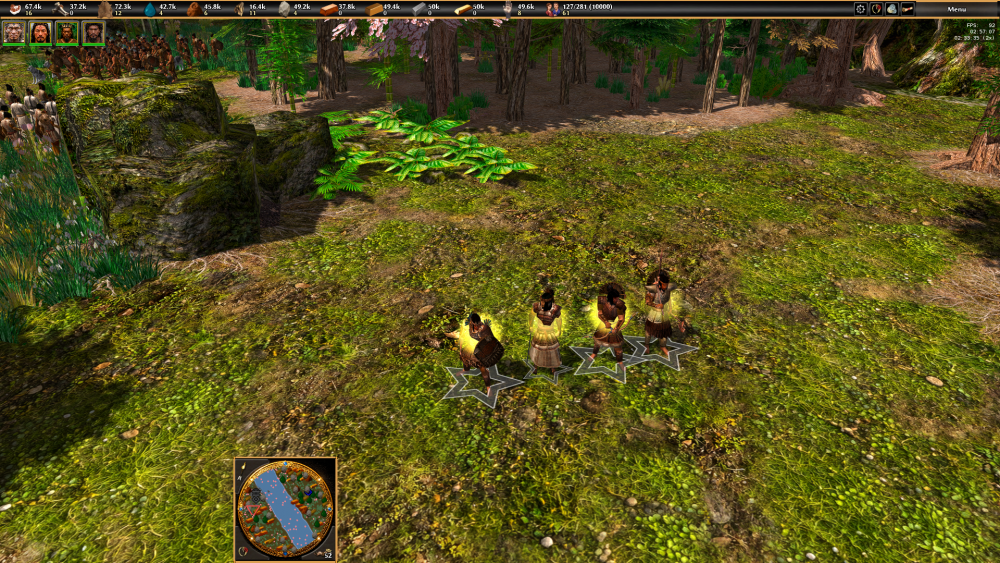
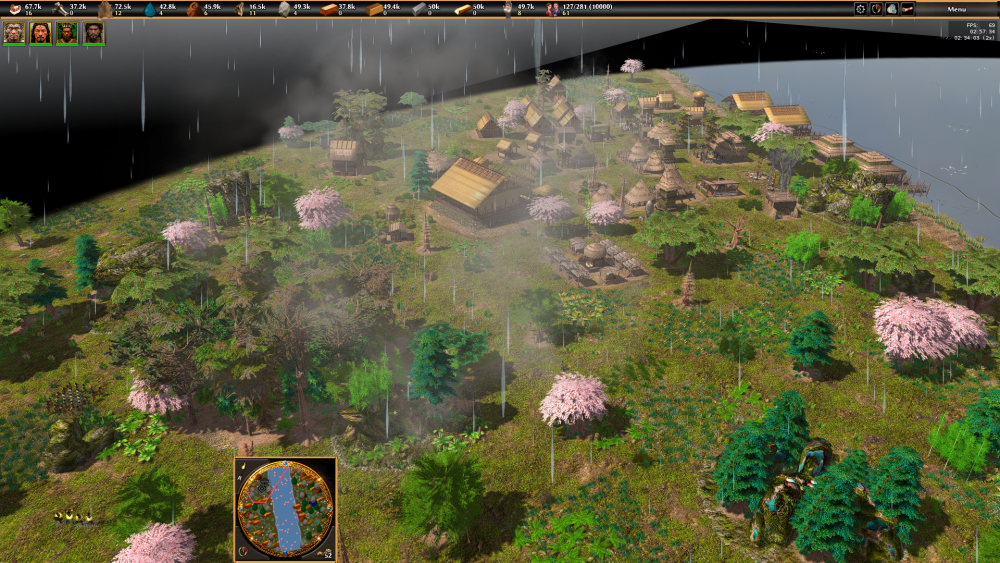
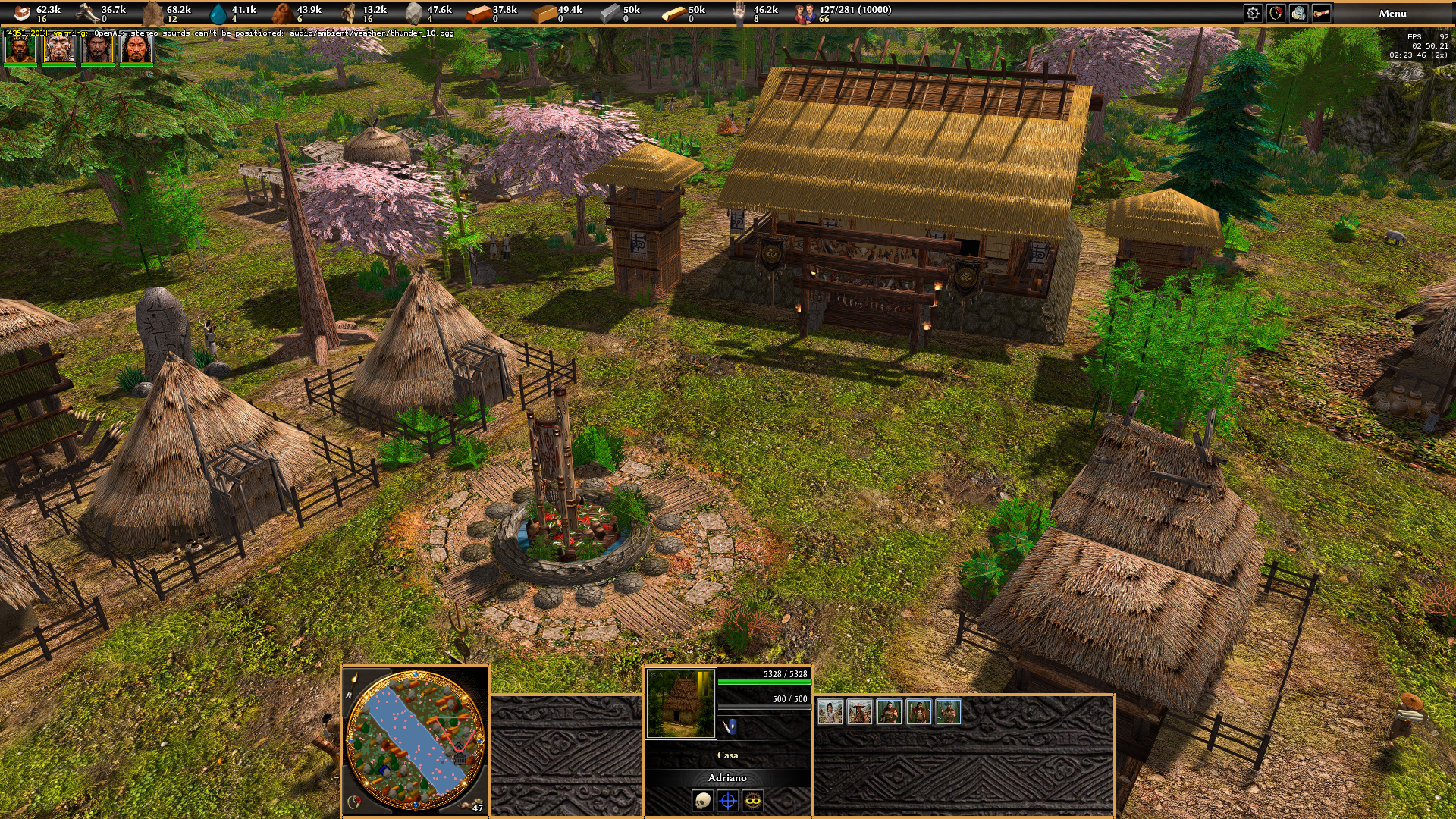
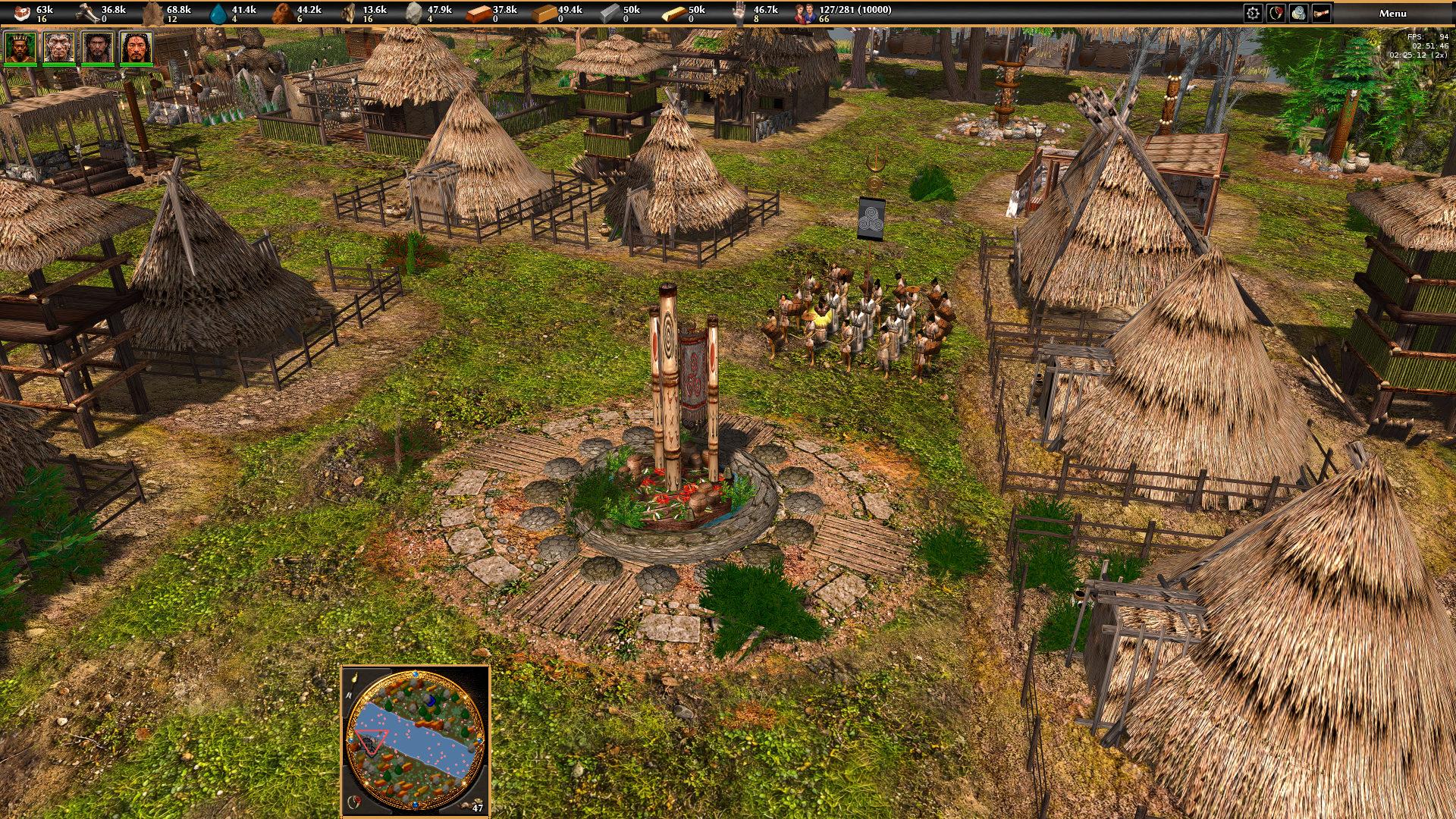
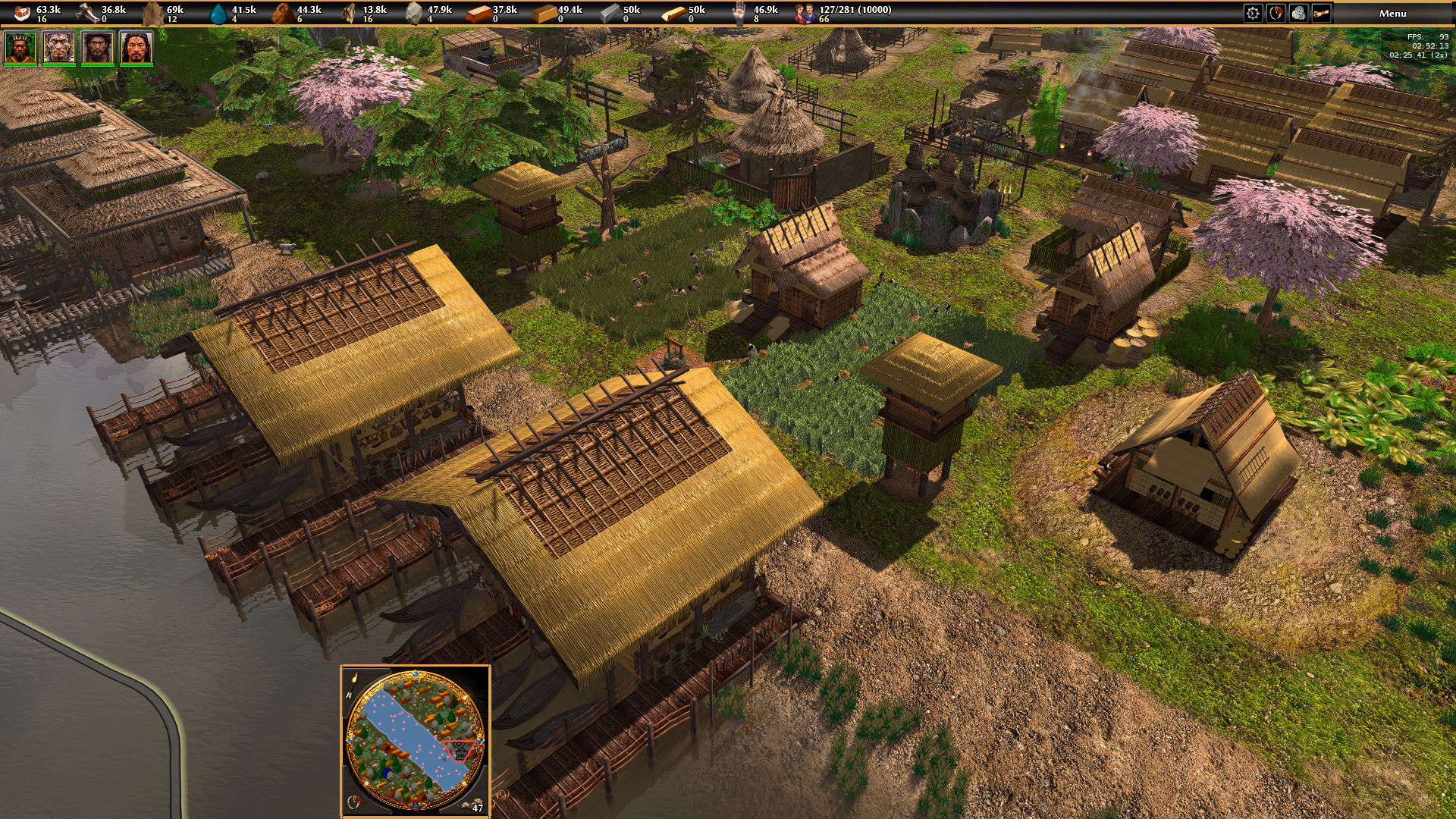
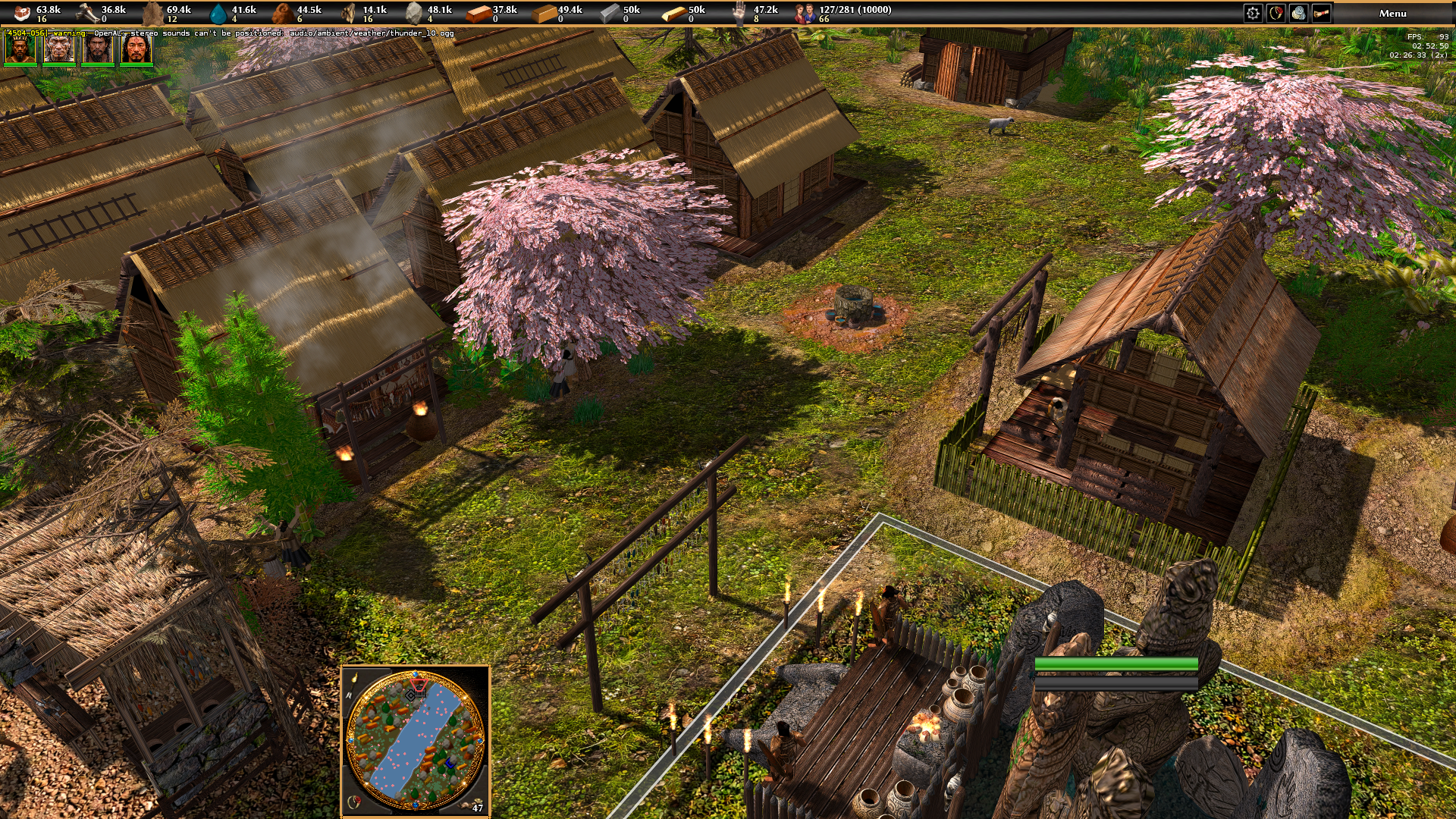
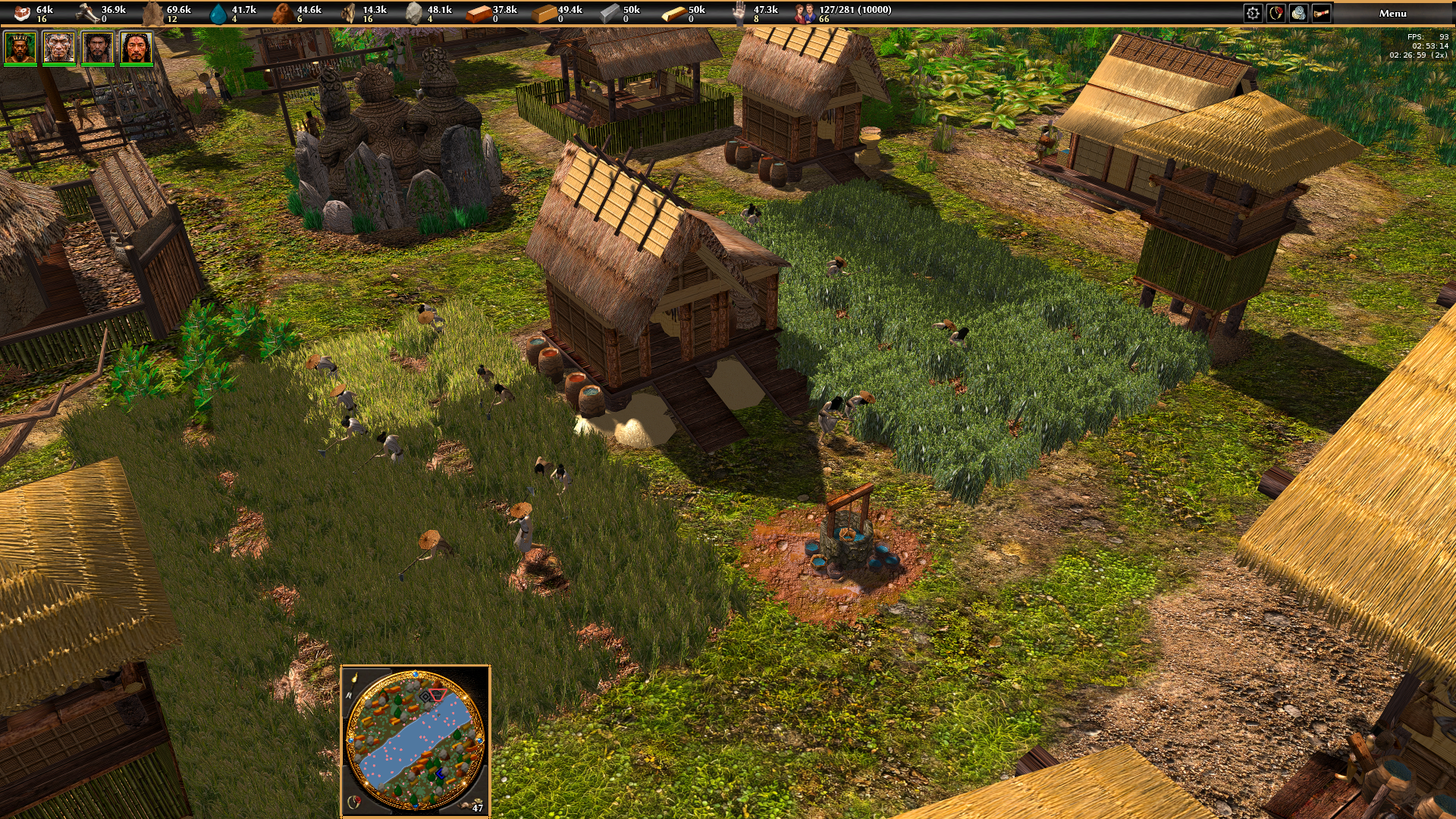
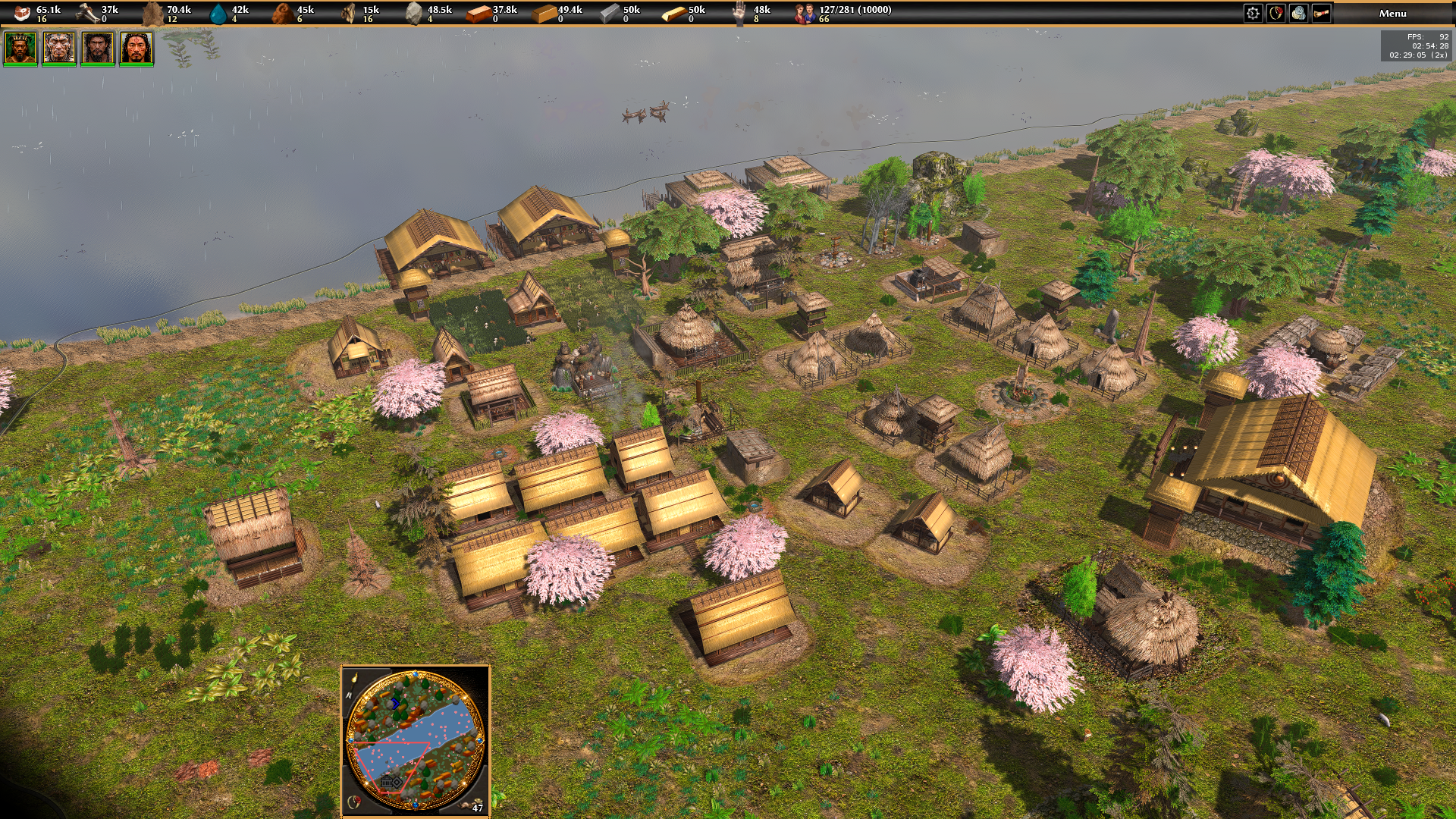
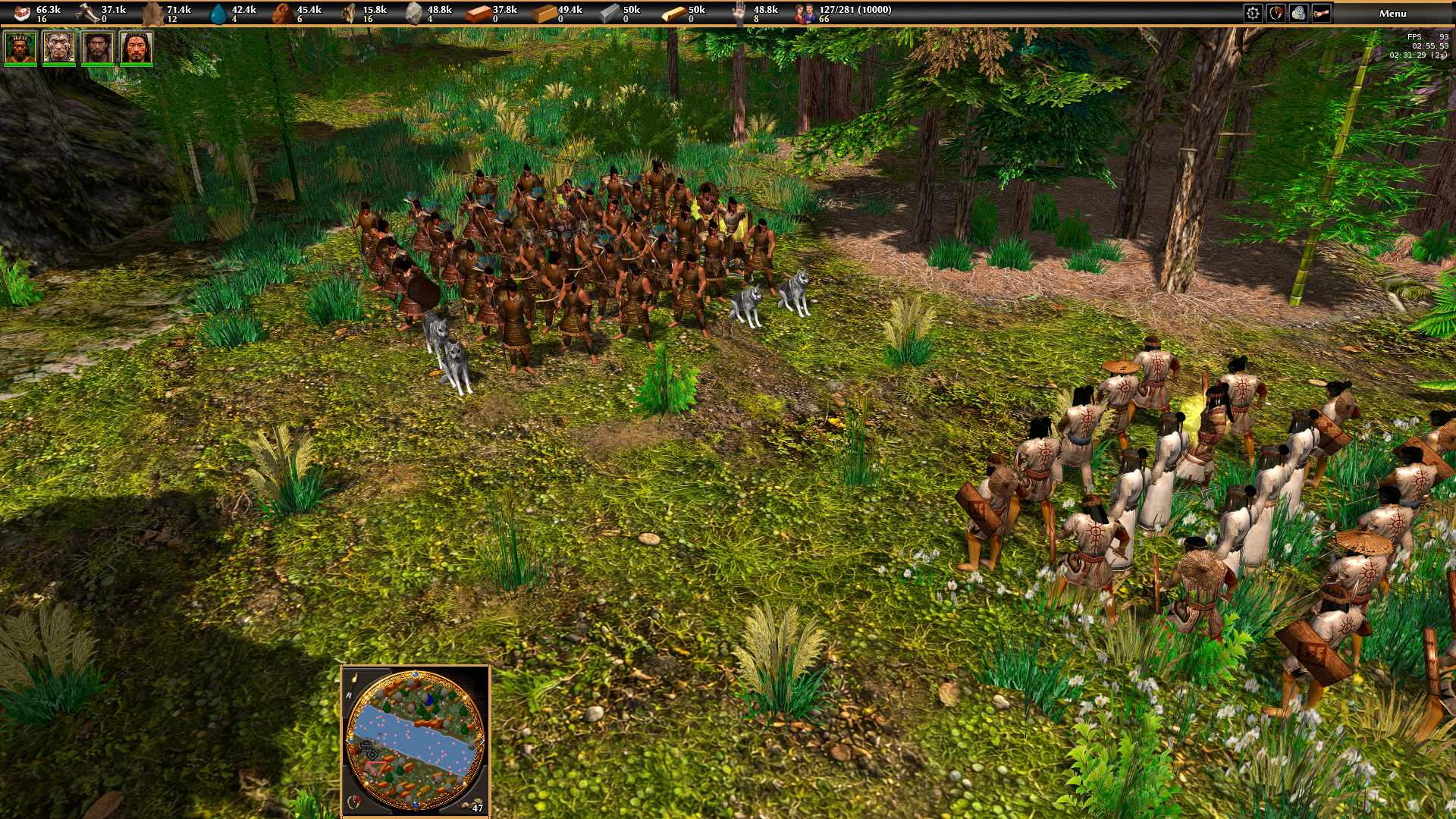
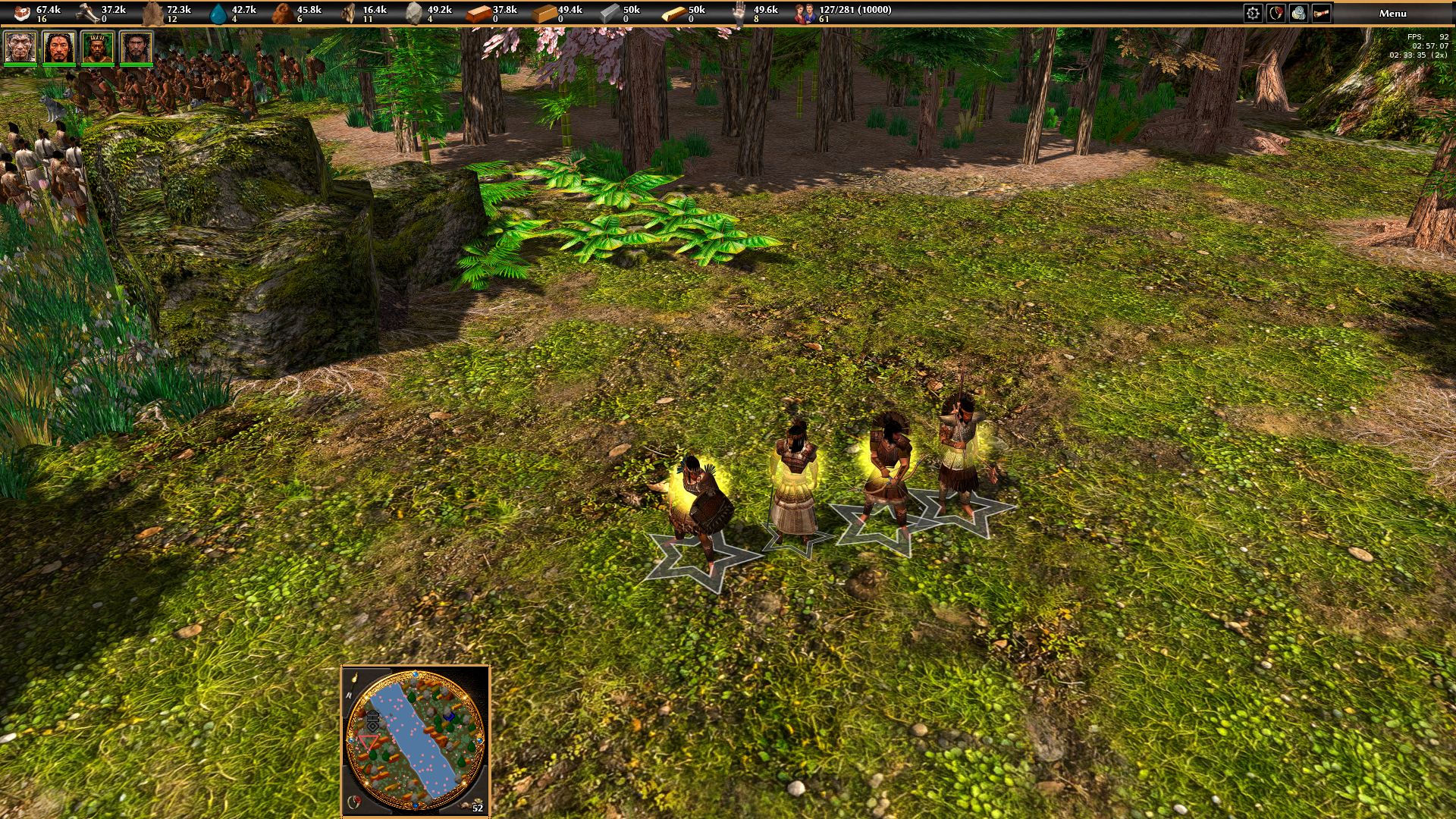
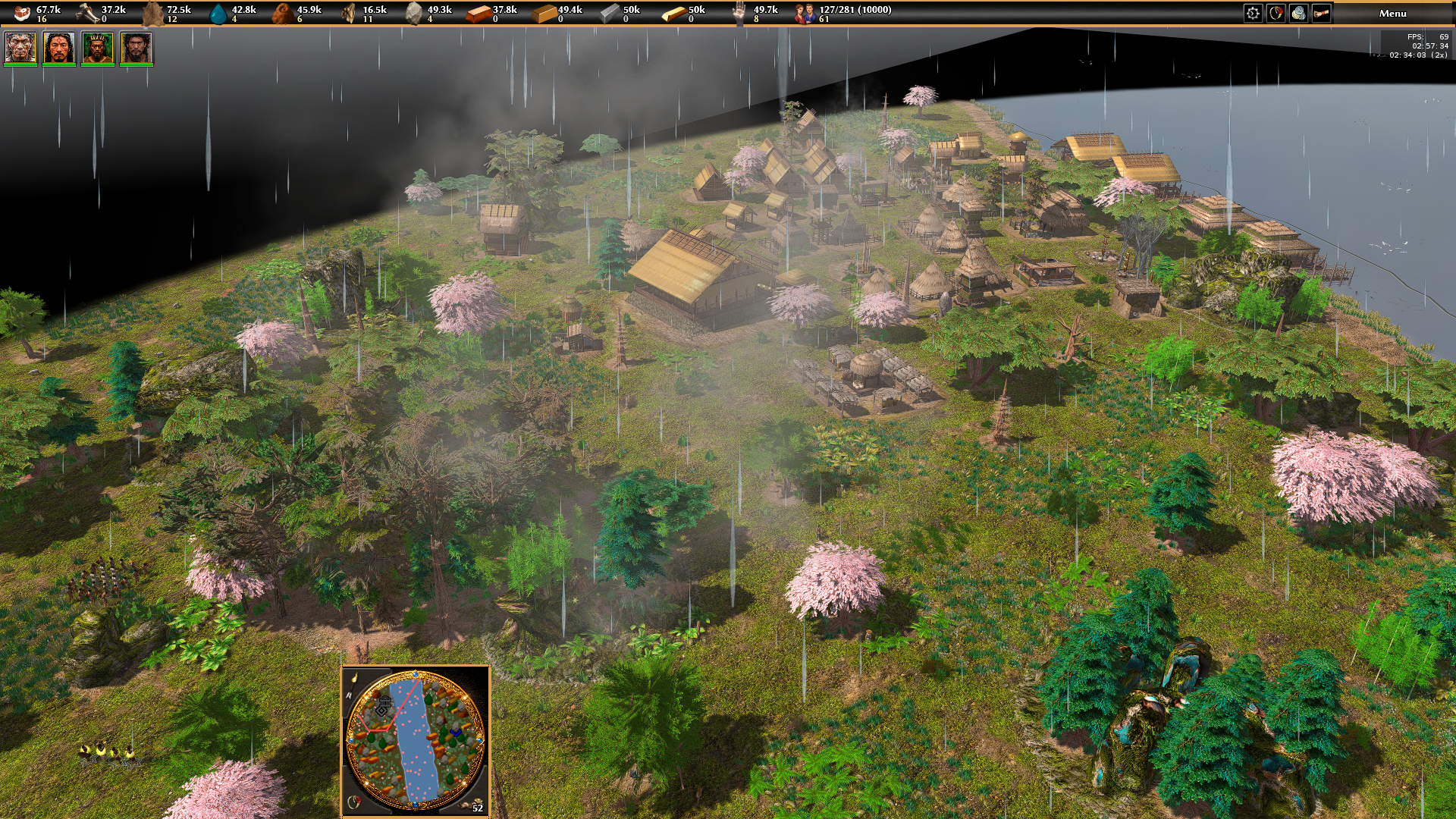
Hello everyone! I’m back with more news and new images from World Rising! =D Over the past few weeks, I’ve made several important improvements to the project. New buildings have been added, new technologies have been implemented and tested, and everything is working very well so far. I also rebuilt all the meshes that needed corrections to ensure that the shaders and lighting work properly. It was a lot of work, but the visual results have improved significantly! Another big addition is the creation of the Yayoi hero Katsuro. With him, we now have 4 of the 5 heroes planned for the ancient Japanese culture, with one hero representing each Era. The 4th Era — the Bronze Age — is now established and working, making the civilization’s progression increasingly complete. I’ve also continued working on the Yayoi economy. Yayoi granaries now produce both food and fibers used for clothing, currently represented by the leather resource in the game. The dynamic weather system has also received some adjustments. Weather events now occur at longer intervals, while rainfall lasts longer. This makes weather changes feel less frequent and more natural, while giving each event a stronger presence during gameplay. World Rising continues to grow step by step. There is still a lot of work ahead, but every new building, technology, character, and system is helping the project develop its own identity. I hope you enjoy the new images! Please keep commenting and sharing your opinions, criticism, and suggestions. Your feedback and participation are always welcome! Thank you all for supporting World Rising!
-

Implementing forces in Unit Motion (HELP WANTED)
parizaad replied to Atrik's topic in Game Development & Technical Discussion
The ship movement is really nice, and the inertia makes the collisions feel much more natural. It’s a shame it can’t be tested as a mod, but the demo videos still give a good idea of the changes. Hope more people can compile it and give feedback on the PR.









-
Latest Topics
-


