Alexandermb
-
Posts
3.467 -
Joined
-
Last visited
-
Days Won
178
Everything posted by Alexandermb
-
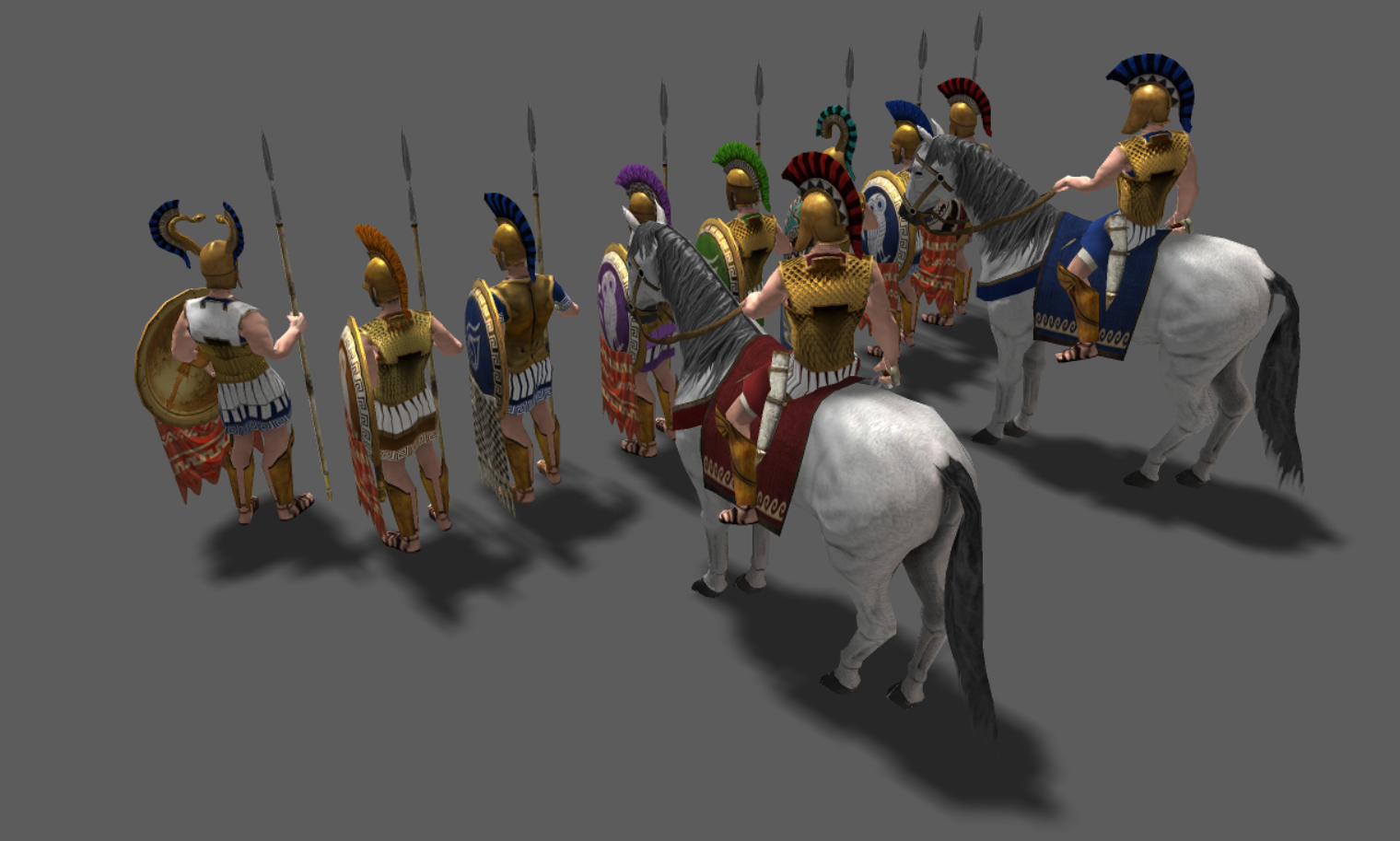
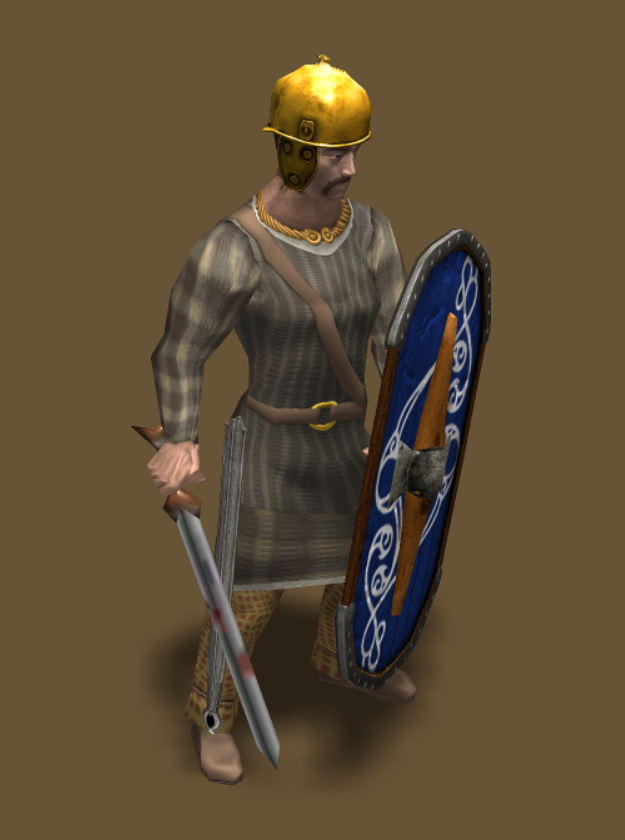
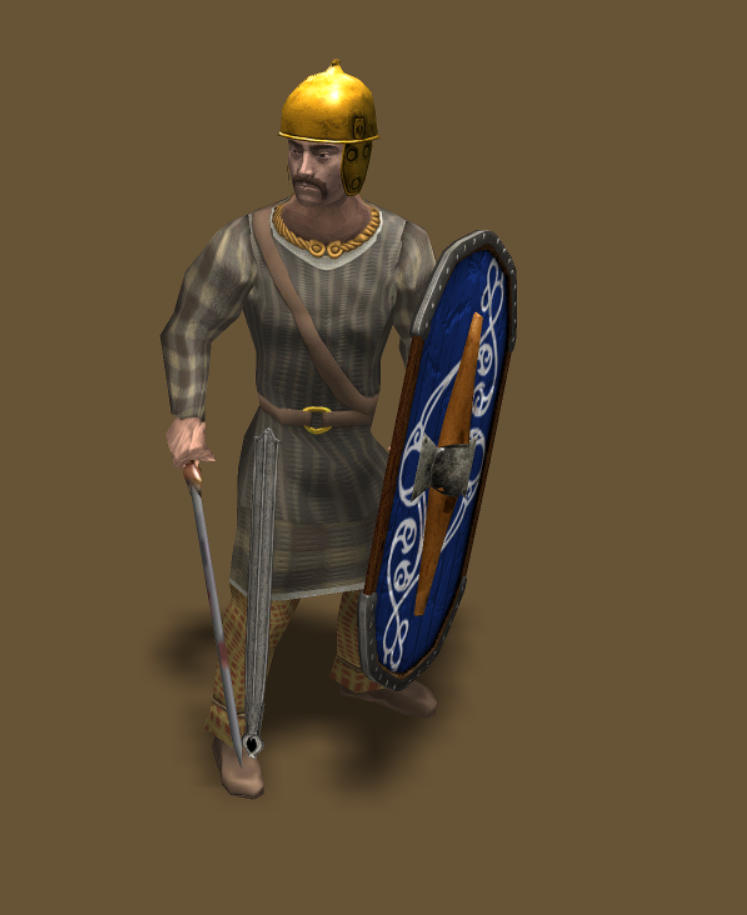
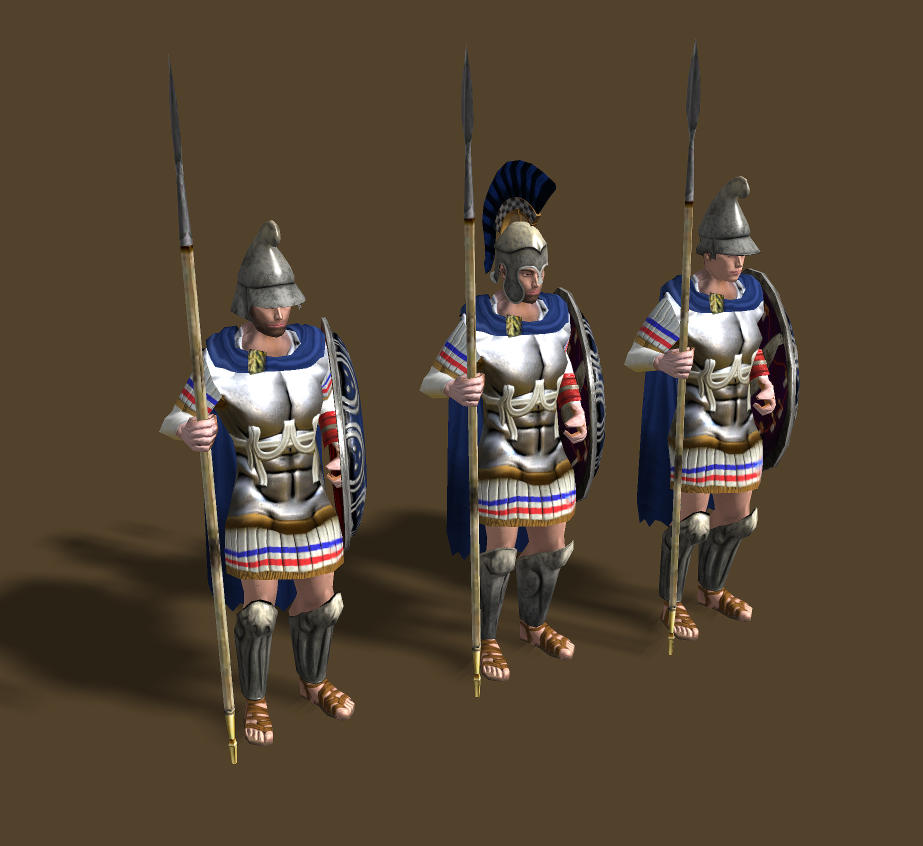
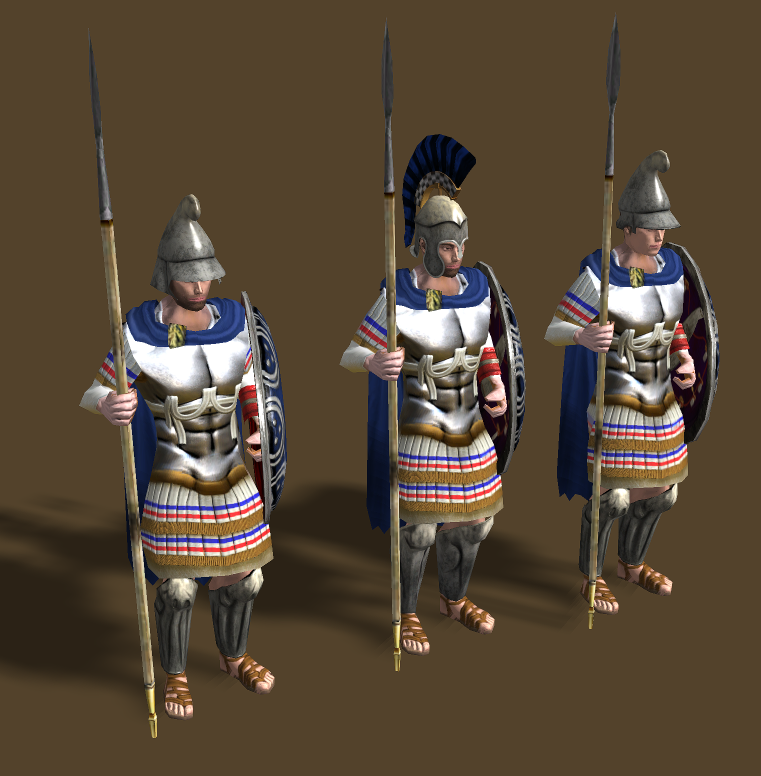
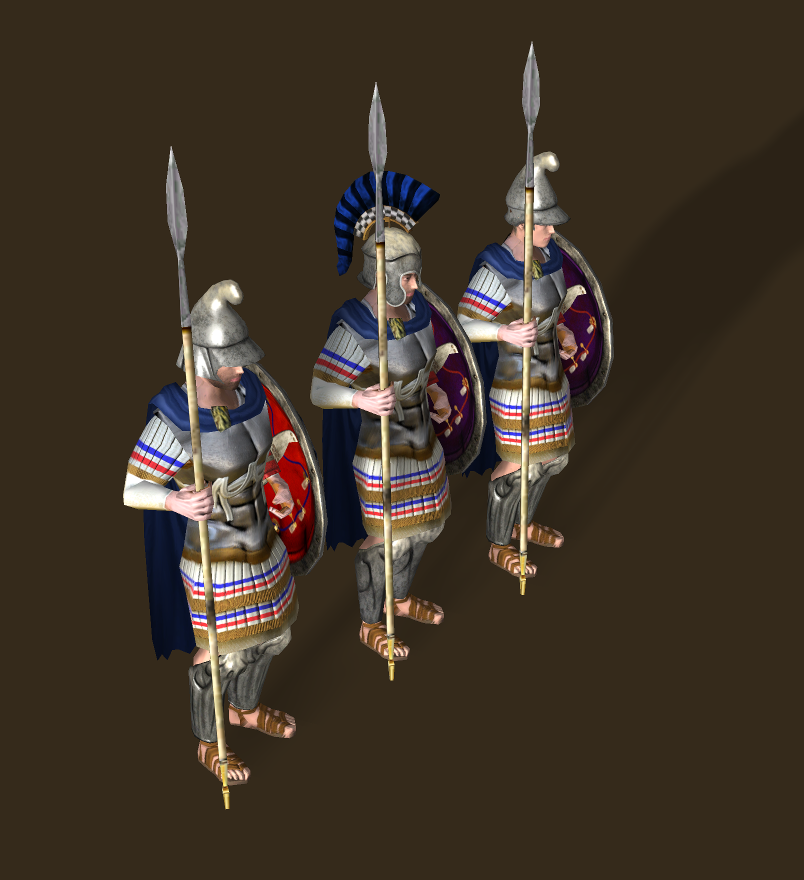
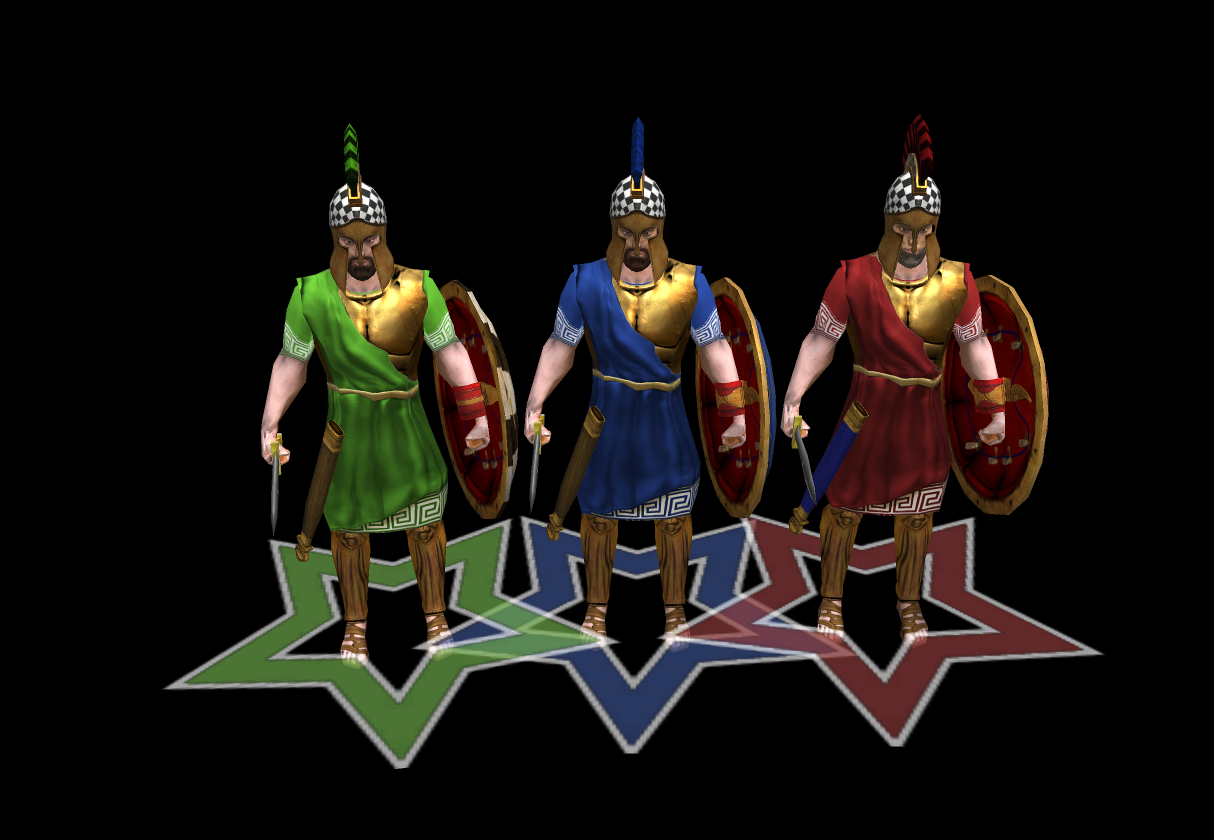
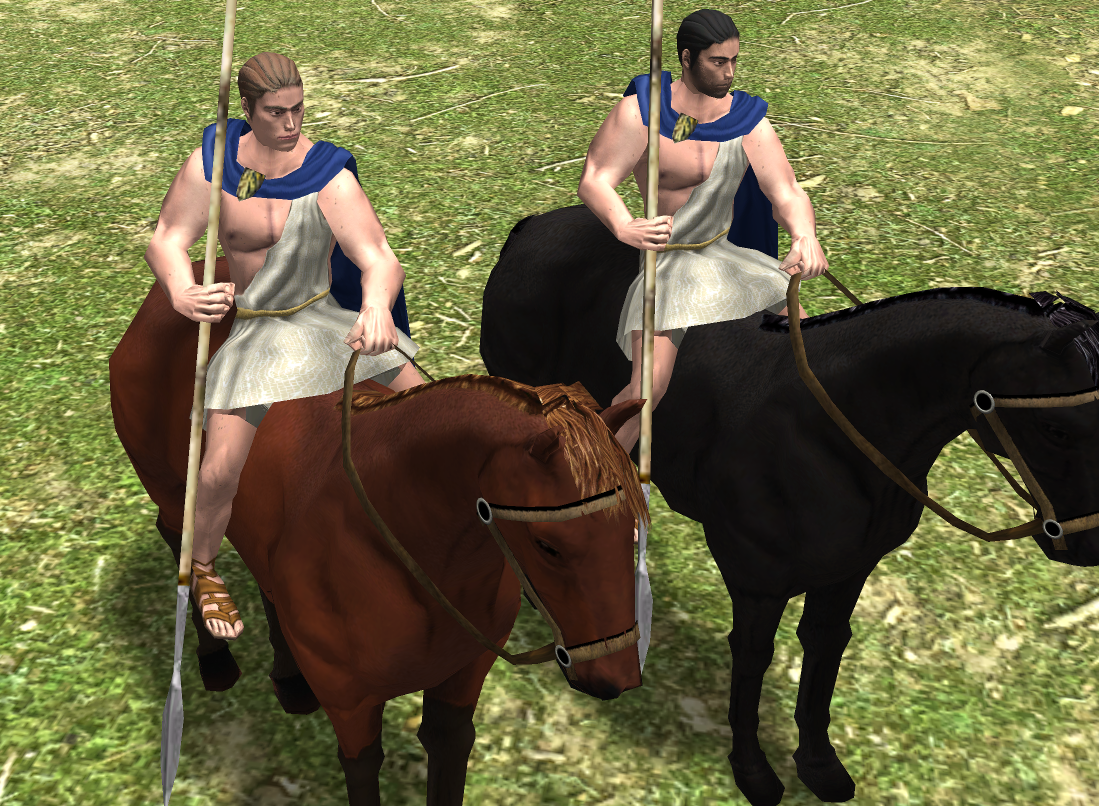
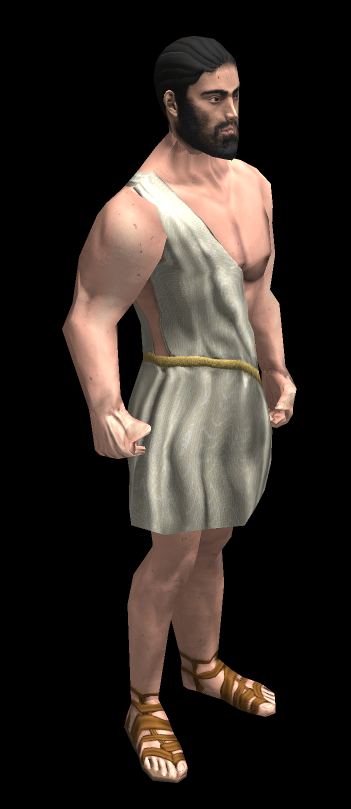
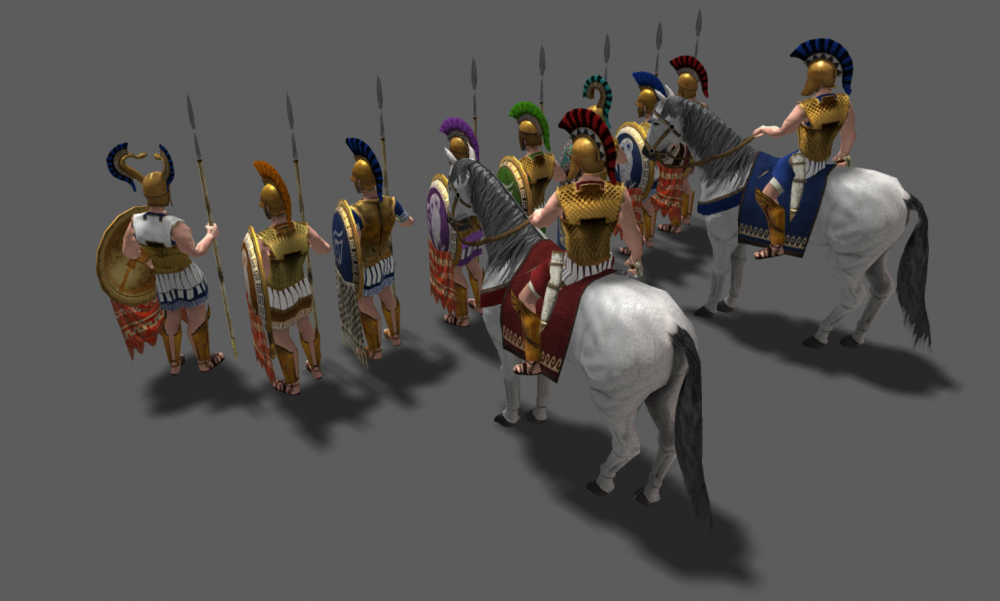
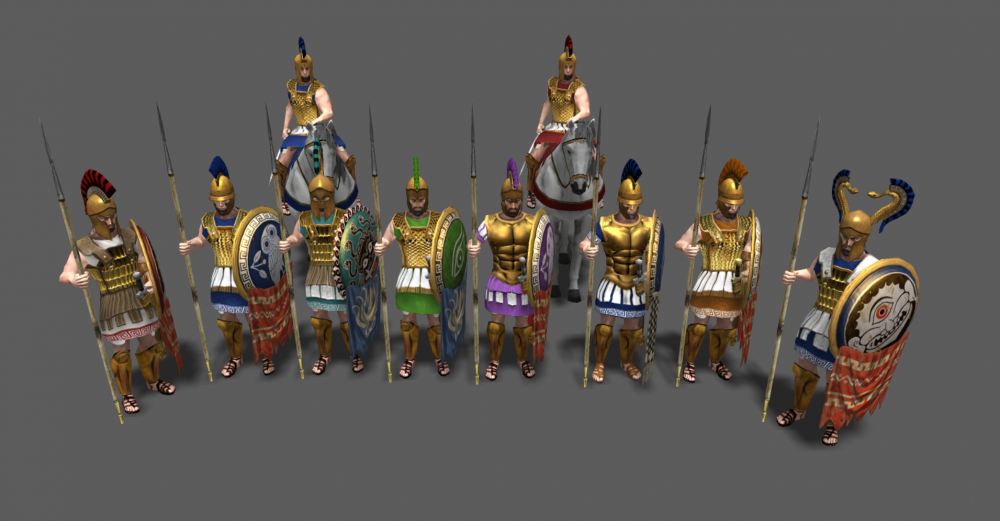
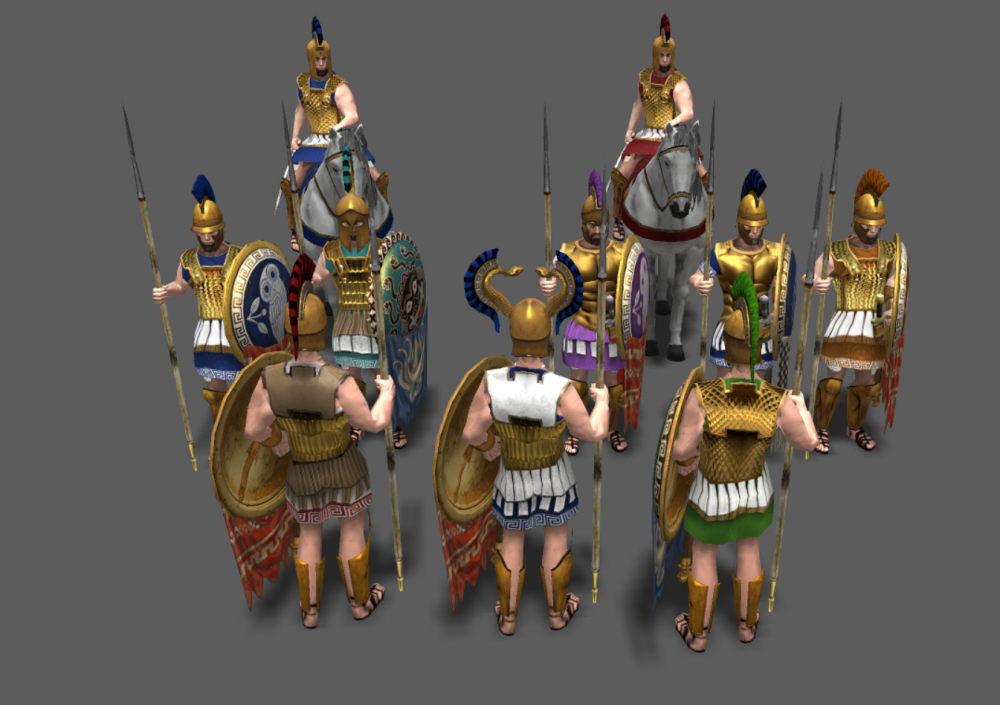
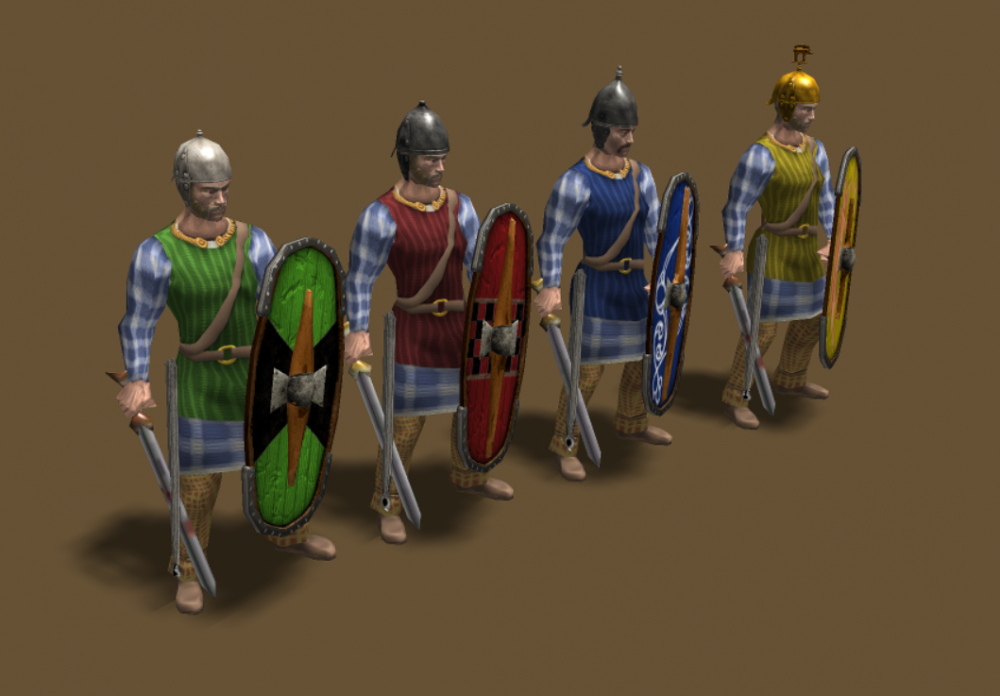
Some test i've been doing to match the skin tone of the head:
-
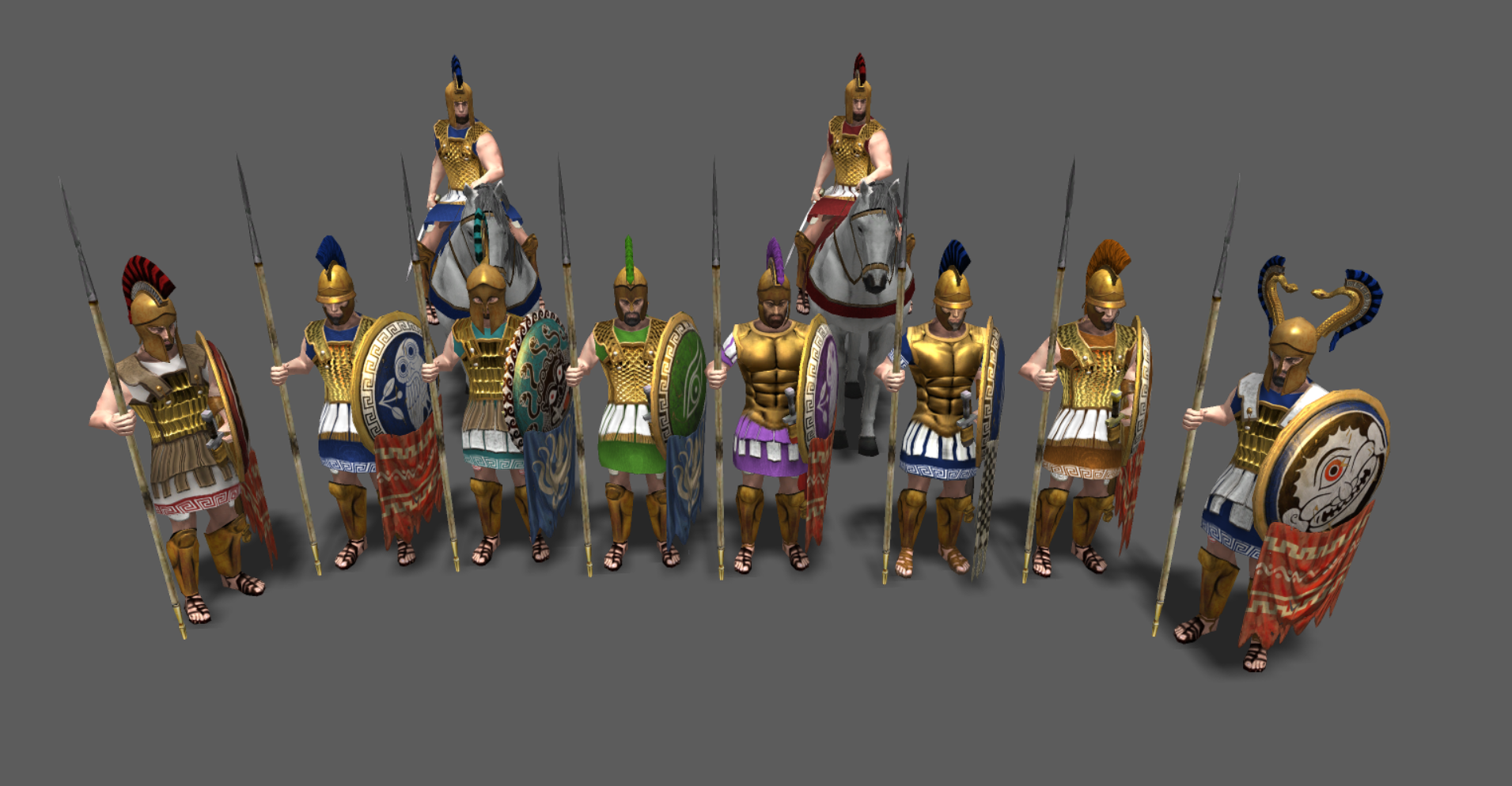
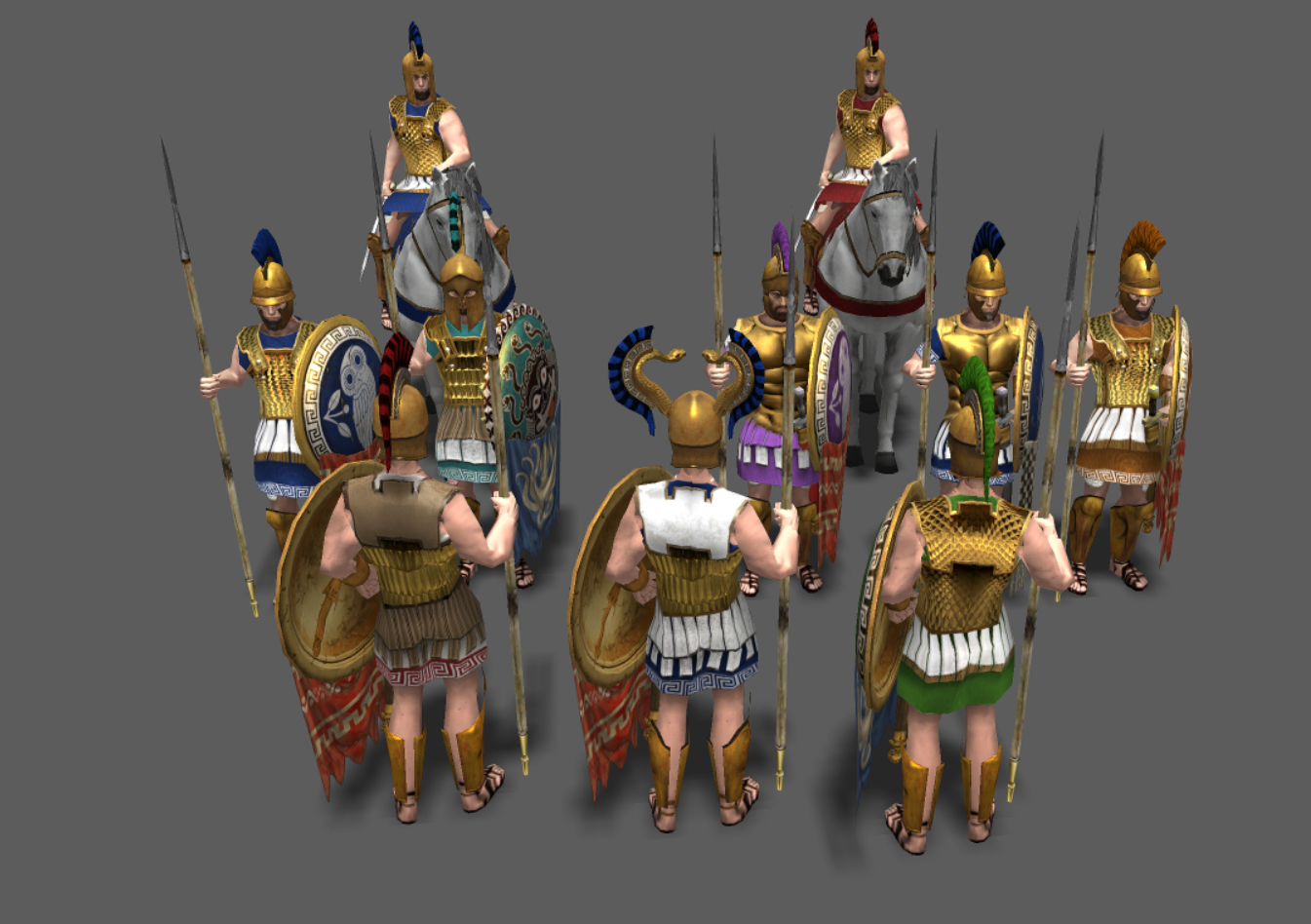
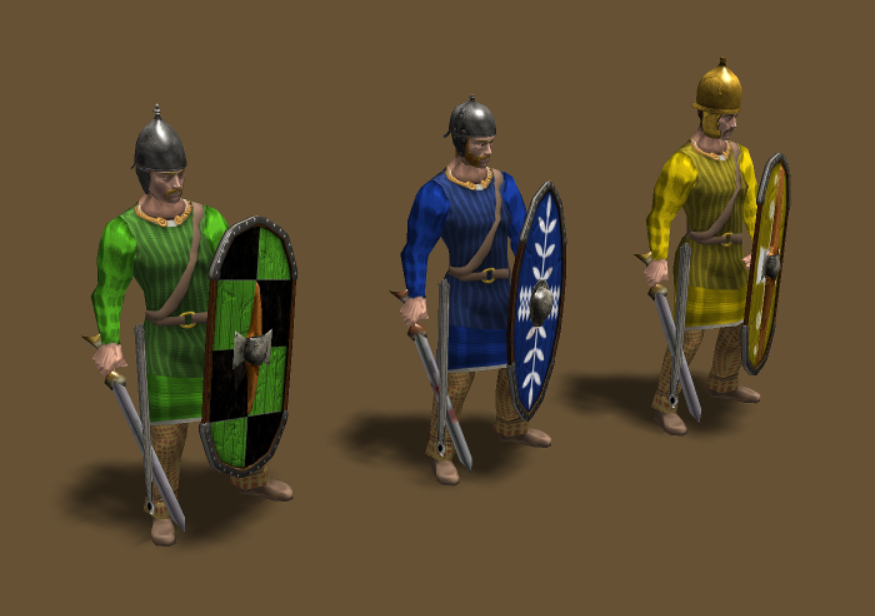
Full player color: Half player color:
-
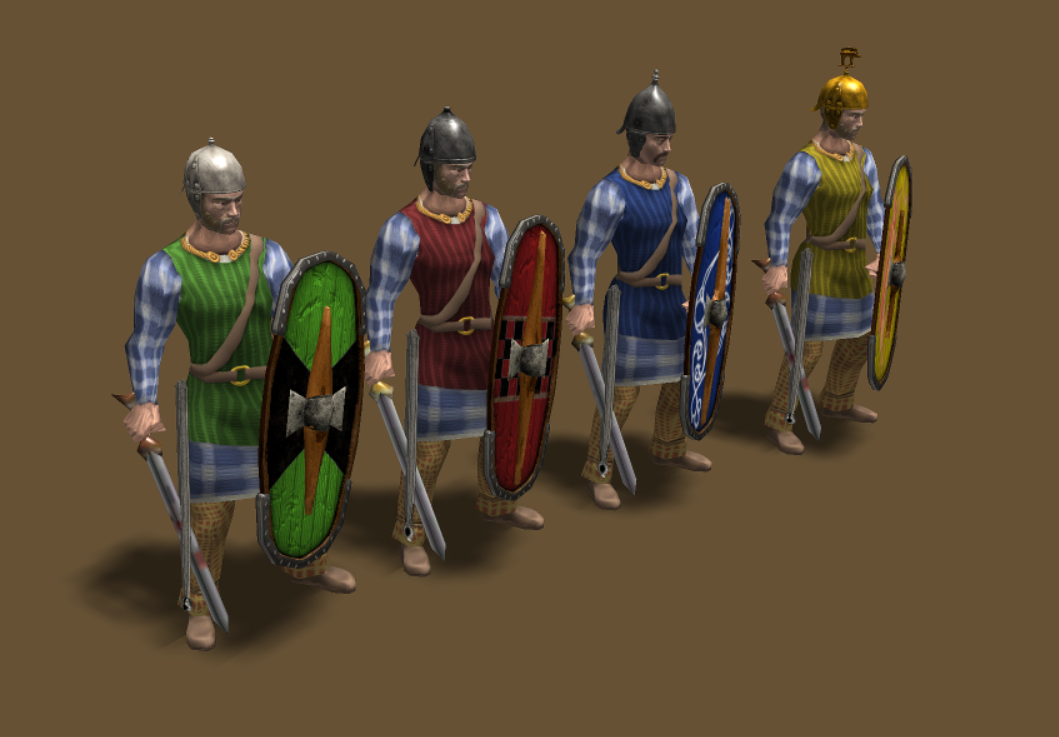
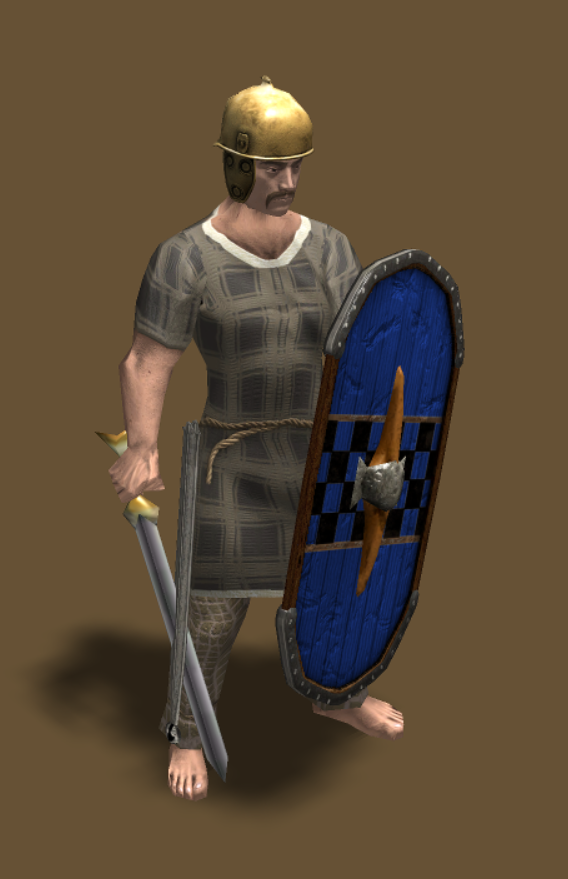
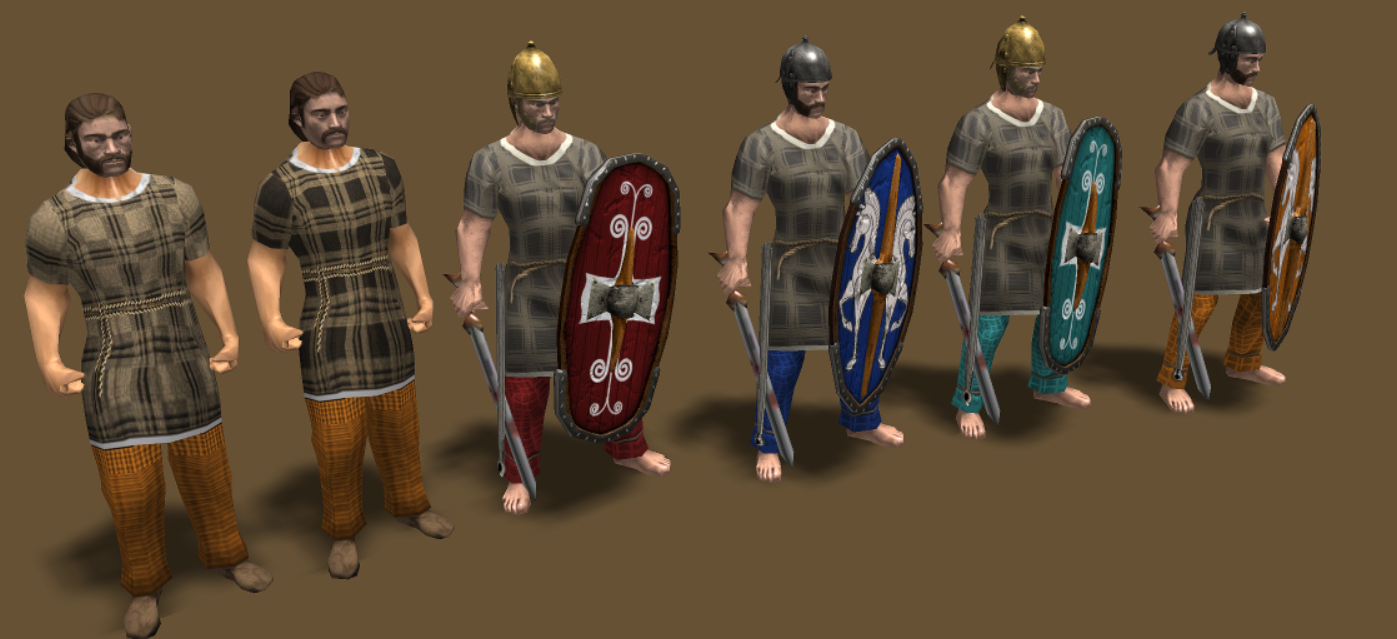
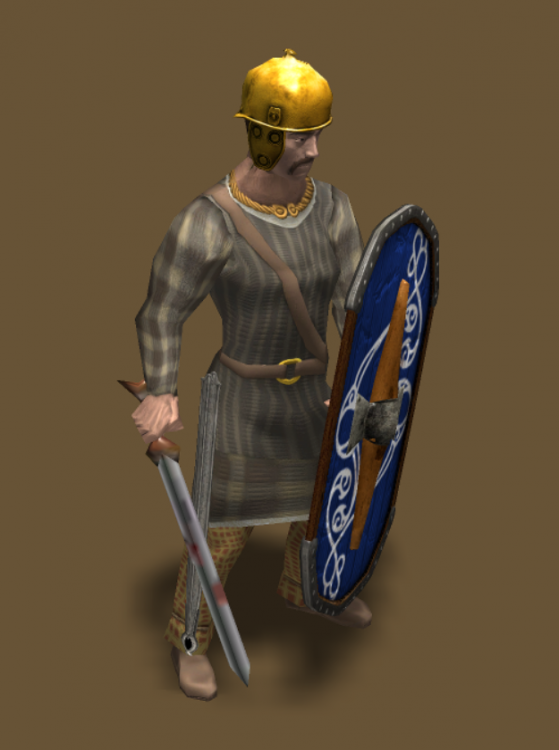
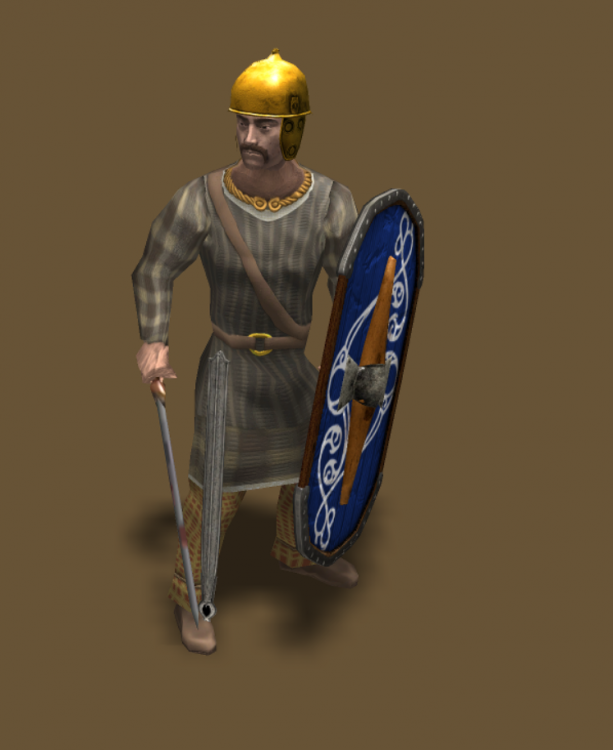
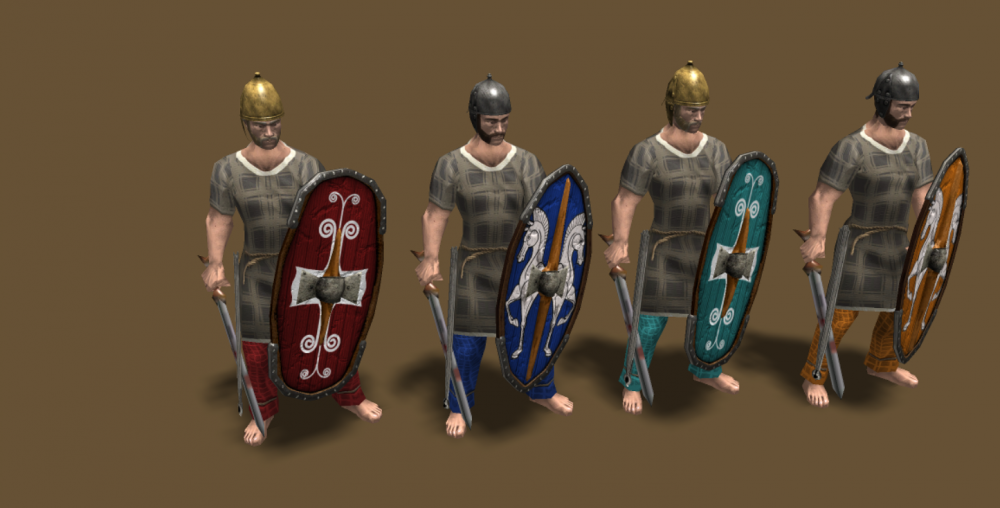
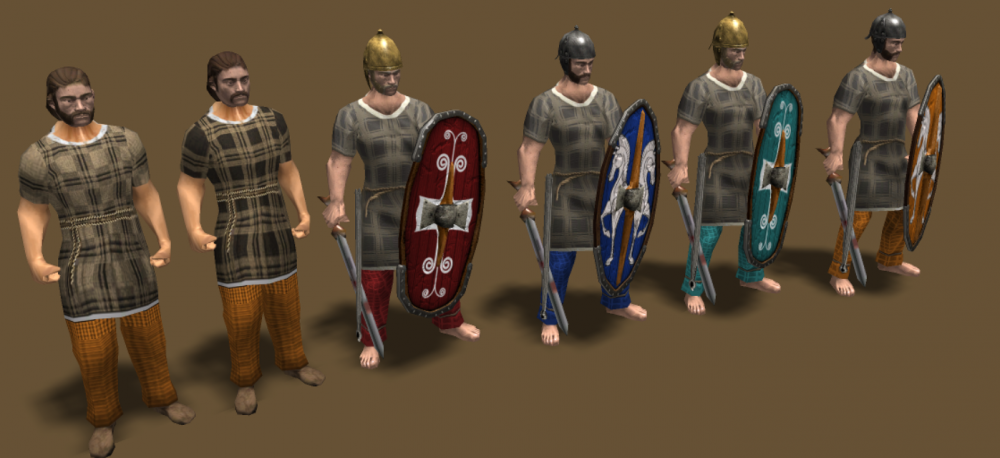
Another example of skin with gaul clothe's :
-
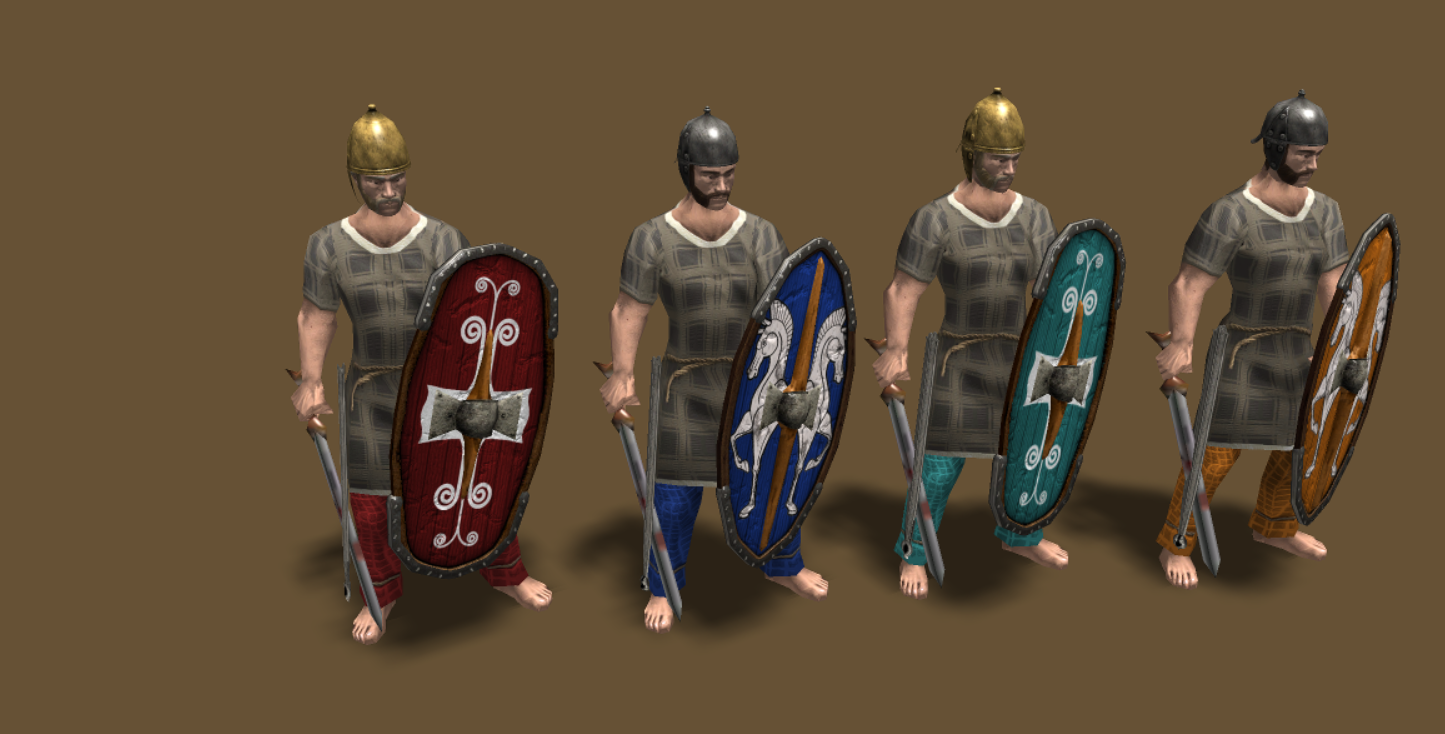
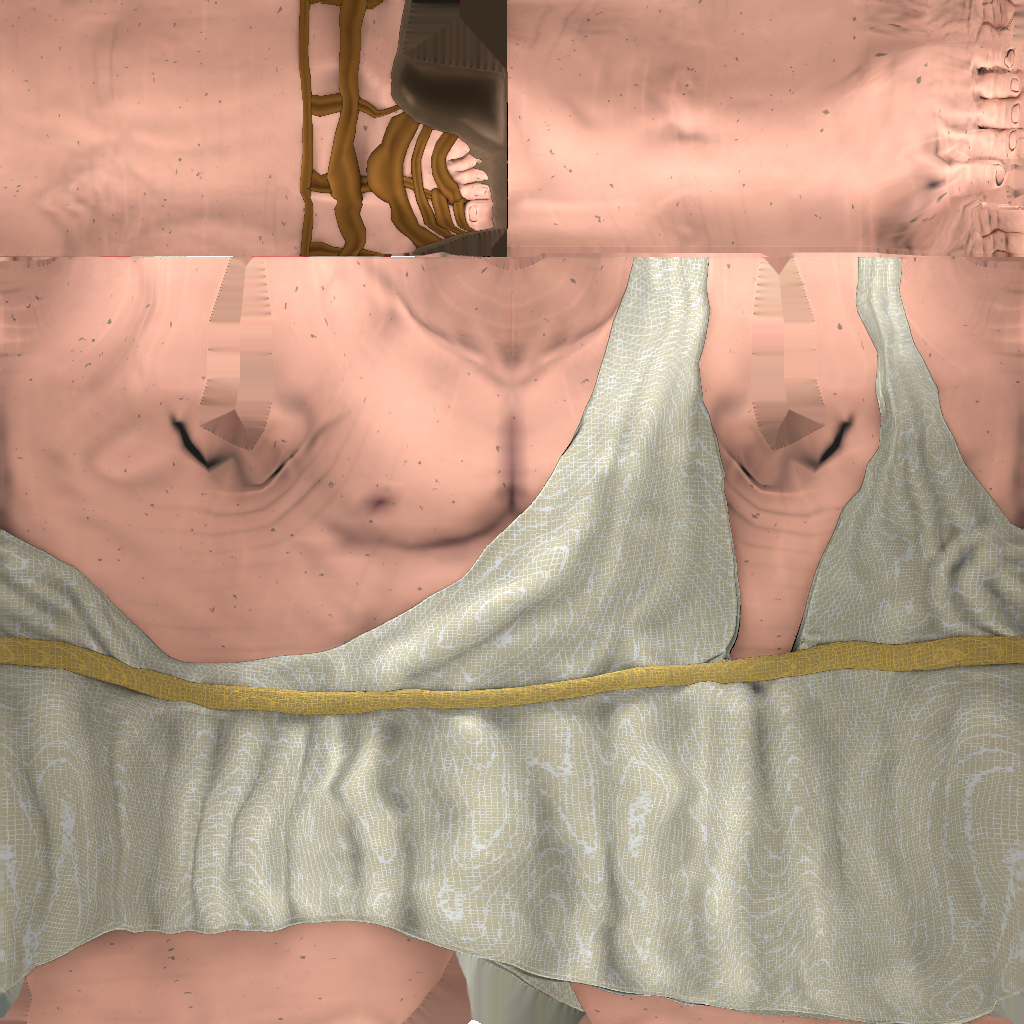
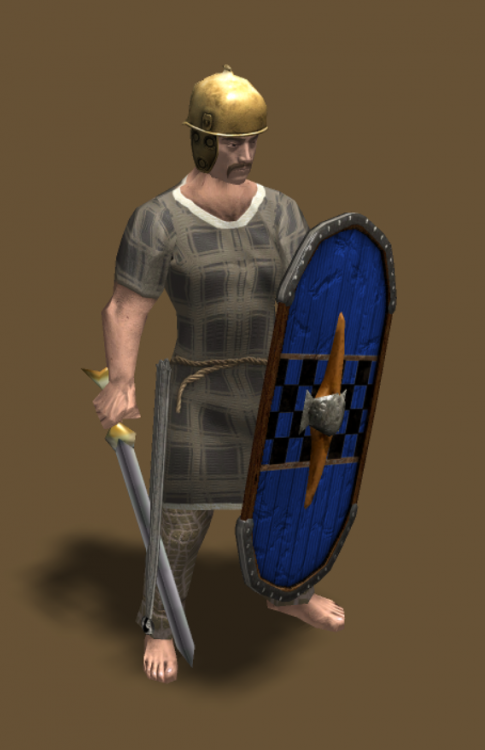
With the uv finally helping with the render's i have 3 paths for the skin tone to match the new head skin: Either bake the textures making all the pattern's for the cloth/armor's. Bake only the skin tone and add a layer over the current ones. Make a baked with norm map textures for the champion's and heros only. Each one of them will require some time so we can have first round of addition of head's and later skins or just a whole update. Dedicating precision and effort to maintain the current textures but with norm map's. Or just make the skin + chest prop's like cuirasses and lamellar's. Rn i'm liking how the shadows look's on the shirt's and arm's giving a bit more of realism on the distance.
-
A test with clothes for gaul skin tone: Comparisson:
-
are we going to have cubemaps reflections?
-
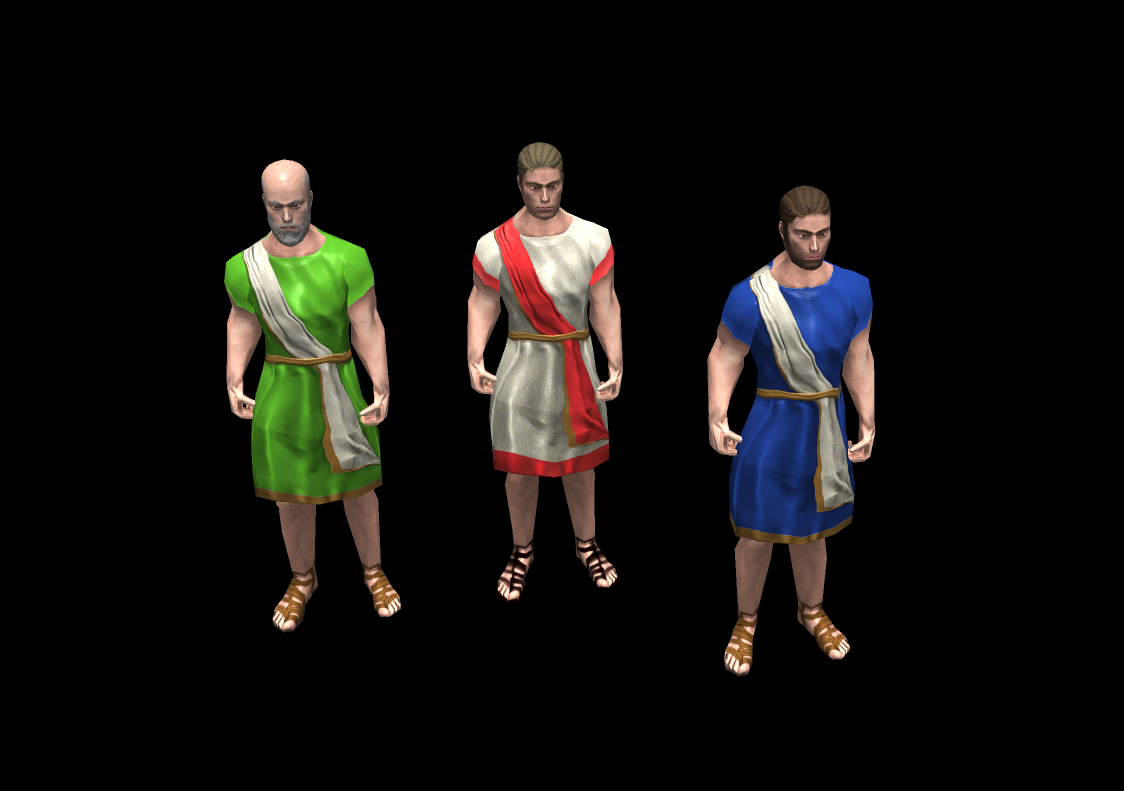
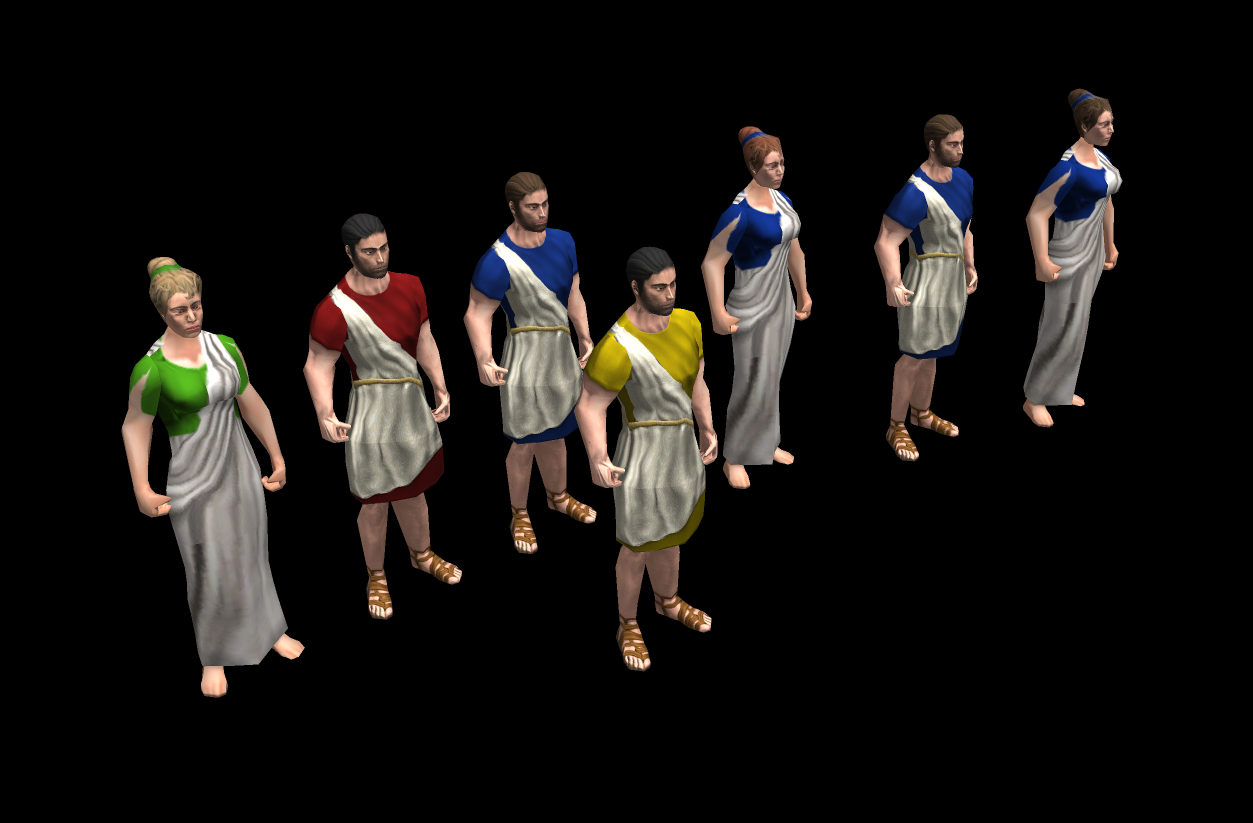
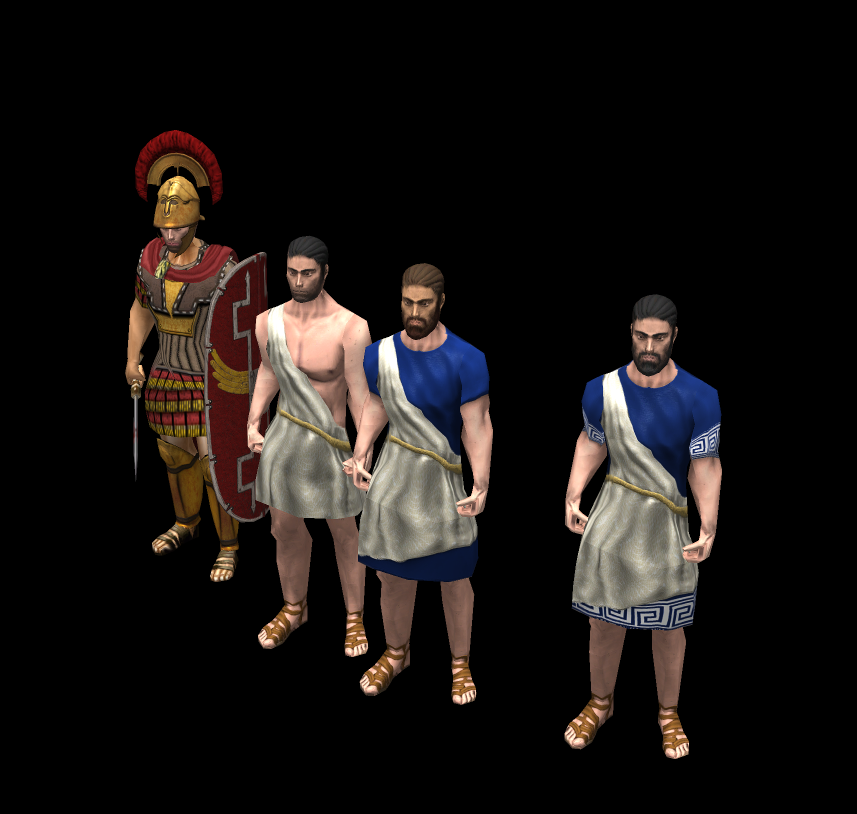
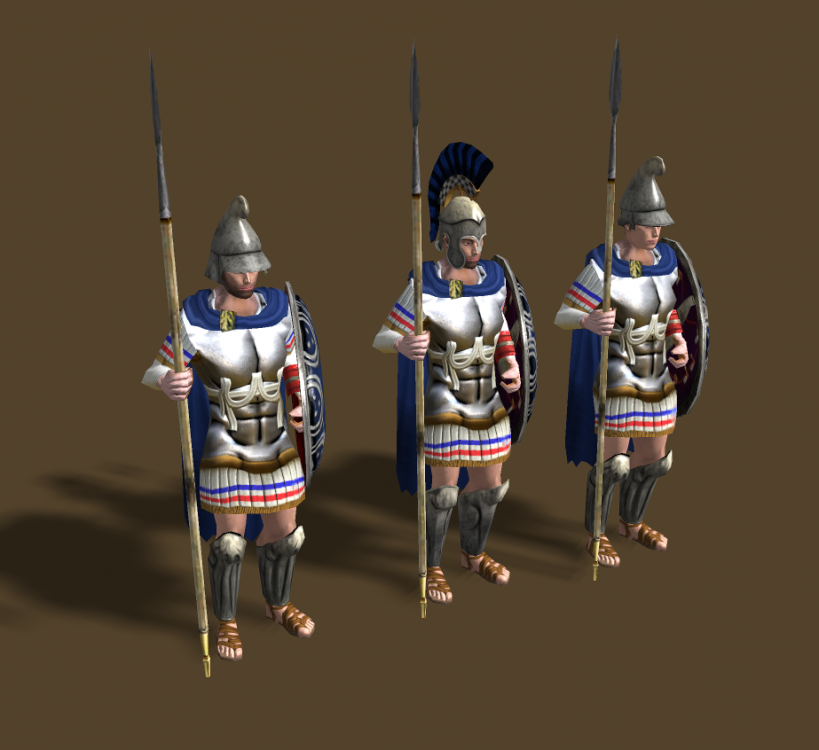
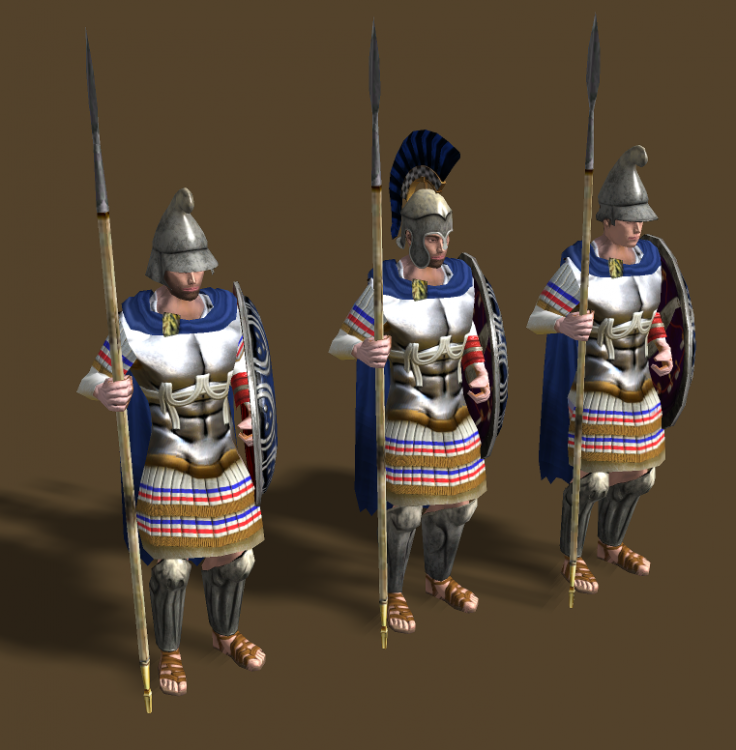
tunic_short: tunic_long: player color:
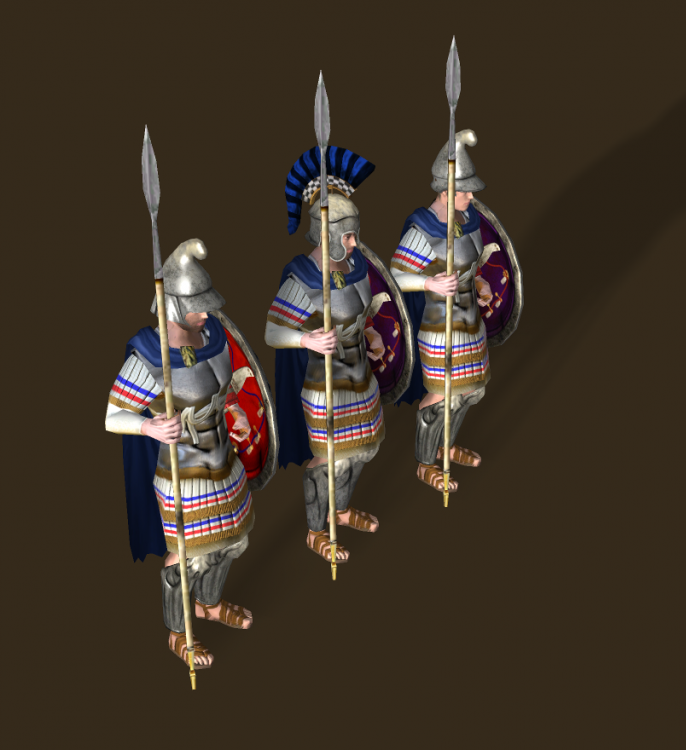
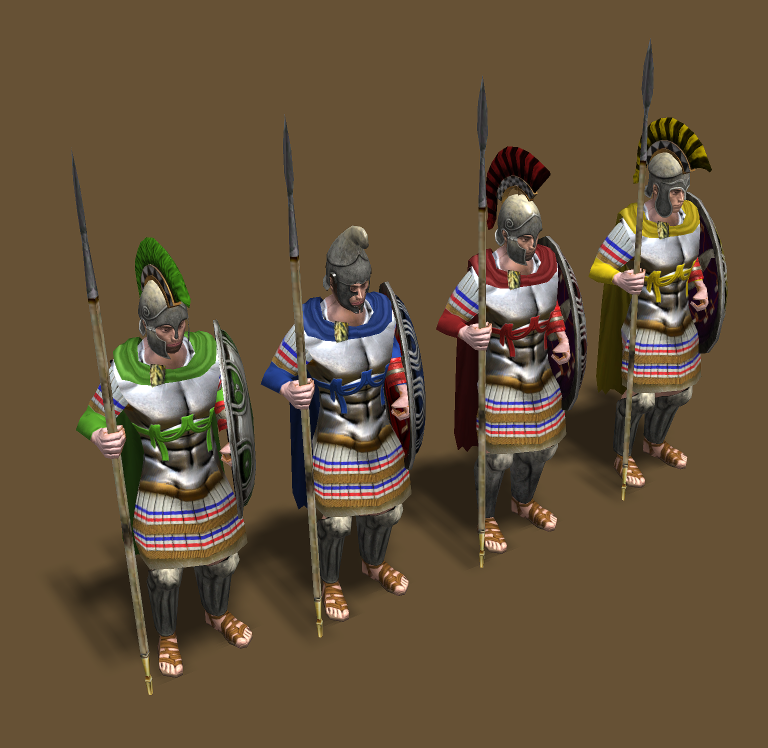
-
No player color added:
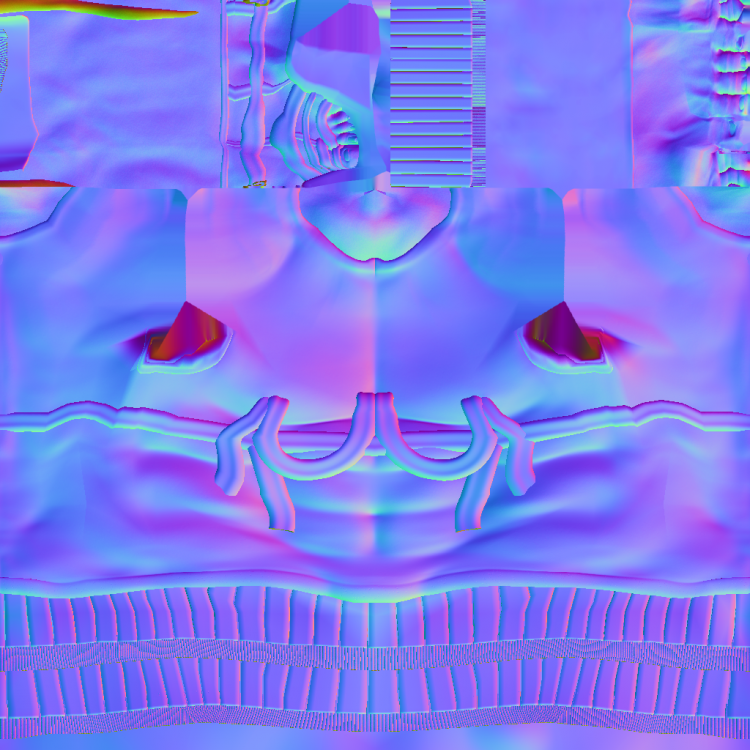
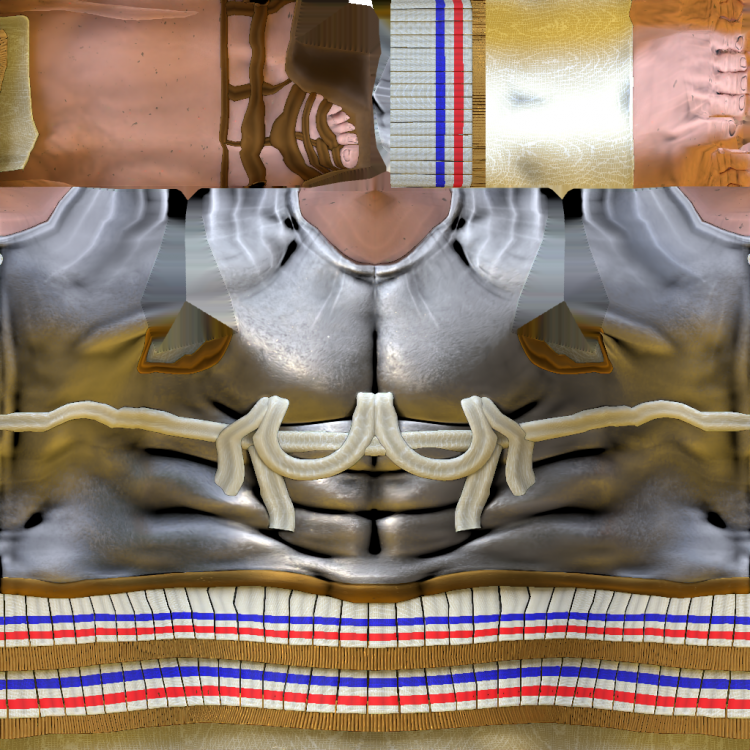
-
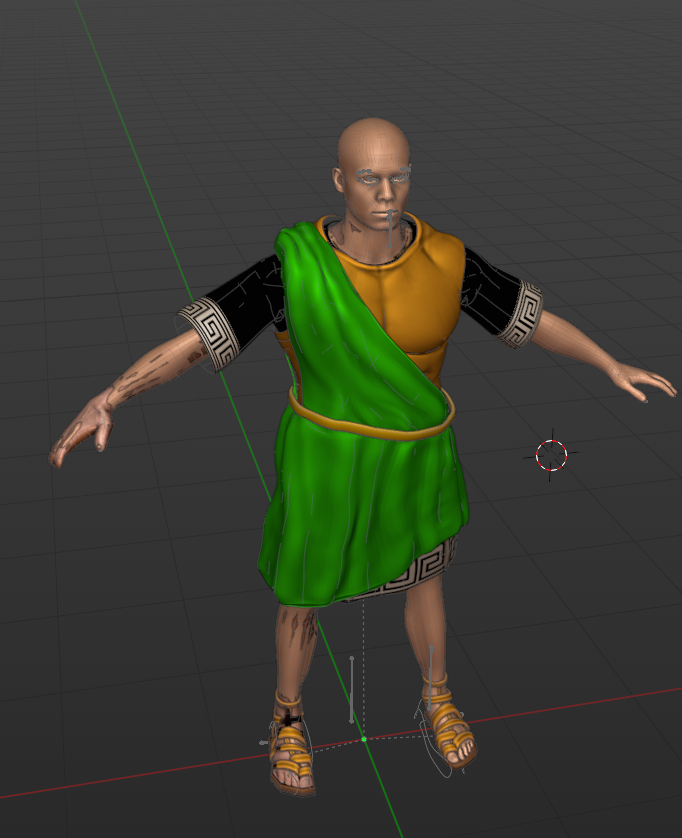
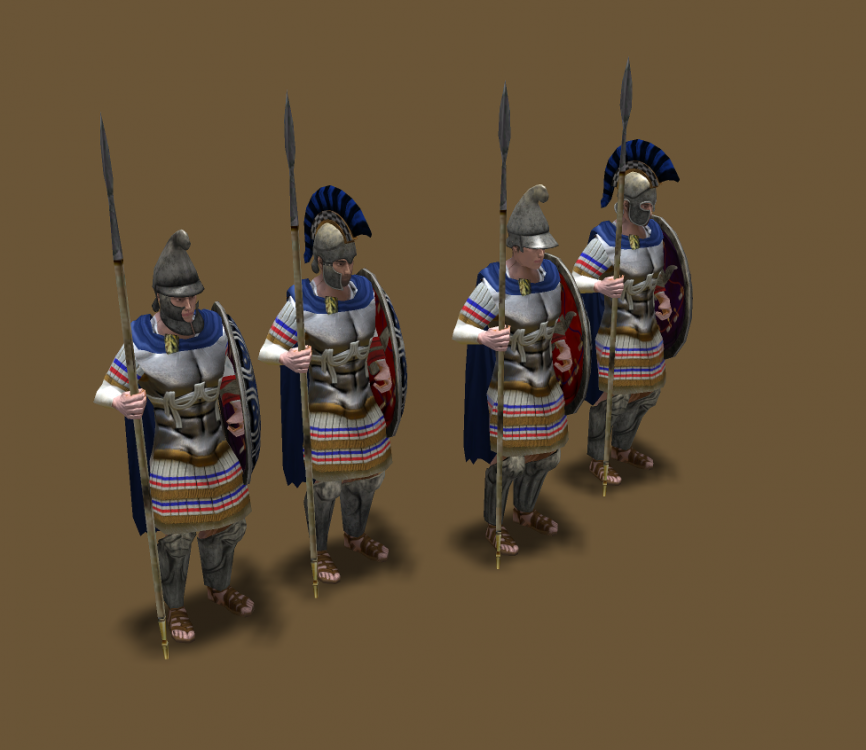
@wowgetoffyourcellphone Thoughts? Missing the clavicle adjustment and another tweaks. The neck blend's perfectly with the new heads
-
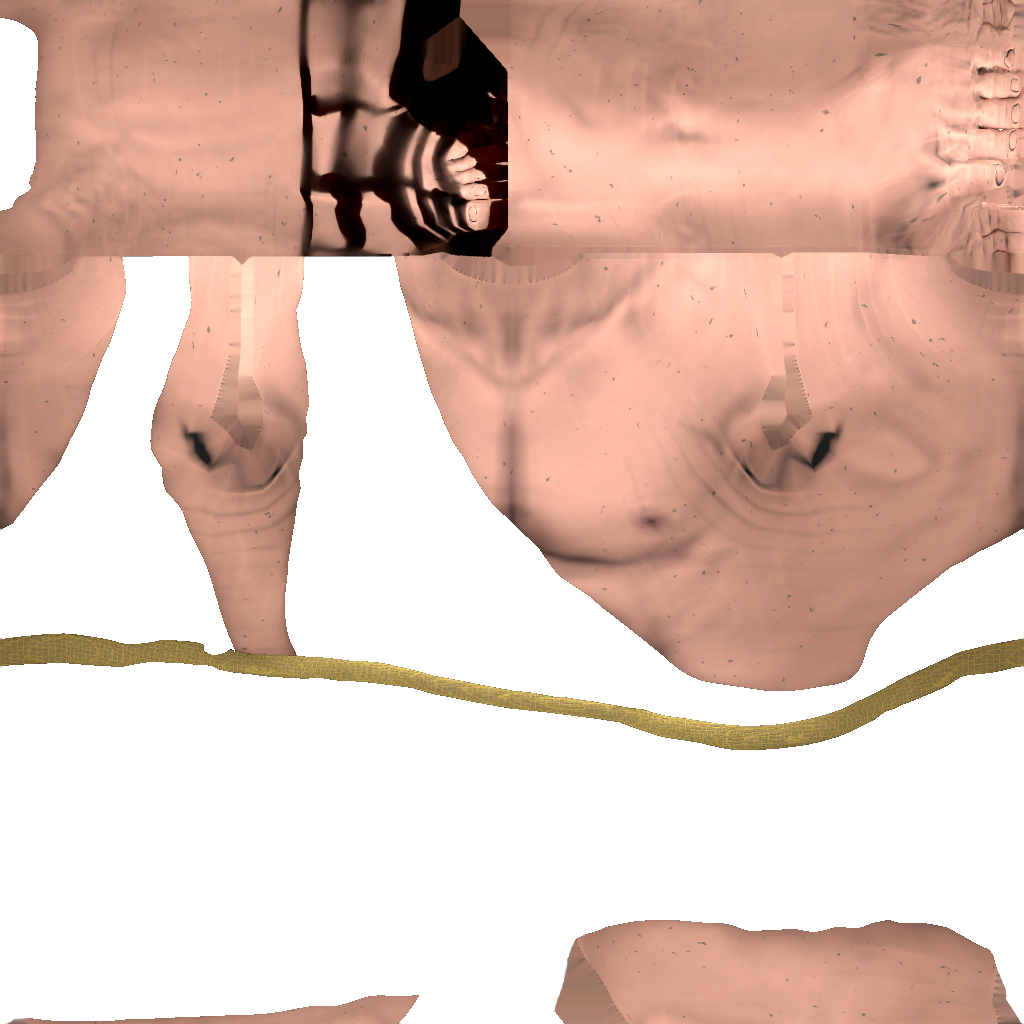
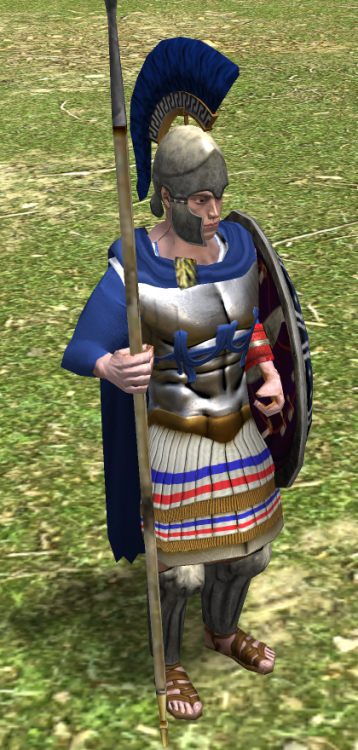
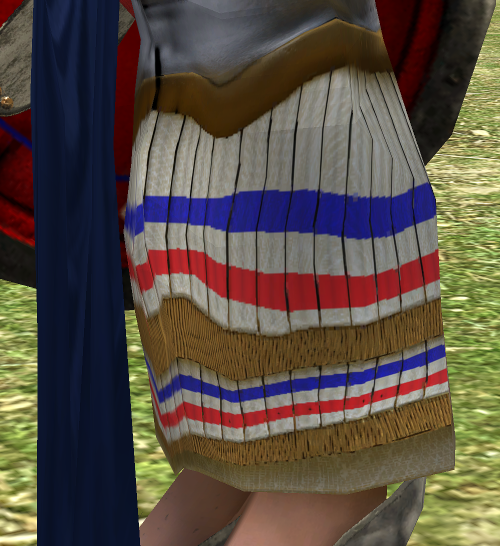
AAA, yes yes, i flip the texture once its baked at the end when the uv's doesn't cause any trouble. I was doing the test to avoid skin issues if the bake is done for every culture for every civ to match the head tone: by issues i mean detailed shapes that won't end deforming in the final process. This is a deformation because of the uv target:
-
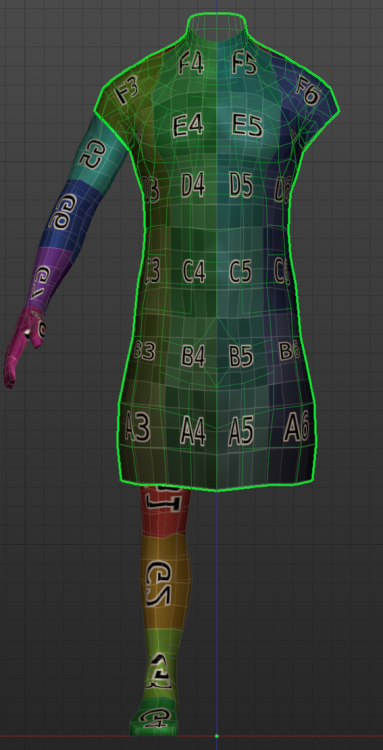
Yeah with detailed textures the issue is bigger. im fixing the UV map of the target using the checker but since its not the same mesh.
-
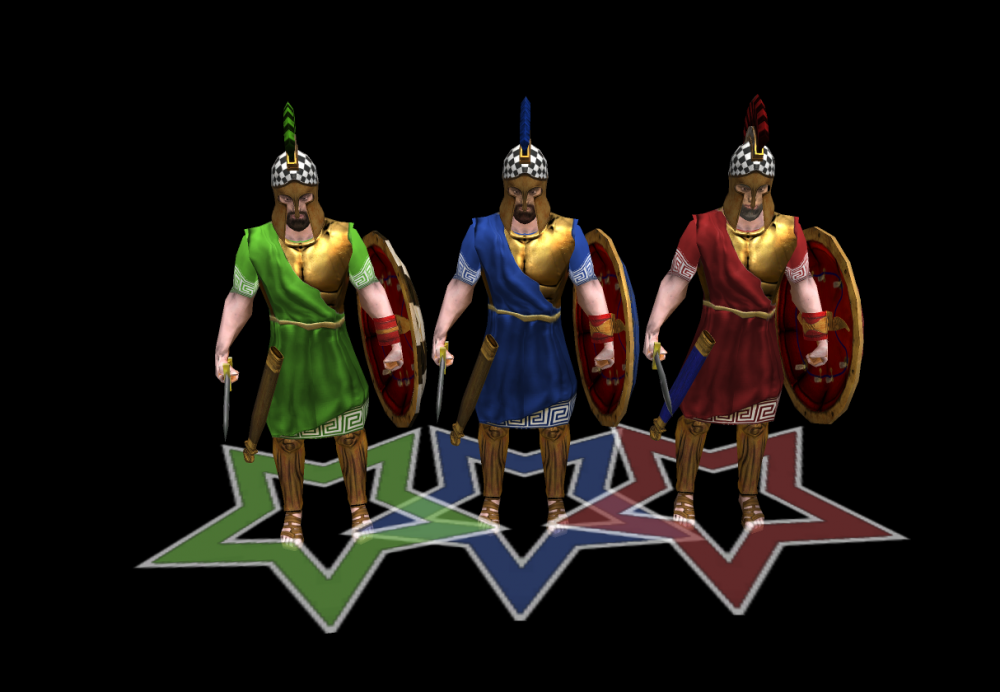
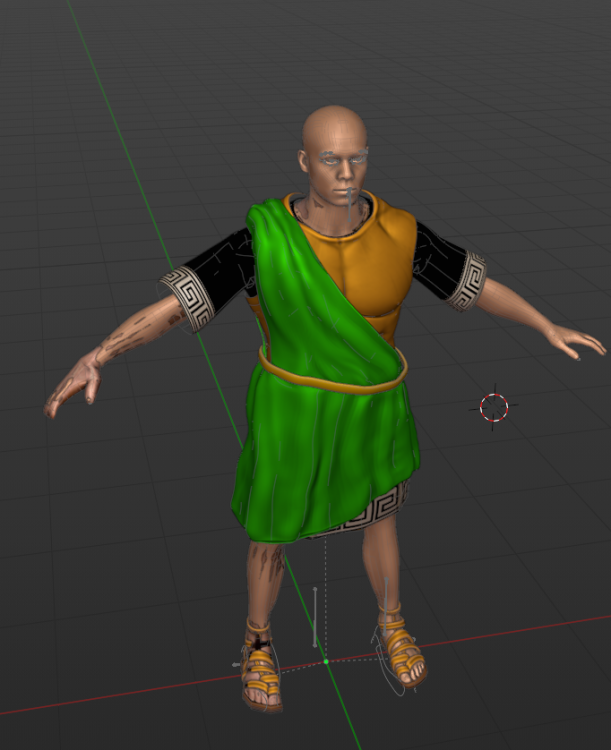
Missing head for Themistocles any reference? Tunic cuirass for themistocles baked:
-
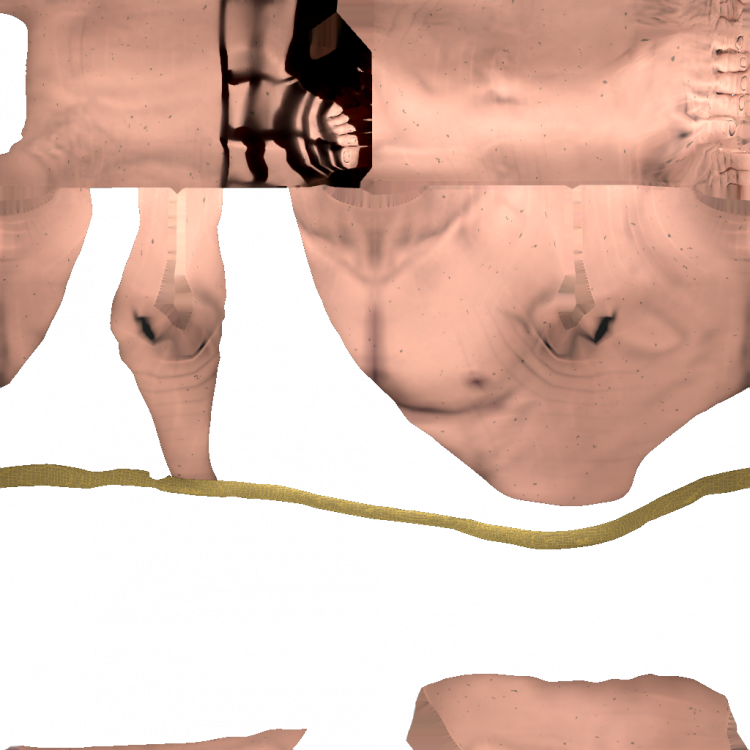
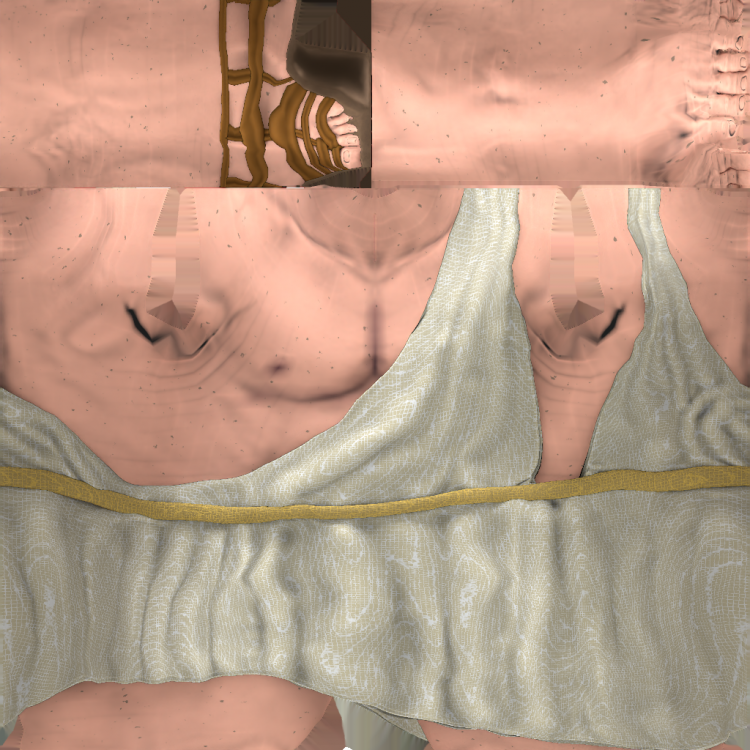
IE i use two bakings one with the diffuse plain color and one with the alpha layer as holdout:
-
Probably i can, i belive i can use holdout shader, didn't tested but maybe it could work. The hair baking is kinda tricky becase of the shape of the curves.
-
 Mmmm animation references..
 -
Prob i missunderstood the language, but what i did was grab the Chest in sculpt mode and vertically displace it. Give me a thread for the footwear (I apologize if i'm asking too much, is just that i can't investigate rn), prob can be faster and its easy to render. i just did a few curves and a plain mesh in the foot to give it a shoe haha.
-
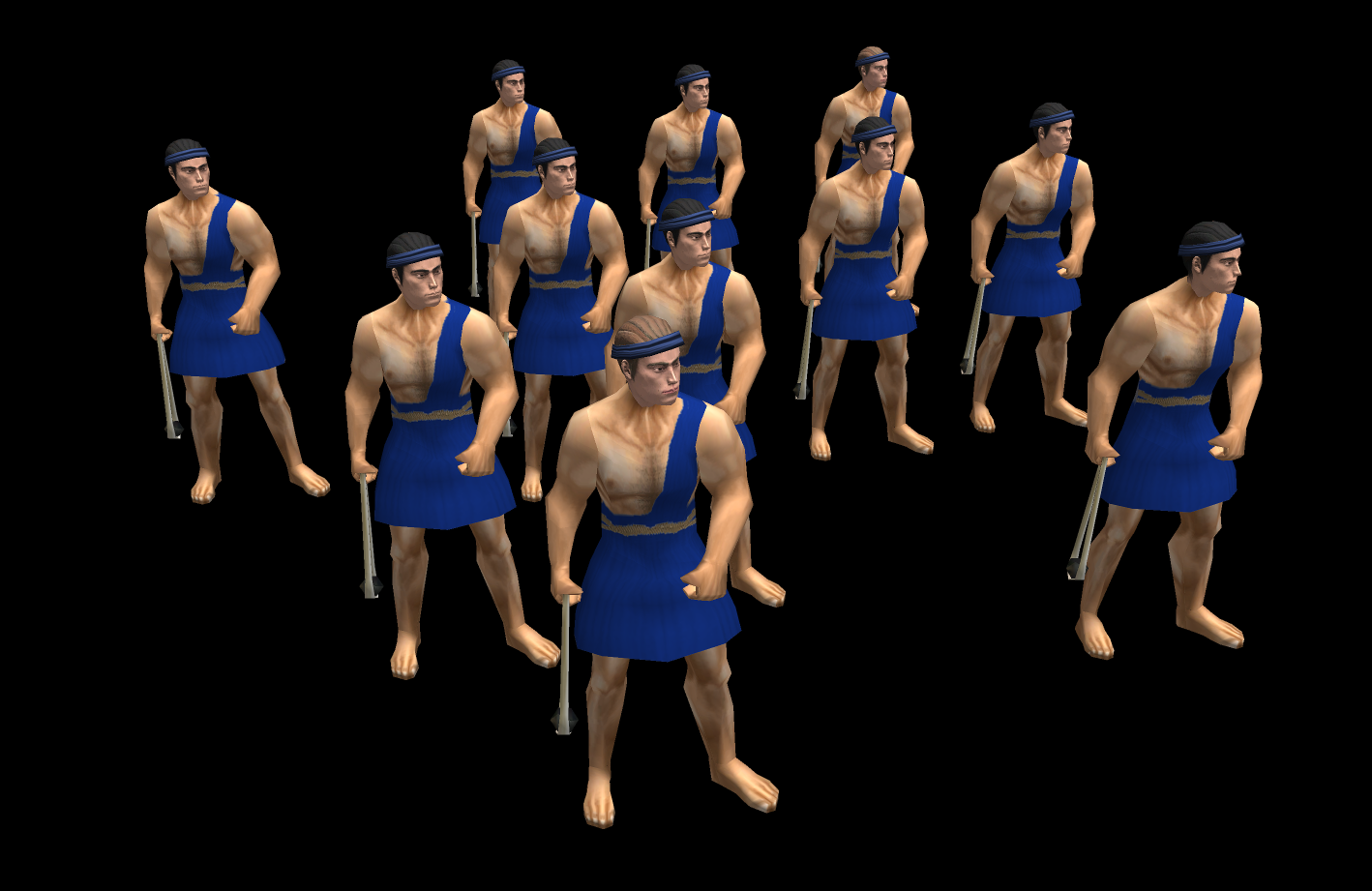
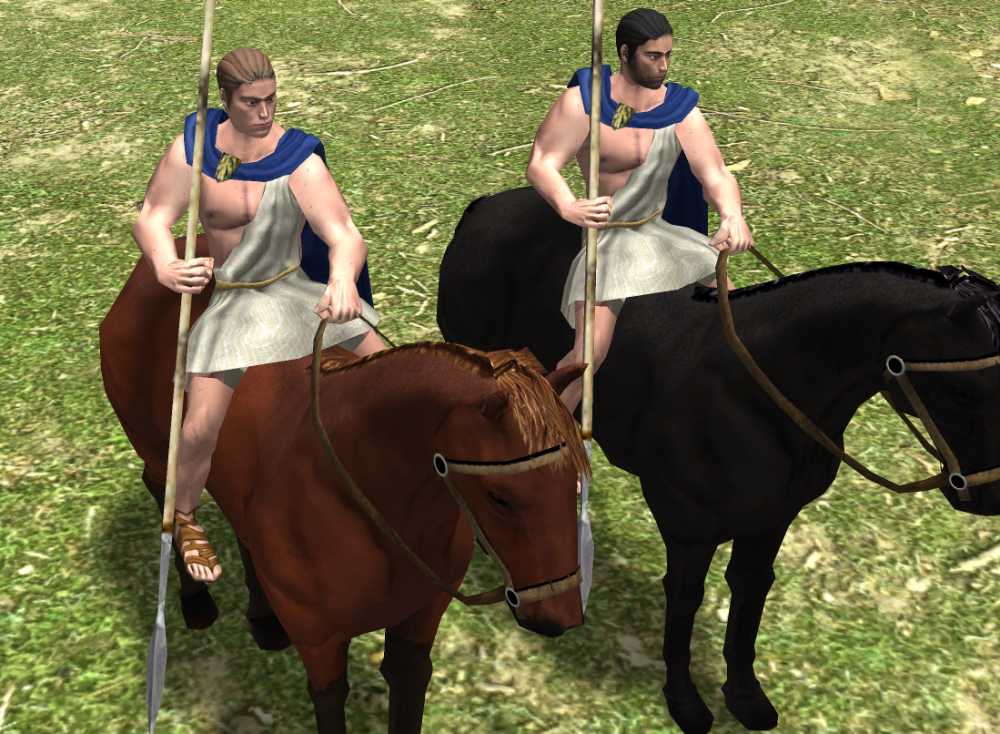
Increased the height of the pectoral:
-
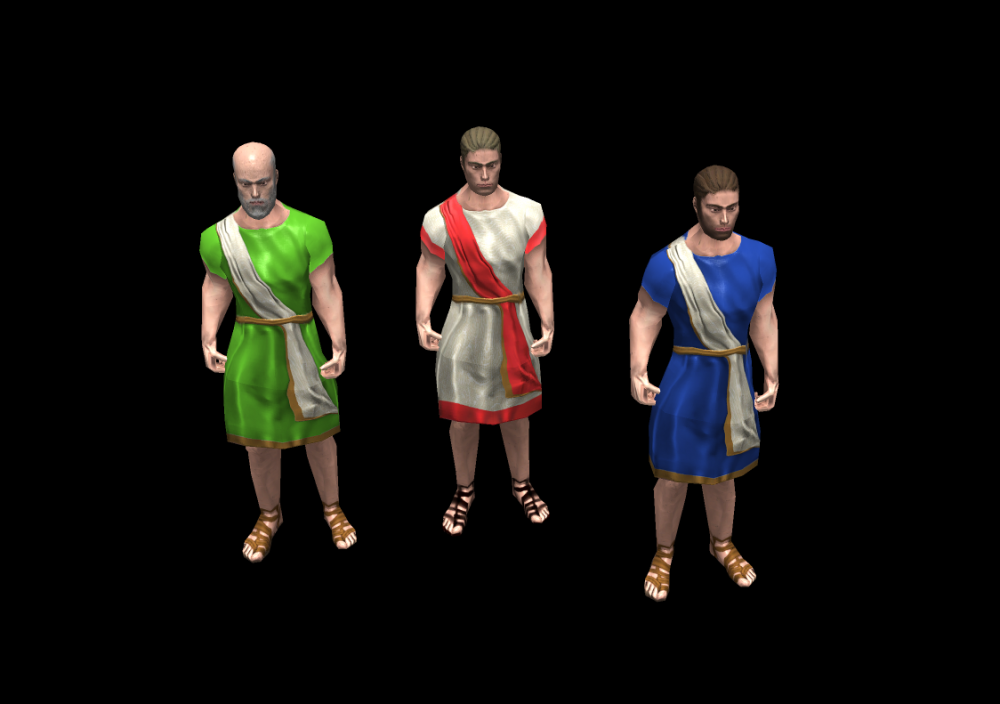
To make a visual difference on the civilian's Roman's tunic:
-
Actually i have the same thought last night but was too late to do something. the slinger has the sling on the Right arm. with the robe on the right arm basically with each throw it will end naked.
-
I Can flip them horizontally easily in Paint.net. By higher you mean vertically or Volume?
-
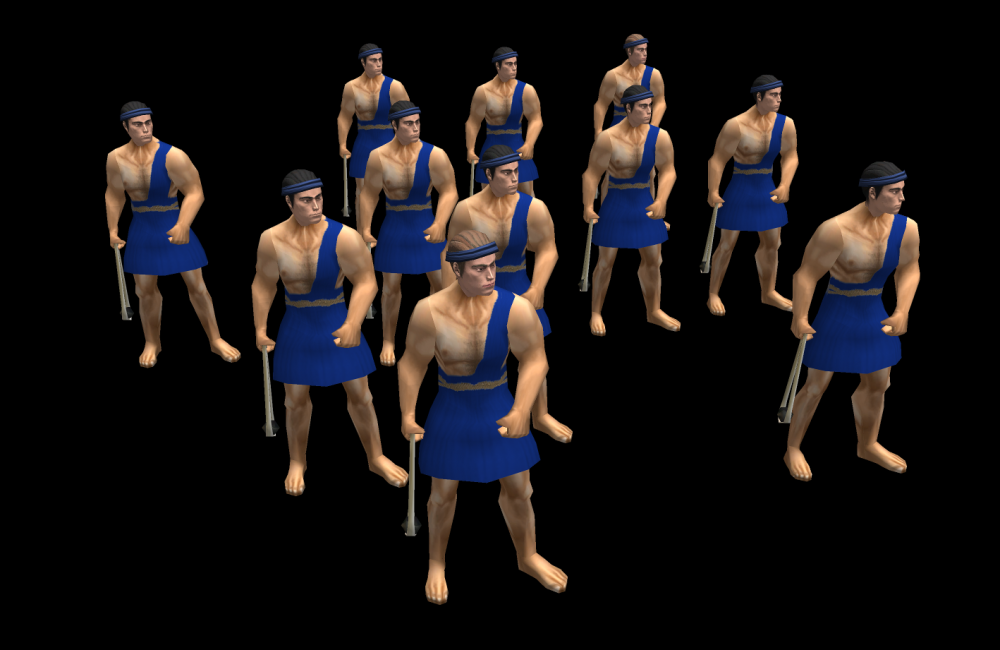
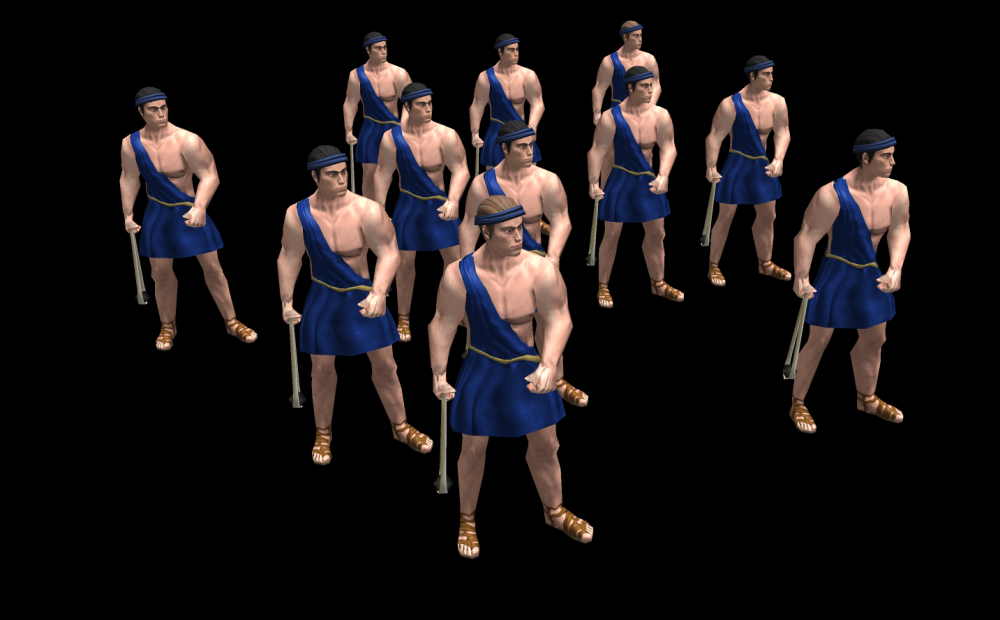
Comparisson:
-
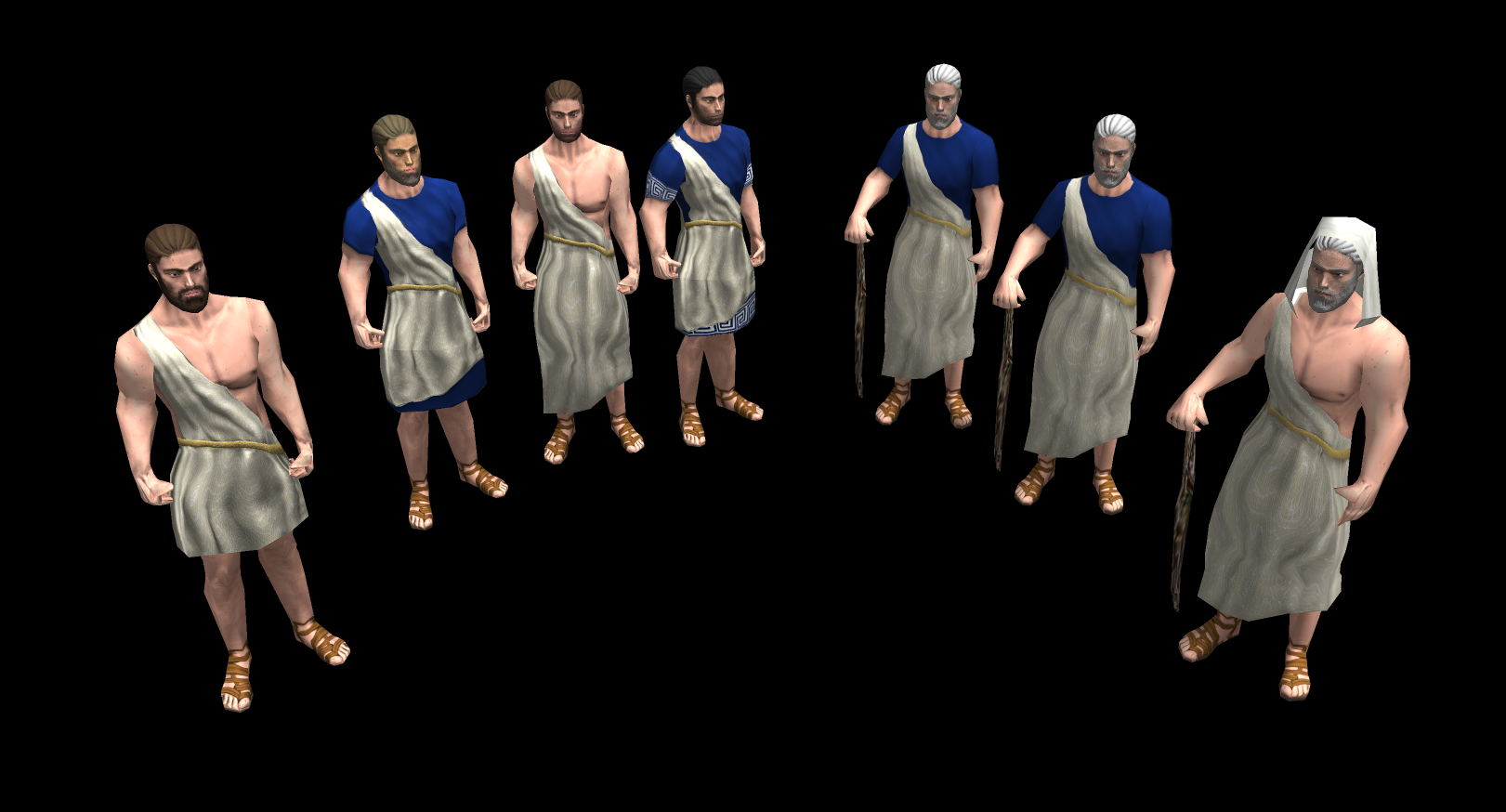
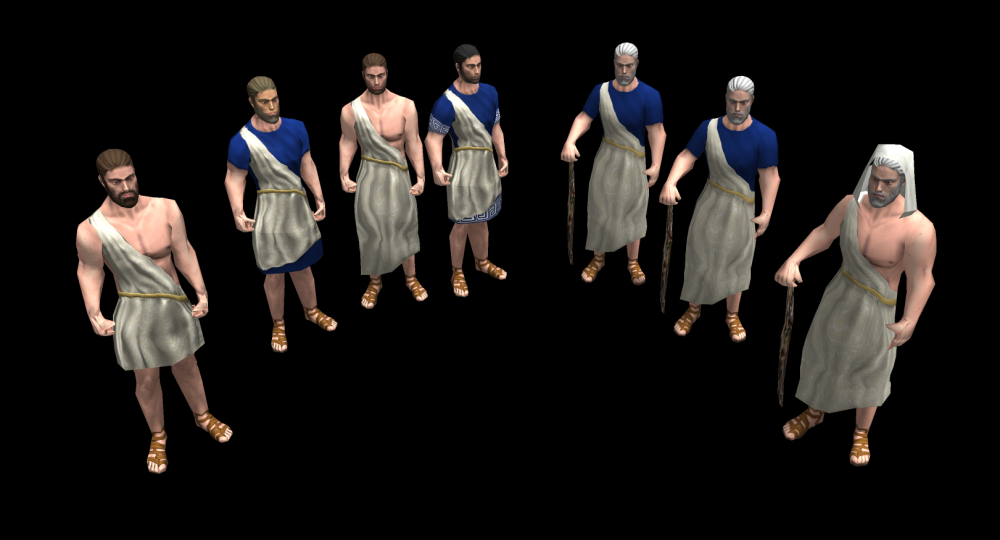
Toga long, short, tunic:
-
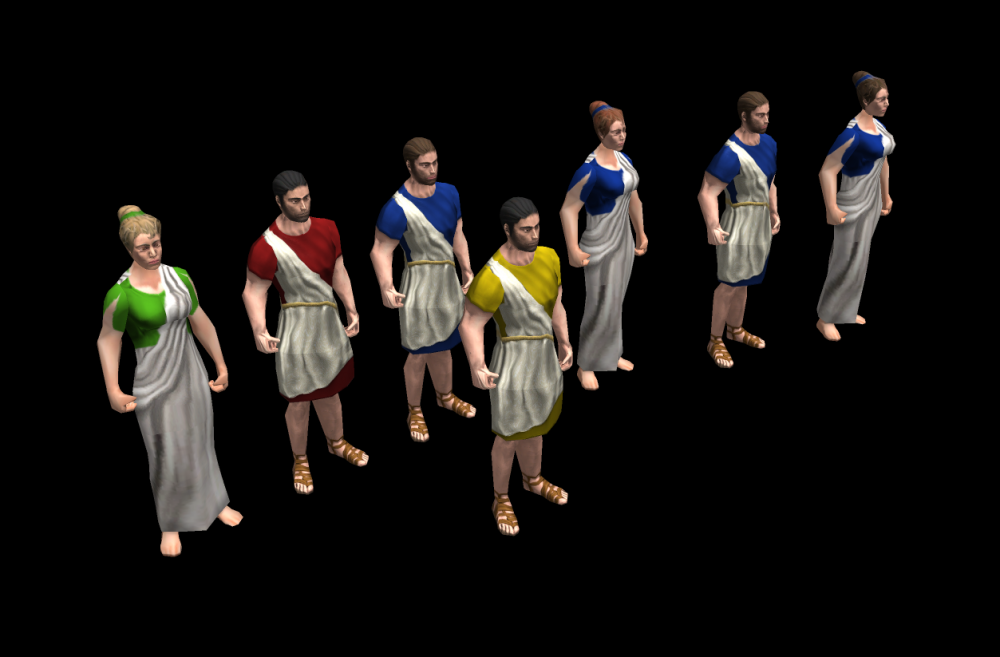
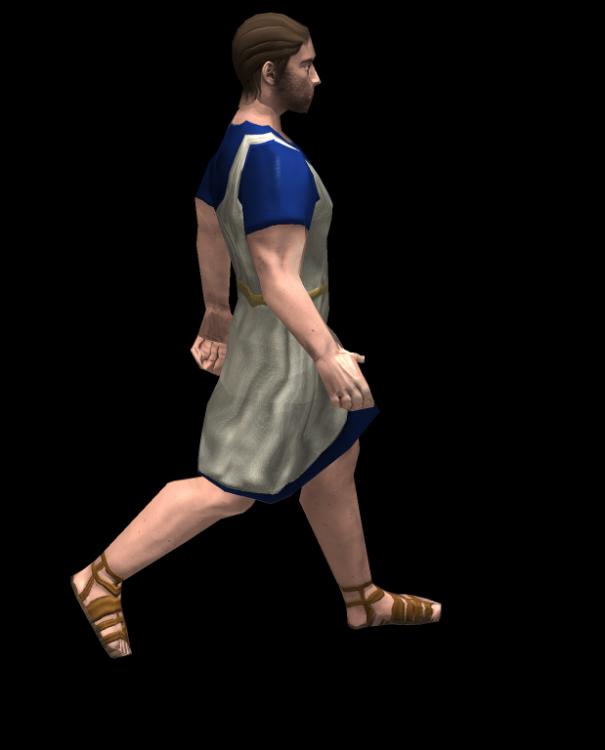
Toga Short:
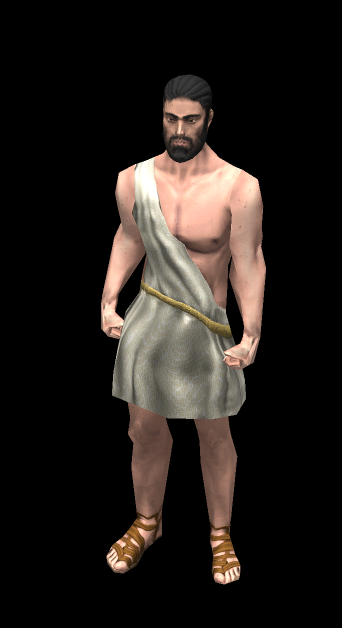
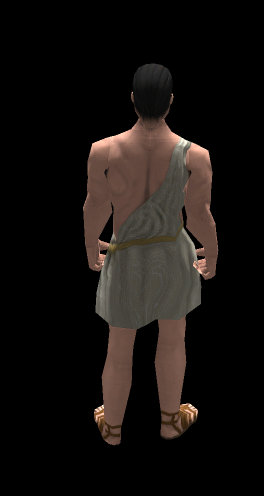
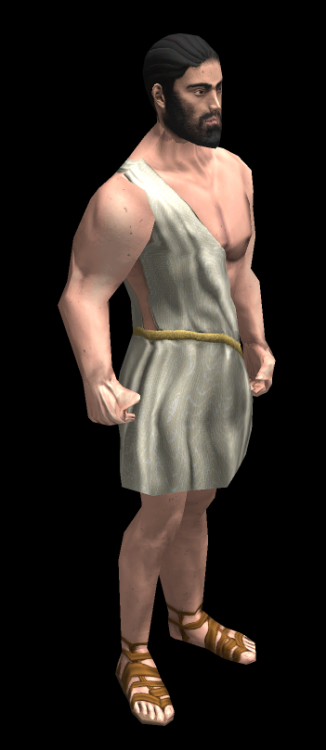
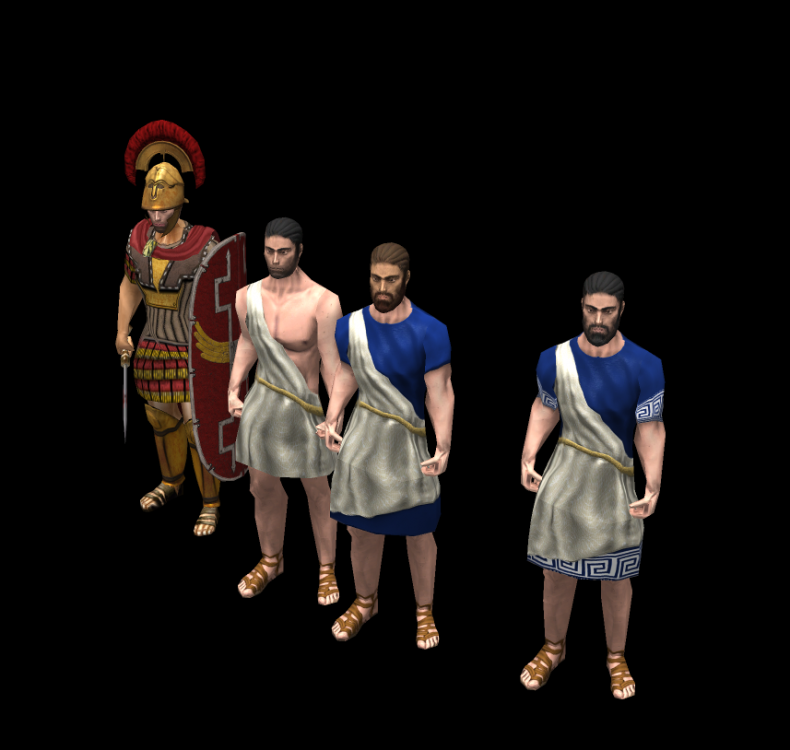
-
As the mod is partially ready, i would like to finish the female head's also and leave another topic later for hero's as long as my skills allow me to do something at least a little bit different for the hero's. Missing the celtic's head with pattern's.
-
To explain the Combat variant, the word "combat" is used in the Unit.Ai component as a special variant when the unit receives the order "approach enemy" or "attack and walk" the variant "combat" is forced into the entity. So as this is already implemented in the base game, the trick to use it is replace the name of the variant xml file with Combat. Replacing every actor with the combat new variant but it induces a new requirement to make every cape separated for Attack type: Swordsman Axeman Spearman ............n or either someone give the combat word another code like to give an additional prefix so we can generalize the cape's. So for modders: Just add the combat name variant if you want your entity to walk aggresively to an enemy entity instead of walking like in a field of flowers to burn a city.