Leaderboard


Popular Content
Showing content with the highest reputation on 2026-01-29 in Posts
-
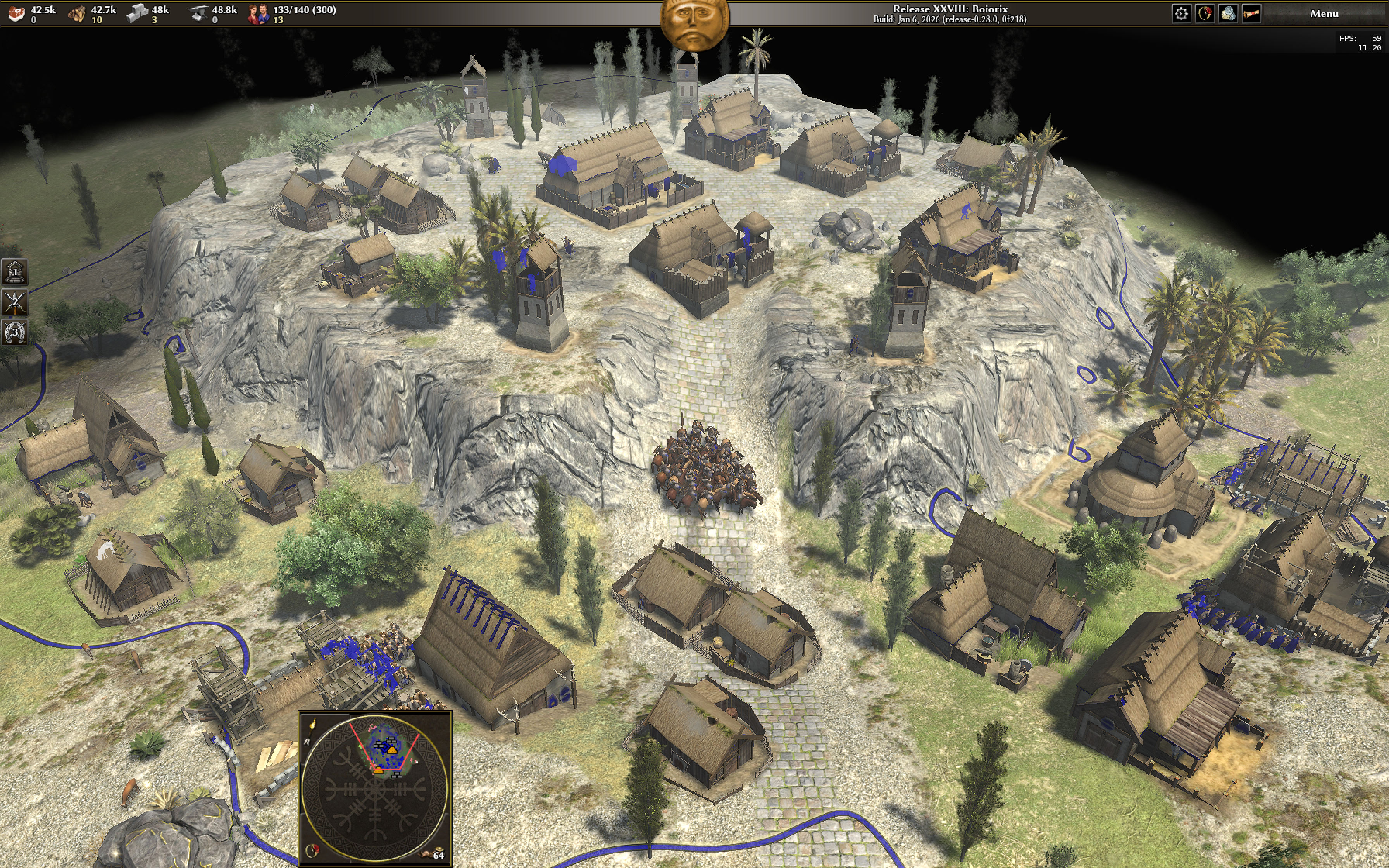
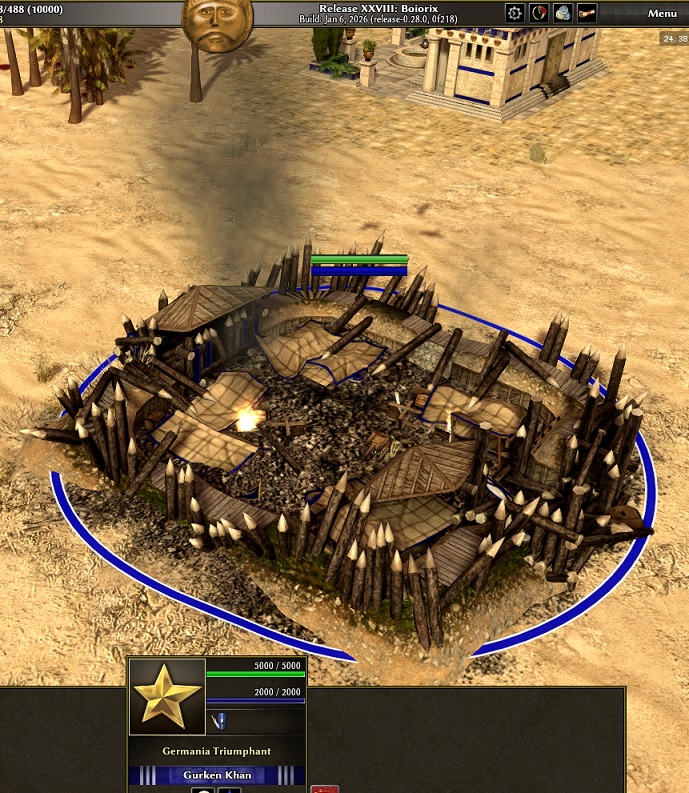
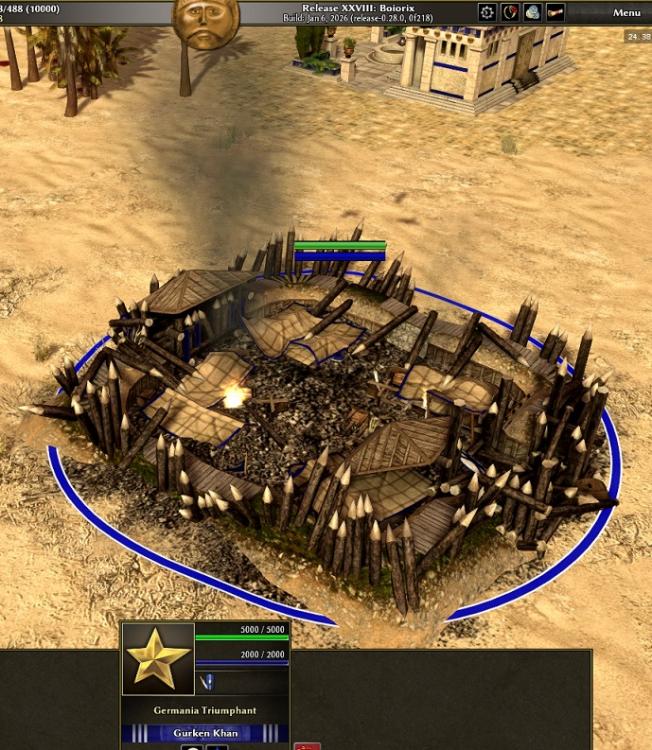
So if you destroy it does it turn back into a completed army camp again?5 points
-
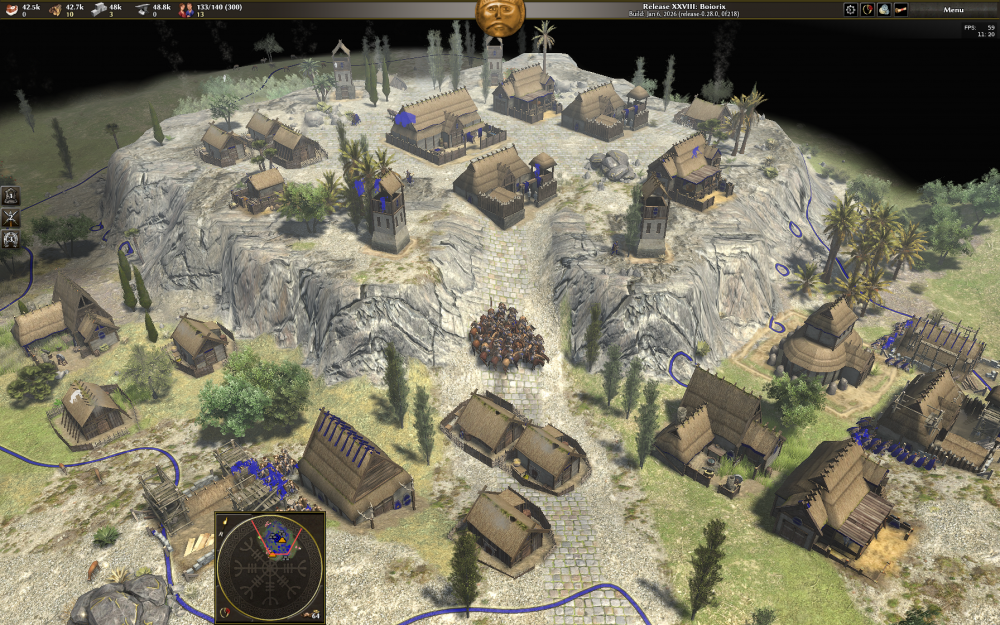
Just tried R28. Germans very OP civ, I love It!
 1 point
 -
Guys, am I the only one who thinks that suggestions for improvements and refinements to such a diverse game should have been posted in separate threads a long time ago, rather than in one kilometer-long one with... 173 pages! In my opinion, this is completely counterproductive!1 point
-
Ok! Then I'll have a go at expanding point 19. I found it annoying that by default battalions would be automatically defined when selecting units, would override groups, and it’s not that obvious that you can disband a battalion and get those groups back just by breaking formation. If the “Battalion-style formations” is disabled I’m not sure how you can make battalions yet. If it’s enabled (default), and I have in Group 1 10 spearmen and in Group 2 10 archers, and grab 10 spearmen and 5 archers, that becomes a battalion, then pressing 1 would select the battalion and pressing 2 would select all units. And you cannot select multiple battalions because they become one big mass where groups don’t work anymore. The groups shown on the left of the screen become quite useless. Thus, selections, formations, groups and batallions interfere too much with each other. What I thought is, with that option disabled, battalions (whose purpose should be only to select all units in it by selecting one, and not mess up anything else) could be defined with ctrl+alt+number and selected with alt+number. Selections with the cursor would in no way be able to change any definition. Formations could visually appear on the left as a box surrounding group icons, and a label on the side with their number (right-clicking on it would disband the battalion), which would make intuitive how the whole thing works. If multiple battalions are defined, the same group icon could appear on multiple boxes (if a group is split into battalions). Ungrouped units in a battalion wouldn’t have a number on their “group” icons (needed to show them as part of a battalion). The flags would show up for battalions only. Then for example, one could define archers in group 1, and define them into 3 battalions. One can select the group with 1, or each battalion with alt+1, alt+2, alt+3, and set either the whole group or each battalion into different formations. Or one could even press 1 and then alt+formation, and all units are selected, but each battalion has its own formation (all the same in this way). This behaviour is like Total War. But one could do more things, like invert things and have one battalion with 3 groups in it, to which one can give different orders, for example each group shooting at a different target, or even move, without breaking up the battalion. All with the player not being compelled to do anything, selections not forcing anything, all is optional. One could seamlessly play like AoE, like TW, or like something new. Finally, it would be nice if 2 digit numbers were allowed, one might want to have group 1 with battalions 11, 12, 13, and group 2 with battalions 21 and 22 for example, to remember things easily. Ctrl ctrl and ctrl+alt alt could do something, like defining a group and a battalion respectively, using the lowest number available, or giving a time window to enter the number, all considering that ctrl+alt+number can become uncomfortable with one hand and the rightmost keyboard numbers. Also, to make some things more visual and easier, group icons could be dragged into battalion boxes, or the other way around (less intuitive, but should also work). I hope all this makes sense. Edit: and thinking about what @guerringuerrin said, clicking on the left on a group portrait in a formation box could select the units of that group in that battalion, double clicking it could select the units of that group onscreen, and alt clicking it could select all units of that group.1 point
-
I think would be nice that the game didn't allow to click to train a batch size if it is bigger than the pop cap you have remaining, maybe that the icon was showed red as it is showed when not enough res (So I am not housed anymore xD).. And that Han civ voices was in Chinese1 point
-
Äääähhhhhh Is that how the German wonder is supposed to look like when it's not destroyed???
 1 point
 -
https://mod.io/g/0ad/m/badosu-balanced-maps New version: fixed missing chickens in "fixed" mainland incompatibility checks turned off mod name fixed. It will be ready in the mod downloader after it gets signed.1 point