Leaderboard



.thumb.jpg.b21ca1d0c15fb56b42c39b25a0a40815.jpg)
Popular Content
Showing content with the highest reputation on 2026-01-03 in Posts
-
I closed a few issues that were redundant or seemed to have been already done. I may do more later.3 points
-
Hope 2026 will be good for us all.2 points
-
I have played this version almost daily for what seems like a decade. My scenarios and skirmishes (single player mode only) are somewhat modified and ONLY work w/ v23 Ken Wood. Have tried many times installing a new or latest version for Linux thru the Mint repositories and moving the maps etc to new version. Never works. I have searched and read here and everywhere else for almost a year merely trying to find the Ken Wood v23 in a Ubuntu .deb package to install on a new PC build. Running Mint 22.2 now the repos and everywhere else only have the latest 0AD versions, or the tar gz versions that I have no idea how to "compile" or install. Even tried a Debian version that of course will not work in Mint 22.2. Finally decided to ask for help and need a good Linux pro. Thanks1 point
-
I said there can be a capturing animation (the lowering of the corvus onto the other ship). Also, we can make the loyalty line show up above them and a "capturing" icon, complete with some ambient sound effects of battle.1 point
-
@NewWorldHero I understand what you're writing as follows: I have Linux Mint 22.2. Why don't you tell me where the *deb 0ad file is in version 0.0.23? Of course, that would be the simplest. But it's IMPOSSIBLE. 0ad ver. 0.0.23 (0.0.23b, Debian 0.0.23.1) was released in May (December) 2018. https://releases.wildfiregames.com/ Linux Mint 22.2 was released in August 2025. https://pub.linuxmint.io/stable/22.2/ Linux Mint 22.2 is based on Ubuntu 24.04 LTS, Noble Numbat, released in April 2024. https://en.wikipedia.org/wiki/Ubuntu_version_history#Table_of_versions Six years passed between 2018 and 2024. Systems from 2024 no longer contain the package versions that 0ad 0.0.23 requires. Such old packages (boost, icu, and whatever else) cannot be installed on new systems. Therefore, it can't be done. The only thing left is to find an older distribution for which this version was available and install it on a USB flash drive as if it were a hard drive. Ubuntu 22.04 LTS Jammy includes 0ad already in version 0.0.25b https://packages.ubuntu.com/jammy/0ad I found such a distribution for you – Debian Bullseye 11.11, which, moreover, still has the repositories enabled. Speaking of which, the Bullseye repositories won't be disabled until 2026-08-31. https://wiki.debian.org/DebianReleases You'll easily be able to install both the system and 0ad 0.0.23.1 on a USB flash drive before the repositories are disabled. After installing, keep the USB flash drive in a drawer, and when you want to play, you take it out, start your PC, and play. When you decide that's enough, you turn off your PC, disconnect the flash drive, put it back in the drawer, and then start your Mint. And you can go on like this forever. Well, maybe not that long – until you replace your PC with one that Bullseye can't handle. Happy New Year!1 point
-
The de-facto standard these days is GLTF.1 point
-
Bonne année 2026!1 point
-
Feliz ano novo a todos! Muita paz saúde e prosperidade!1 point
-
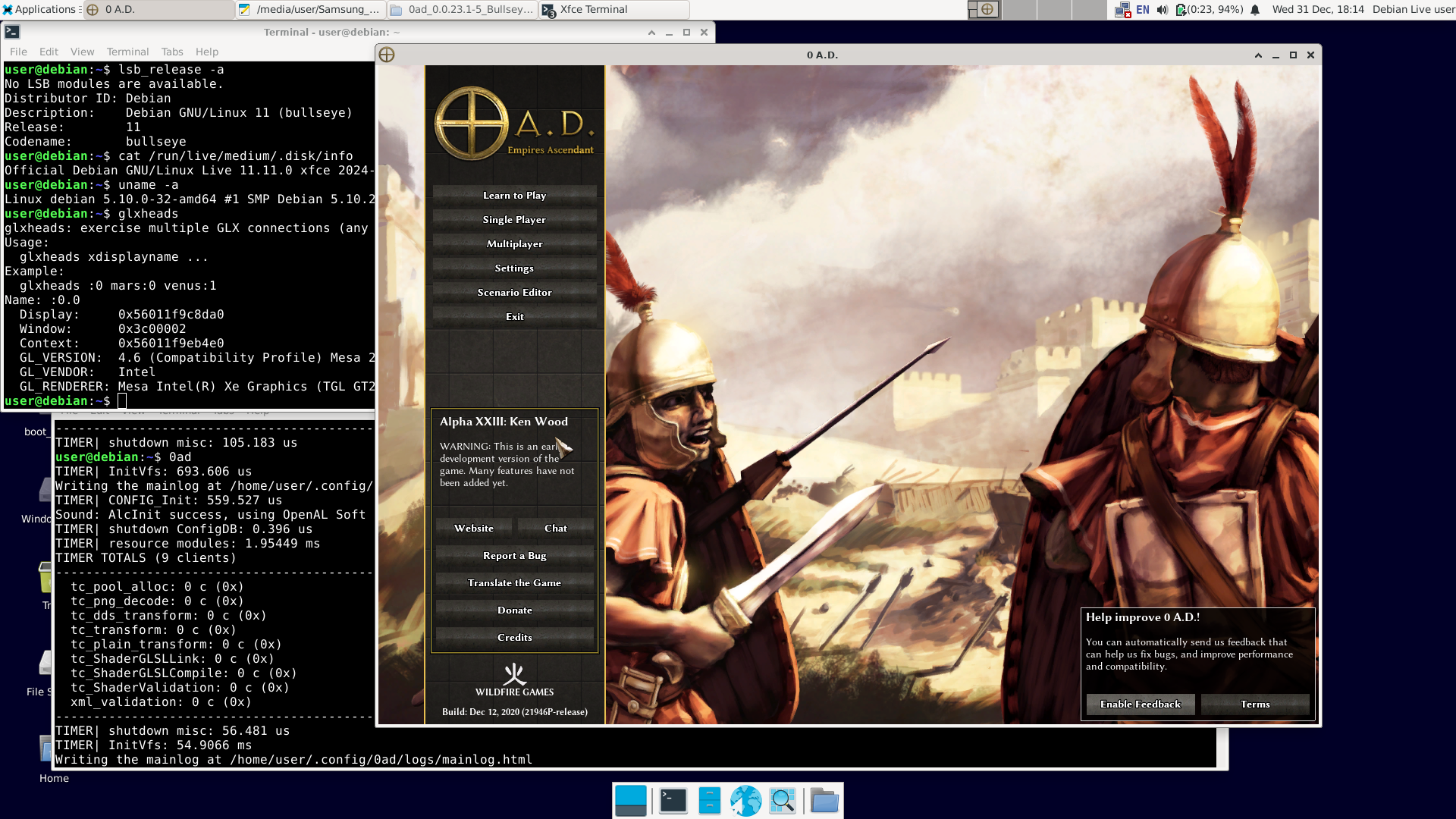
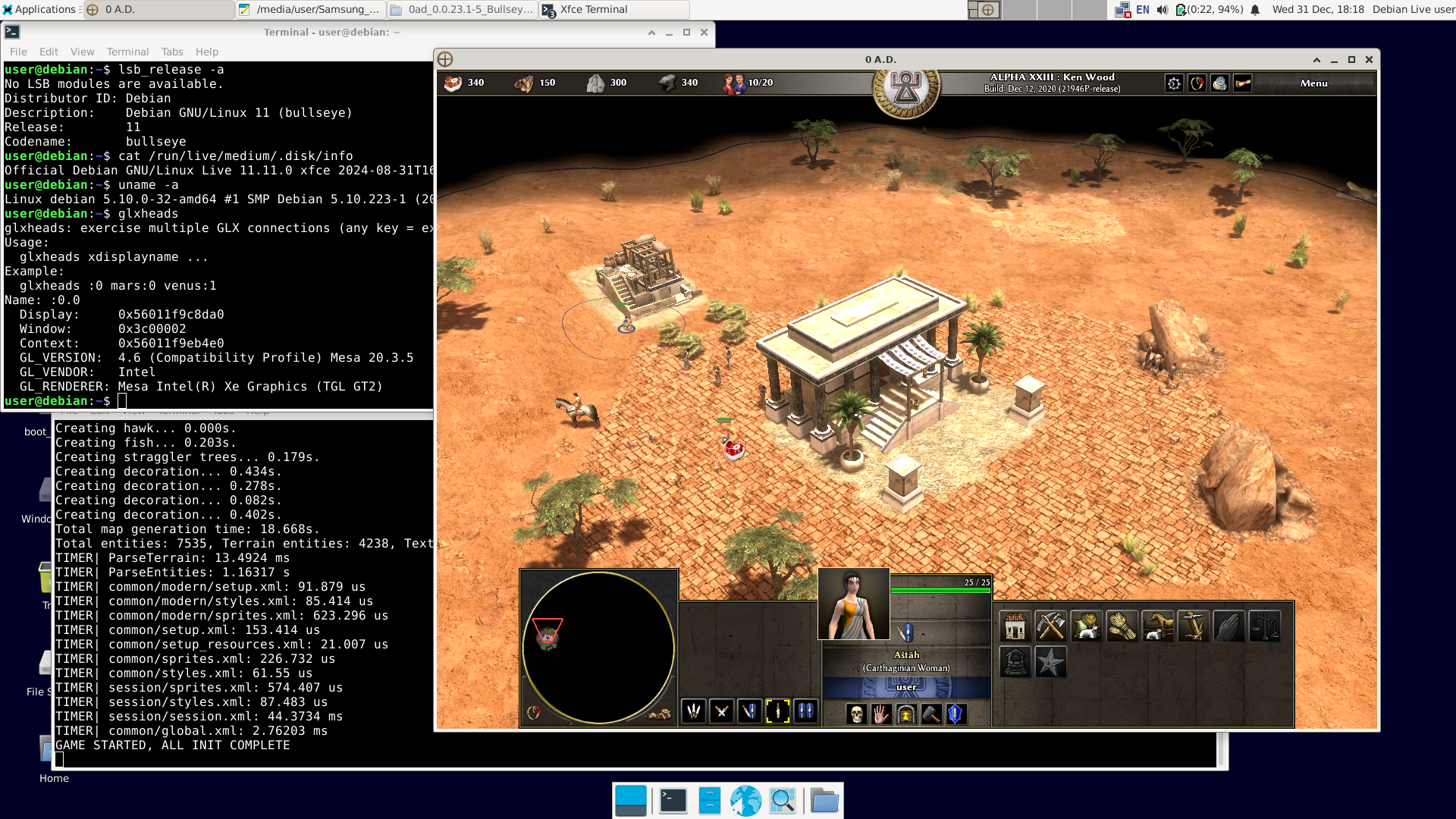
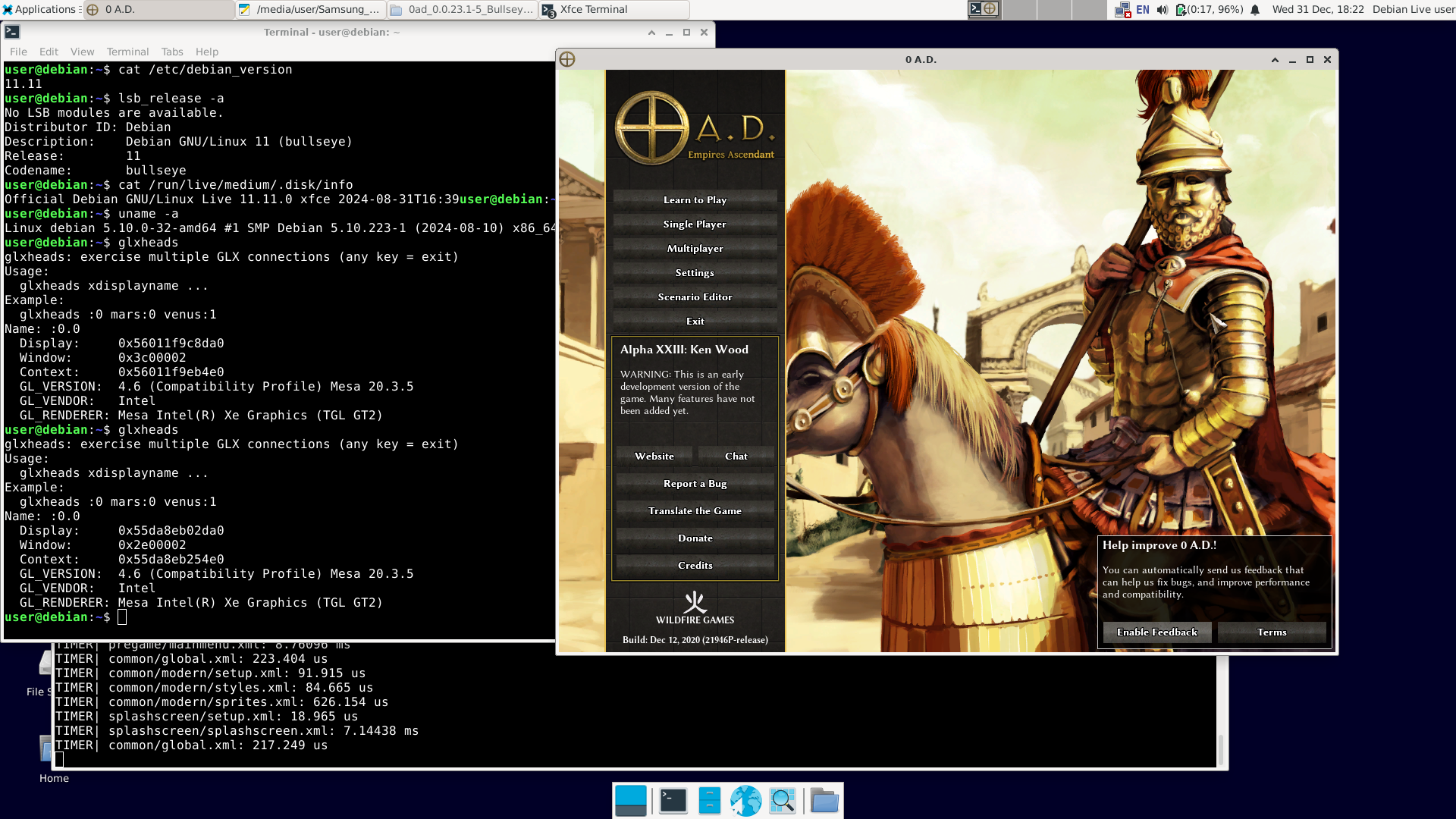
There have already been 12 posts, and "NewWorldHero" only wanted one answer: how to run the older version of 0ad – ver. 0.0.23 (Ken Wood). I figured out a way to do it: https://wildfiregames.com/forum/topic/139802-must-have-xxiii23-ken-wood-linux-only/?do=findComment&comment=616373 But I only figured it out, not tested it. It was bothering me. So I did this: 1. I downloaded Live Bullseye version 11.11 (+non-free) https://cdimage.debian.org/cdimage/unofficial/non-free/cd-including-firmware/archive/11.11.0-live+nonfree/amd64/iso-hybrid/debian-live-11.11.0-amd64-xfce+nonfree.iso 2. I copied it to a USB drive with Ventoy installed and booted it.. The laptop was even relatively new – Intel TigerLake (11th gen.) + Intel Xe. Debian booted, and Wi-Fi was available (Wi-Fi on Intel too). Good news: the Bullseye repositories are still available. You can use 'apt install'; you don't need to install anything manually. 3. After connecting to the network, I issued the command: apt-get update apt-get install 0ad I had to wait a while because one of the packages ('0ad-data_0.0.23.1-1.1_all.deb') is about 670 MiB. 4. After installation, in the terminal as a regular user, type '0ad' + Enter or click Menu – Games – 0ad. Done. I'm attaching the images. A short summary: user@debian:~$ cat /etc/debian_version 11.11 user@debian:~$ lsb_release -a No LSB modules are available. Distributor ID: Debian Description: Debian GNU/Linux 11 (bullseye) Release: 11 Codename: bullseye user@debian:~$ cat /run/live/medium/.disk/info Official Debian GNU/Linux Live 11.11.0 xfce 2024-08-31T16:39user@debian:~$ user@debian:~$ uname -a Linux debian 5.10.0-32-amd64 #1 SMP Debian 5.10.223-1 (2024-08-10) x86_64 GNU/Linux user@debian:~$ glxheads glxheads: exercise multiple GLX connections (any key = exit) Usage: glxheads xdisplayname ... Example: glxheads :0 mars:0 venus:1 Name: :0.0 Display: 0x56011f9c8da0 Window: 0x3c00002 Context: 0x56011f9eb4e0 GL_VERSION: 4.6 (Compatibility Profile) Mesa 20.3.5 GL_VENDOR: Intel GL_RENDERER: Mesa Intel(R) Xe Graphics (TGL GT2) user@debian:~$ dpkg -l | grep 0ad ii 0ad 0.0.23.1-5+b1 amd64 Real-time strategy game of ancient warfare ii 0ad-data 0.0.23.1-1.1 all Real-time strategy game of ancient warfare (data files) ii 0ad-data-common 0.0.23.1-1.1 all Real-time strategy game of ancient warfare (common data files) user@debian:~$ 0ad TIMER| InitVfs: 860.322 us Writing the mainlog at /home/user/.config/0ad/logs/mainlog.html TIMER| CONFIG_Init: 559.181 us Sound: AlcInit success, using OpenAL Soft TIMER| shutdown ConfigDB: 0.239 us TIMER| resource modules: 2.12809 ms TIMER TOTALS (9 clients) ... etc. Best regards. Happy New Year.
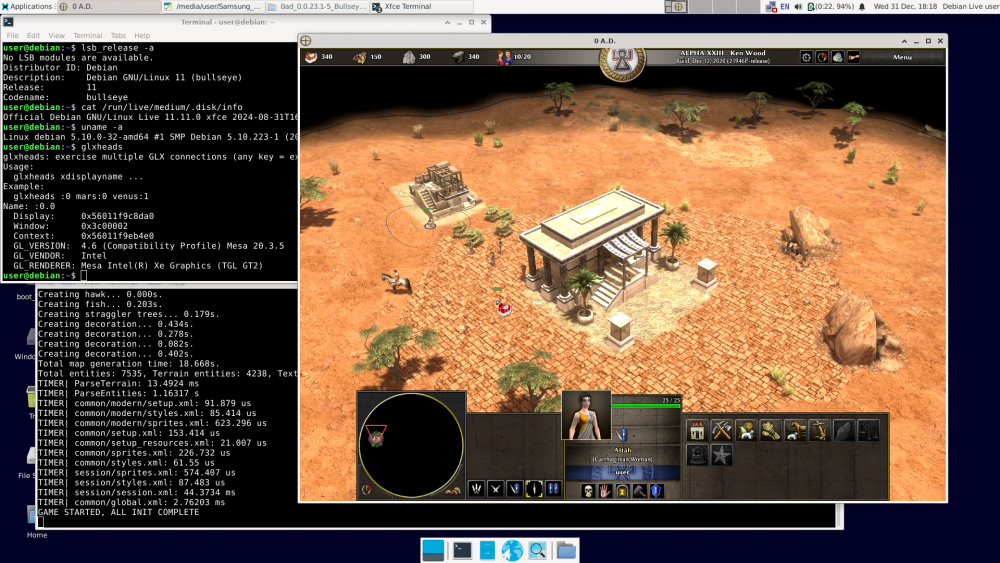
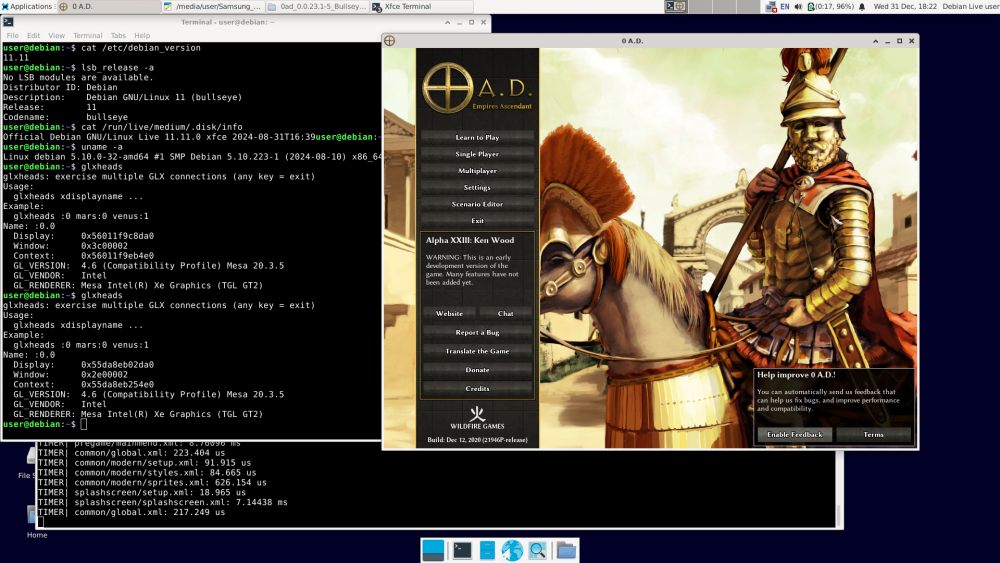 1 point
 -
@Dunedan Good. If compiling older versions of 0ad is as you describe, there's another way. Probably easier than compiling. In Debian, version 23.1 of 0ad was available in Bullseye (11.x). 1. Install Debian 11 Bullseye on a USB stick just like you would on a hard drive. https://cdimage.debian.org/cdimage/unofficial/non-free/cd-including-firmware/archive/11.11.0+nonfree/amd64/iso-dvd/ Includes firmware. 2. Run the installed Bullseye from the USB stick on your computer. Of course, unless it's a recent computer that the Bullseye kernel (5.10.x) can't handle. 3. Since the Bullseye repository is already down (I think), 0ad and its dependencies (there aren't many) must be installed manually. https://packages.debian.org/bullseye/0ad The standard command: apt install 0ad will not work. 4. Download the following: http://ftp.de.debian.org/debian/pool/main/0/0ad/0ad_0.0.23.1-5+b1_amd64.deb http://ftp.de.debian.org/debian/pool/main/0/0ad-data/0ad-data_0.0.23.1-1.1_all.deb http://ftp.de.debian.org/debian/pool/main/0/0ad-data/0ad-data-common_0.0.23.1-1.1_all.deb 5. Try to install it: dpkg -i 0ad-data_0.0.23.1-1.1_all.deb dpkg -i 0ad-data-common_0.0.23.1-1.1_all.deb dpkg -i 0ad_0.0.23.1-5+b1_amd64.deb We're taking a look at what dpkg outputted. The first two packages should install correctly, unless some fonts are missing, in which case they need to be installed. https://packages.debian.org/bullseye/0ad-data-common The last command will be the hardest, as dpkg will output something like: "error – package xxx is missing". You'll need to download this package manually, install it, and try again: dpkg -i 0ad_0.0.23.1-5+b1_amd64.deb And so on until you succeed. After a few rounds of this, we have 0ad ver. 23.1 installed for good. Now you can run 0ad and finally put the Bullseye + 0ad USB stick away. Best regards. Happy New Year1 point
-
Model of the Roman fortress at Ockenburgh1 point