Baelish
-
Posts
77 -
Joined
-
Last visited
-
Days Won
2
Everything posted by Baelish
-
Hi, I have some suggestion to improve the map making: 1) Create a drop down menu for biomes, because there are about thirty biomes and it's difficult to find one and confront them because you can't see all of them on a single screen; 2) A searching tool for biomes through names; 3) Can be useful, but in my opinion more difficult to make it, another searching tool based on similar colors with a RGB color picker.
-
If someone want to help me, please reply in this chat: I want to share files here or on github, because I have problems with texture colors
-
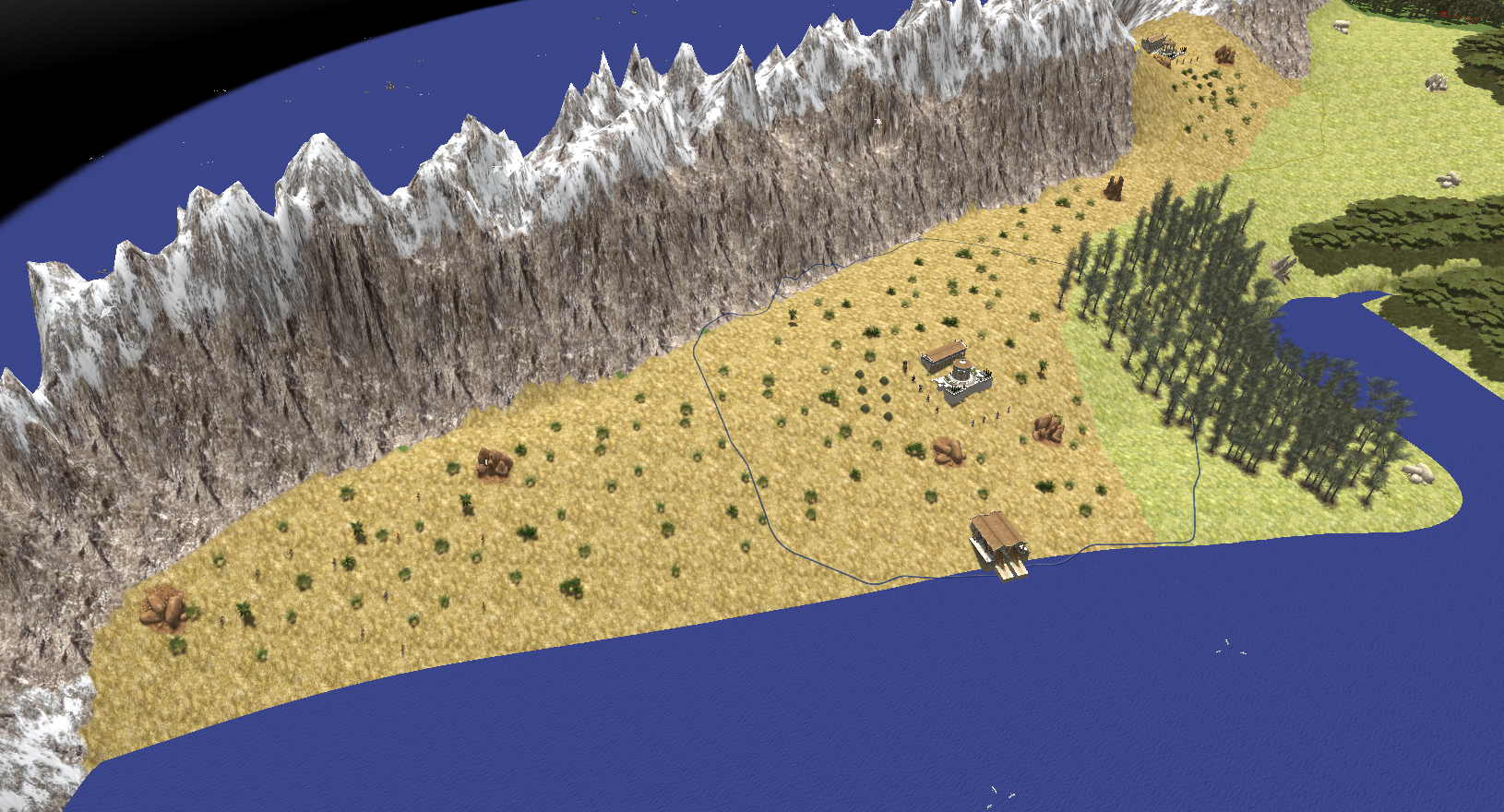
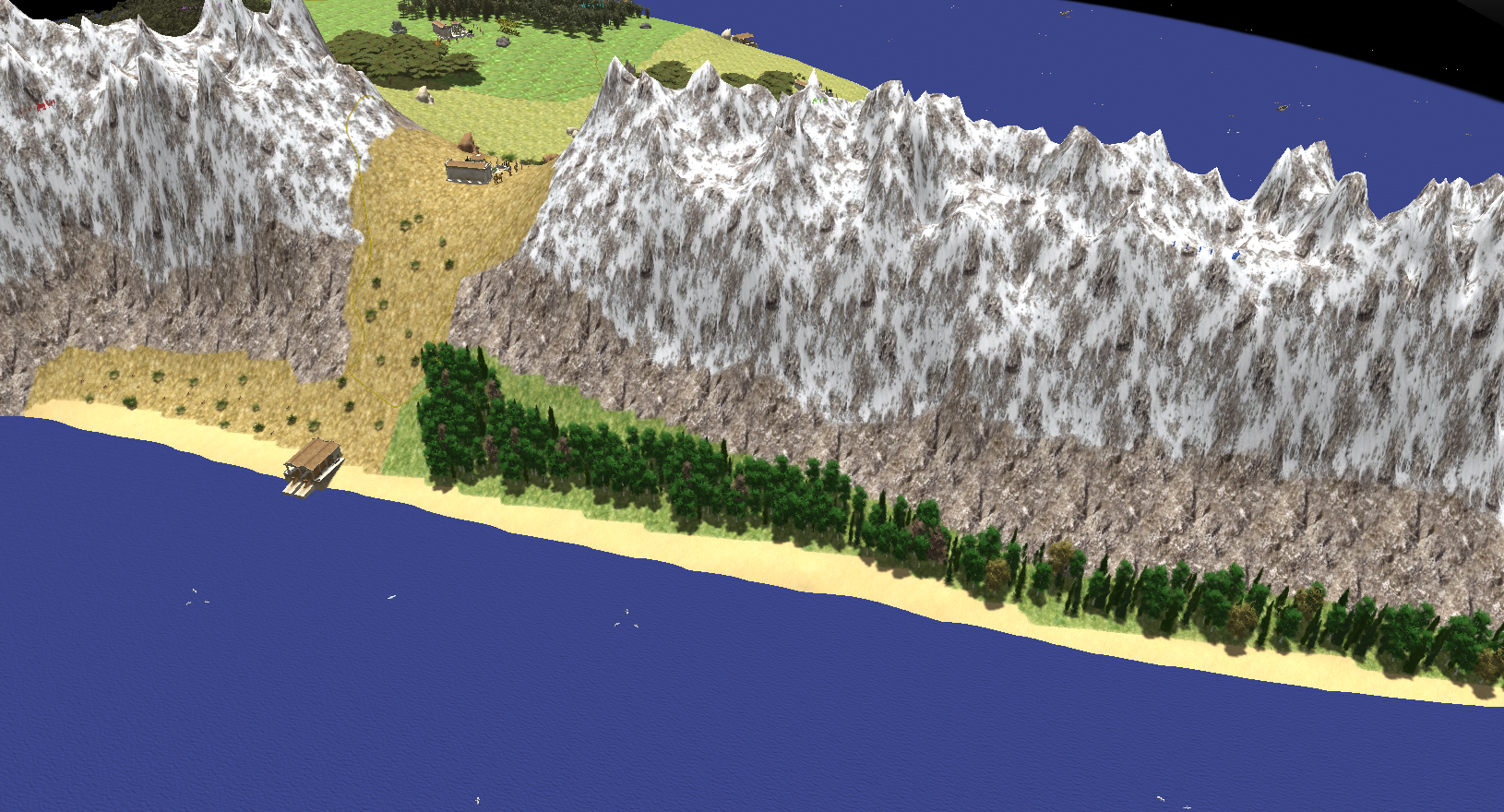
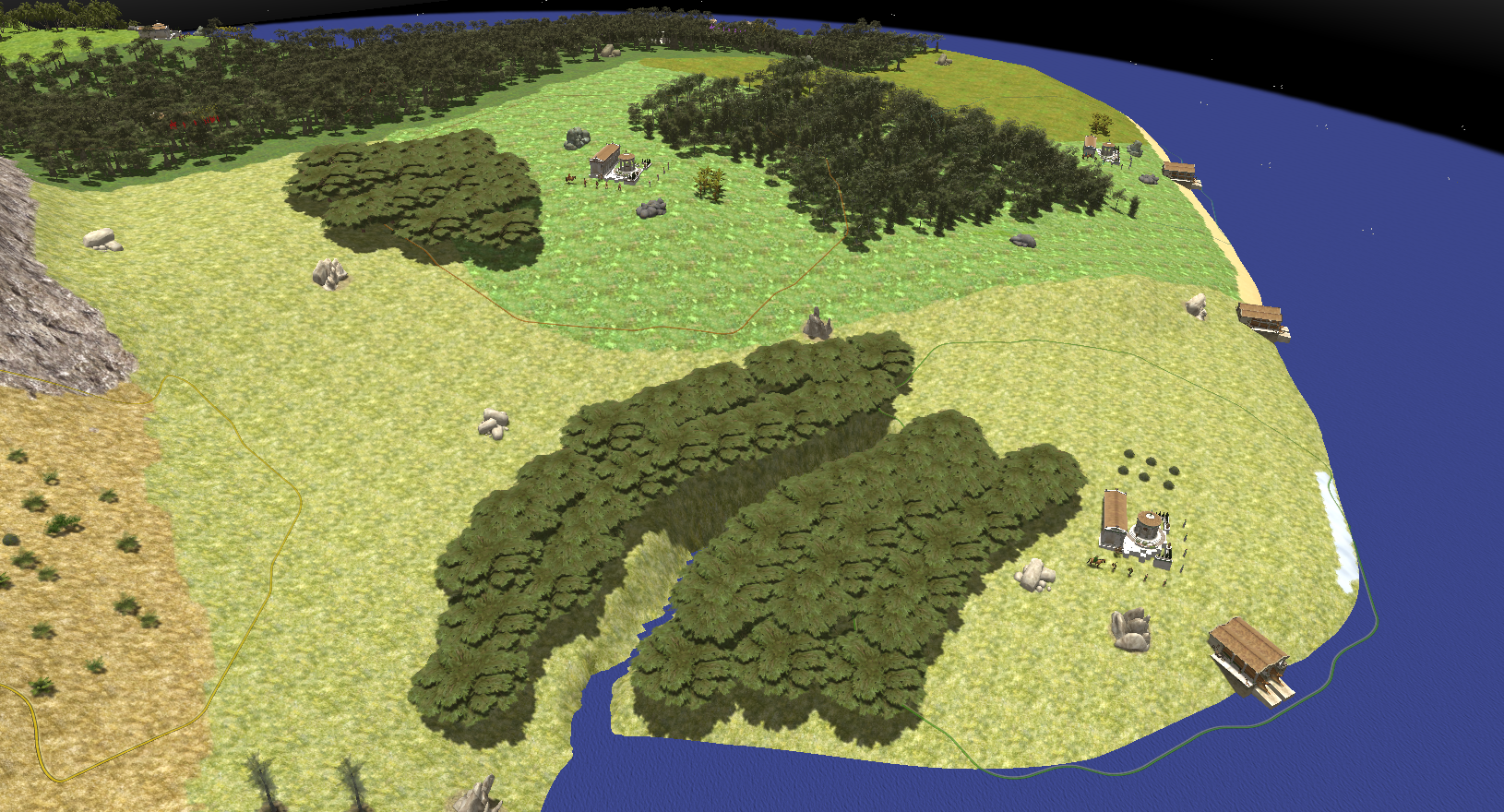
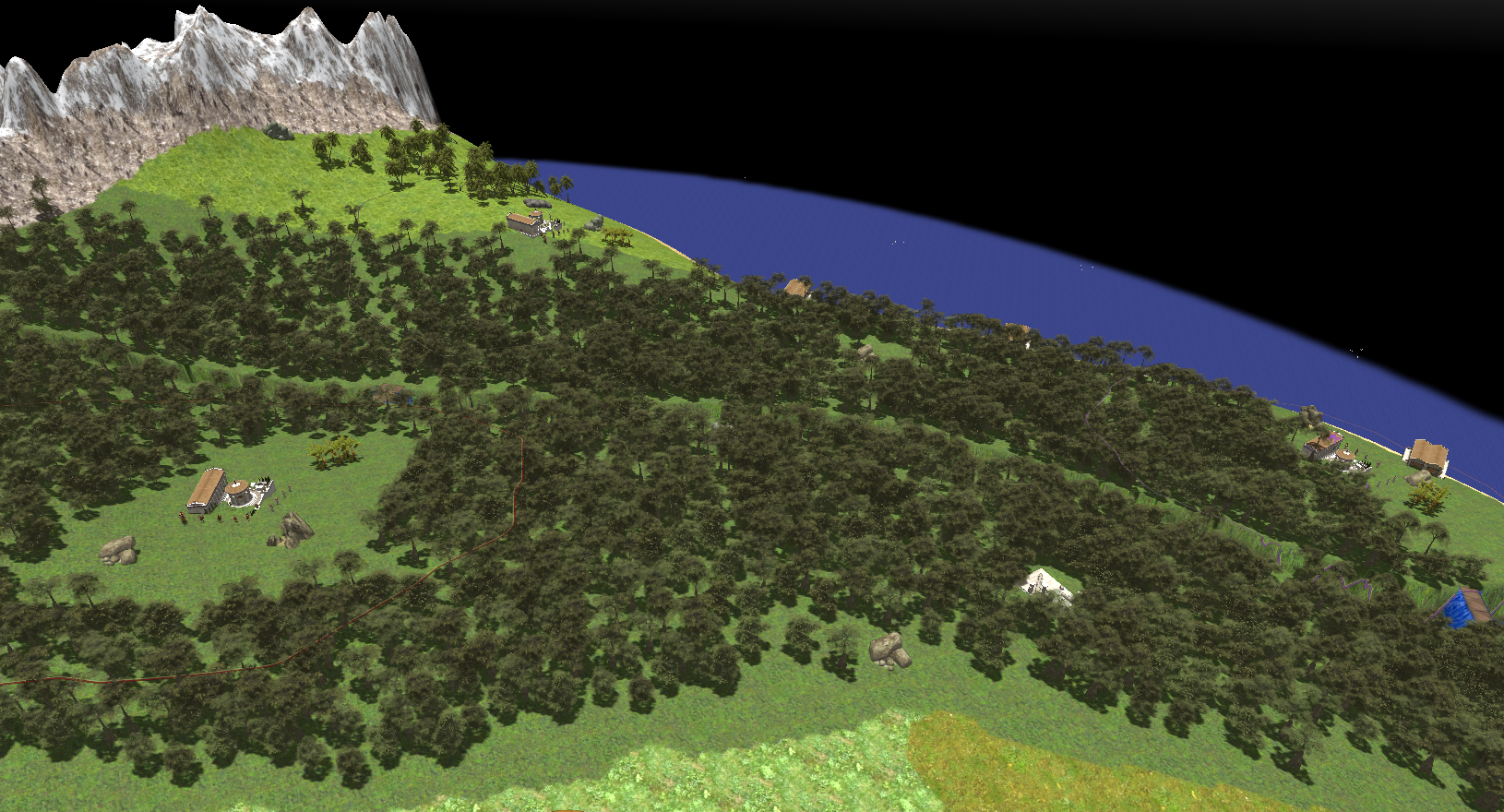
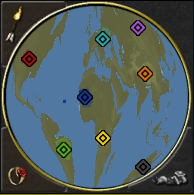
I want to share with you my entusiasm for my new work. It will take very long time because it's a huge project and I'm at the beginning but I'm really happy and I hope that you will like it. It was very difficult to preserve proportion and I based the heighmap on sinusoidal projection. Sadly It's impossible to include Antartica, I think that It would be amazing to build a civic center there. In the end, I want to ask an aid to map artist to improve the final result, because I'm not so creative.
-
thank you very much, it's solved
-
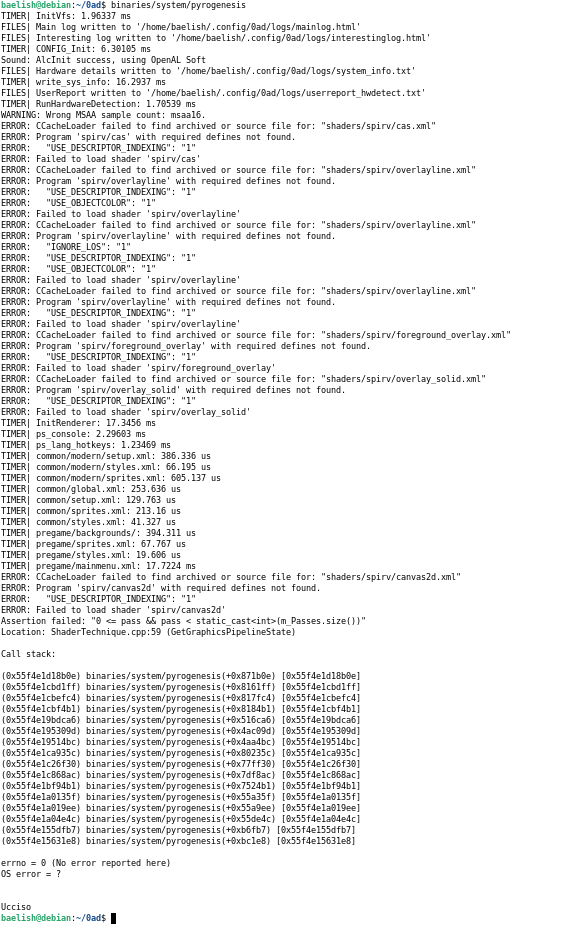
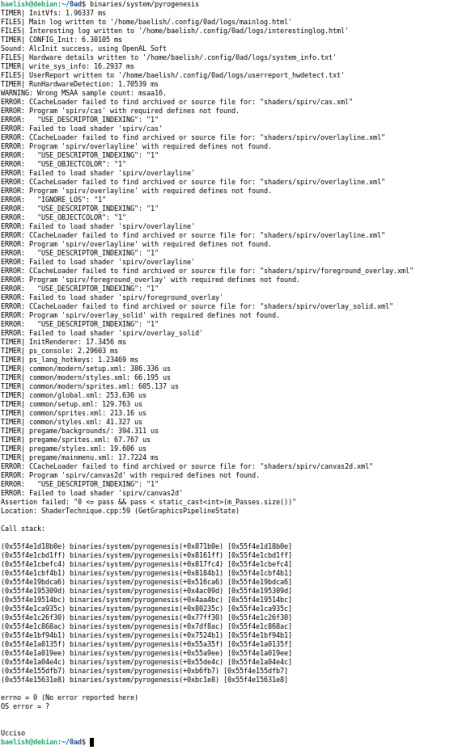
step to reproduce: cd 0ad/build/workspaces ./update-workspaces.sh -j12 --disable-atlas cd gcc make -j12 cd ../../.. binaries/system/test It returns OK binaries/system/pyrogenesis returns an error that I attach
-
I would try to make me useful, so I view opened page, but I don't understand how it works: for example problem #6688 is still opened, but it seems resolved. What is missing? And if I want to work on it, how can I do it? Can I only fork on github and do it on my own? Maybe it's a dumb question but I want to understand how to start
-
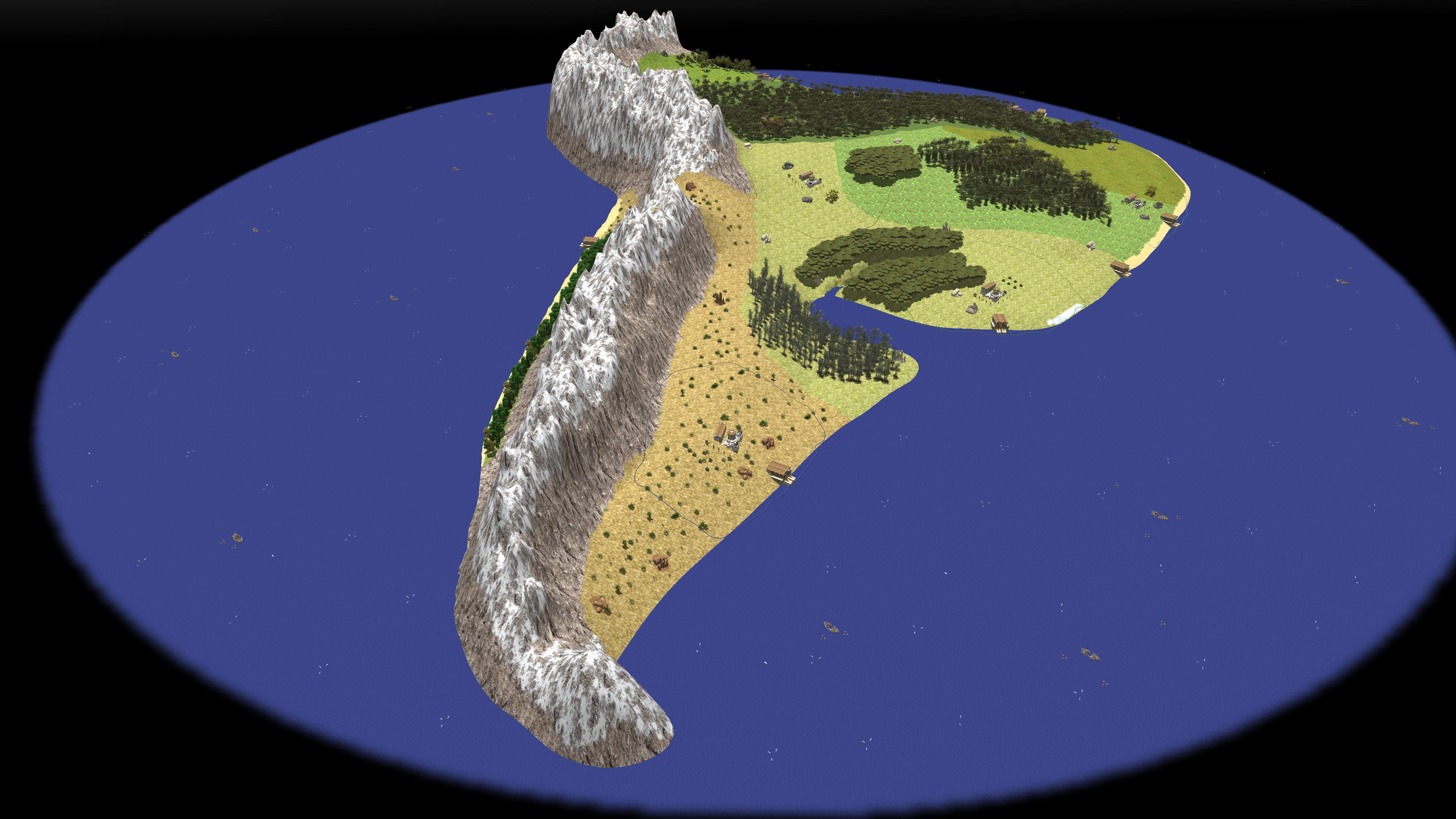
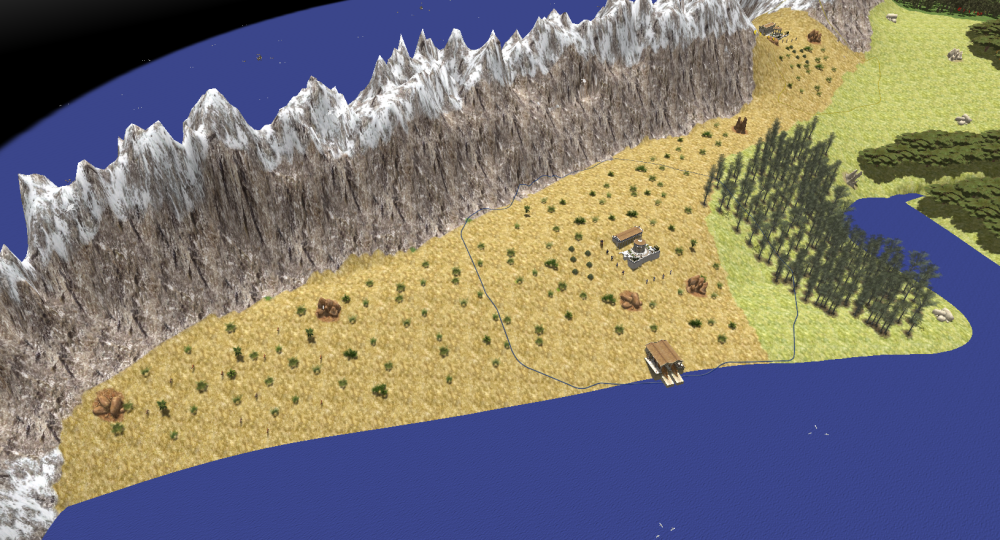
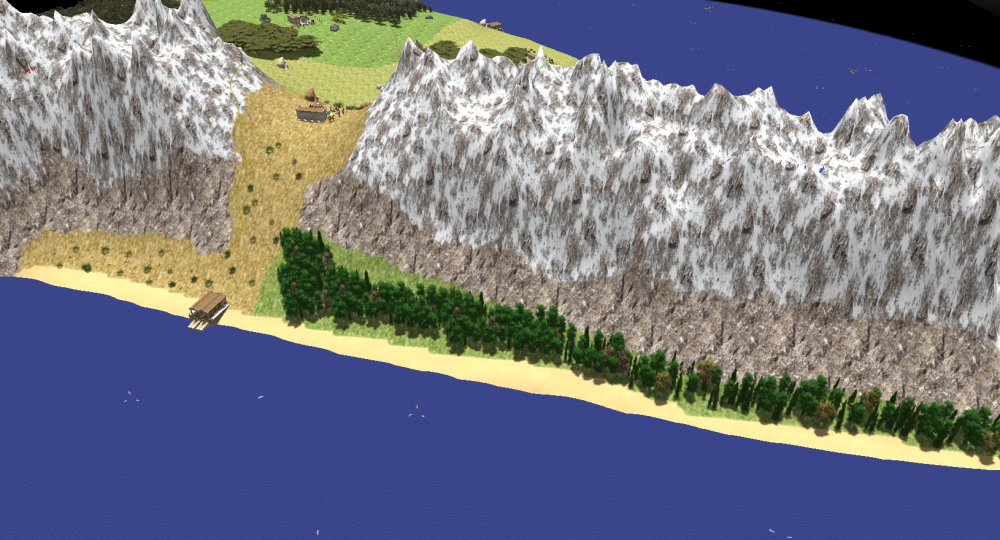
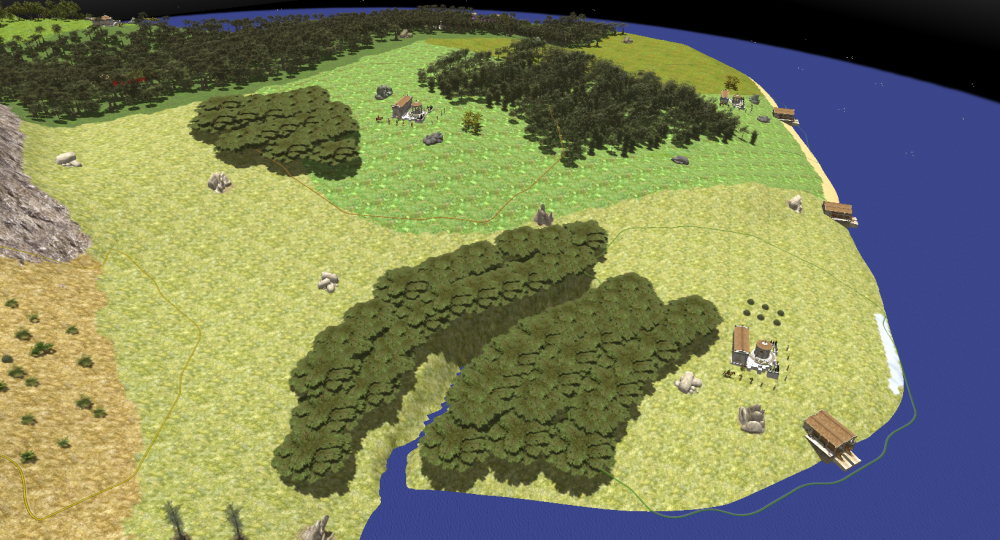
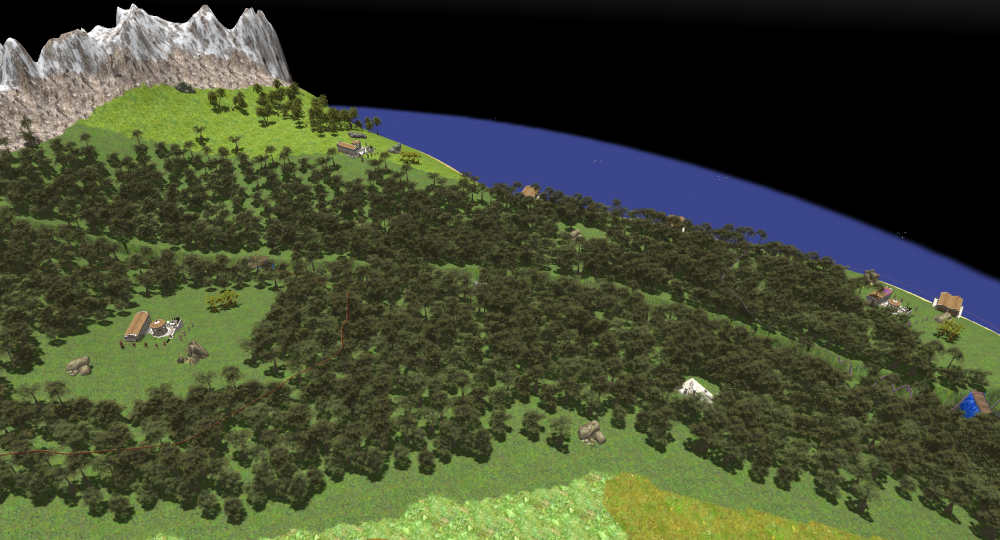
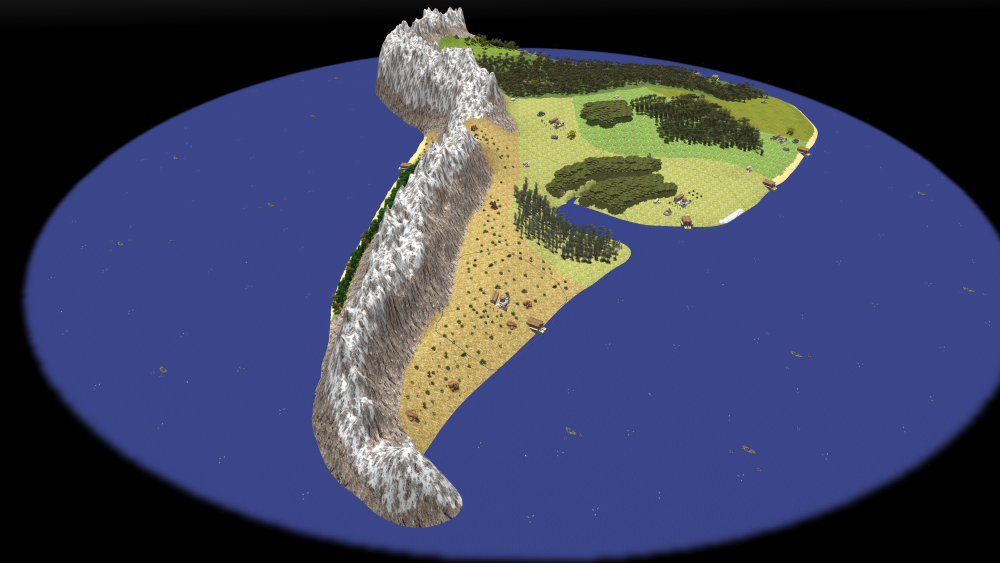
I have just tested my new map of South America. It's a giant map for eight players with a lot of resources. I tried to make position of resources balanced and all biomes and vegetation are inspired by real ones (it was very difficult due to lack of new world specific vegetation and the variety of biomes). I know that it's not historically accurate (obv) but It's only for fun. Please say to me what do you think about it or some advice to improve it. If the community likes this work I will continue with other continents. South America Baelish.zip
-
I have just finished to make program usable with all map sizes: https://github.com/Baelish03/Map-entities-cleaner-for-0-A.D.
-
I test it on North America.xml old file and it WORKS I will add more information after lunch
-
I had already done it and obtained that numbers for a giant map, now I'm working on the program and I hope that it will work
-
Approximately, I find map center at (1024, 1024), but maybe it's wrong because my calculations aren't precise. About the radius, I agree but I don't find a method to remove entities in the corners quickly. I can build a tool in python that read x and z, square sum them and remove if radius is higher than 1008. Please confirm me if radius and center information are correct, because I need them to use a formula.
-
I downloaded physical map from: https://it-it.topographic-map.com/map-spl9m/Stati-Uniti-d-America/?center=43.19717%2C-110.39063&zoom=4&base=3 Use cartolight because writings are lighter. With GIMP: 1) I resized it "Image > Scale Image..." 2) Inverted colors "Colors > Invert" 3) Make it black and white changing saturation "Colors > Hue-saturation...", each altitude have a different color (for example sea became red and flats are magenta), so you can remove saturation to make it grey and low Lightness till you like. PAY ATTENTION: not too much, because u will obtain big hills and very huge mountains. 4) If there are some errors FuzzySelect Tool to resolve 5) Last step "Filters > Blur > Median Blur" to make border between different parts less strong After this big work I discover this site https://tangrams.github.io/heightmapper/#4.3/33.878/-94.193 but I never tried it, maybe i will use for next map. In map editor follow your creativity, just one recommendation: sea must not be too deep because become very difficult to smooth terrain and build dock.
-
Here the .zip file with with .xml, .pmp files and the screenshot of the map for the preview North America Baelish.zip
-
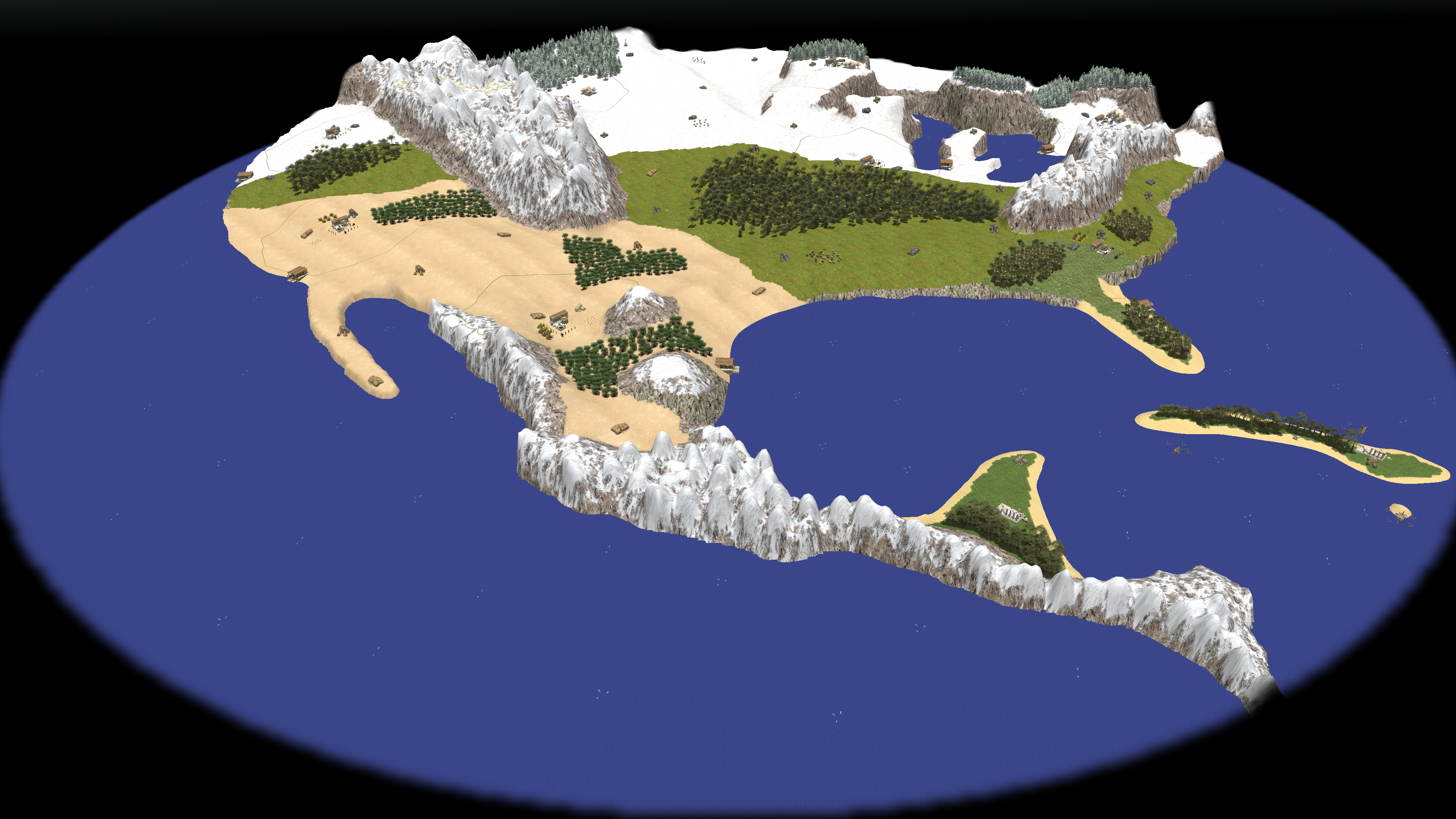
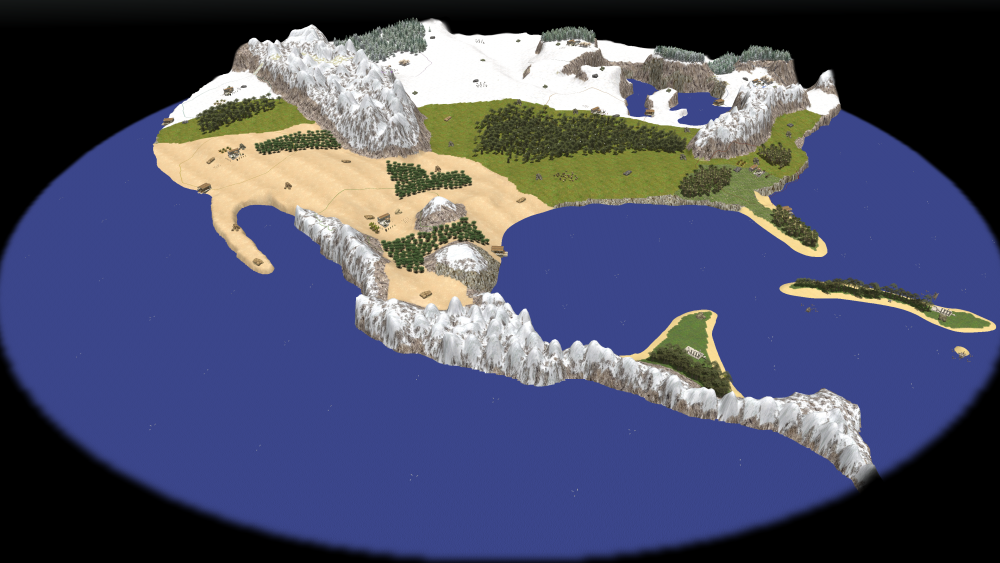
I create a new map of North and Central America, I tested it on my own and now I would like to share it and use in multiplayer, but I don't know how to do it, because it's my first time. Can somebody help me? I attach a screenshot of the new map, I hope that you like it.
-
Hi, I will resume quickly: There are some entities beyond the limit. 1) I try to remove them with map editor, but isn't possible to select things in the black parts of the map (I mean the corners). 2) So I decide to manually remove from the .xml file all the entities with coordinate x or z higher than a certain number and to find this number I put some entities in the Cardinal points. Both methods FAIL. 3) Finally I use same .pmp file and create a new .xml file and I start from zero. I recommend to backup .xml often in a different directory to restore it instead of restart from the beginning. Well, how can I publish my new map? P.S. Have the second method sense? Because maybe I damaged .xml, I believe that accidentally I remove something important: when I use that .xml map editor says that it's unusable.
-
Thank you very much, I will try to load old .xml file and remove entityes on border
-
I've got important news: I tried to replace the .xml file with a new one previously set (I created a new map and replaced the .xml file) and it worked! Map is now set with elevation and texture, but with no entity and other stuff, like sun or sea. I suppose that I use too much trees or too near. It is only a theory. It can be a problem?
-
I'm sorry but I don't know steps to reproduce: I edited the map without try it, so I don't know what element causes the problem I attach files of the map North America.xml 1314840364_NorthAmerica.pmp
-
Already done, I had the same error I hope that I understand what to do: (gdb) bt #0 0x00005555557ab340 in ?? () #1 0x00005555557a62f1 in ?? () #2 0x00005555557a6dd9 in ?? () #3 0x00005555556cf637 in ?? () #4 0x000055555569afc2 in ?? () #5 0x00005555556a31ea in ?? () #6 0x00005555556f912b in ?? () #7 0x00005555558d61fc in ?? () #8 0x000055555561d6c0 in ?? () #9 0x00005555556051e7 in ?? () #10 0x00007ffff5f471ca in __libc_start_call_main ( main=main@entry=0x5555556051b0, argc=argc@entry=1, argv=argv@entry=0x7fffffffe0f8) at ../sysdeps/nptl/libc_start_call_main.h:58 #11 0x00007ffff5f47285 in __libc_start_main_impl (main=0x5555556051b0, argc=1, argv=0x7fffffffe0f8, init=<optimized out>, fini=<optimized out>, rtld_fini=<optimized out>, stack_end=0x7fffffffe0e8) at ../csu/libc-start.c:360 #12 0x00005555556161f1 in ?? ()
-
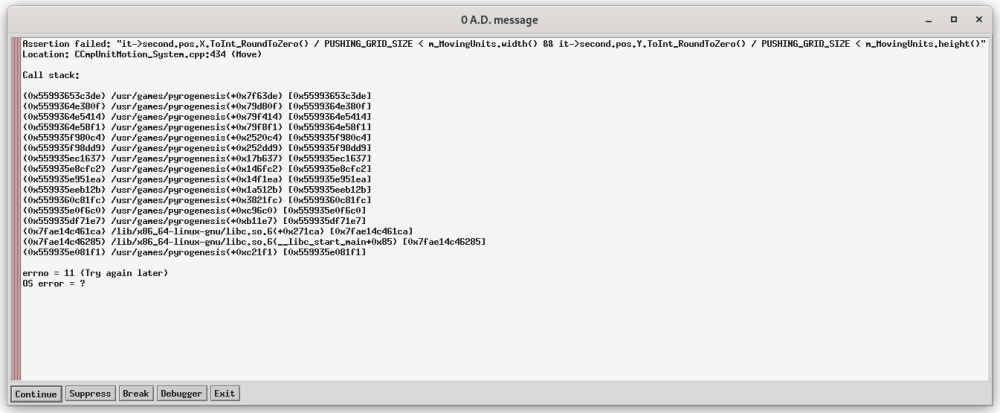
In map editor I selected all with "Move/Rotate object", I used it to select all maps and the I clicked "delete" on keyboard I try it, but same error It says also: (gdb) CCmpUnitMotion_System.cpp(434): Assertion failed: "it->second.pos.X.ToInt_RoundToZero() / PUSHING_GRID_SIZE < m_MovingUnits.width() && it->second.pos.Y.ToInt_RoundToZero() / PUSHING_GRID_SIZE < m_MovingUnits.height()" Thread 1 "main" received signal SIGSEGV, Segmentation fault. 0x00005555557a6146 in ?? ()
-
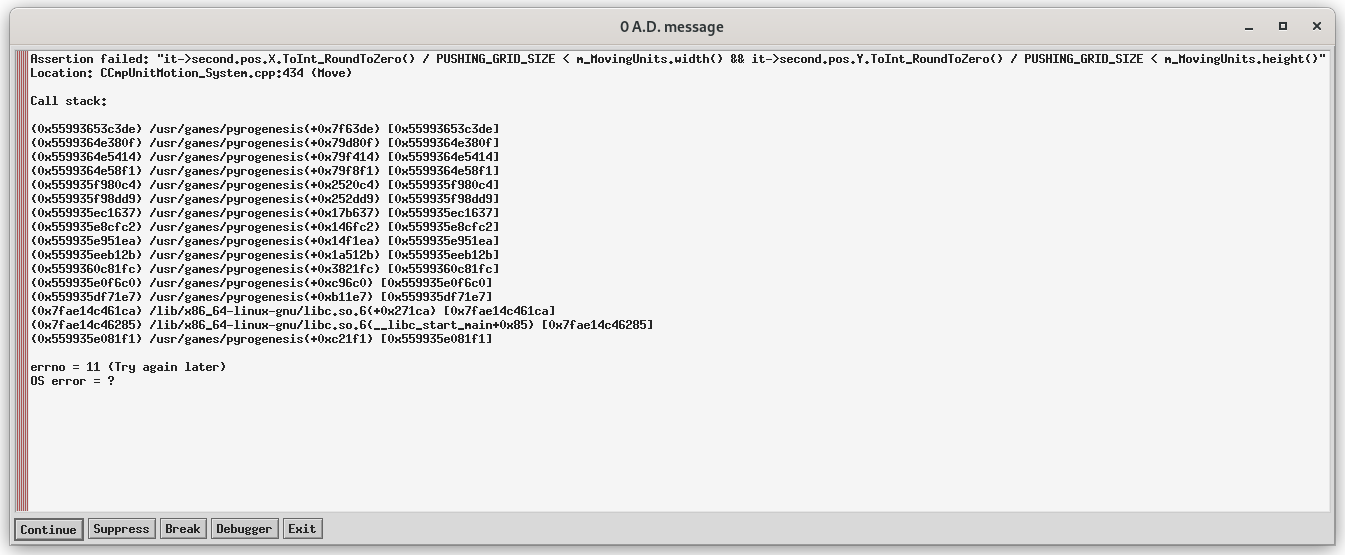
I attach all logs and error picture. I used an handmade heightmap. I tried to remove all entities, to flat all map, but it crashes anyway. If you need more infos, i will answer quickly. crashlog.txt system_info.txt userreport_hwdetect.txt
-
Unfortunately I'm not an android app developer, but I'm interested to learn, so if I can be helpful doing something, count me in. Anyway I think that create a new app with a touch input is very difficult and it mean recreate all the game for ARM64 arch; so we can create a new windows version optimized for android emulator and play it with external mouse.
-
in the emulator
-
there isn't Vulkan in the possible options
-
In main menu FPS are around 75 (I set FPS throttling to 100 to experiment the max), in game it became between 7 and 35, based on what you are doing. My battery is 5000 mAh and for a 2 hours session, winlator used less than 15 %