Egg
-
Posts
10 -
Joined
-
Last visited
Recent Profile Visitors
1.029 profile views

Egg's Achievements

Discens (2/14)
3
Reputation
-
Oryxanimations.zip That video is awesome. I think I should give it a go. Here are the blender files for the oryx run and walk. My time has been a little taxed via job and moving. But I've been dedicating time over the weekends. -Says I'm not allowed to upload the blender file. But I compressed them in a .zip. Let me know how these work!
-
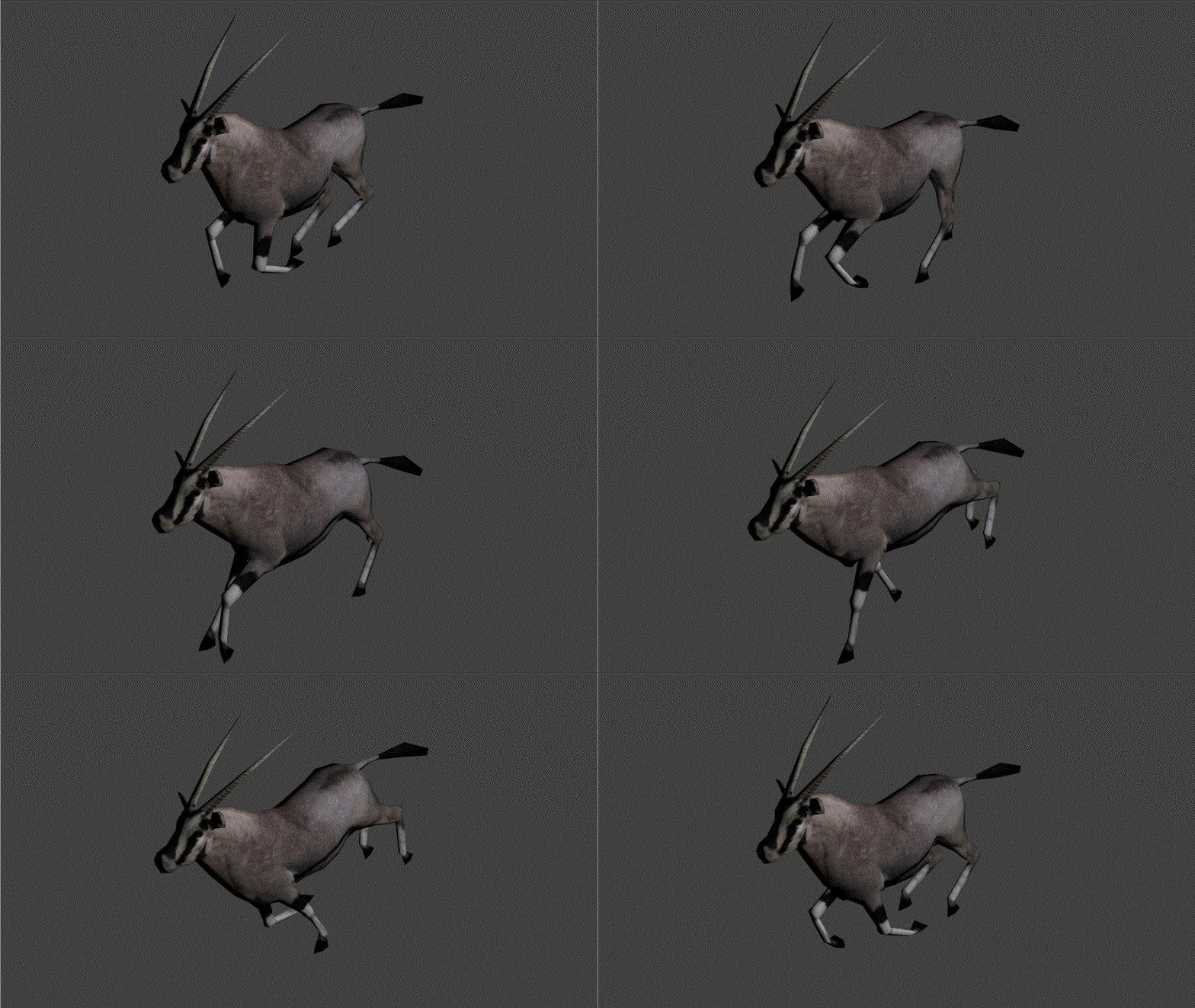
Work in progress of the oryx run. A little bumpy but should get smoothed out soon.
-
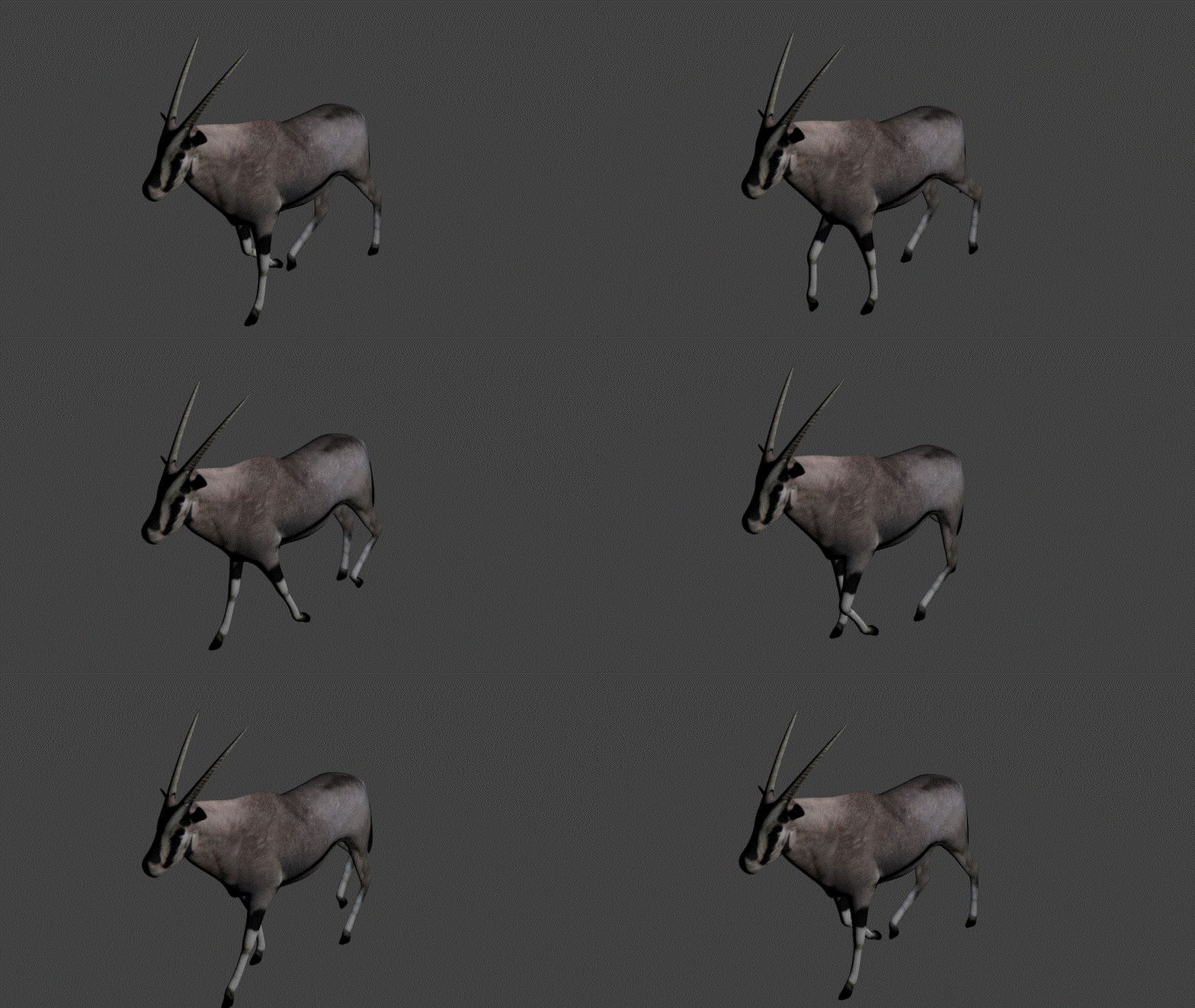
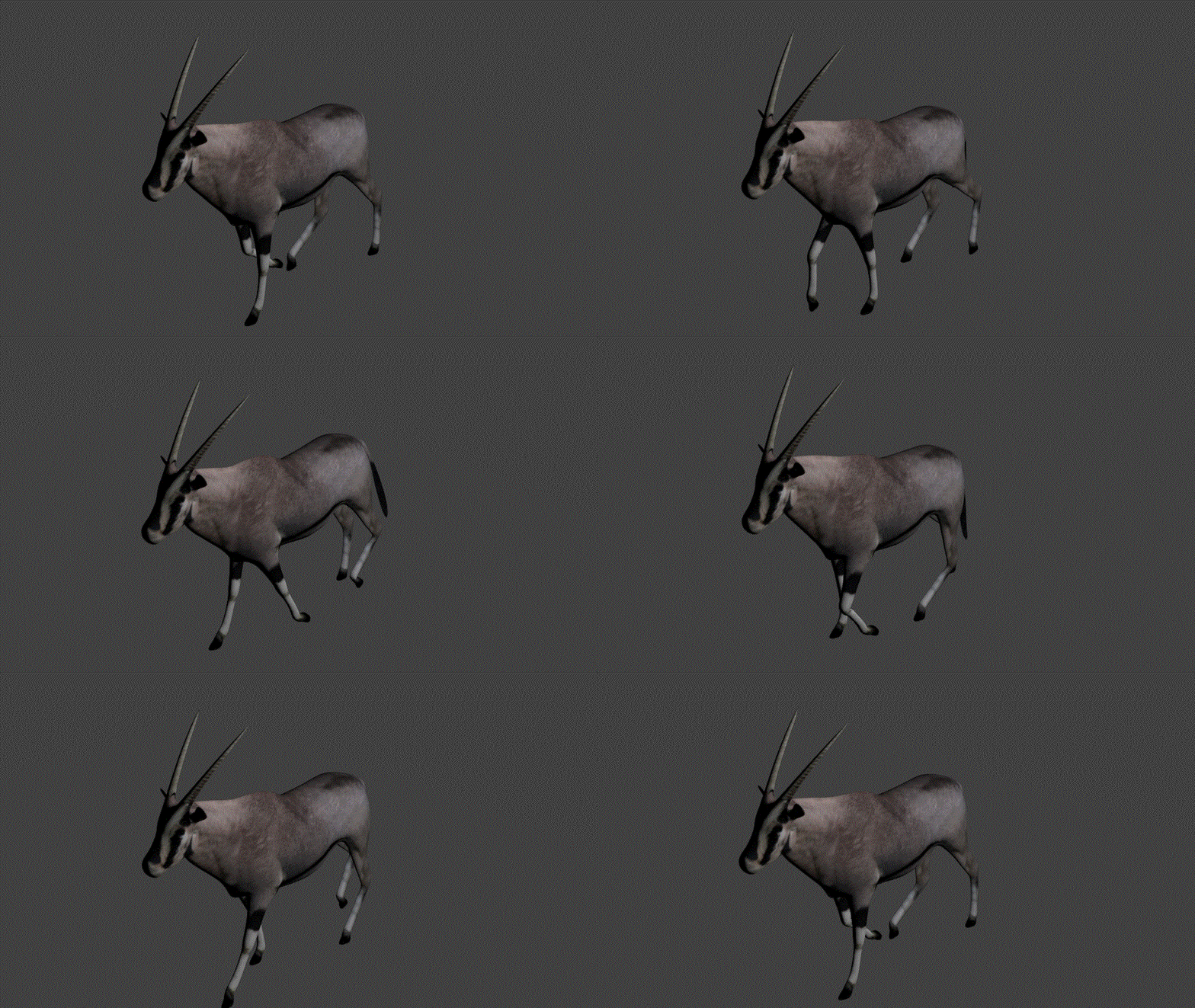
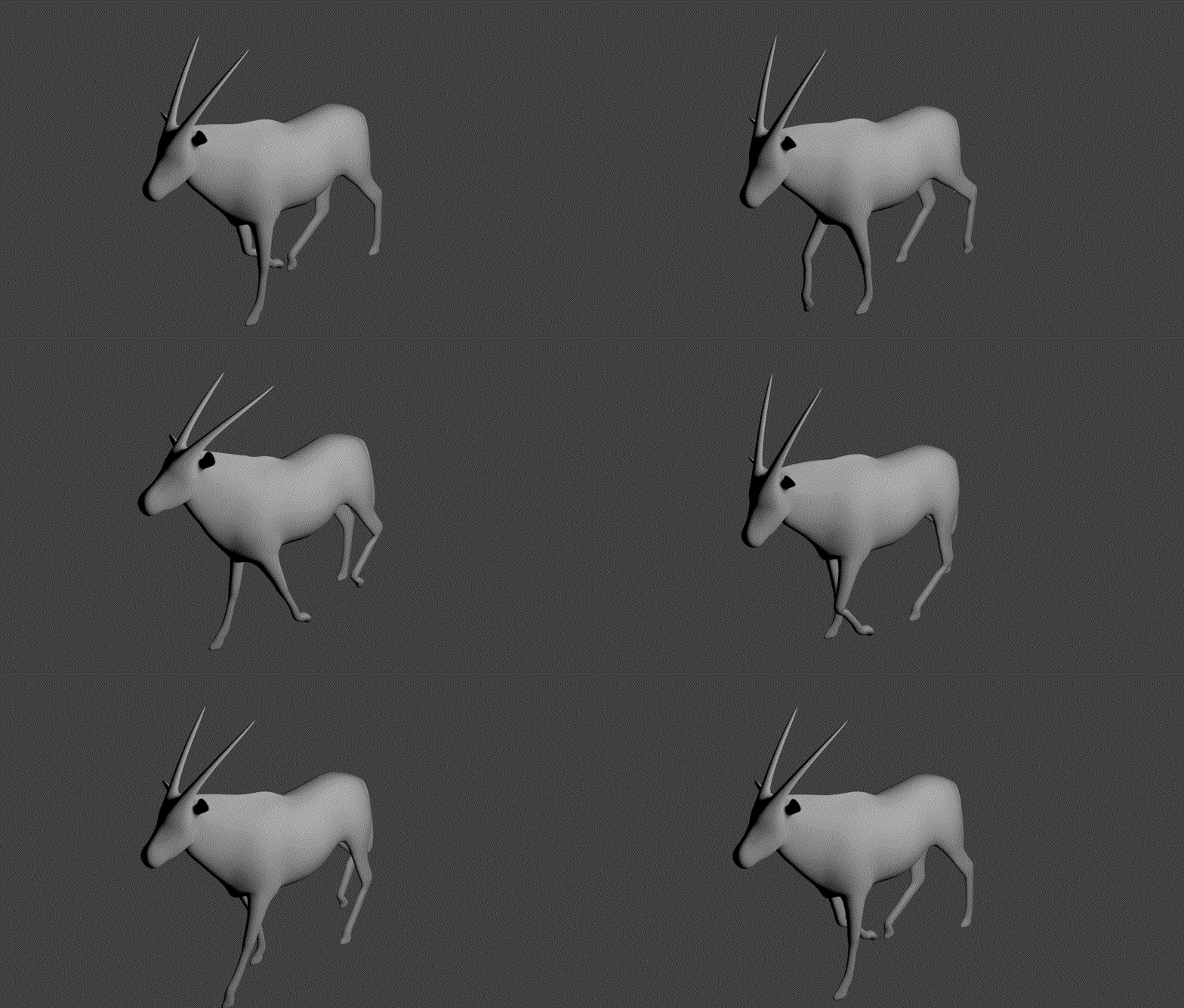
Hello everyone, I apologize for the tardiness. I do have some new updated gifs. The following have minor adjustments: minor headbob, left to right headbob, tail flick, etc NoSubSurf & SubSurf01 are the same.
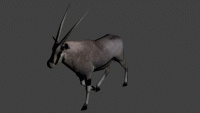
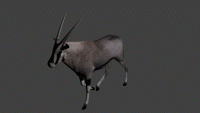
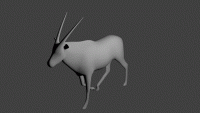
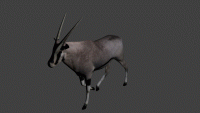
-
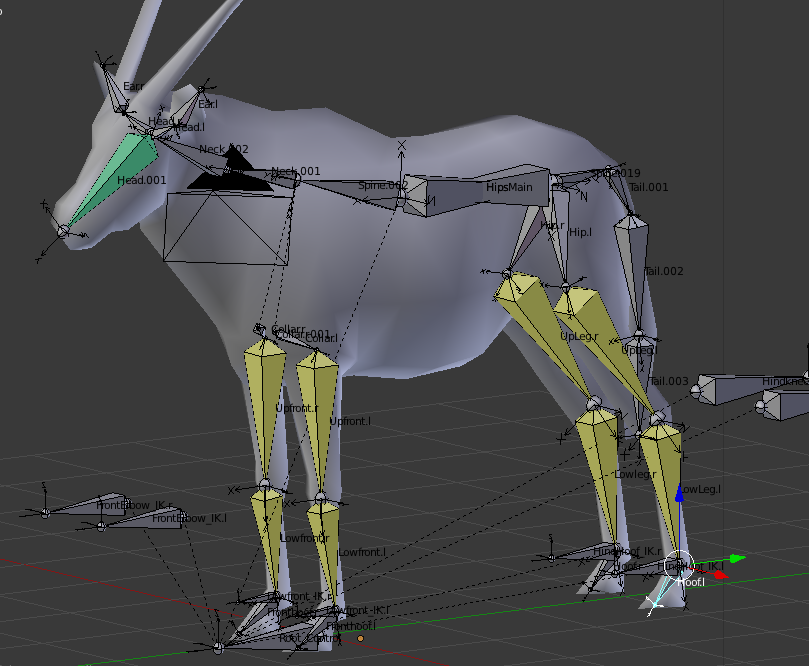
Im not sure what part you are trying to address, are you talking about the bones by the "collar" and hips? I'm trying to make sense of some of the files you've shown me but I cant make too much sense of them. Most of the files look like Im looking at a webpage view source (is that normal?). Im using a mac so I dont know if thats a cause for the confusion.
-
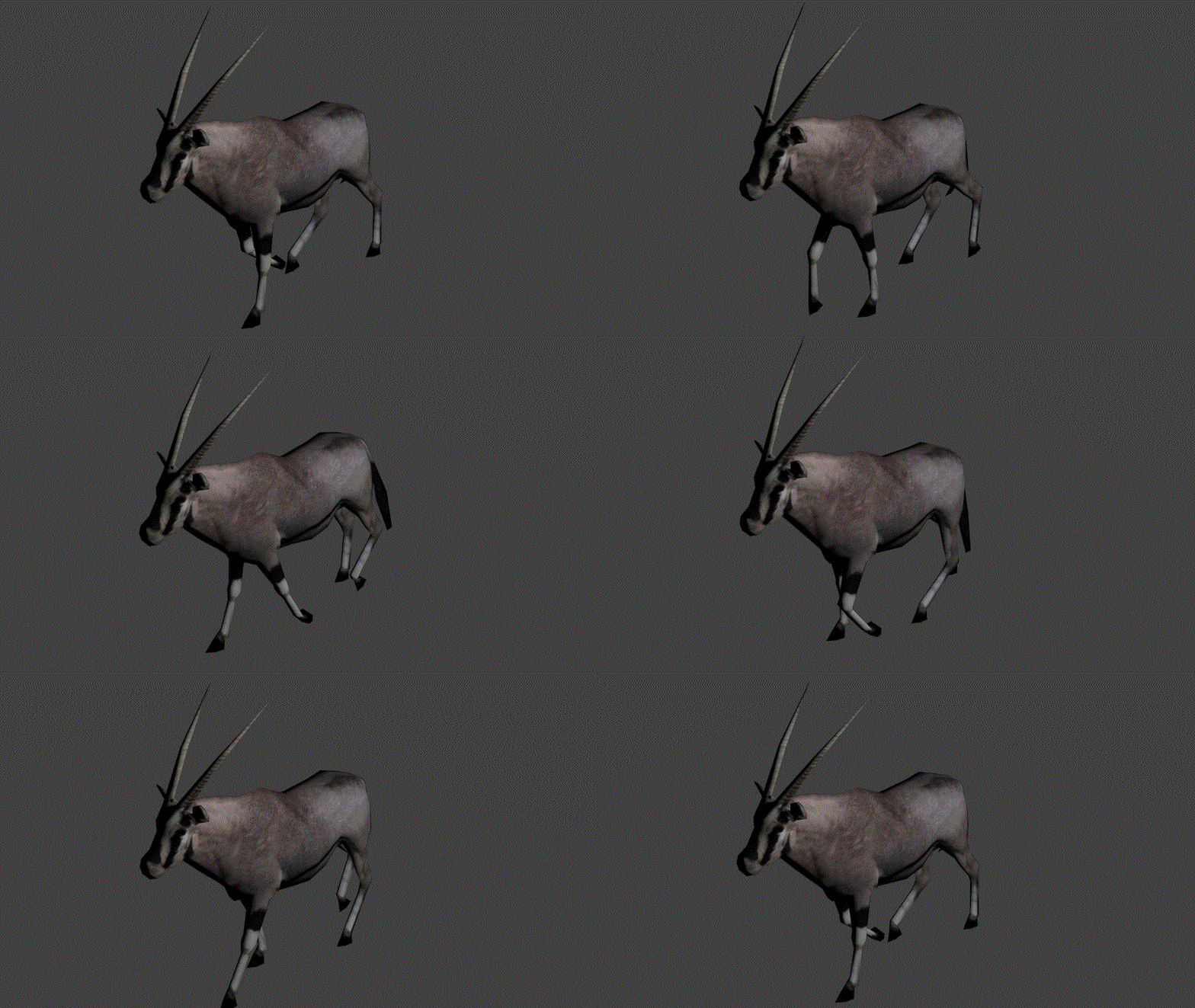
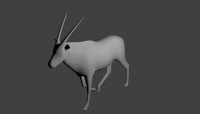
Ok, Blender animation was a lot harder than I expected. But I have the first walk cycle test for the Oryx. As one friend noted, the headbob is a little too extreme (as if he was listening to some amazing beats), so I'll be sure to lessen the extremes. After I smooth out the rest of the hoof work and the front legs, I'll start to work on the tail. I also noticed that the renderer has the smoothing on this higher than what the viewfinder shows. Anyone know why this happens? I'll look around to see if anyone has had a similar question.
-
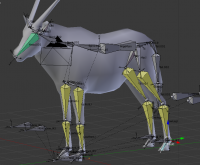
Hello everyone! Sorry I have not been in contact recently. But I have taken a few jabs at Blender and I think I have a pretty decent understanding of it now. In addition I was able to rig the Oryx model. Hopefully by this weekend I should have a few of the animations set up.
-
Alright, thanks for explaining the licensing issues. I havent taken a look at Blender3D, but I would be more than willing to take a shot at learning it. Silver lining on this issue is I do have a commercial license for some Adobe programs (photoshop, etc) so there is no worry there. Should I continue to post progress from the oryx model when working in Blender or should I make a new thread for this?
-
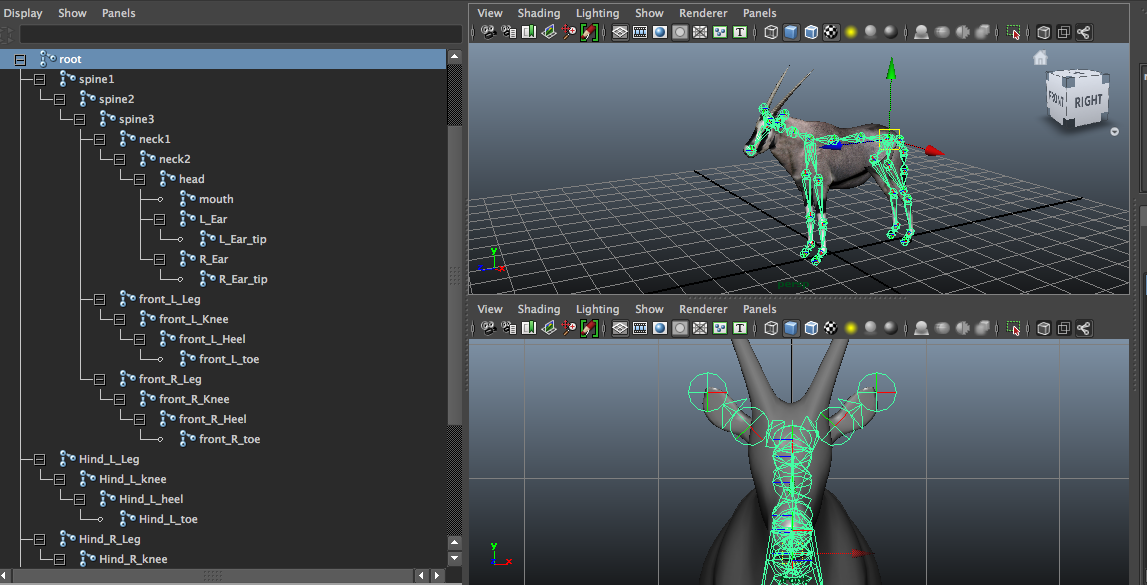
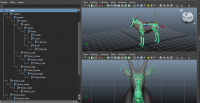
Student version basically means I don't own a commercial version of the program. "legally forbid from using the software for monetary gain" , I figure since this is just a thing thats open source and all that its not a problem, but I've never been on a big project like this before so I am not familiar with these sorts of things. I was looking over the guide and I was unable to find the ColladaMaya plugin download. Each time I click on the download it brings me to http://www.fortem.com/ and then I get lost. My only other question would be the joint/bone count of the model. The standard for a human model is at 25, however for the oryx im at about 32, additional joints were added for ears and the tail. I attached a screen shot, I was wondering if you could tell me how the other rigs looked? Are they simple Iks? ikfk blends, reverse foot rigs, spline iks. I was also wondering if I would be able to use blend shapes to do some of the animating, breathing mostly. I think I'm over-thinking things but any input would be appreciated.
-
Hi Enrique, I am more than willing to dive into animating for you guys. My prime interest is animation so that would be the best place for me to start out! If you guys need me to do anything else down the road I could also lend a hand elsewhere. My only concern is I use a Student Version of Maya. kosmo, I took a look at Inkscape, and while I am not as familiar with it as I am with Flash, I was able to open svg's in Illustrator and then save them as an swf. So far I have only been able to come up with two possible solutions that could help. One is to export a png sequence and bring that into Flash (although this may cause problems with scaling since both programs are vector based and a png sequence would lose that). Second would be to export each frame as an svg, open them Illustrator, save as swf, then place the frames in Flash (on second thought that may be a long roundabout way of doing things). Another possibility I was able to find after some searching was there are some websites that say they can convert svg's to swf's, although I'm not too sure how they work or handle animated sequences. I'll let you know if I figure out a better way. This all sounds so exciting. Thank you for this opportunity.
-
Position:Animator/3D Modeling/Texturing/Illustration