willbont
-
Posts
10 -
Joined
-
Last visited
Everything posted by willbont
-
I think I may have found the issue, the new version of the game seems to have trouble running Vulkan rendering, I disabled it and enabled OpenGL, restarted the game a few times, enabled Delenda, no issues, disabled it, no issues. Will keep you guys informed, thank you guys. @Stan`@guerringuerrin@Deicide4u@Obelix
-
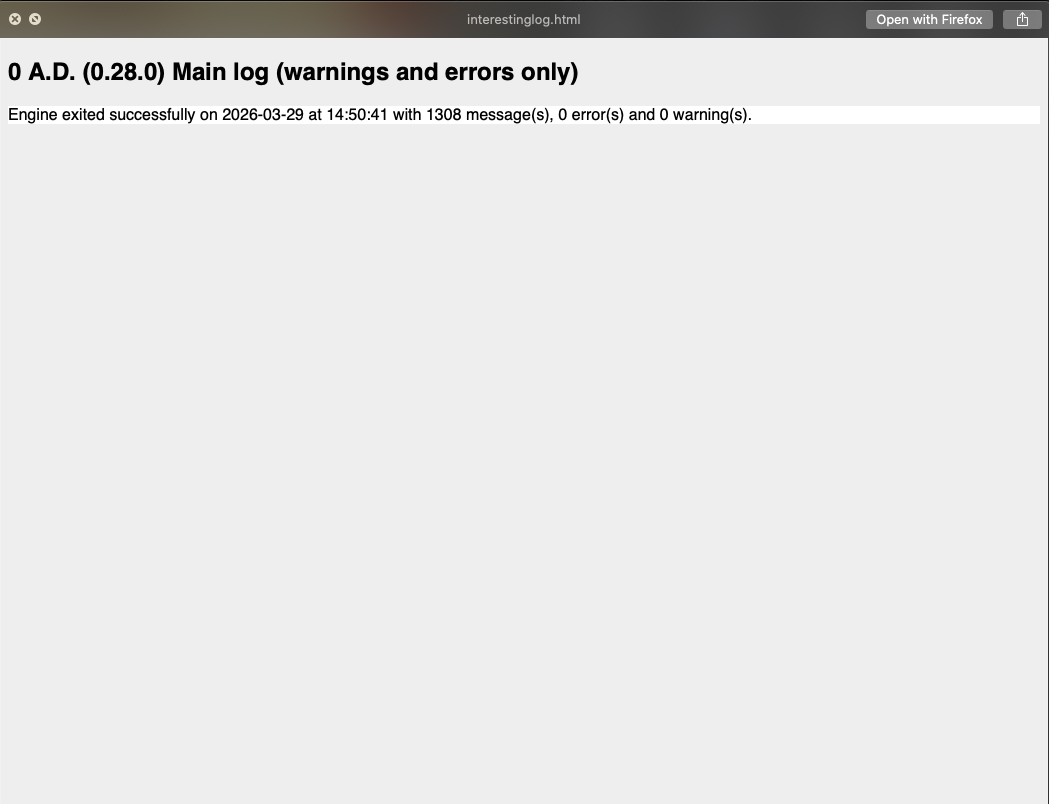
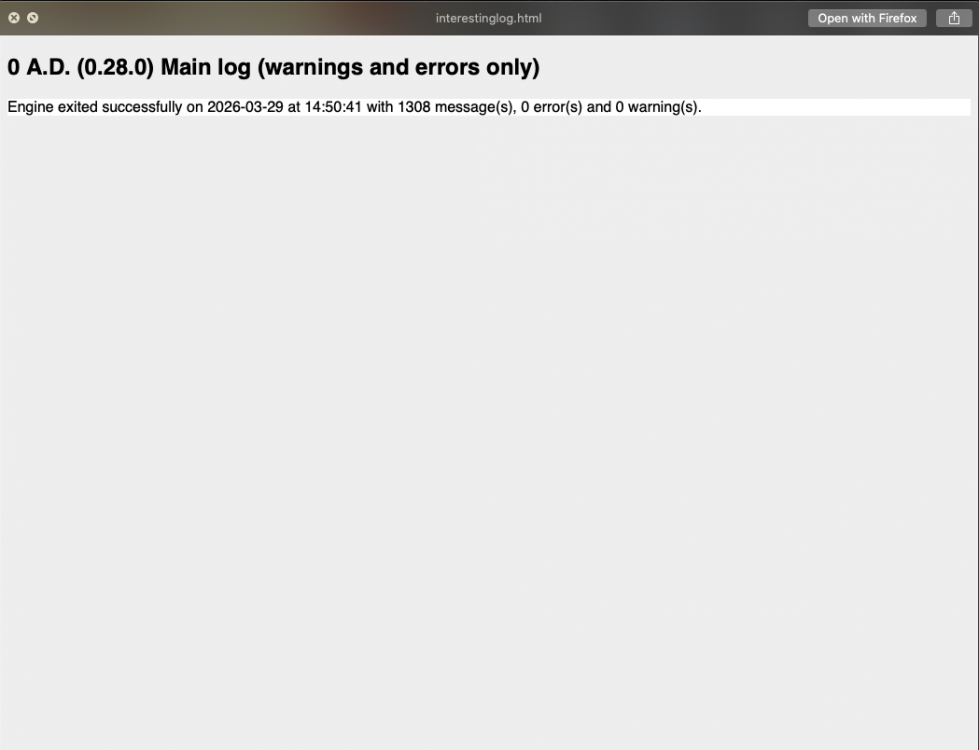
Interesting, somehow it's working properly now, maybe it had something to do with the mods being removed from mod folder like you suggested @Stan`, Guerringuerrin had mentioned something similar in this discussion. However, When I enabled Delenda est and tried playing it, same thing happened, I disabled it, restarted the game, and it brought me back to the issue again. I will send the main log below, I cannot send a screenshot of the whole thing, so I'll copy and paste it here.
-
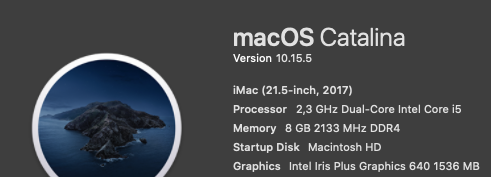
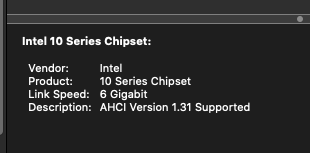
I would say Intel, it says it everywhere on "About my Mac". I checked System report on it and I cannot find anything related to AARCH64, only Intel. The current version on my Mac is 10.15.5
-
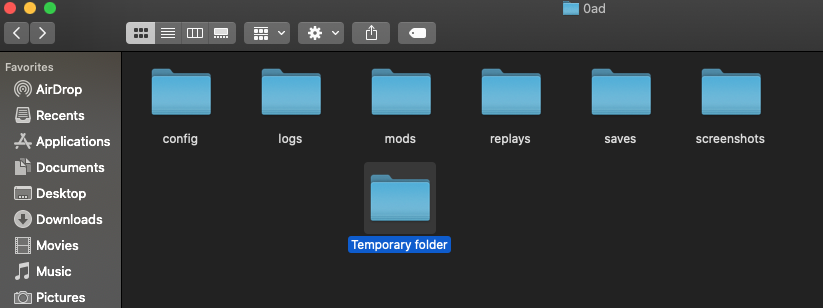
Anytime my friend, and absolutely, I will send a screenshot of it here. I do not have any mods enabled in the game, and yes, I will move the ones in the mod folder to a temporary folder for now.
-
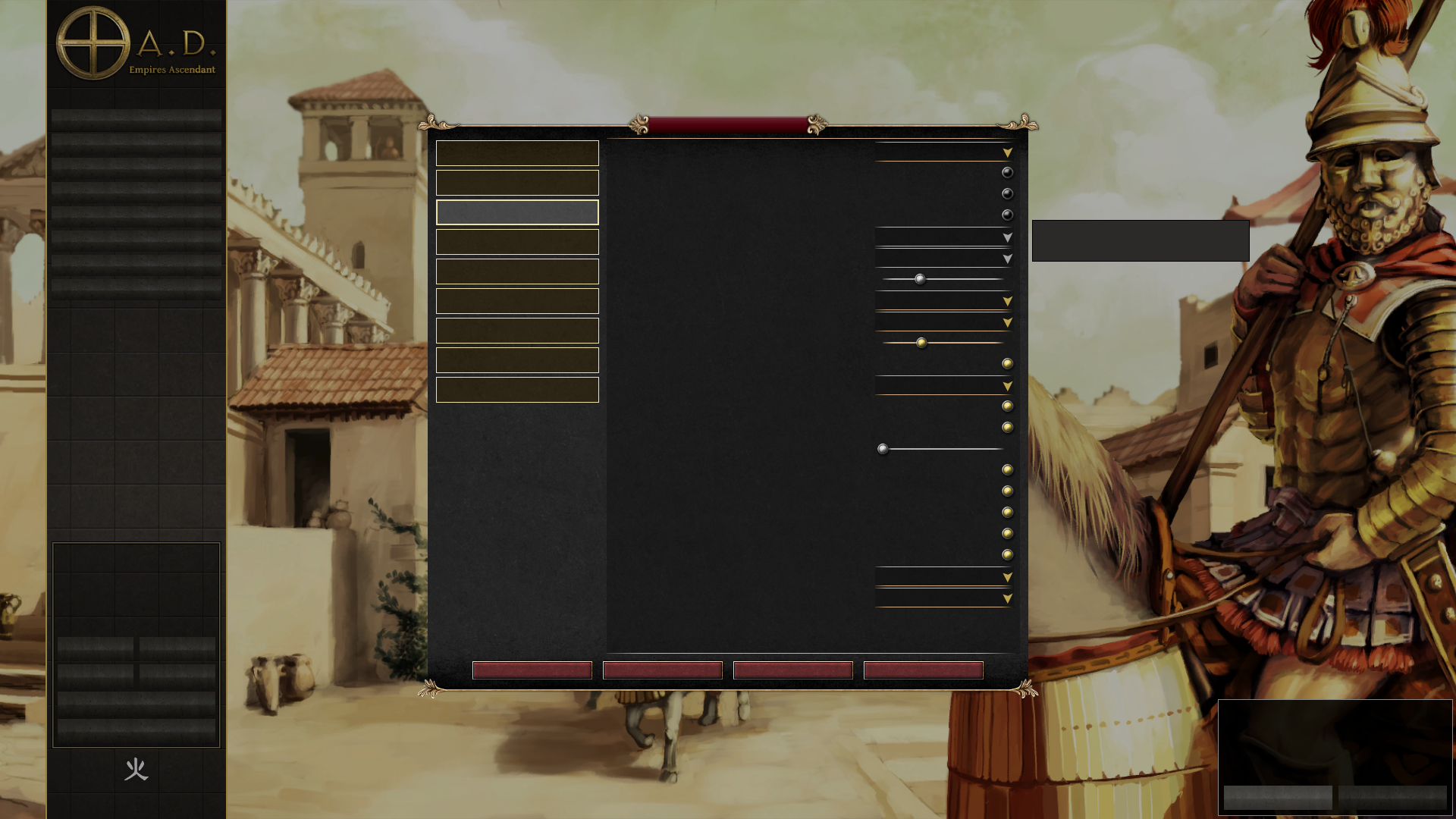
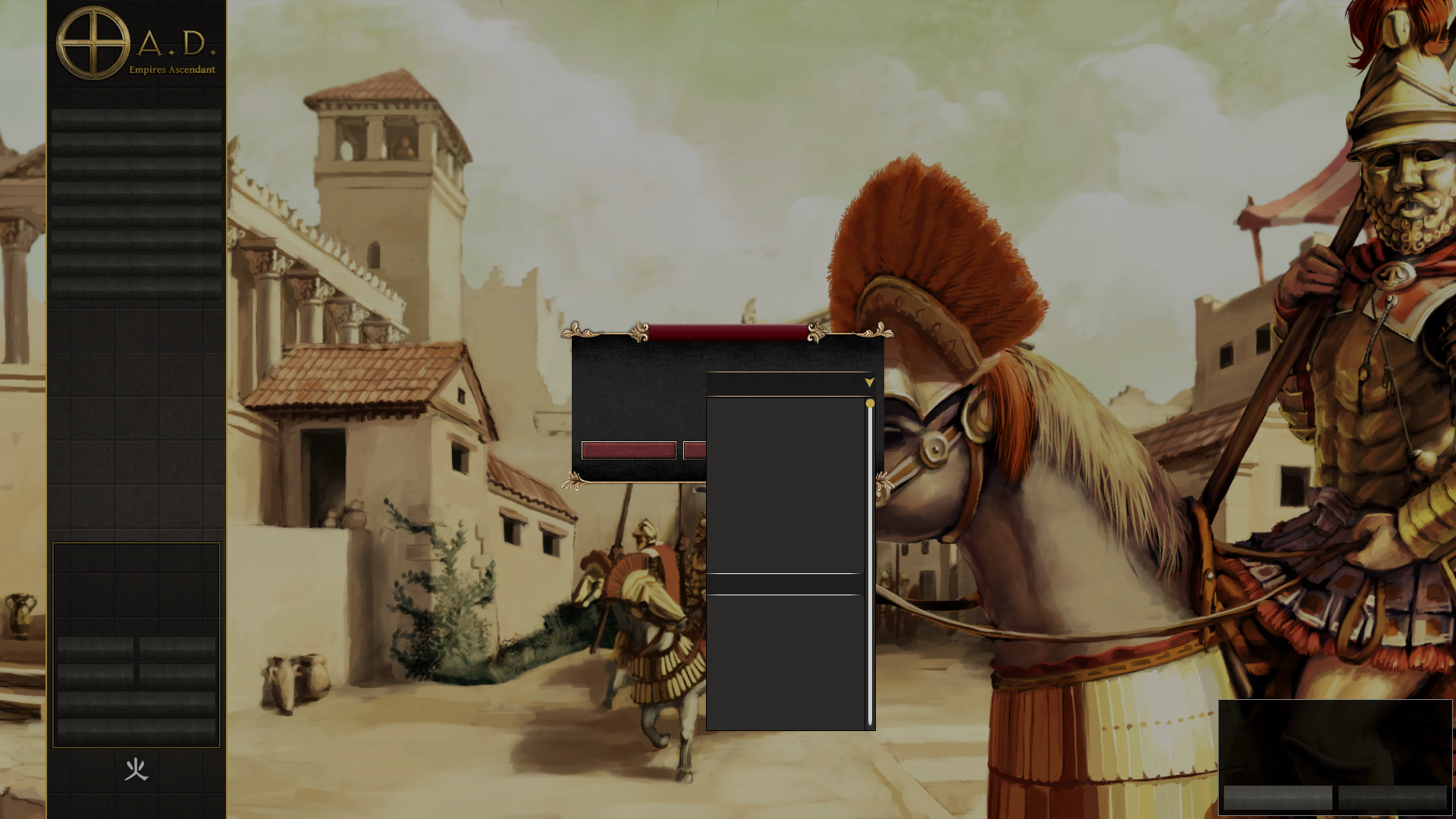
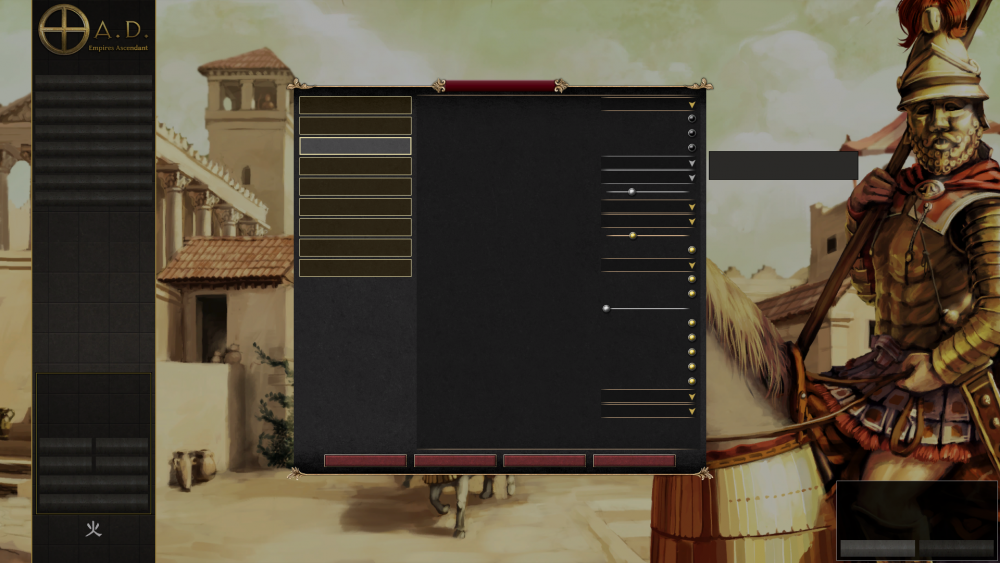
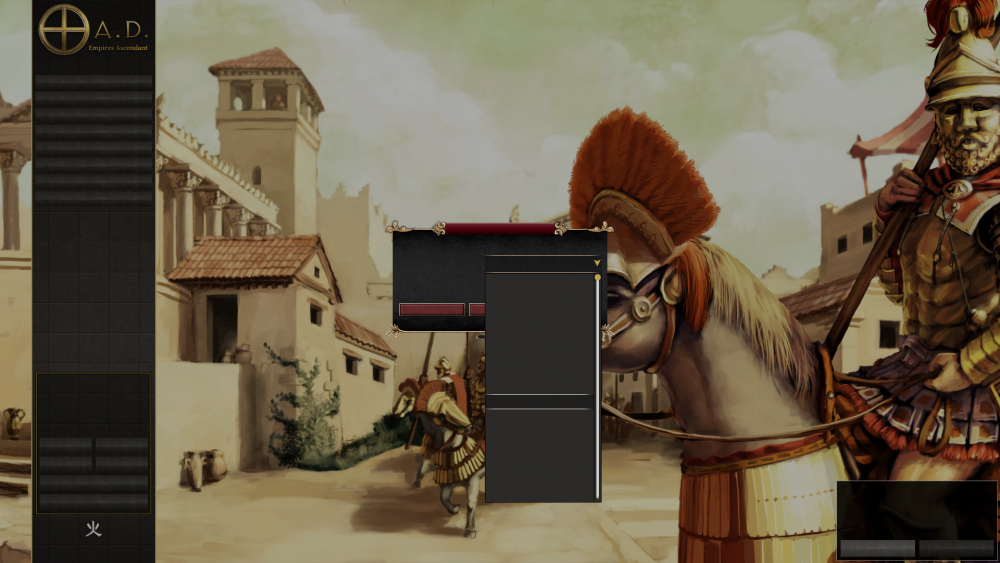
Hey Stan, I just tried changing languages in the game, although I cannot see what's written, I took screenshots to find where I needed to go. I tried multiple languages and reset the game a few time to see if it worked, it did not. I did the same thing with disabling GPU skinning (it was enabled by default as you said), and switched to the Vulkan rendering option (the last one according to the screenshots), unfortunately, it also did not work. In regards to finding a font for my locale, is there a way I can do that manually? Like manually downloading and putting a specific file in one of the game's folders.
-
No warnings in log (if we're talking about those texts that show on the top left corner when the game becomes bugged). I haven't tried disabling GPU skinning, I don't remember ever tweaking with it. I've switched to Vulkan rendering ever since I downloaded A27 a while back, my GPU worked fine with it (I'm using a mac catalina). I really wish I was able to play A28, Delenda Est seems to be back, I think it's a great mod.
-
Delenda Est is not compatible with A27, and because of that I haven't enabled it at all. my version of A26 was deleted a while ago, along with the Delenda Est mod within it. I was trying to fix a bug with the Atlas scenario editor by deleting v26, but it ended up not working. The current issue is with the A28 version, I cannot navigate around due to the missing texts on its interface nor play the game at all.
-
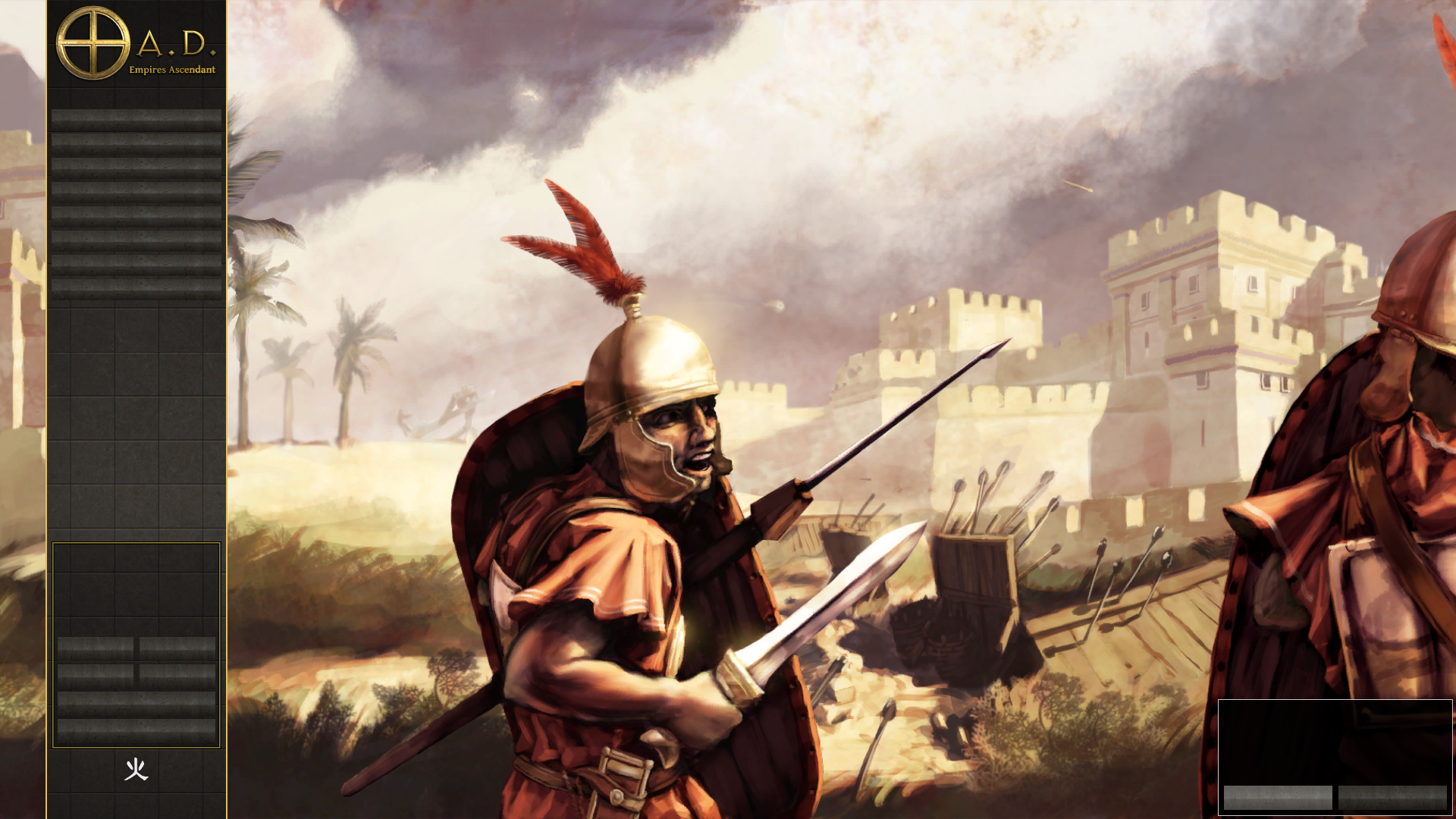
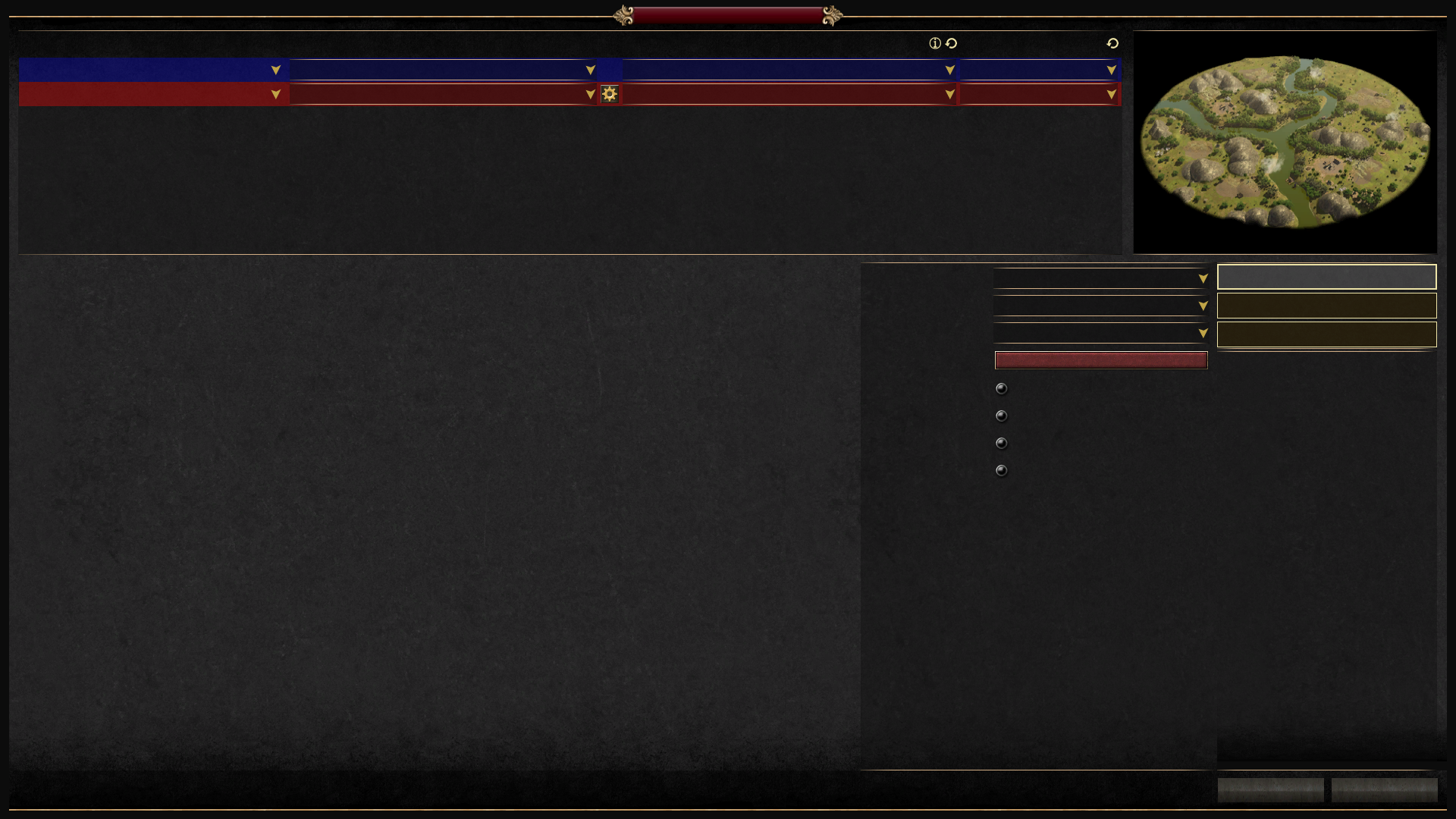
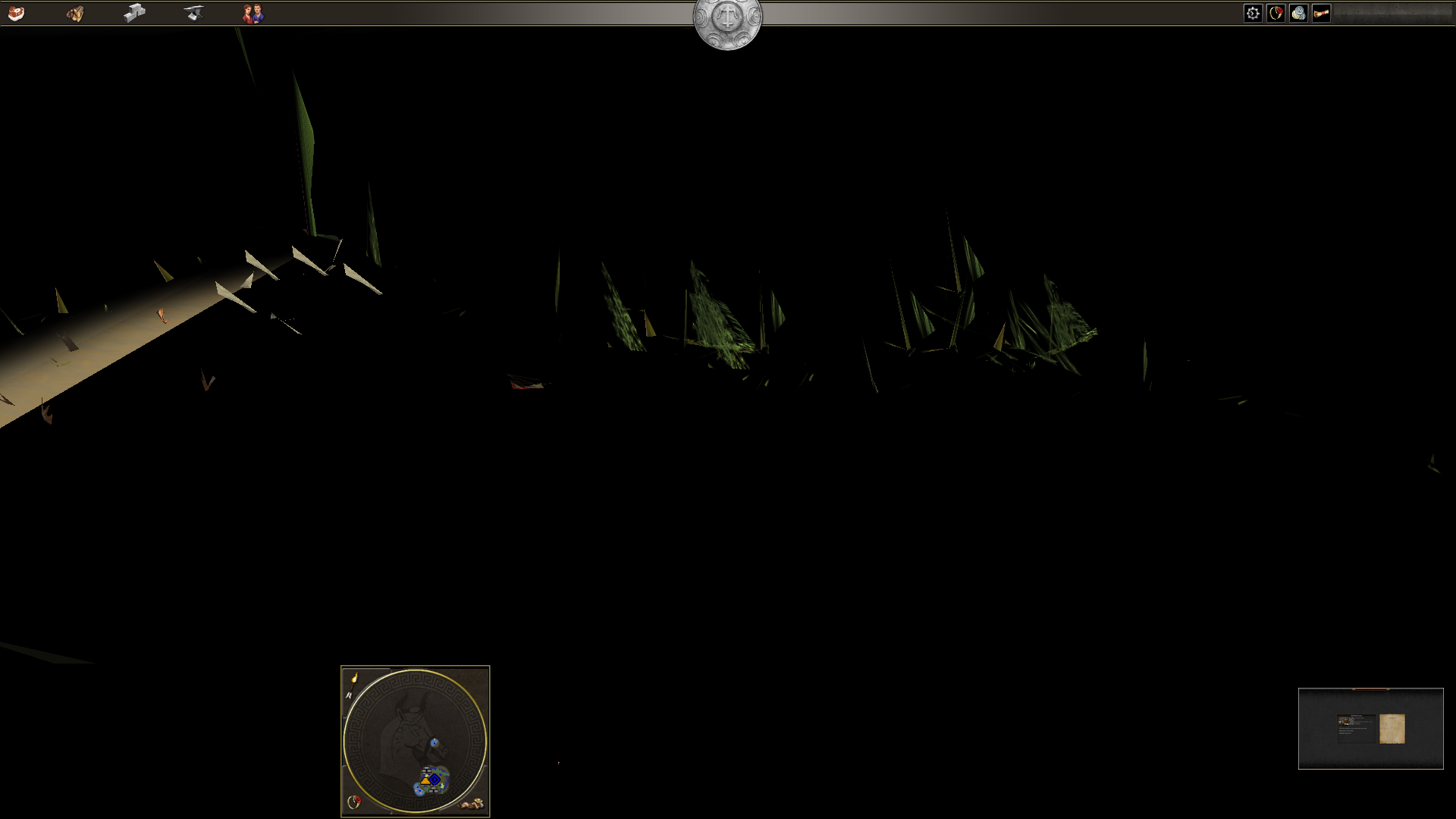
I downloaded the new version of the game and it gave me the bugs shown in the attached screenshots. It shows me no text, and when I start a new game, it shows me a bugged out and unplayable map. I kept the older version just in case this one didn't work, something I should've done with the V26 version since the V27 version does not run the Delenda Est mod, and good thing I did, because the V27 version is running normally, so I can still enjoy the game. Either way, is this happening to anyone else on the V28 version? Is there a fix for it? Thank you.
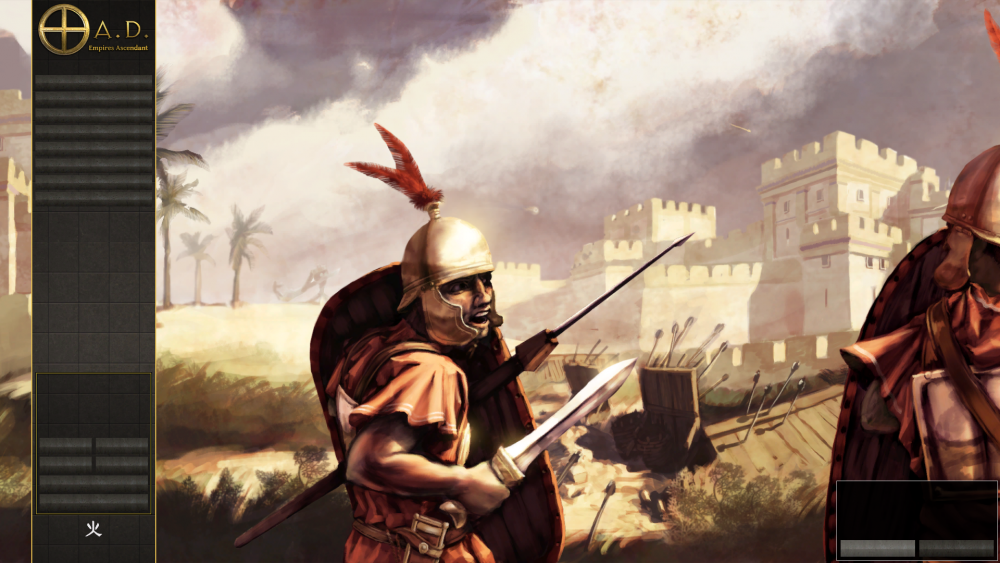
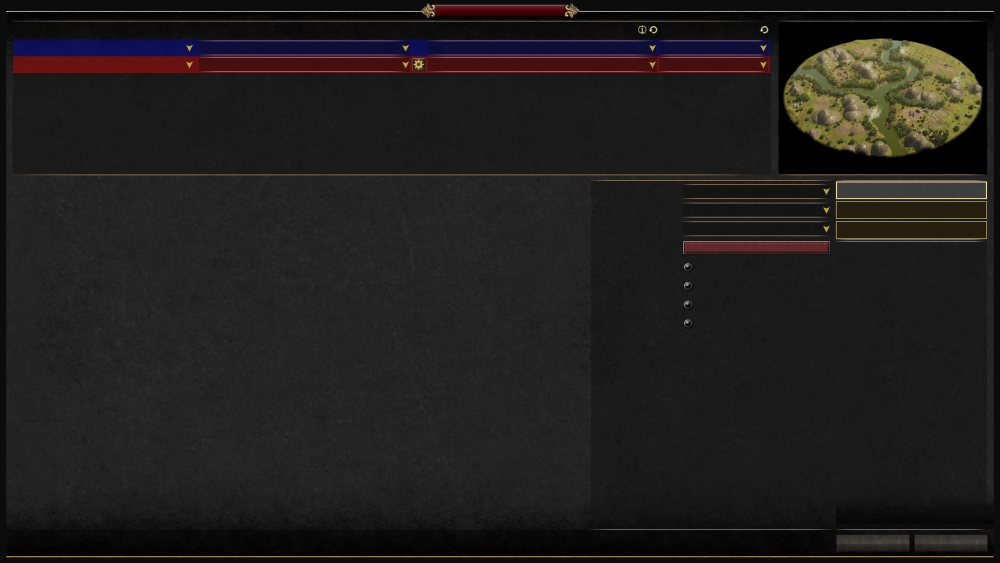
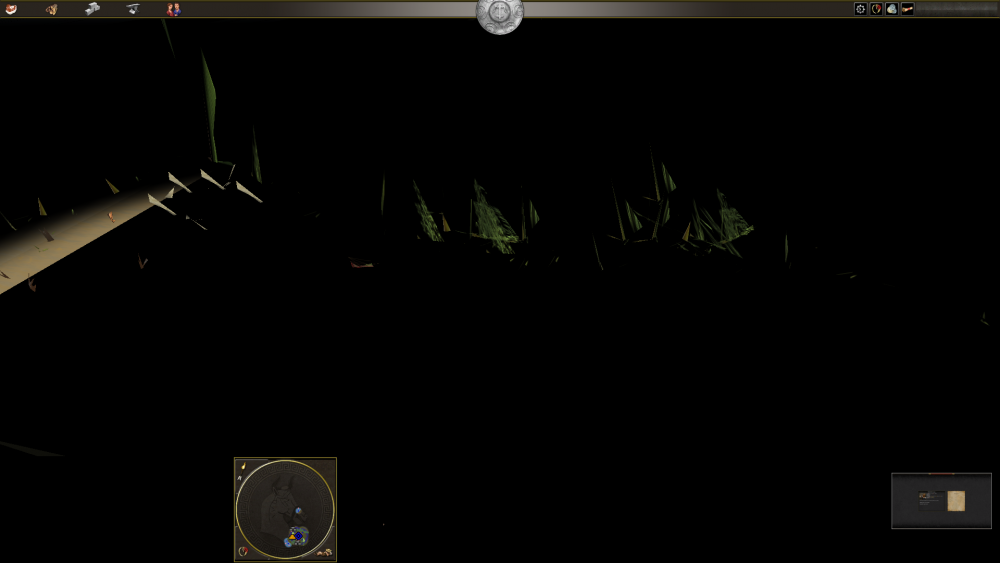
-
The game is deleting my custom scenarios made in Atlas scenario editor
willbont replied to willbont's topic in Bug reports
@SeleucidsHey there, how are you? I see, it's just strange that I had both files, the updated one and the old version (literally 2 different files as if they were 2 different games) and was able to open these custom scenarios freely on Delenda (A26), and had no issues up until this point. The files are there (mods/user/maps/skirmishes), but the game is not recognising them fo some reason. I tried deleting A26 and repeating the editing process on new files, same thing happens. -
Hey guys, hope you're all doing well, I've recently found an issue that wasn't happening before. I've made a few scenarios on the in game Atlas scenario editor, and I was being able to open and work freely on them these past days. Suddenly, when I tried opening the files, the editor told me they couldn't be found. The weird thing is, when I opened my Skirmish folder on the maps section of the 0 a.d folder (in the application support folder), they're all there, yet the game doesn't recognise them. Is there a fix? I'm playing Delenda Est v0.26.0 but I've also tried the new version and the same thing happens. Does anyone know why it happens?